> ## Documentation Index
> Fetch the complete documentation index at: https://docs.rdrive.io/llms.txt
> Use this file to discover all available pages before exploring further.
# Edit my Account Settings
> Account settings refer to the customizable options and configurations associated with a user's
Account settings refer to the customizable options and configurations associated with a user's
account within a system, application, or online platform. These settings allow users to personalize and manage various aspects of their accounts to suit their preferences, security requirements, and
usage needs.
***
To modify your account preferences, first, log in to the system and navigate to the top right corner
where your profile icon is located.
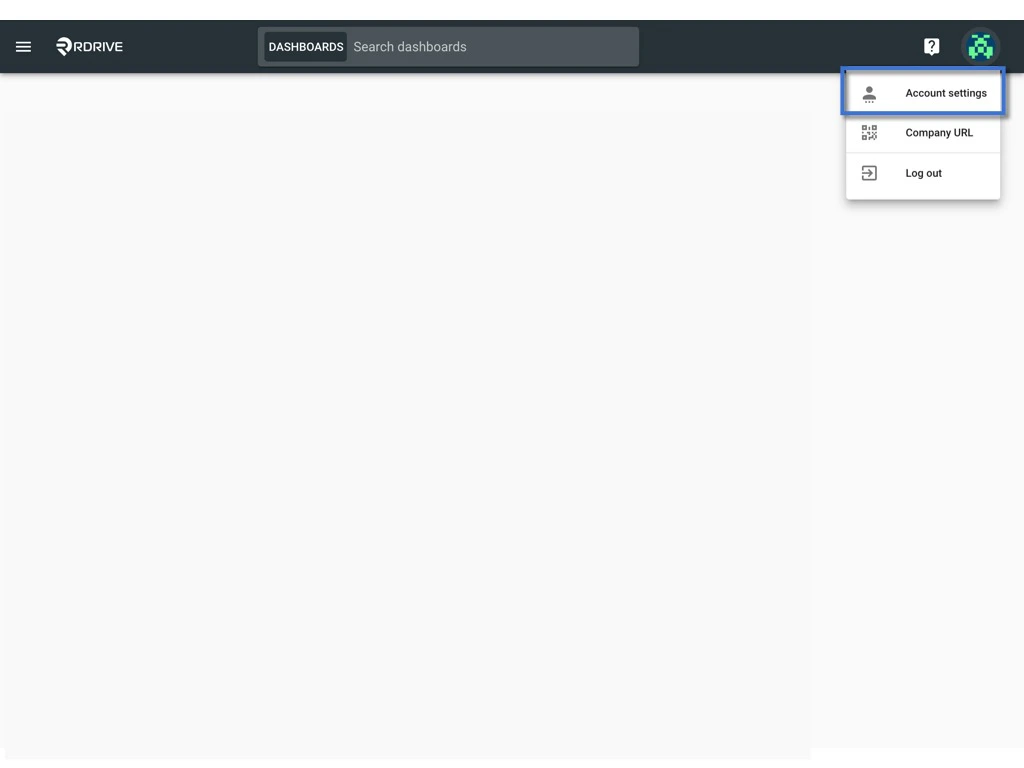
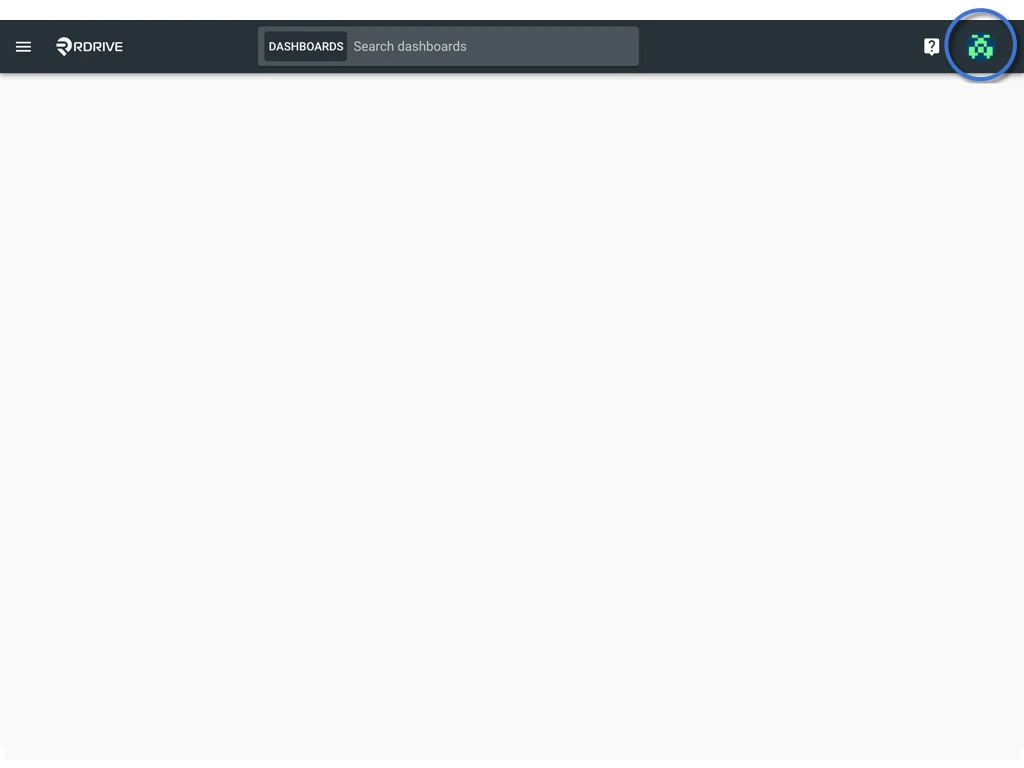 Click on the profile icon and choose "**Account Settings**". Within this section, you'll find four categories of account information available for customization:
* [Profile](#profile)
* [Password](#password)
* [Devices](#devices)
* [Credentials](#credentials)
Click on the profile icon and choose "**Account Settings**". Within this section, you'll find four categories of account information available for customization:
* [Profile](#profile)
* [Password](#password)
* [Devices](#devices)
* [Credentials](#credentials)
 ***
## Profile
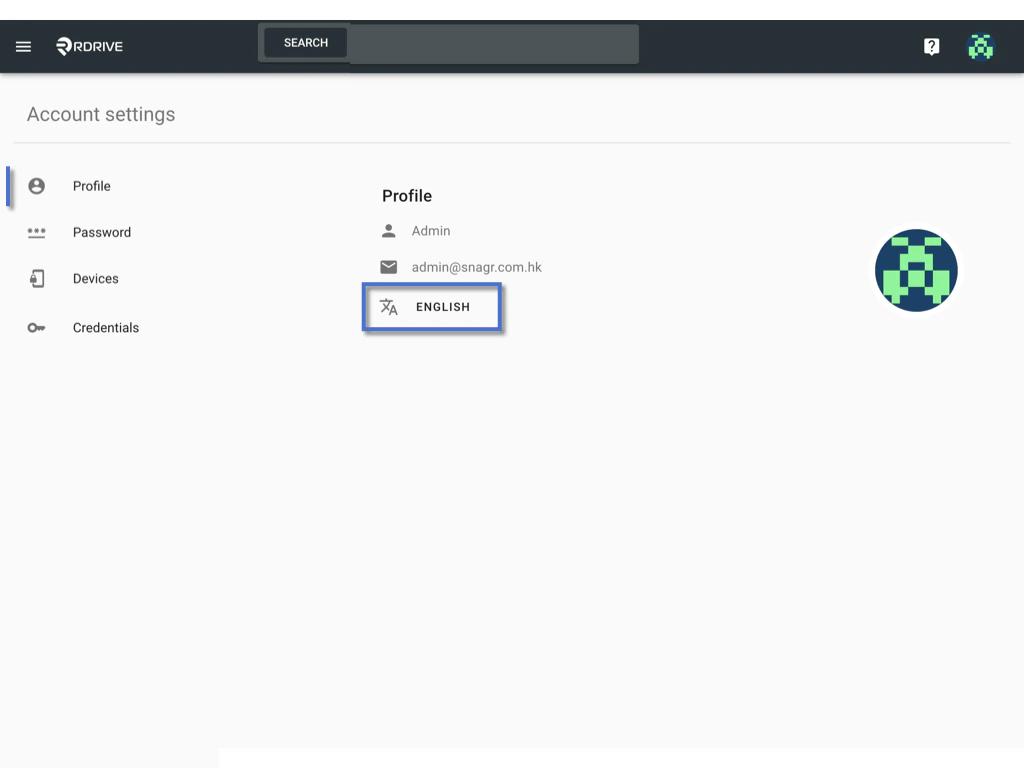
In this segment, you can view and adjust your display name, registered email address, and current language.\
Please note that only the system language is editable. If changes are needed for the display name and email address, kindly contact the project administrator for assistance.
Click the button provided to initiate language modifications.
***
## Profile
In this segment, you can view and adjust your display name, registered email address, and current language.\
Please note that only the system language is editable. If changes are needed for the display name and email address, kindly contact the project administrator for assistance.
Click the button provided to initiate language modifications.
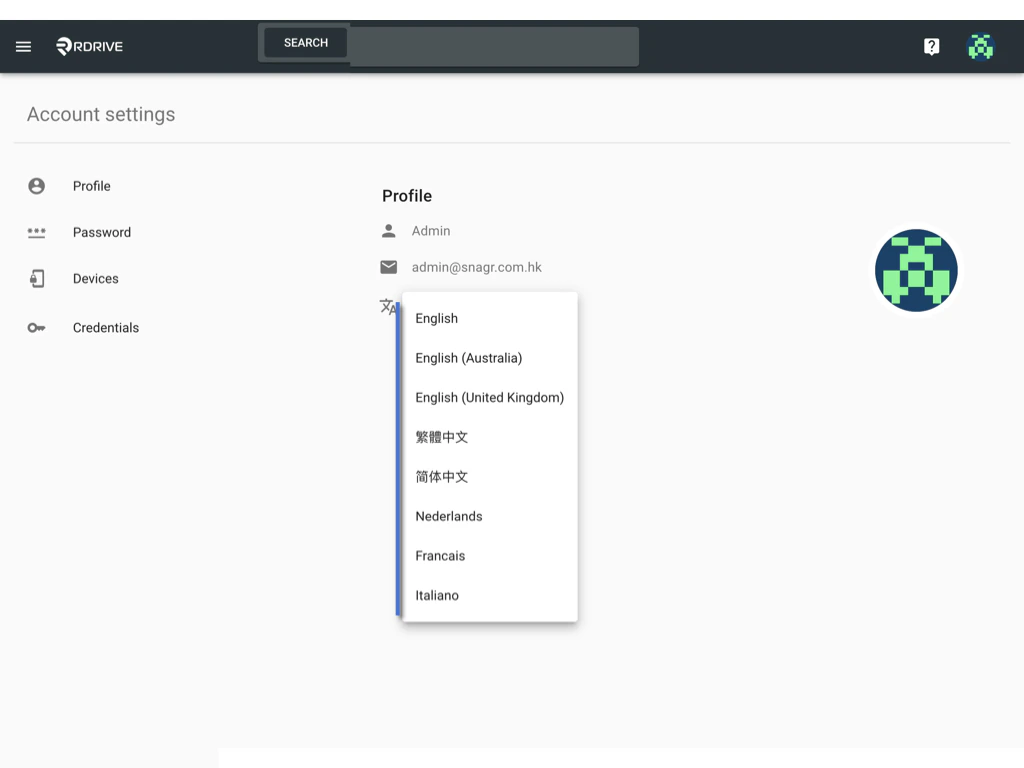
 Select to change.
 ***
## Password
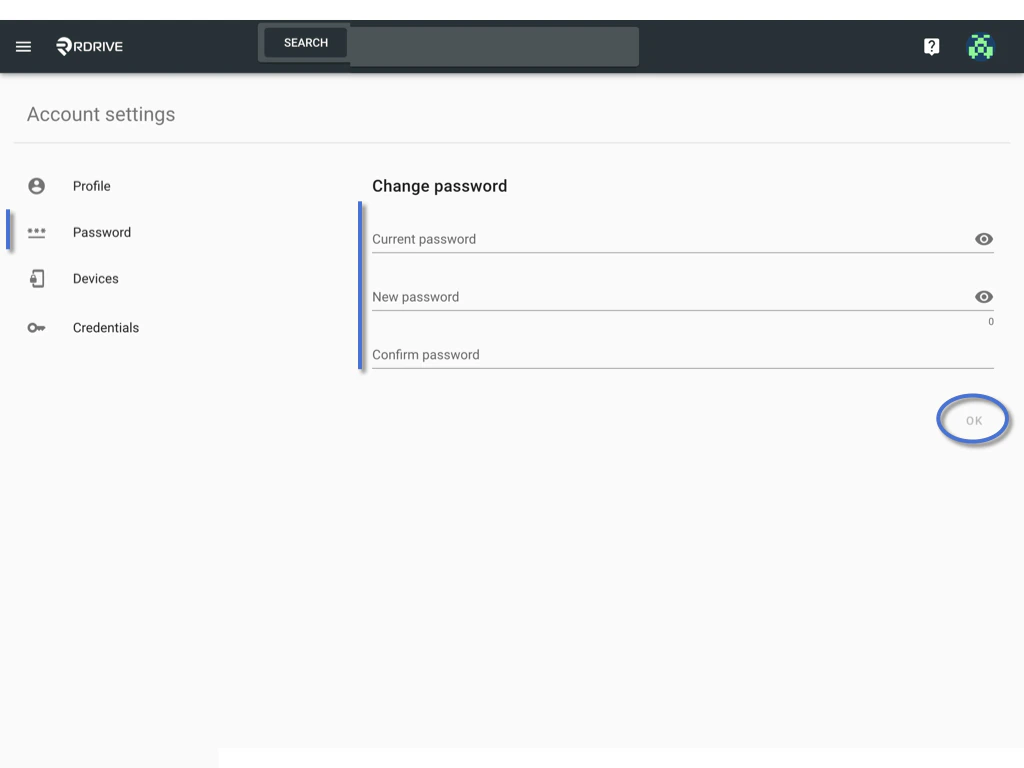
## To reset your password, input the current password, then provide the new password twice. Confirm the changes by selecting **OK**.
***
## Password
## To reset your password, input the current password, then provide the new password twice. Confirm the changes by selecting **OK**.
 ***
## Devices
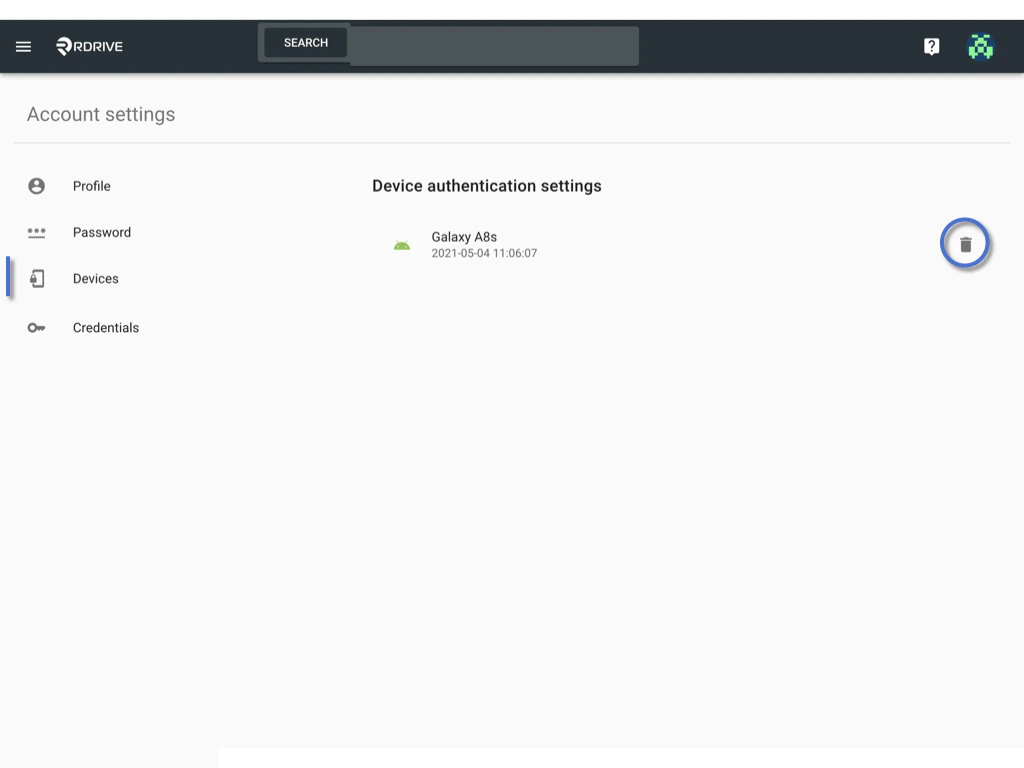
If 2FA (Two-Factor Authentication) or Passwordless authentication is active for your project, managing authenticated devices is crucial. Review and remove devices as needed.
***
## Devices
If 2FA (Two-Factor Authentication) or Passwordless authentication is active for your project, managing authenticated devices is crucial. Review and remove devices as needed.
 ***
## Credentials
1. API
* [Redirect to know how to get my API key.](https://docs.rdrive.io/faq/setup/how-to-get-my-api-key)
2. OAuth application
* You may add or change your account openID identity providers here if have any.
In this section, you have the option to add or modify your OpenID identity providers associated with your account.
***
## Credentials
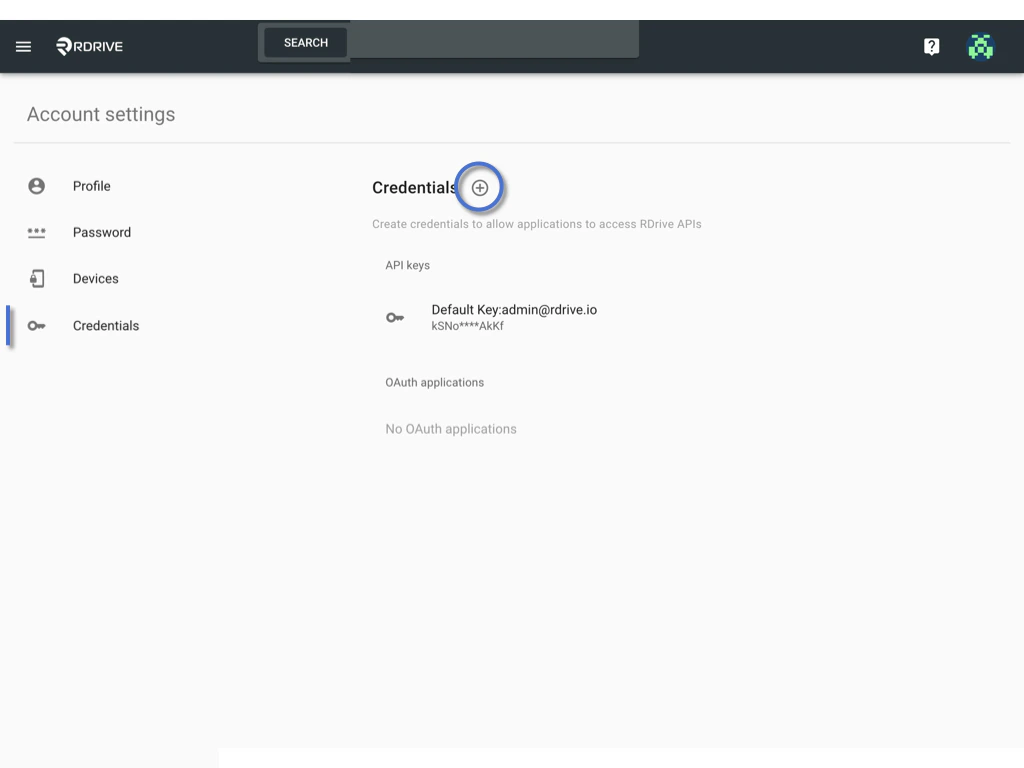
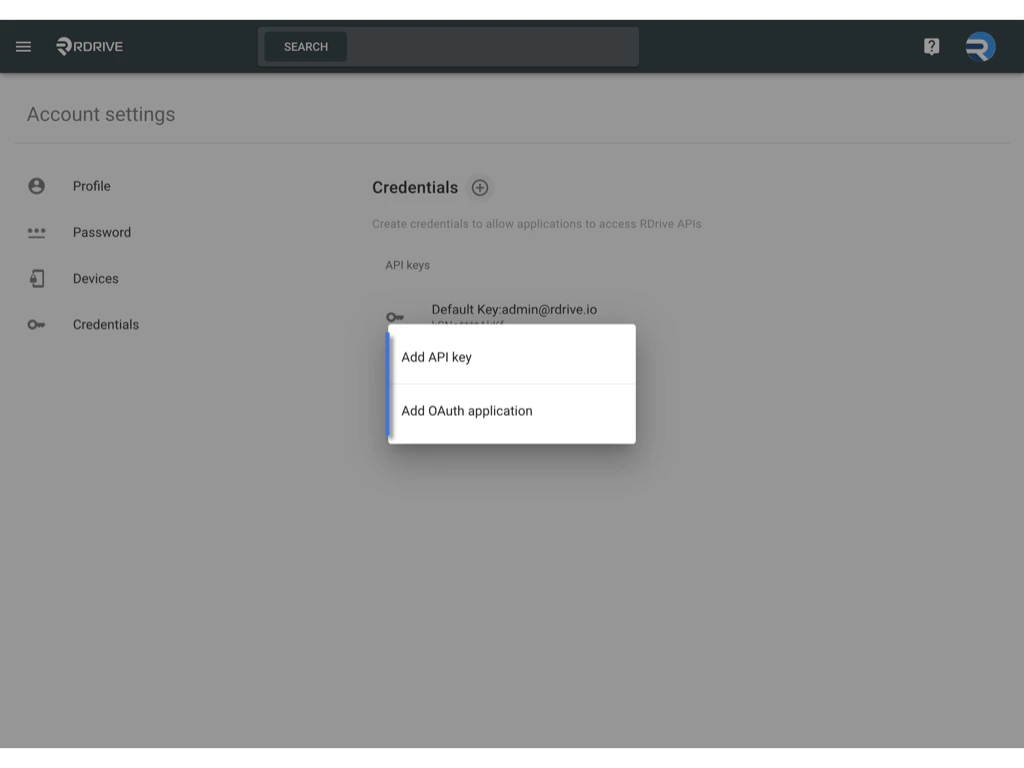
1. API
* [Redirect to know how to get my API key.](https://docs.rdrive.io/faq/setup/how-to-get-my-api-key)
2. OAuth application
* You may add or change your account openID identity providers here if have any.
In this section, you have the option to add or modify your OpenID identity providers associated with your account.
 ***
Ensure a seamless user experience by tailoring these account settings to meet your preferences and security requirements.
***
Ensure a seamless user experience by tailoring these account settings to meet your preferences and security requirements.