> ## Documentation Index
> Fetch the complete documentation index at: https://docs.rdrive.io/llms.txt
> Use this file to discover all available pages before exploring further.
# How do I download project on the mobile app?
> Thanks for choosing RDrive!To download RDrive App on your device, please install RDrive from App Store or Play Store.
# How do I download the project on the mobile app?
(Mobile) Install the project on your device
Thanks for choosing RDrive!
To download RDrive App on your device, please install RDrive from App Store or Play Store.
To add projects to your device, be sure you have **internet connectivity**.
Your project and account should already be set up before you can download the project.
Once the app is downloaded, please follow the below steps:
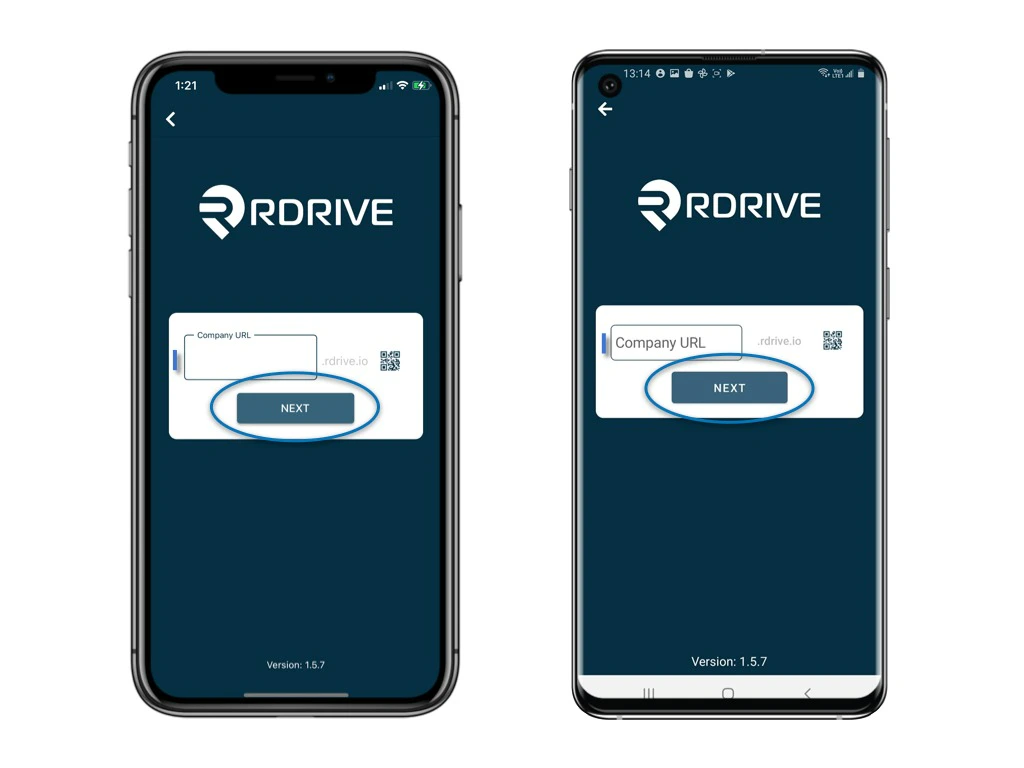
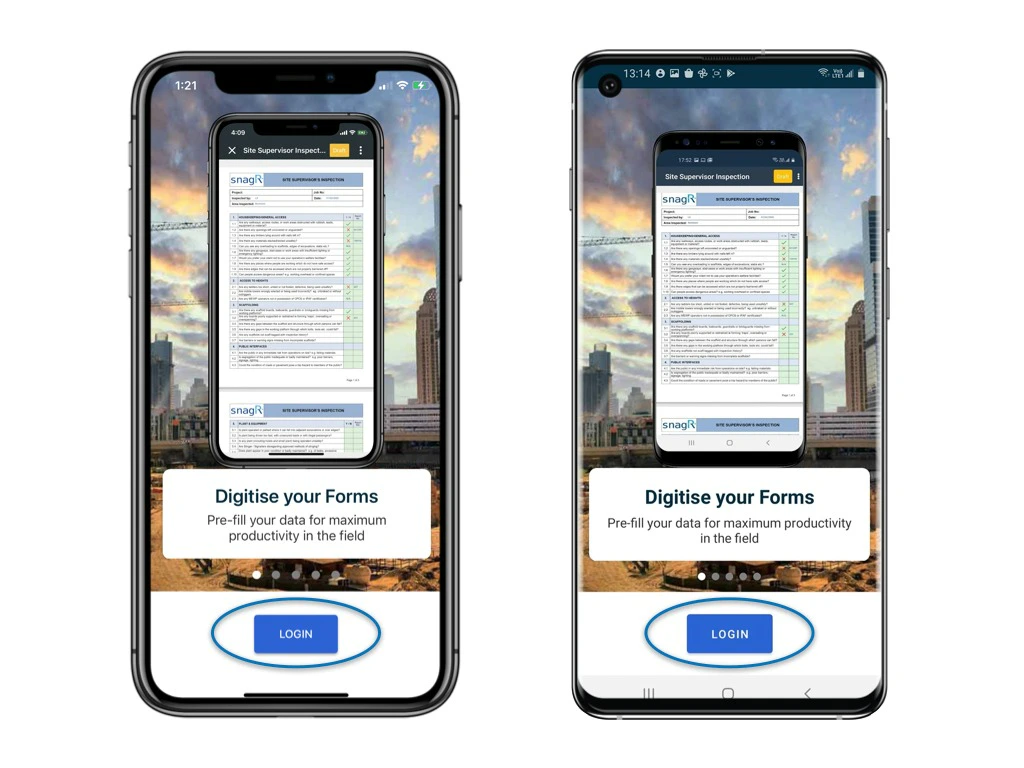 Enter the Company URL, click **NEXT**.
*The Company URL is the first part of the URL used to access your domain. For example, if the full URL is "https\://**snagr**.rdrive.io/123," the Company URL is "**snagr**." Please input "**snagr**" to log in via the app.*
Enter your registered email address and password, click **NEXT.**
Enter the Company URL, click **NEXT**.
*The Company URL is the first part of the URL used to access your domain. For example, if the full URL is "https\://**snagr**.rdrive.io/123," the Company URL is "**snagr**." Please input "**snagr**" to log in via the app.*
Enter your registered email address and password, click **NEXT.**
 ✨What's the QR code for?
Scan the QR code printed on the welcome email. This automatically fills in the project URL for you. Simply type in your username and password to proceed.
✨What's the QR code for?
Scan the QR code printed on the welcome email. This automatically fills in the project URL for you. Simply type in your username and password to proceed.
 Next, You will see the project list of all projects you are involved.\
Click the **download button** next to the project and download it!
**
Next, You will see the project list of all projects you are involved.\
Click the **download button** next to the project and download it!
** **
**
**
** **
**Select the [mode](https://docs.rdrive.io/mobile/getting-started/what-is-the-difference-between-the-download-project-modes) to download the project.**
**Then, you can now access the project when it is completed and downloaded!**
**
**Select the [mode](https://docs.rdrive.io/mobile/getting-started/what-is-the-difference-between-the-download-project-modes) to download the project.**
**Then, you can now access the project when it is completed and downloaded!**