> ## Documentation Index
> Fetch the complete documentation index at: https://docs.rdrive.io/llms.txt
> Use this file to discover all available pages before exploring further.
# How to add a new drawing set?
> Drawing sets operate similarly to folders, offering a structured way to organize and manage your drawings. By utilizing drawing sets, you can:
## **Understanding Drawing Sets: A Practical Guide**
Drawing sets operate similarly to folders, offering a structured way to organize and manage your drawings. By utilizing drawing sets, you can:
* **Streamline Searches and Updates**: Quickly find drawings and stay on top of any updates.
* **Apply as Filters**: Drawing sets can be used as filters to generate reports, such as issue reports, based on specific sets.
***
## **How to Add a Drawing Set**
To create a drawing set, follow these steps:
1. Click the **≡** menu icon located in the top left corner of the screen to reveal the main menu.
2. From there, navigate to **Settings > Drawings**.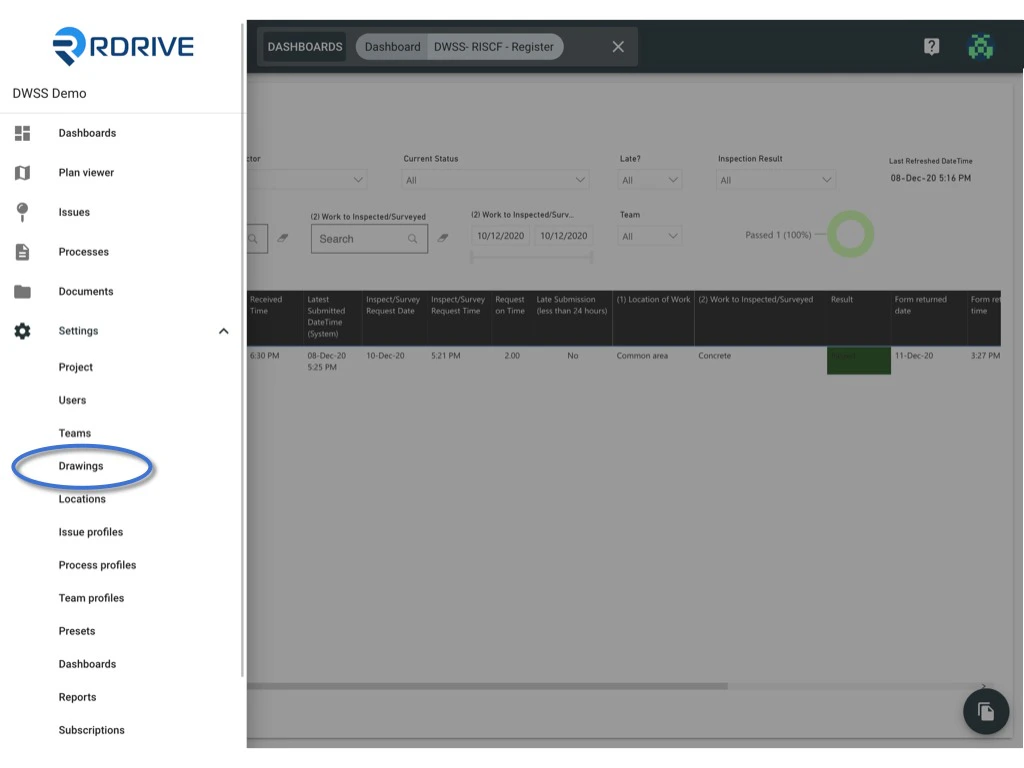 3. Press the **+** button to add a new drawing set.
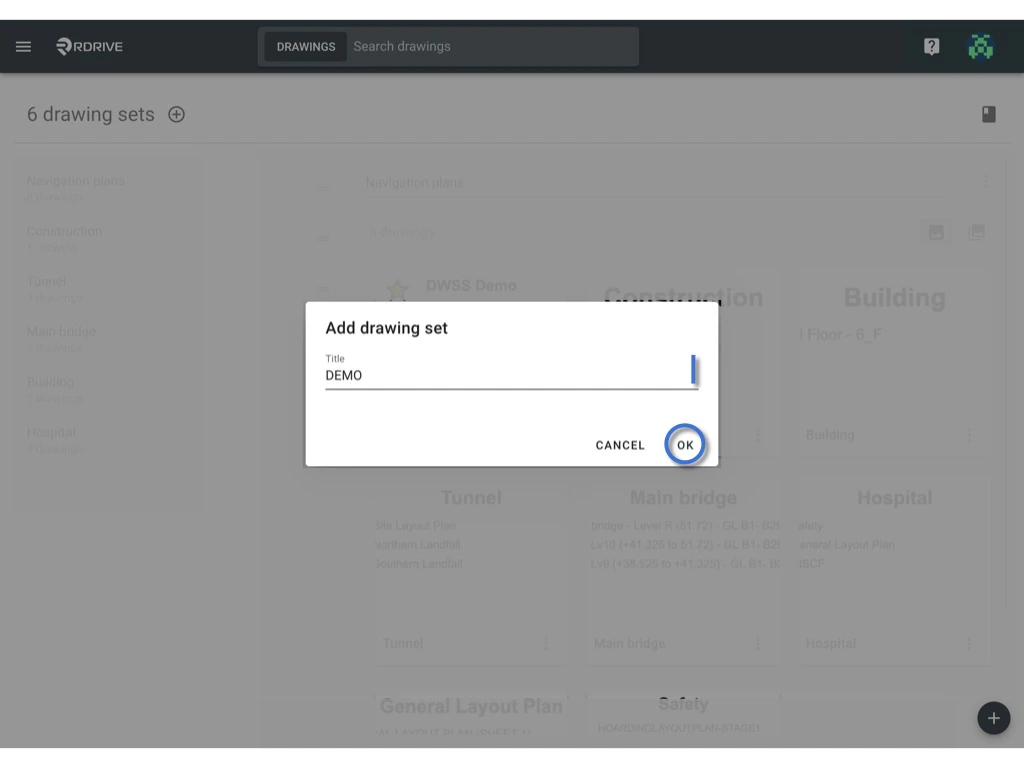
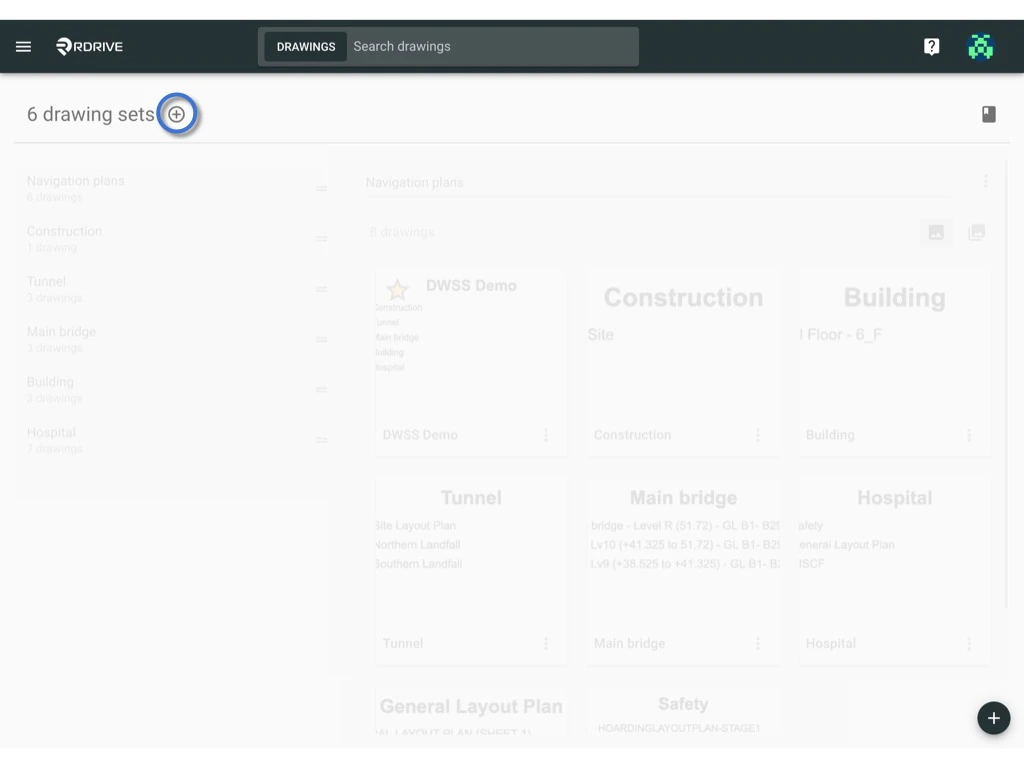 4. Input the name for the drawing set and confirm by clicking **OK**.