> ## Documentation Index
> Fetch the complete documentation index at: https://docs.rdrive.io/llms.txt
> Use this file to discover all available pages before exploring further.
# How to Edit or Delete a Drawing Set?
> To edit or delete a drawing set, follow these steps:
To edit or delete a drawing set, follow these steps:
* [Editing a Drawing Set](#editing-a-drawing-set)
* [Deleting a Drawing Set](#deleting-a-drawing-set)
#### **Accessing the Drawings Page**
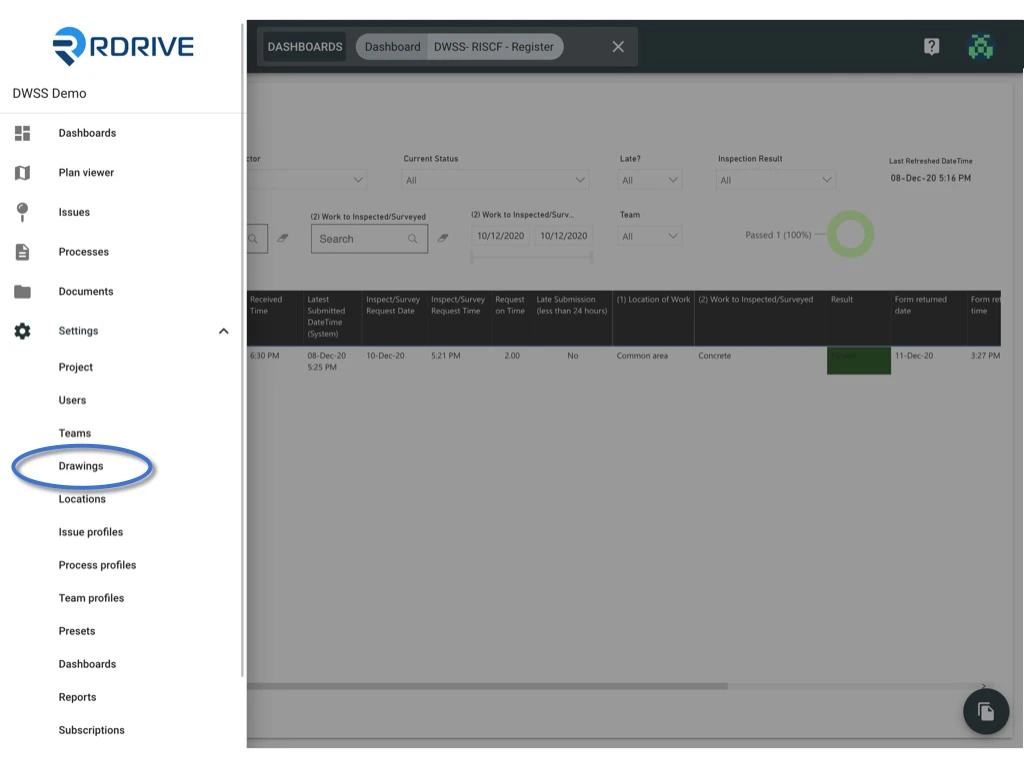
1. Click the Menu icon (**≡**) in the top-left corner of your screen to expand the Menu.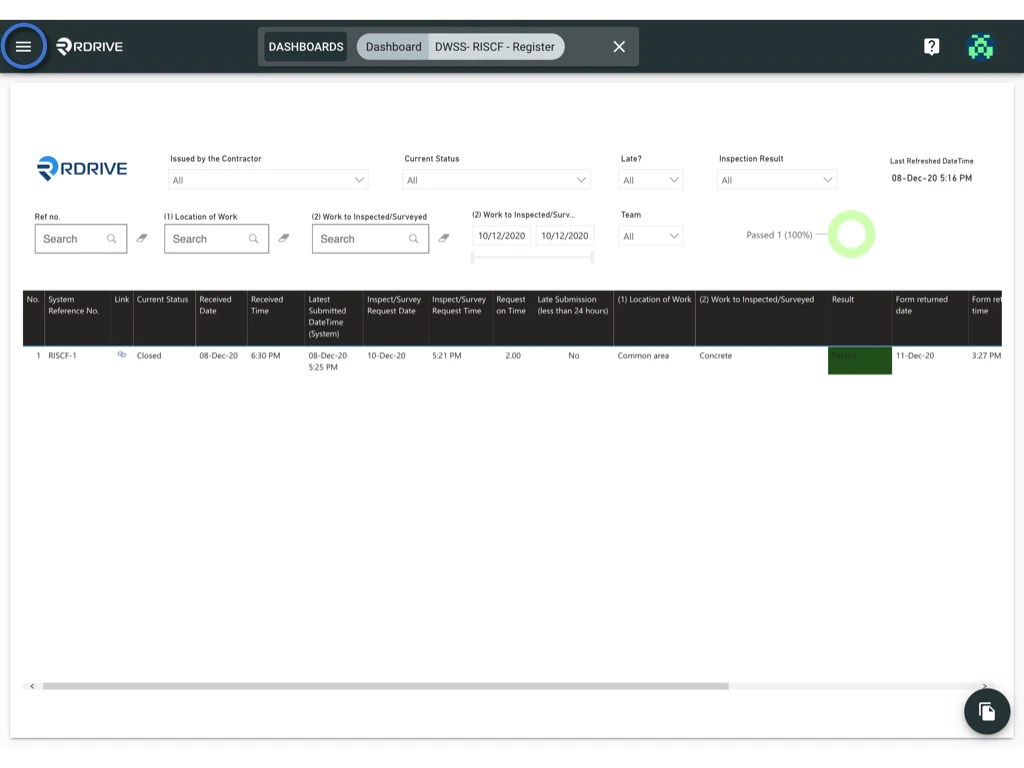 2. Navigate to **Settings > Drawings**.
 ***
#### **Editing a Drawing Set**
1. Select the drawing set you want to edit.
2. Click on the drawing set title to make your changes.
***
#### **Editing a Drawing Set**
1. Select the drawing set you want to edit.
2. Click on the drawing set title to make your changes. 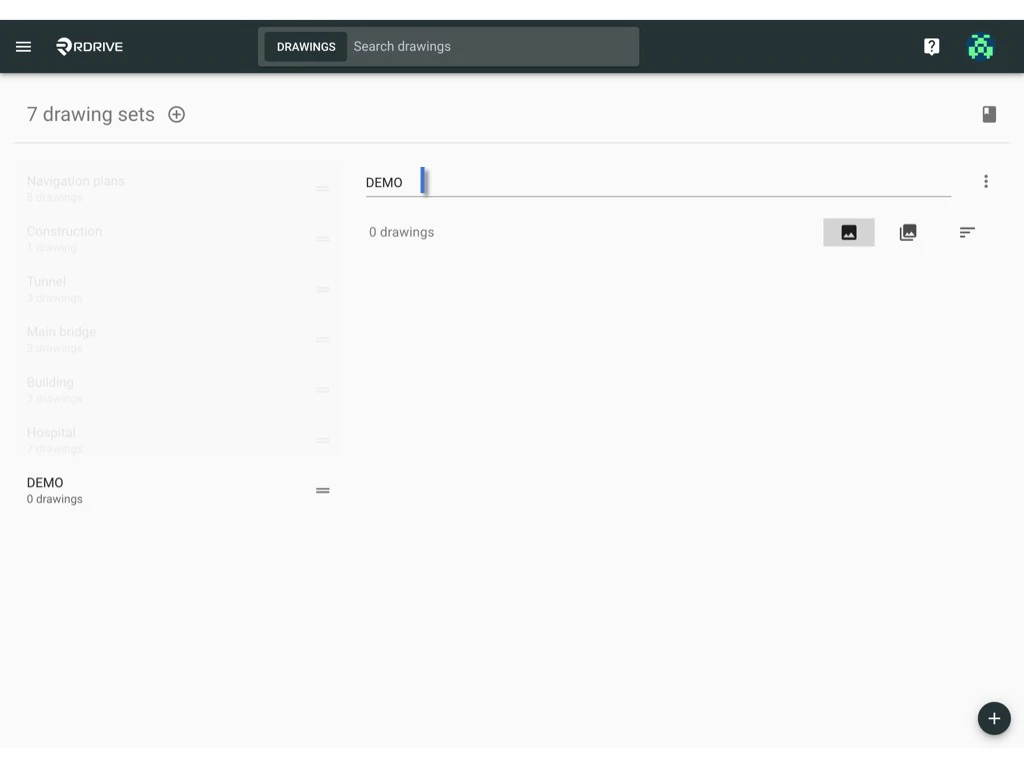 ***
#### **Deleting a Drawing Set**
####
*Important Notes:*
* *⚠️ All drawings must be removed from the drawing set before you can delete them.*
* *⚠️ Deleted drawings cannot be restored, so please proceed with caution.*
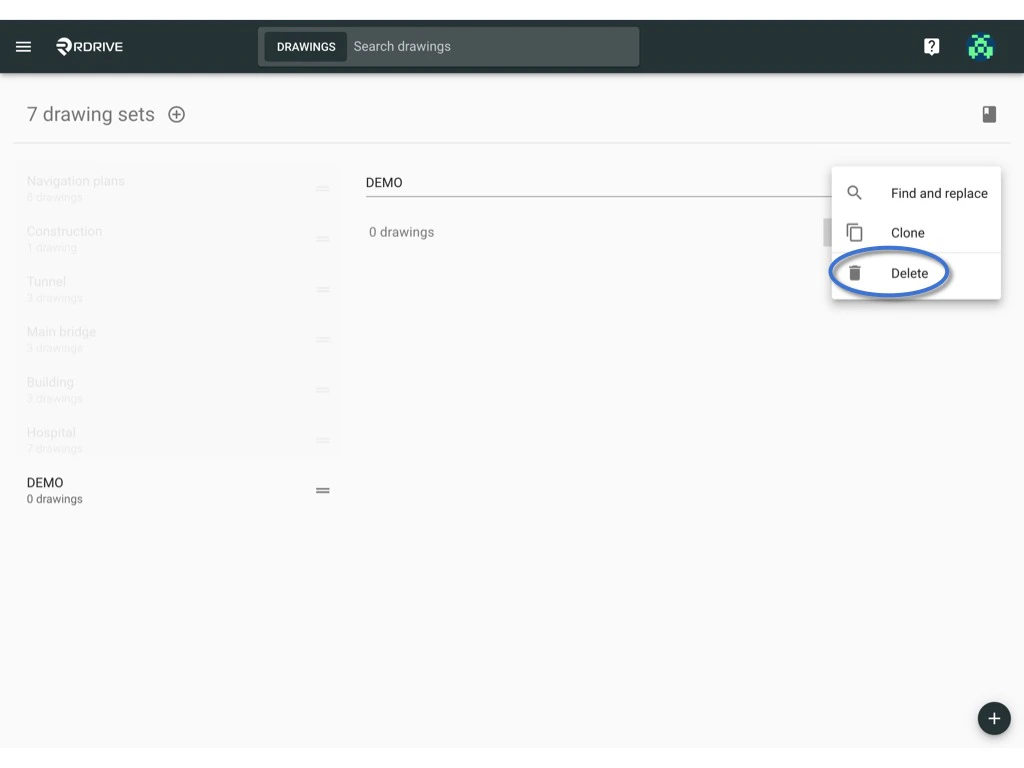
1. Click the **⋮** button on the right side of the drawing set title.
***
#### **Deleting a Drawing Set**
####
*Important Notes:*
* *⚠️ All drawings must be removed from the drawing set before you can delete them.*
* *⚠️ Deleted drawings cannot be restored, so please proceed with caution.*
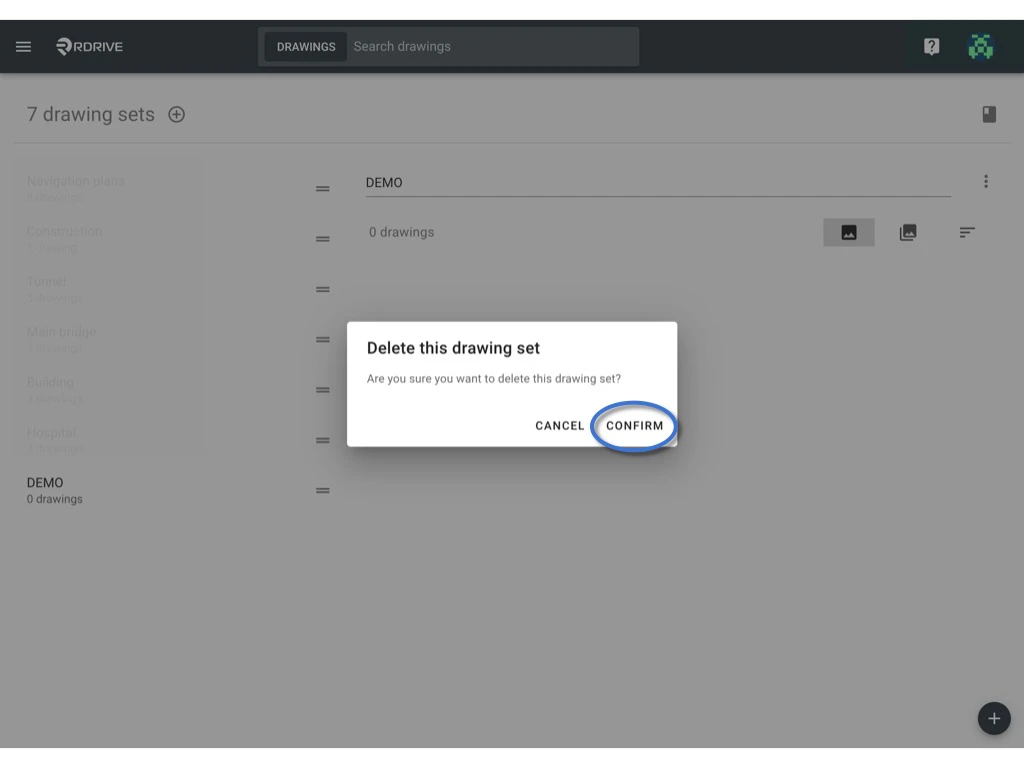
1. Click the **⋮** button on the right side of the drawing set title.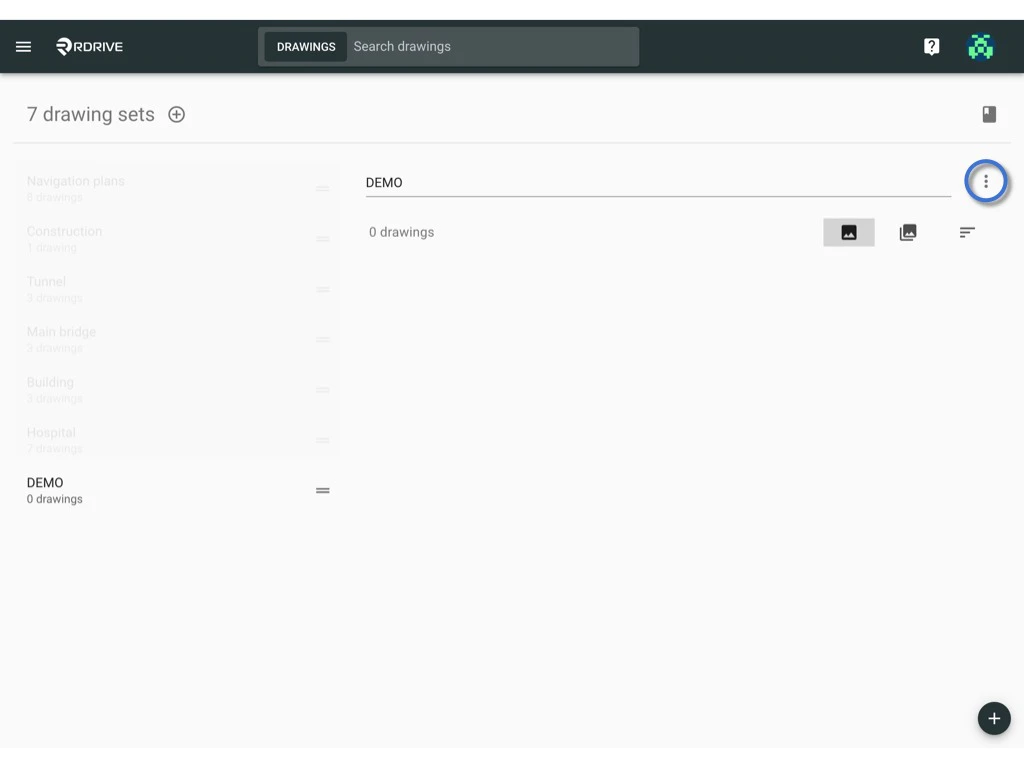 2. Select **Delete**, then confirm the action.