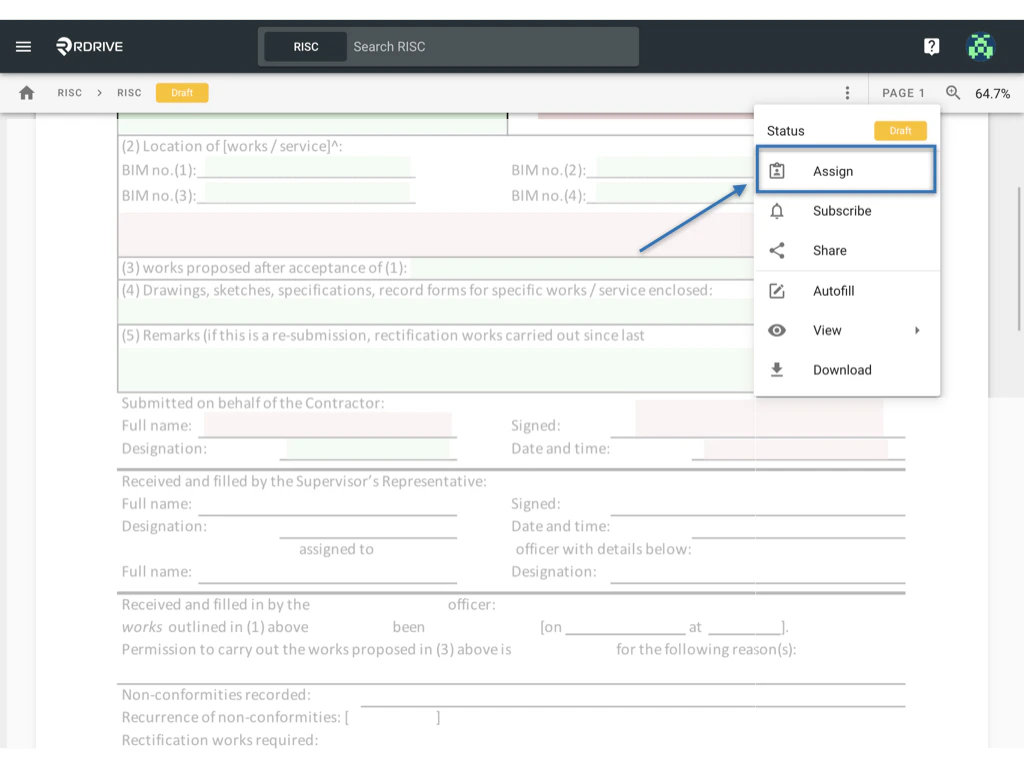
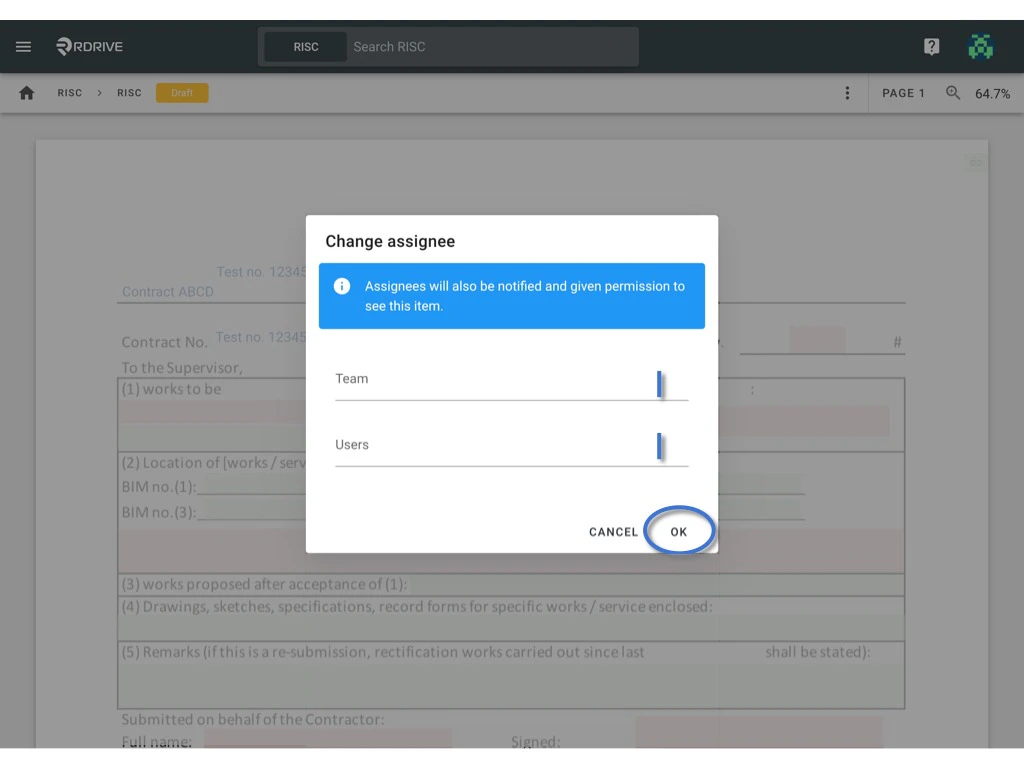
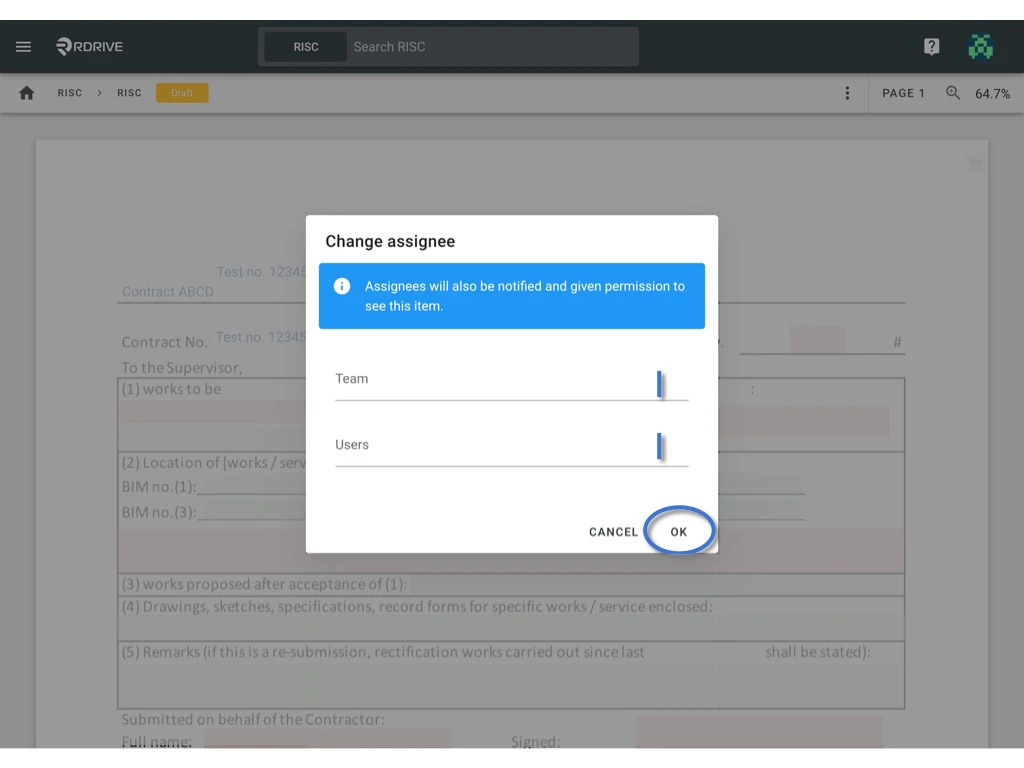
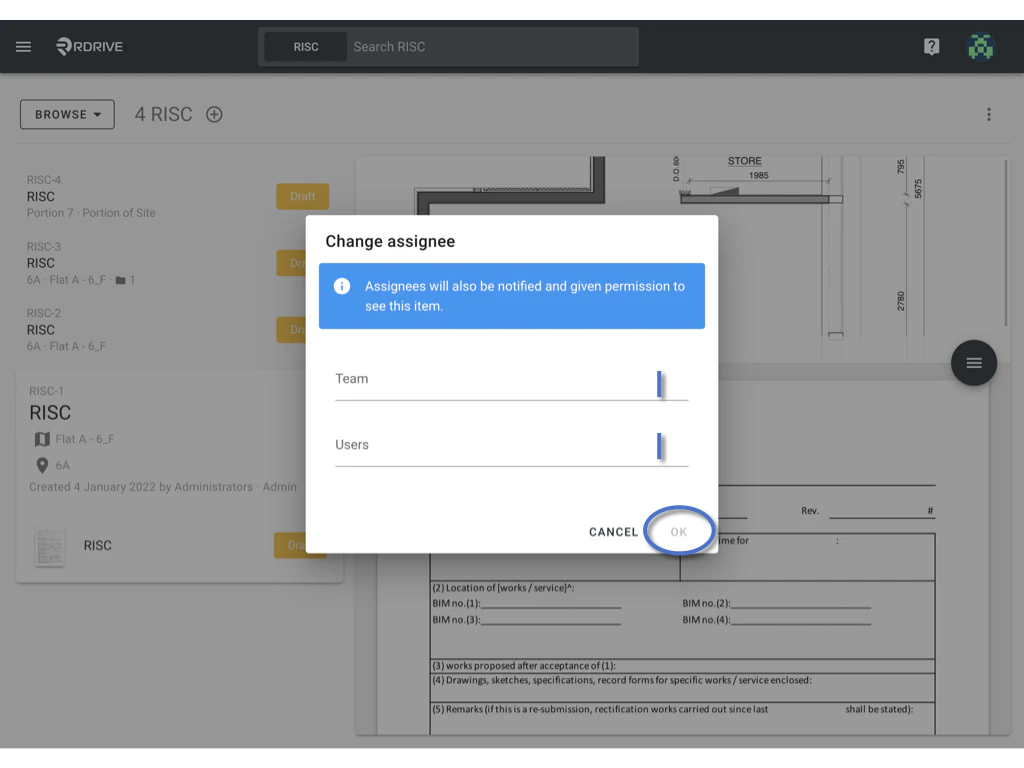
Assignment delegates responsibility. You can assign to a team, and optionally to its users to indicate who is currently responsible for handling this object. Those who are assigned are called “assignees” and are responsible parties for the form.
Assigning to Team only When assigning to a team, all members of the team will become participants. This means that they will all be able to see the form in question. You can also set up subscription rules to automatically make the entire team or only certain members of the team become a subscriber whenever issues/defects/records are assigned to the team. Assigning to Team + Team User(s) When assigning to a user in the team, that user will become a subscriber so they will be notified of this. When subscribing, a user will simultaneously become a participant, so they will always be able to read whatever they are subscribed to. To assign a form to a user, you must have the appropriate permissions to do so. The form status will determine whether or not you are able to assign the form. For purposes of this example, we will show you what you can expect to see should your permissions allow.Via Plan Viewer
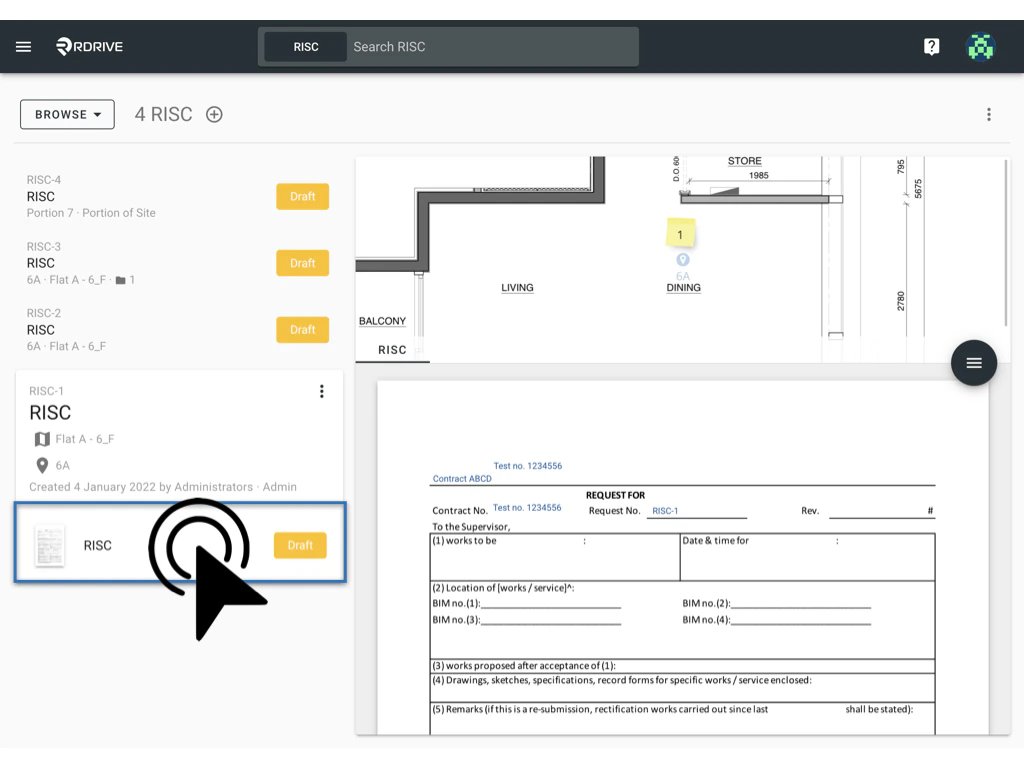
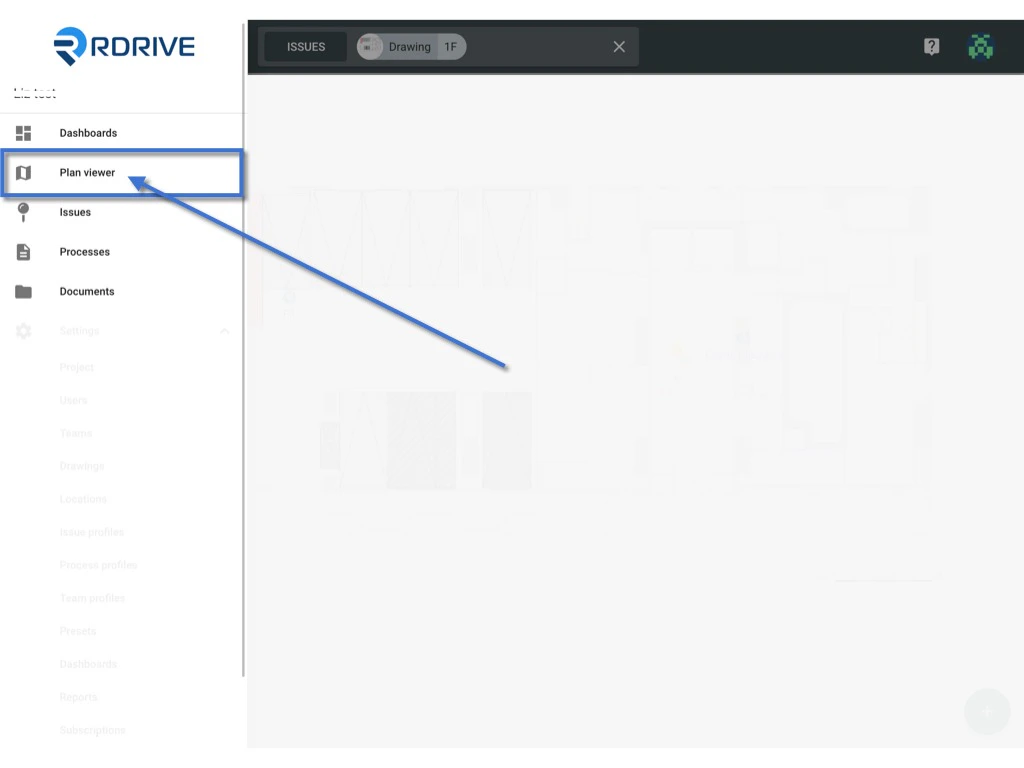
Press the Menu icon ≡ in the top left corner of your screen to unfold the Menu and access the Plan Viewer. Then you select the correct drawing. You may also use the search bar at the top of your screen to search the drawing > process & form.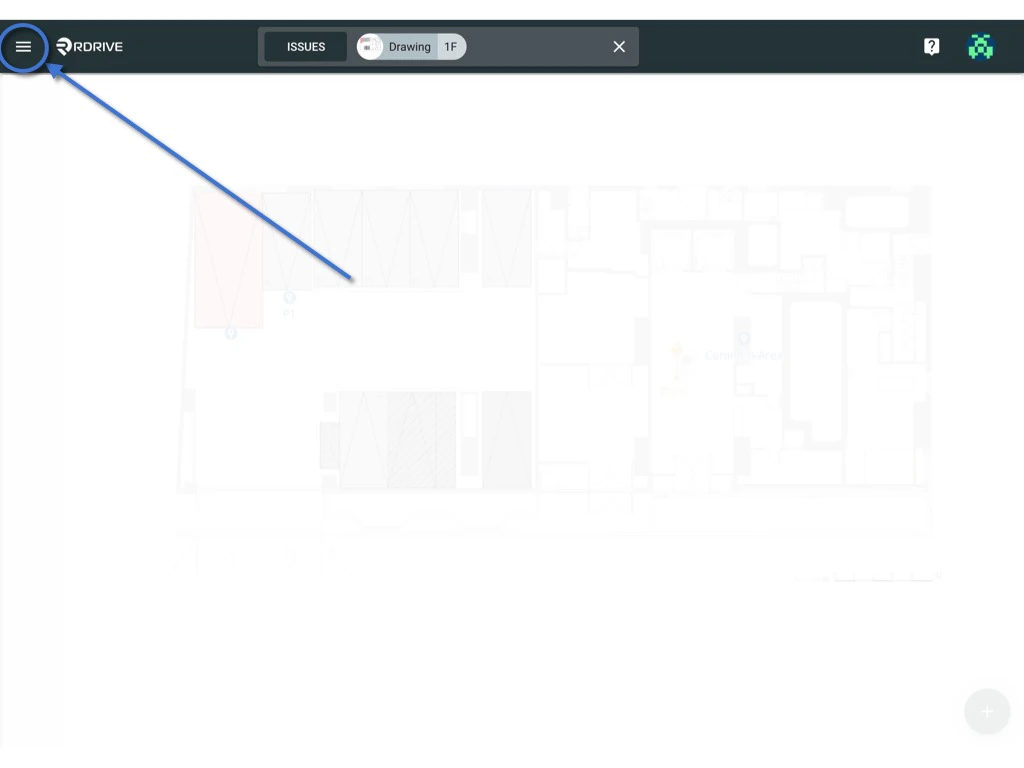
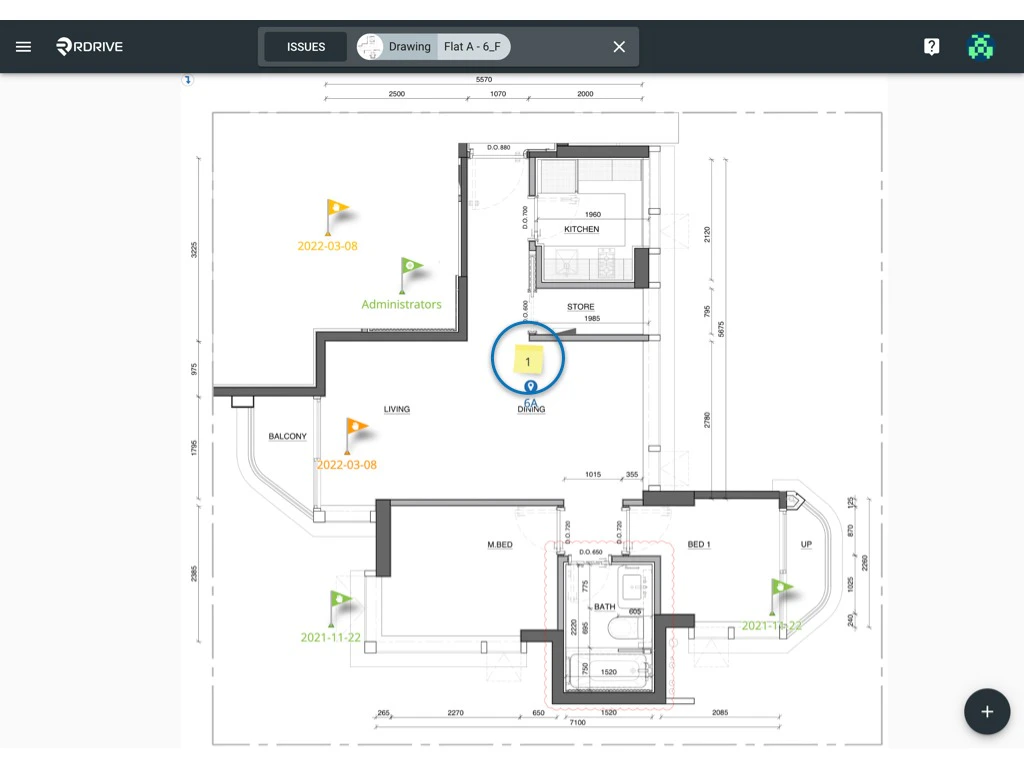
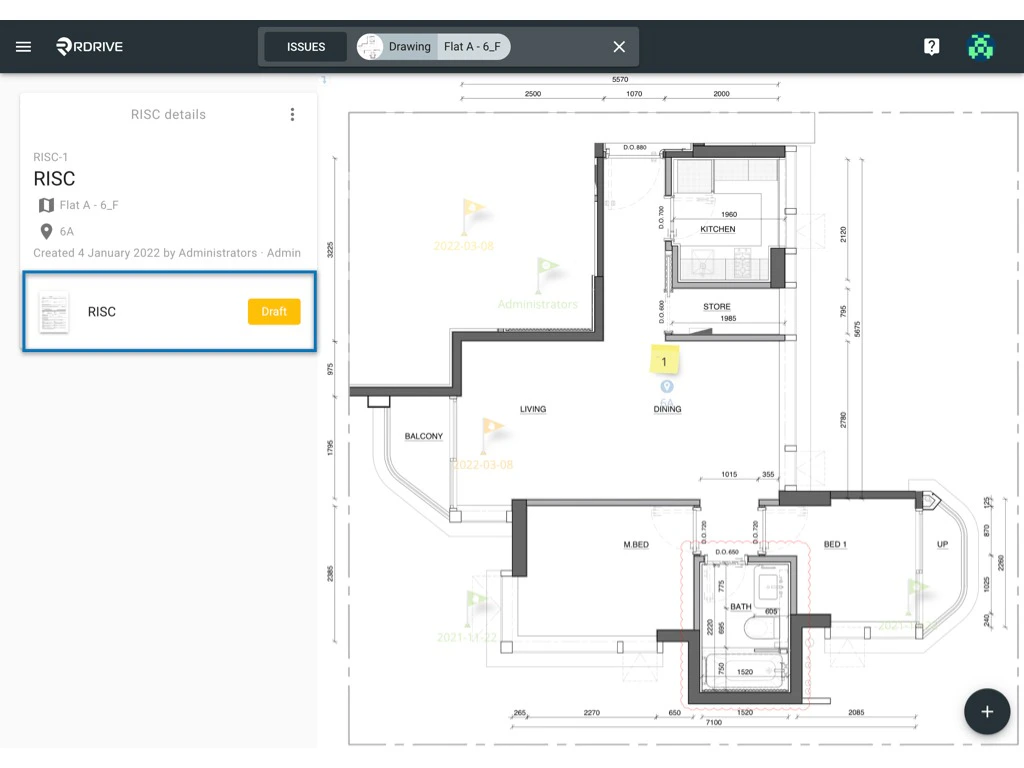
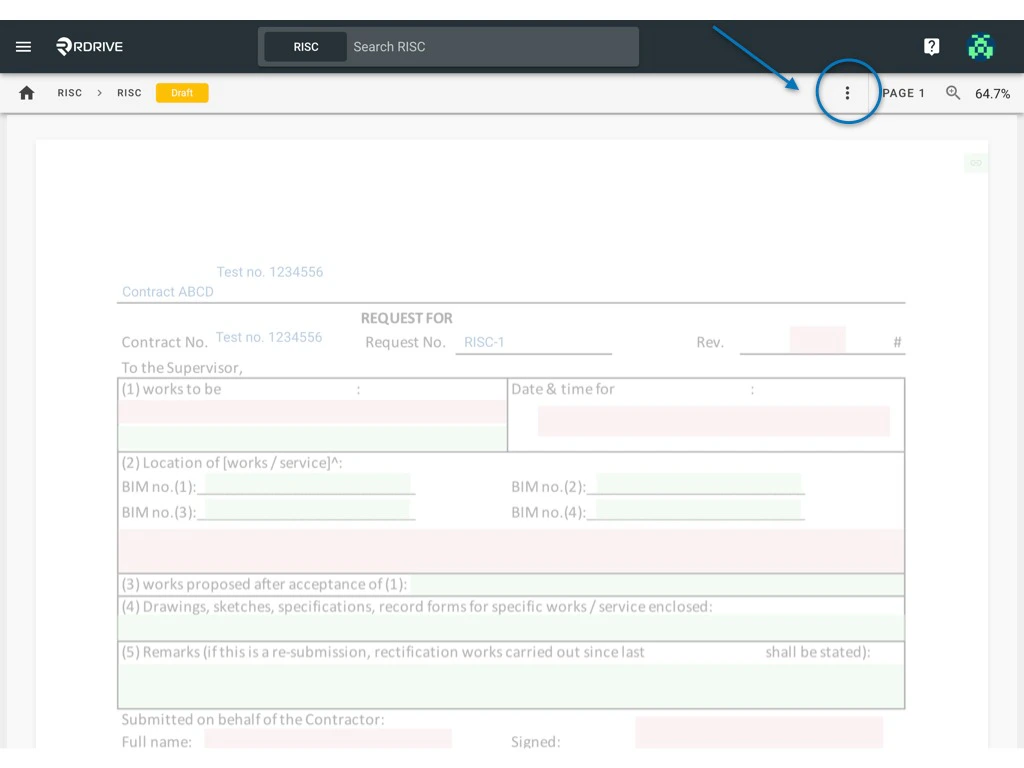
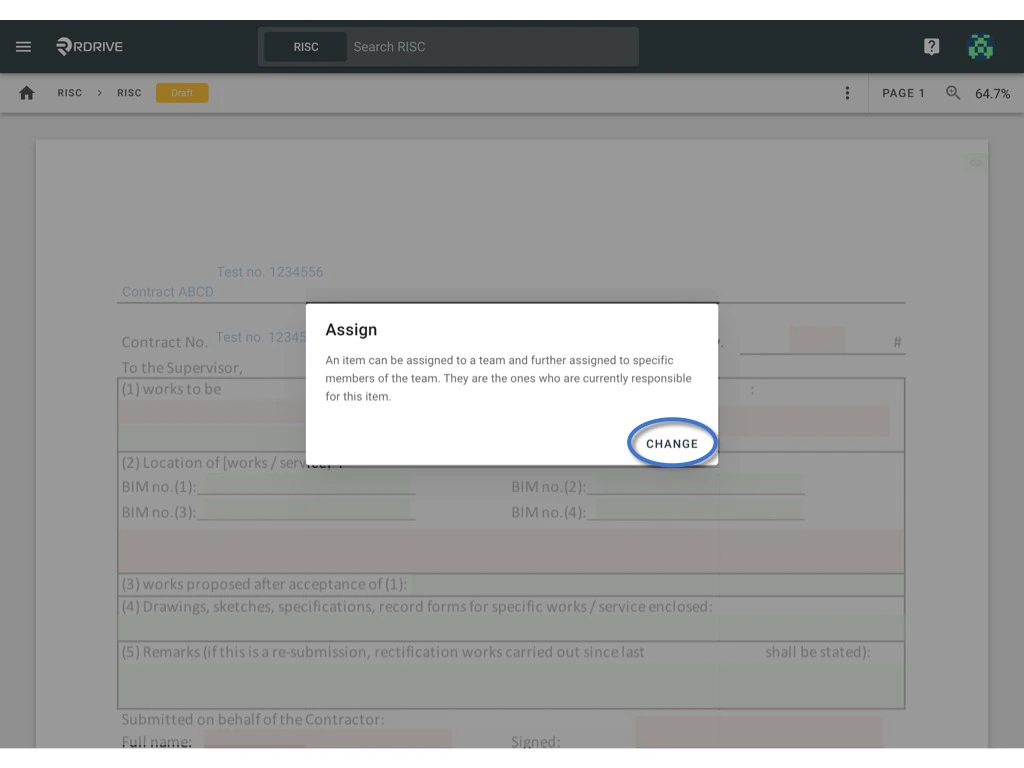
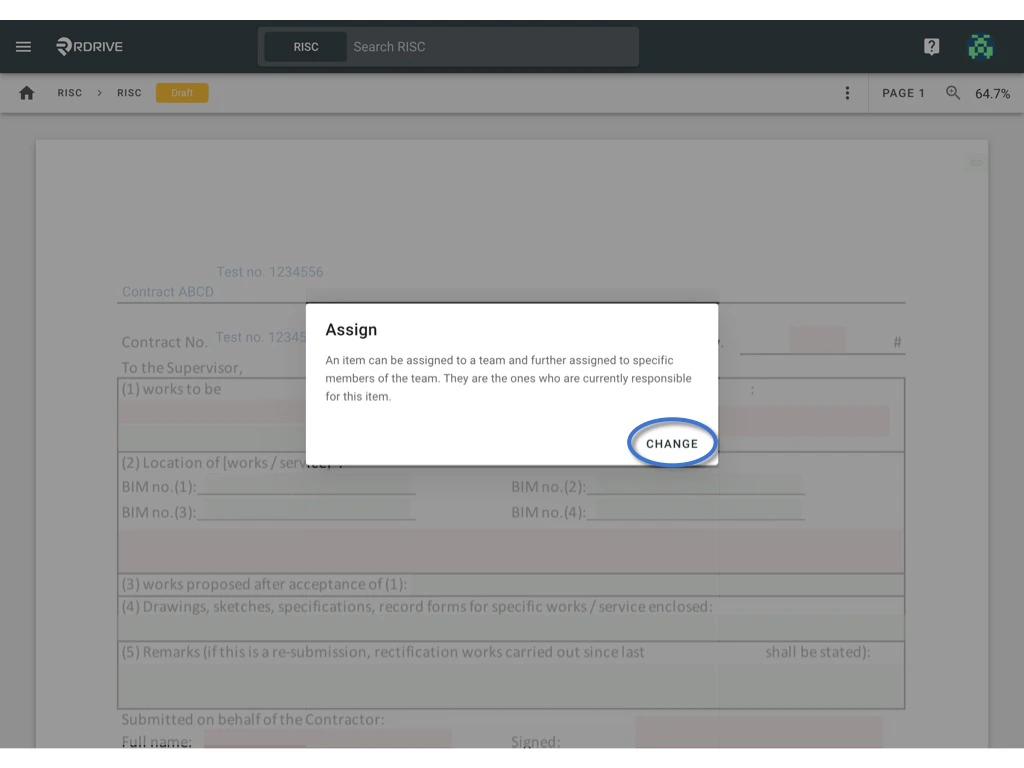
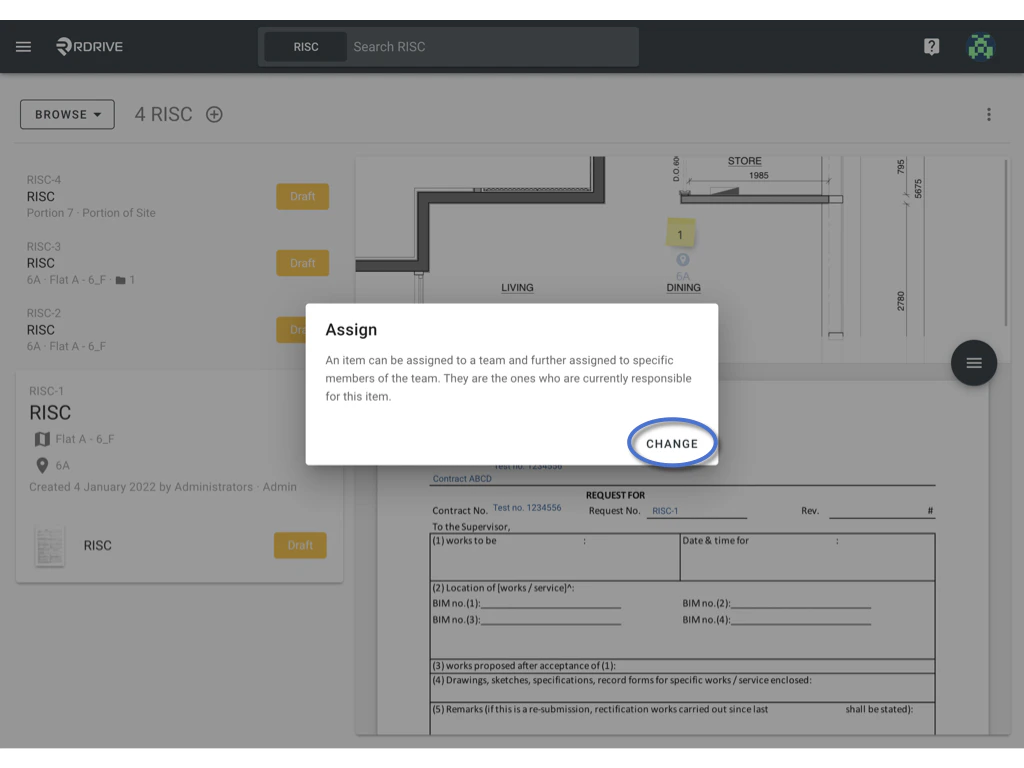
 To re-designate responsibility, simply press “CHANGE” as circled below.
Via Process Finder
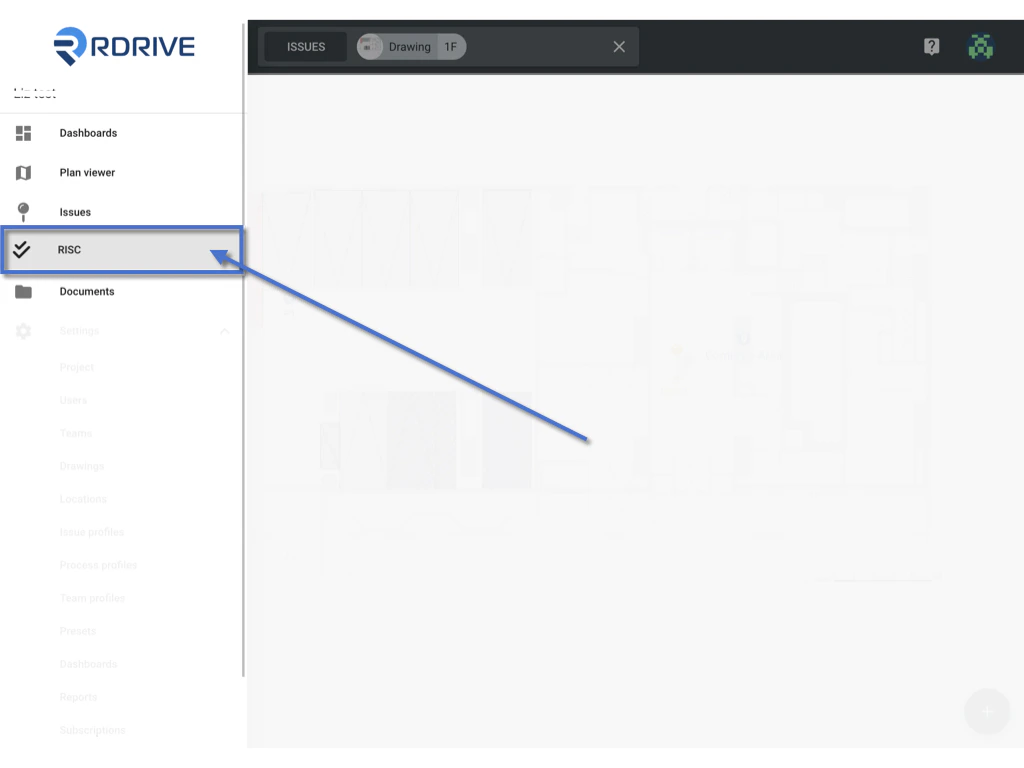
Simply press the Menu icon ≡ in the top left corner of your screen to unfold the Menu and gain access to the process page by selecting the category and subcategory.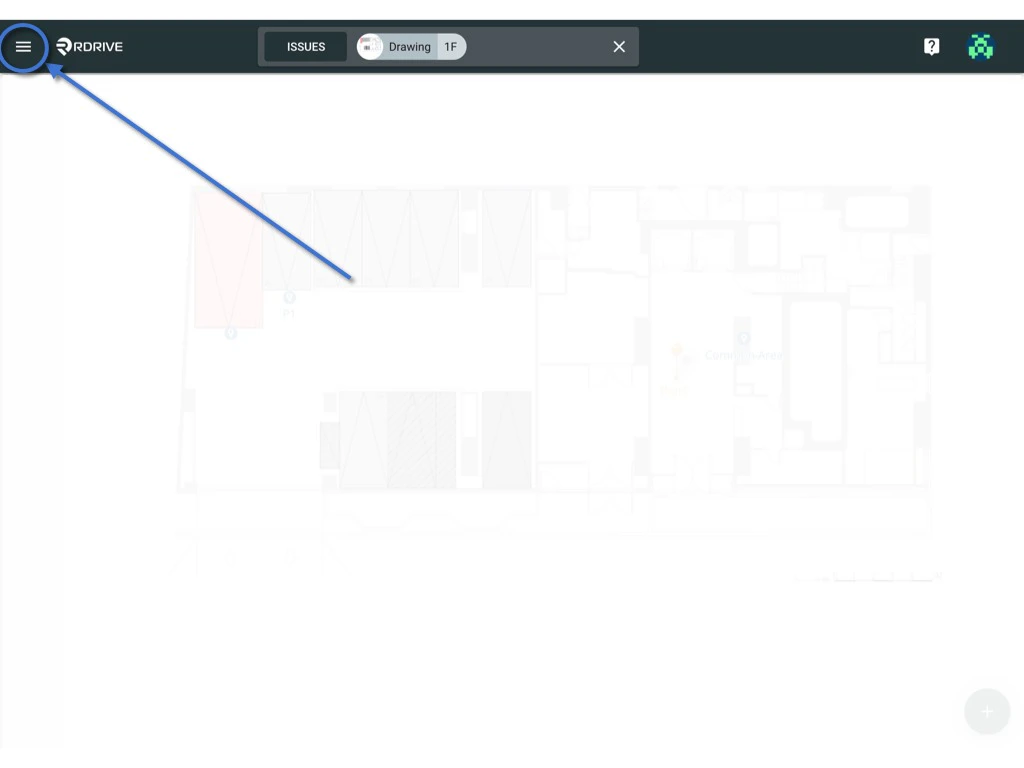
 \
\
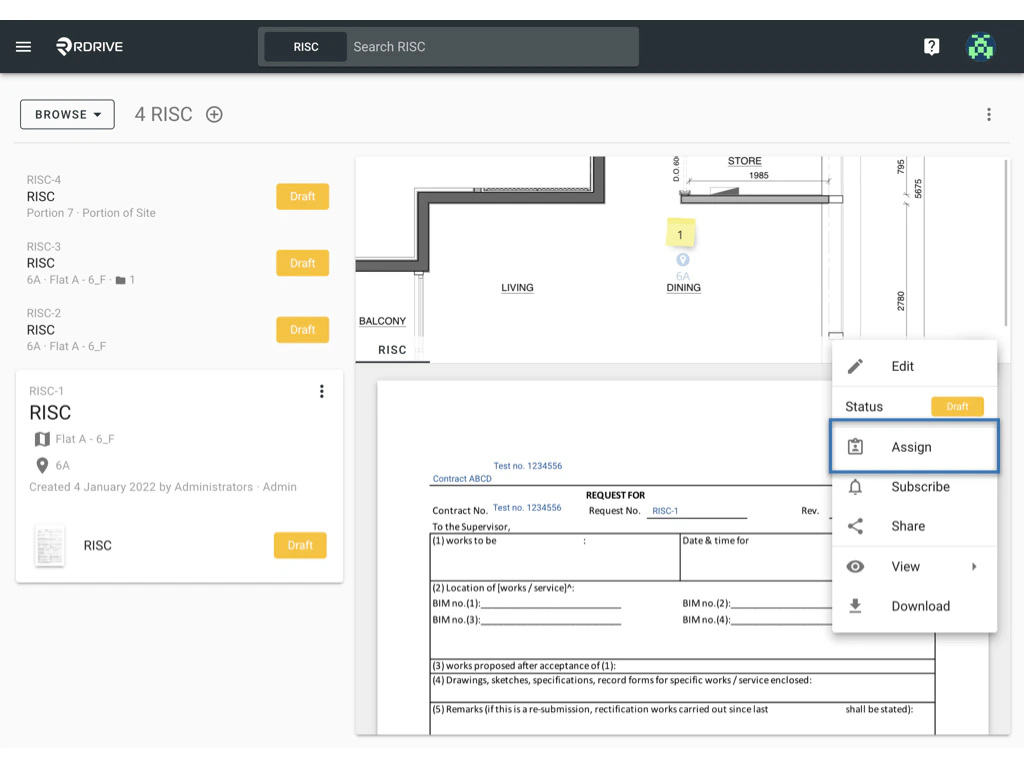
Form vi****ewer
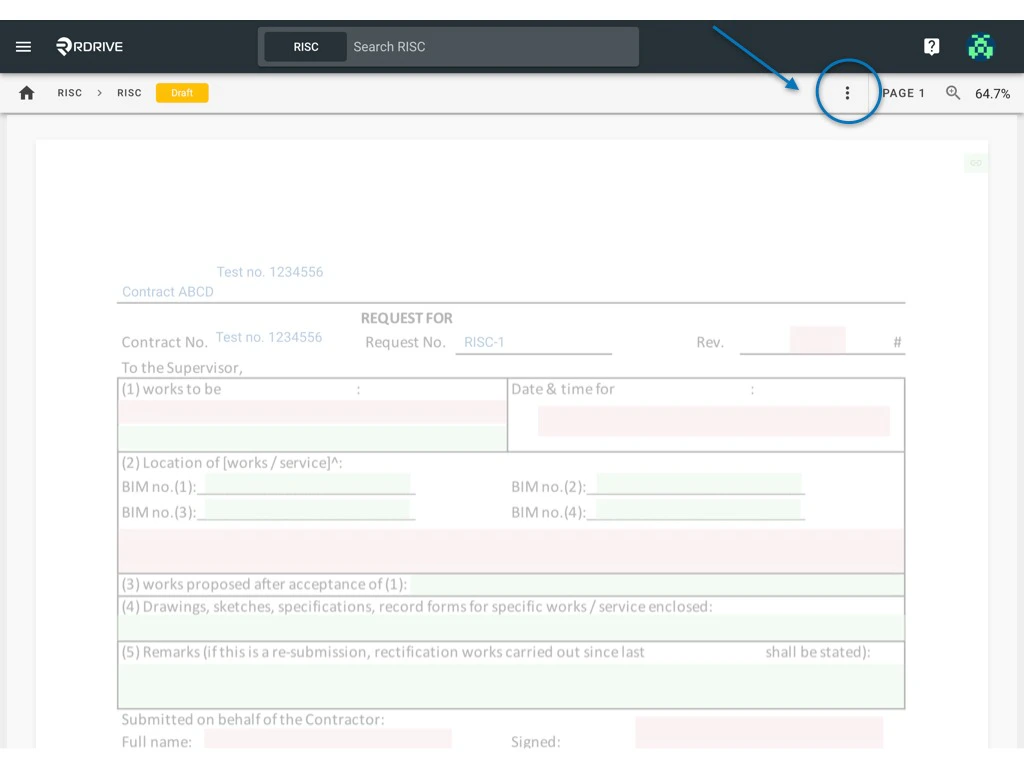
Or double-click the Form title to access the form viewer.