
Overview
How to download a project on the RDrive application- Purpose: [What is this guide about?]
- Who It’s For: [General users, admins, project teams, etc.]
Prerequisites: RDrive user
How do I download the project on the mobile app?
To download RDrive App on your device, please install RDrive from App Store or Play Store.
To add projects to your device, be sure you have stable internet connectivity.Once the app is downloaded, please follow the below steps:
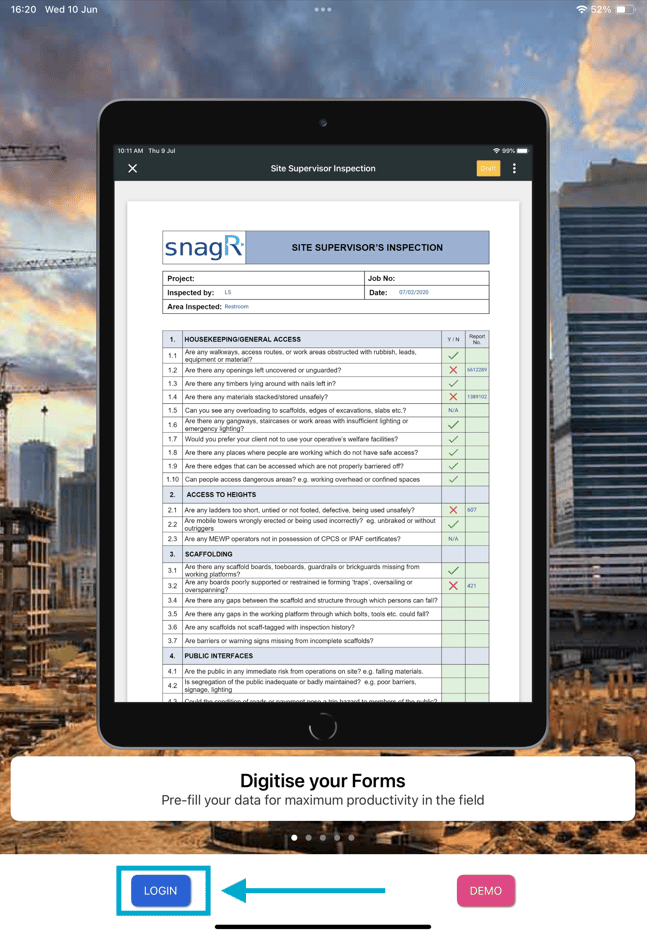
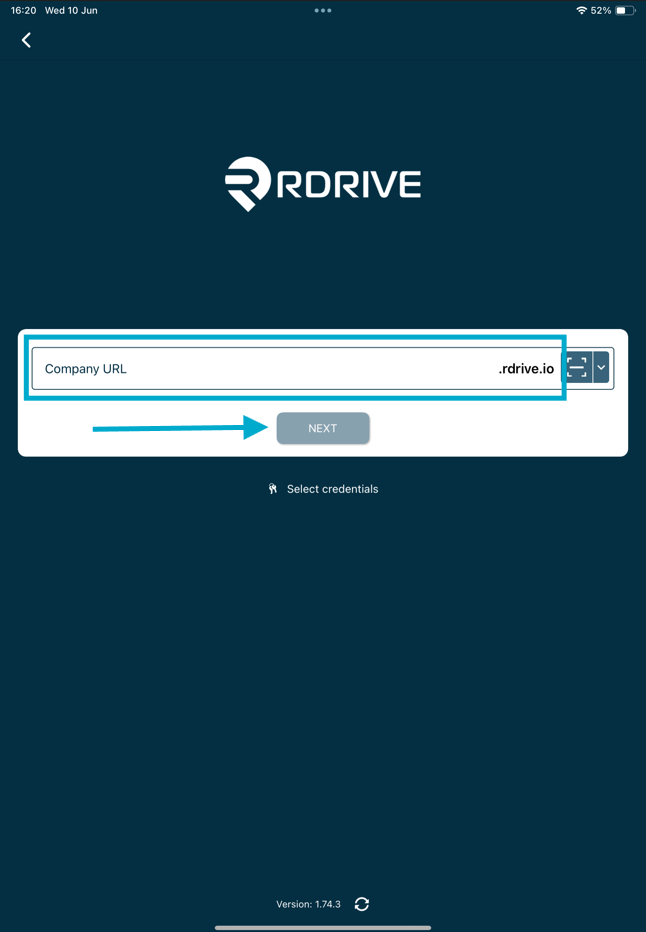
✨What’s the QR code for? Scan the QR code printed on the welcome email. This automatically fills in the project URL for you. Simply type in your username and password to proceed.
 Next, You will see the project list of all projects you have access too. Click the download button next to the project to download this.
 From here select the mode of working, we recommend working in “Offline mode” as standard.

FAQs & Troubleshooting
Q: How do I download a project to my mobile device?A: Navigate to the Projects section within the mobile app, tap the ”+” icon (or download option), and select the project(s) you wish to download. Once the download is complete, the project will be available on your device. Q: Can I download multiple projects at the same time?
A: Yes. You can download multiple projects from the available projects list, provided you have access permissions for those projects. Q: Why can’t I see a project available for download?
A: Ensure you have been granted access to the project and that your device has an active internet connection. If the project still does not appear, contact your project administrator.