
Can I reply to a comment on the form?

Can I reply to a comment on the form?

Overview

A brief introduction explaining the purpose of this guide.
  • Purpose: How to respond to a comment on a form in RDrive on the website/browser
  • Who It’s For: General users
Prerequisites: RDrive Access, Able to view processes
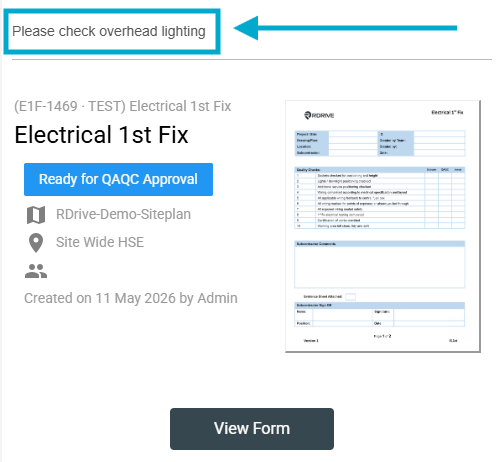
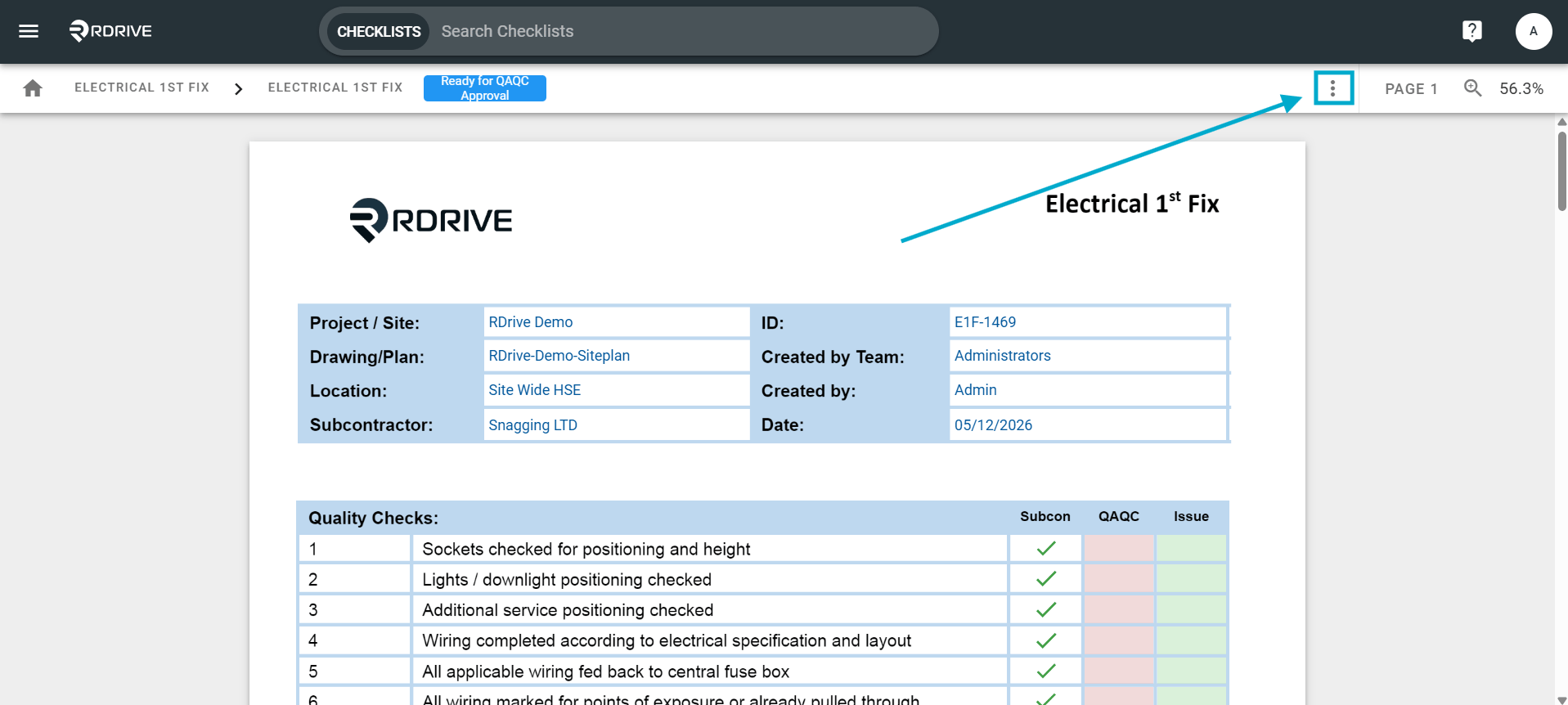
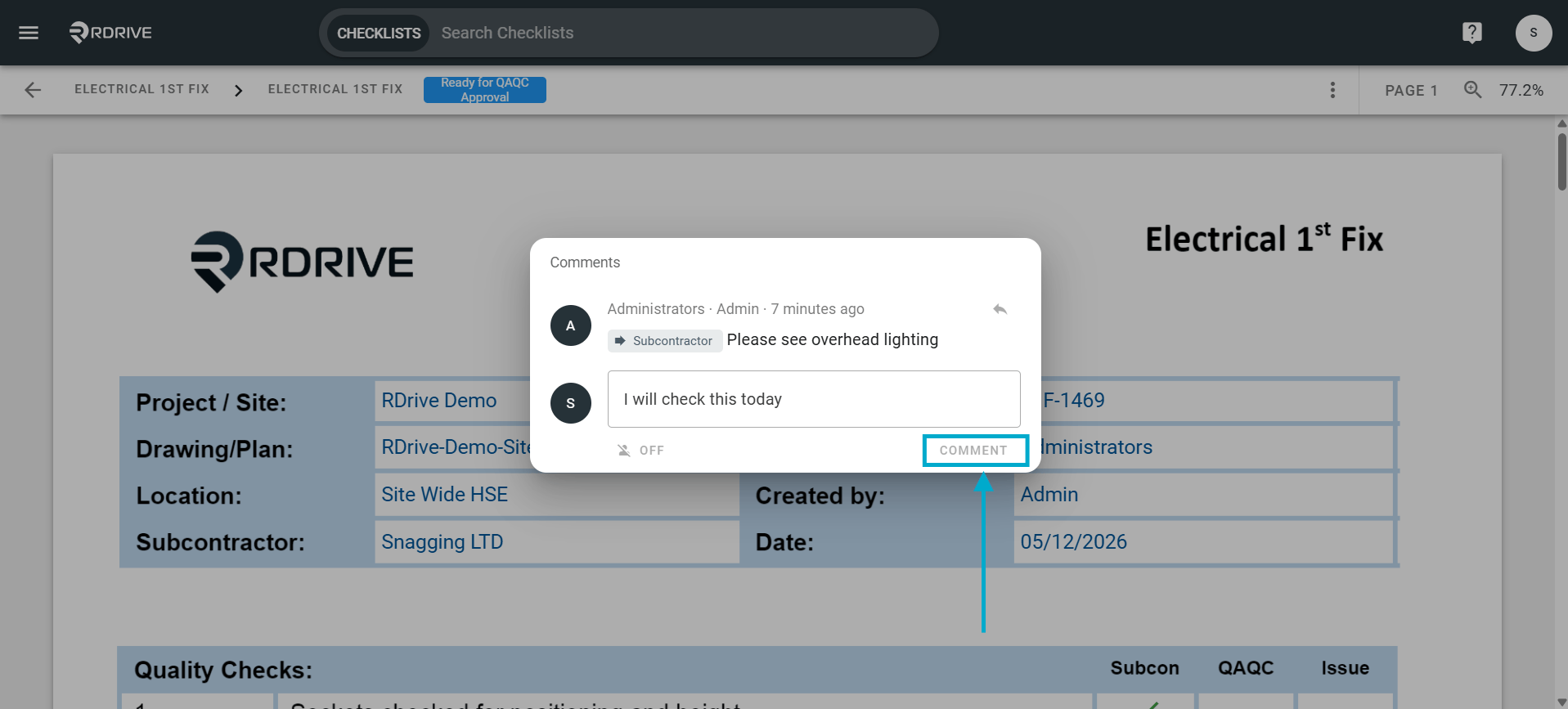
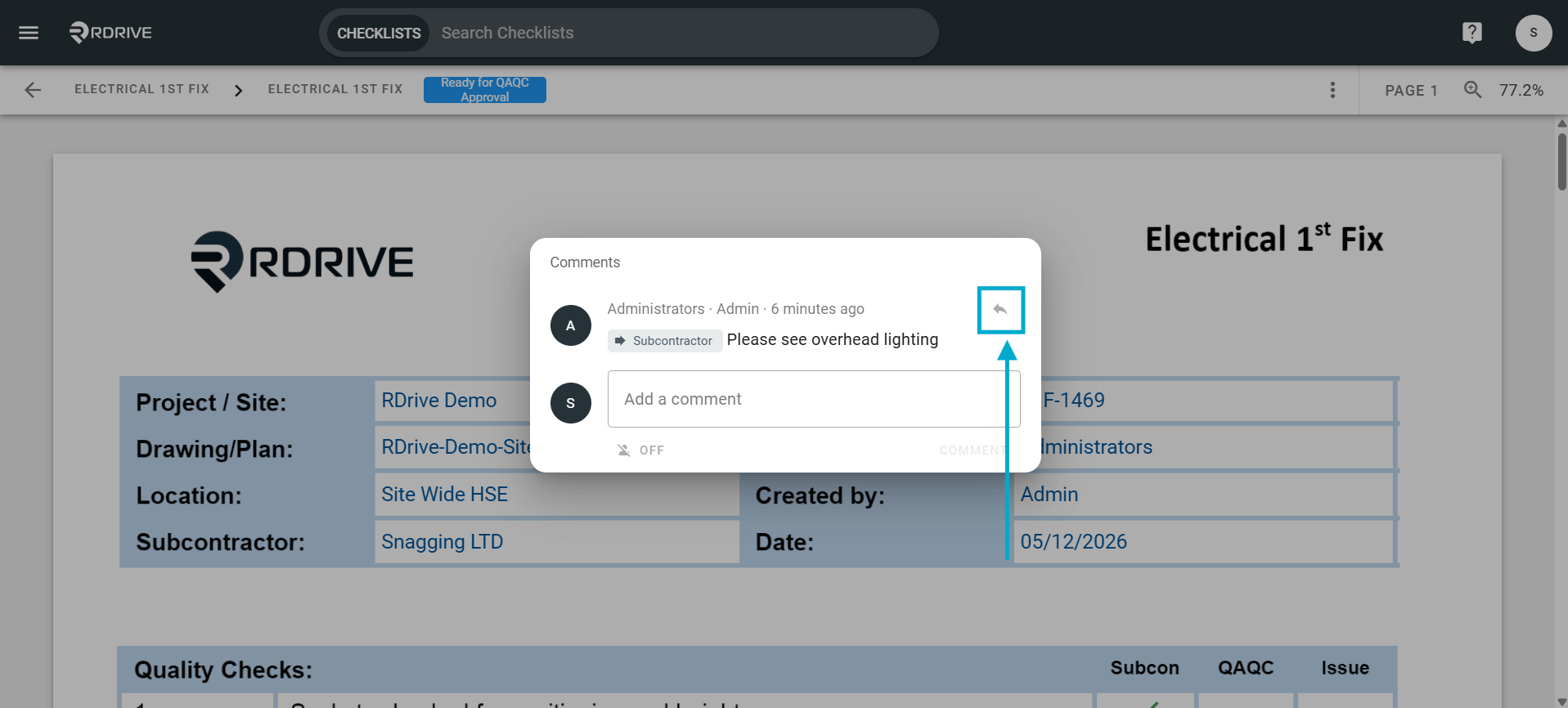
Once you got the email notification, you may want to reply to that comment for the update, the comment will also show at the top of the email notification. Click the **“View Form “**button from the email notification to bring you the form viewer, or you may access the form viewer from the finder or plan viewer. Can I reply to a comment on the form? Click the ⋮ 3 dot menu in the top right. Can I reply to a comment on the form? Then go to “View” and select “Comments”. Can I reply to a comment on the form?  Click the “Reply” arrow icon, enter your message. Can I reply to a comment on the form? Click “Comment” to save and send your message. Can I reply to a comment on the form?
Can I edit the comment? 

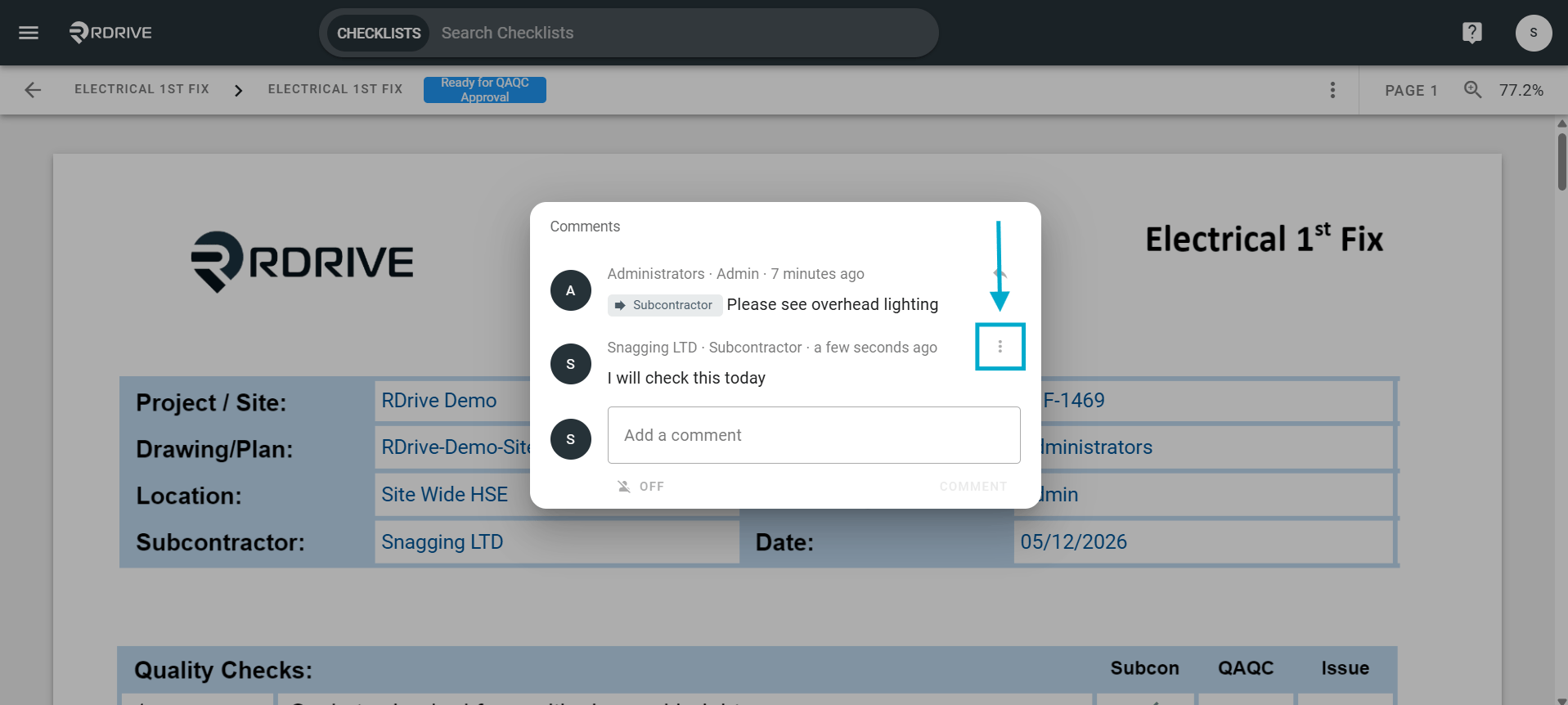
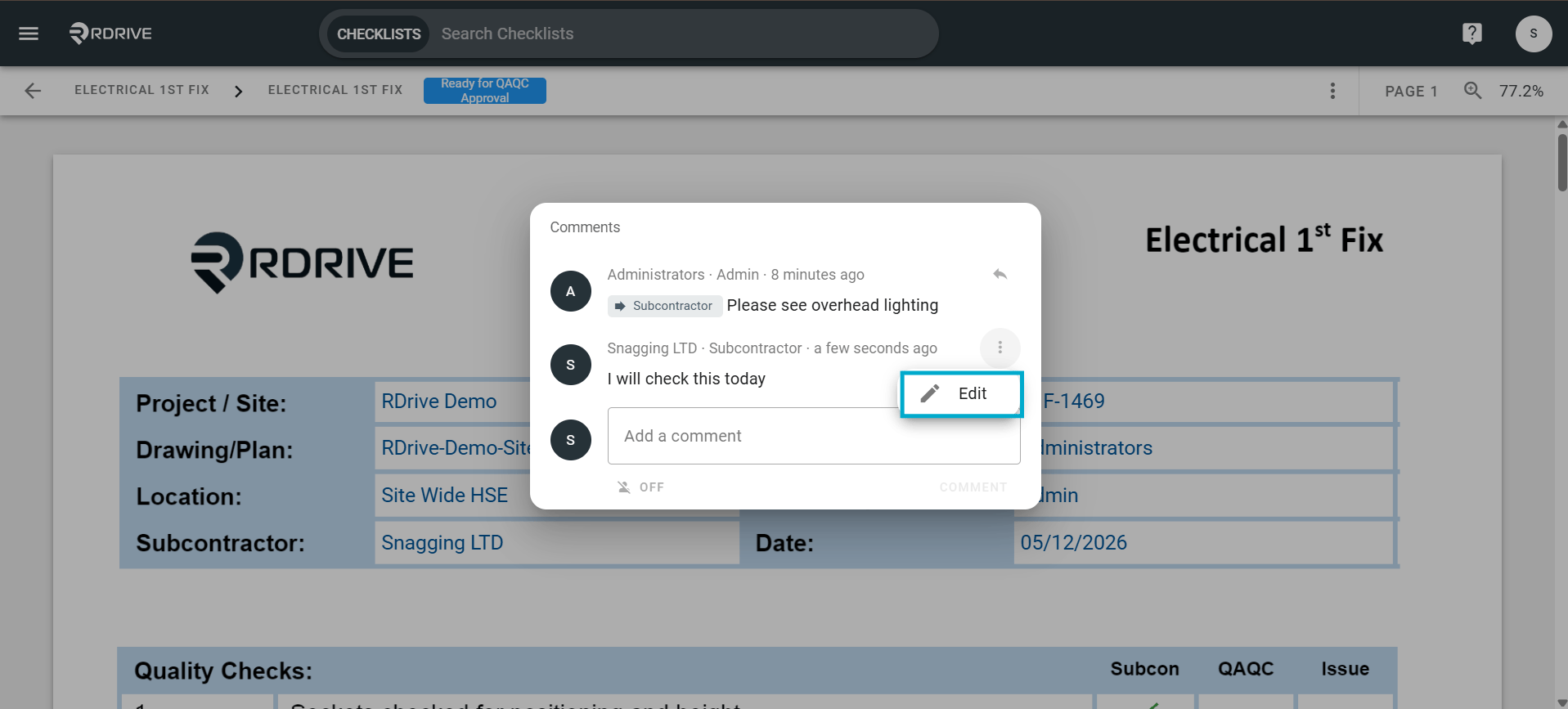
Please note: You can only edit the comment in the first 5 mins! After 5 mins, the comment will lock and wont be able to be edited. Click the 3 dot menu next to your comment. Can I reply to a comment on the form? The select “Edit” to make changes to your comment. Can I reply to a comment on the form?