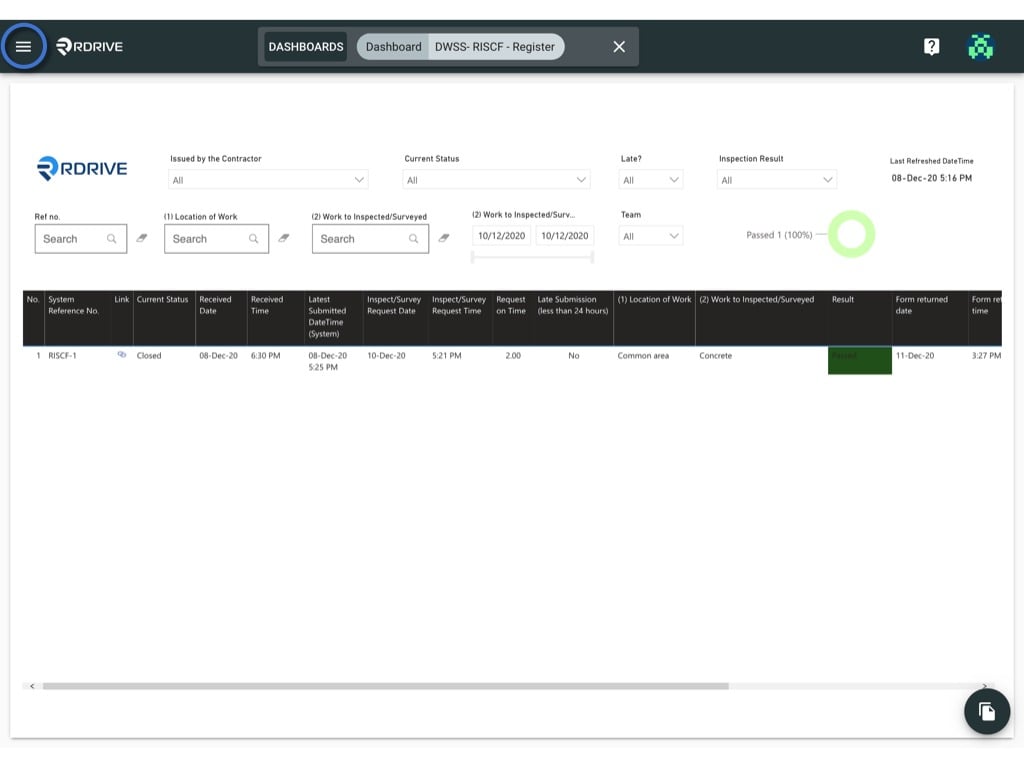
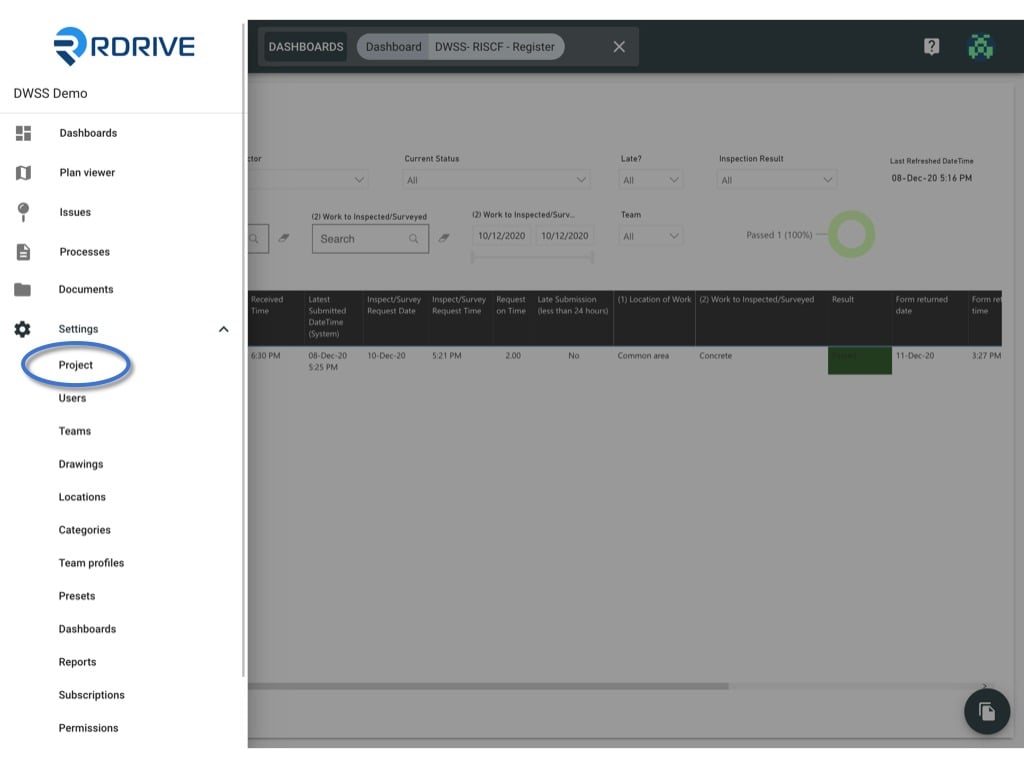
Click the ≡ menu icon on the top left corner to unfold the Menu, get entry to the Setting > Project page.
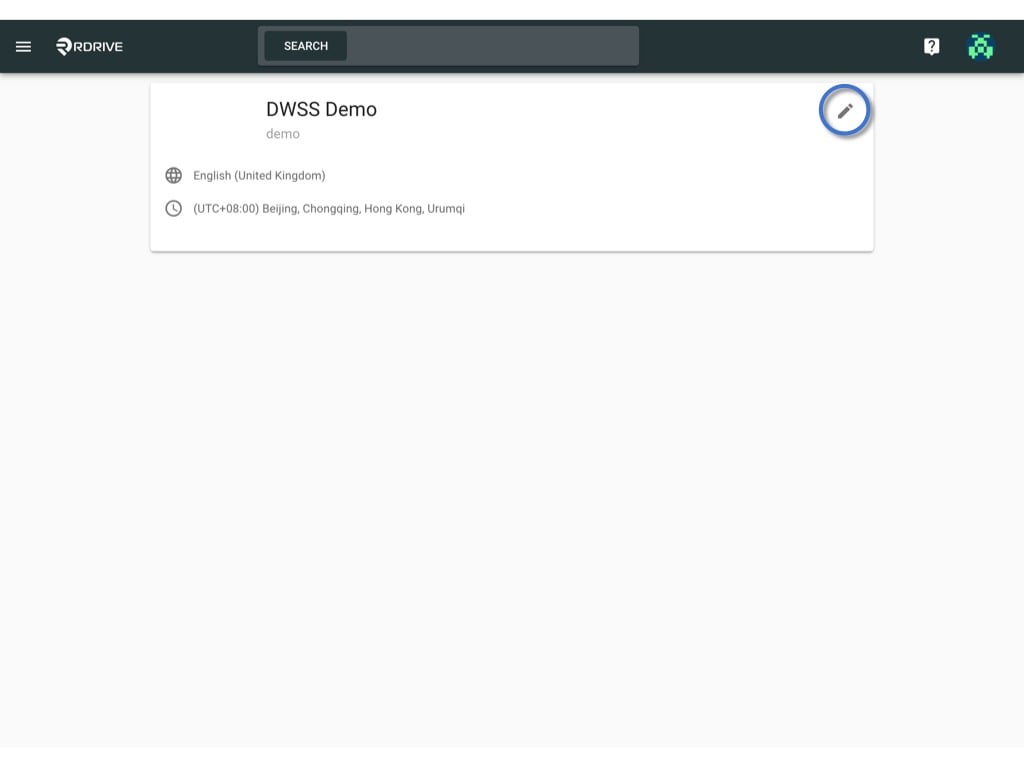
As a project admin, you may have the authority to edit the project information.
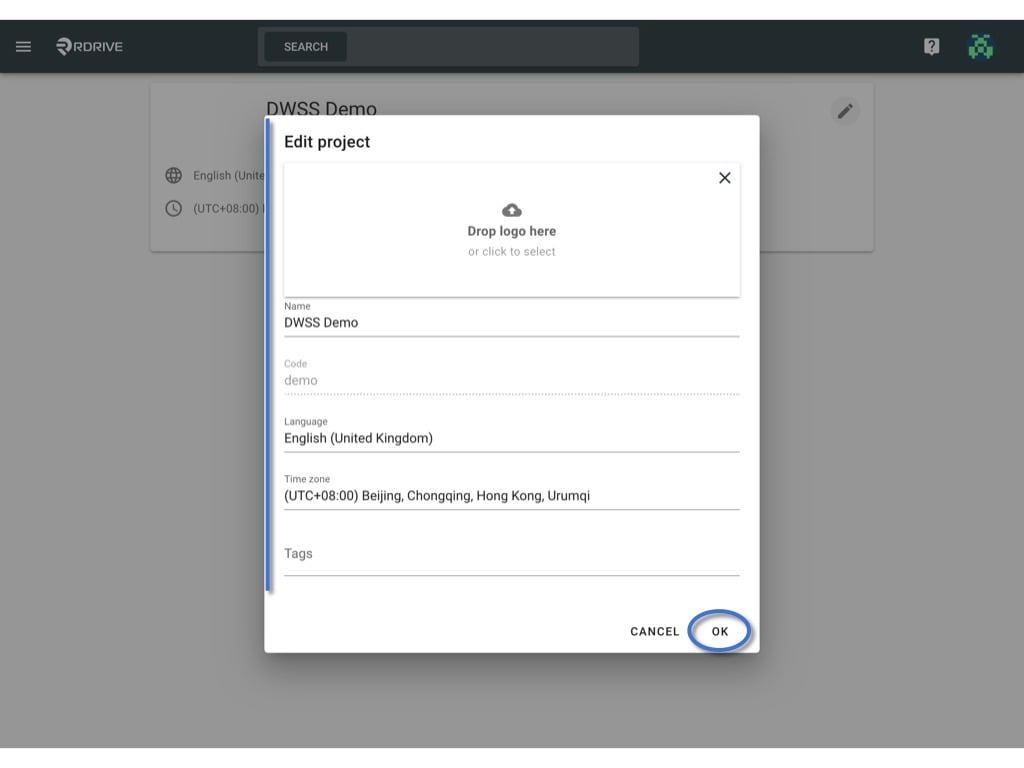
Click the ≡ menu icon on the top left corner to unfold the Menu, get entry to the Setting > Project page.Click on the “Edit” button to open the edit project window.You may edit the Project logo, name, language, Time zone & tag(s) here, the update will affect the whole project.