If the files are into bundles, you can download multiple files in one go. First of all, may I please know which method are you using RDrive?

via Website

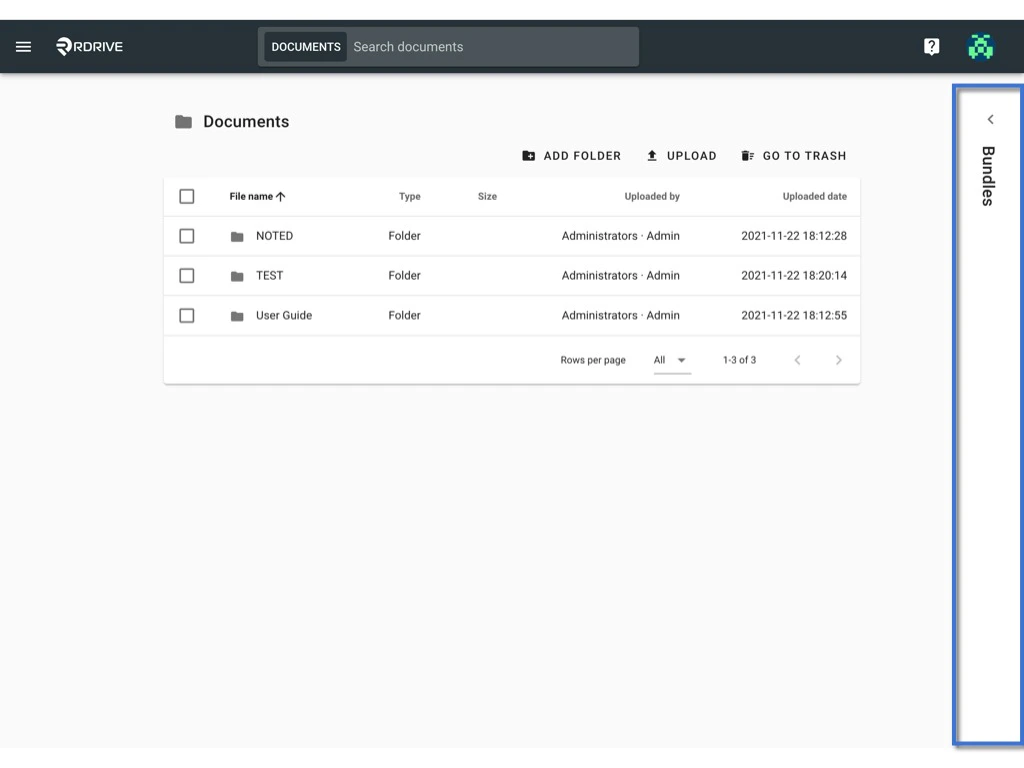
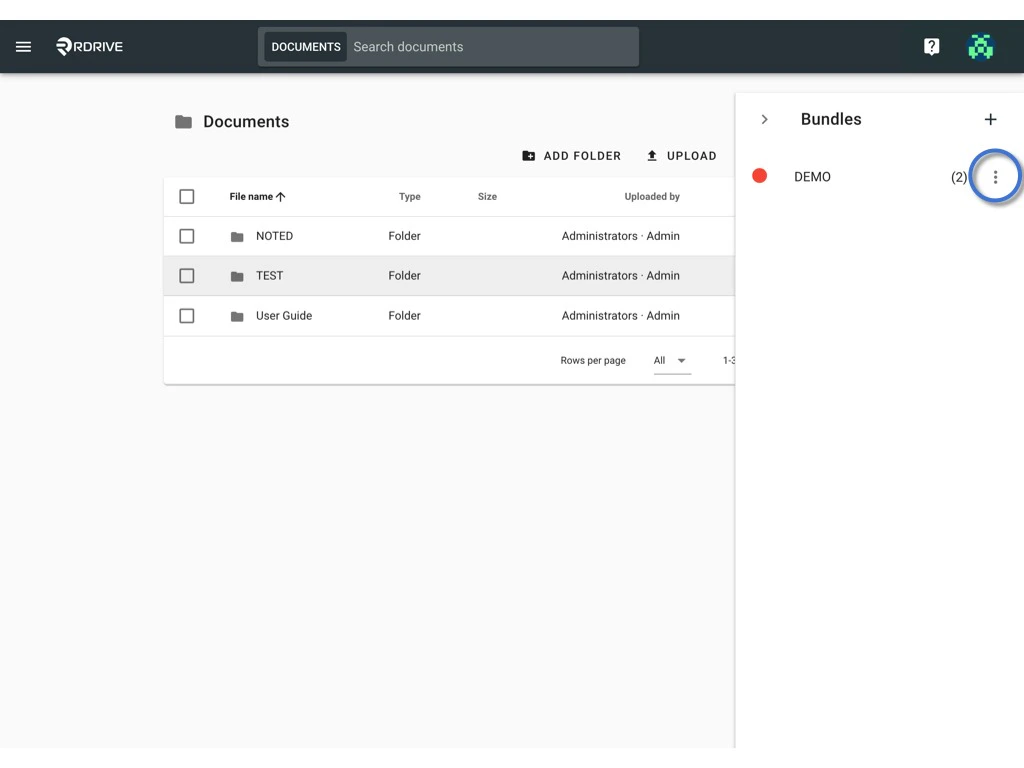
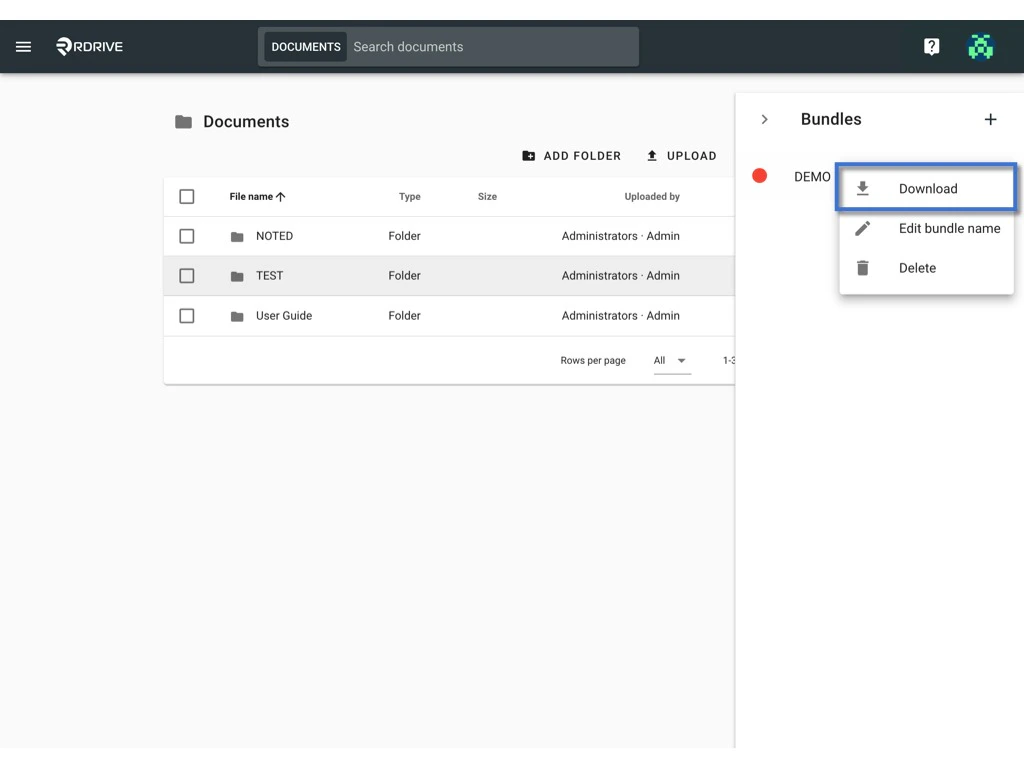
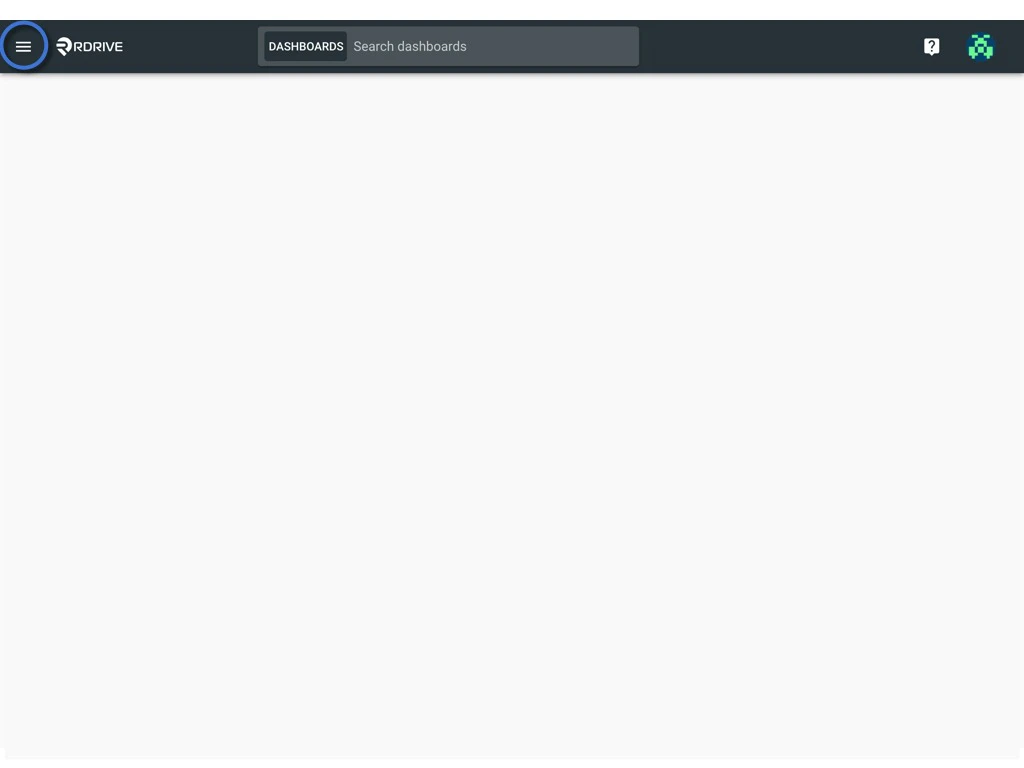
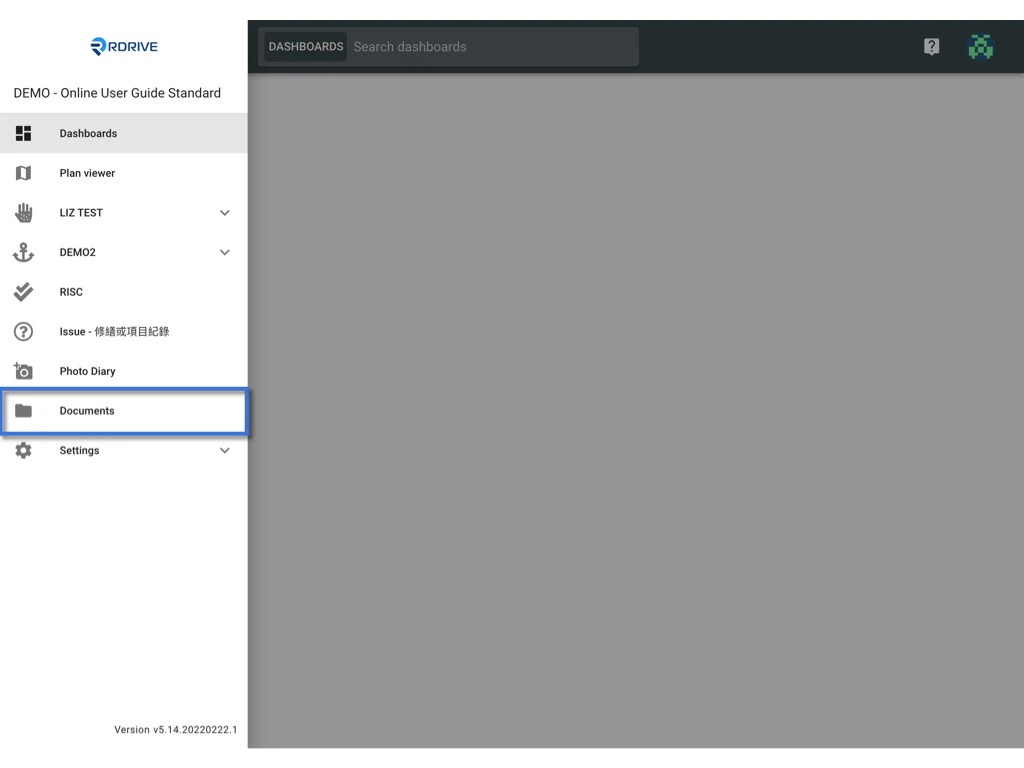
Click the menu icon on the top left corner to unfold the Menu, get entry to the Documents page. Download a bundle Download a bundle Unfold the bundle window Download a bundle Click the button and select Download to start downloading. Download a bundle Download a bundle
via APP

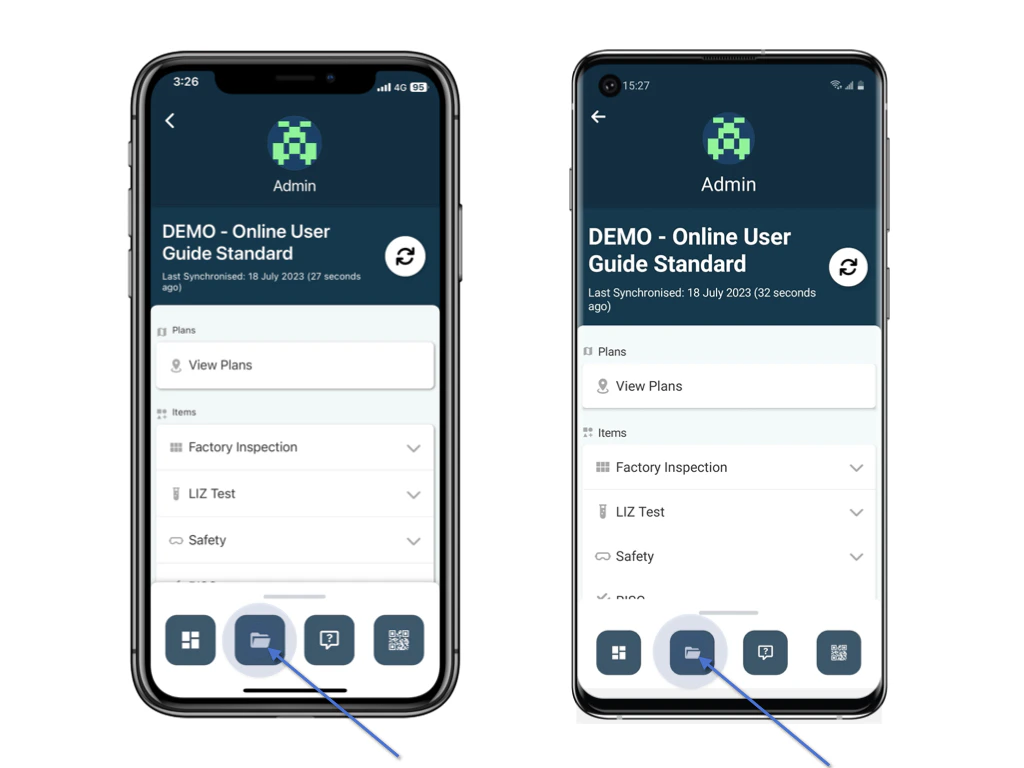
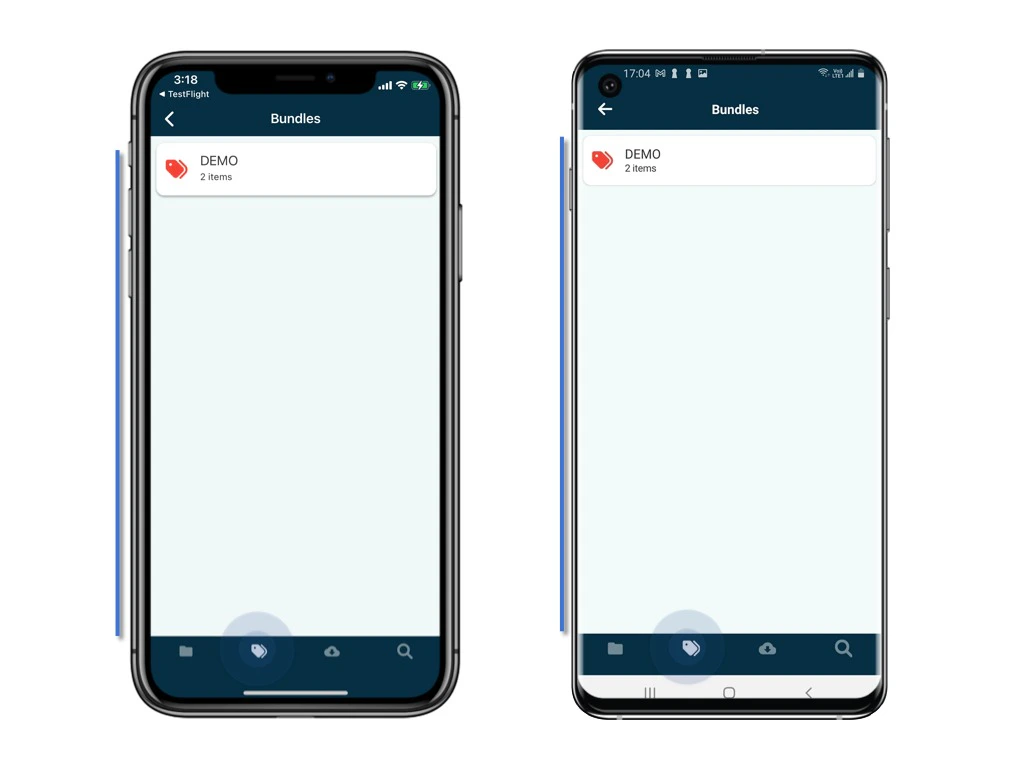
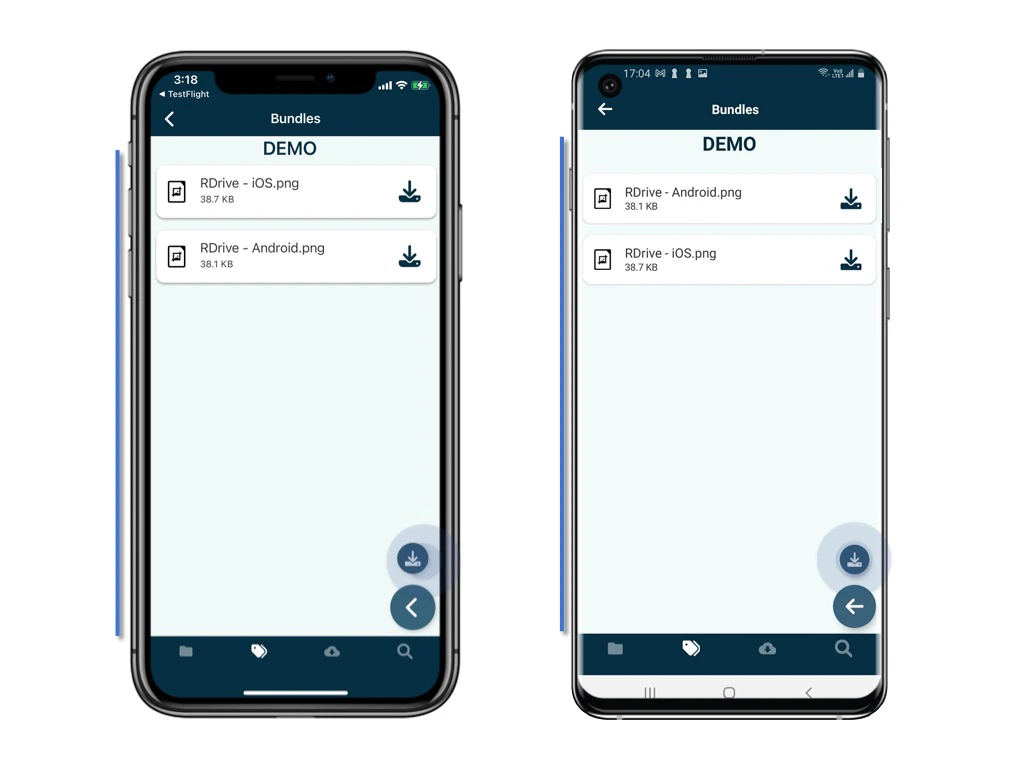
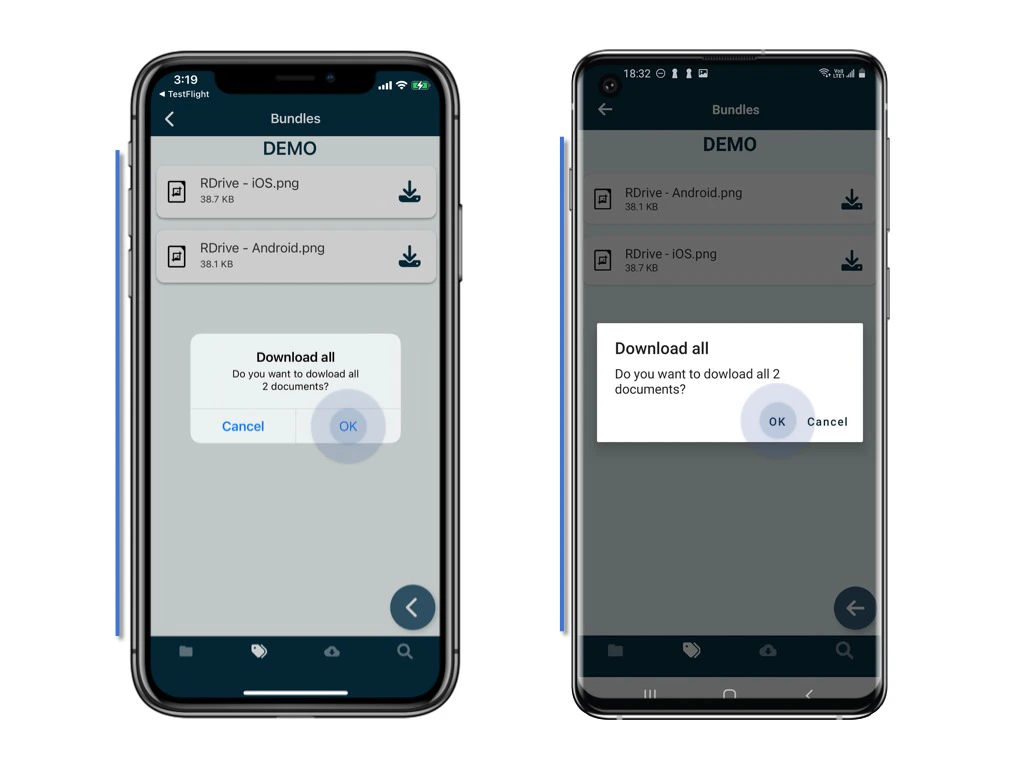
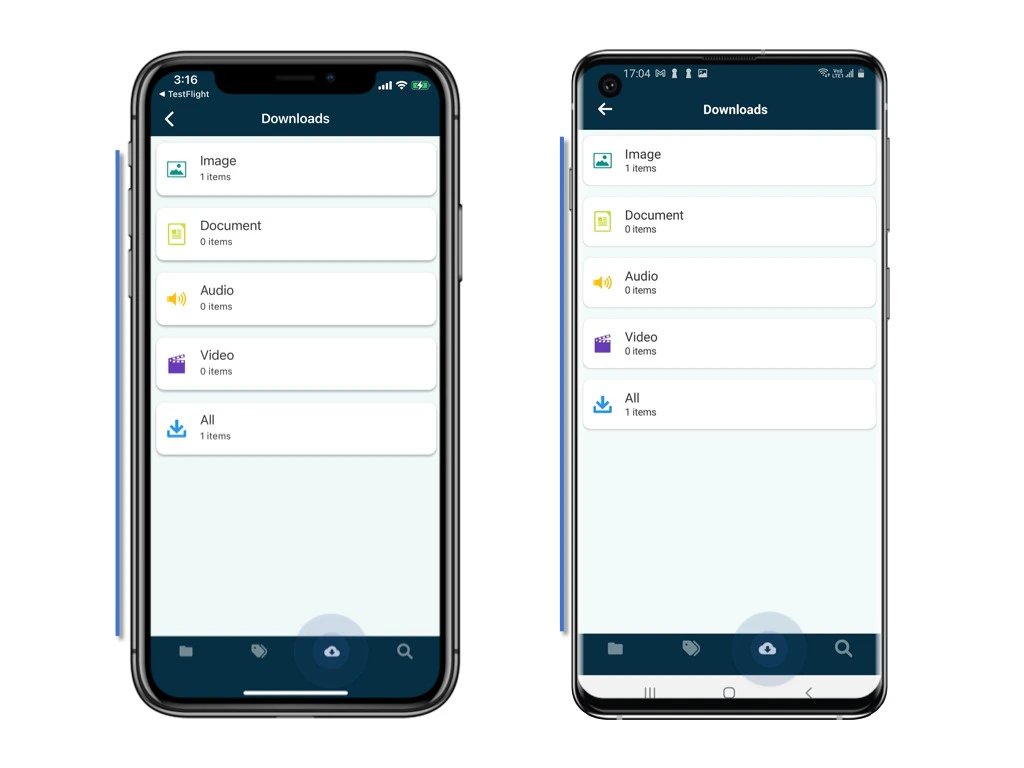
By default, your device will not download documents that are uploaded to the document repository. If you want to access them offline, be sure to download them beforehand. Click on the Document Repository button. Download a bundle Click on the second tab, Bundle. Select the bundle you want to download. Download a bundle Tap the Download all button. Download a bundle OK to confirm the download. Once downloaded they will be stored on the device. Download a bundle The downloaded documents will also show on the third tab, Downloads. Download a bundle