TABLE OF CONTENTS
via Plan Viewer
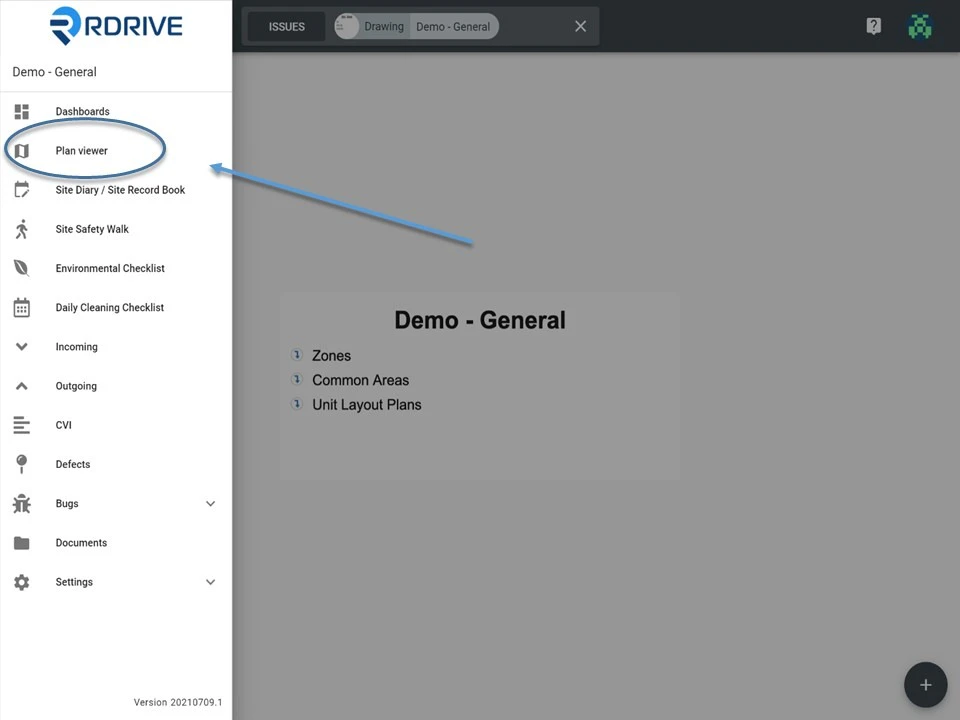
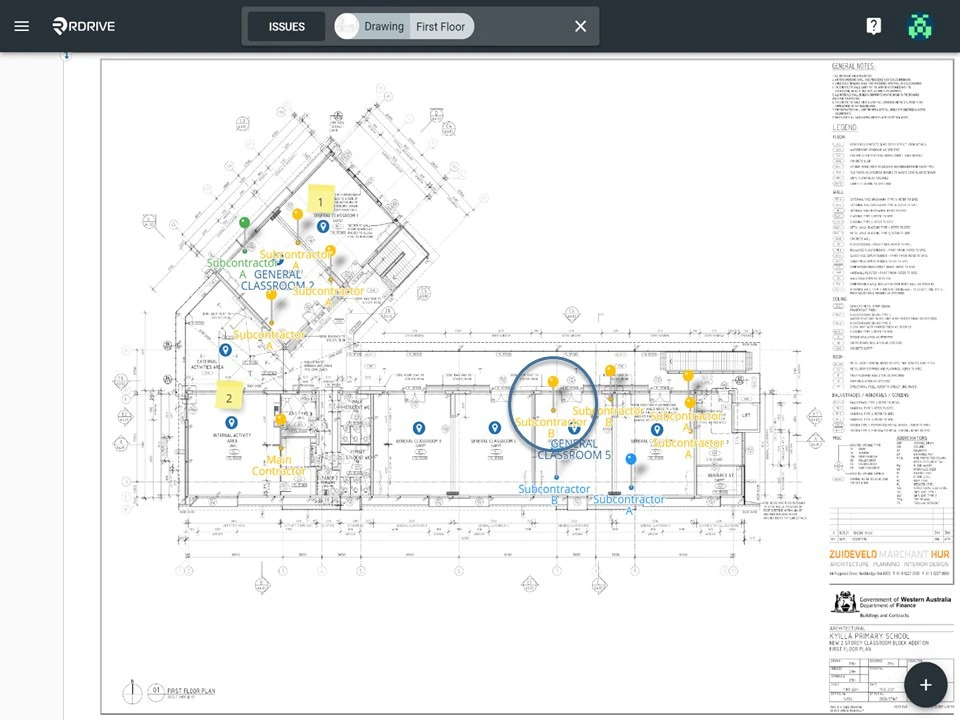
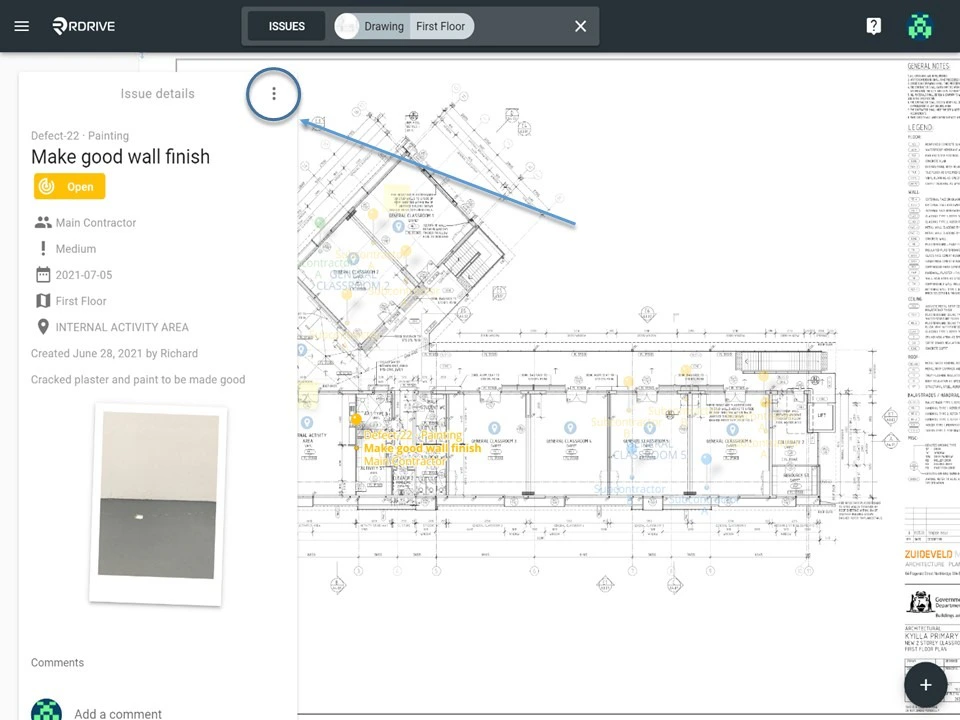
Click the Menu icon ≡ in the top left corner to unfold the Menu and access to the Plan Viewer, and then select your drawing.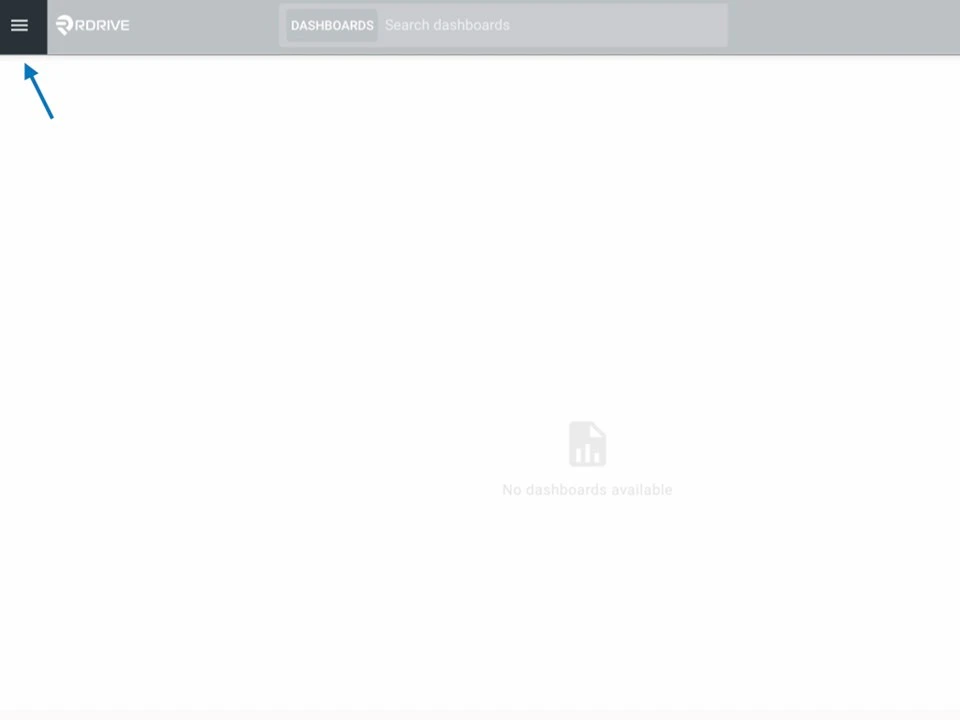
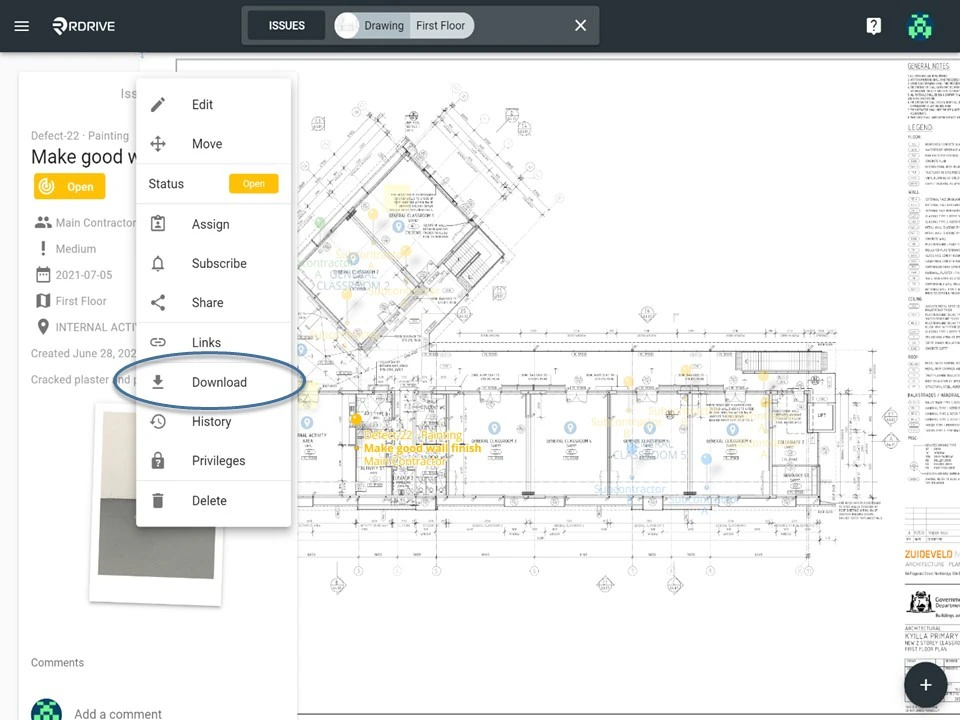
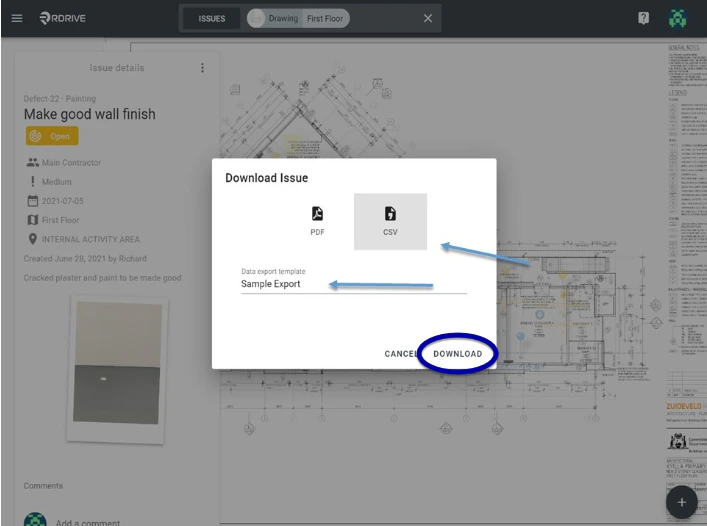
via Issue Finder
Simply click the Menu icon ≡ in the top left corner of your screen to unfold the Menu. Then select your chosen category and subcategory to access the Issue/defect/record page.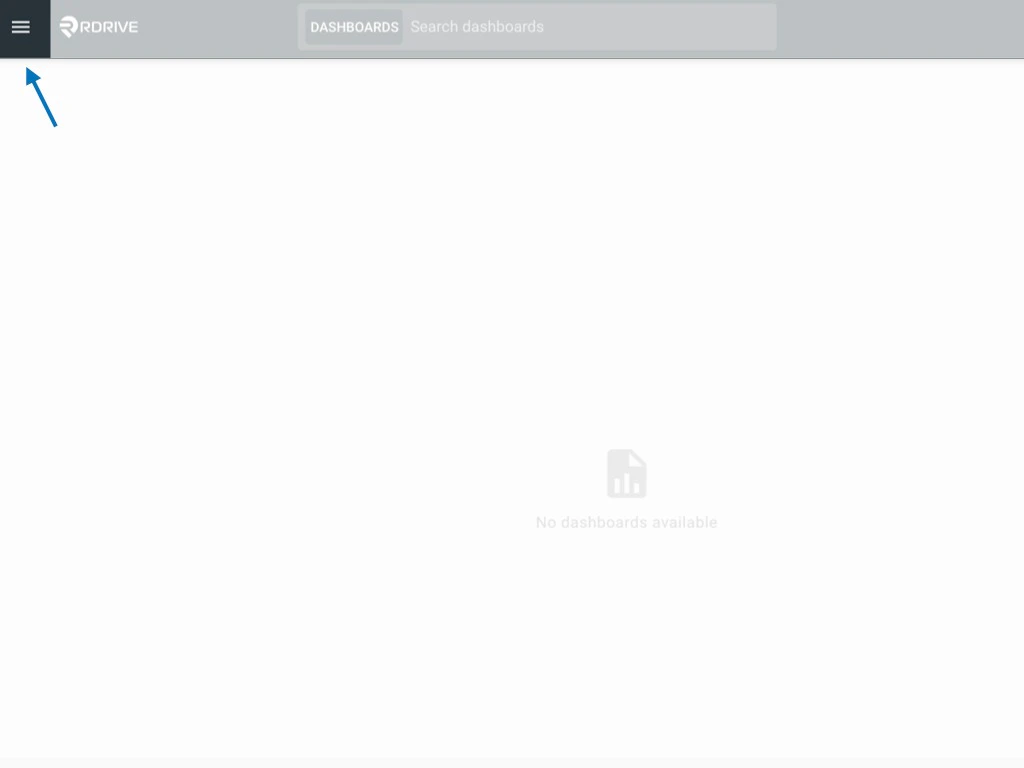
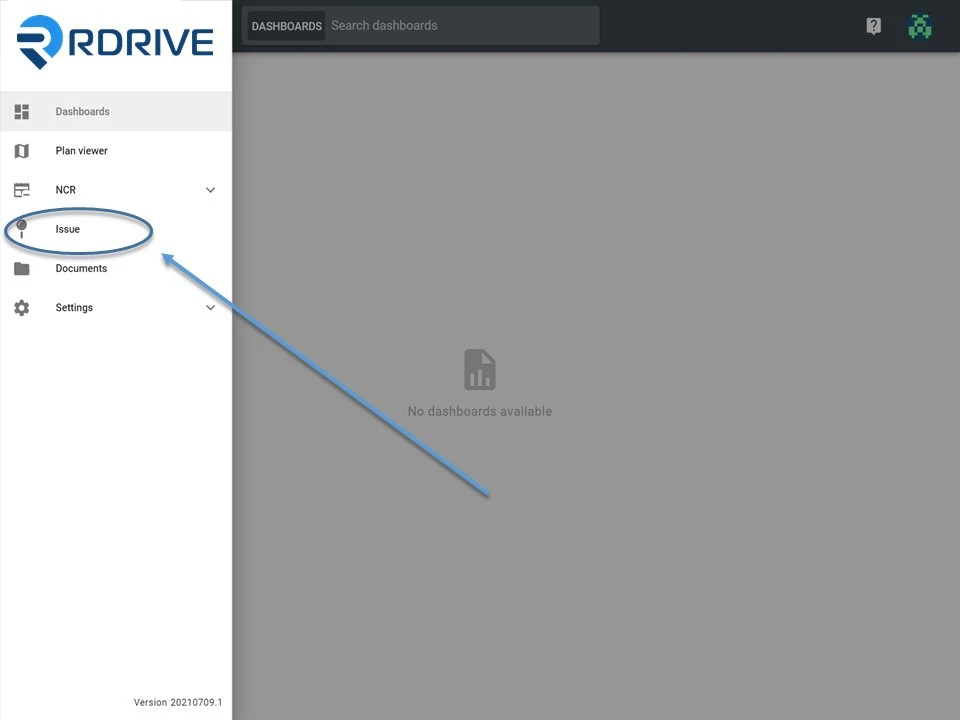
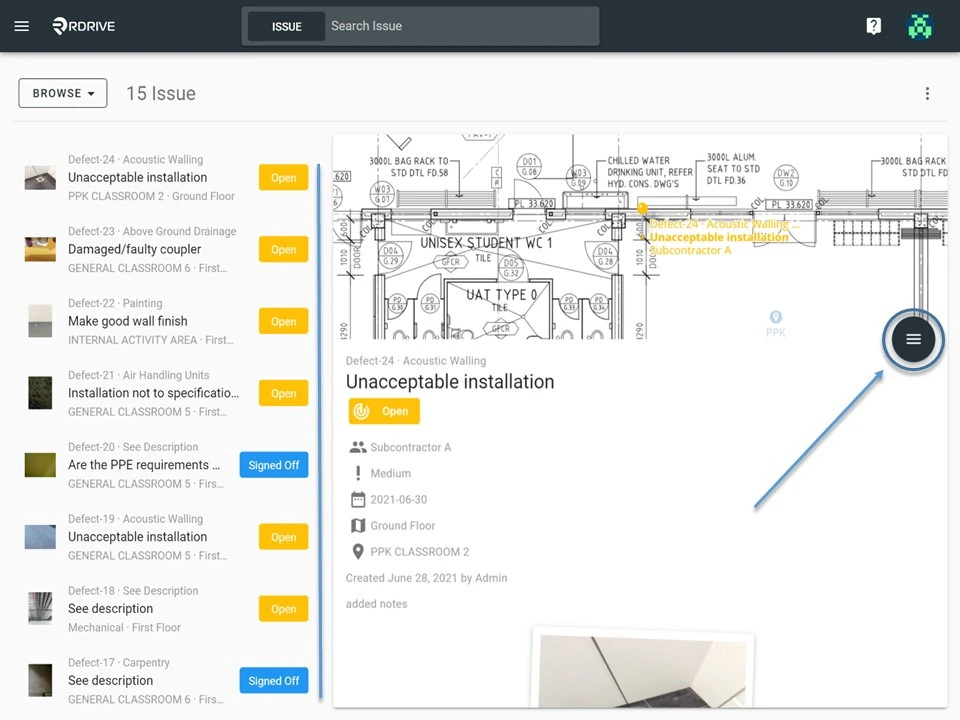
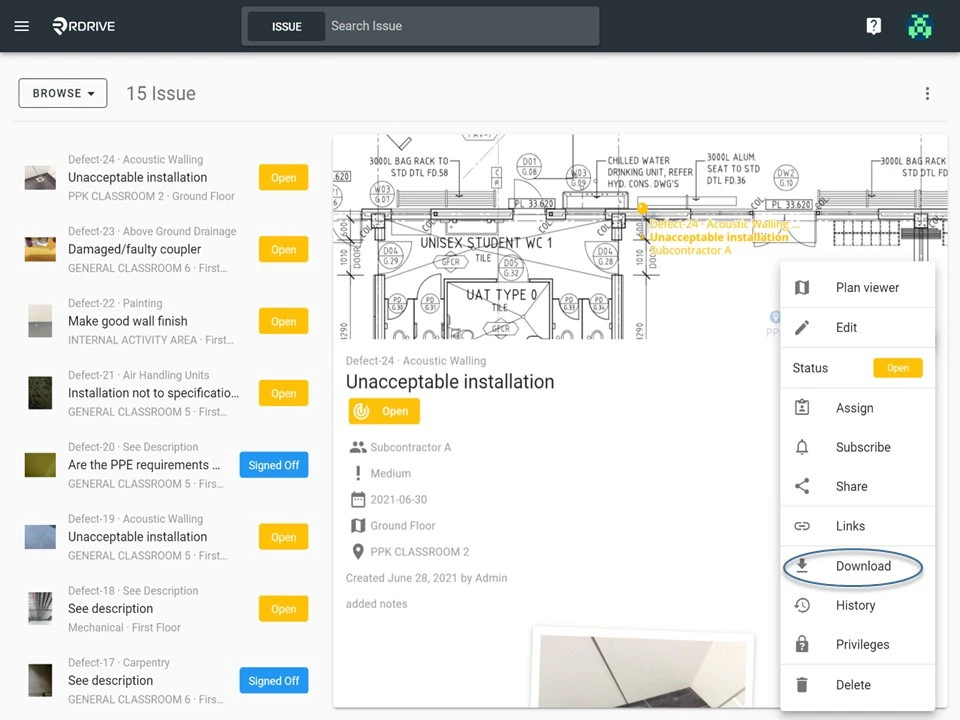
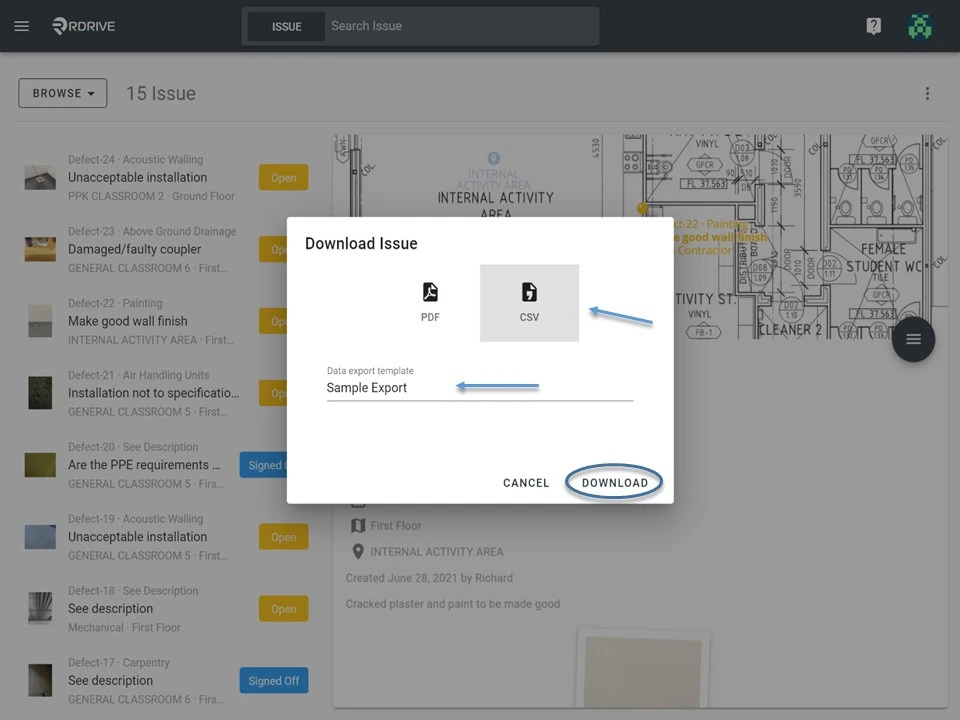
To Batch Download
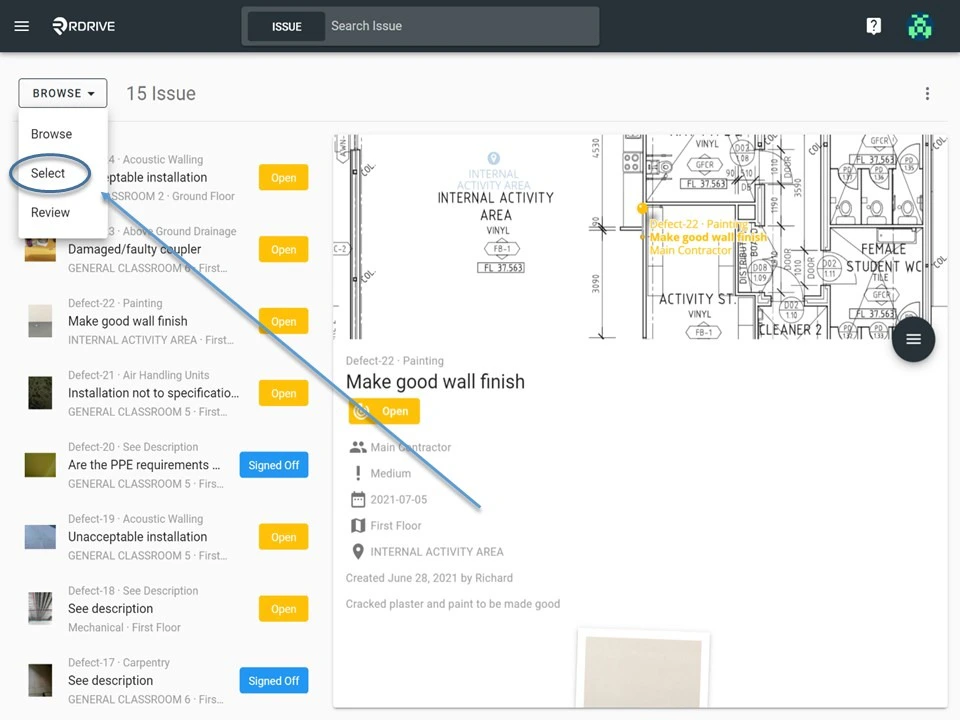
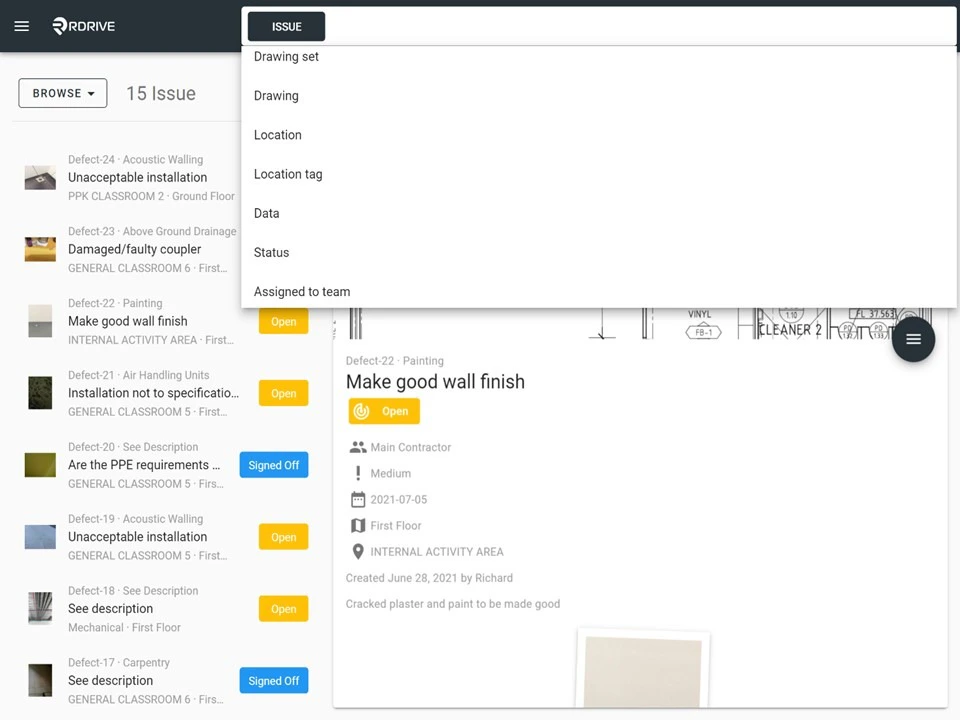
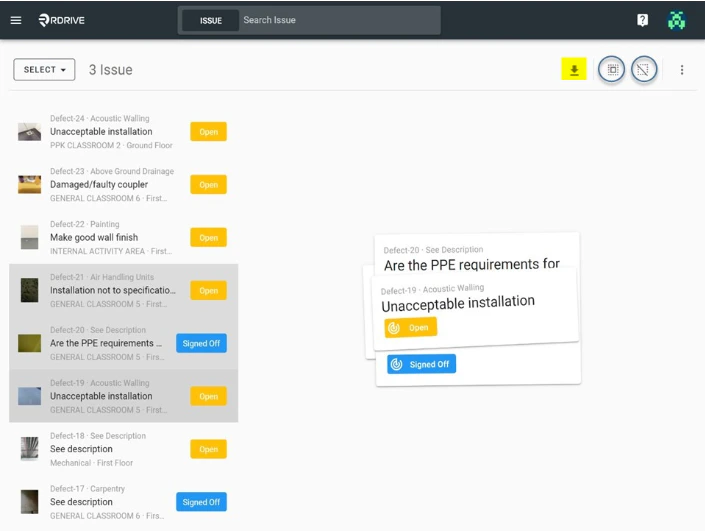
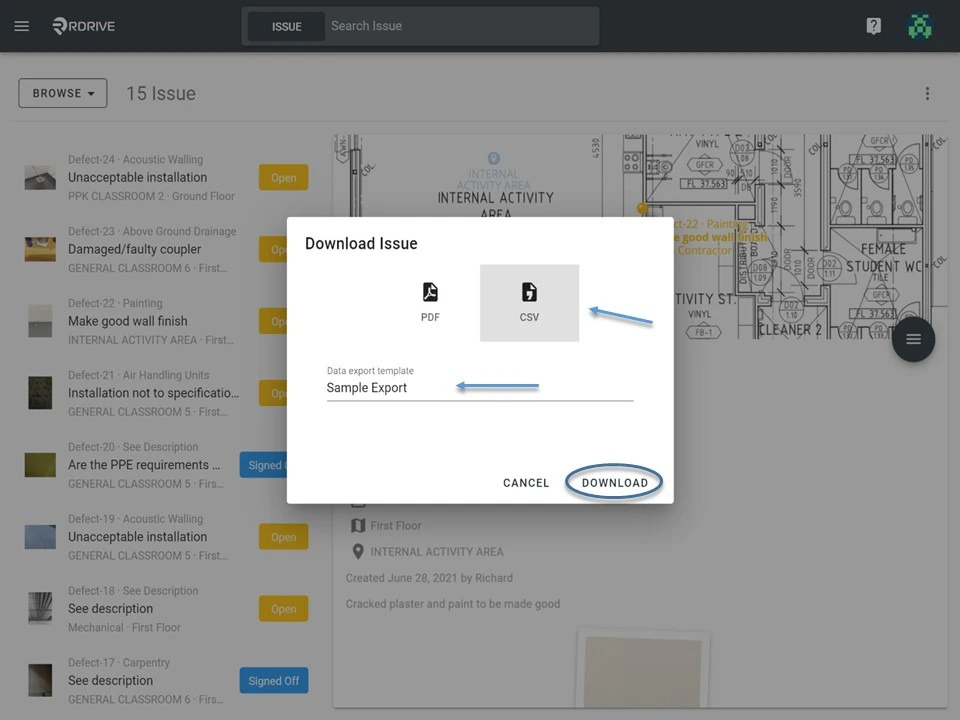
To download a batch of multiple issues/defects/records, you must first switch the mode from “Browse” to “Select” as shown below. In “Select” mode, you can select multiple issues to export the report as necessary.