
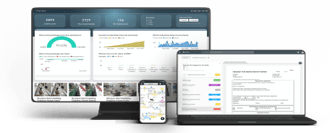

Overview
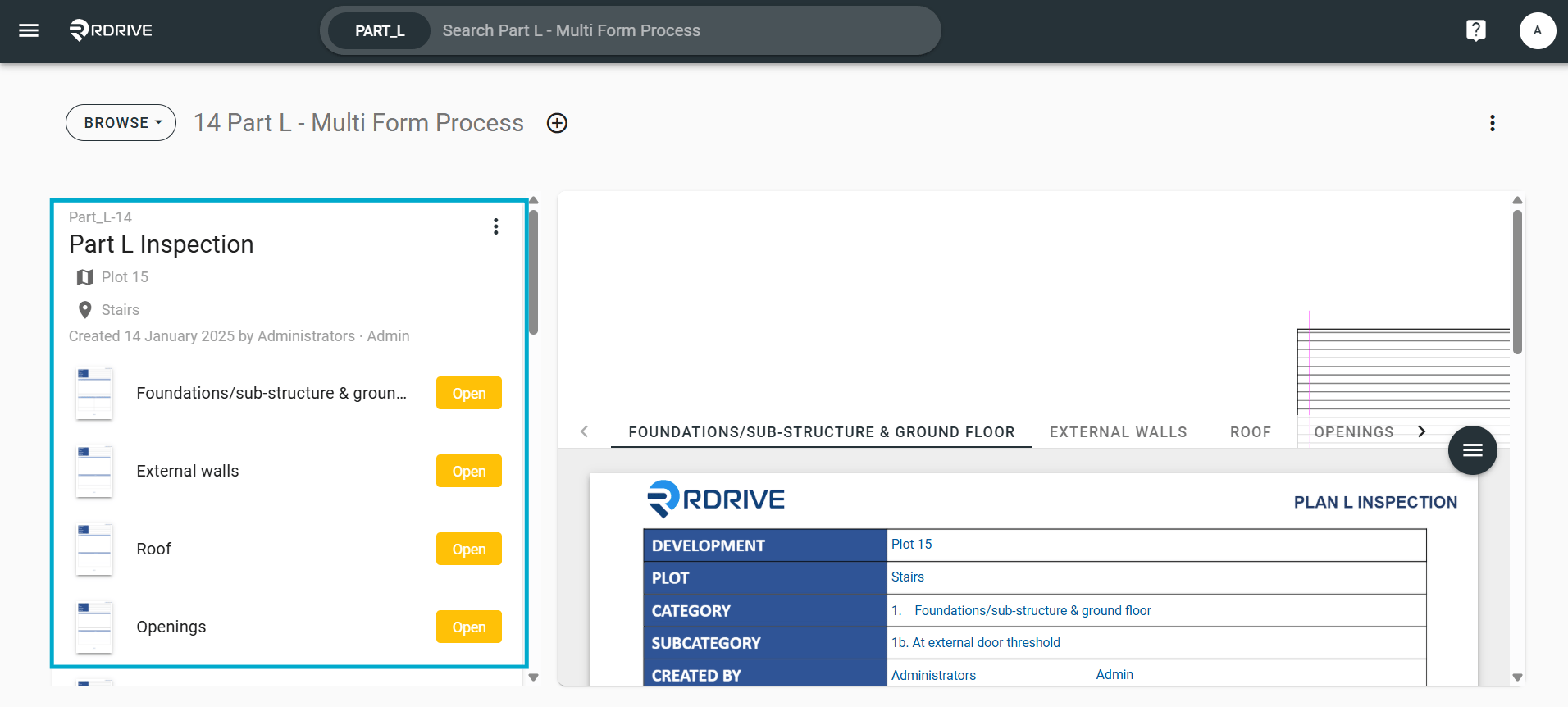
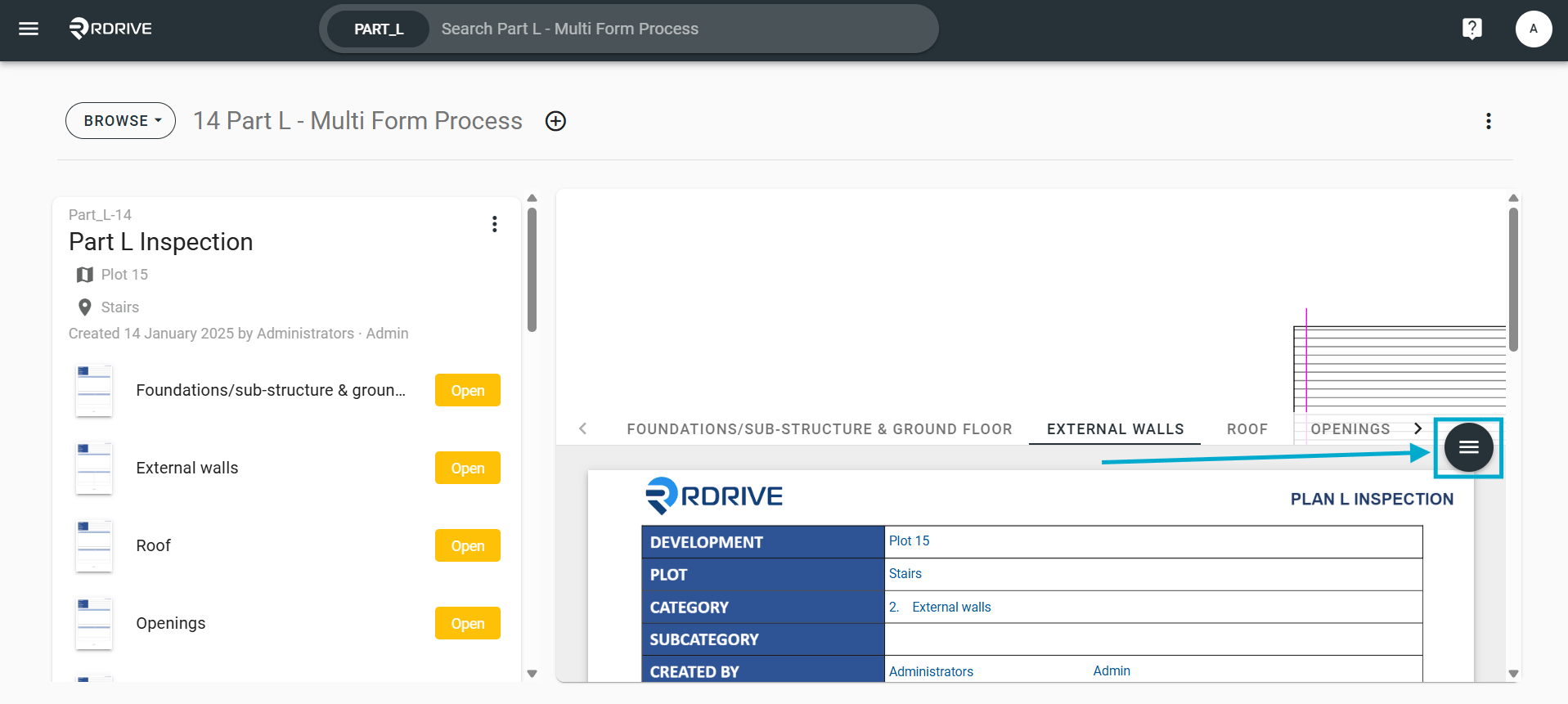
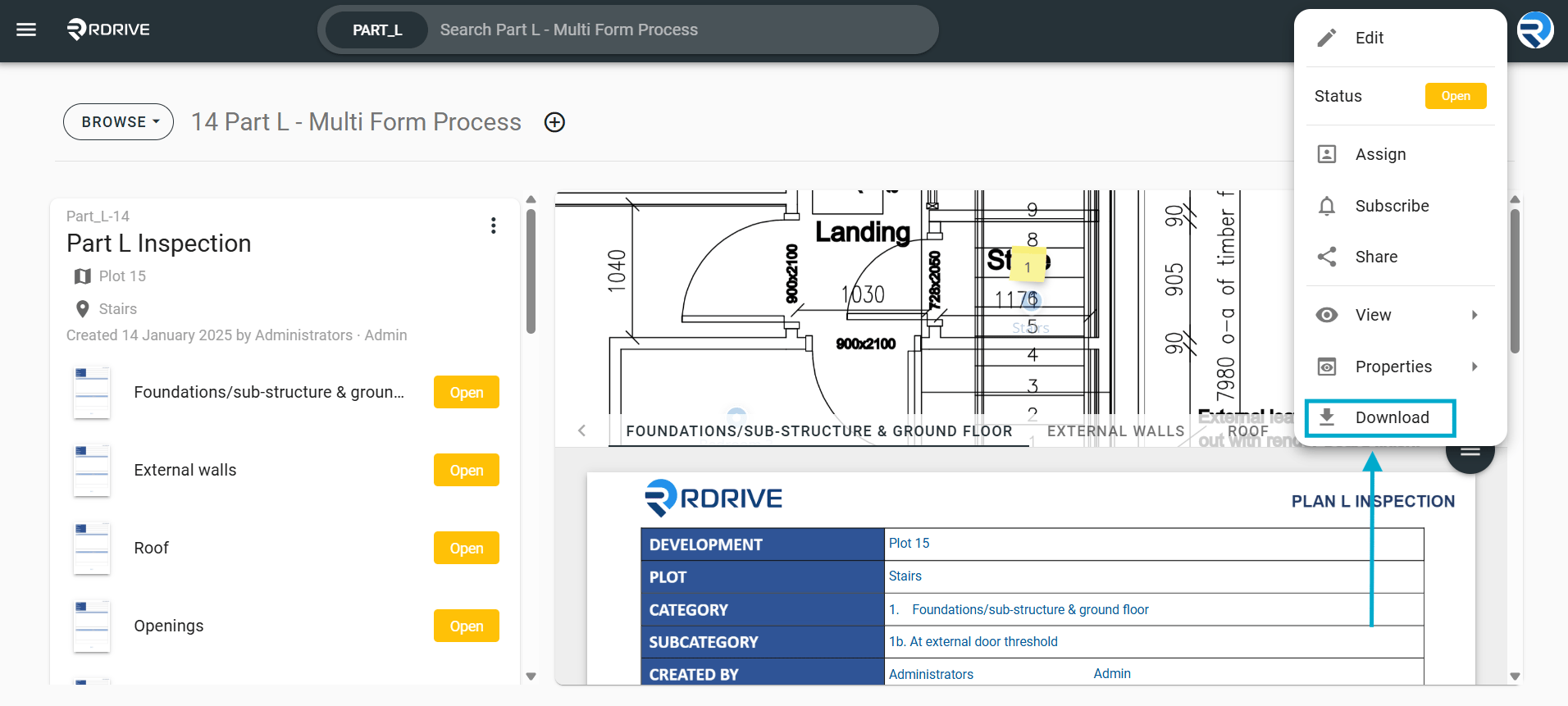
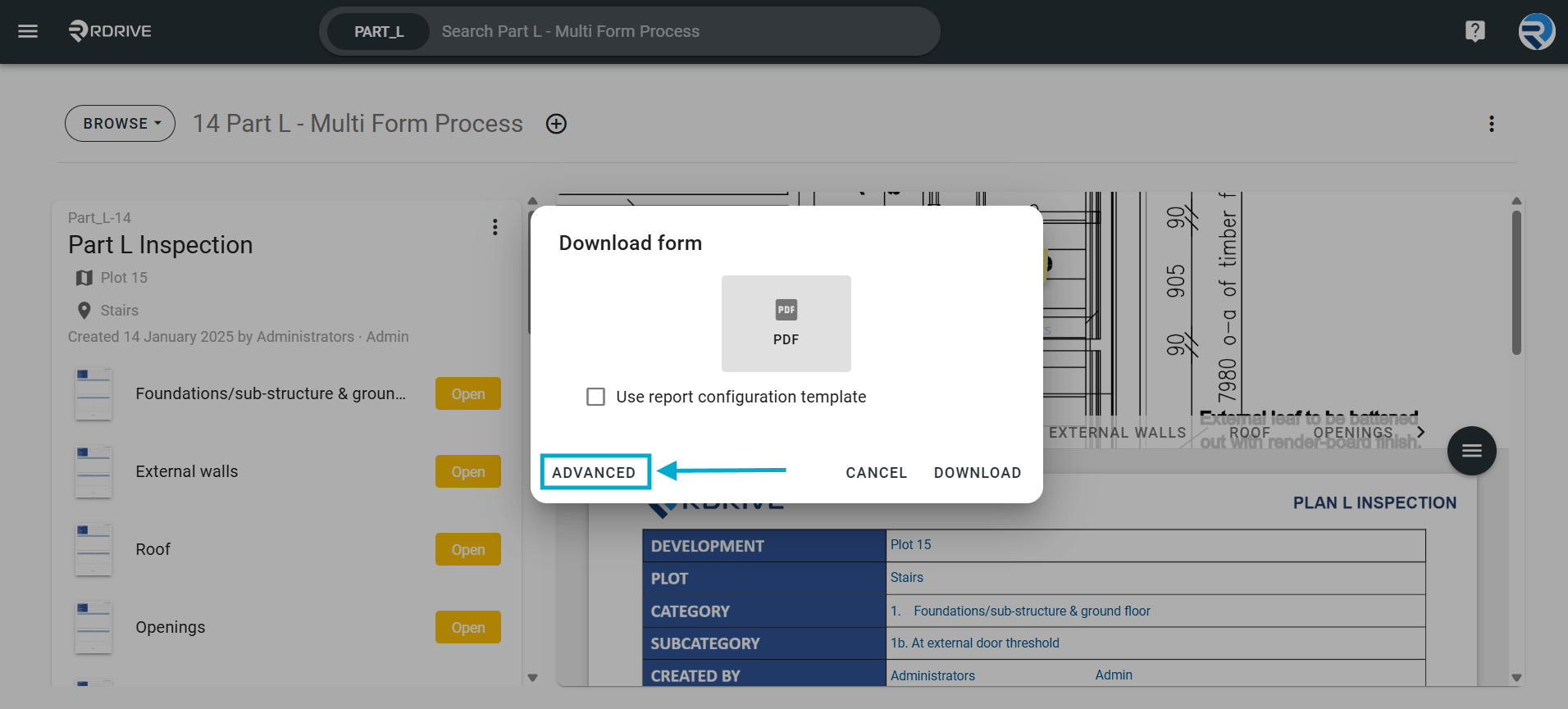
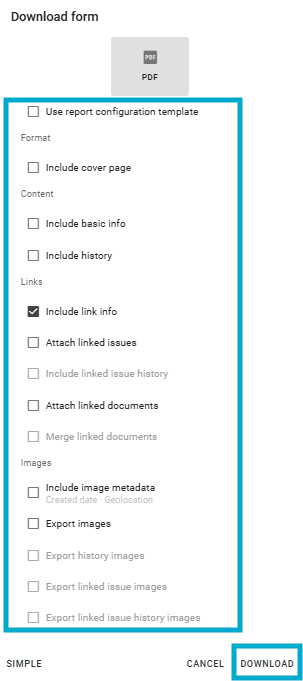
How to download a single part of a process within RDrive- Purpose: How to export a specific part of a process as a PDF report
- Who It’s For: General users
Prerequisites: Able to read the process
FAQs & Troubleshooting
Q: Can I export a single process form as a PDF? A: Yes. Open the required process form and select the PDF or Export option to generate a downloadable PDF version of that specific form. Q: Why can’t I see the export PDF option?A: The export option may be restricted by your project permissions or disabled within your organisation’s settings. Contact your project administrator if required. Q: My exported PDF is blank or incomplete—what should I do?
A: Ensure the form has been fully synced and saved before exporting. Refresh the page or reopen the form, then try the export again.