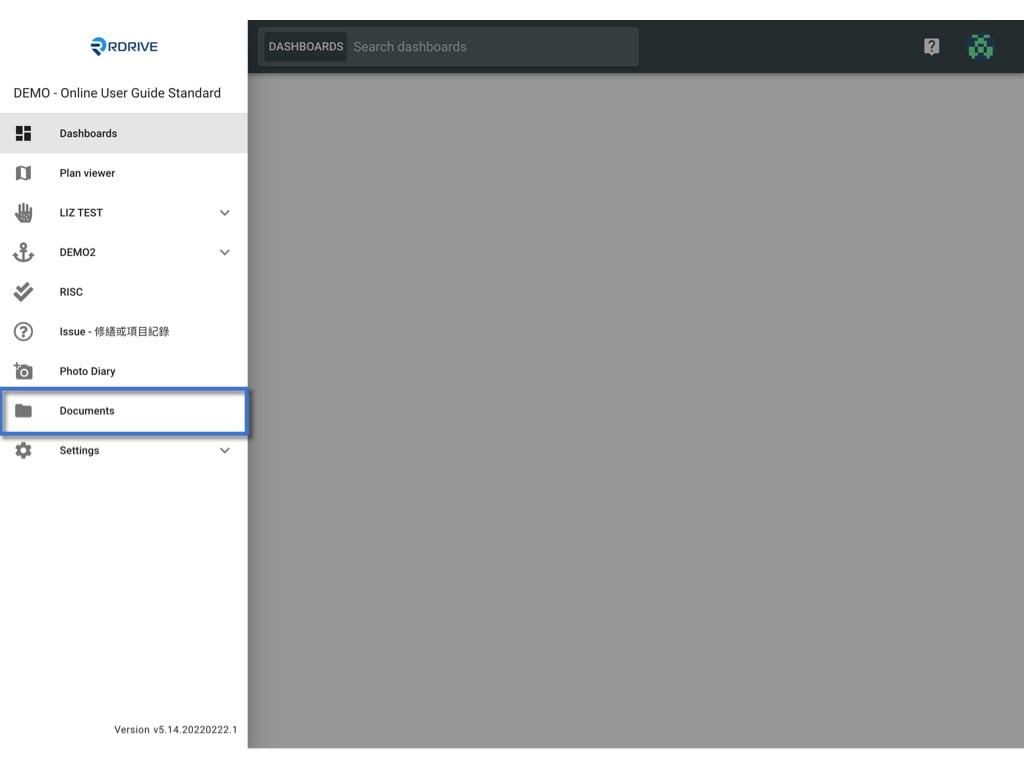
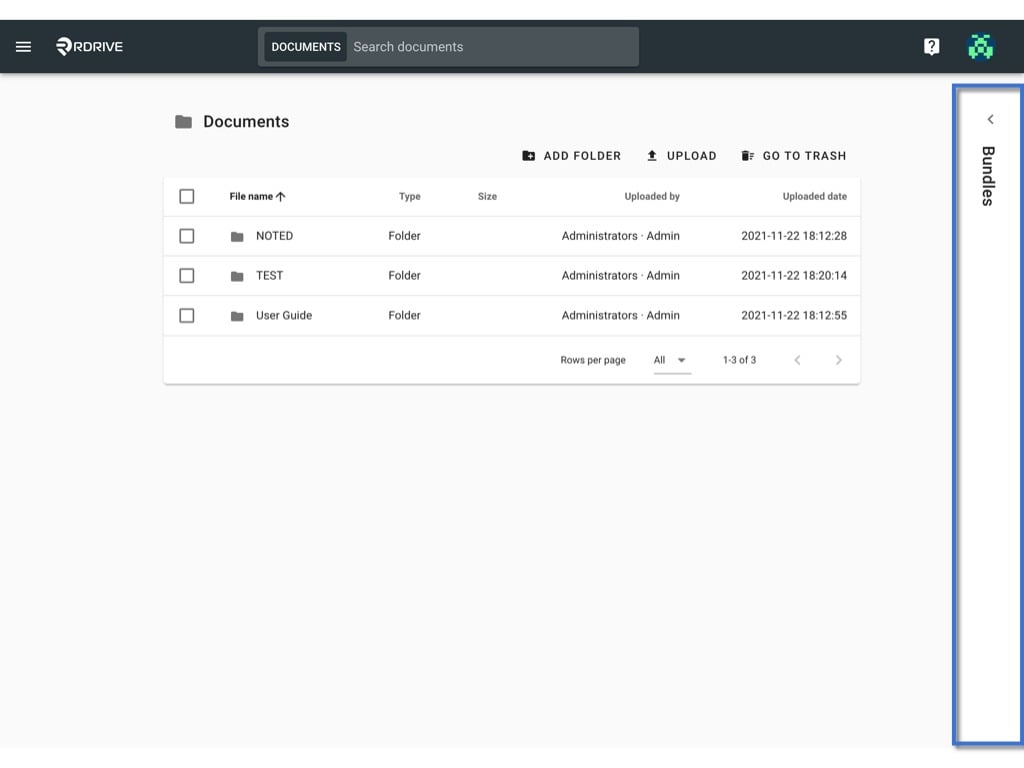
You may edit the name and dot colour of the bundle or delete it. First of all, access the Documents page by clicking the menu icon on the top left corner ➡ Documents. Edit the bundle Unfold the bundle window. Edit the bundle

Edit the name

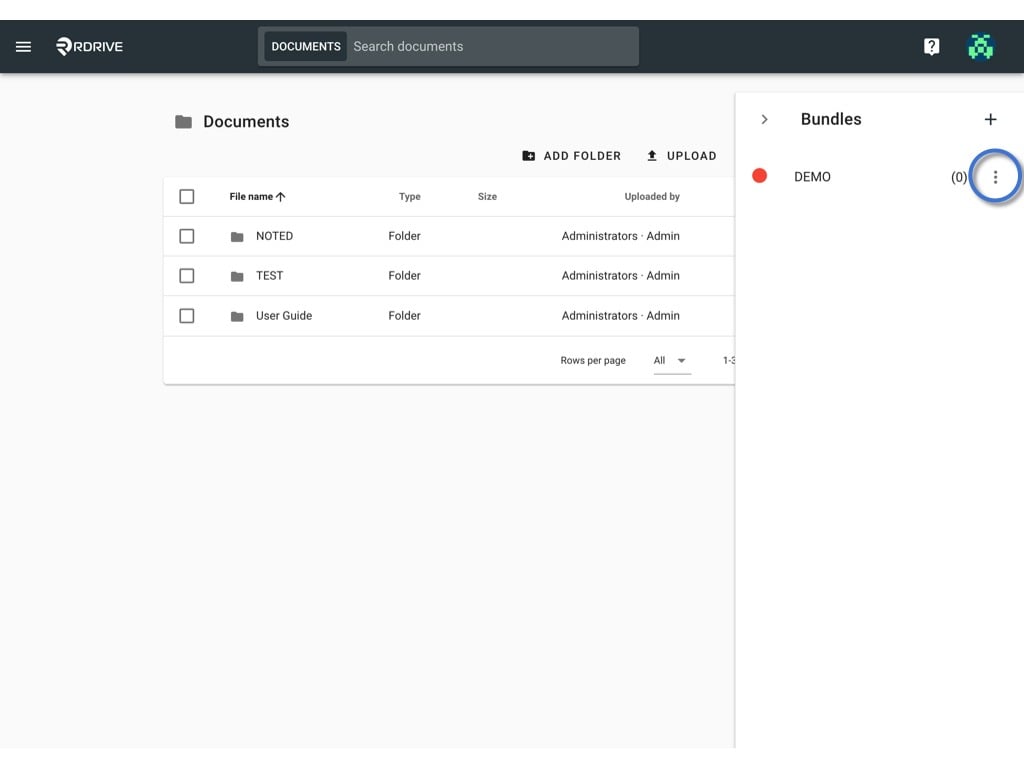
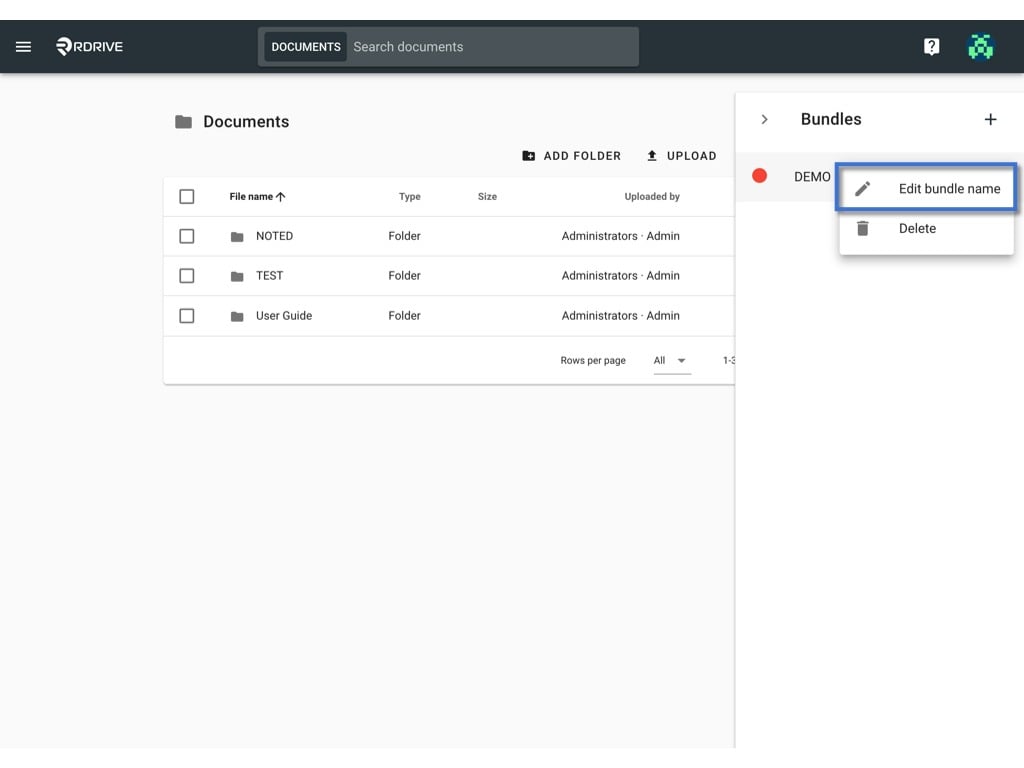
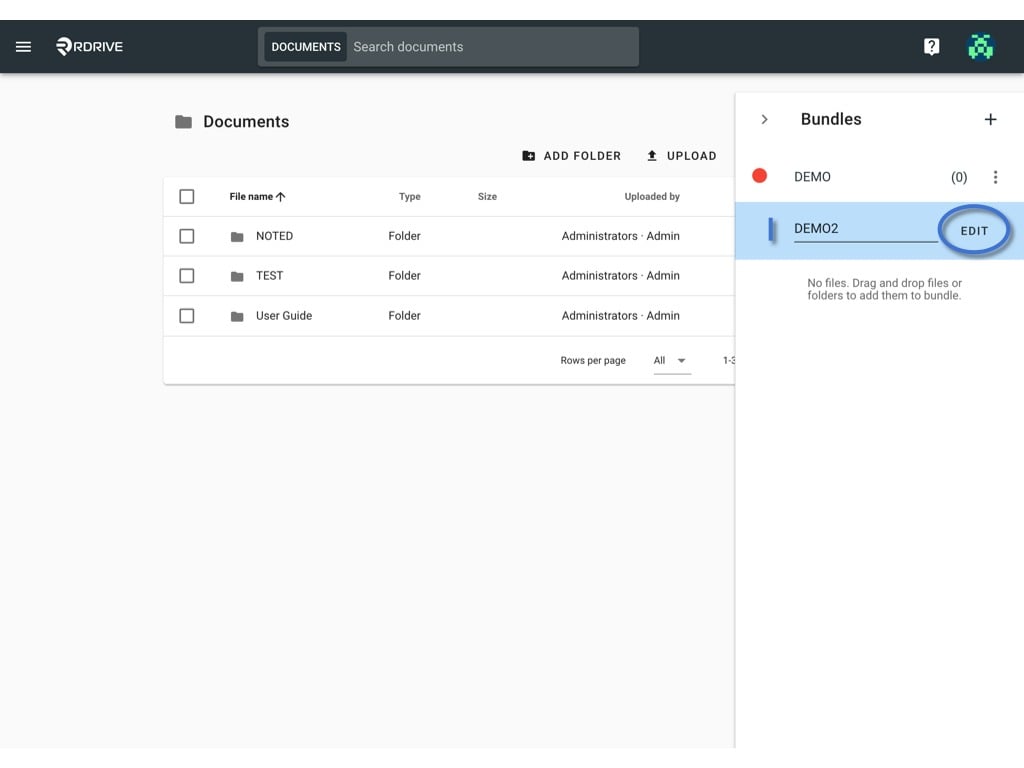
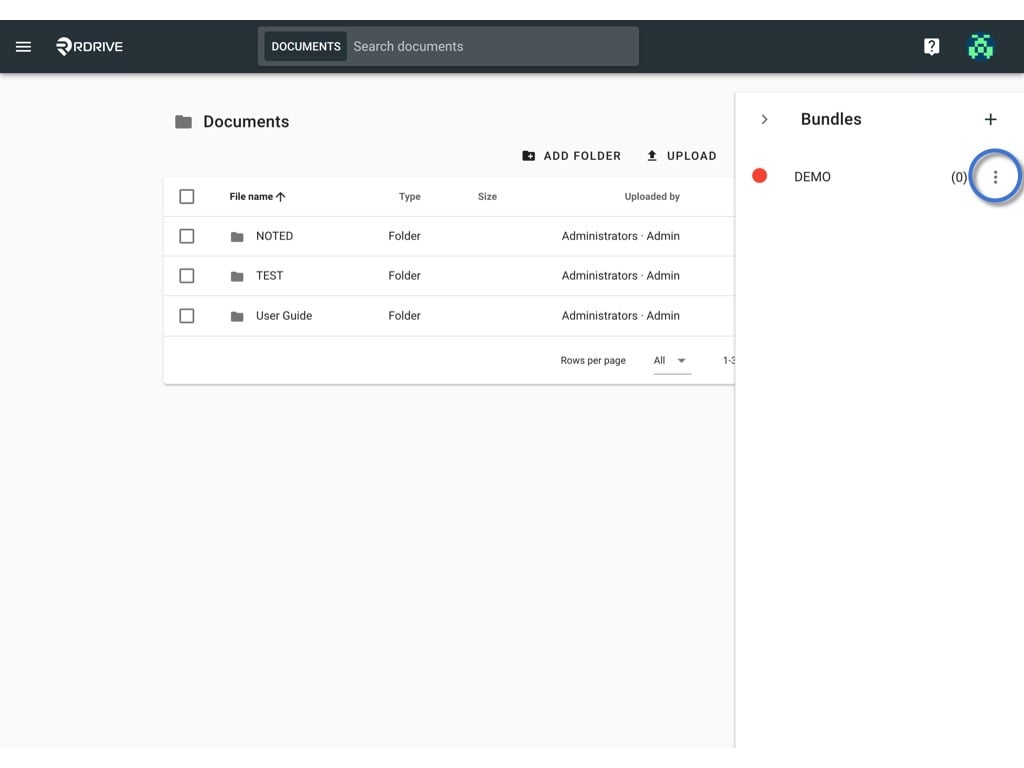
Click the button and select Edit bundle name. Edit the bundle Edit the bundle Edit the name and click EDIT to save. Edit the bundle

Change the dot colour

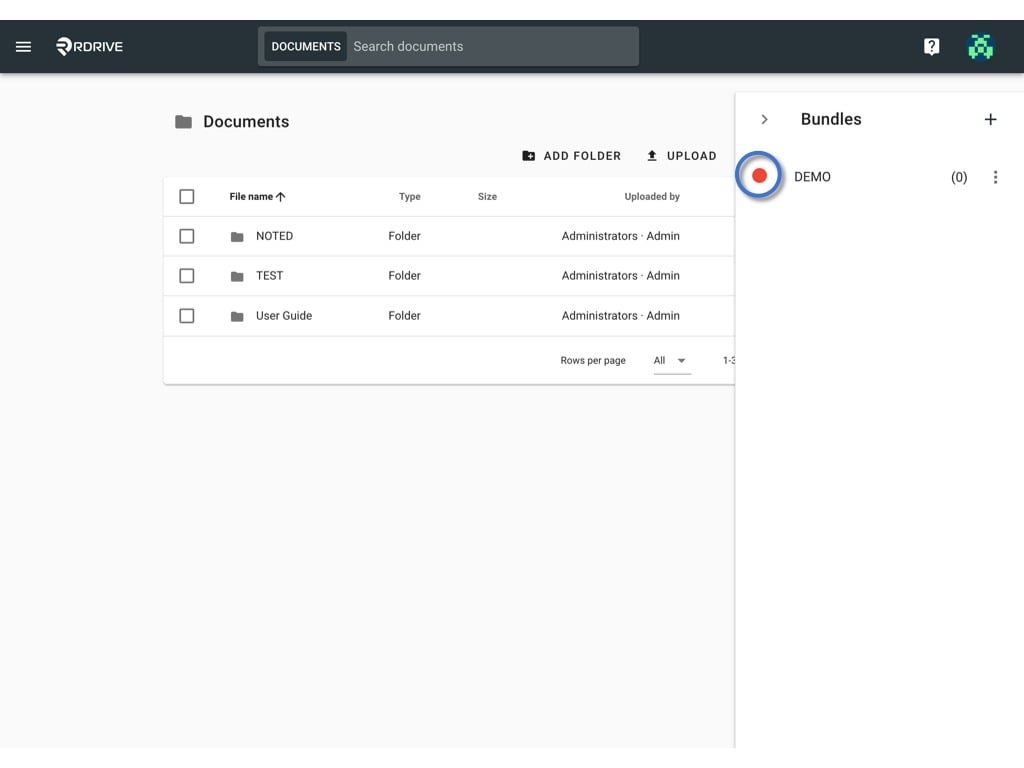
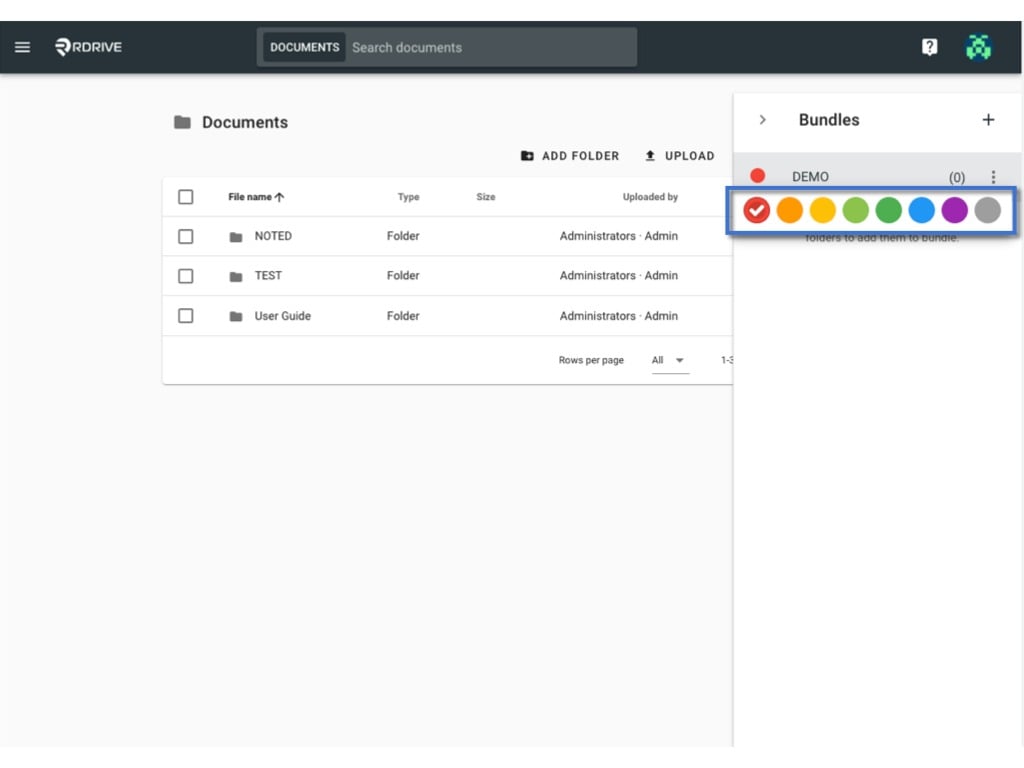
Click on the current dot colour. Edit the bundle the colour selection will pop up for you to select. You may click on it to change. Edit the bundle

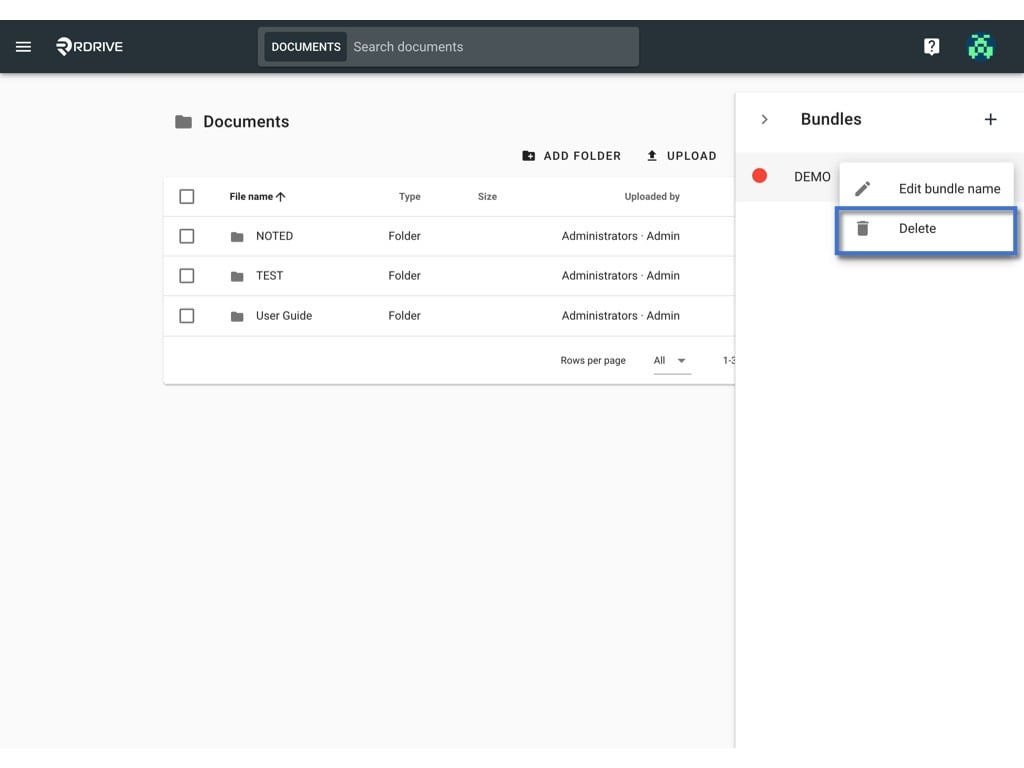
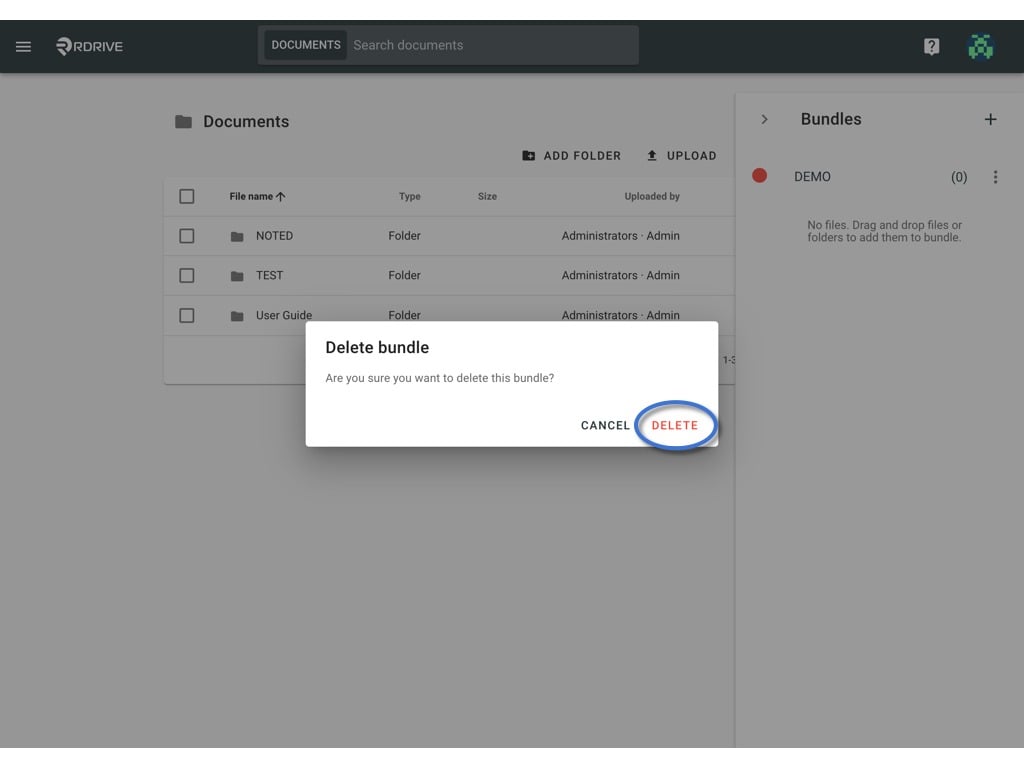
Delete

Click the button and select Delete. Edit the bundle Edit the bundle DELETE to delete. Edit the bundle