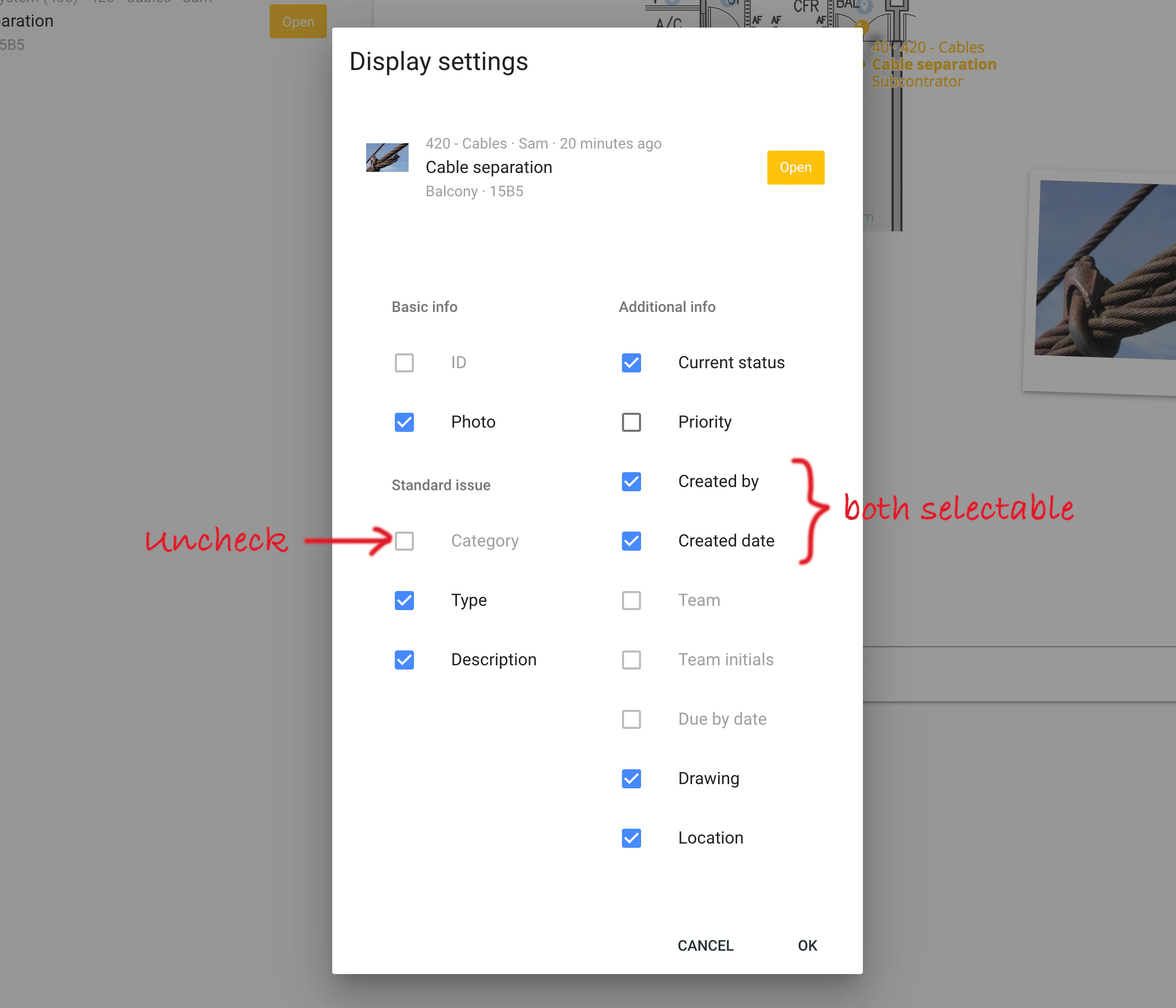
Display settings for issues and processes
You can customize how issues and processes are displayed in a list, but there is a limit to how much information can be shown in a ticket. There is a maximum of 1 image, 3 lines and 2 labels in every ticket. Each piece of information occupies a specific spot in the ticket. Certain options will be disabled if that space is full.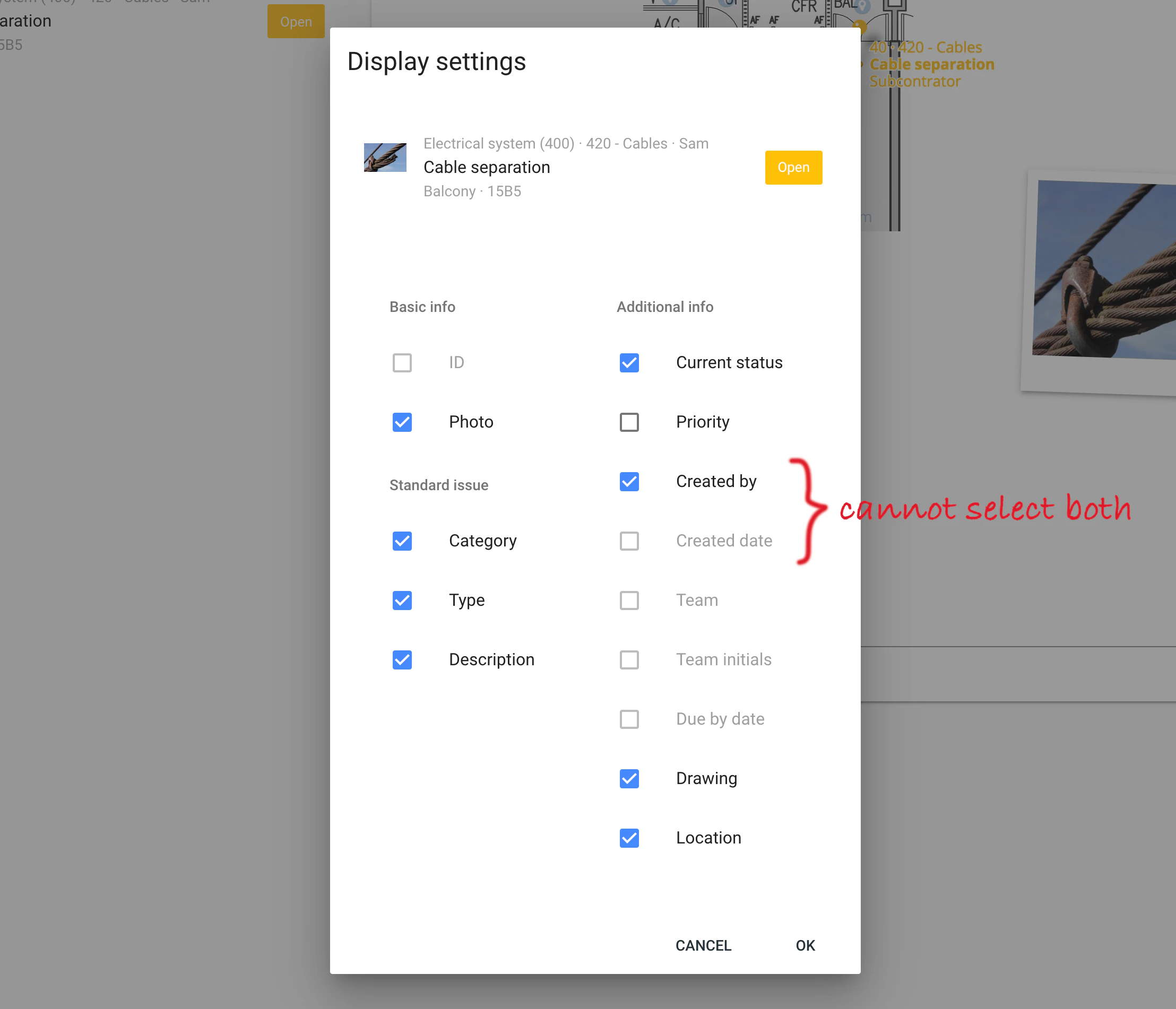
Free up space for the most important information
Showing everything in a ticket makes it hard to scan through the list. In general, you should only keep the most important information in the list. You can always see the rest of the information when you select an item. In the case of not being able to select both “Created by” and “Created date”, you have used up all the space on the first line. To free up space, start unchecking other pieces of information until both options become available.