Via Finder
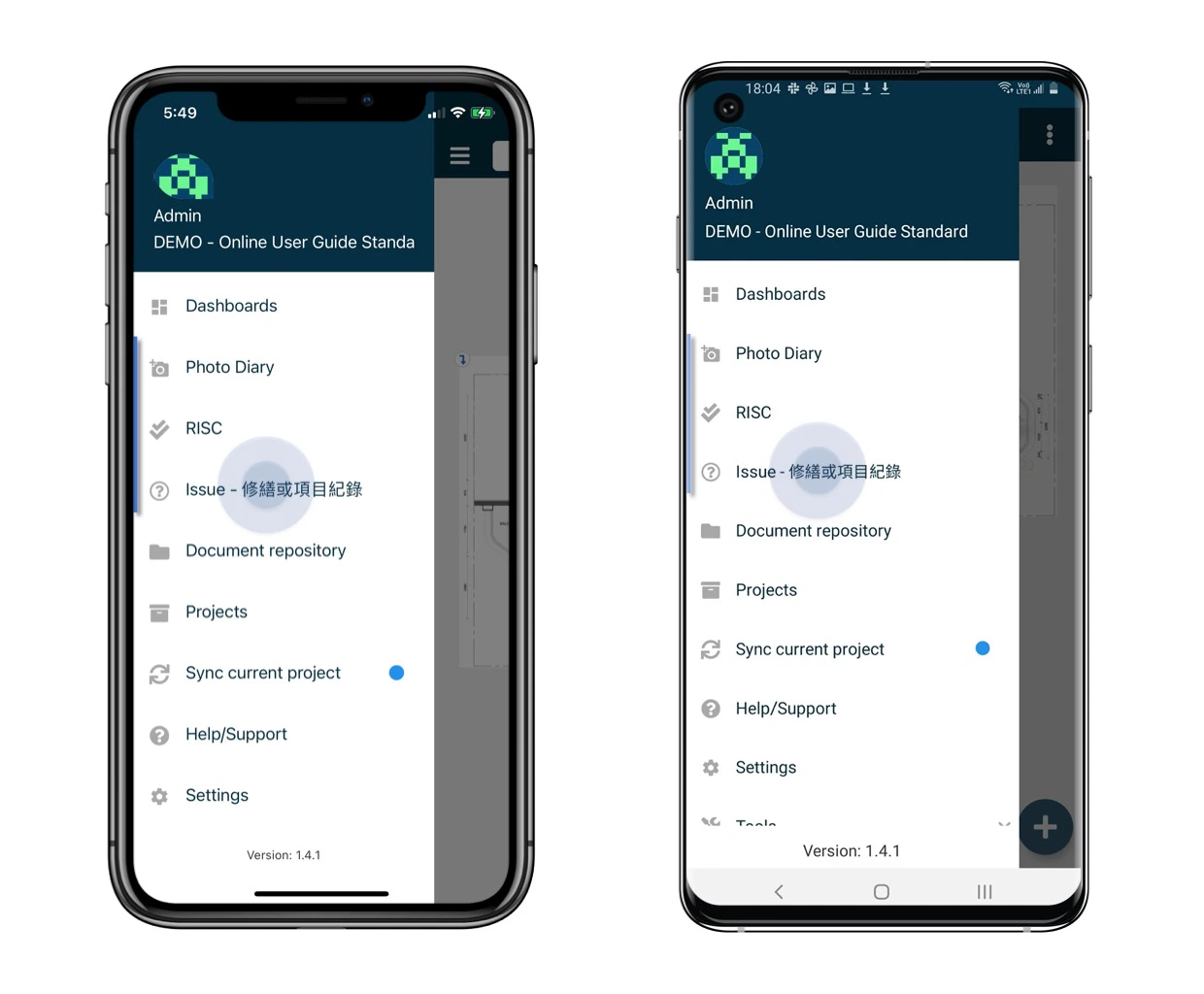
Click the menu icon ≡ on the top left corner to unfold the Menu, and select the Subcategory finder.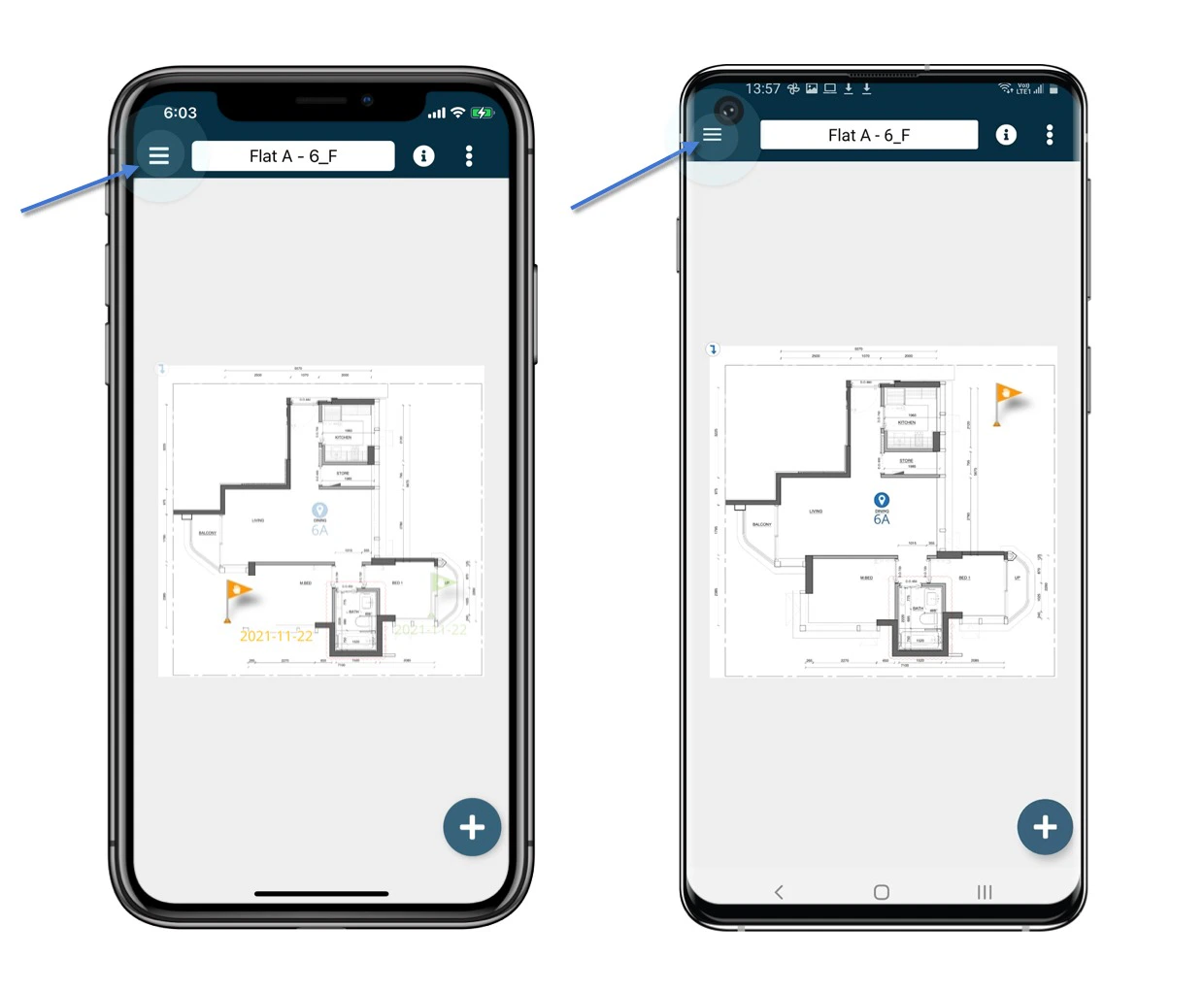
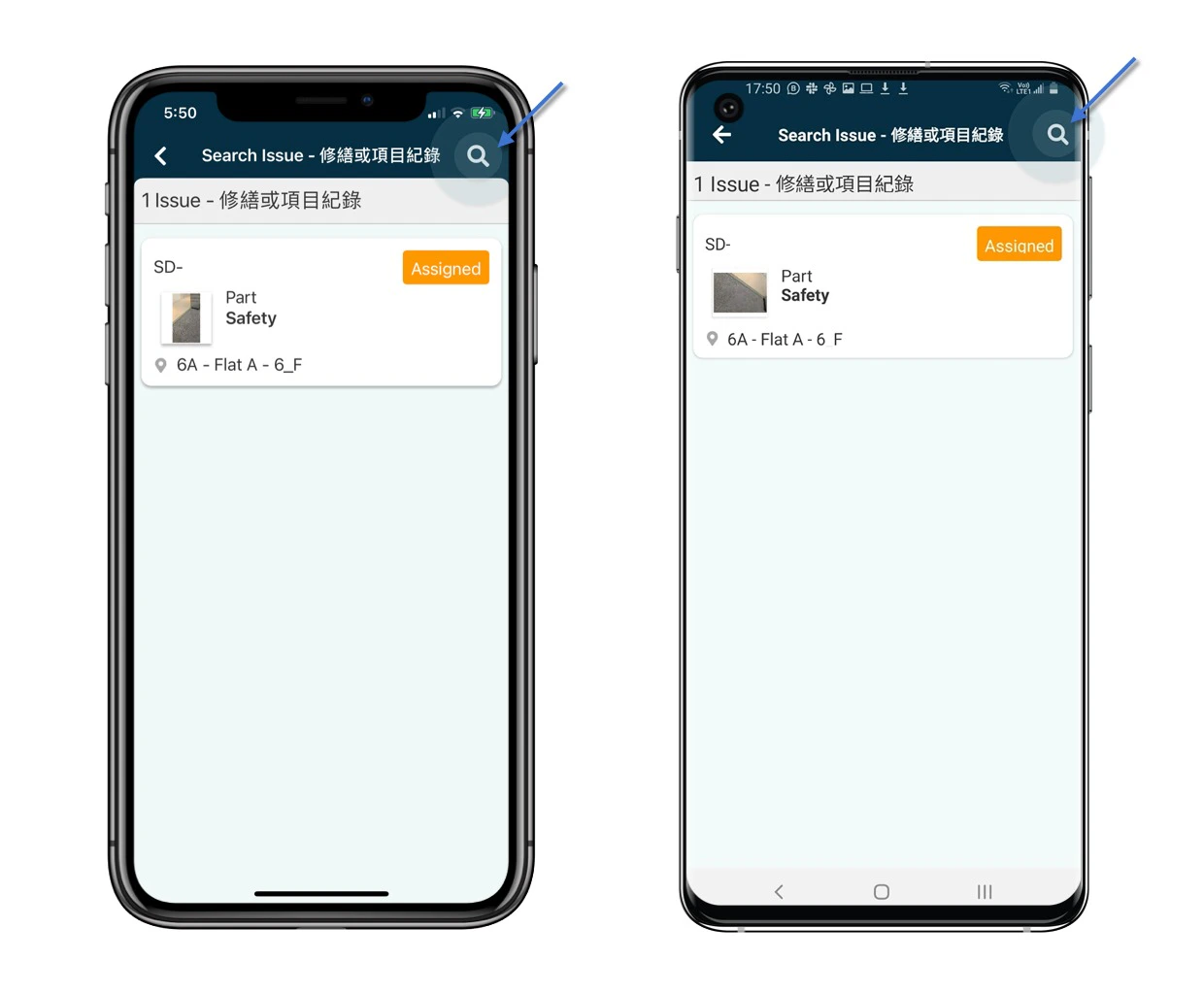
You may click the magnifier icon at the top right corner to search for specific.
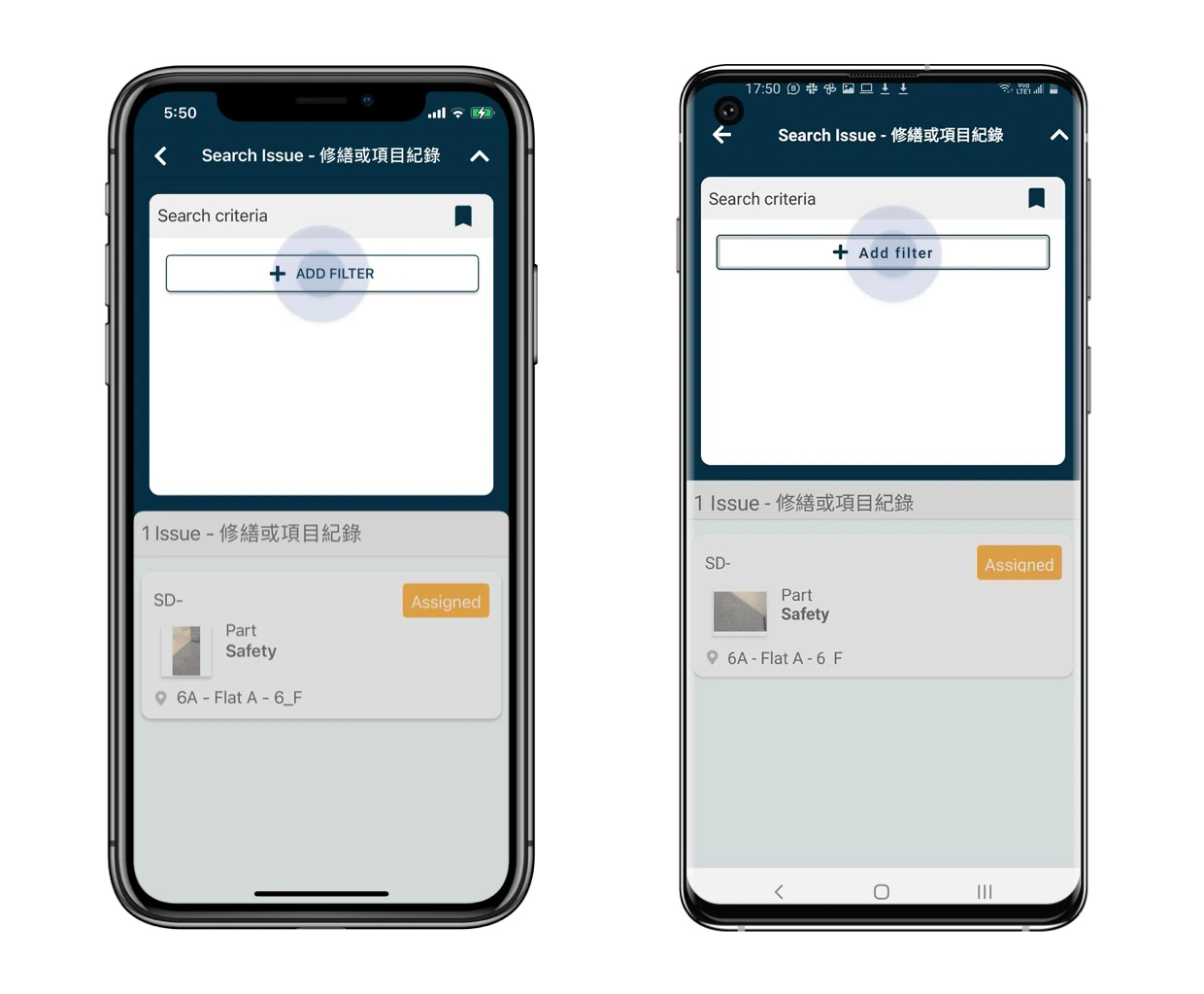
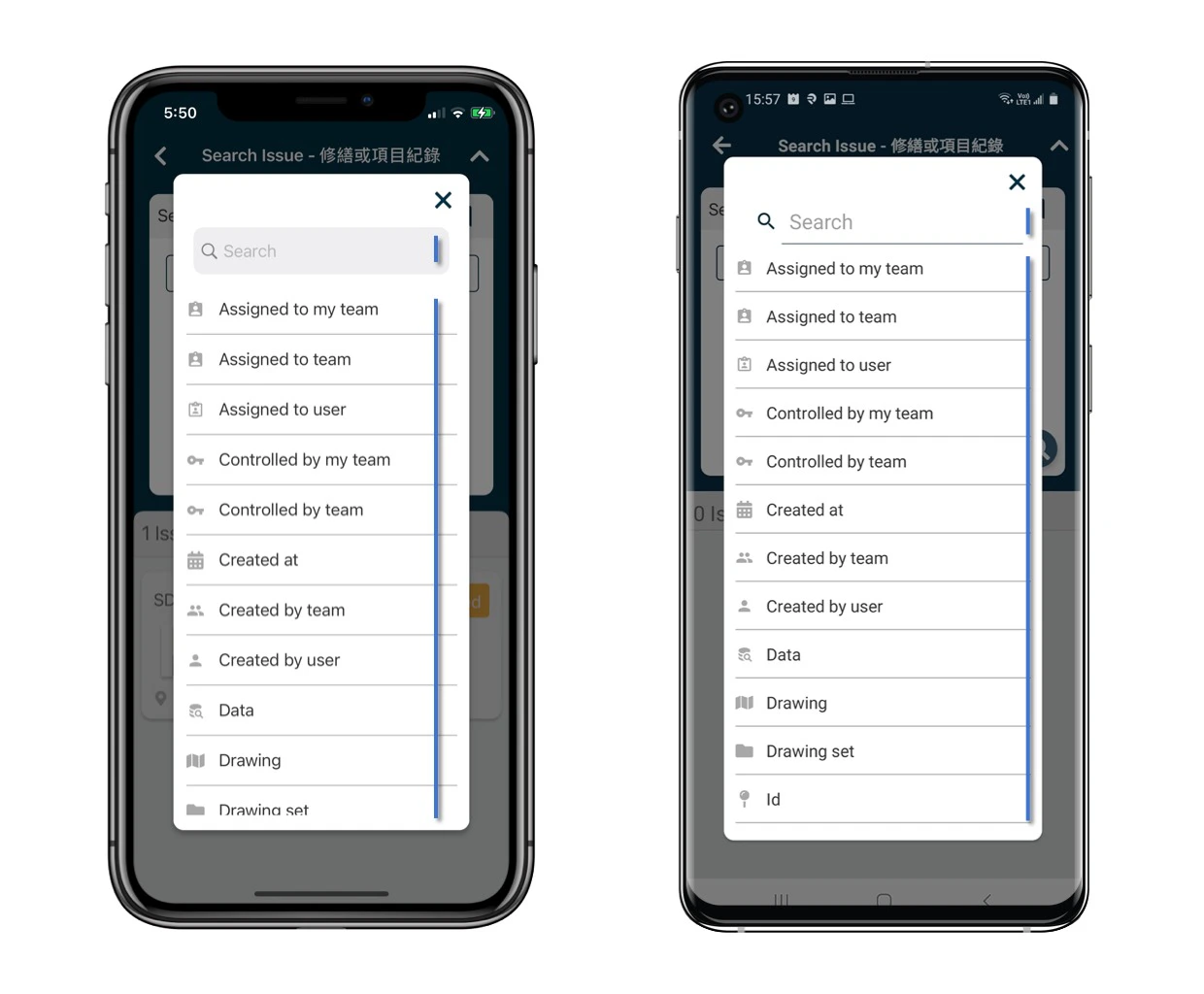
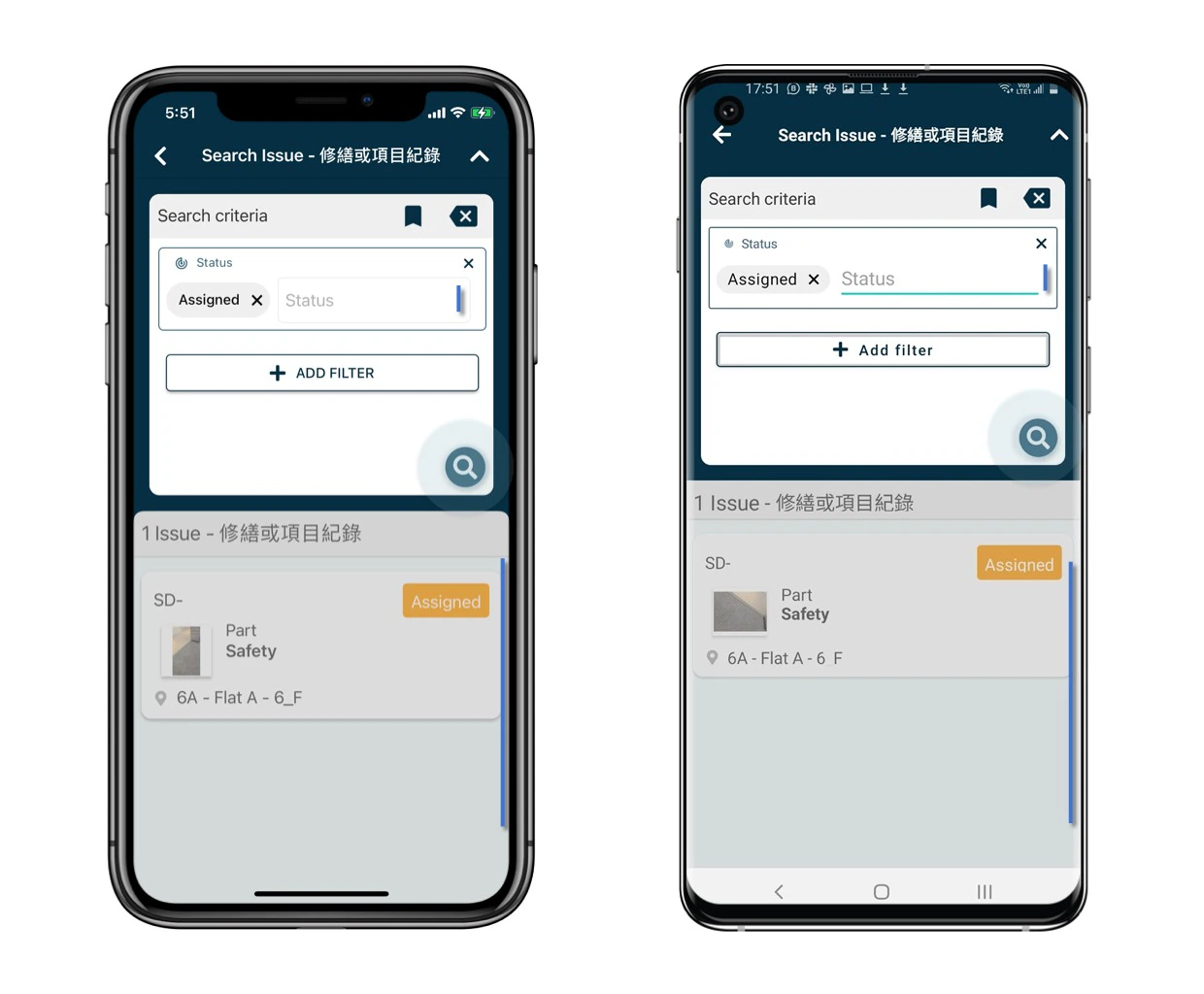
And you may save the filter selection as a bookmark for the next time.
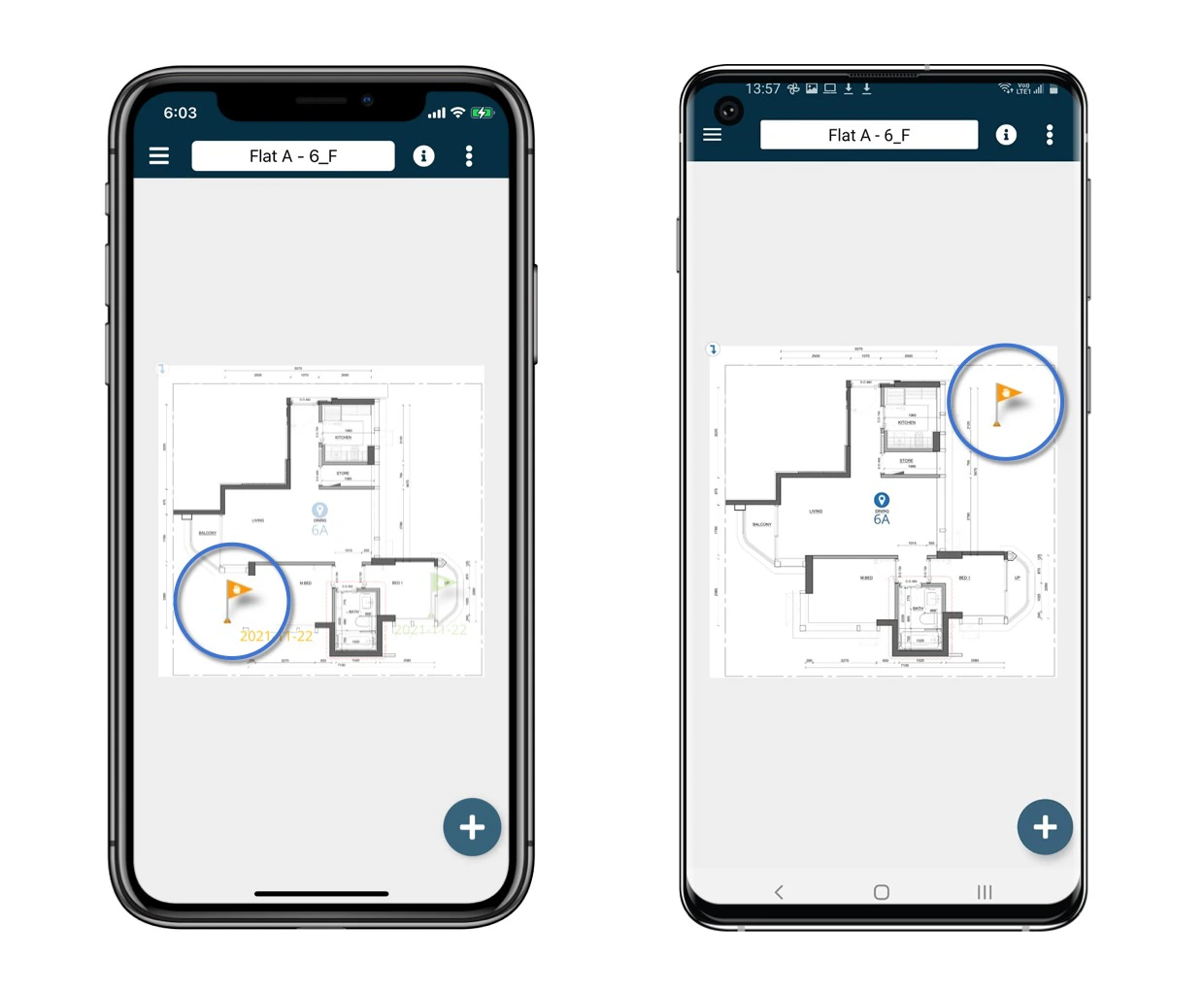
Via Plan viewer
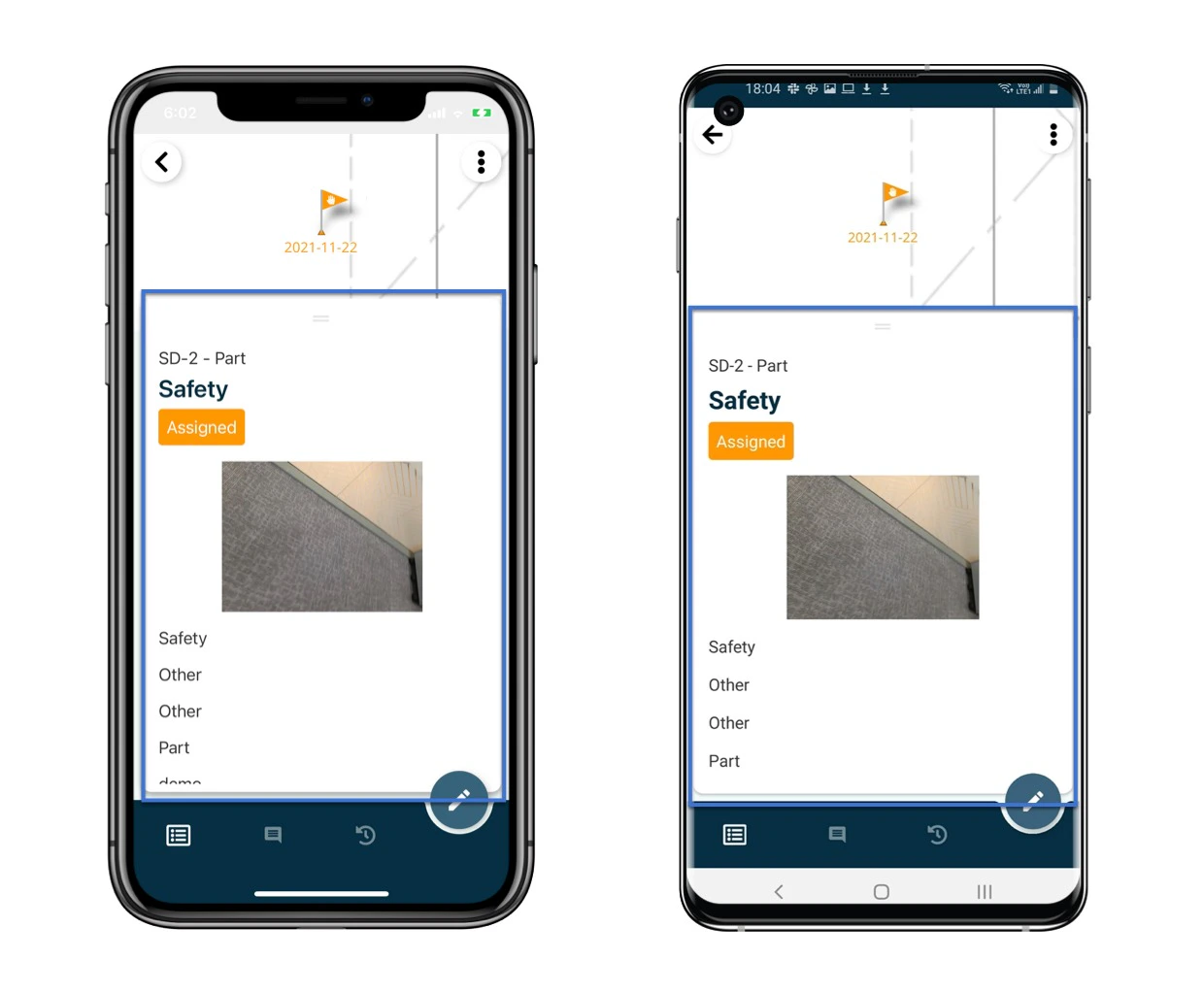
Alternatively, you can return to the Plan Viewer to manage issues or records by location. Select drawing at the top, click on any pins and view full details of the record.