Data export is a tool for general users to extract data to a CSV file for any purpose.
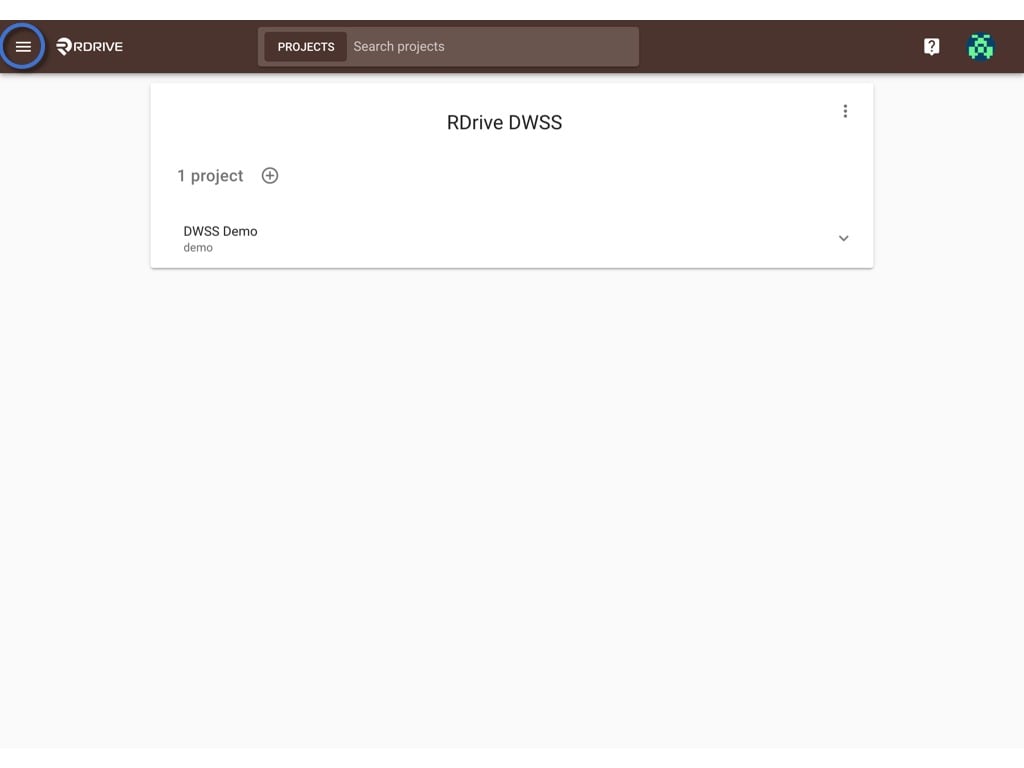
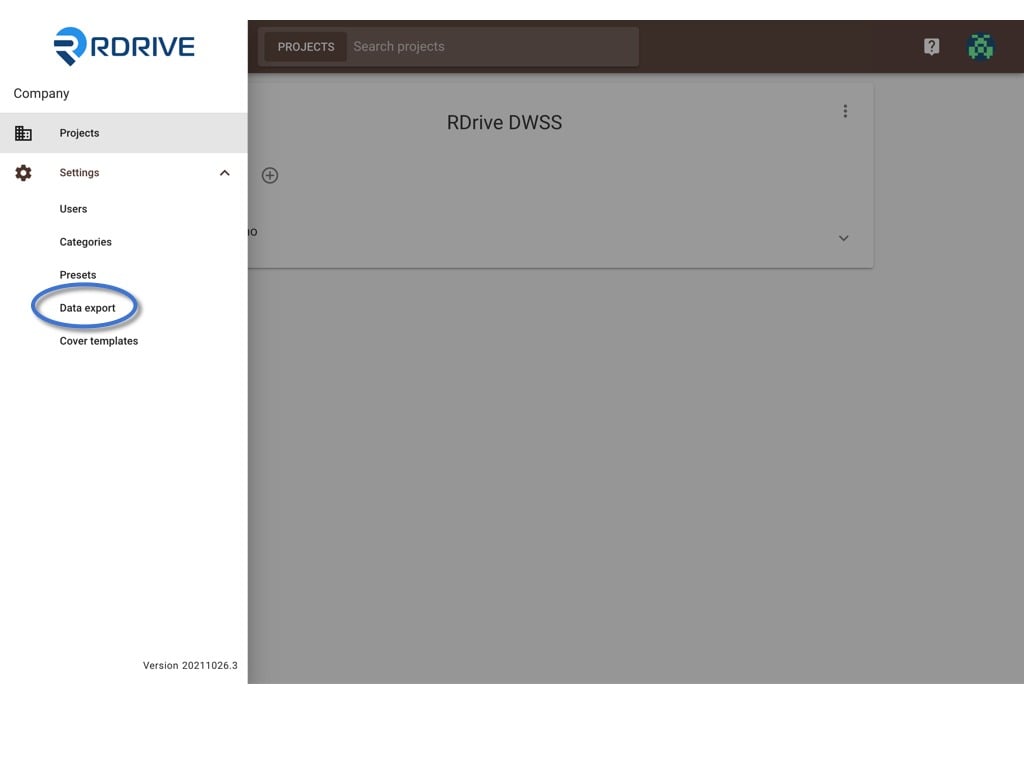
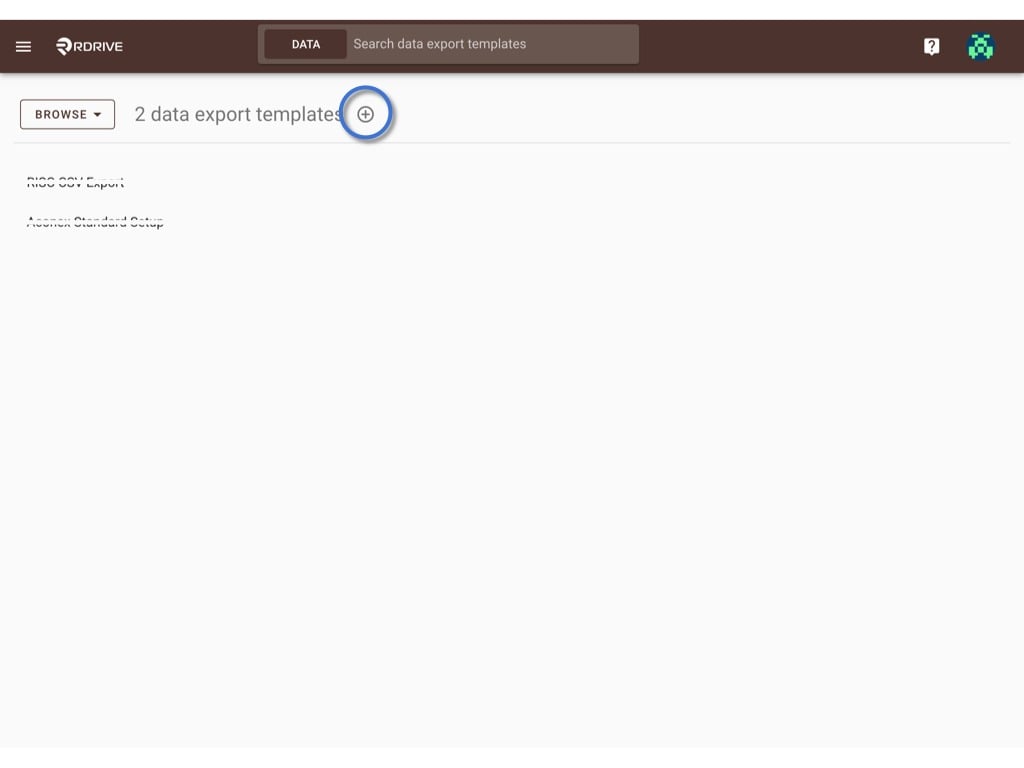
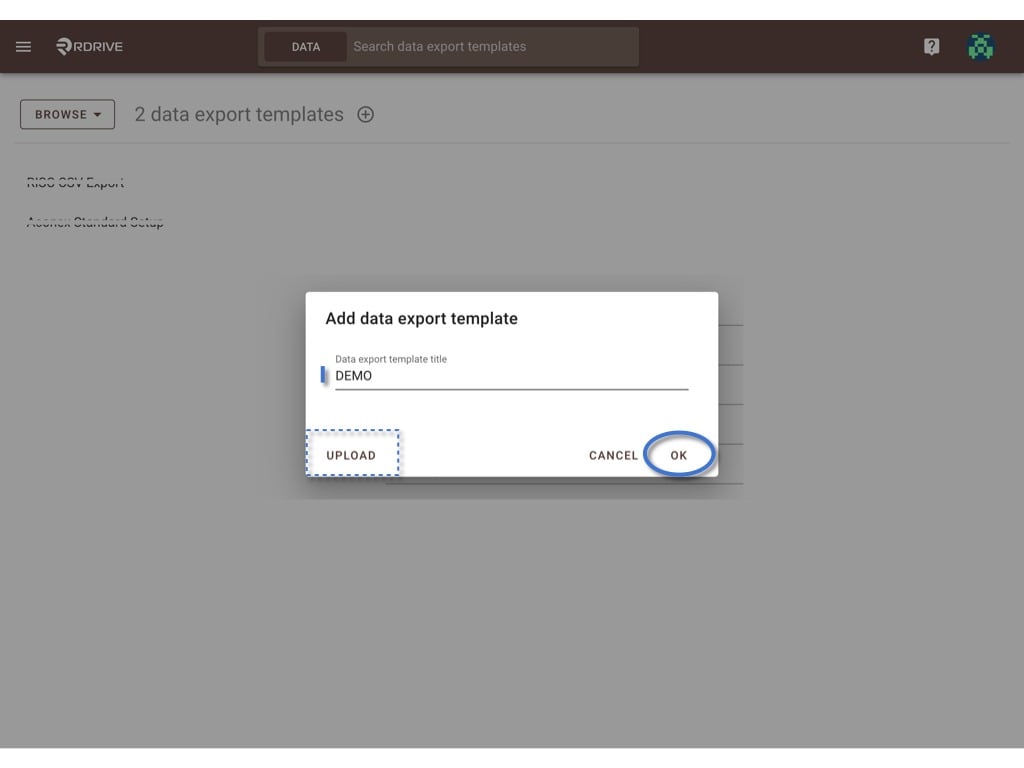
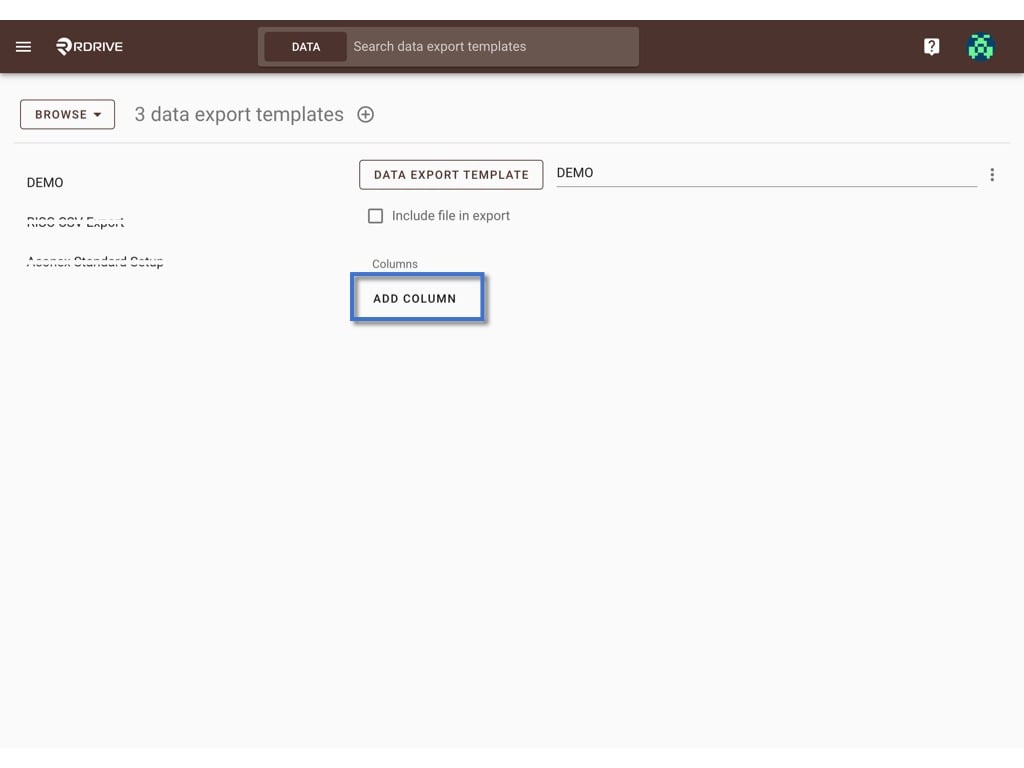
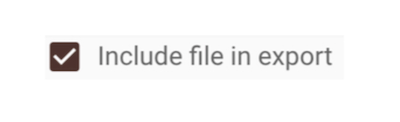
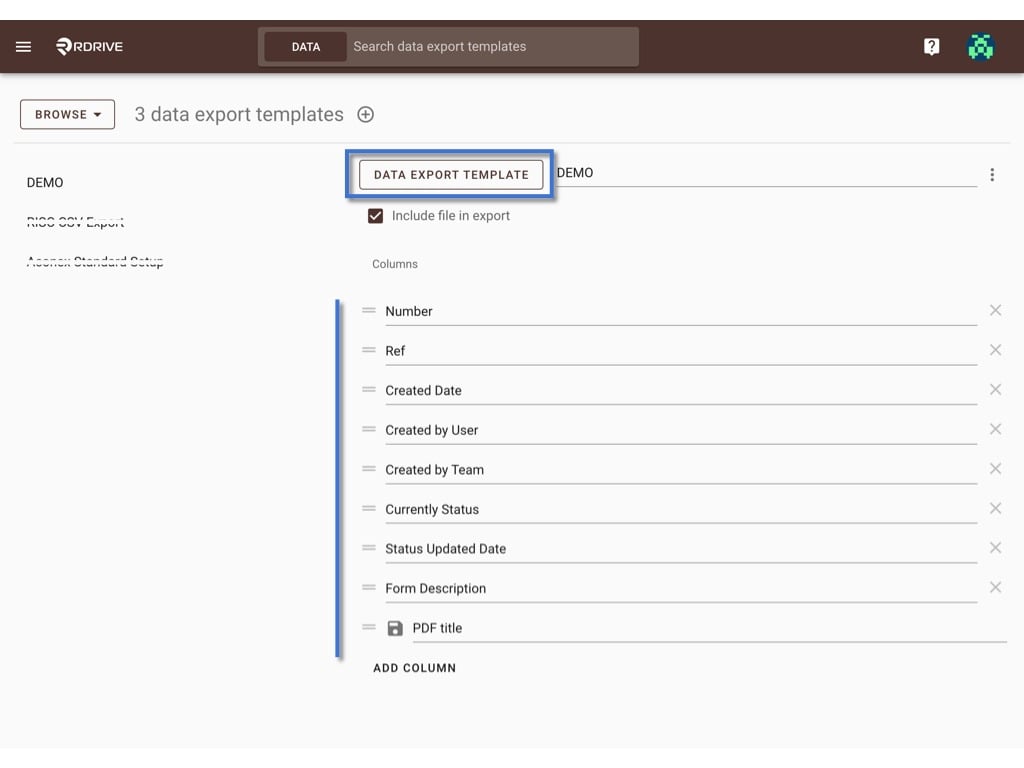
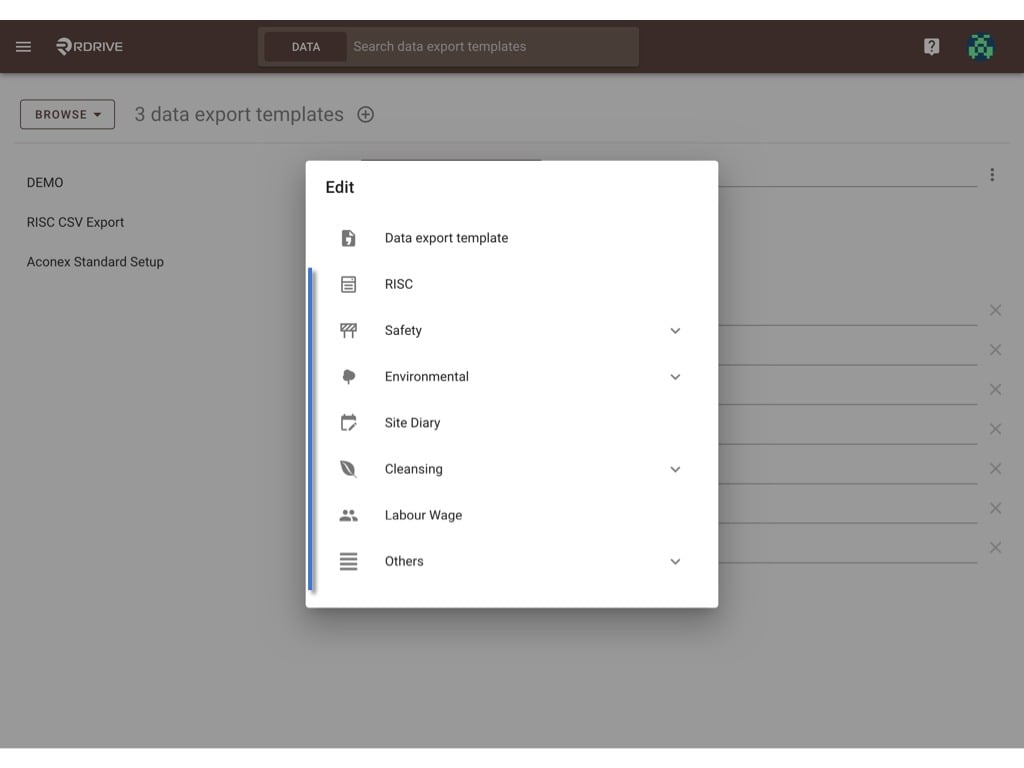
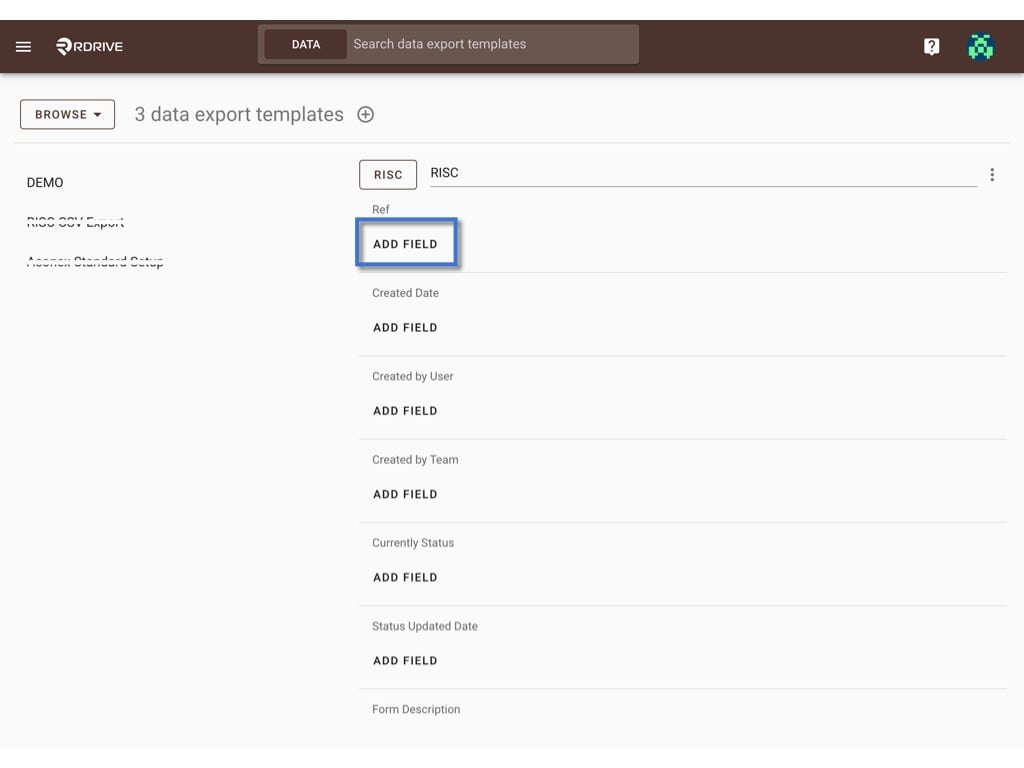
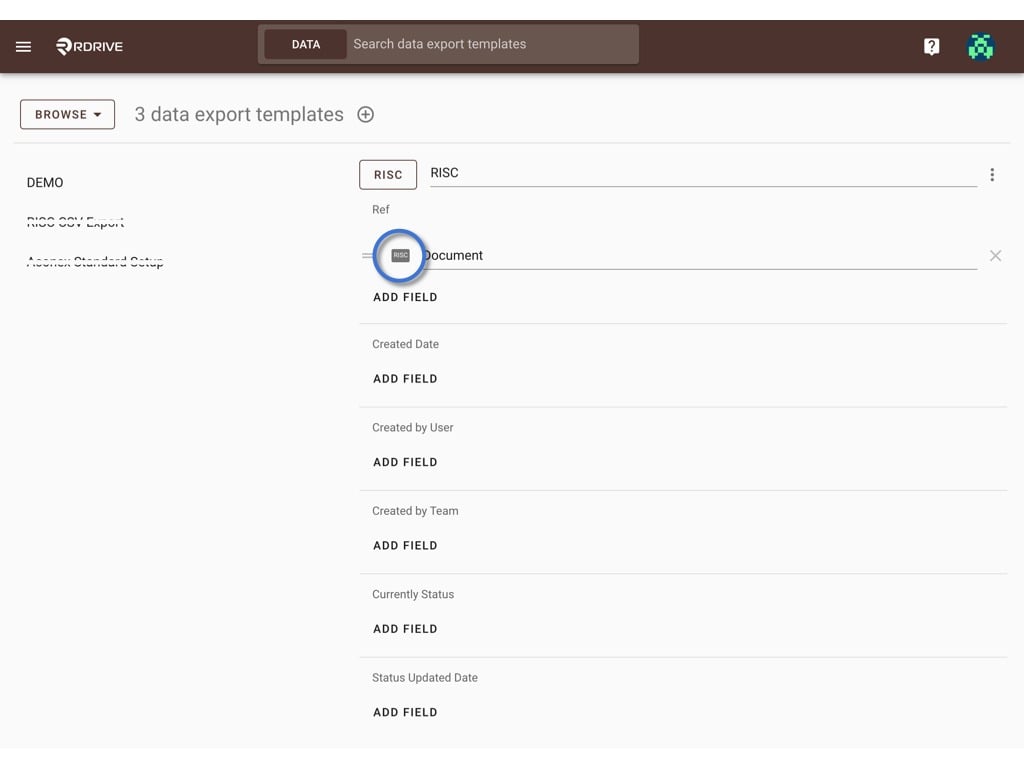
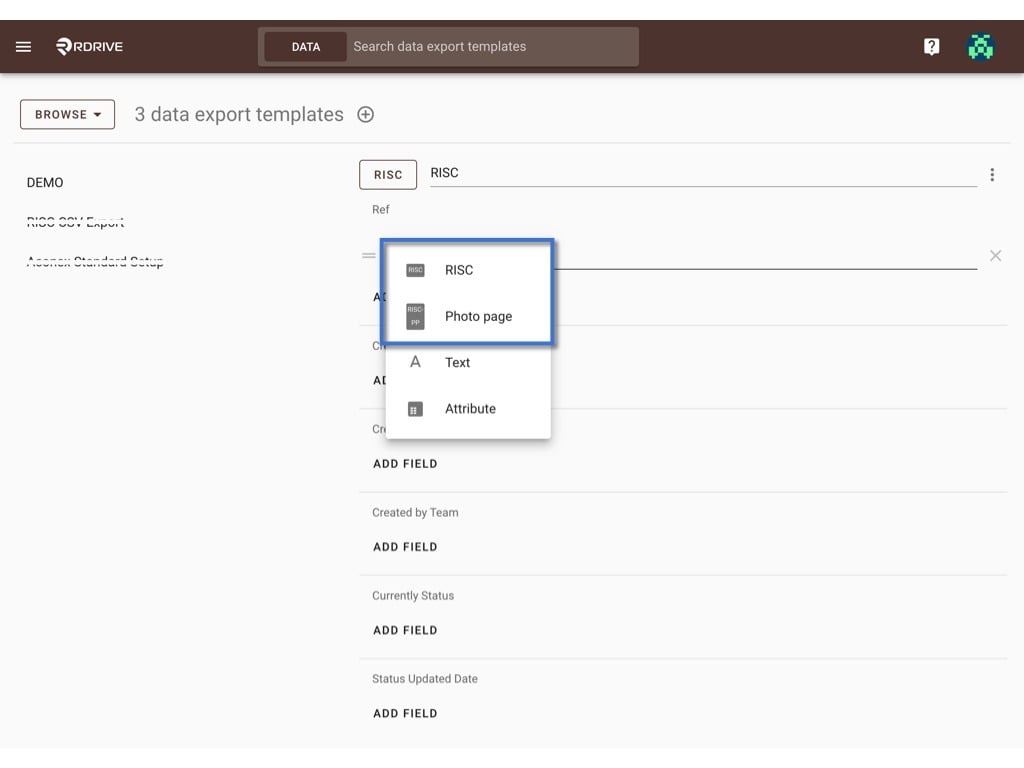
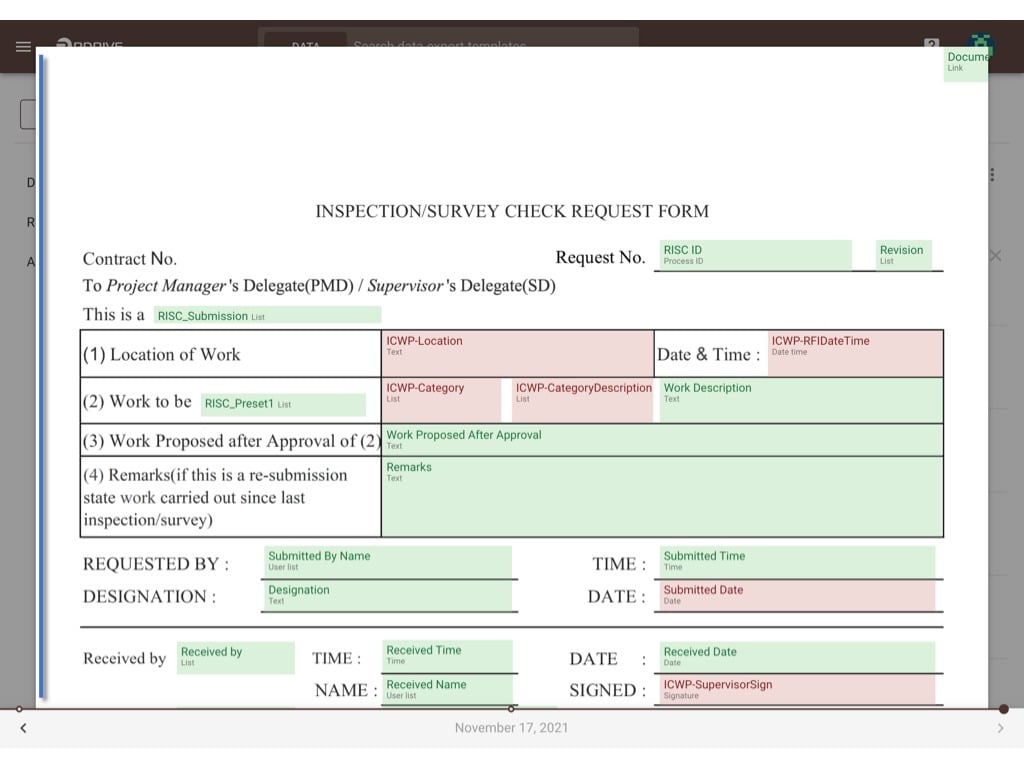
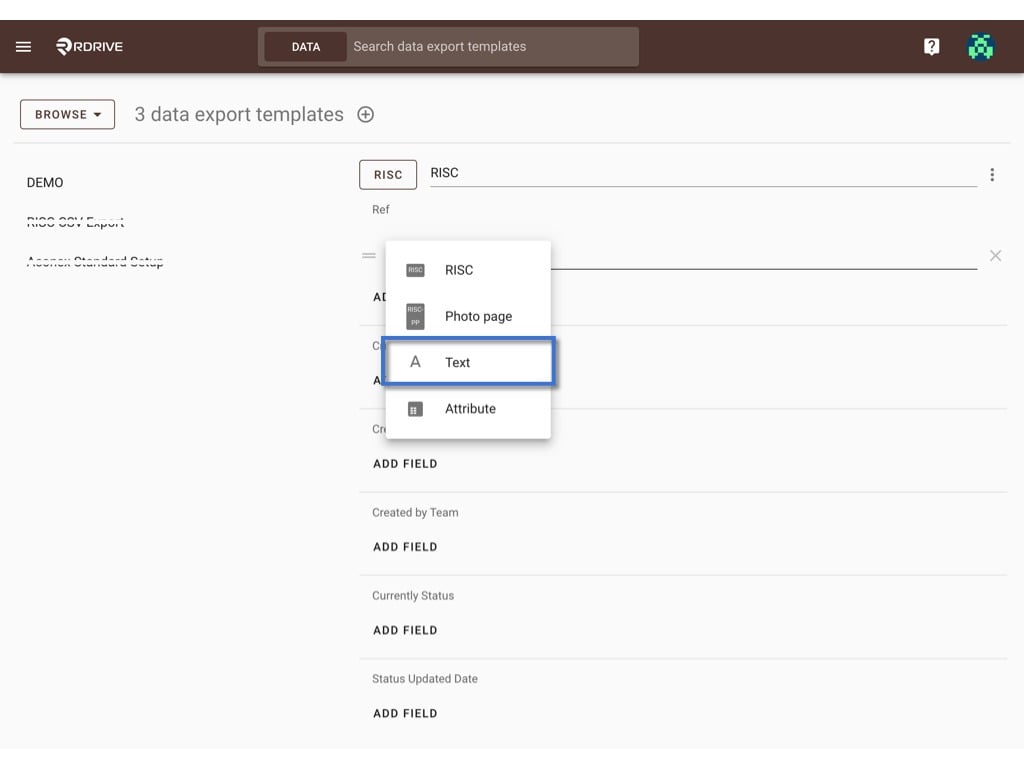
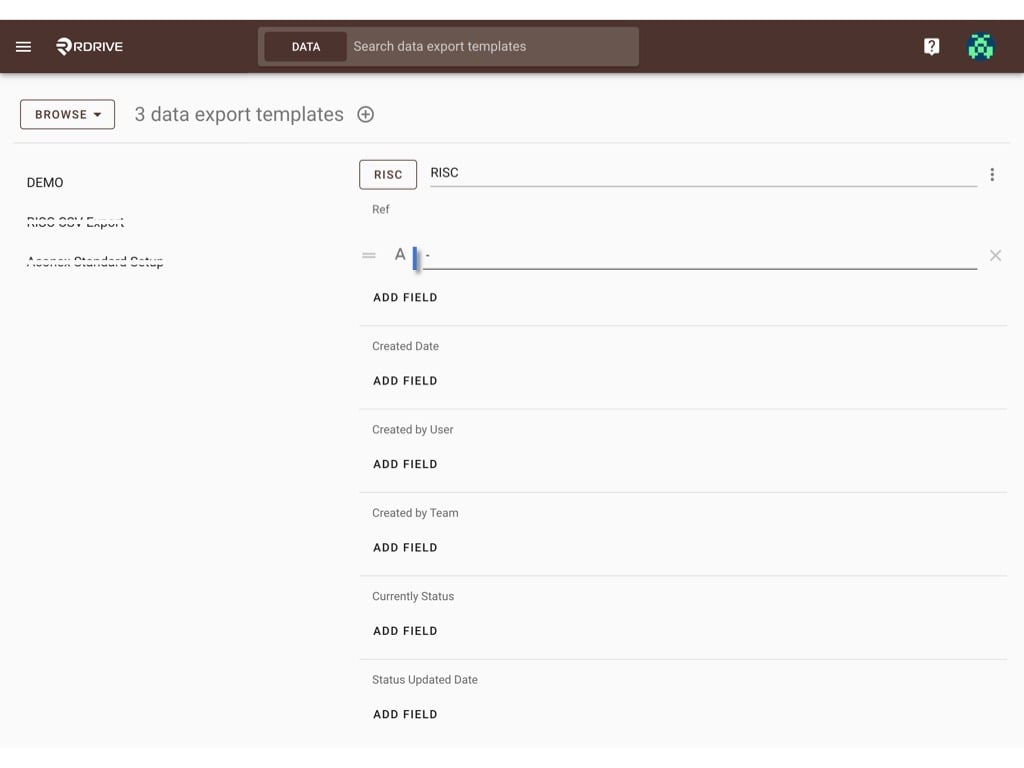
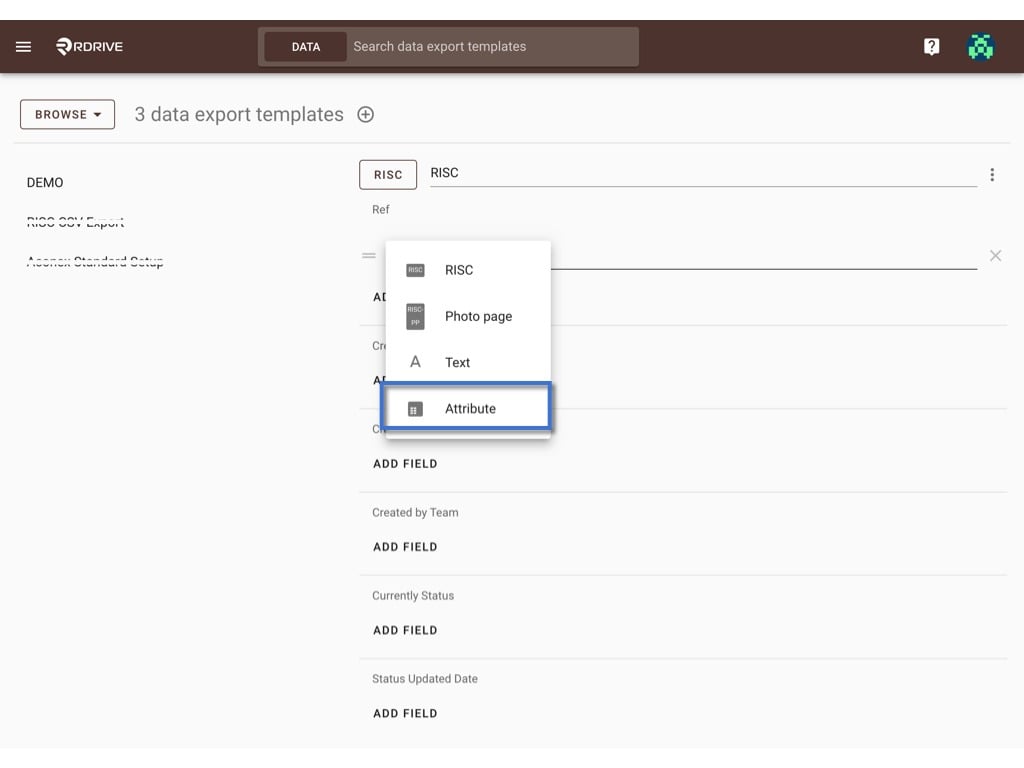
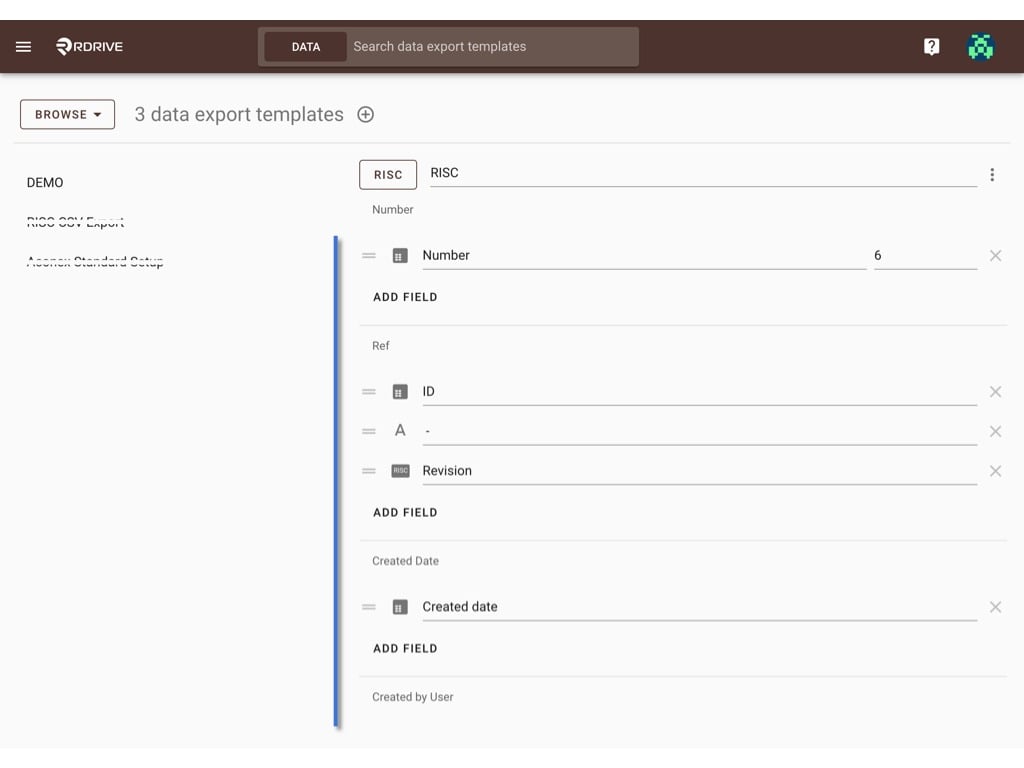
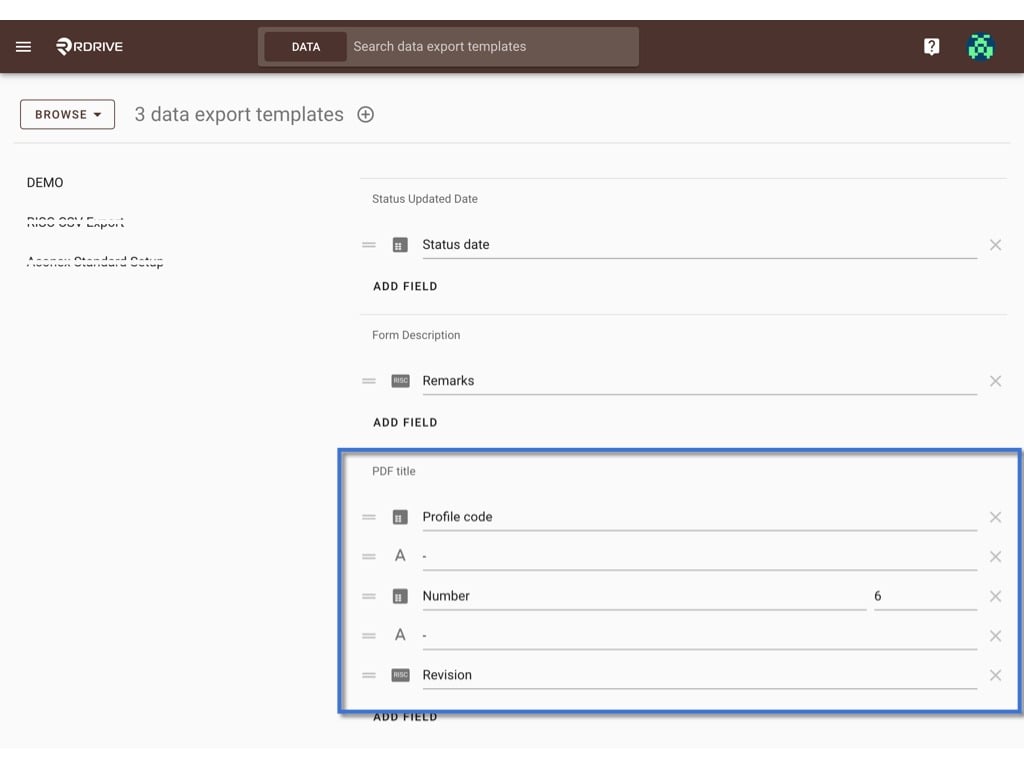
Data export is a tool for general users to extract data to a CSV file for any purpose.You can also set up the PDF title here.Only the company admin can help to create a template as needed.It is fully customised.Let see how it work.First, log in to Company Area. Only the company admin can access this page.Click Settings and select Data export.Click the + button to add a templateEnter the template title and click OK to create.UPLOAD if you have a downloaded JSON file.ADD COLUMN based on your design, how many columns you would like to have at the CSV file.and input the column title.Checked the Include file in export box if you need to include PDF during download.Click DATA EXPORT TEMPLATE to map data when ready.Select process template or issue template under the category.ADD FIELD to map data3 types of data can be selected to add as a field-
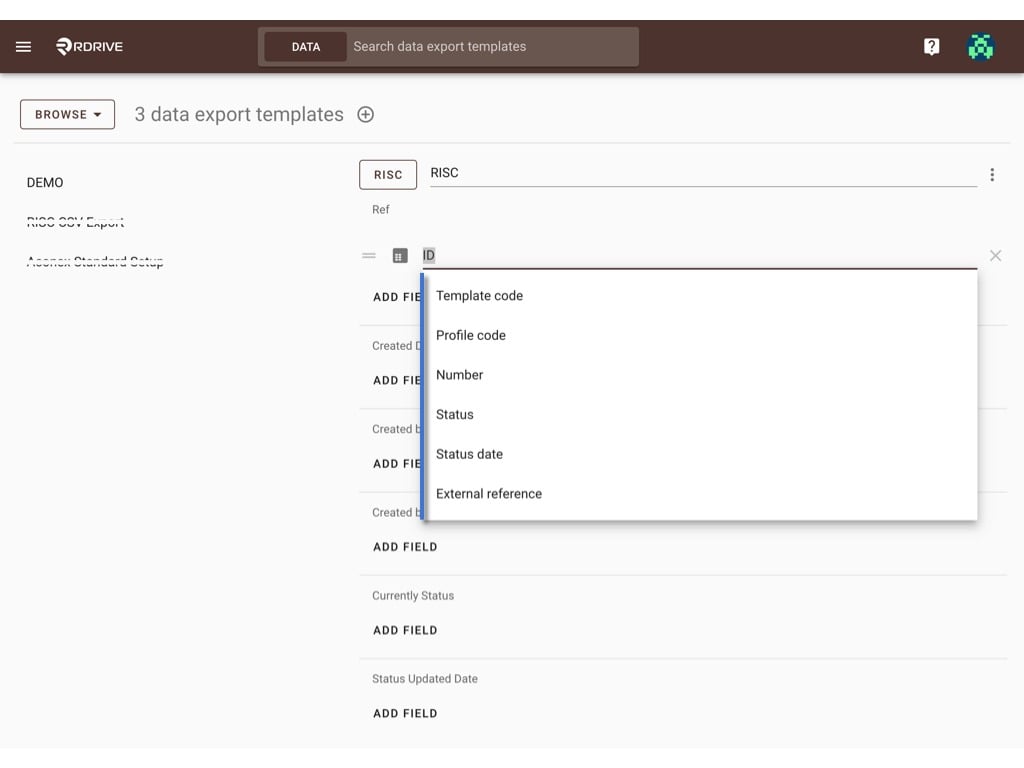
Can choose the attribute data of the process/issue template. Such as ID, Current Status, Status updated Date etc.The update will be saved automatically, you may exit the page when you complete the setup, or you may select another process/issue template to continue setup.