
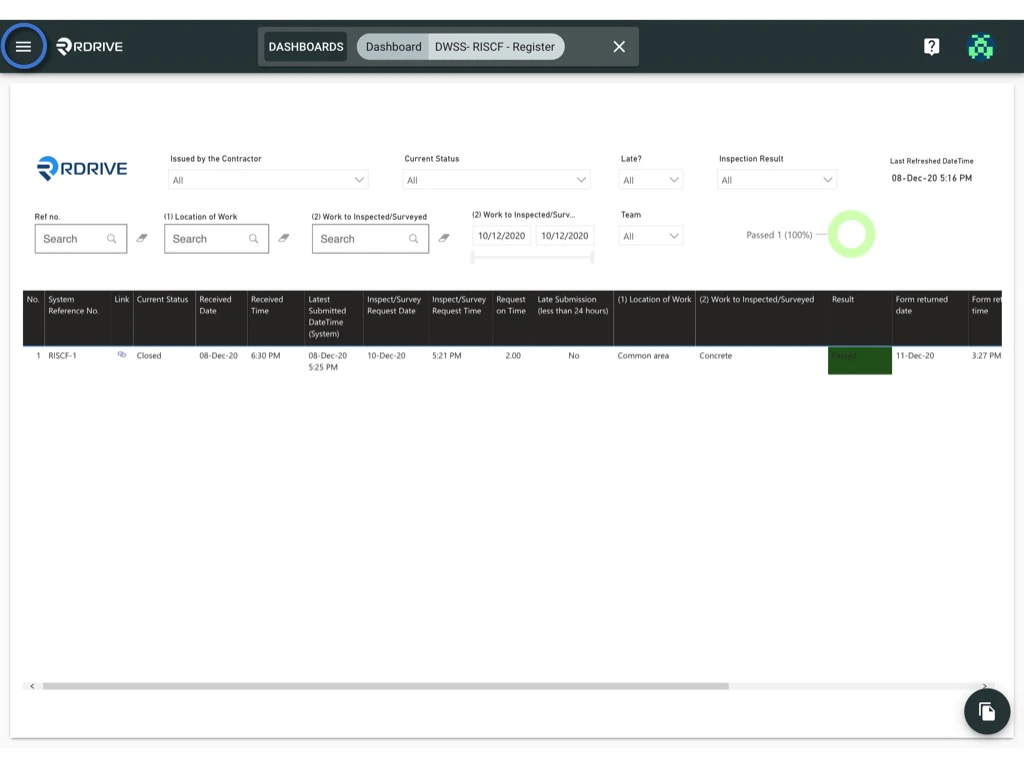
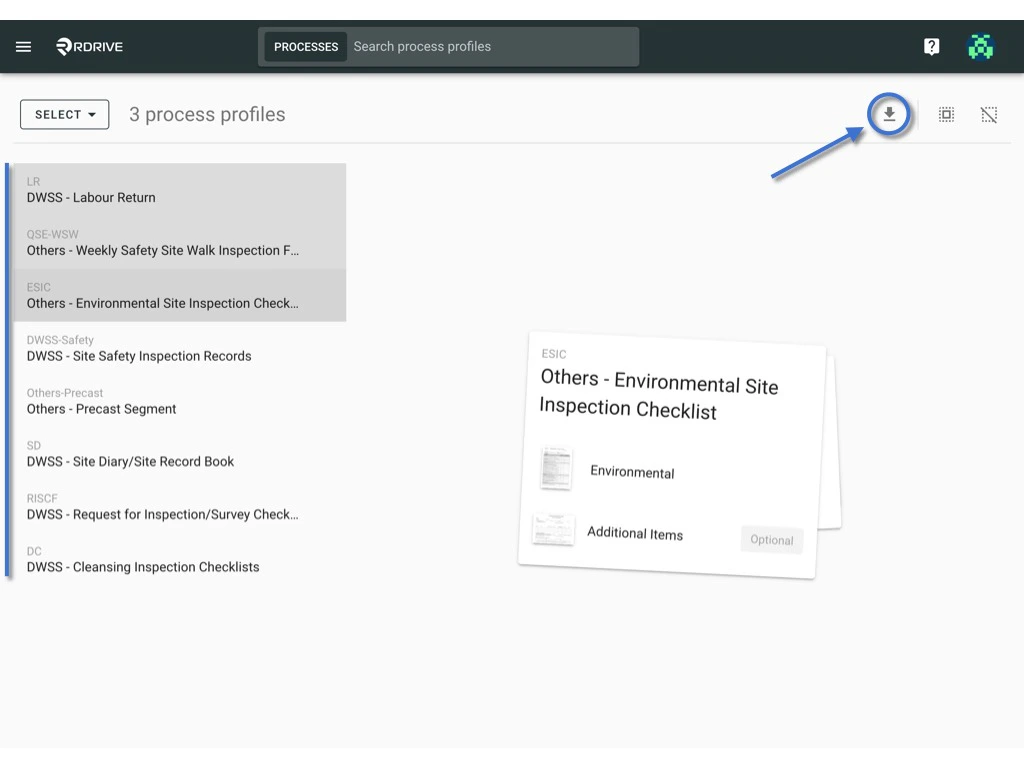
To Batch download -
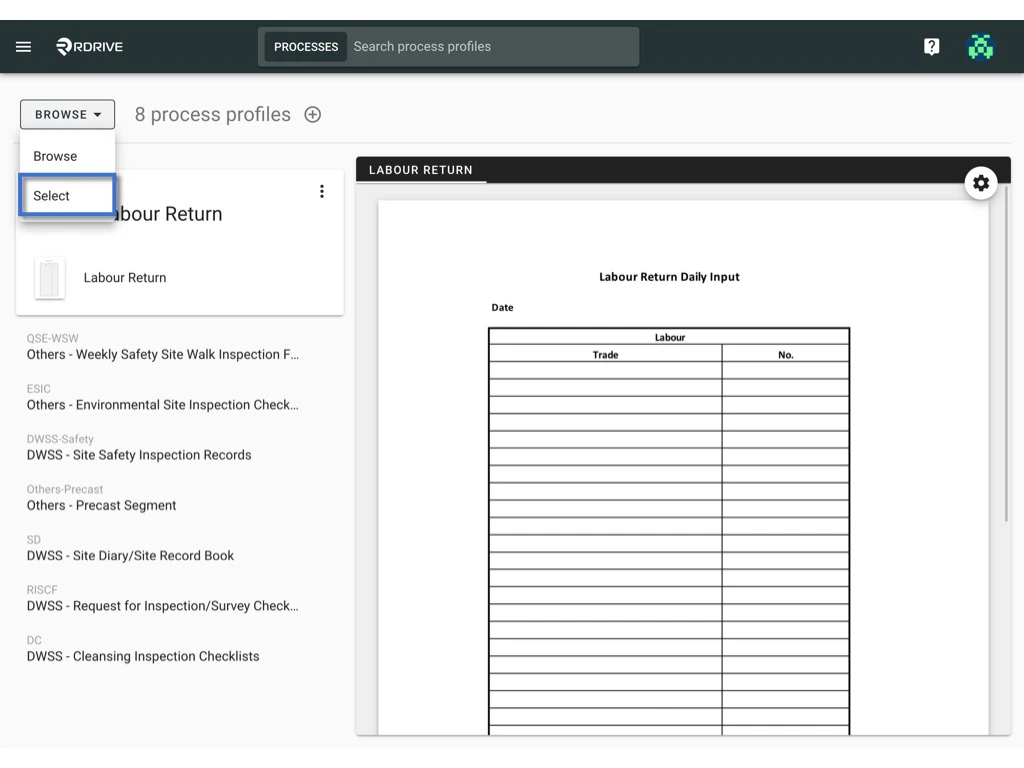
Switch mode from “Browse” to “Select”.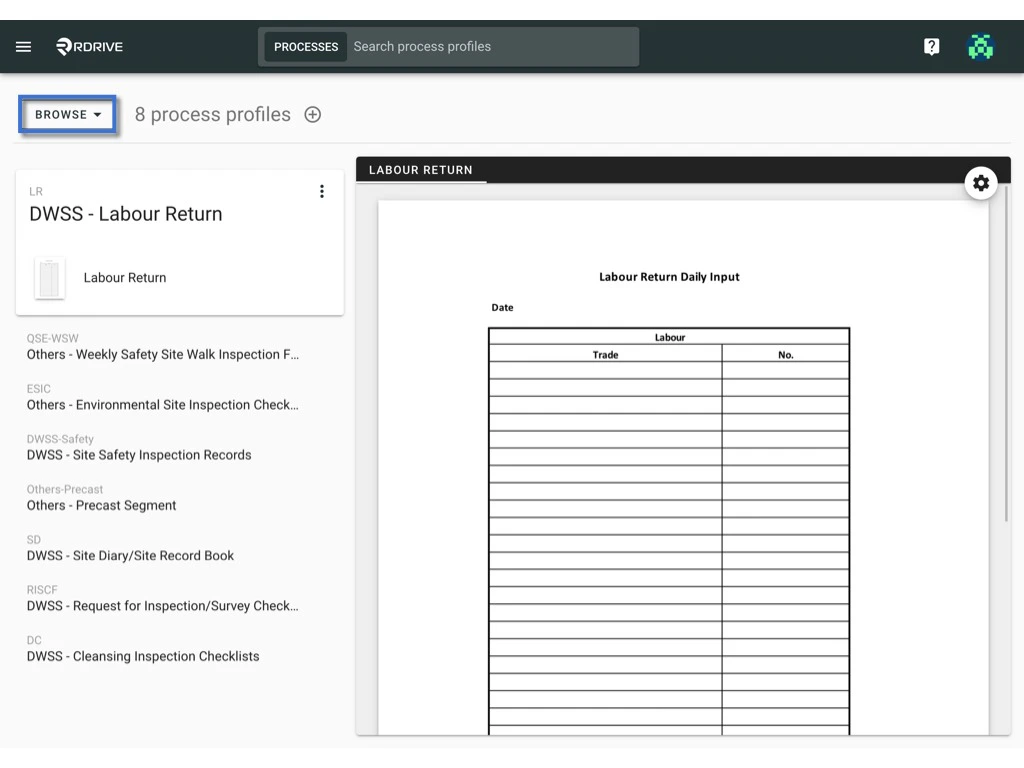
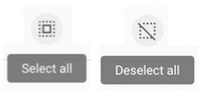
The selected item will be highlighted in grey.
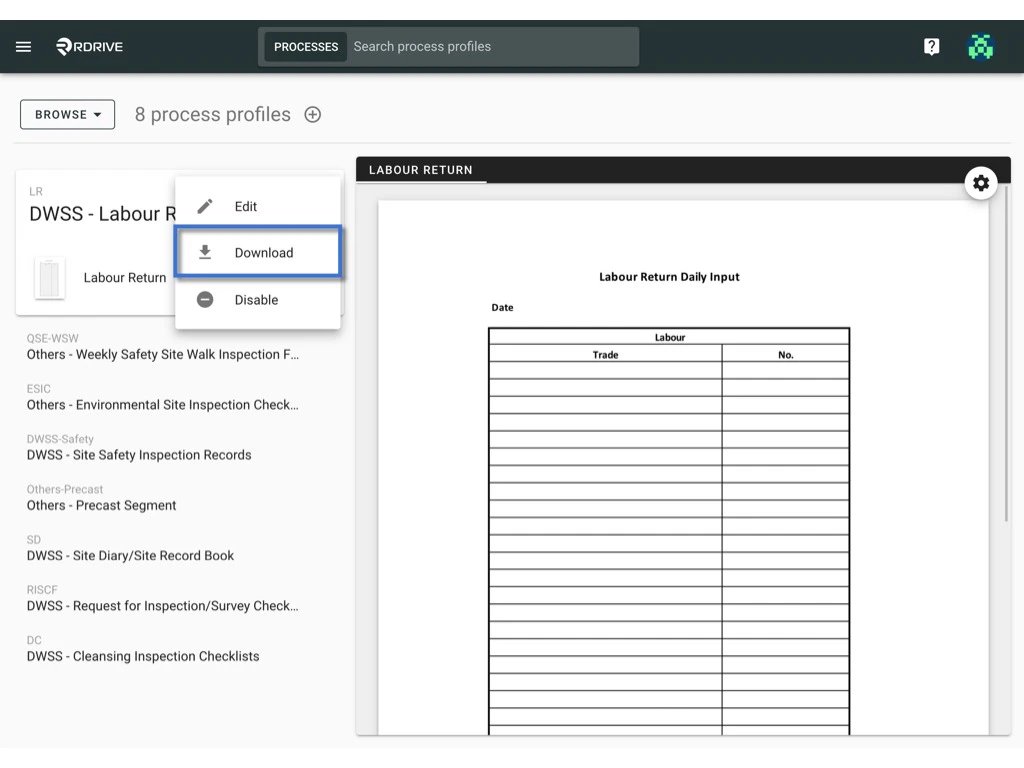
To download one by one -
Select profile, Click the ⋮ on the top right corner. Click Download.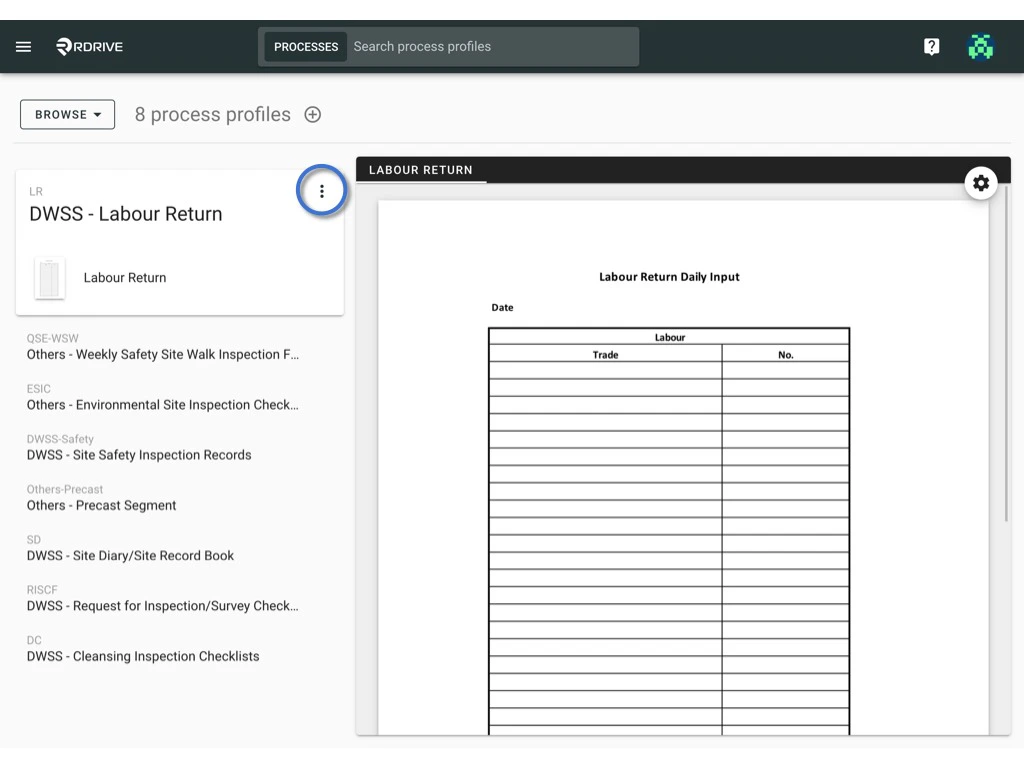
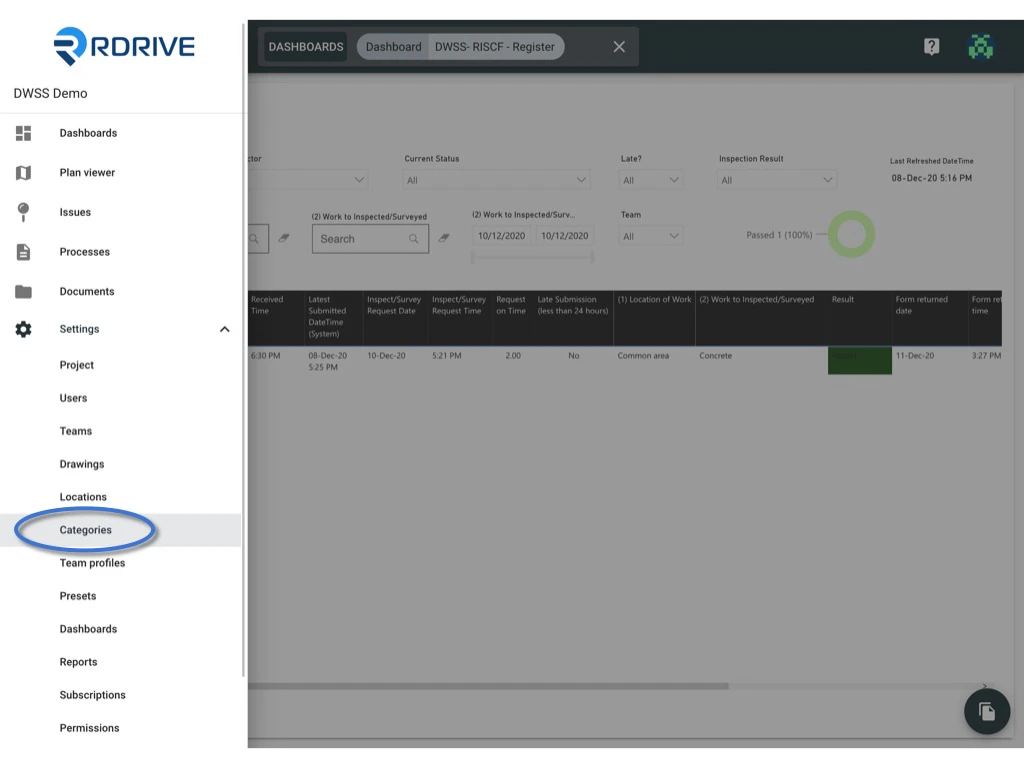
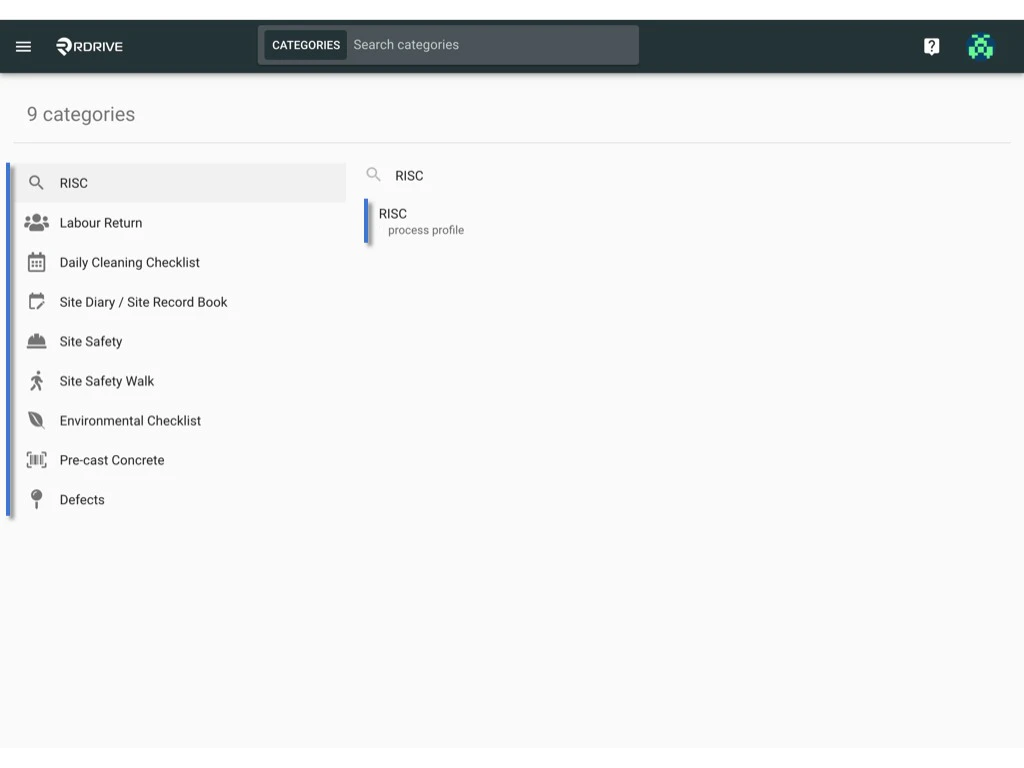
You will able to see the menu icon on the top left corner, please click it to unfold the menu, access the Settings > Categories, and select the category and sub