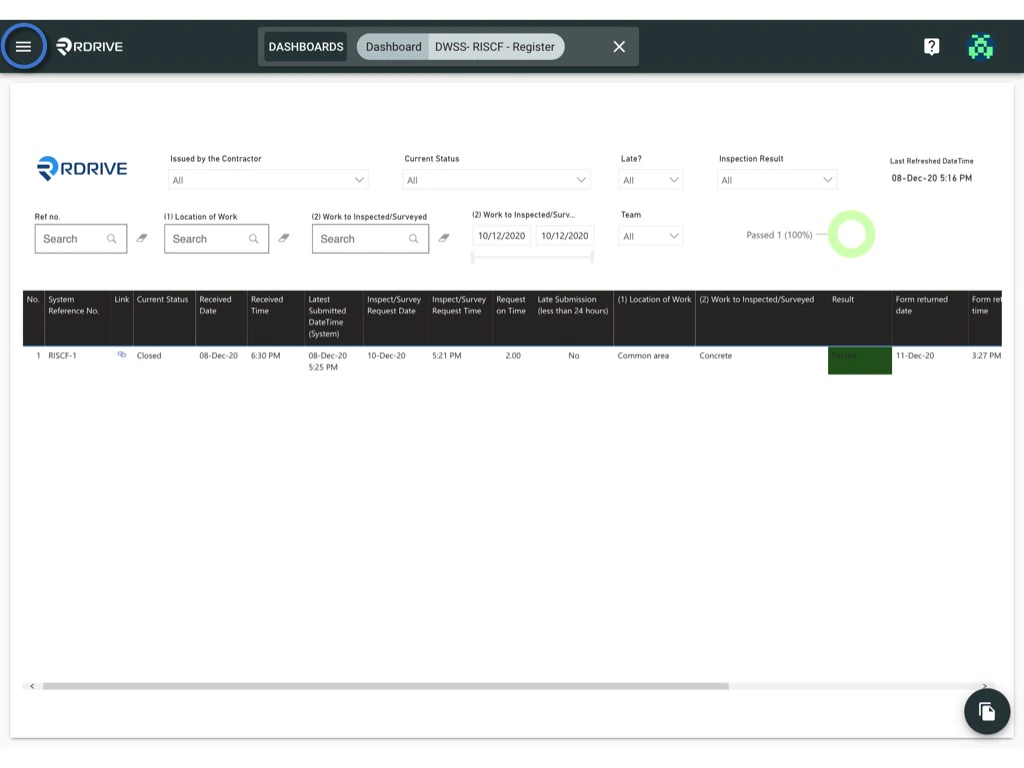
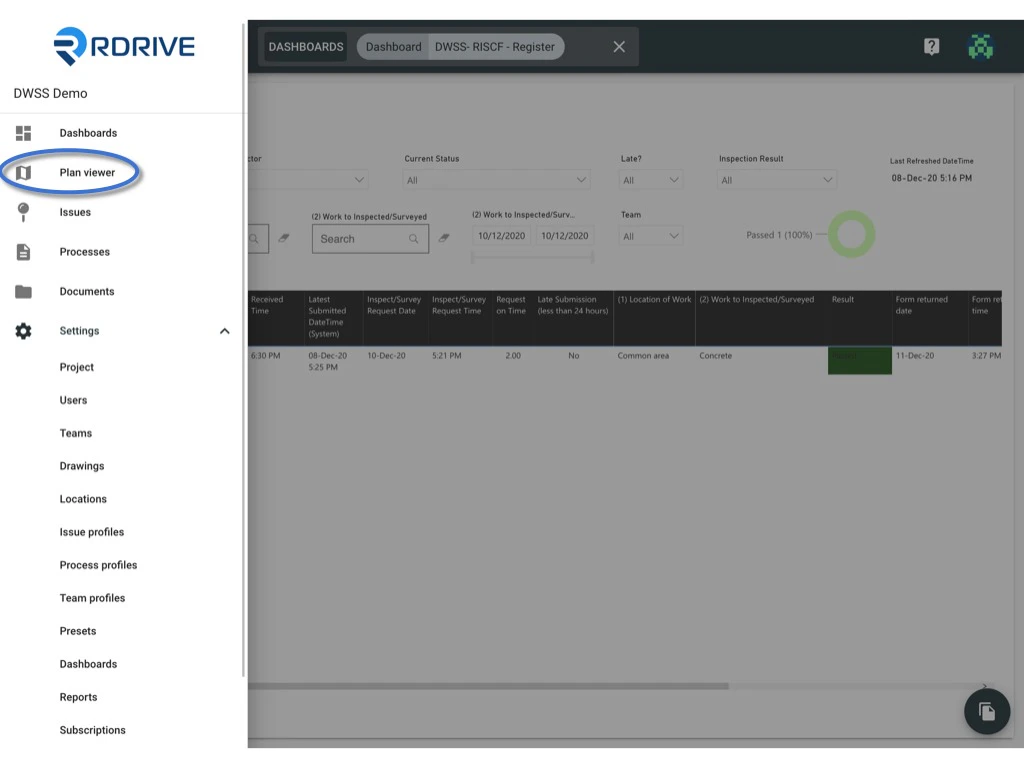
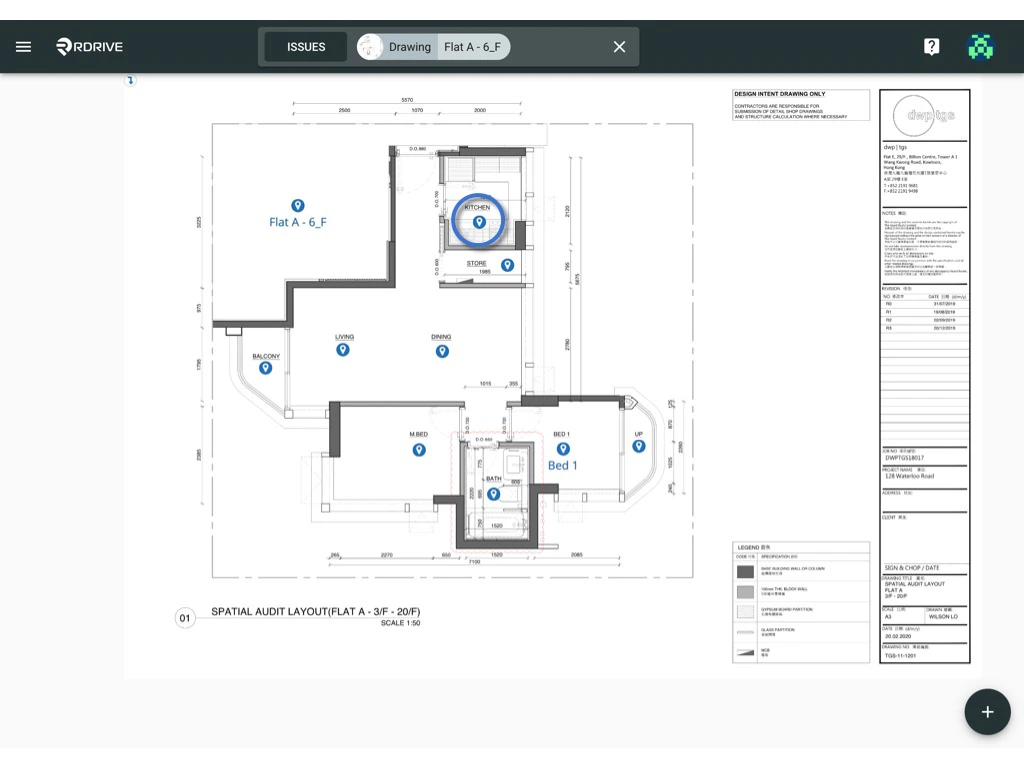
via Plan viewer - You will able to see the menu icon on the top left corner, please click it to unfold the Menu, access the Plan viewer, and select the correct drawing.
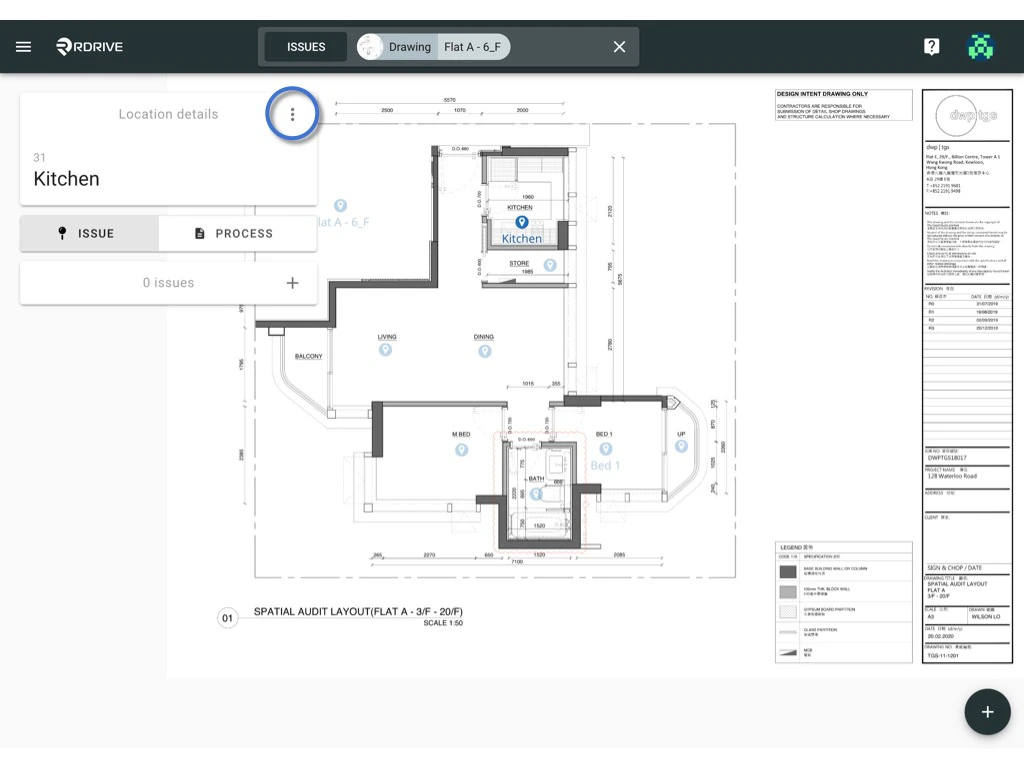
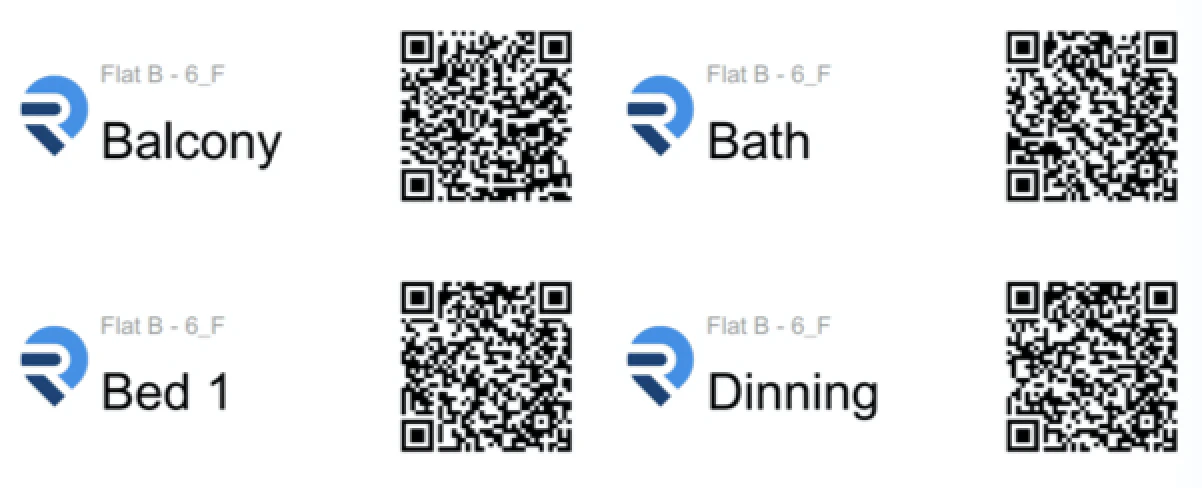
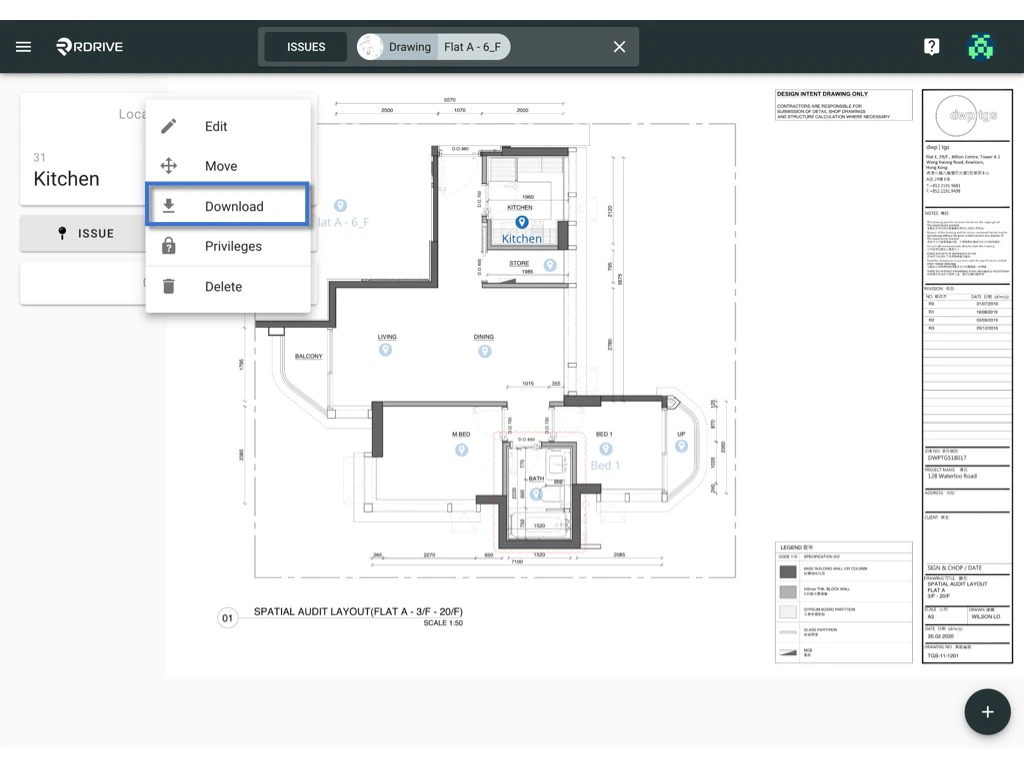
Download to generate.
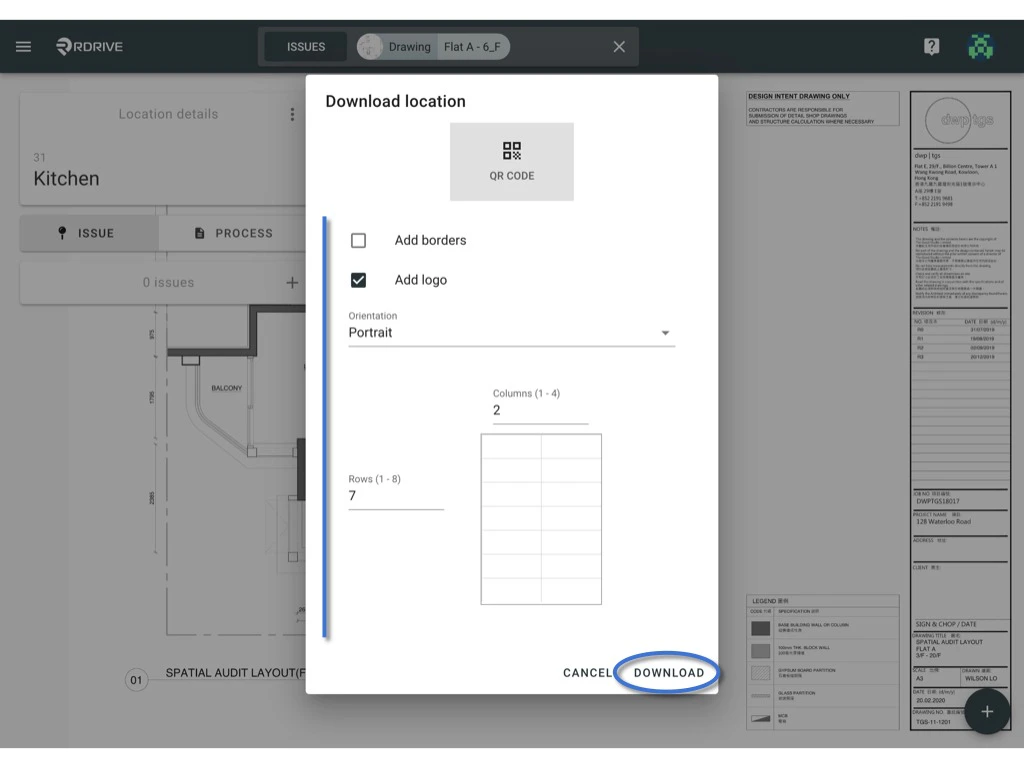
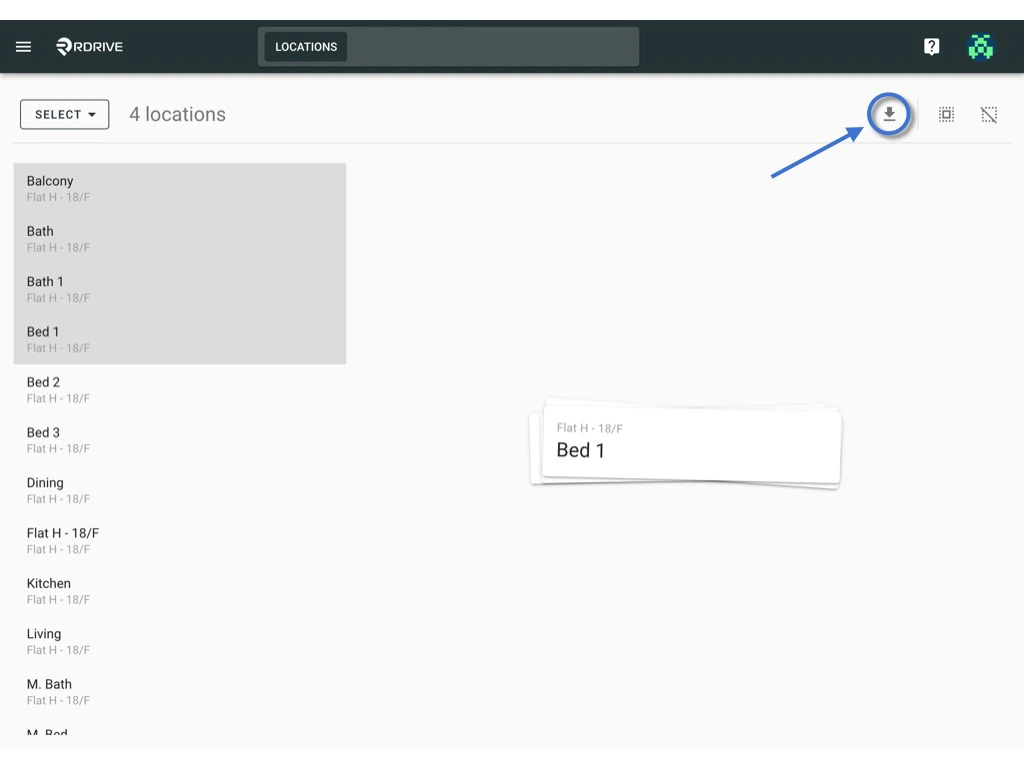
via Location page -
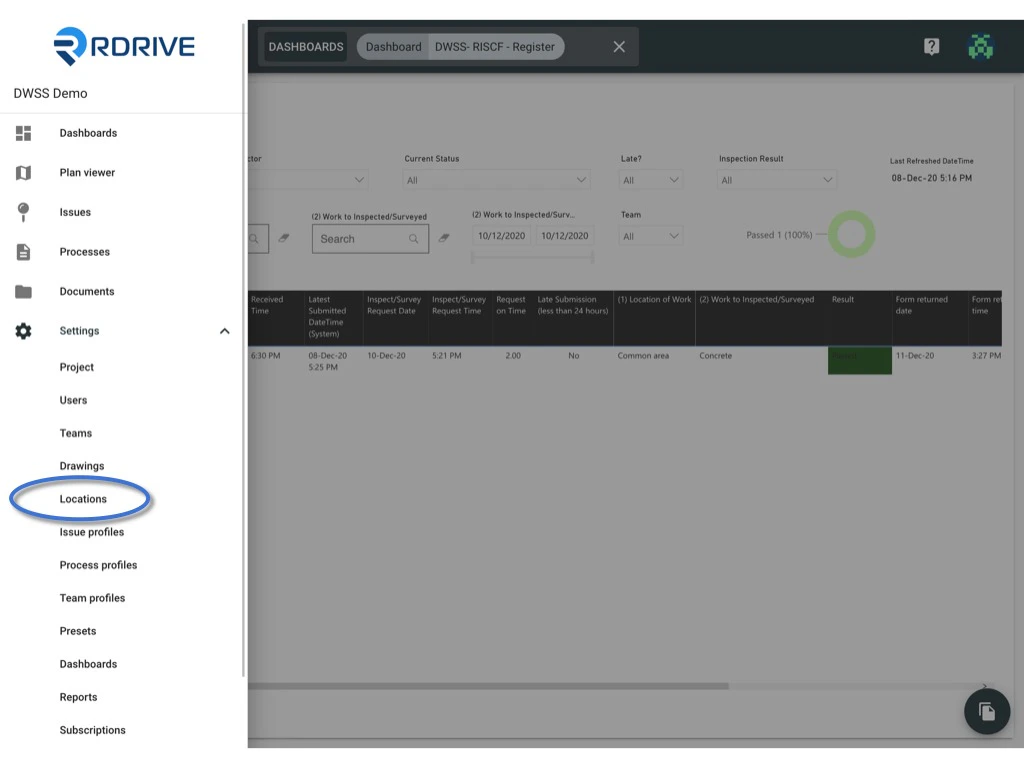
You will able to see the menu icon on the top left corner, please click it to unfold the menu, access the Settings > Locations.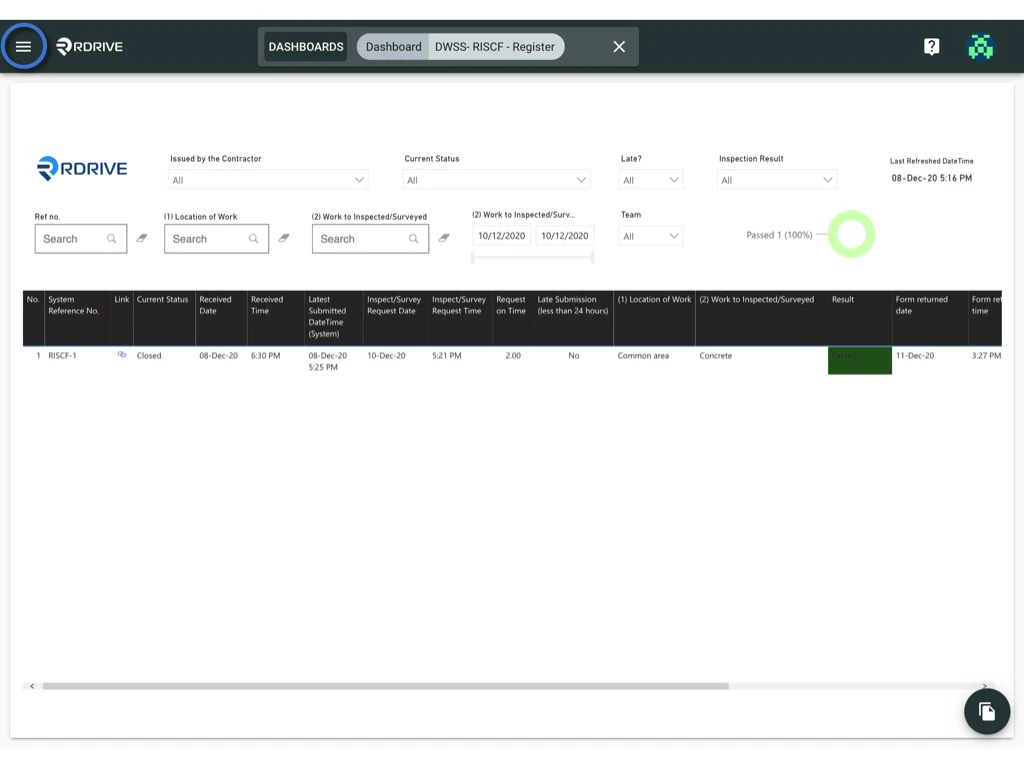
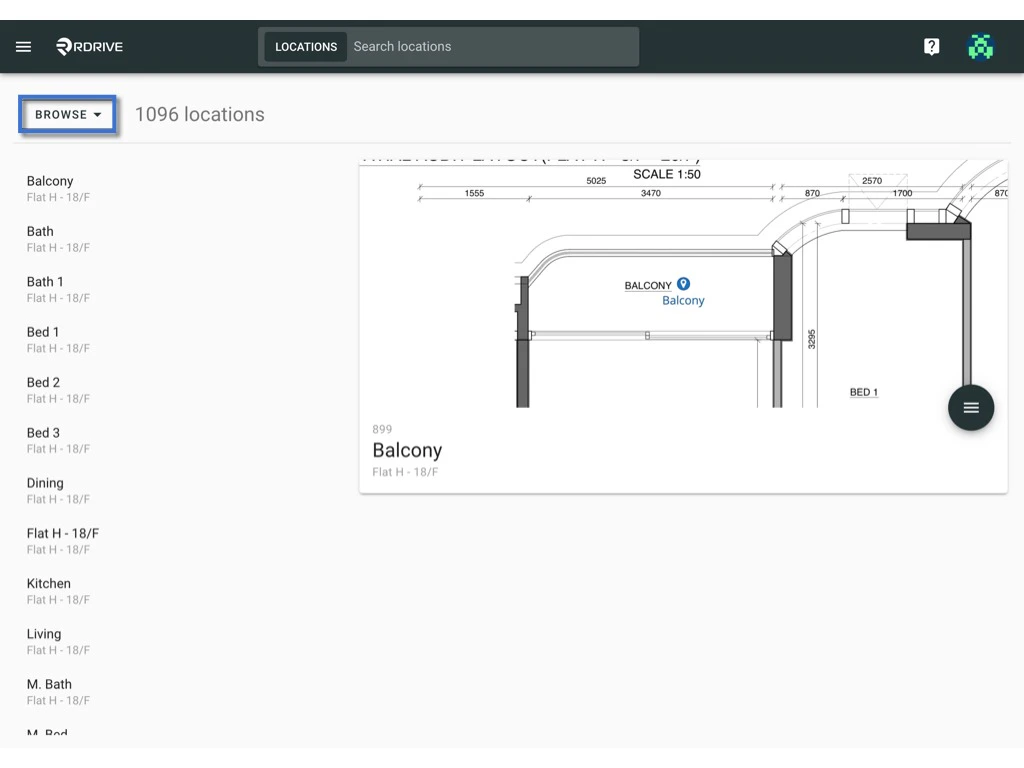
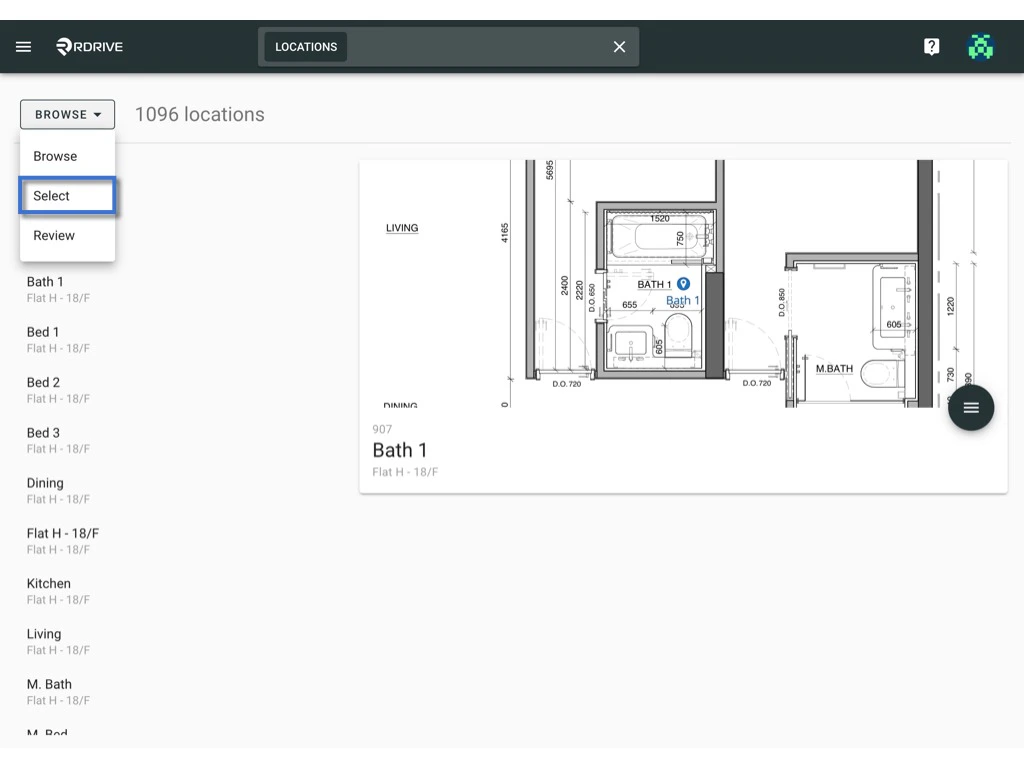
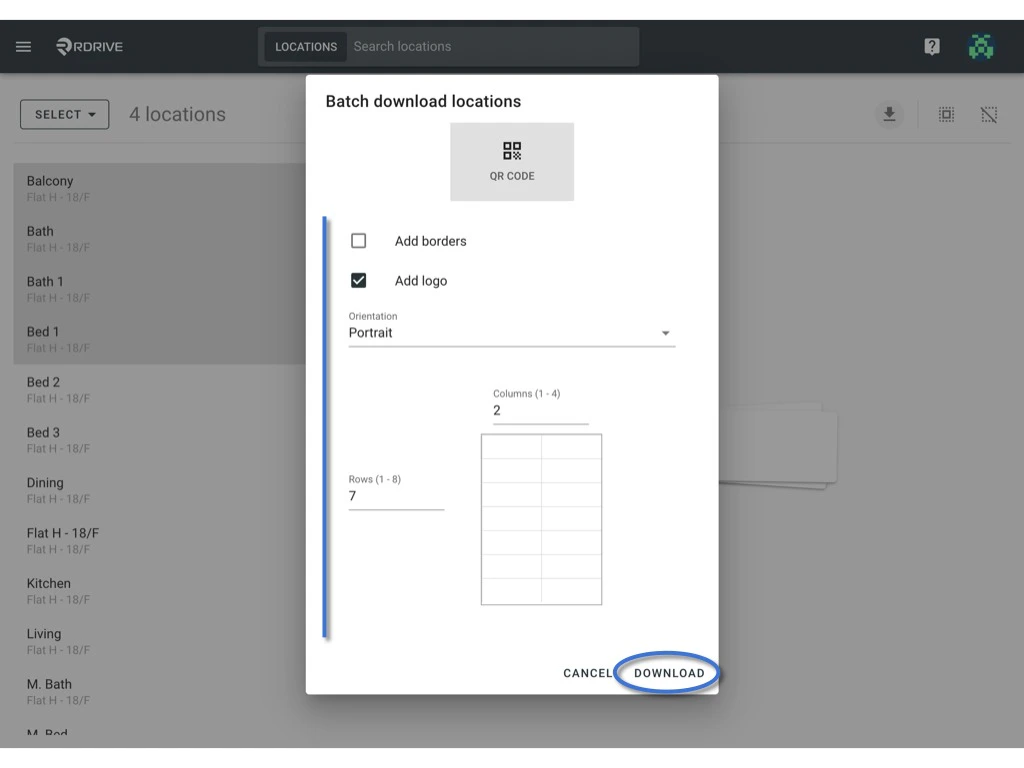
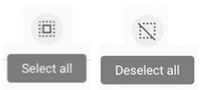
Or you can produce QR code for specific locations only by filtering locations from the search bar, clicking the button to select all / deselect all.
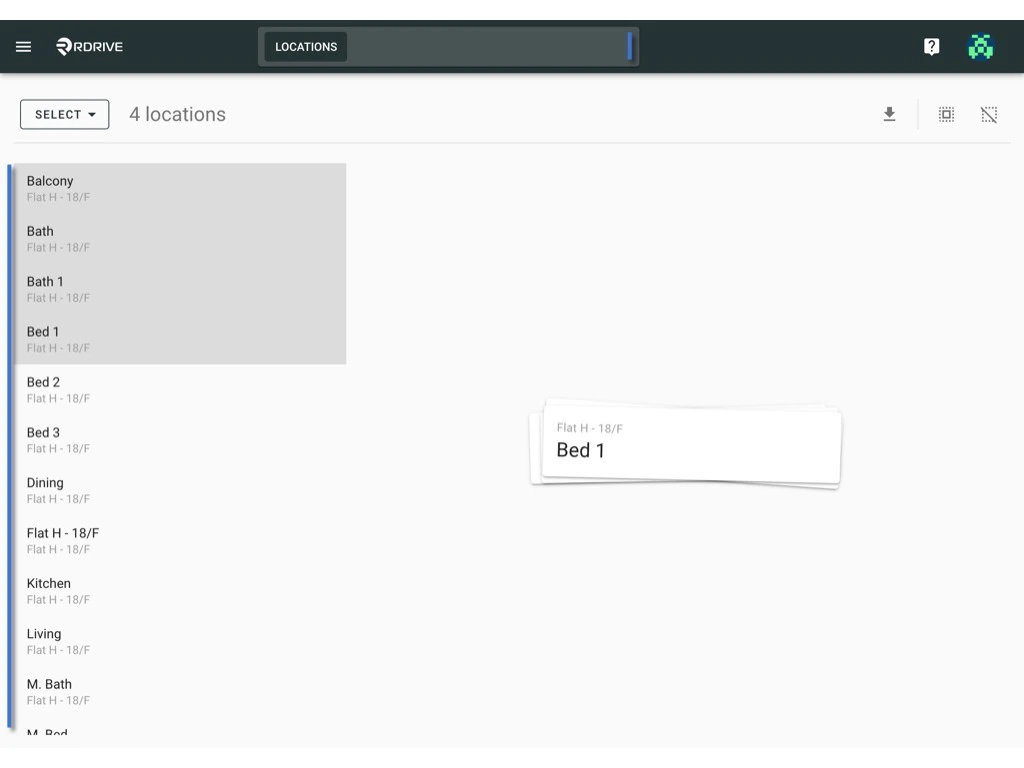
Download to generate.