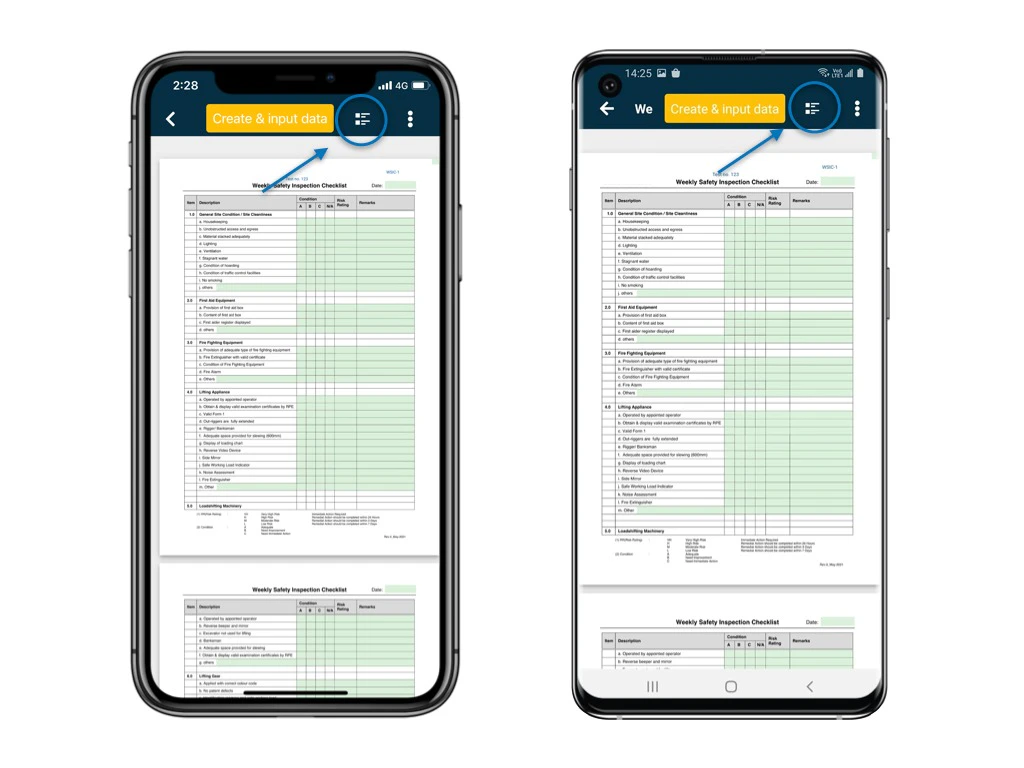
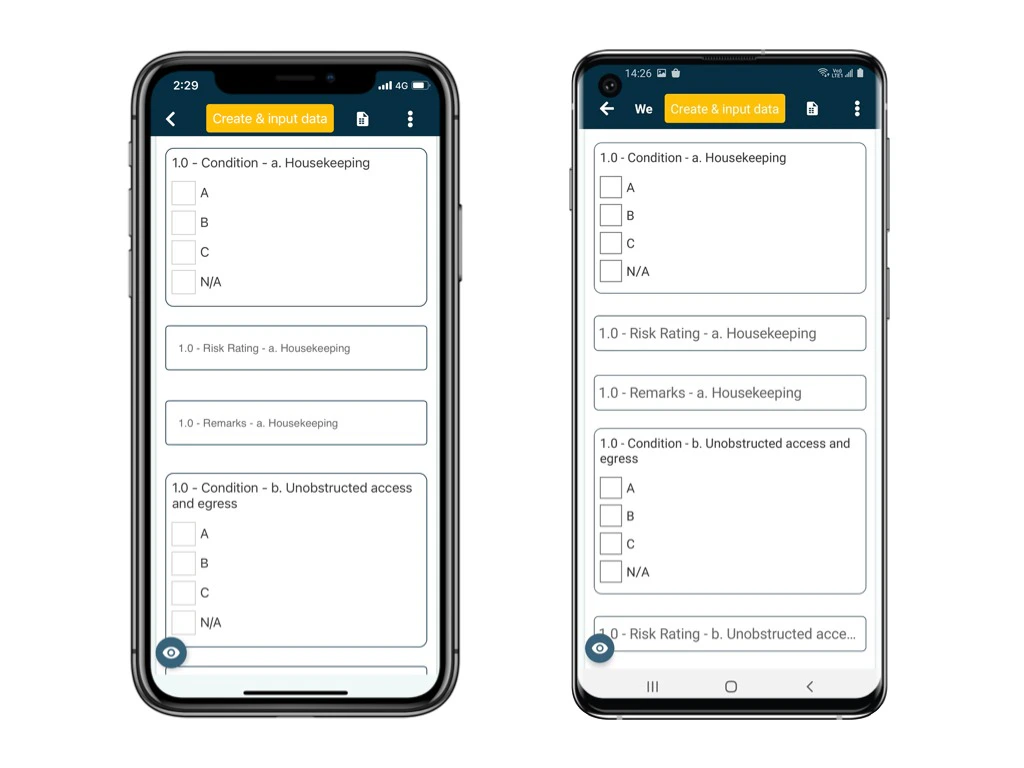
There are 2 types of form viewer mode on mobile app. Mobile Optimised / List View Mode To allow users to complete records and tasks easy enough, there is the mobile optimised view mode (list view mode). This means that users do not have view and edit a typical A4 sized form within the size of a mobile device. The font size and form fields are designed to display in a mobile optimised way for editing, and user can keep scrolling down to complete all items. If otherwise, i.e. the A4 sized form is displayed in the size of a mobile device, this makes the process of editing records in mobile app difficult. This is because the user often has to zoom in and out or scroll back and forth in the editing process. On the mobile optimised / list view mode, the available fields on the form will be listed out by the sort order required for data input.
This provides a simplified user interface for user to input data at a real time, efficient, and less error prone manner.

Form view mode -

As its name implies, all the form fields will display on the form by the layout with the form image. You will see the actual form design, where and which field(s) you are able to input. Form view mode & List view mode of Formviewer on APP Form view mode & List view mode of Formviewer on APP