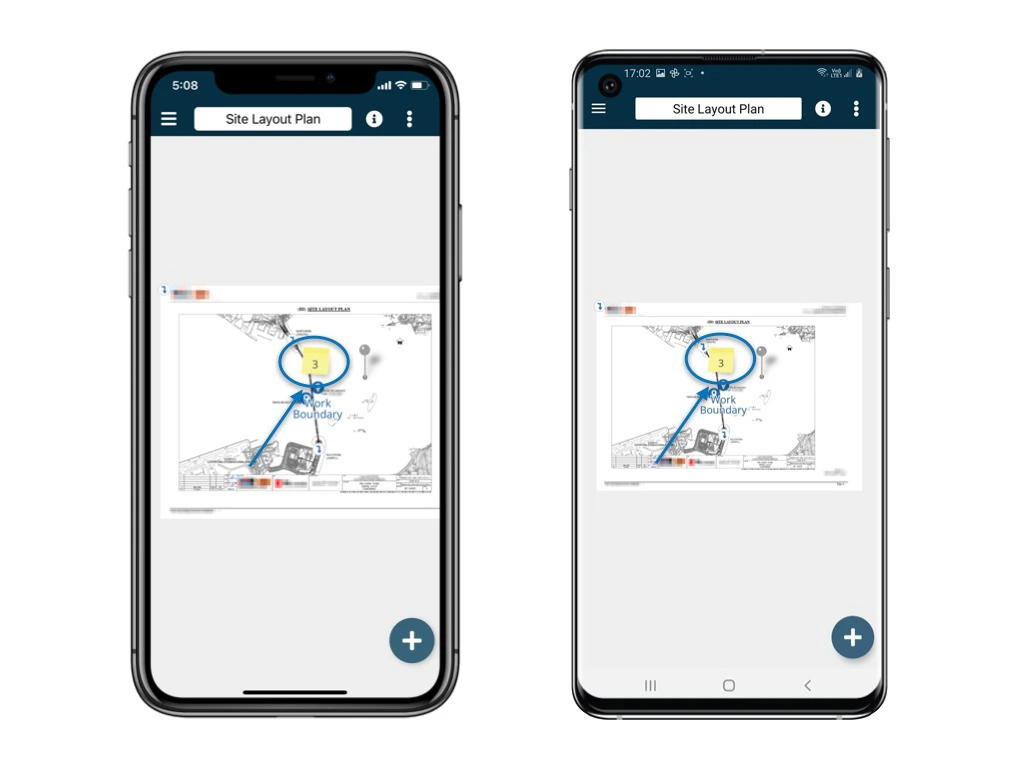
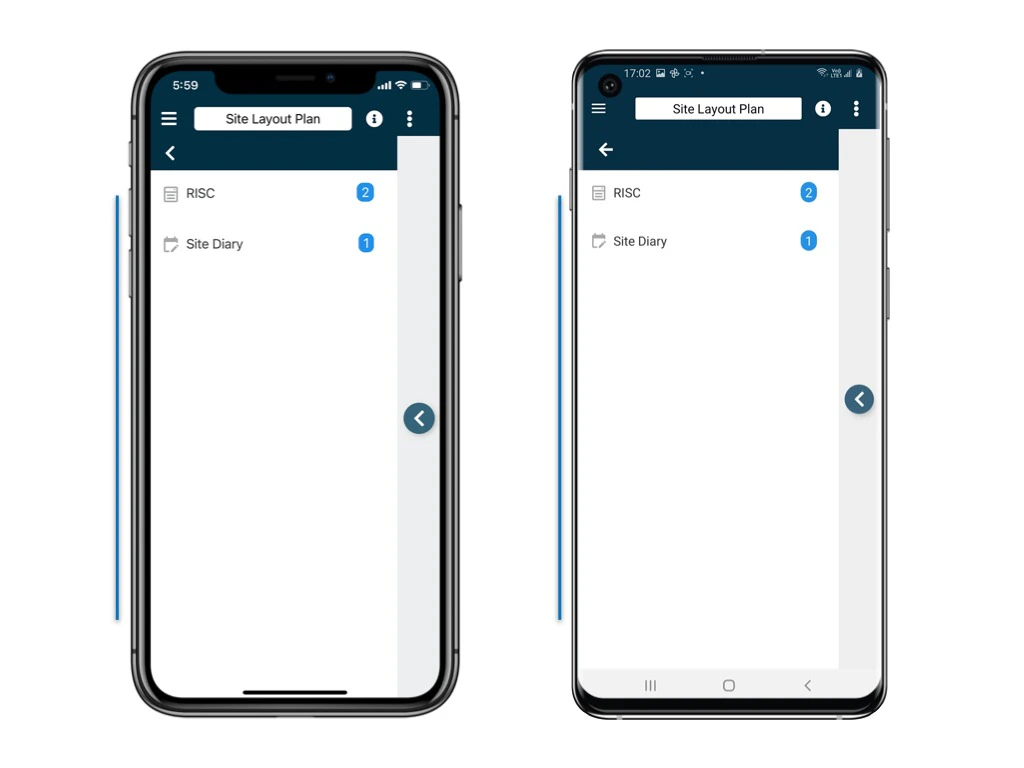
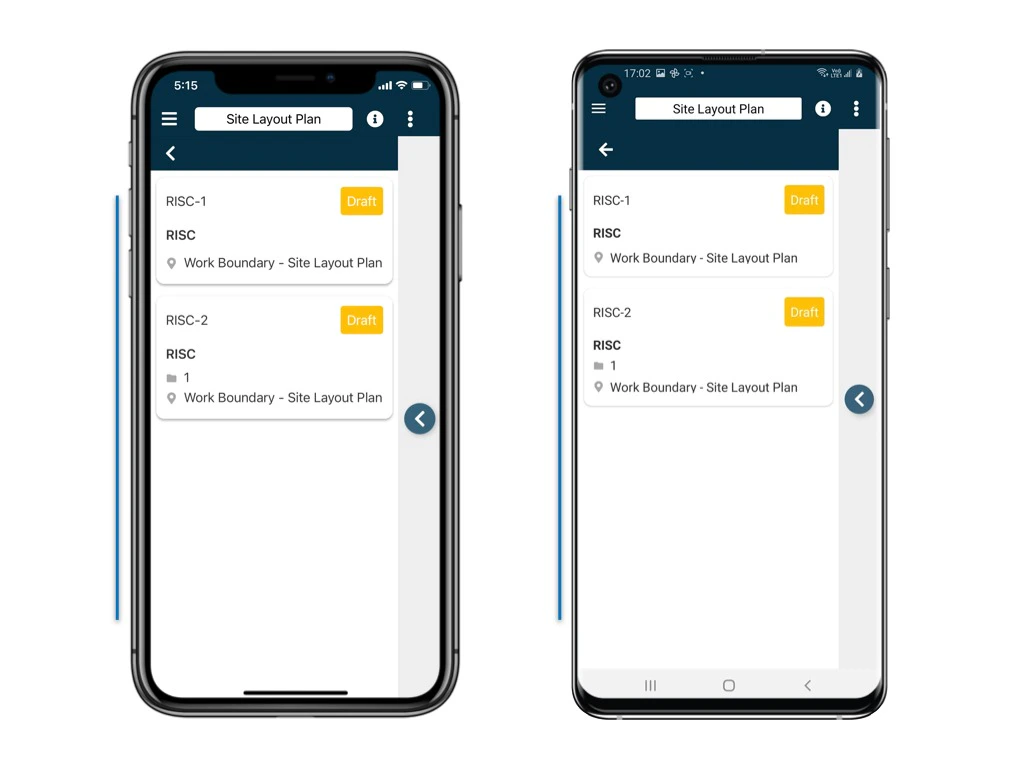
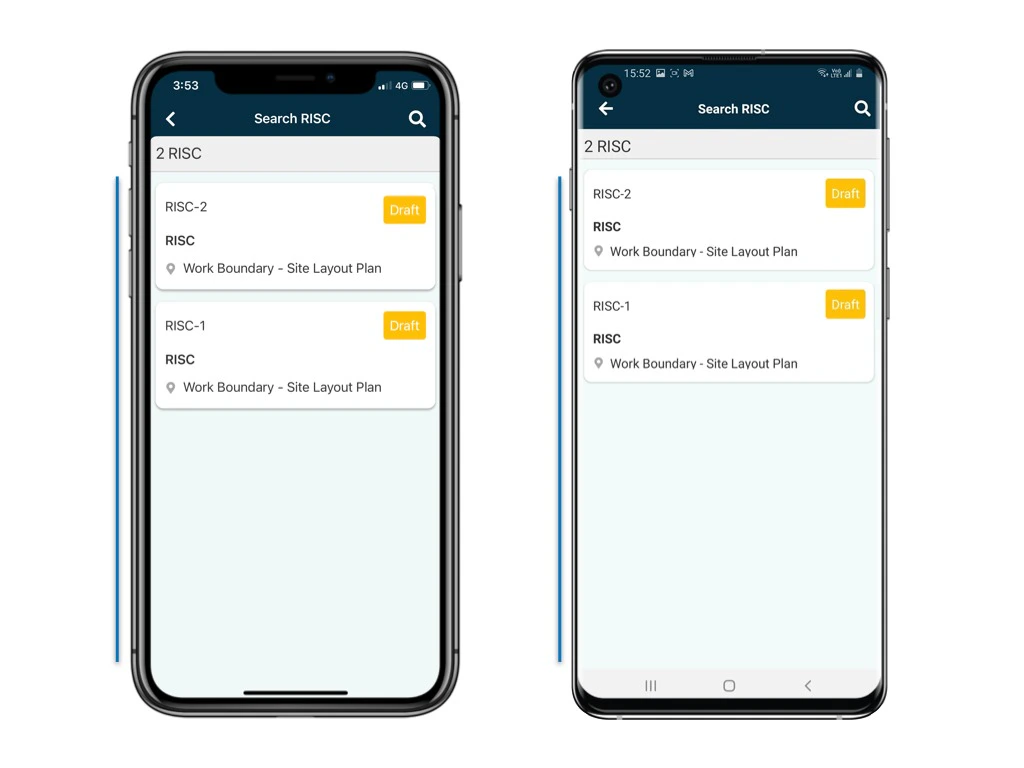
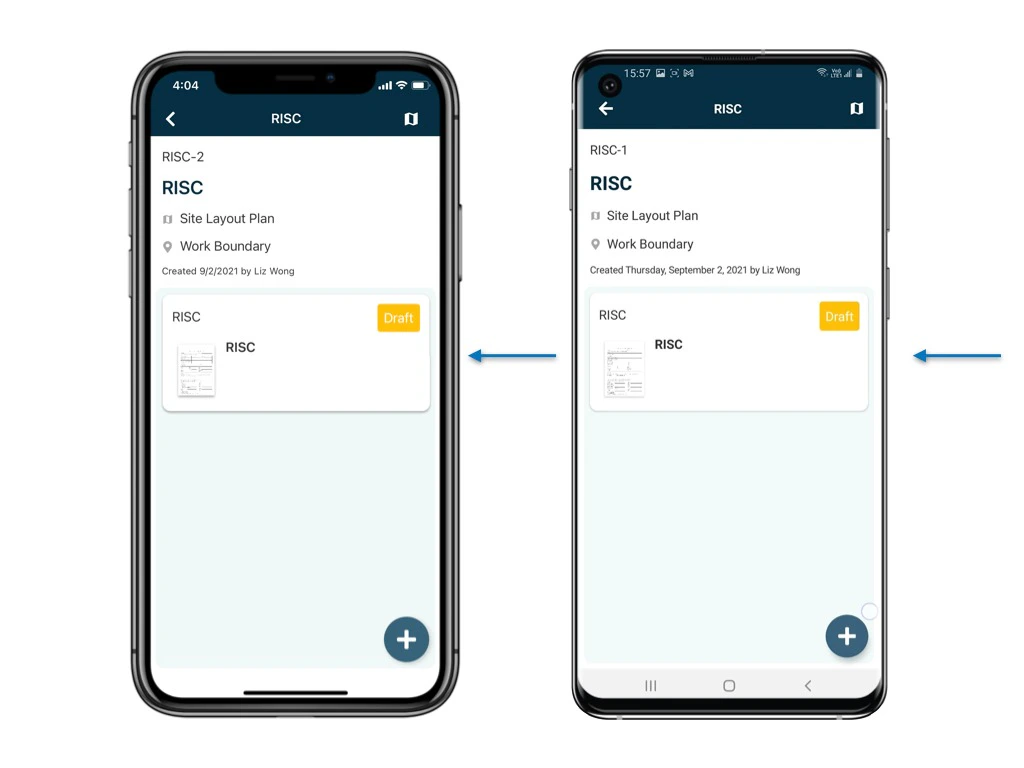
If you need to fill in forms, follow these steps: 1. If you know how to search or find the process you are looking for, you’re one step further.
  • If you’re unsure how to search or find processes, don’t worry. Here’s a shortcut to the article:
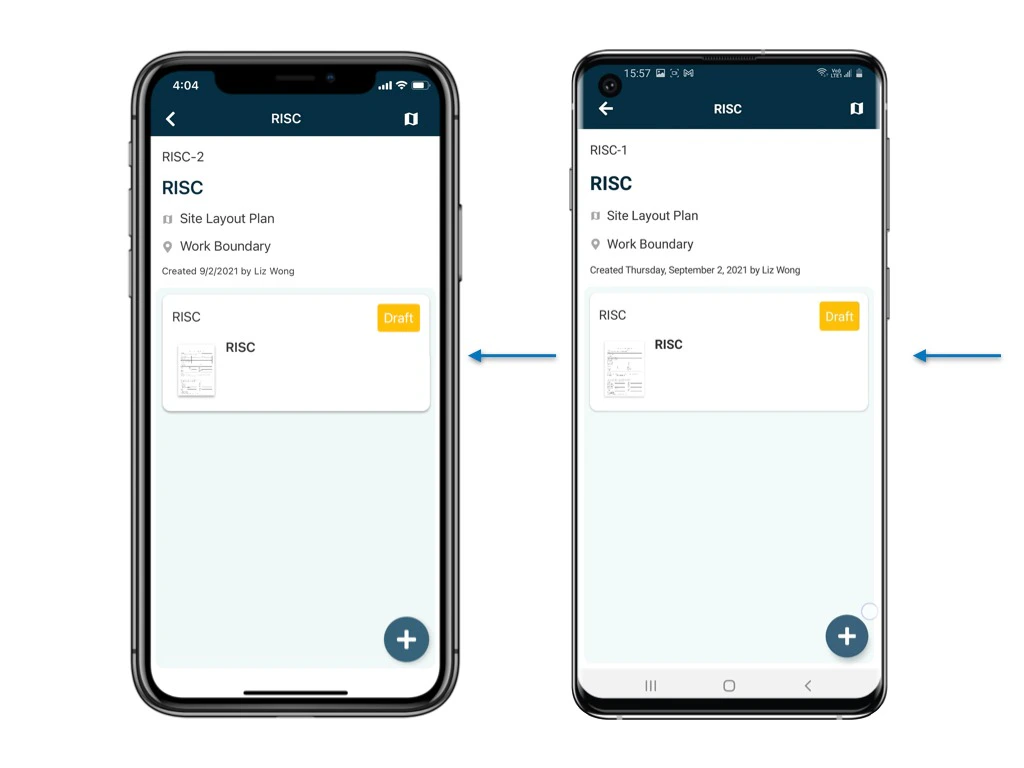
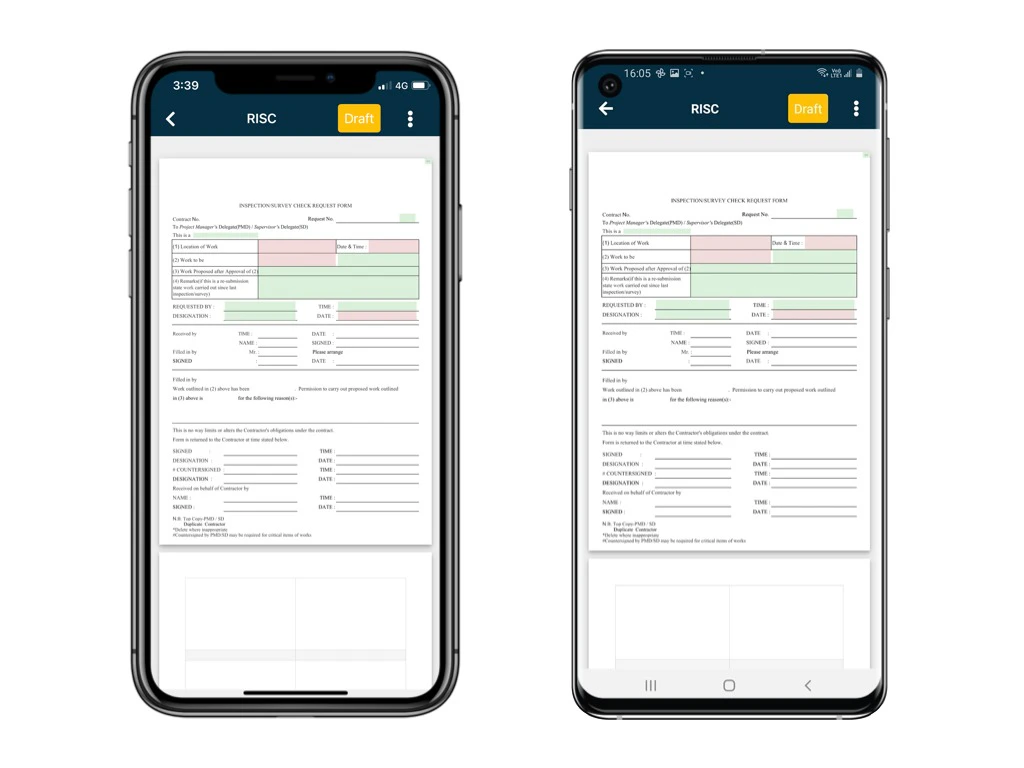
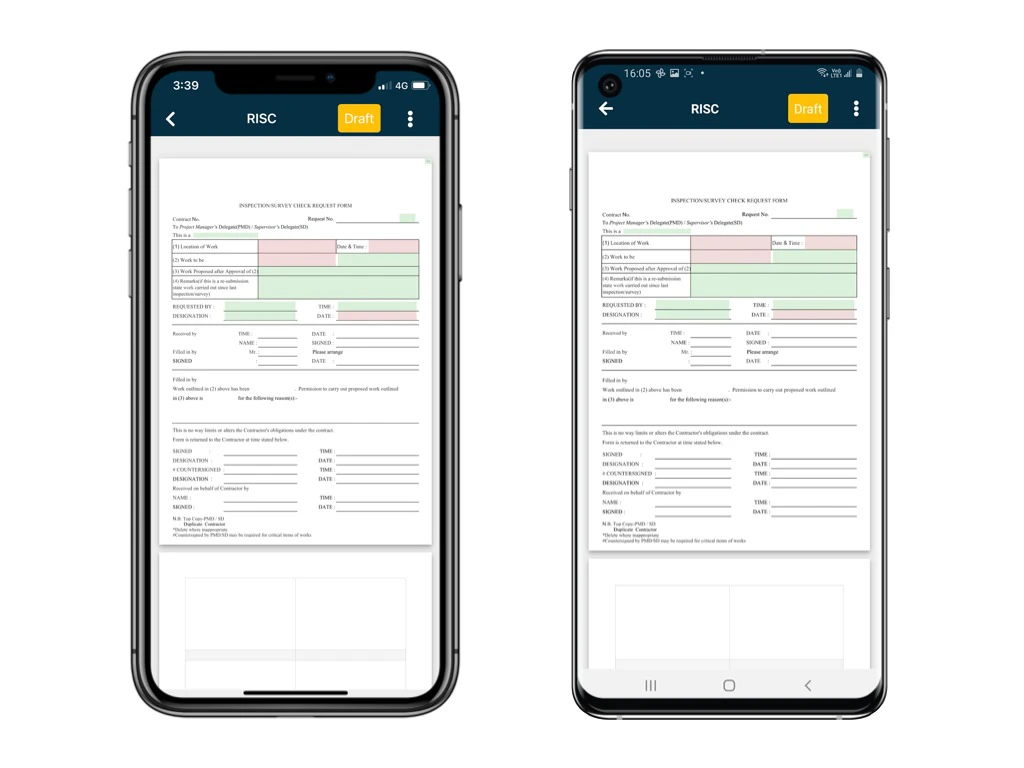
         How to search/find a process          Once you locate the process you need, click on the associated form.          The form will open in the form viewer for you to edit. 2. Whether you’re using the Plan Viewer or Finder:
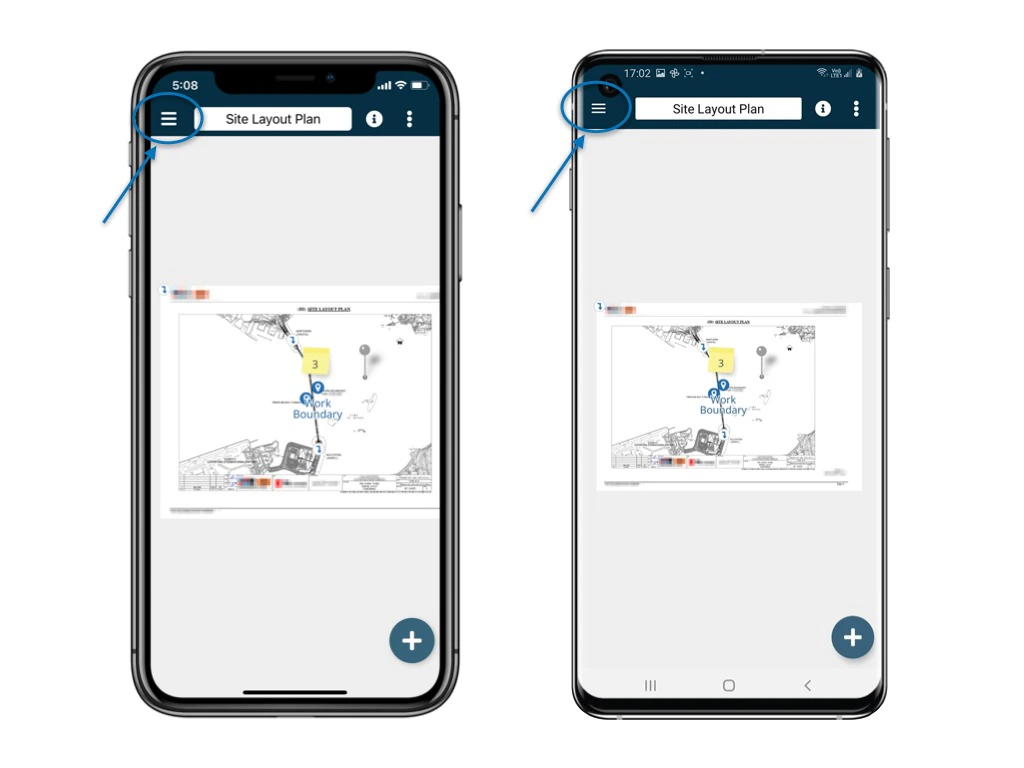
  • Plan Viewer
How to edit form content via the APP? How to edit form content via the APP? How to edit form content via the APP? How to edit form content via the APP? How to edit form content via the APP?
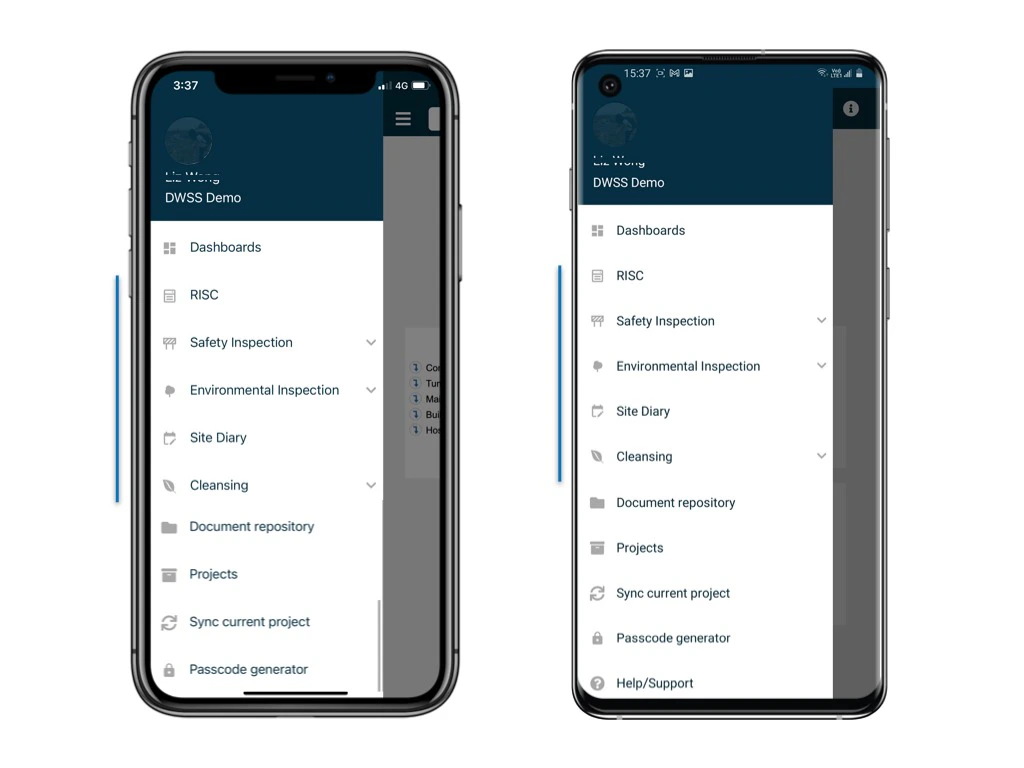
  • Finder
How to edit form content via the APP? How to edit form content via the APP? How to edit form content via the APP? How to edit form content via the APP? How to edit form content via the APP?
After completing your onsite work on the app, remember to synchronize. This action backs up your data and updates your project team.