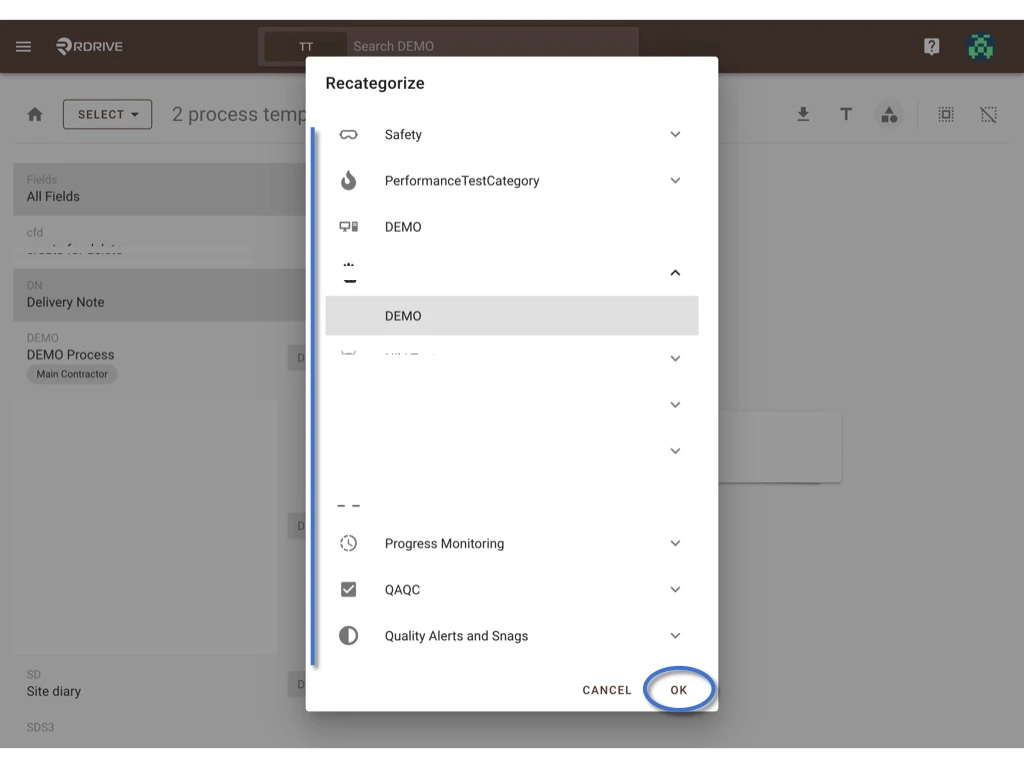
Category is a classification tool for you to manage all the templates. This is a tutorial to let you know how to recategorize templates into another subcategory. You may single-edit or batch-edit by templates. First of all, please access the subcategory template list from the company level to start.

Single

Issue/record - 

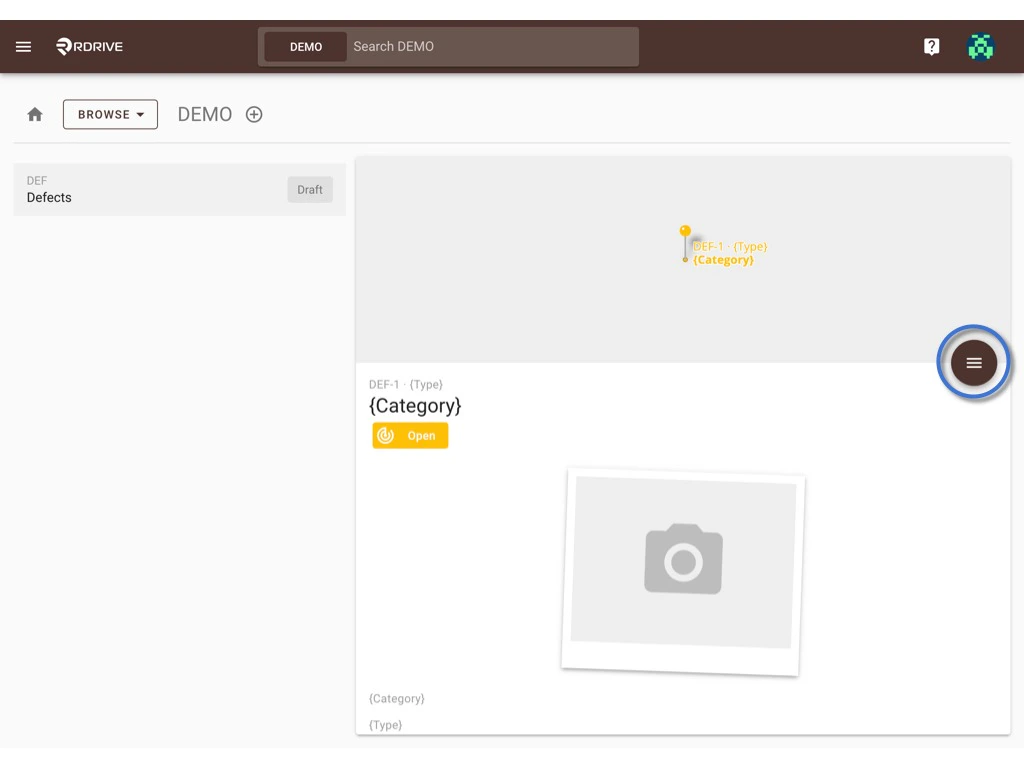
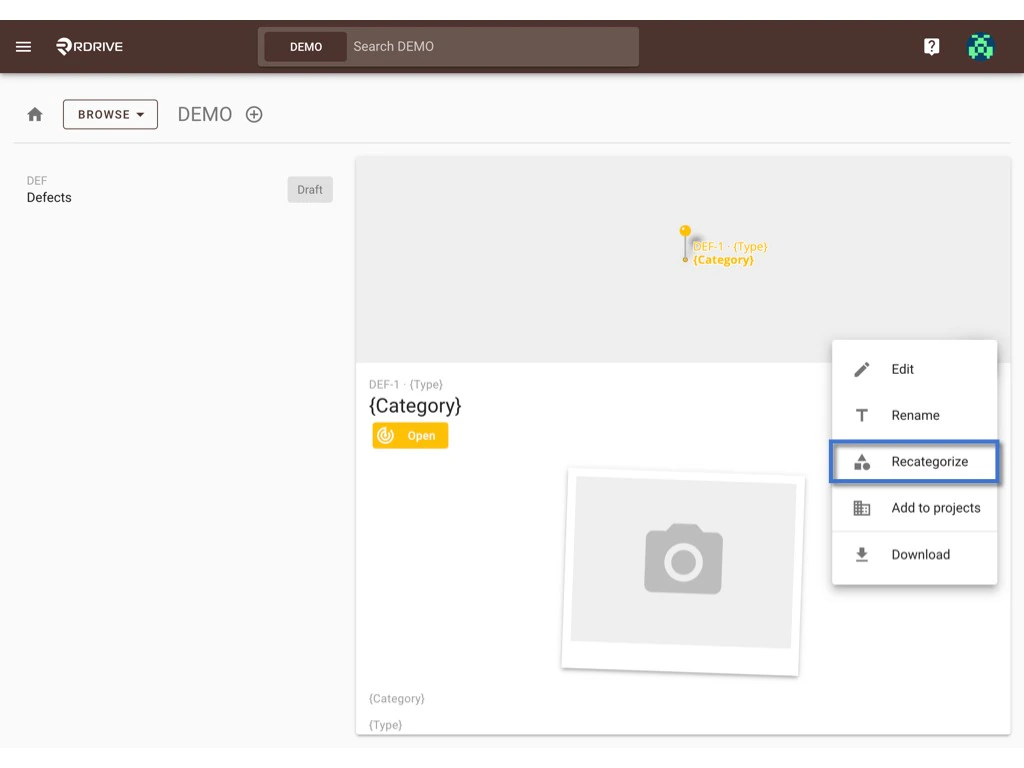
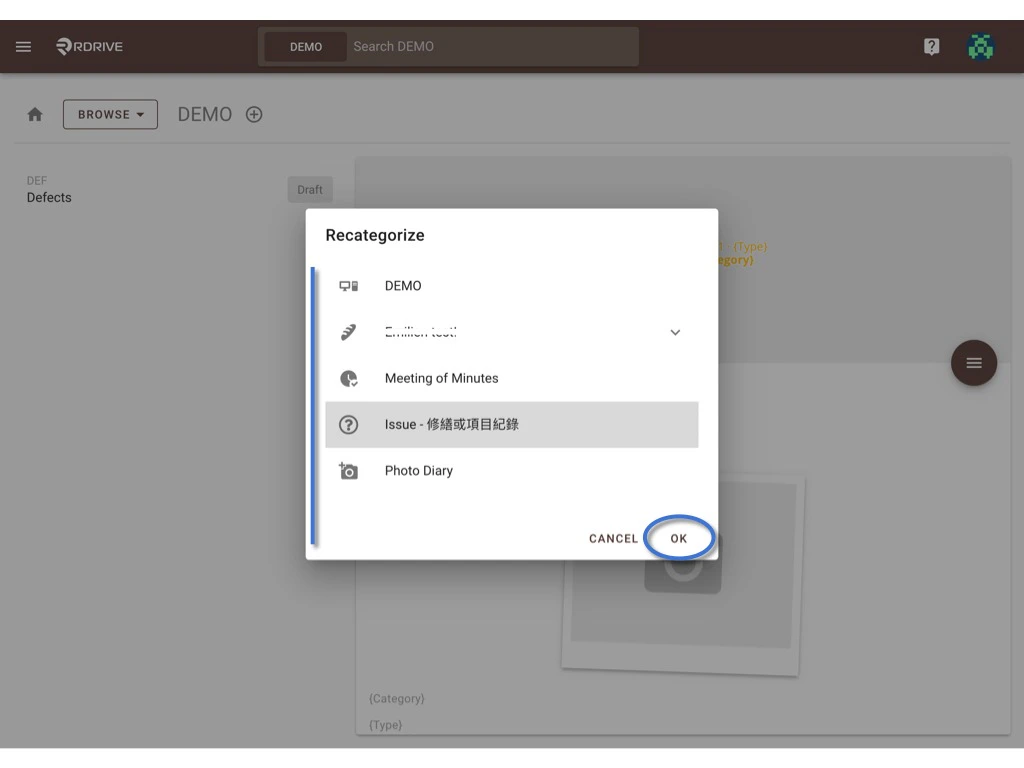
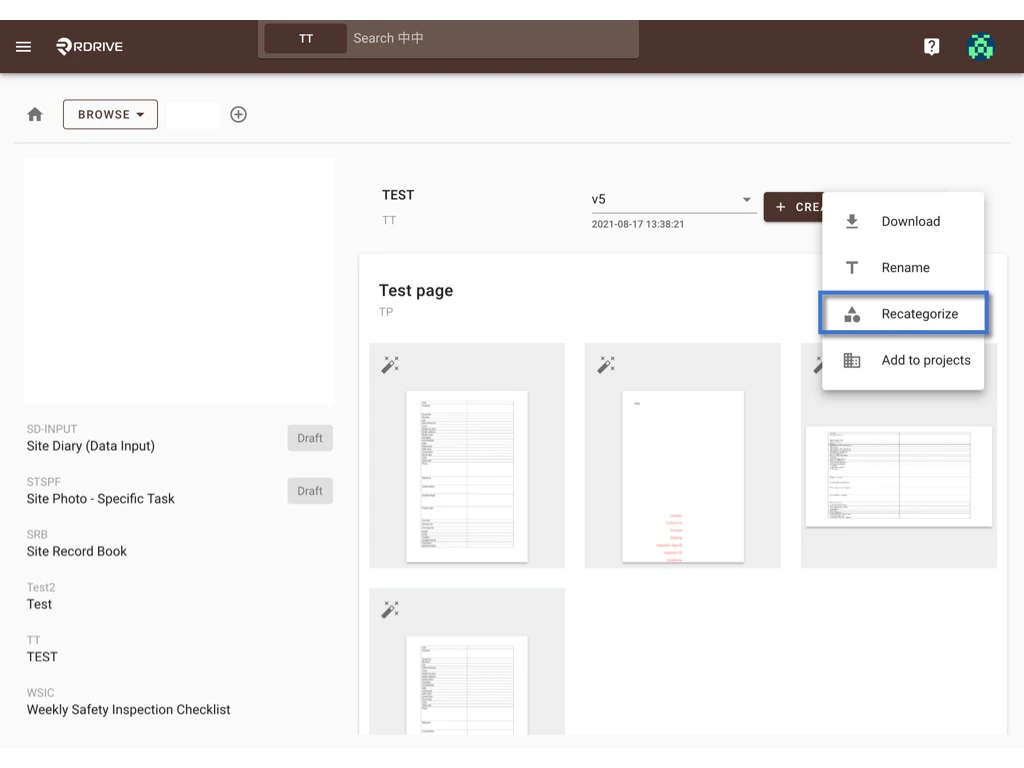
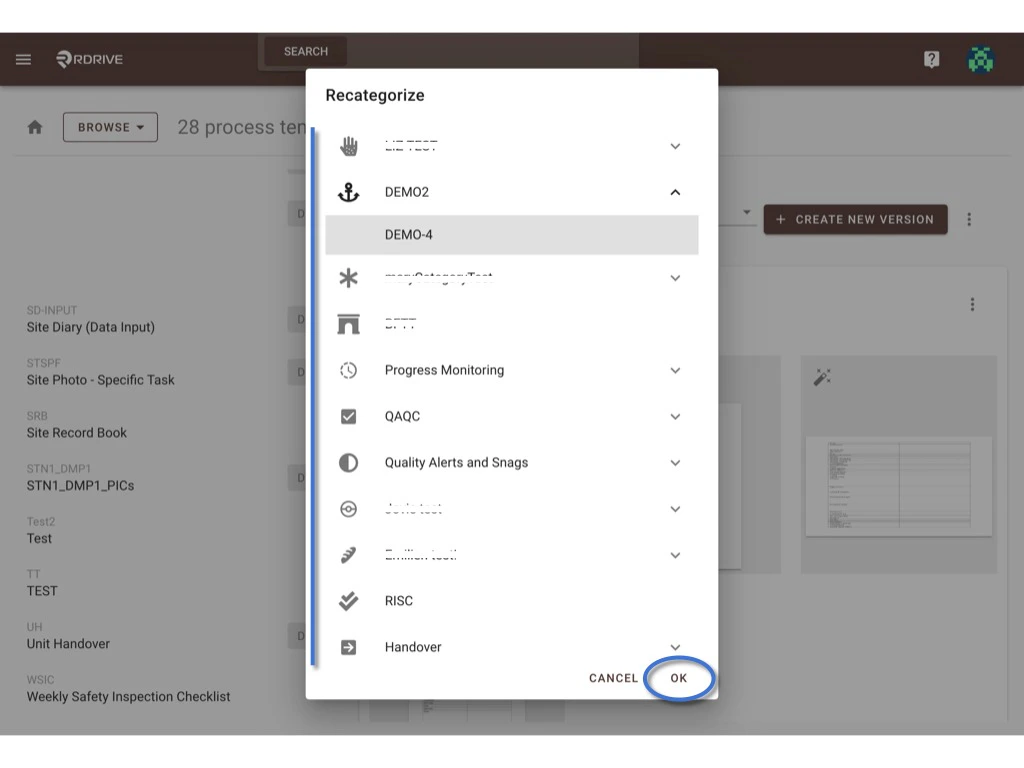
Select the template and click the button to expand the menu. How to recategorize? Select RECATEGORIZE. How to recategorize? Choose one subcategory, OK to confirm the move. Done. How to recategorize?

Process template-

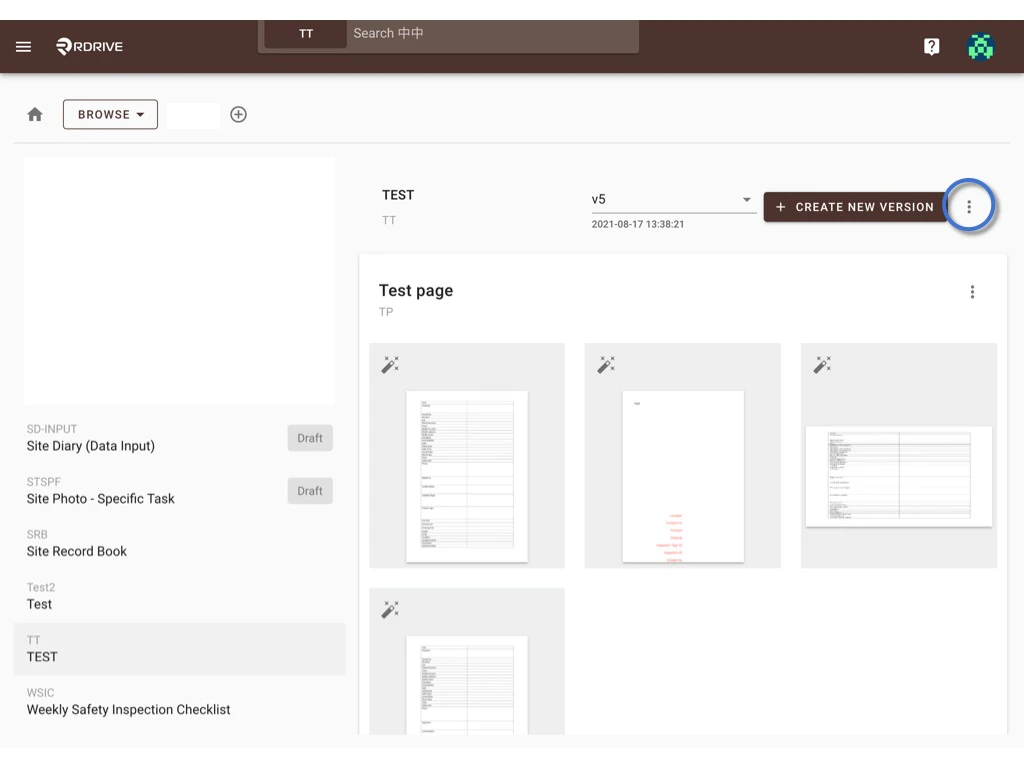
Select the template and click the button to expand the menu. How to recategorize? Select RECATEGORIZE. How to recategorize? Choose one subcategory, OK to confirm the move. Done. How to recategorize?

Batch-Edit

Issue/record-

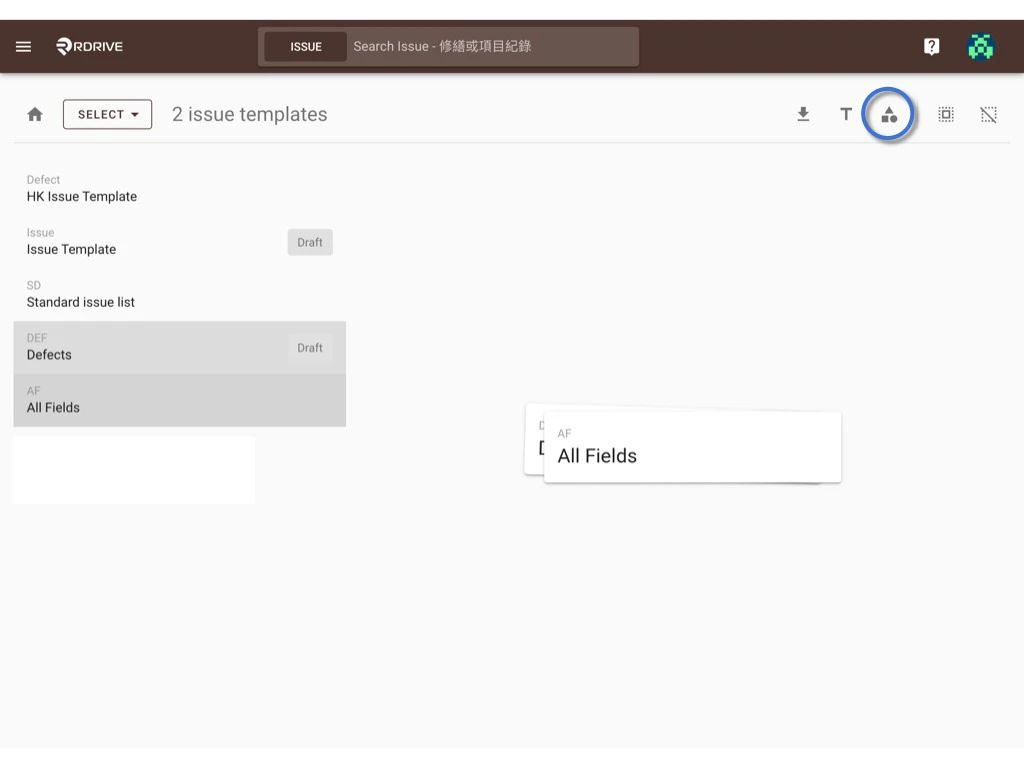
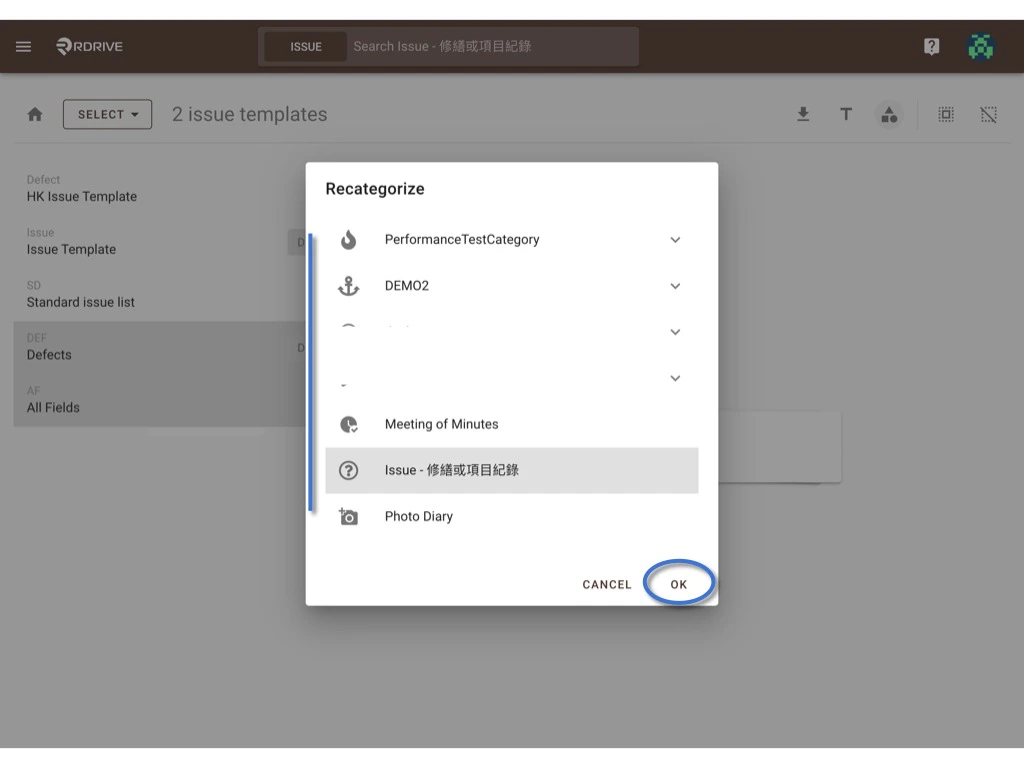
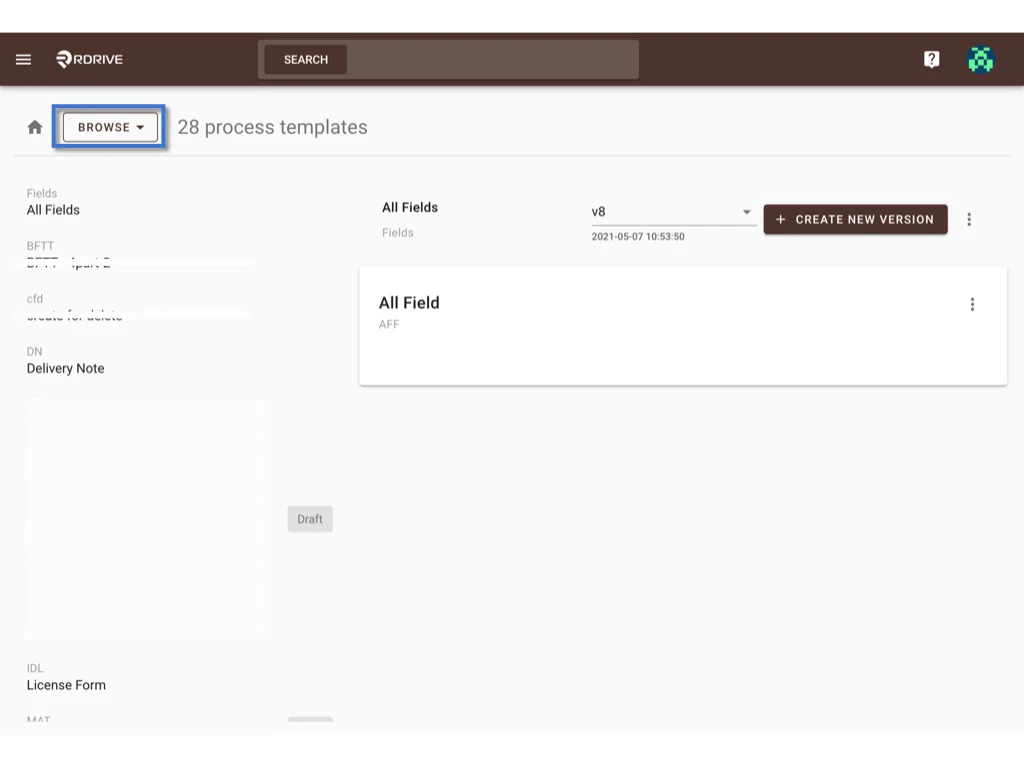
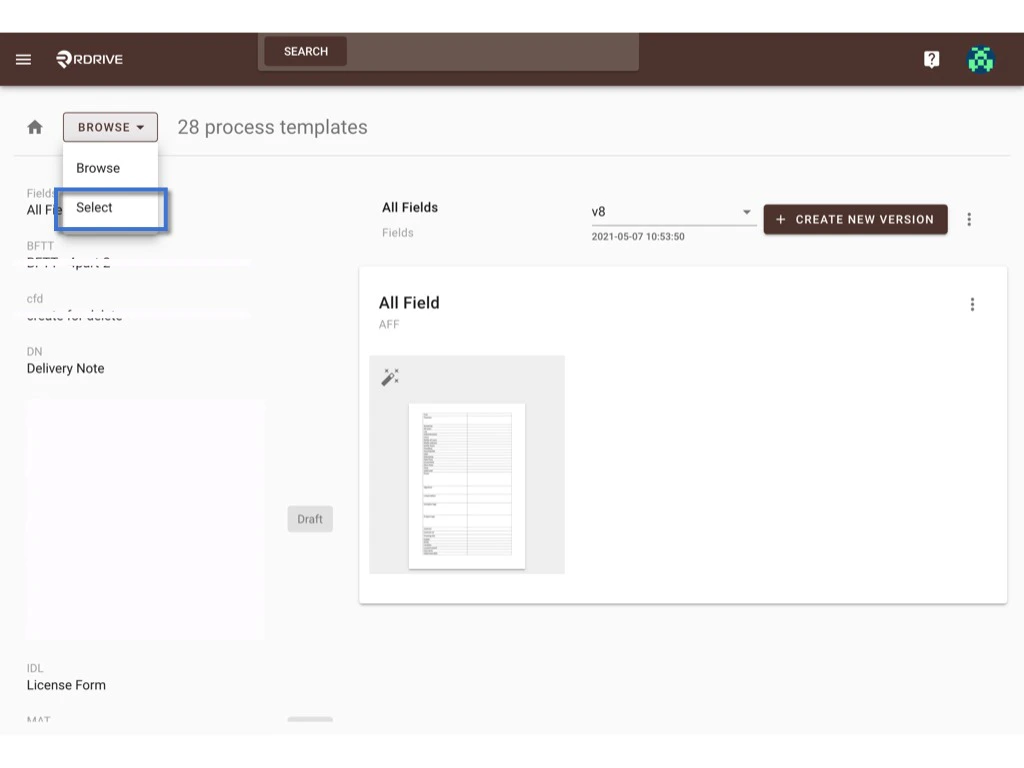
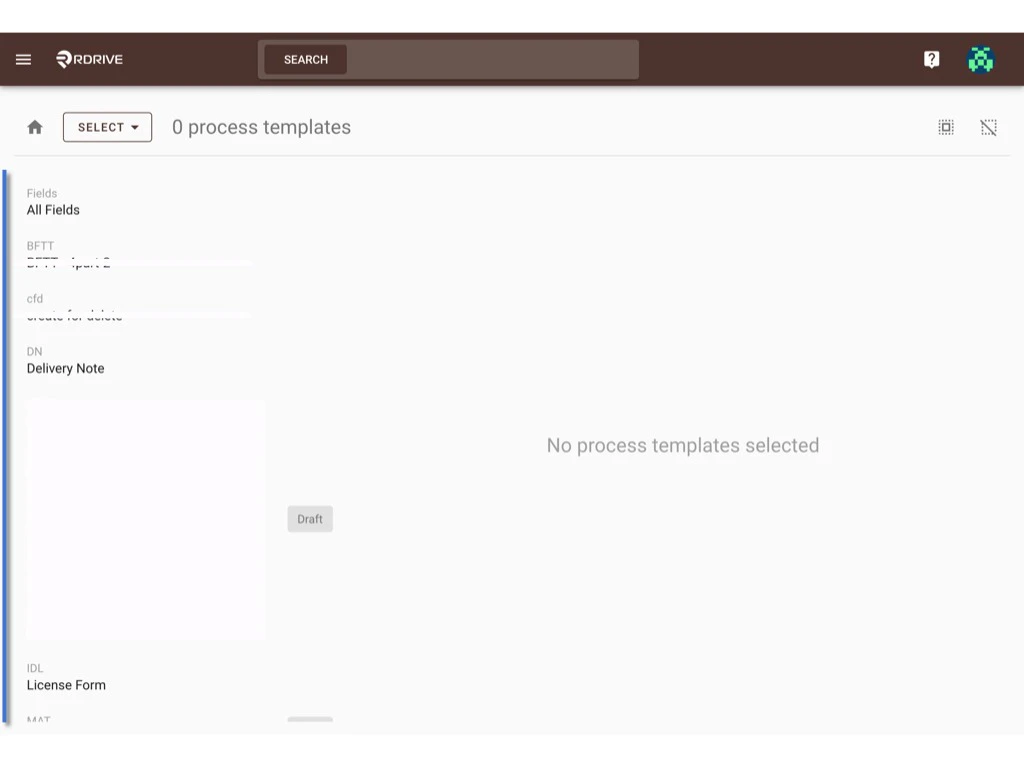
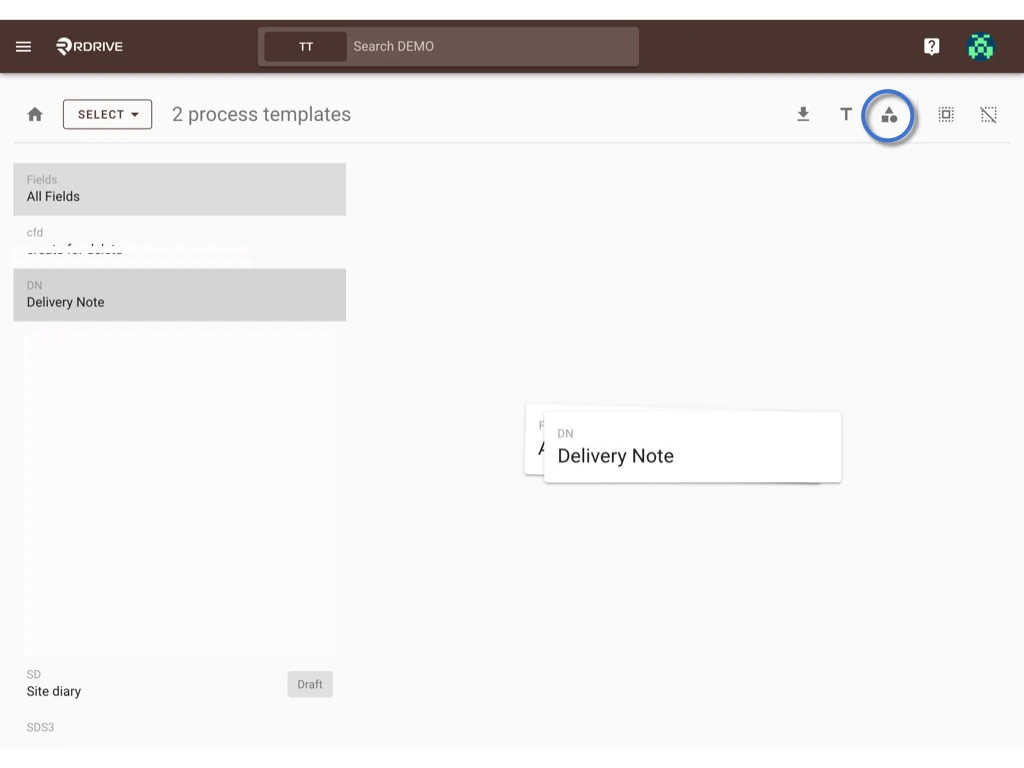
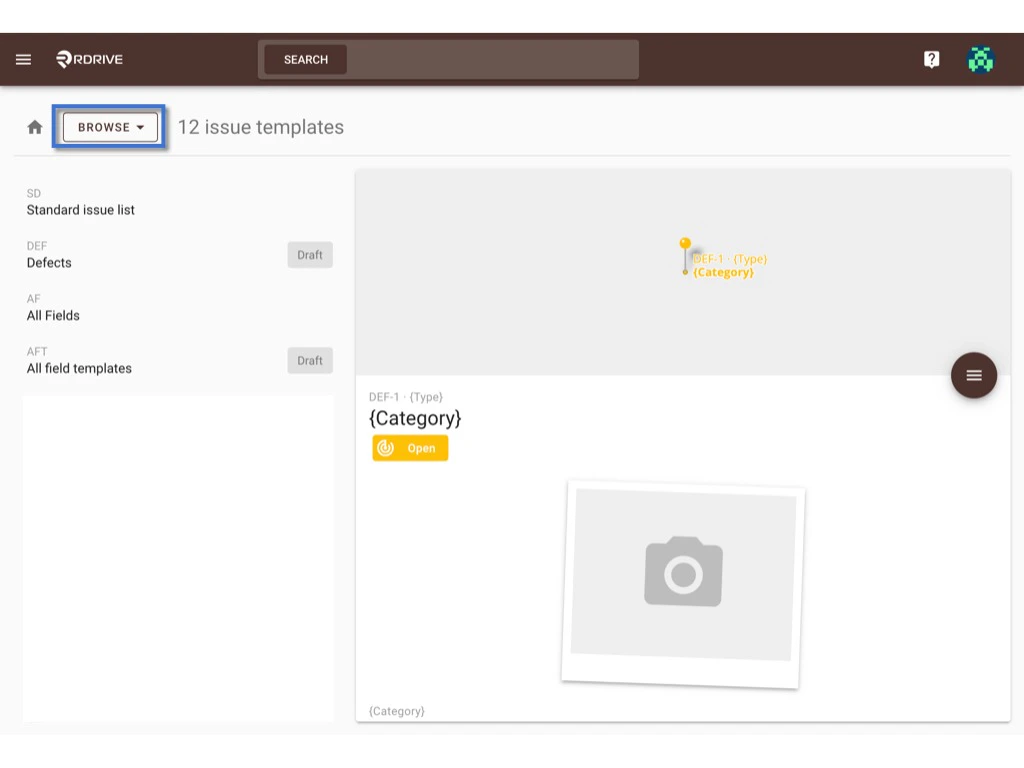
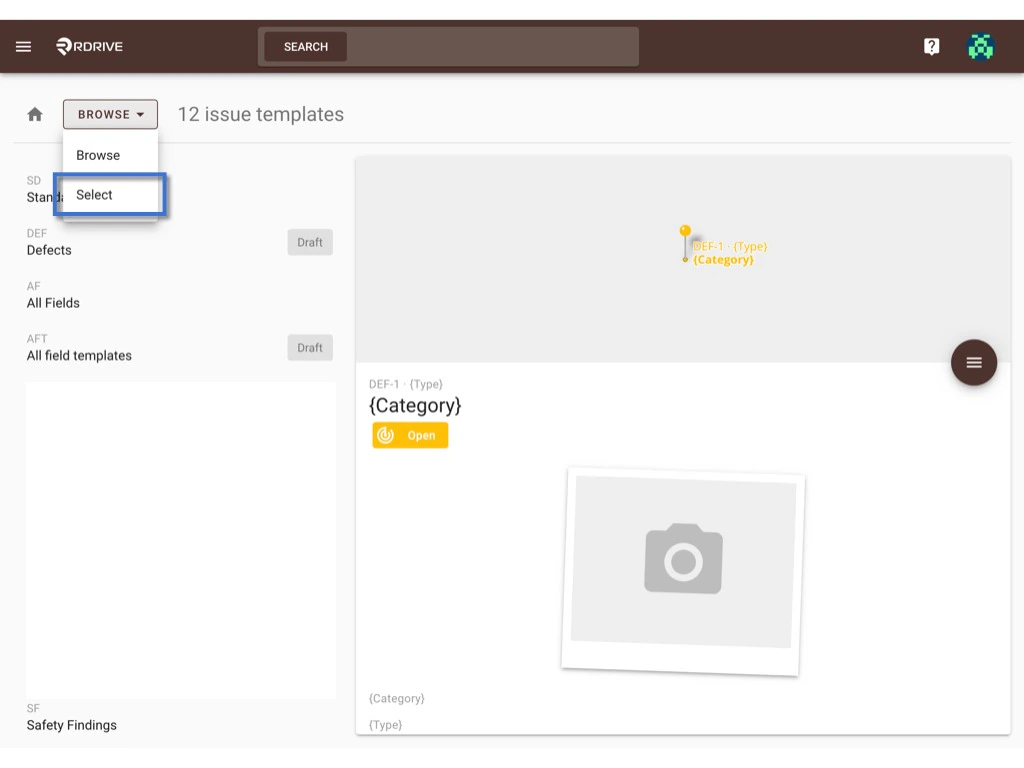
Switch the mode from Browse to Select. How to recategorize? How to recategorize? On the select, you can select multiple templates and click the recategorize icon. How to recategorize? How to recategorize? Choose one subcategory, OK to confirm the move. Done. How to recategorize?
Process template - 

Similar step with how do we do at issue/record.
Switch the mode from Browse to Select.
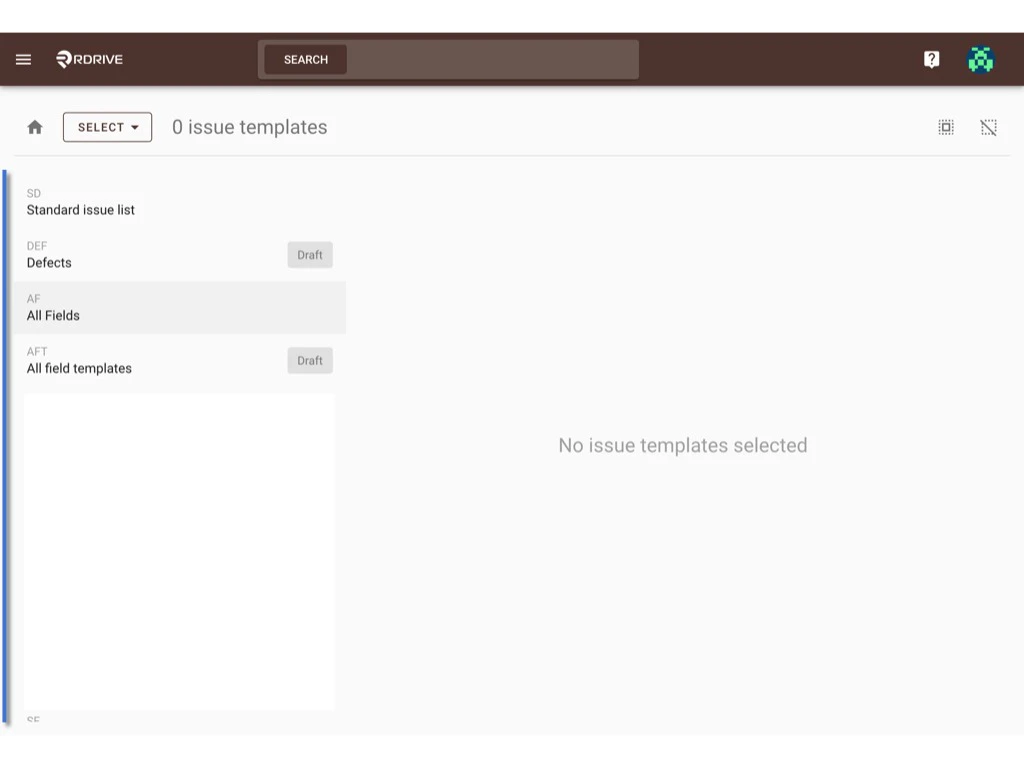
How to recategorize? How to recategorize? On the select, you can select multiple templates and click the recategorize icon. How to recategorize? How to recategorize? Choose one subcategory, OK to confirm the move. Done. How to recategorize?