
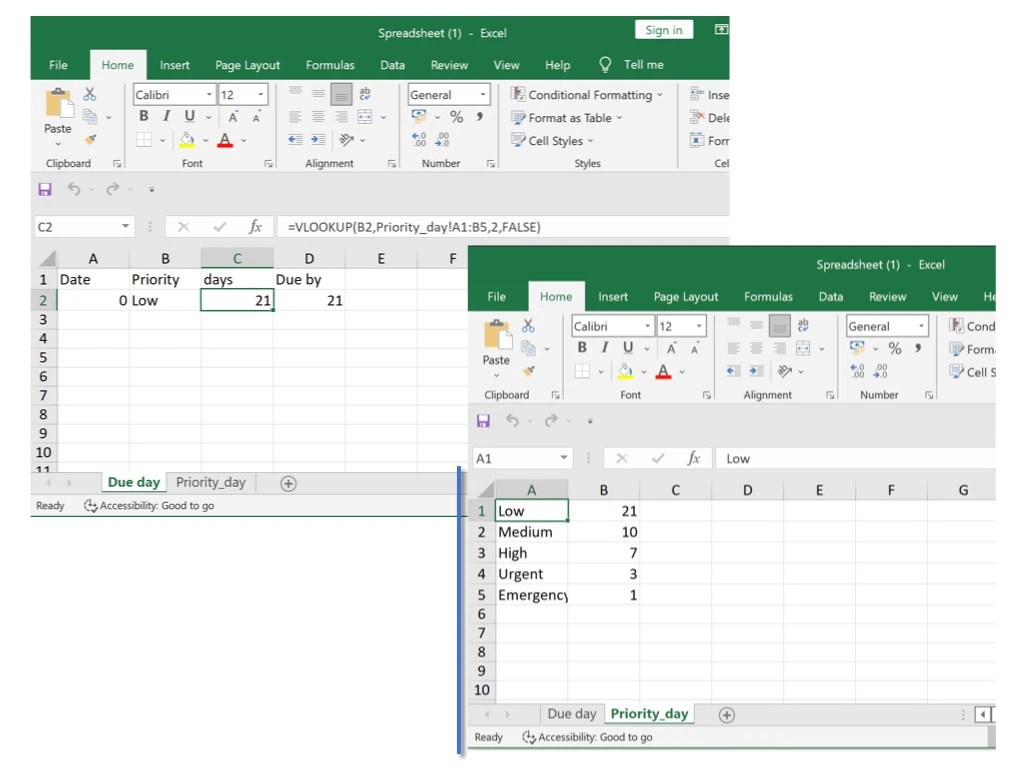
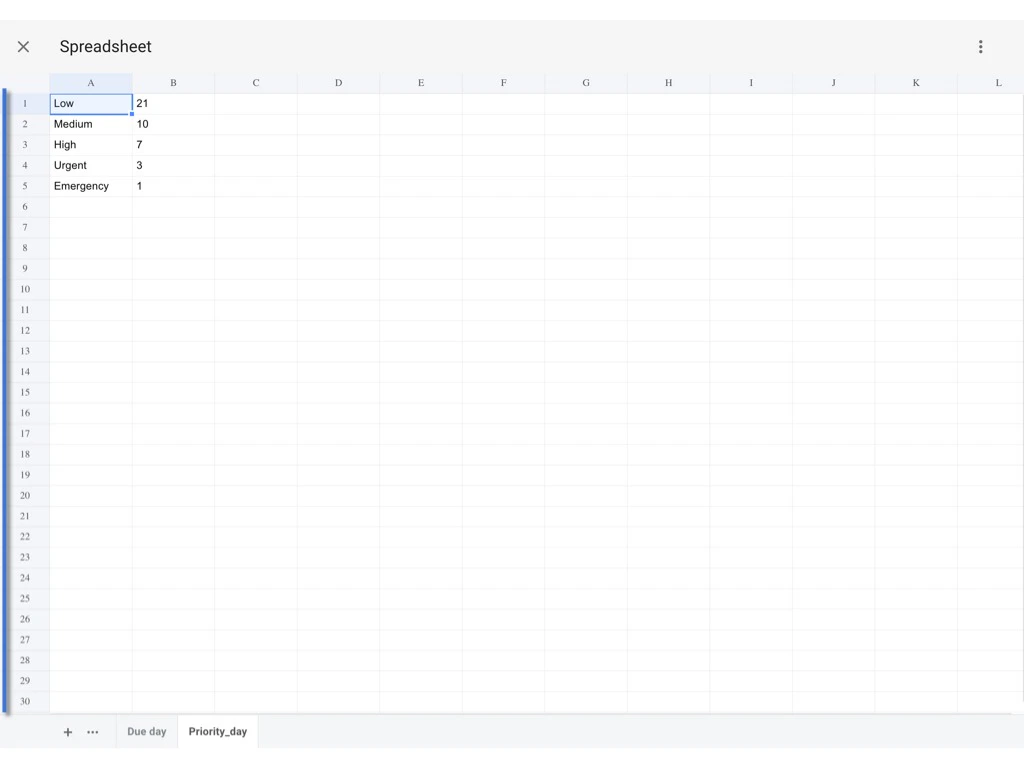
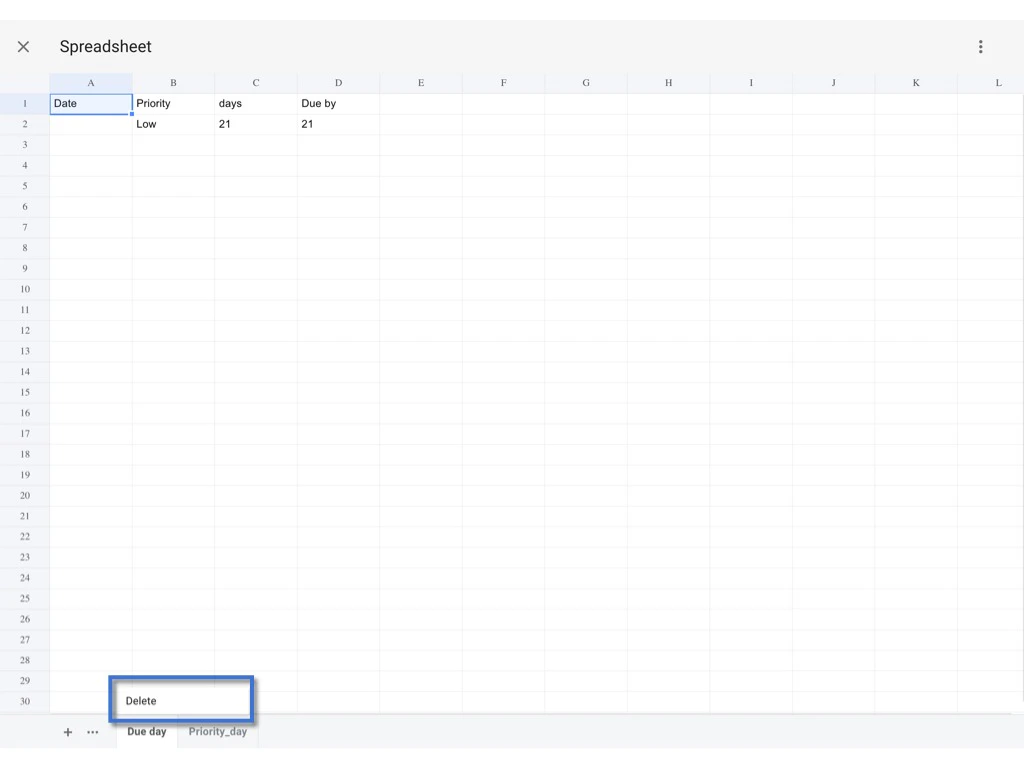
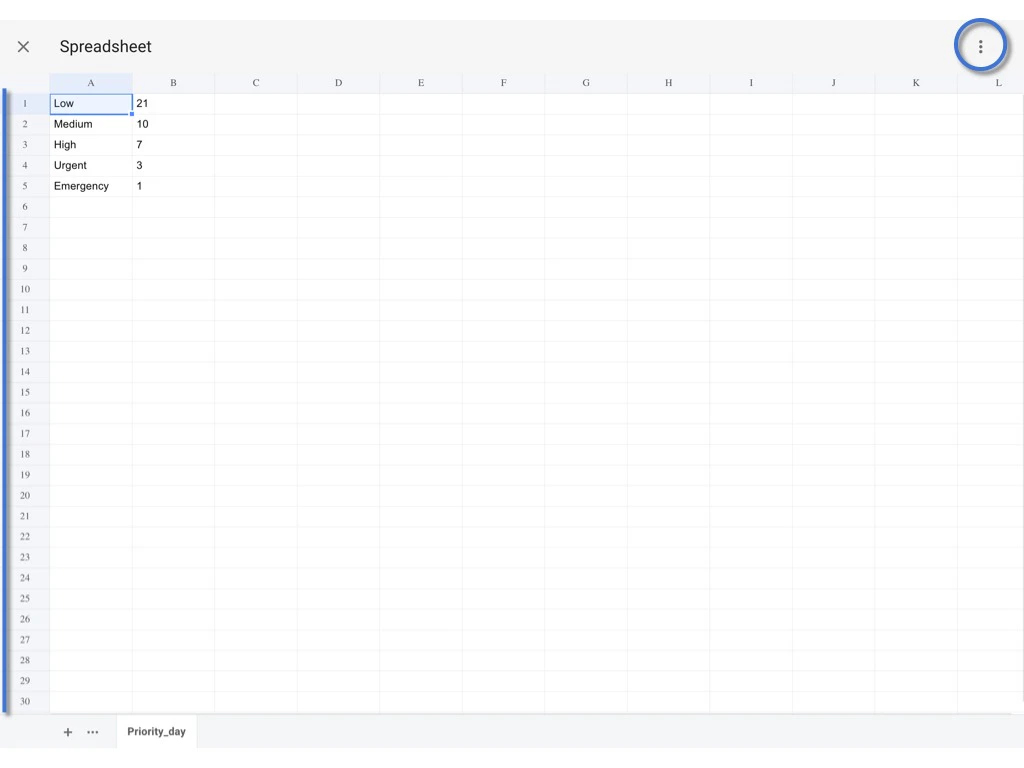
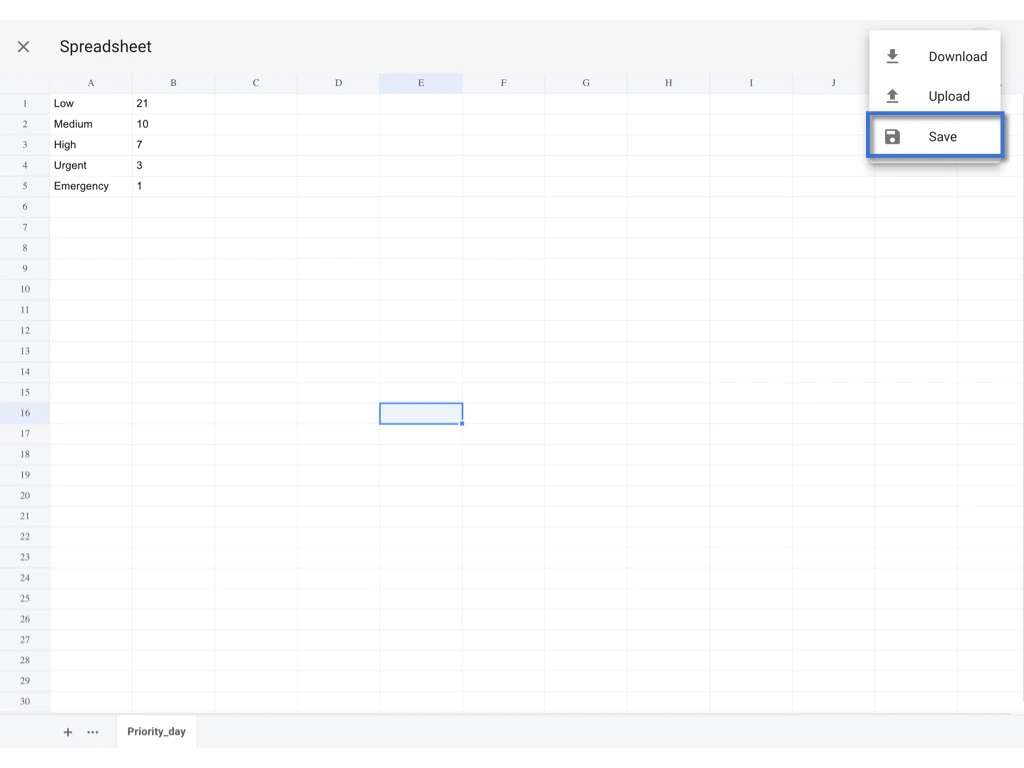
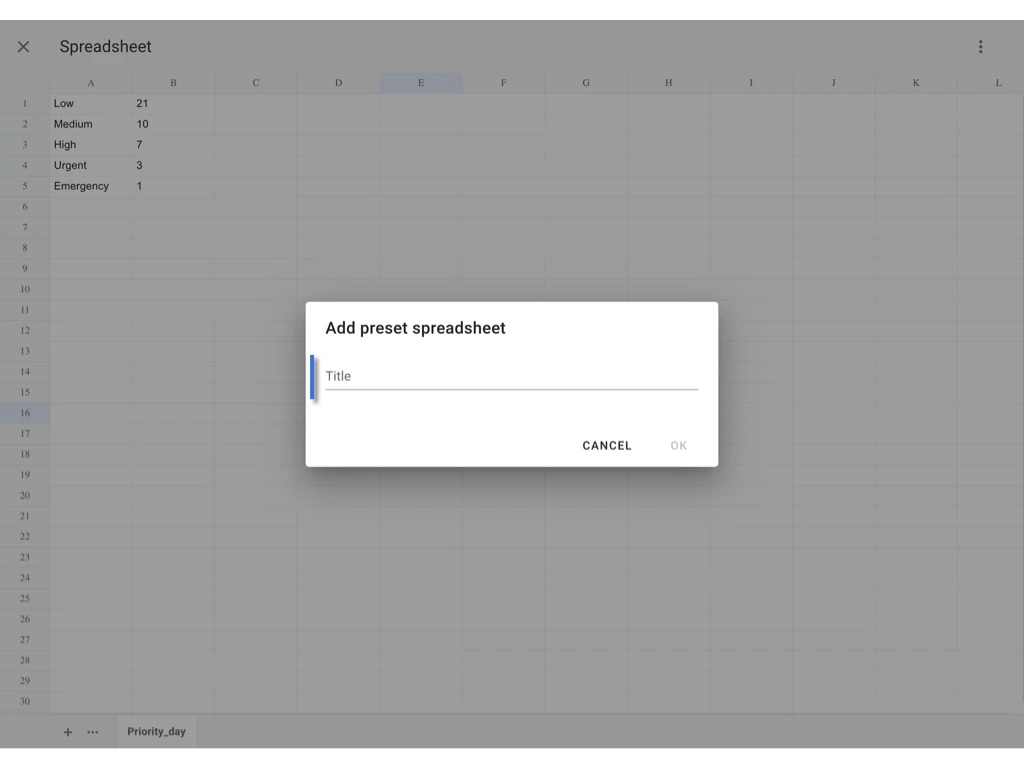
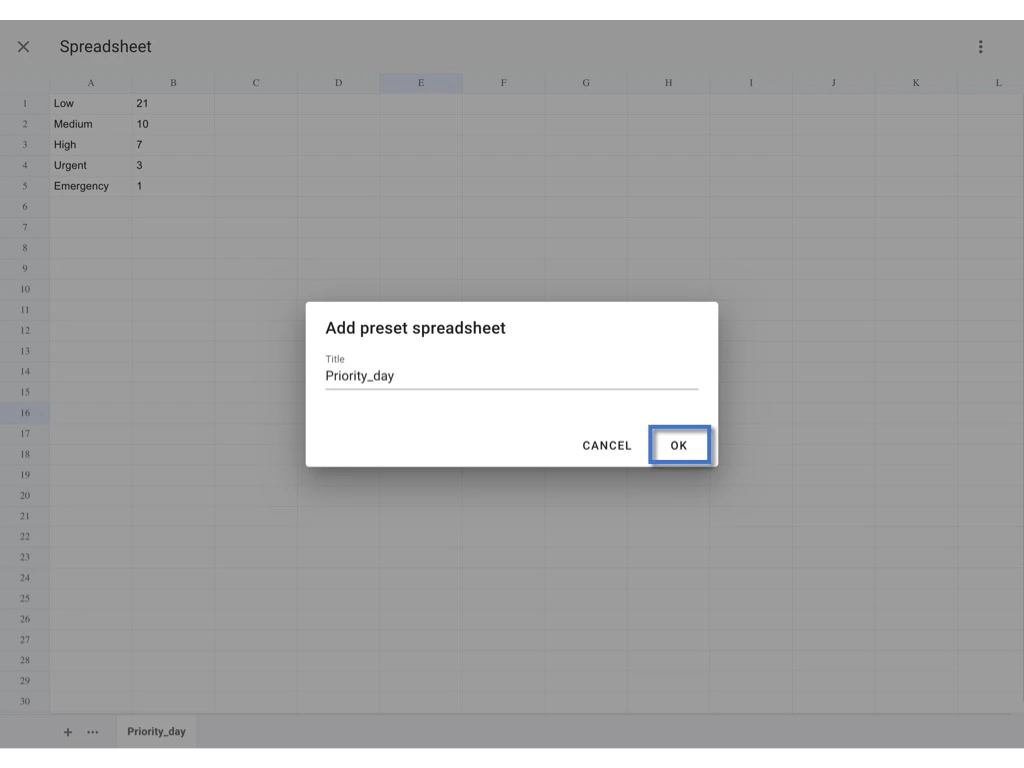
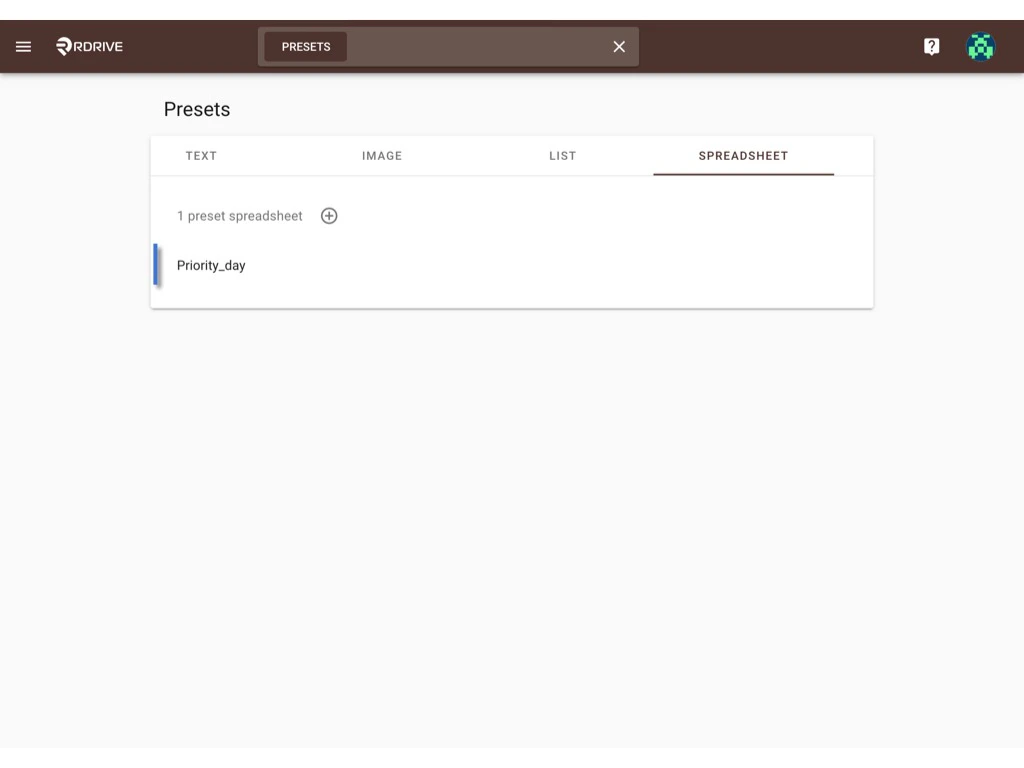
After the computation setting of the issue template is saved, let’s move to Settings > Presets to create a preset spreadsheet for merging with.
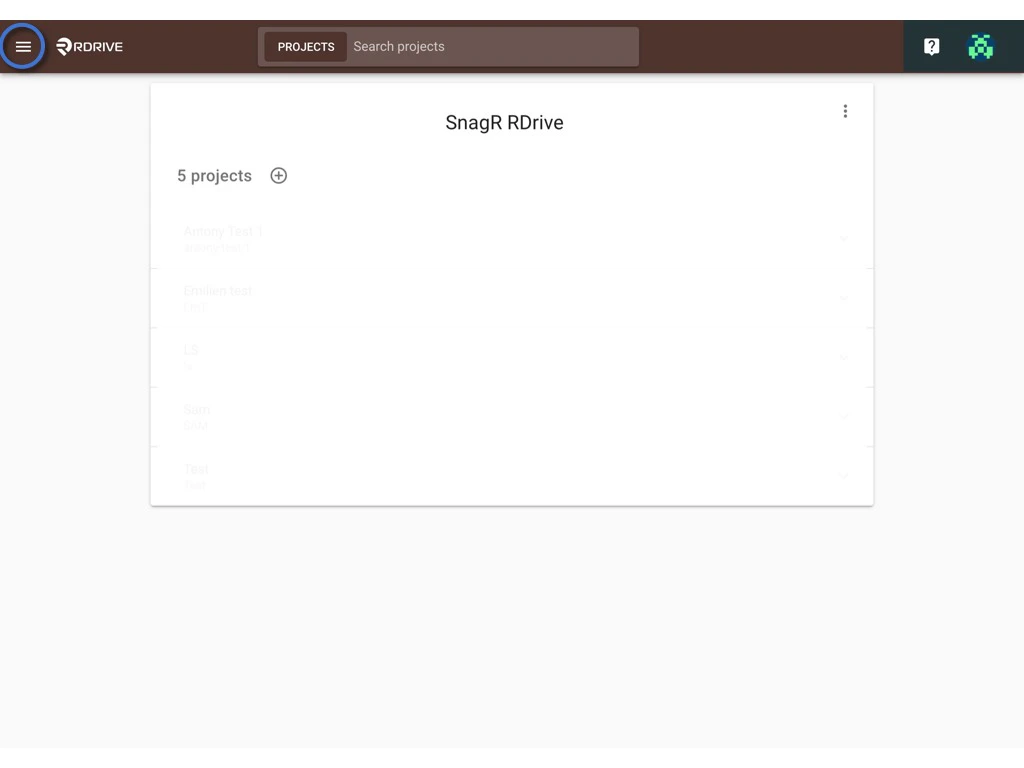
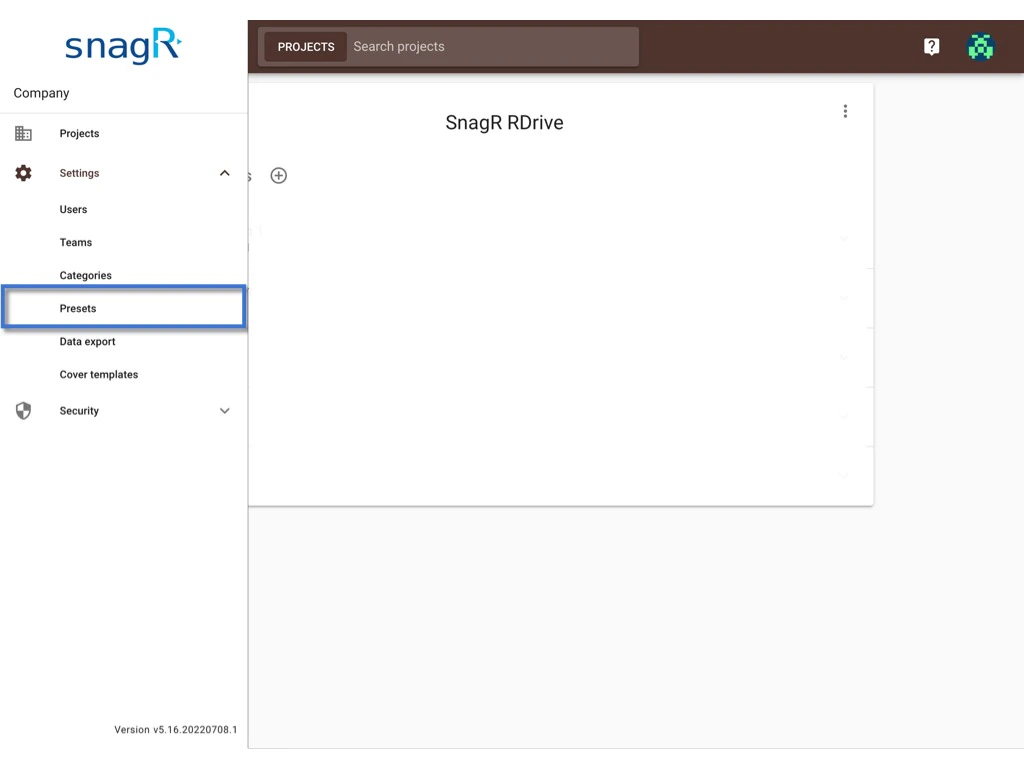
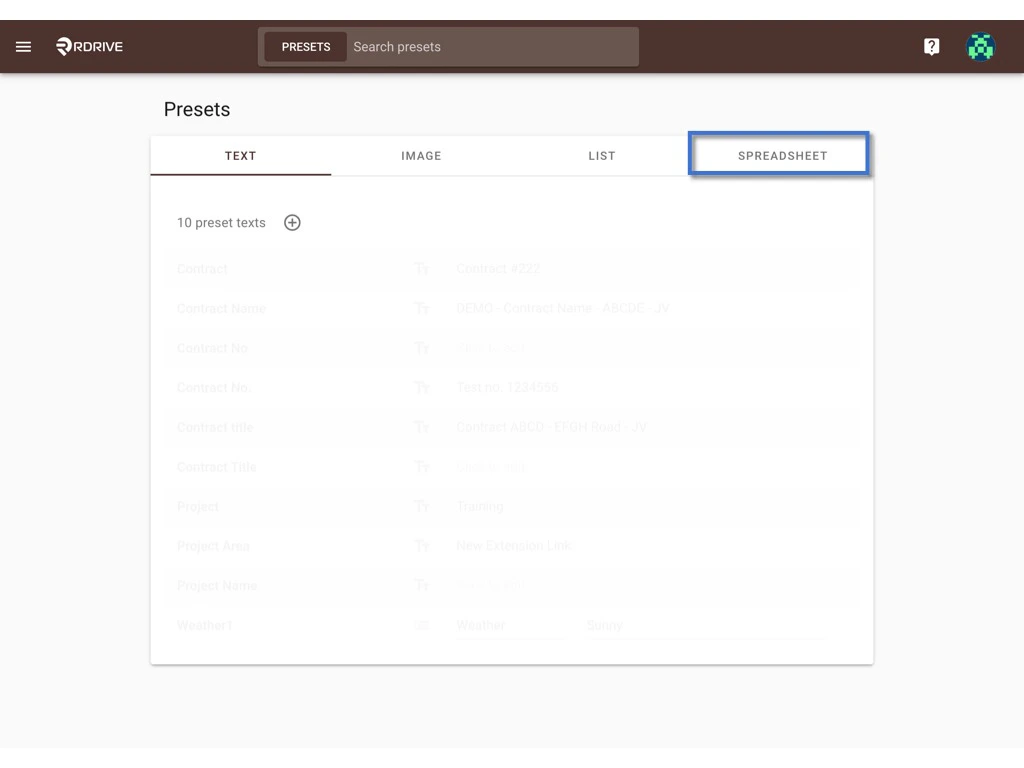
✚ ADD
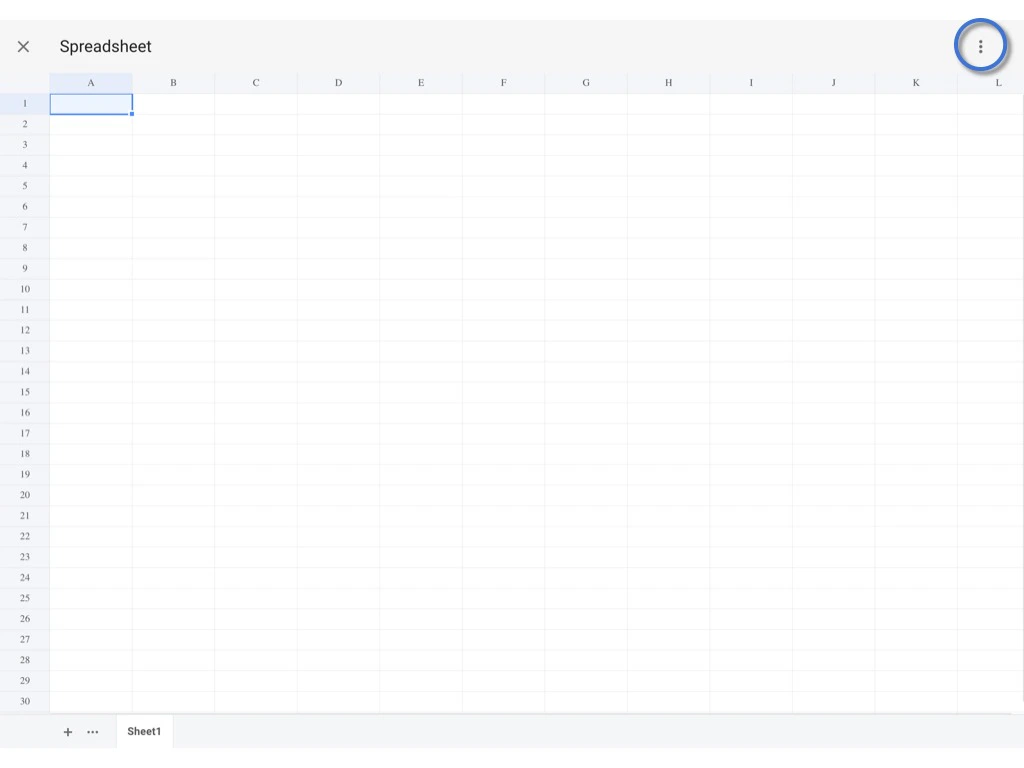
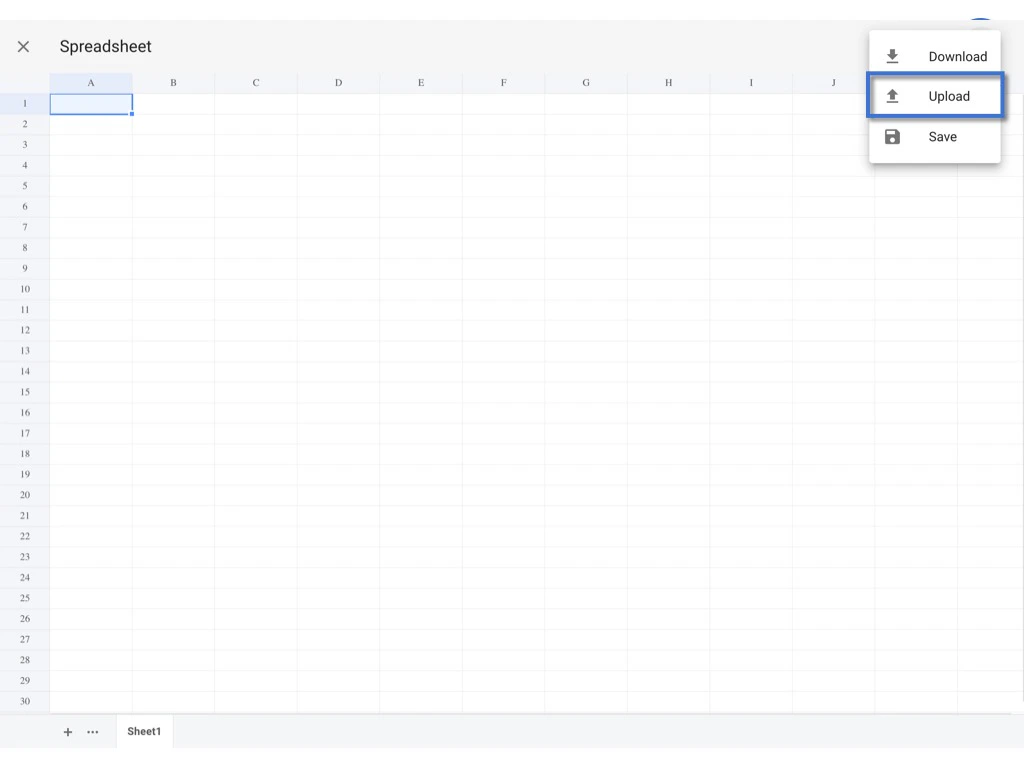
You can create a new preset spreadsheet by clicking the ⊕ button.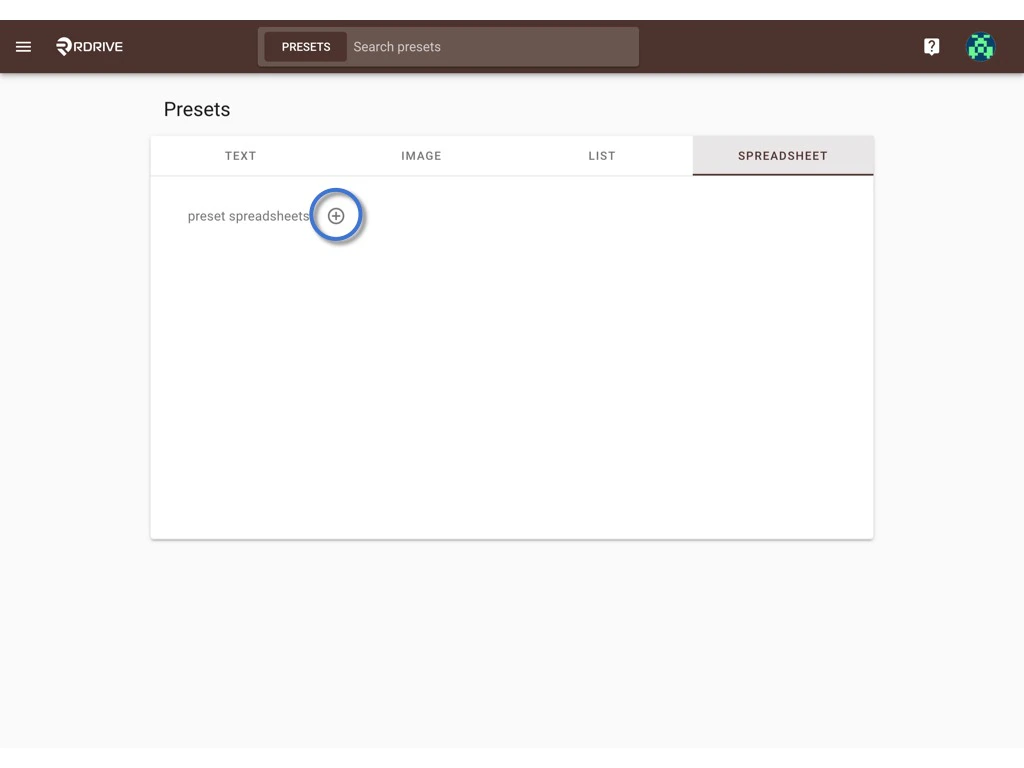
Merge
Next, please move to the template wizard for merging. In this example, we are going to merge it to an issue template’s computation.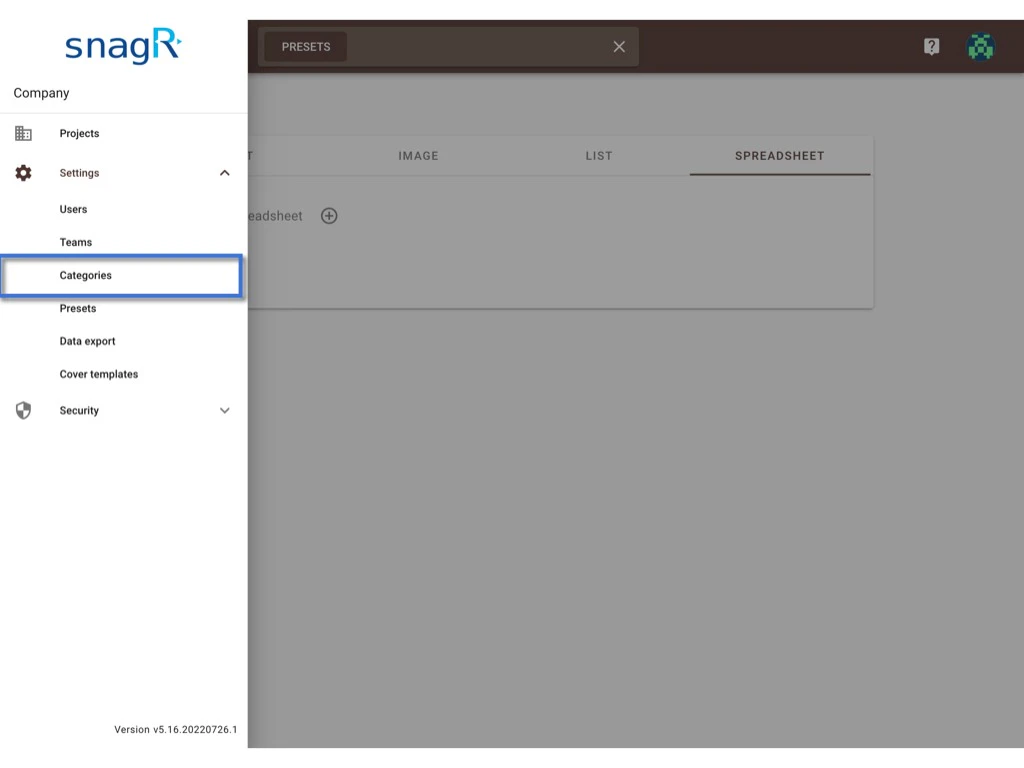
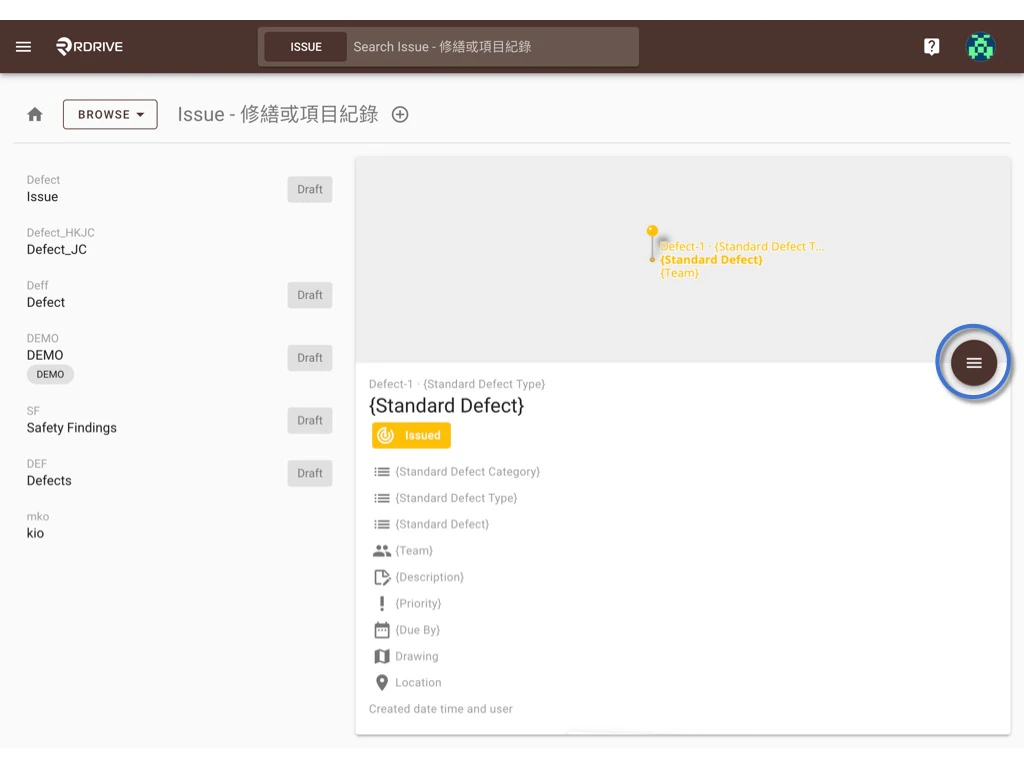
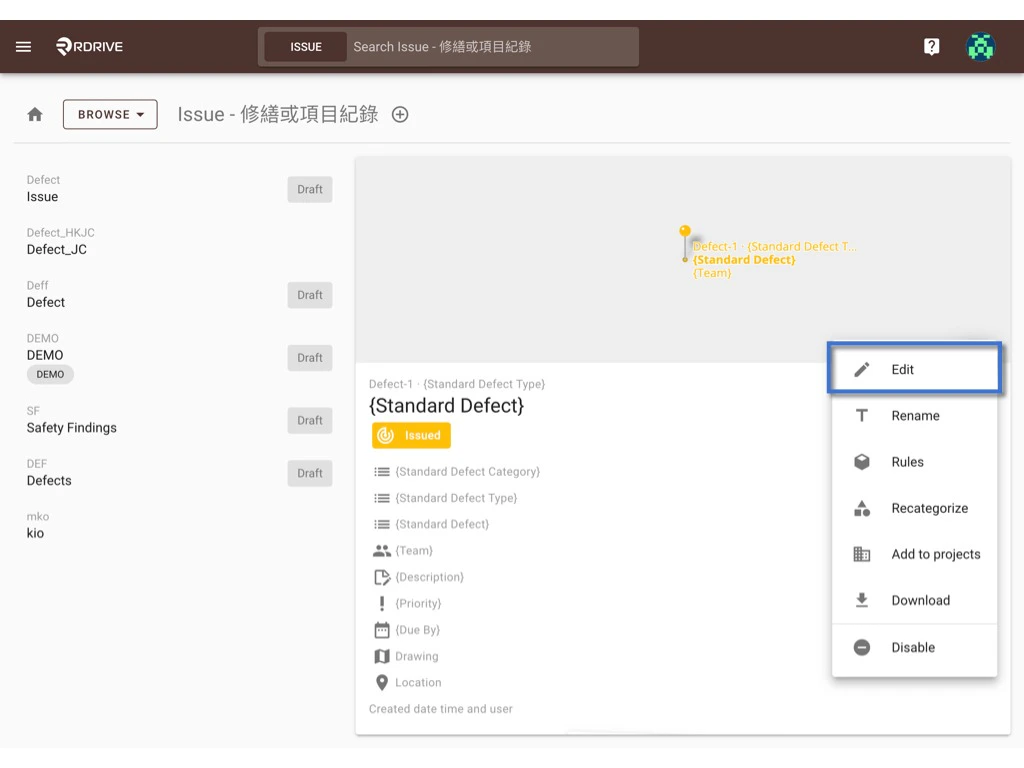
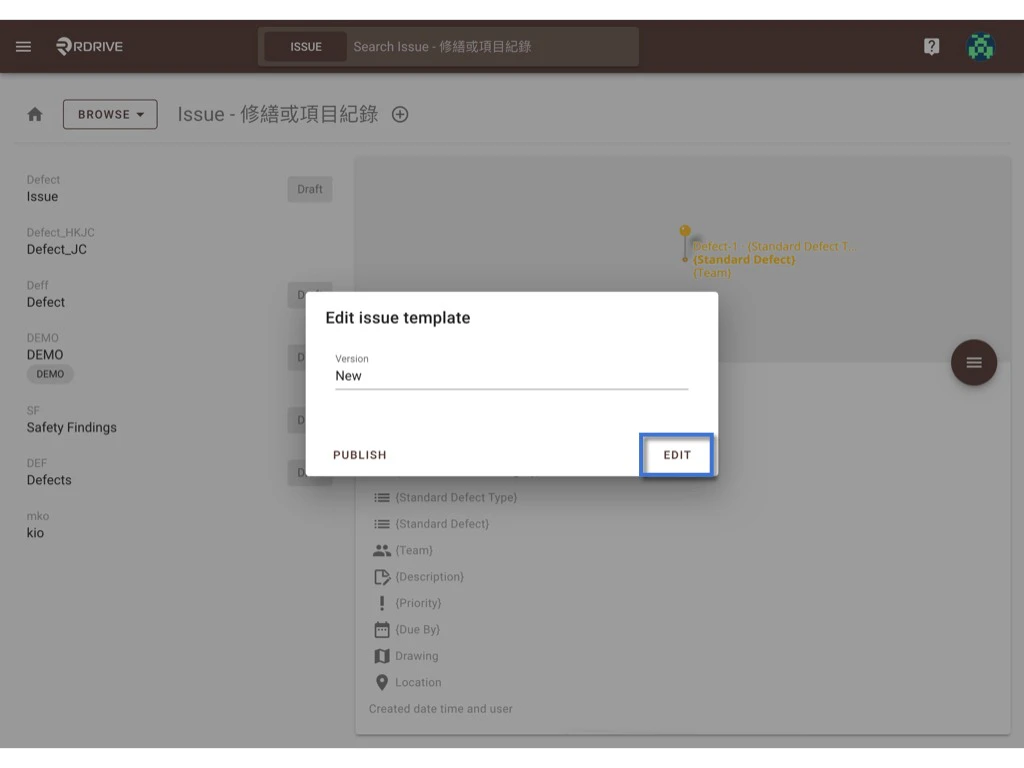
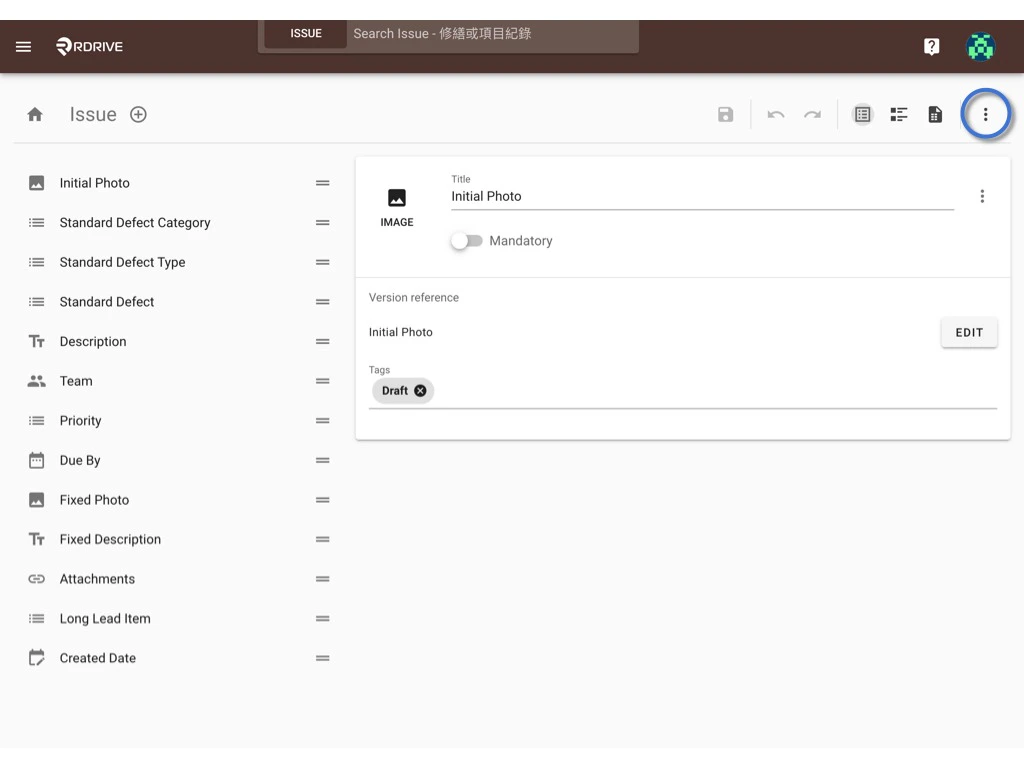
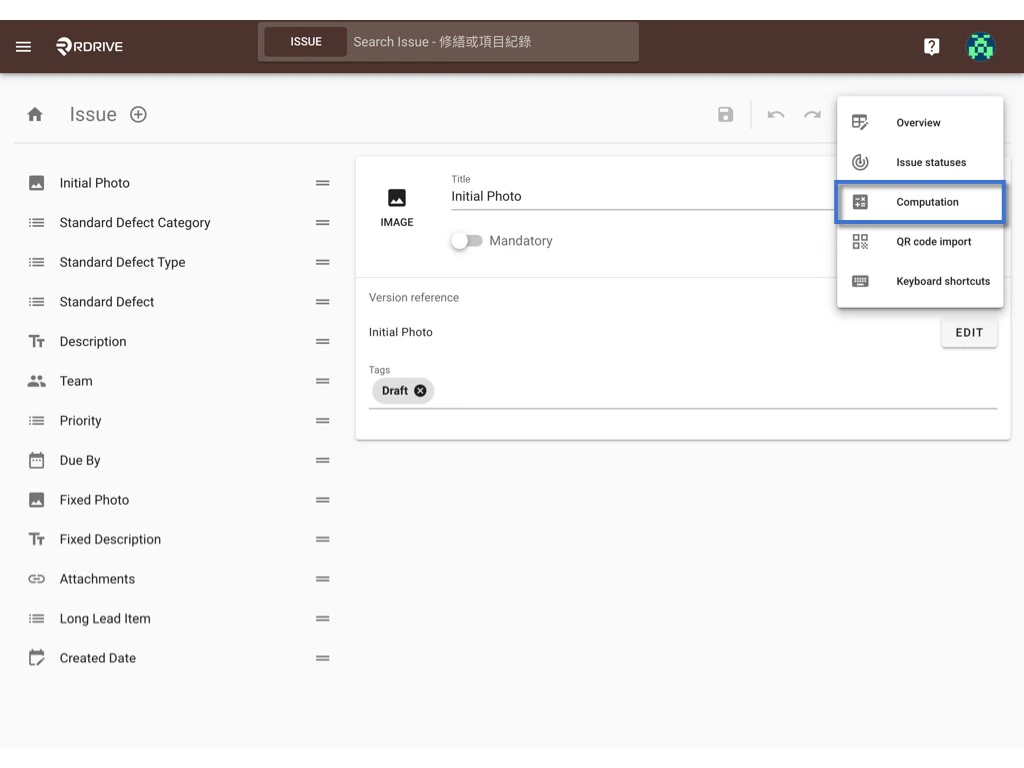
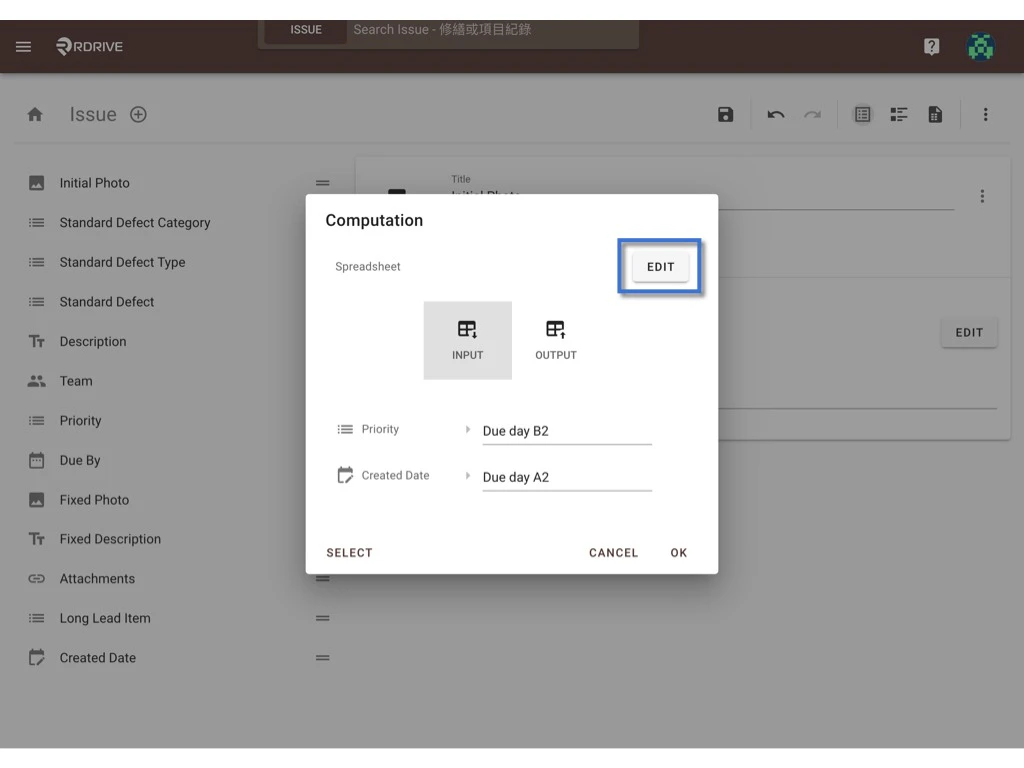
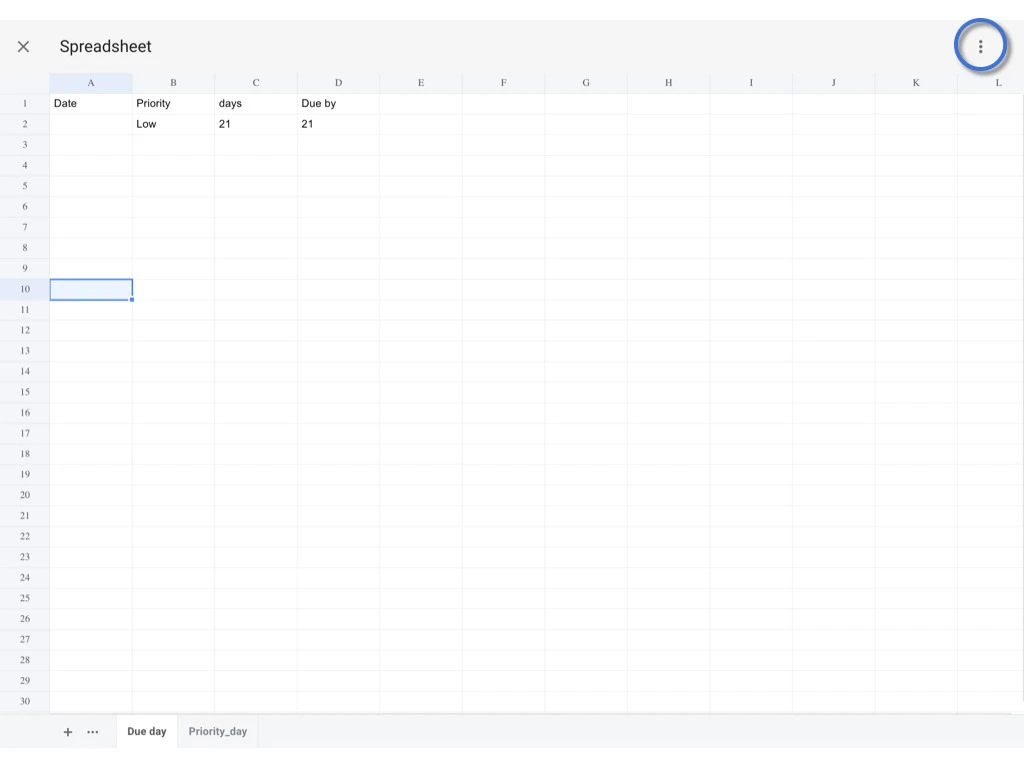
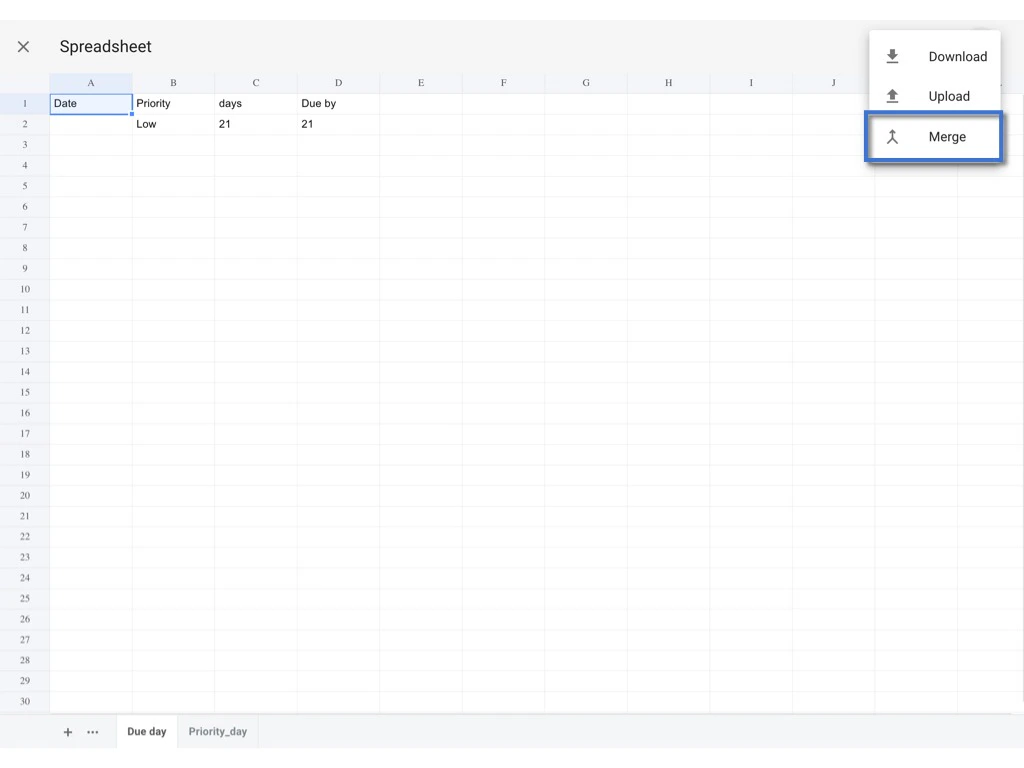
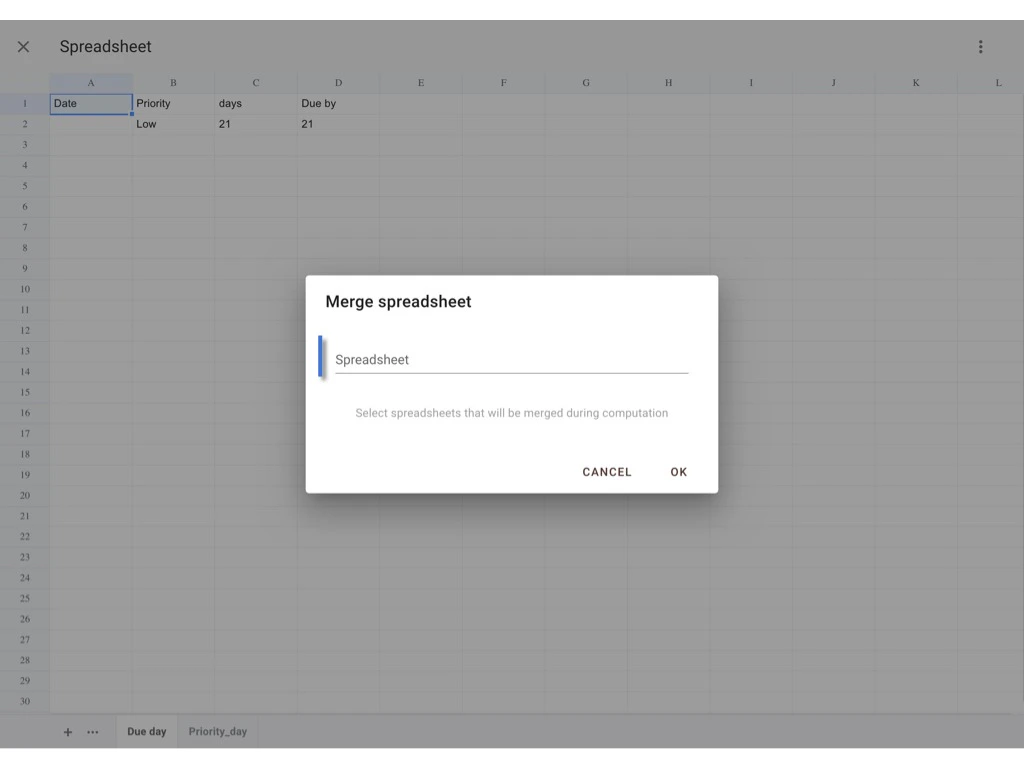
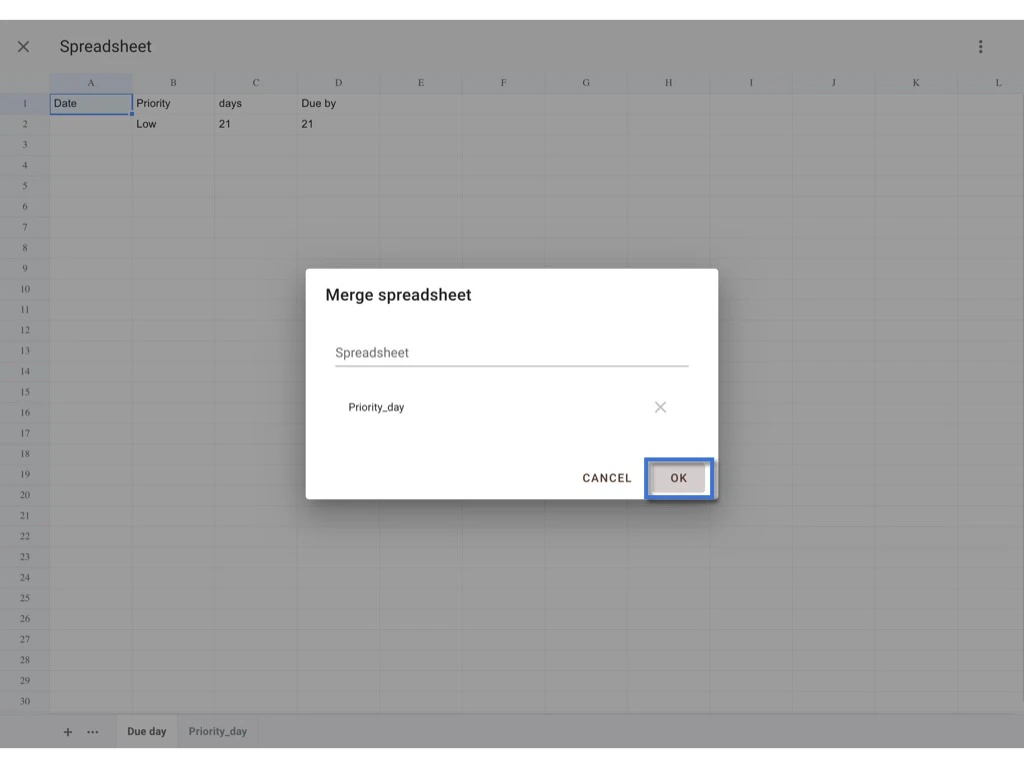
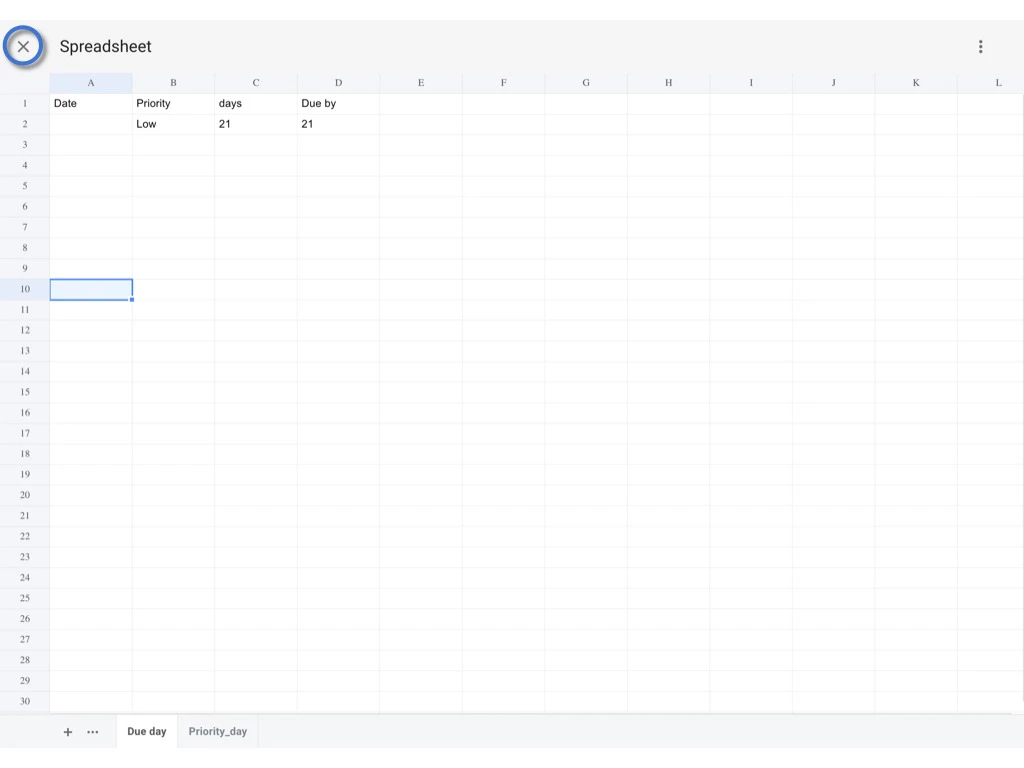
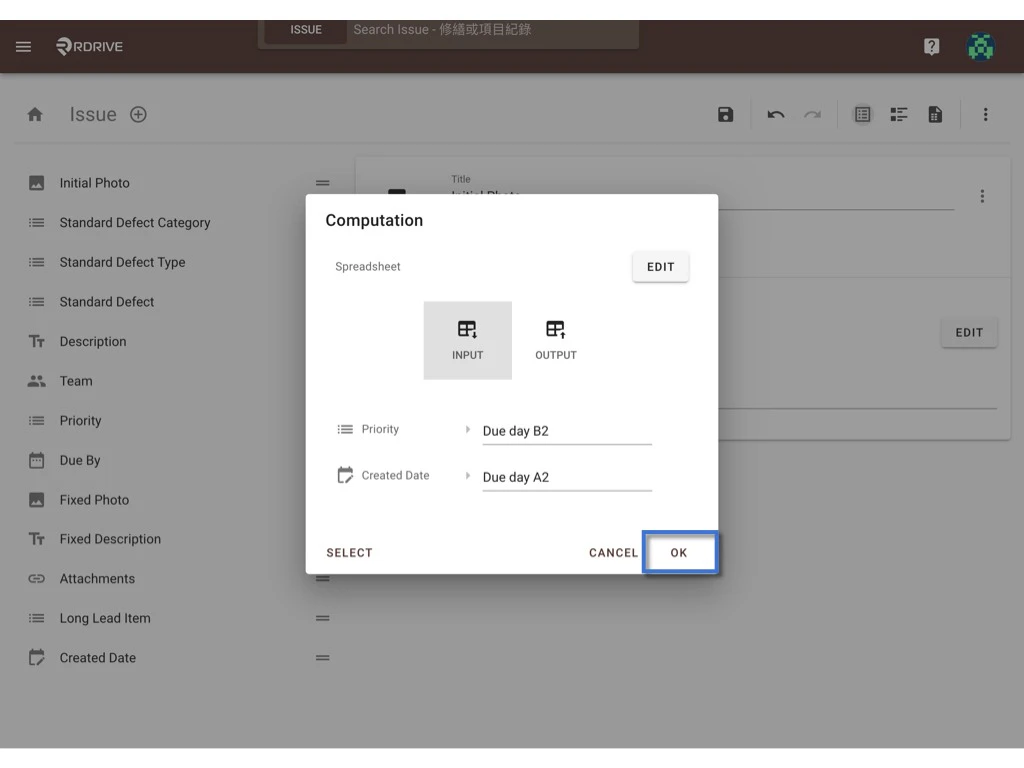
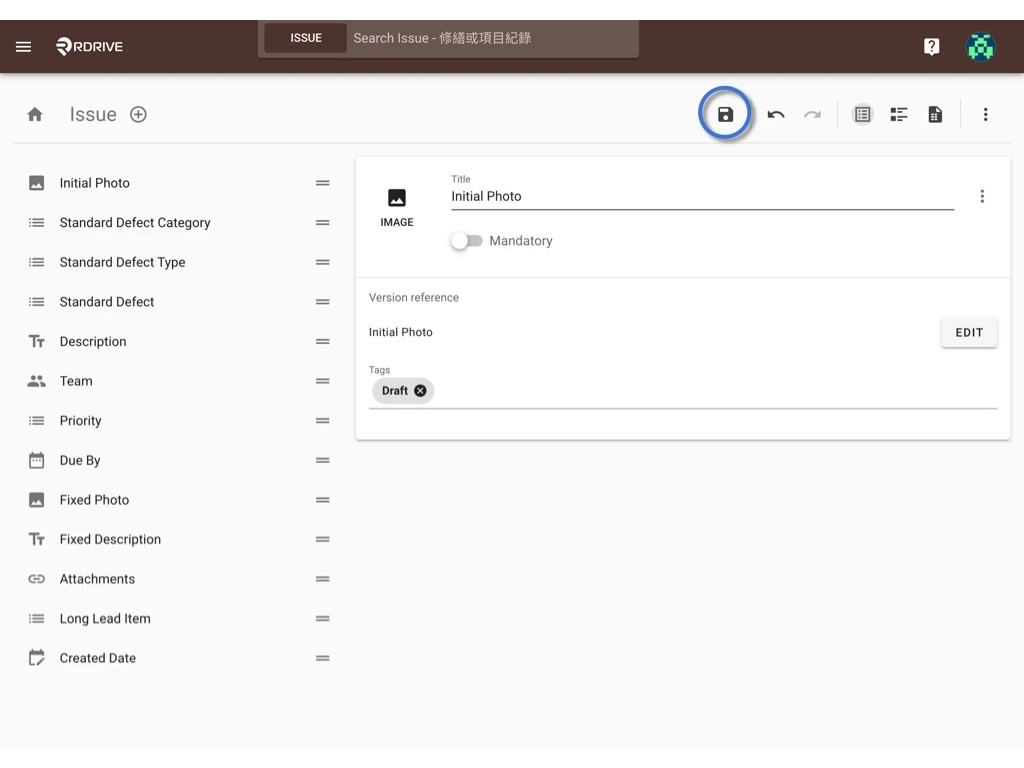
⭐️ Remember to PUBLISH the template after changed!!
The merged preset spreadsheet is now able to be edited from the project level. Click HERE to know how.