Two-Factor Authentication/Passwordless can only be enabled by the company administrator on the company level.
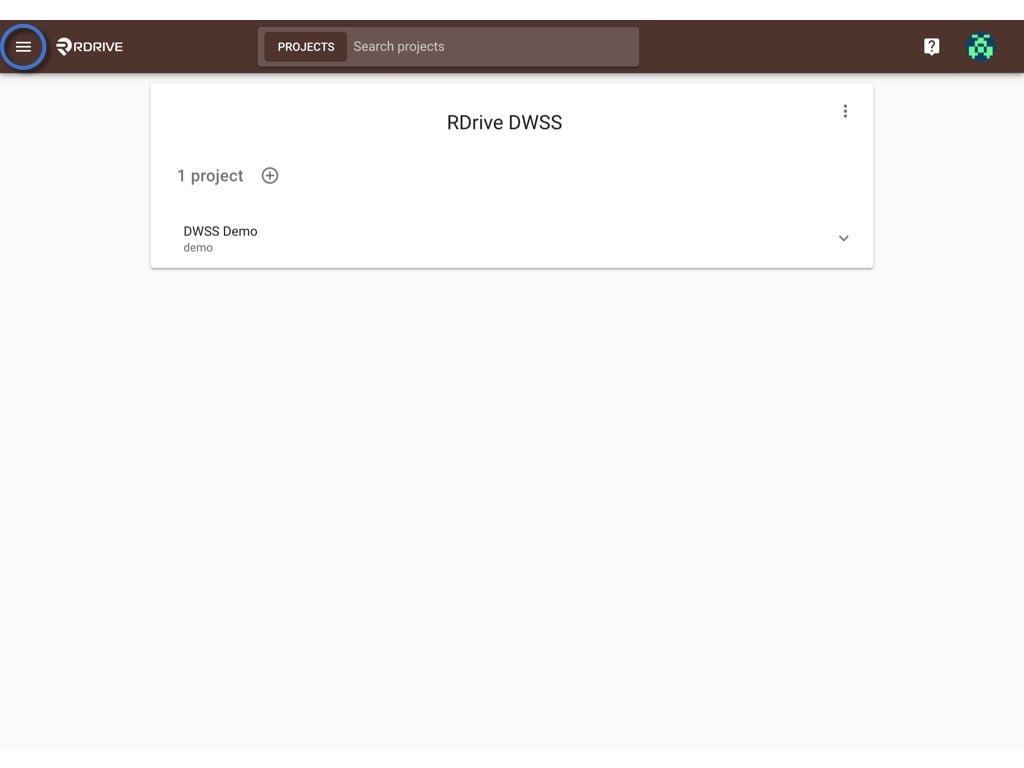
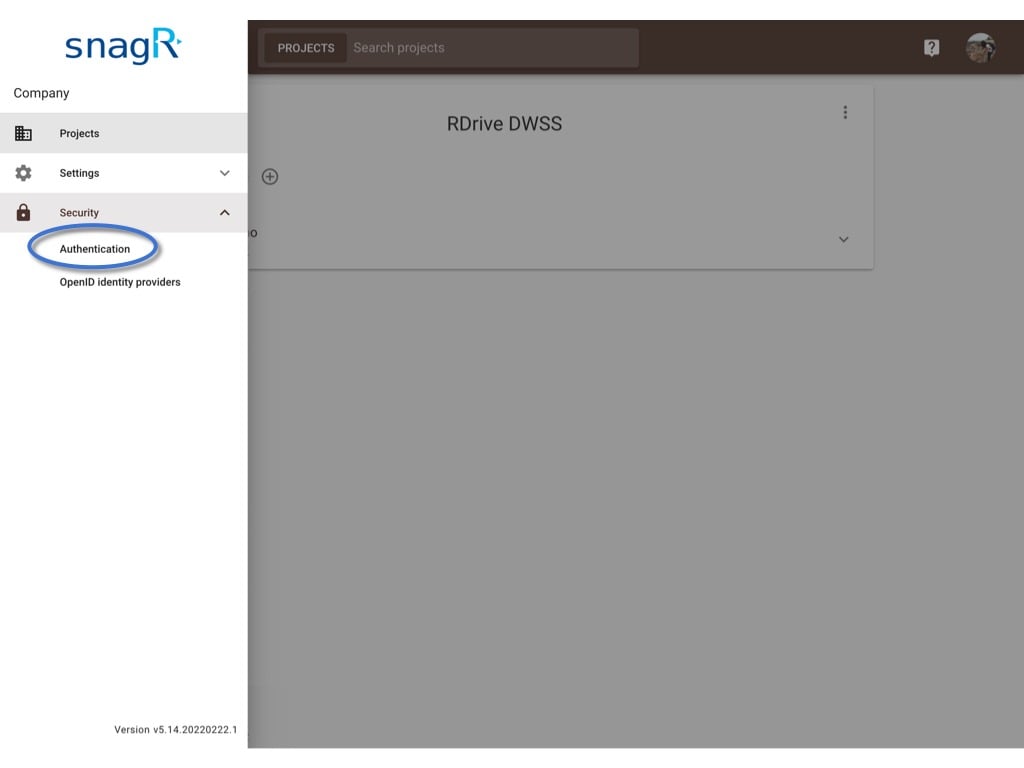
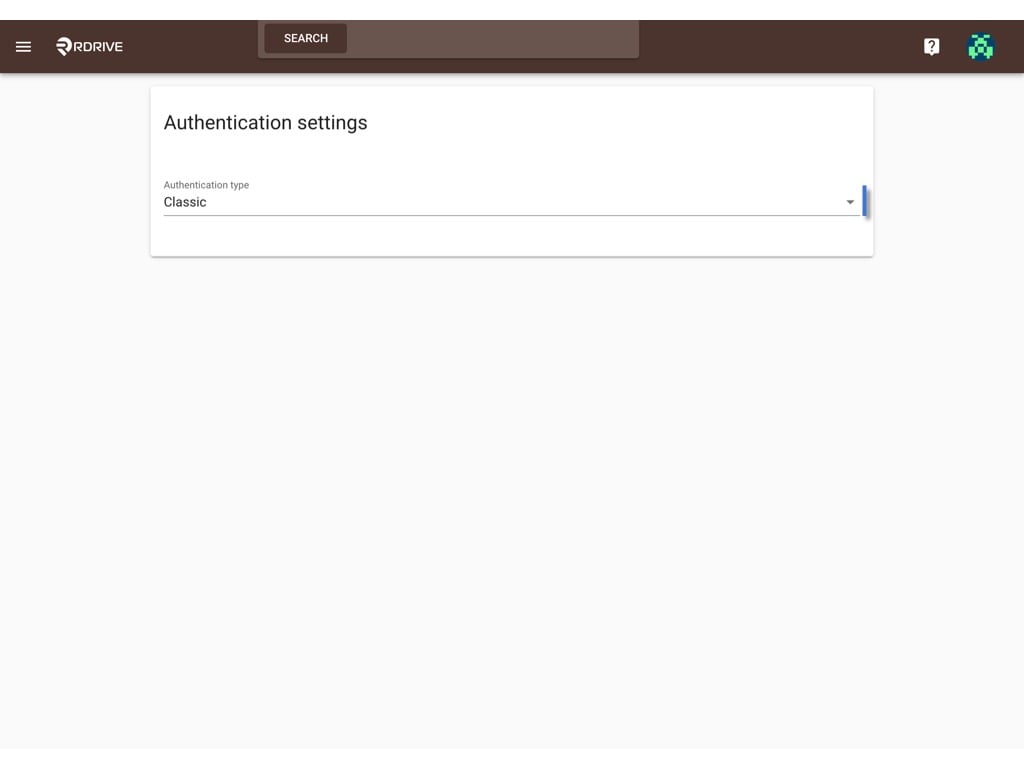
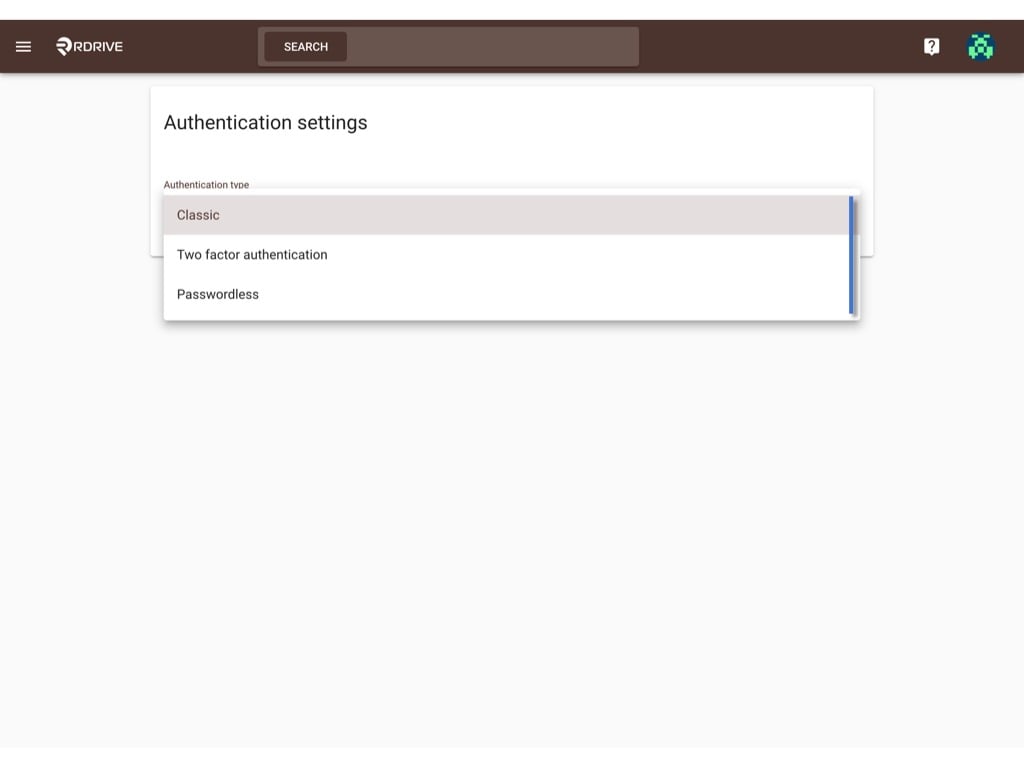
Two-Factor Authentication/Passwordless can only be enabled by the company administrator on the company level.Login to Company Admin Area.Click the ≡ Menu icon at the top left corner to unfold the Menu, go to the Security > Authentication page.Click Authentication type and select the type you want.It will save automatically in a few seconds.Once it is enabled, users from different projects under this company enterprise have to login with two authentication factors/passwordless.