
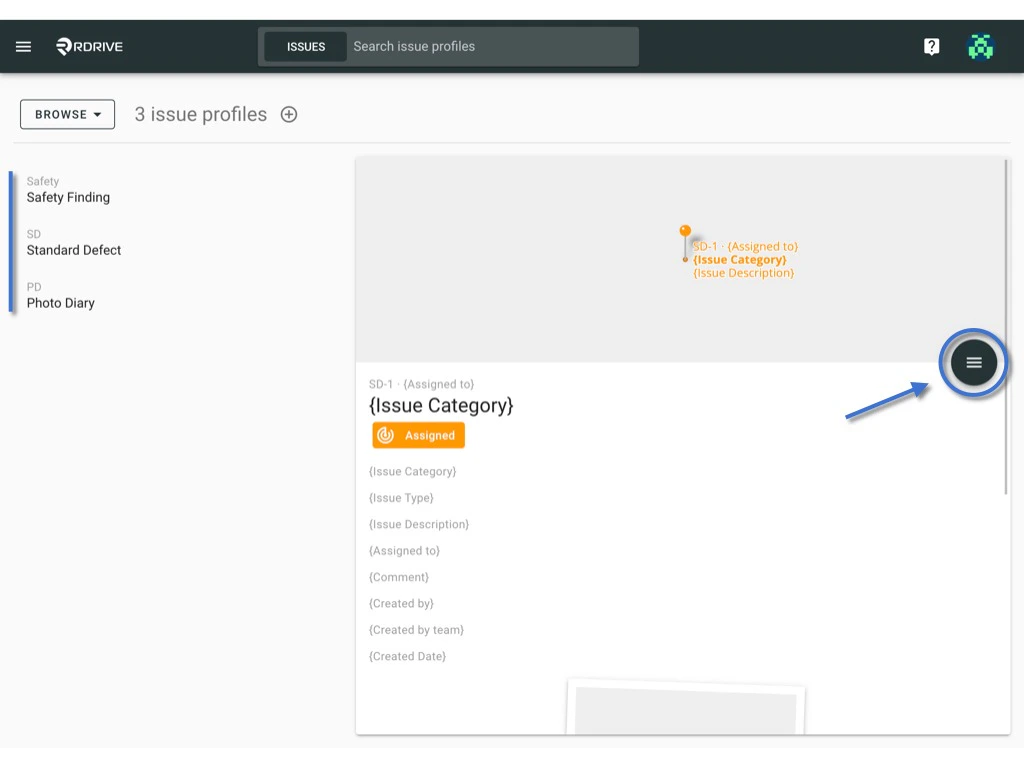
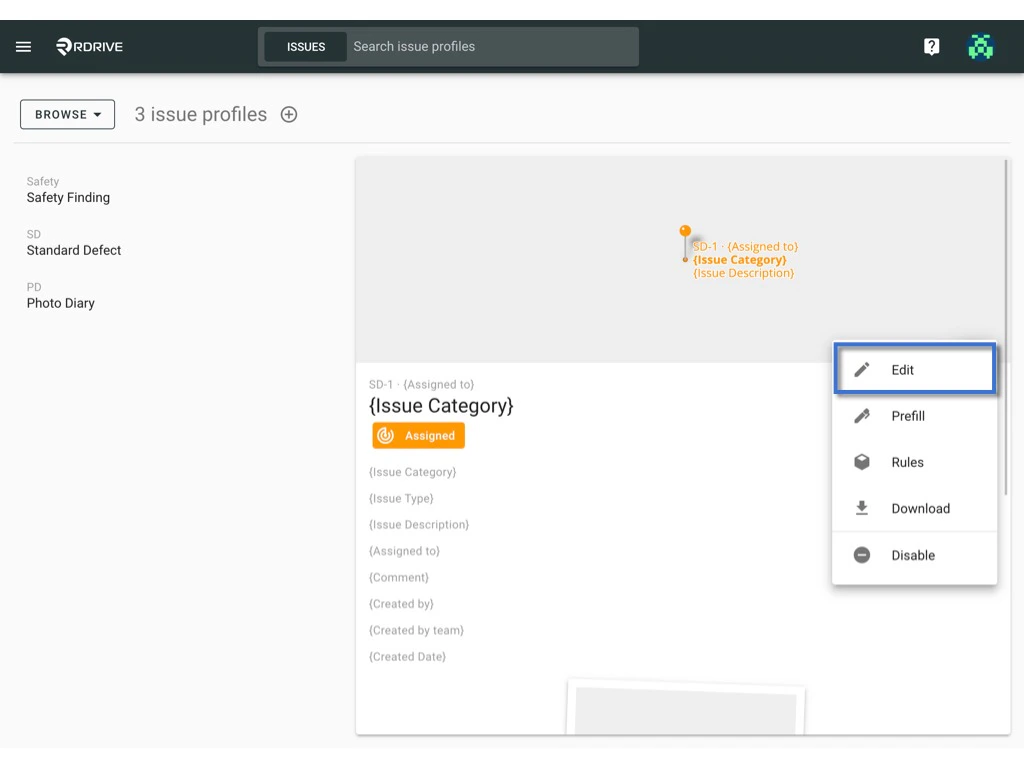
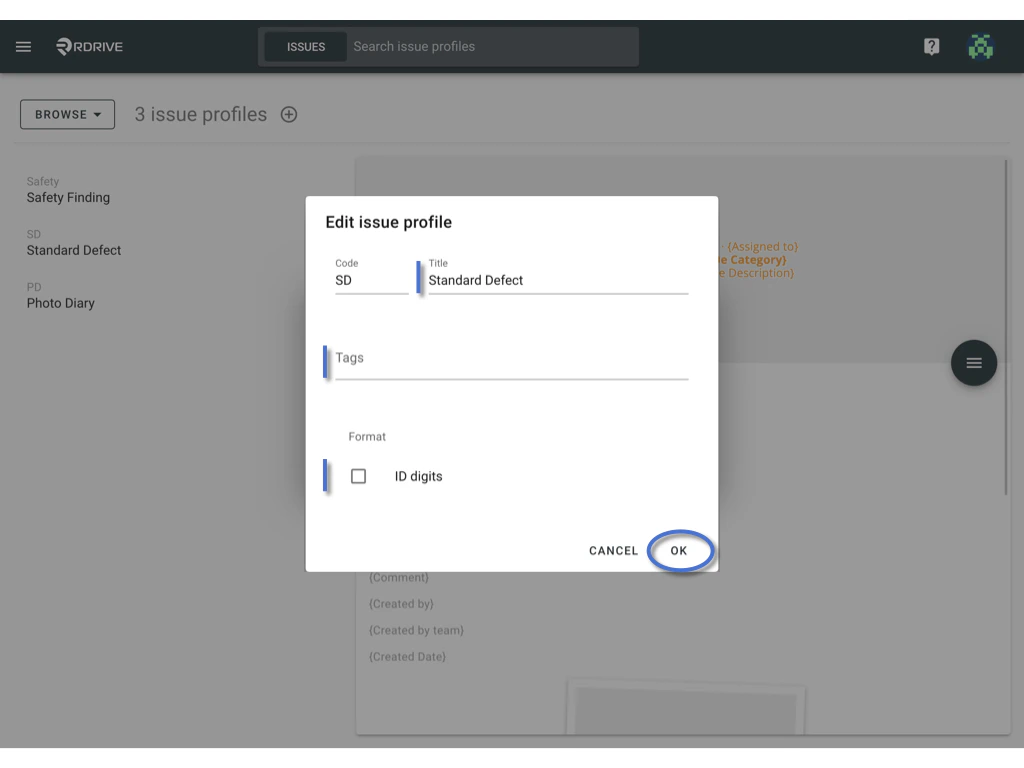
Project admin may edit profile title, profile tag and ID format on the Project level.
OK to confirm.
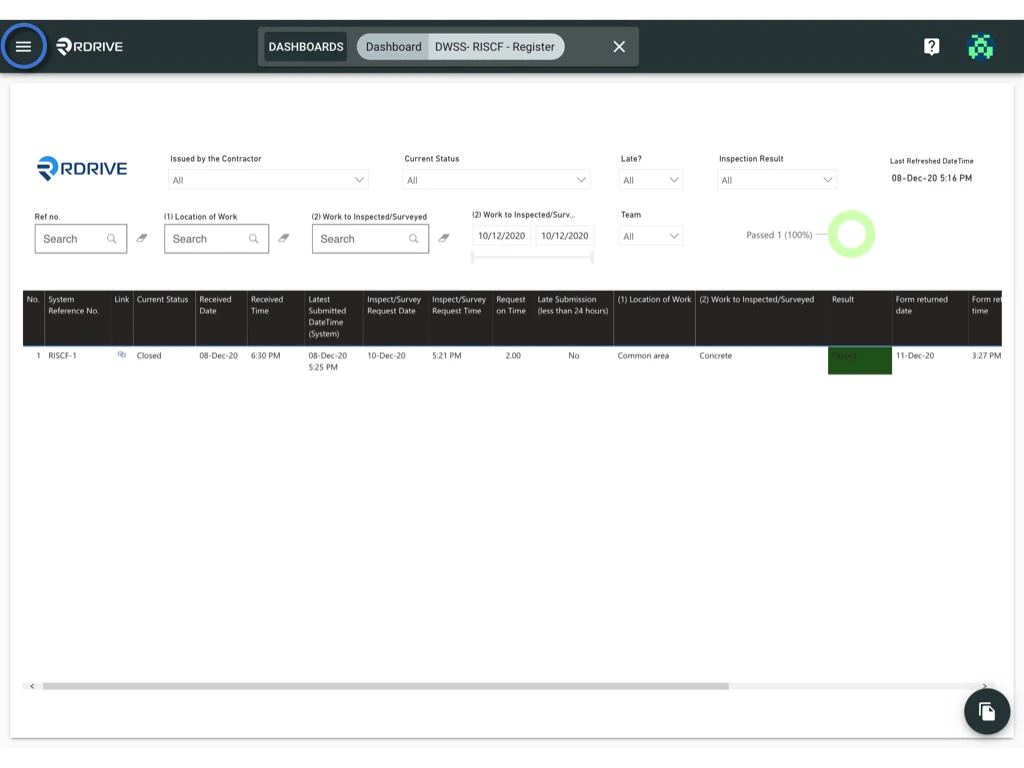
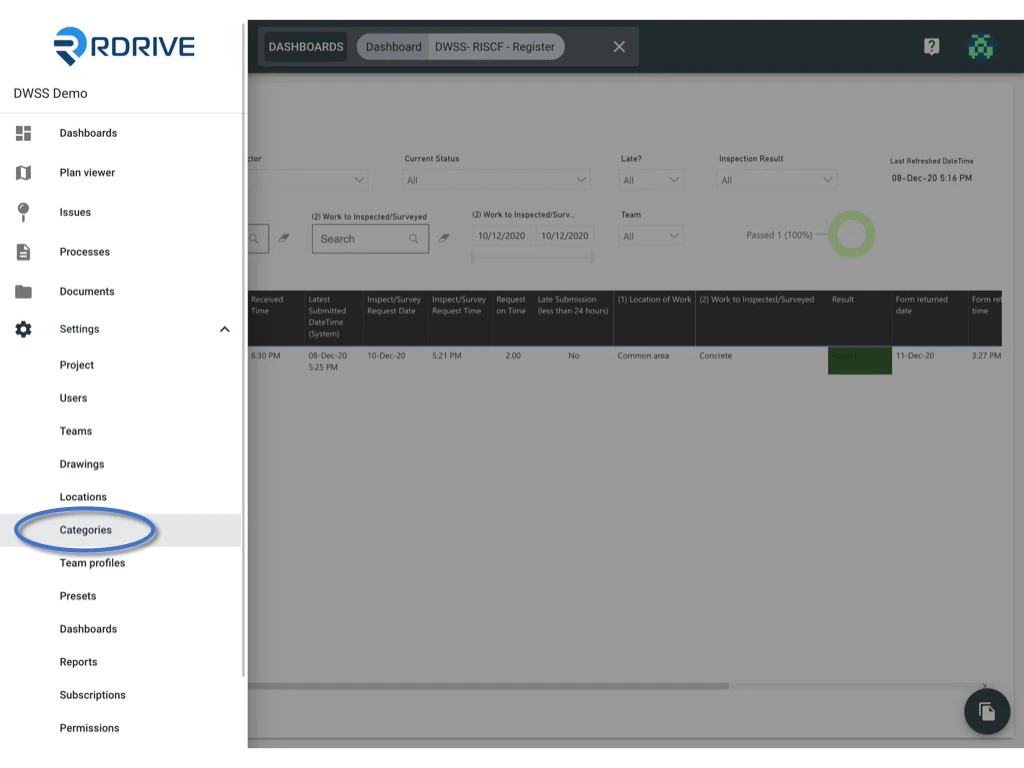
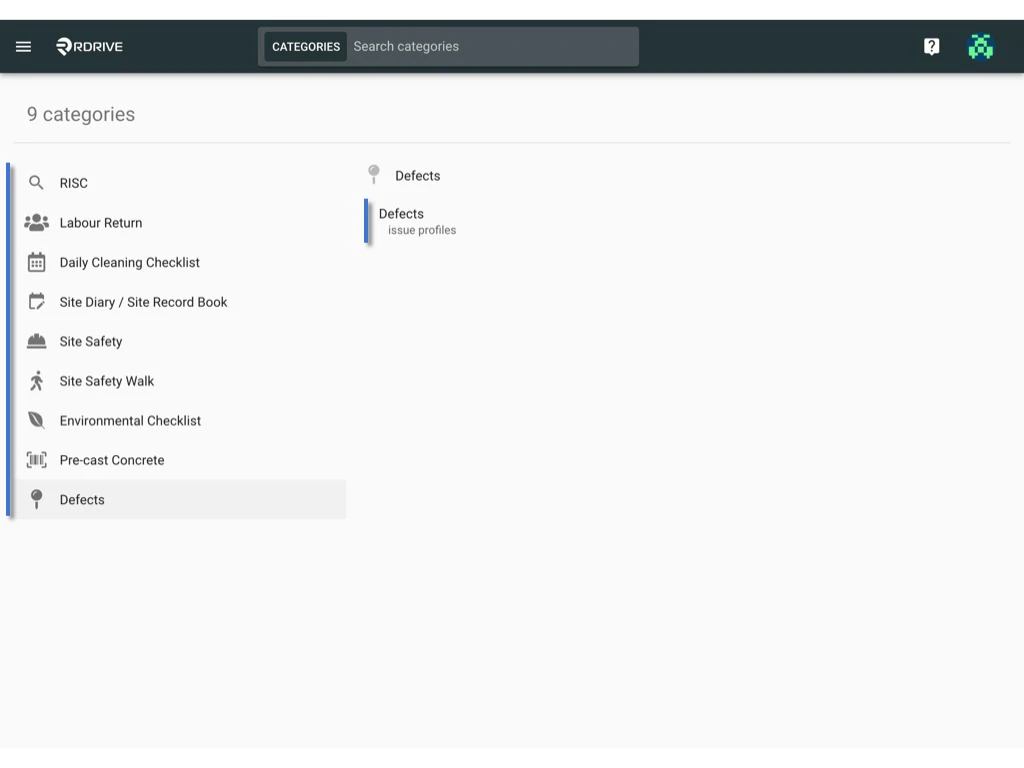
You will able to see the menu icon on the top left corner, please click it to unfold the menu, access Settings > Categories, and select the category and subcate