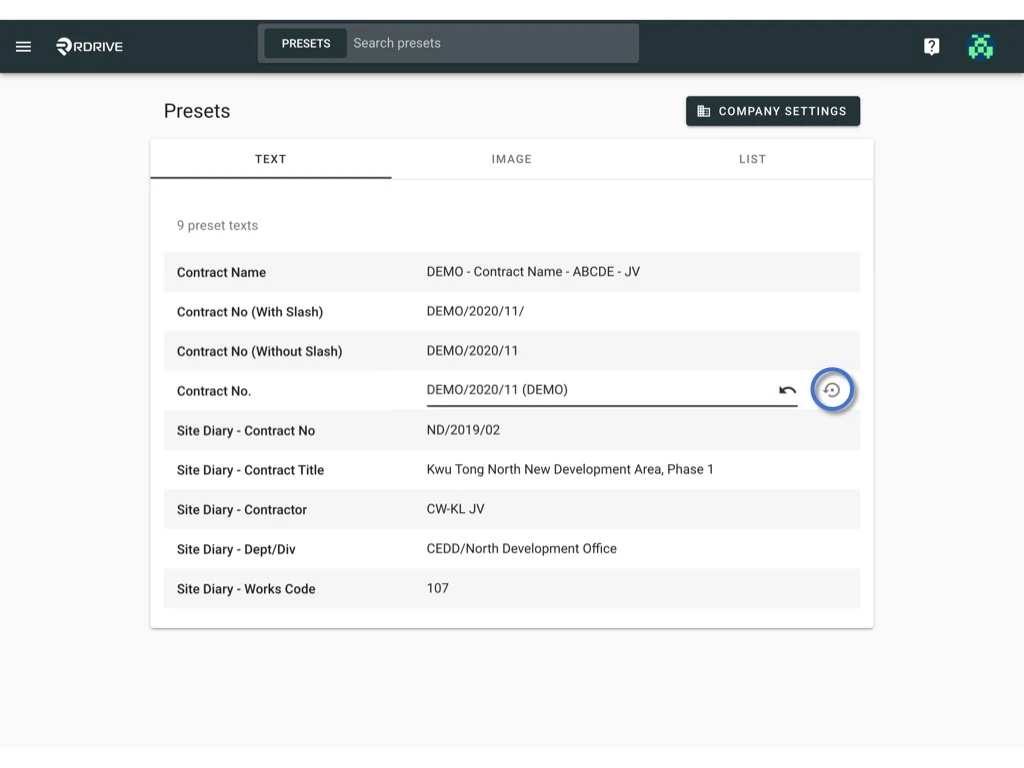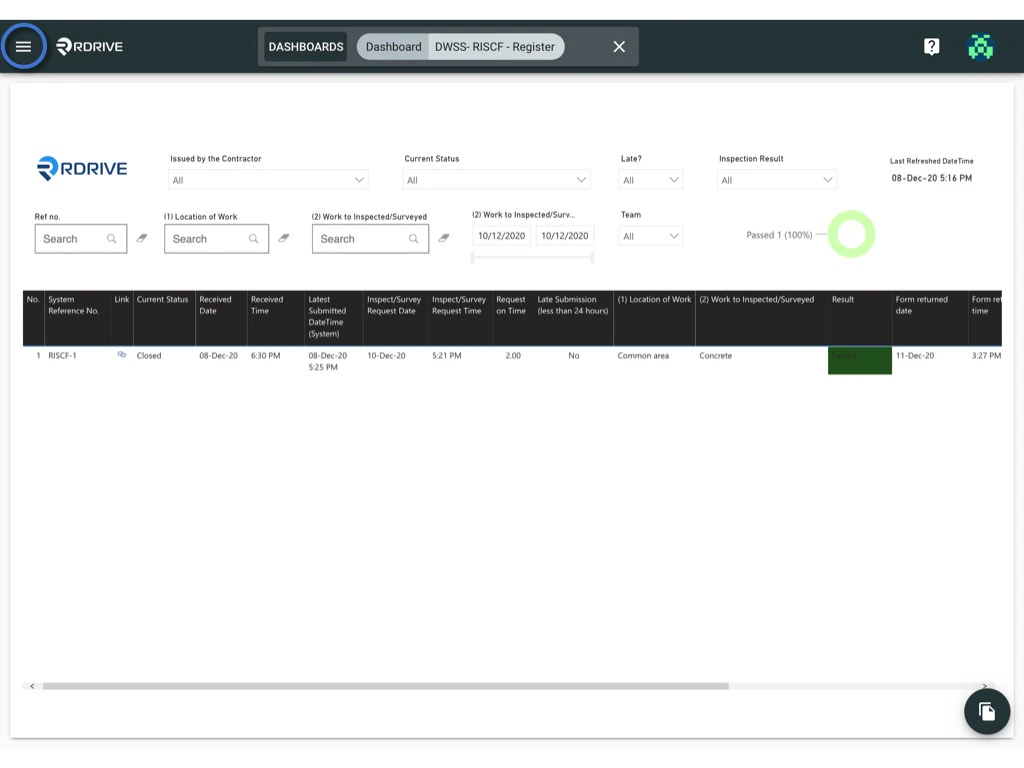
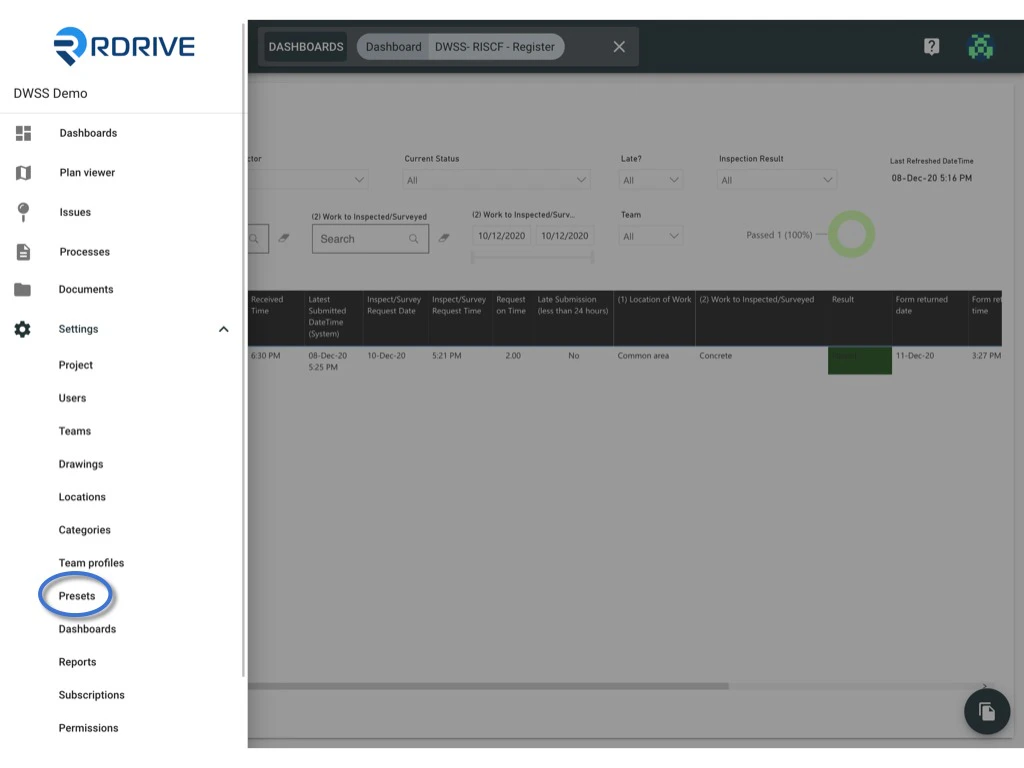
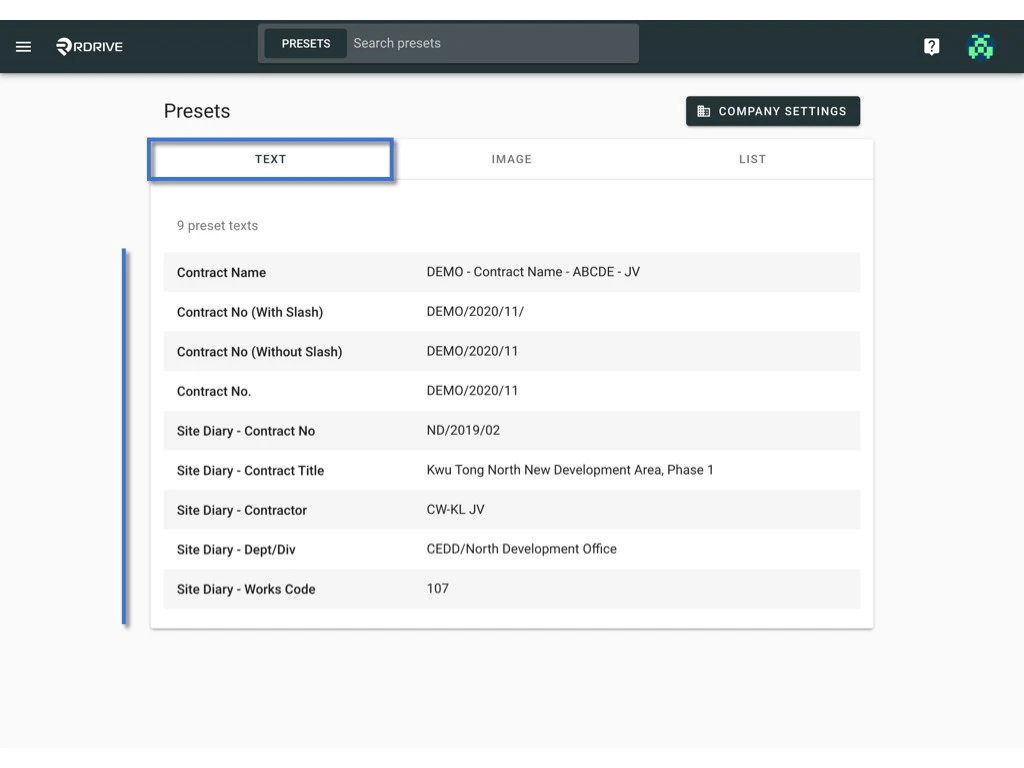
Preset text is the read-only text on the form/issue. Usually will be set up from the project beginning. Editing the preset text on project level Project admin/users with edit Preset permission can make changes on top of the preset texts that are set on the company level or reset values to default to fit the project needs specifically. Click the  menu icon on the top left corner to unfold the Menu, get entry to the Setting > Presets page. How to edit a preset text? How to edit a preset text? All items are shown under the TEXT category. How to edit a preset text?

Make changes on top of the preset texts

Click on the text for editing. How to edit a preset text? Click on the arrow button to undo if need How to edit a preset text? or
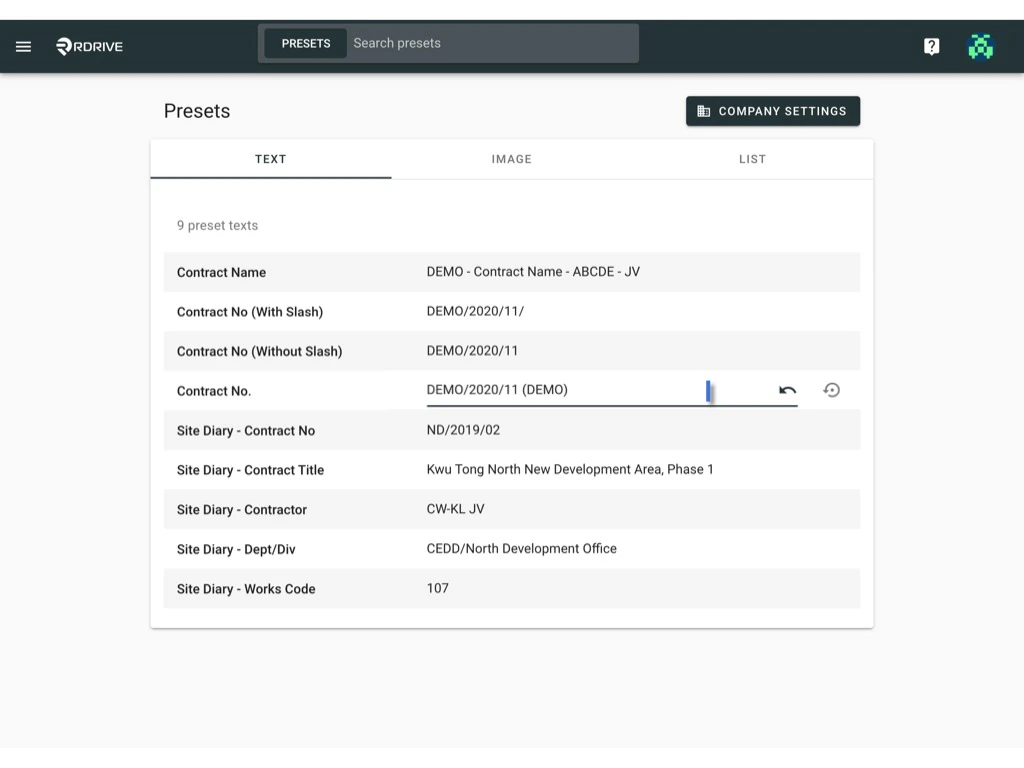
Click on the blank space to confirm and save.
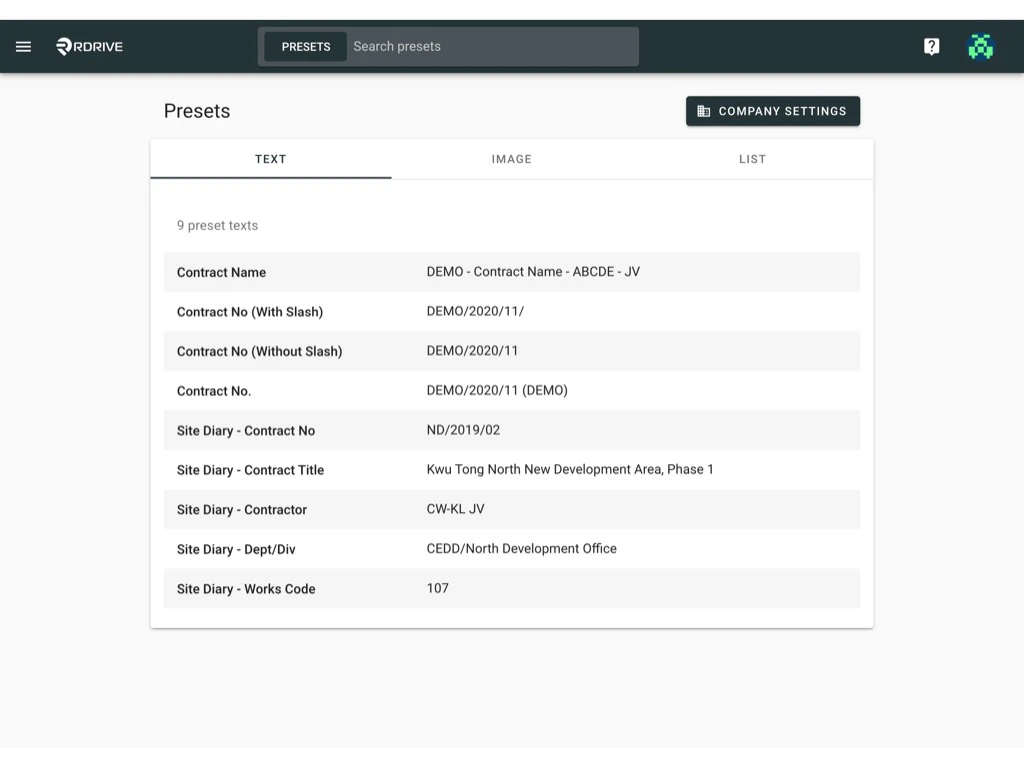
How to edit a preset text?

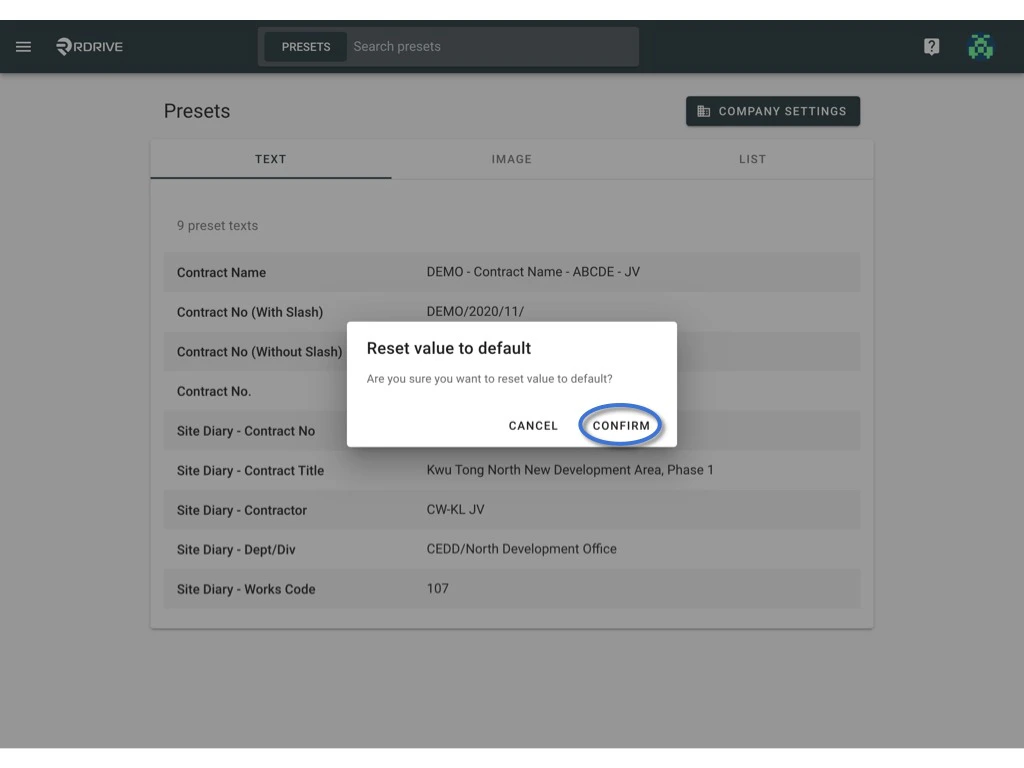
Reset to the default value

Can I reset the preset text to the company level setting?Yes, you can.
Simply click on the value and click the reset button. How to edit a preset text? CONFIRM to reset to default How to edit a preset text?