
Project admin/users with edit Preset permission can make changes on top of the preset spreadsheet that is set on the company level or reset to default to fit the project needs specifically.
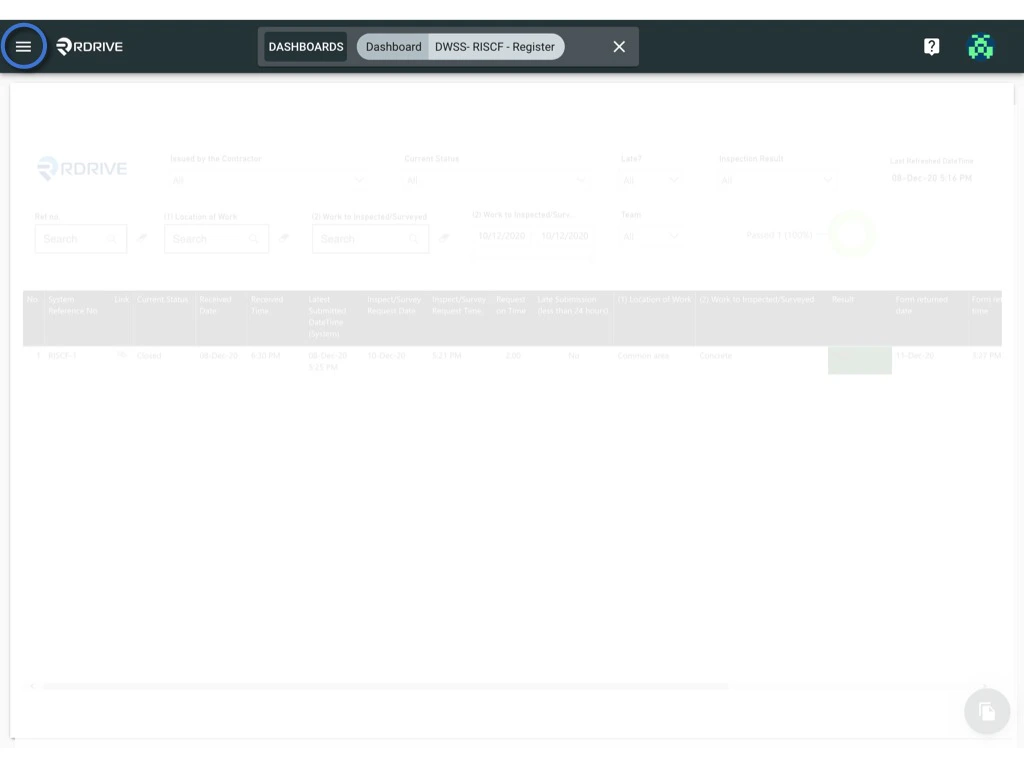
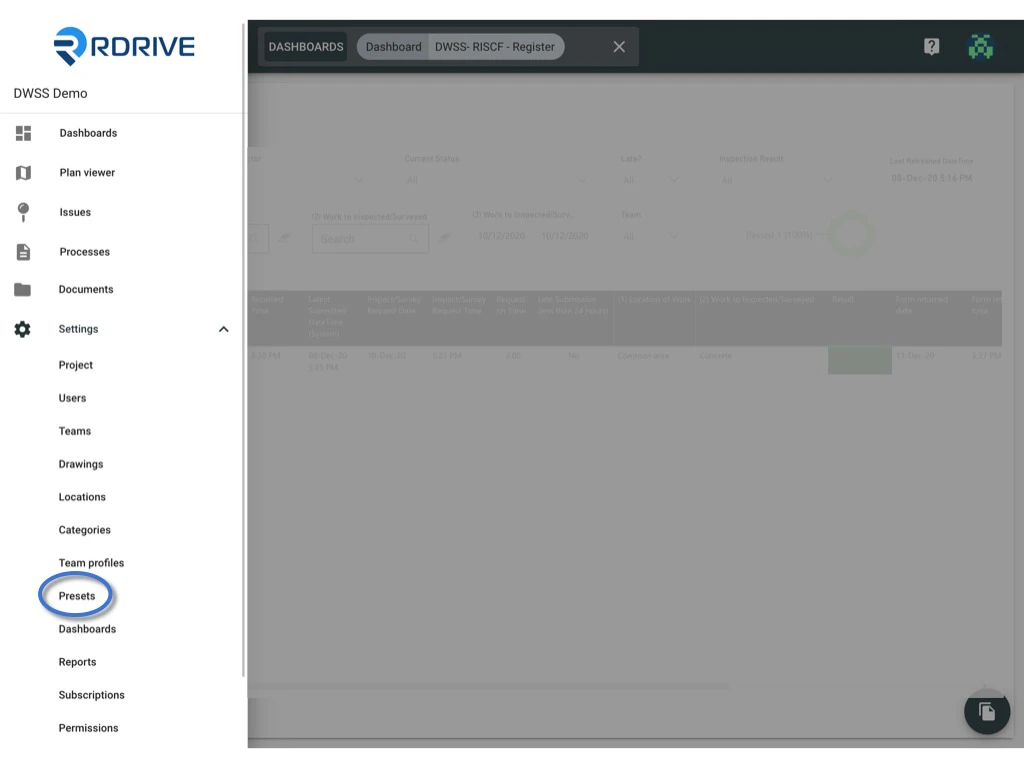
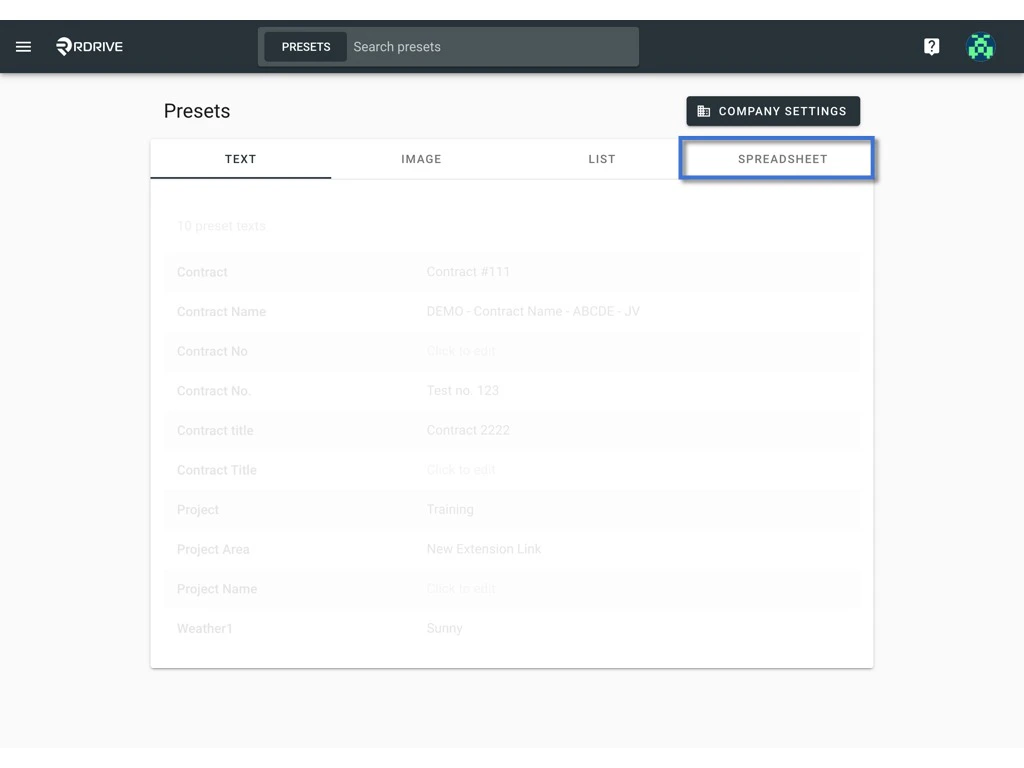
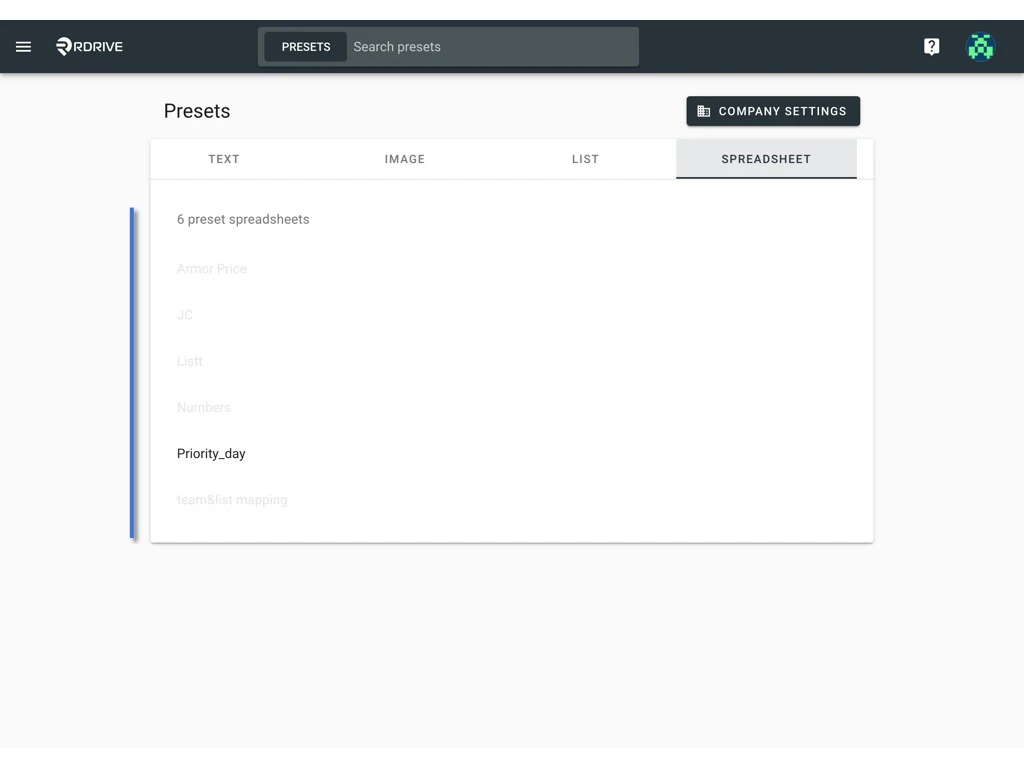
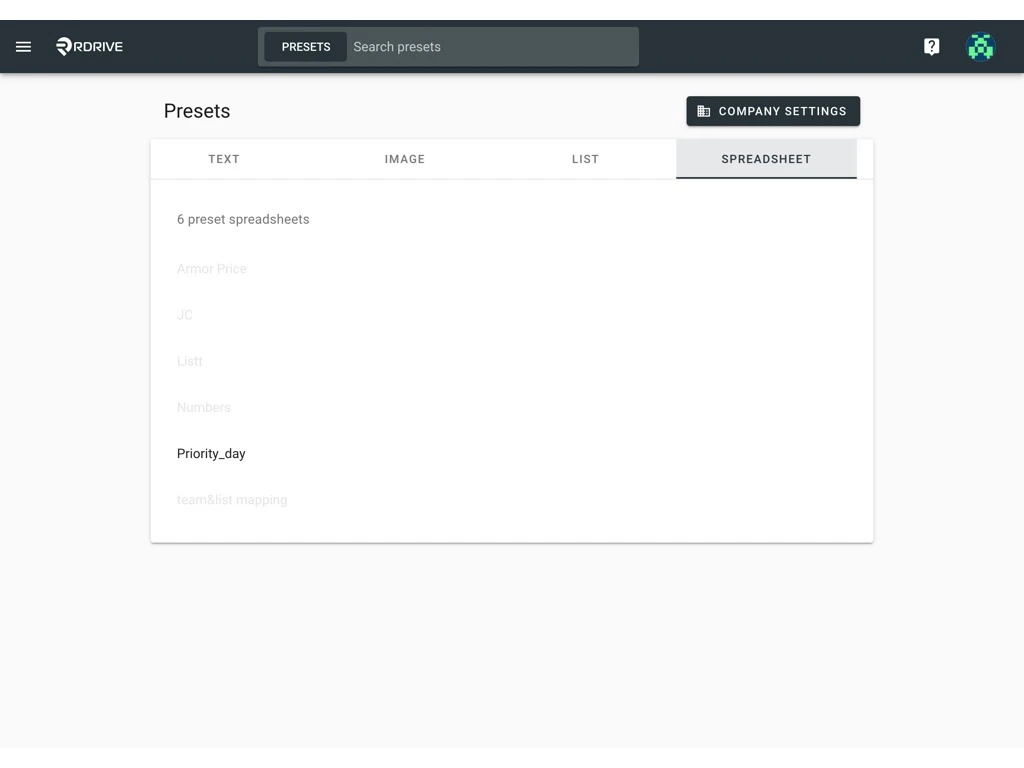
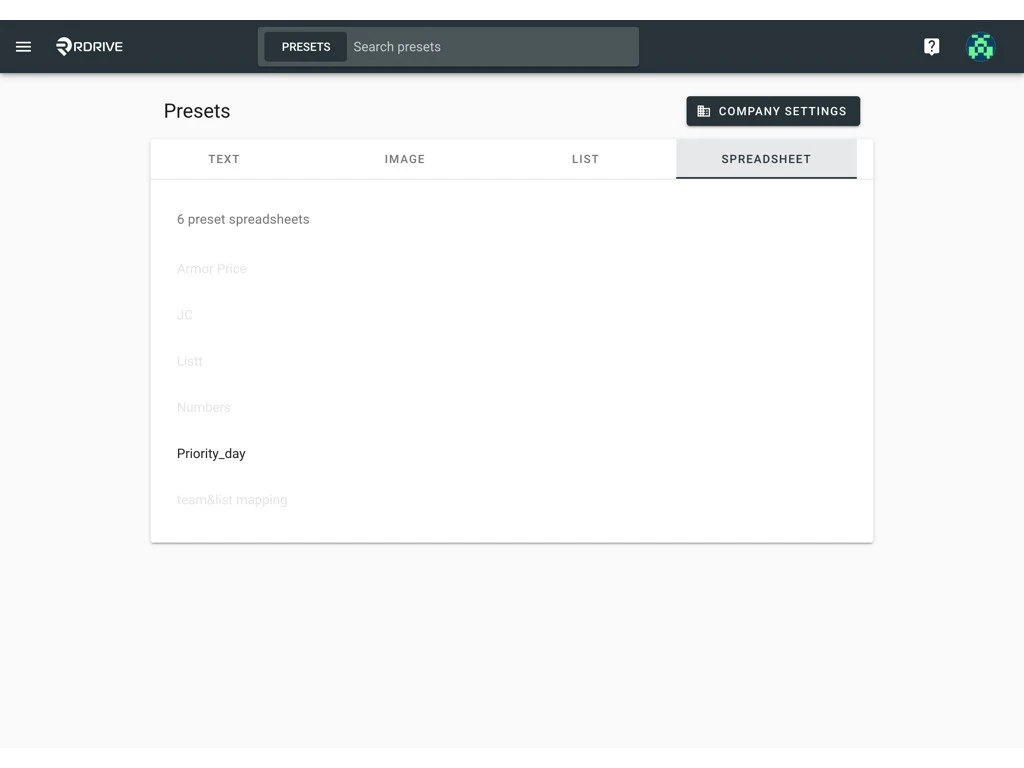
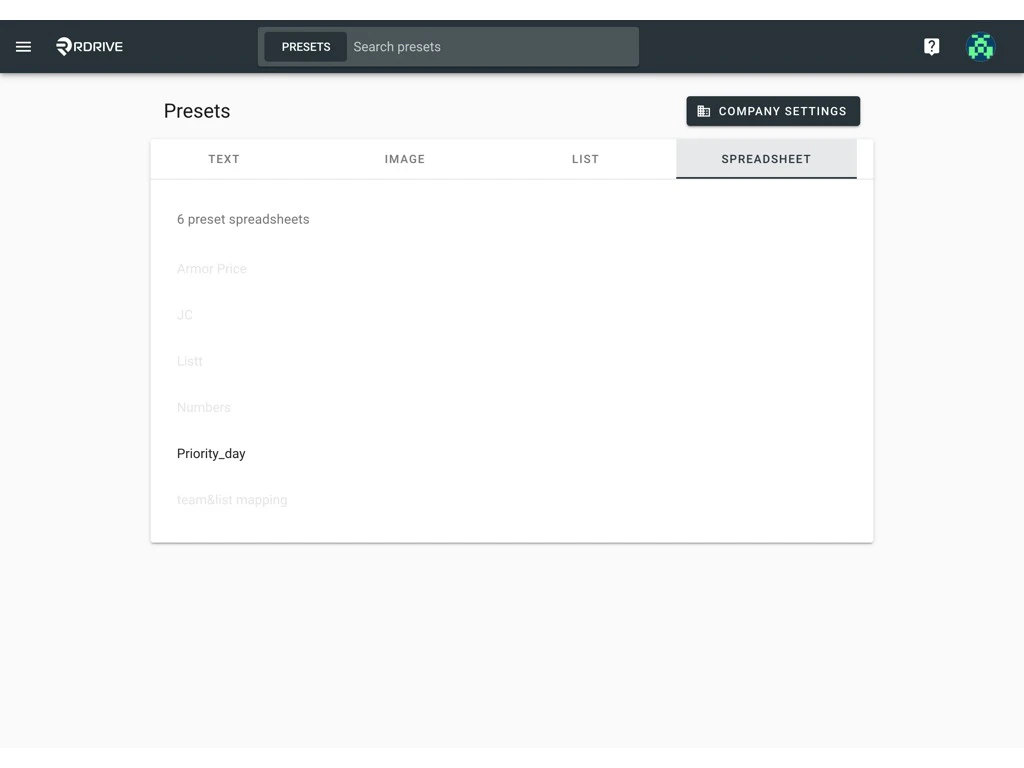
via Website Click the ≡ menu icon on the top left corner to unfold the Menu, and get entry to the Setting > Presets page.
Edit
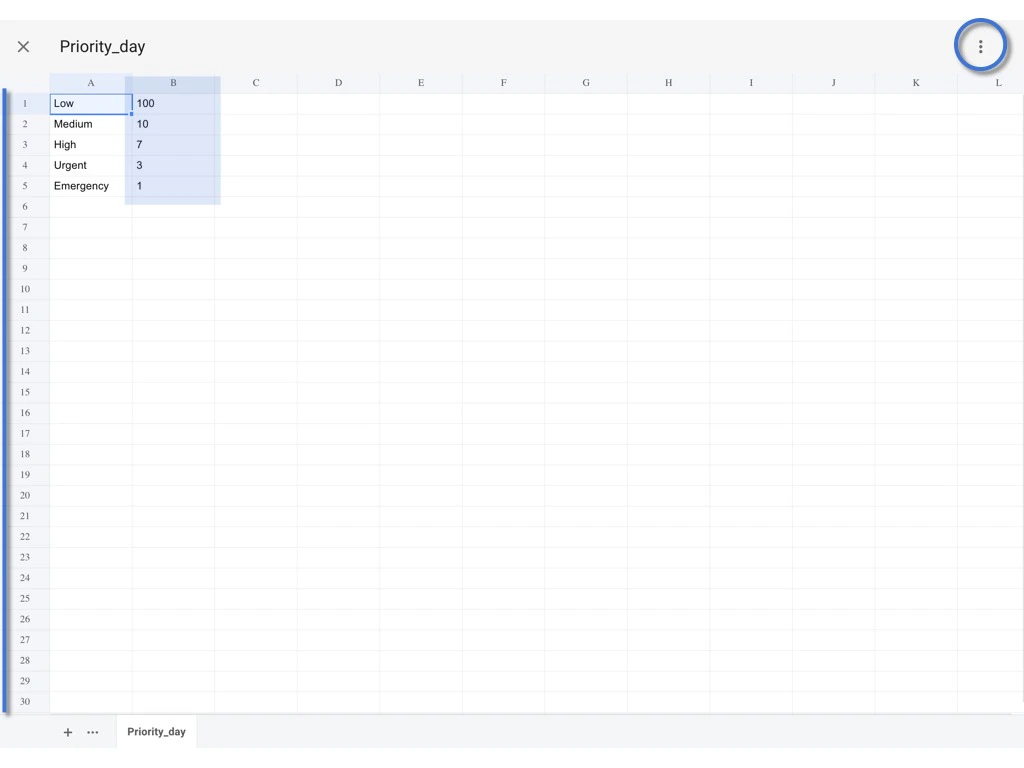
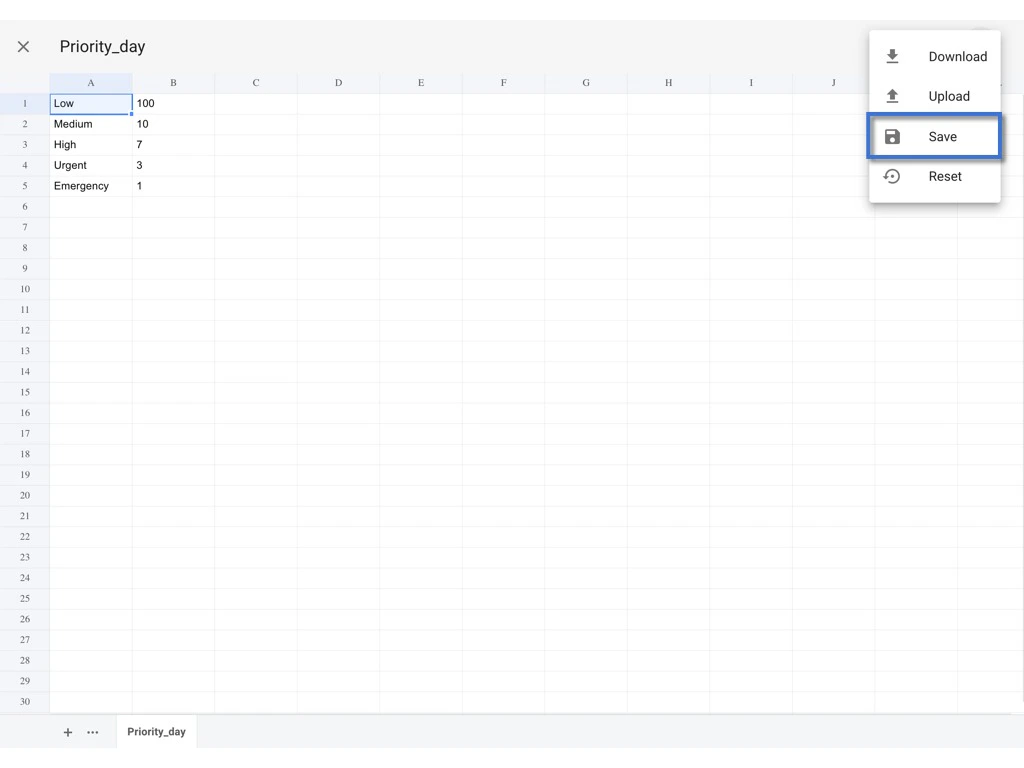
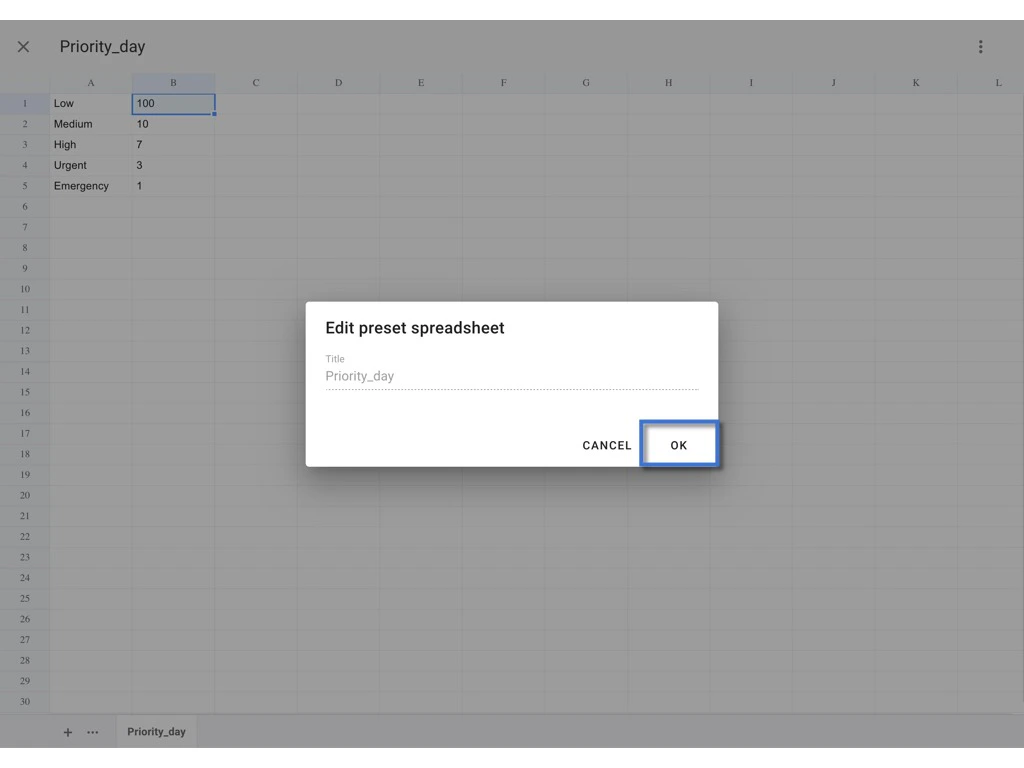
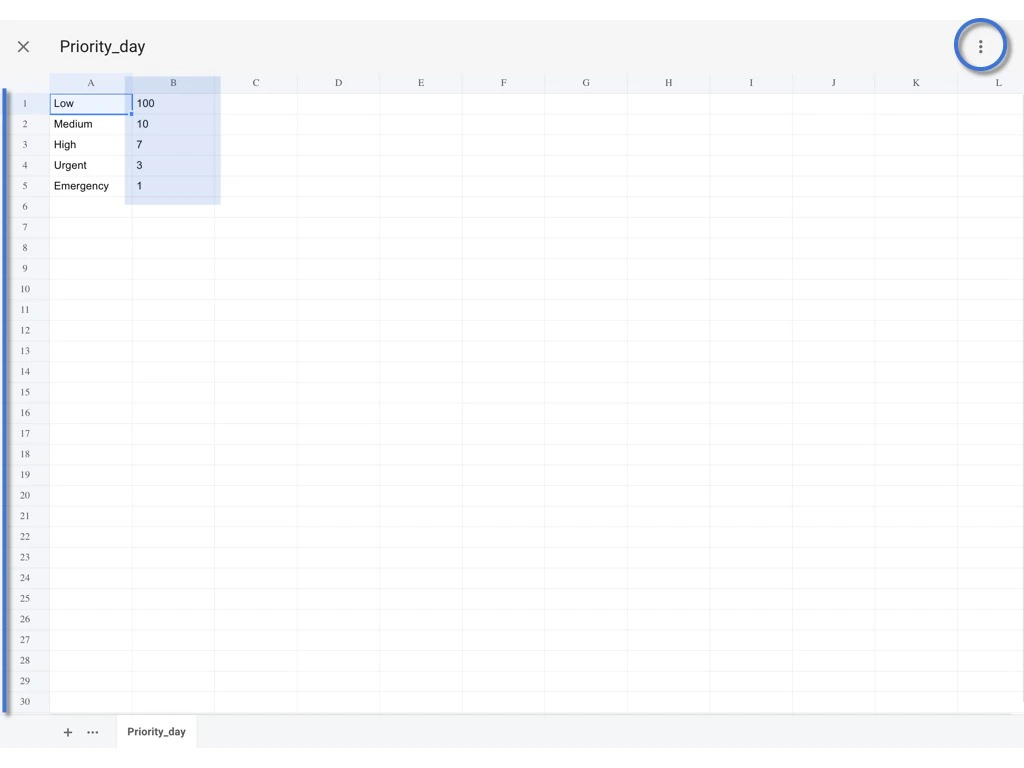
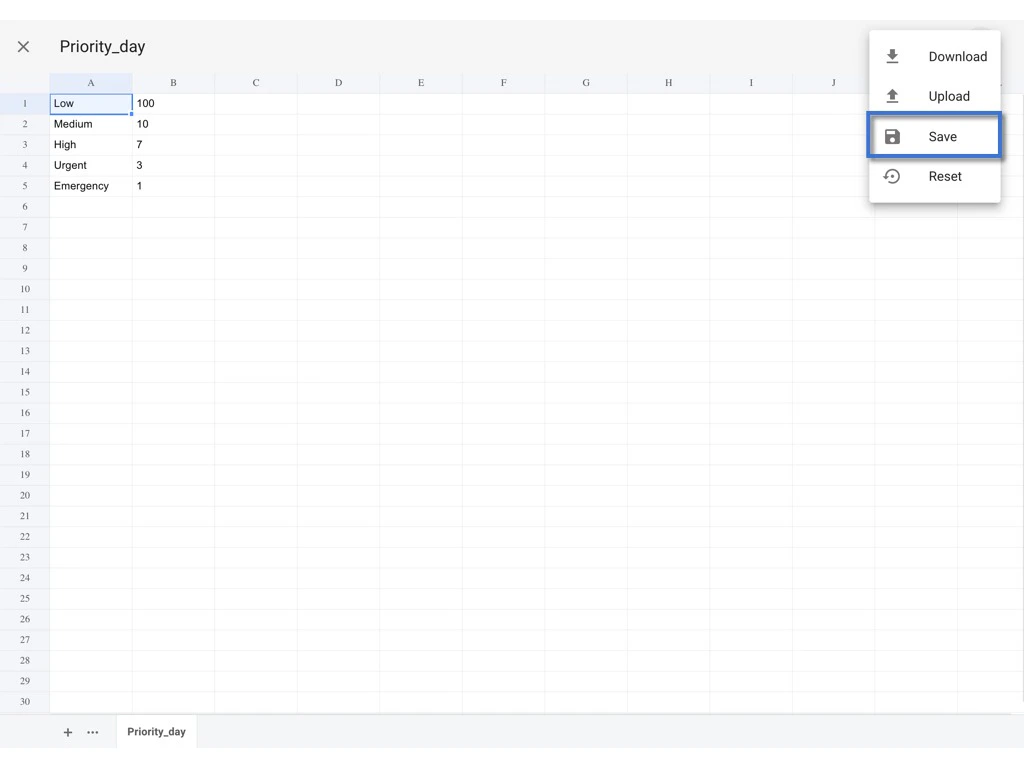
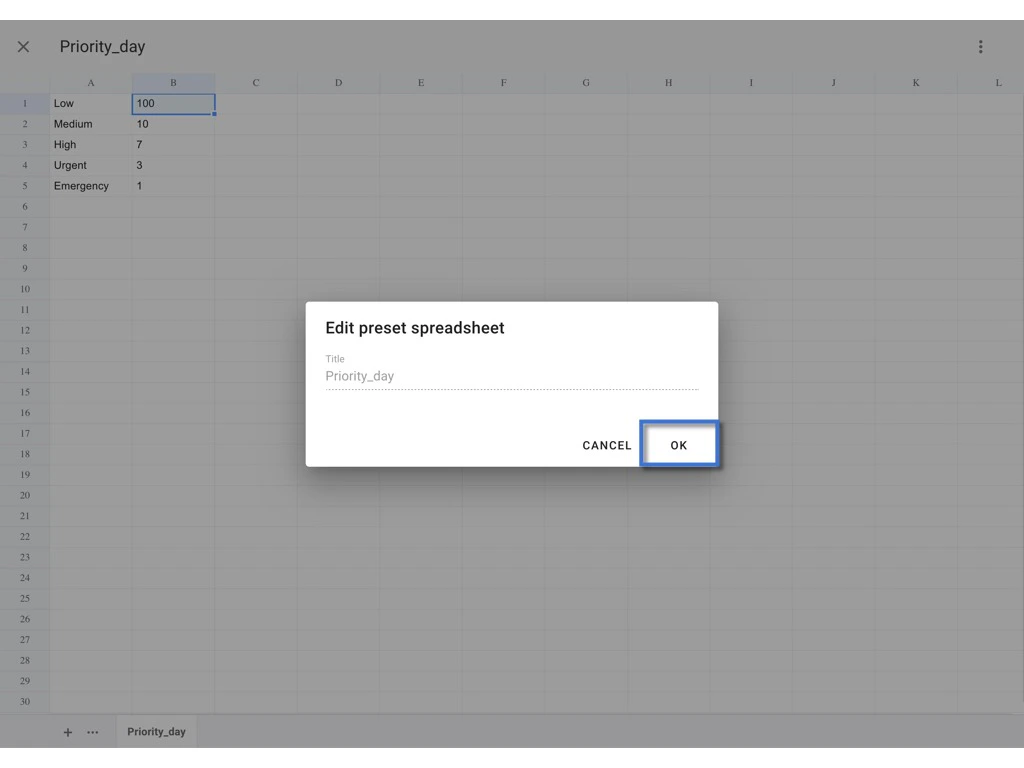
You may edit the value directly and click the ⋮ to SAVE.
Re-upload
you may download the spreadsheet, edit the value and reupload it for replacement.
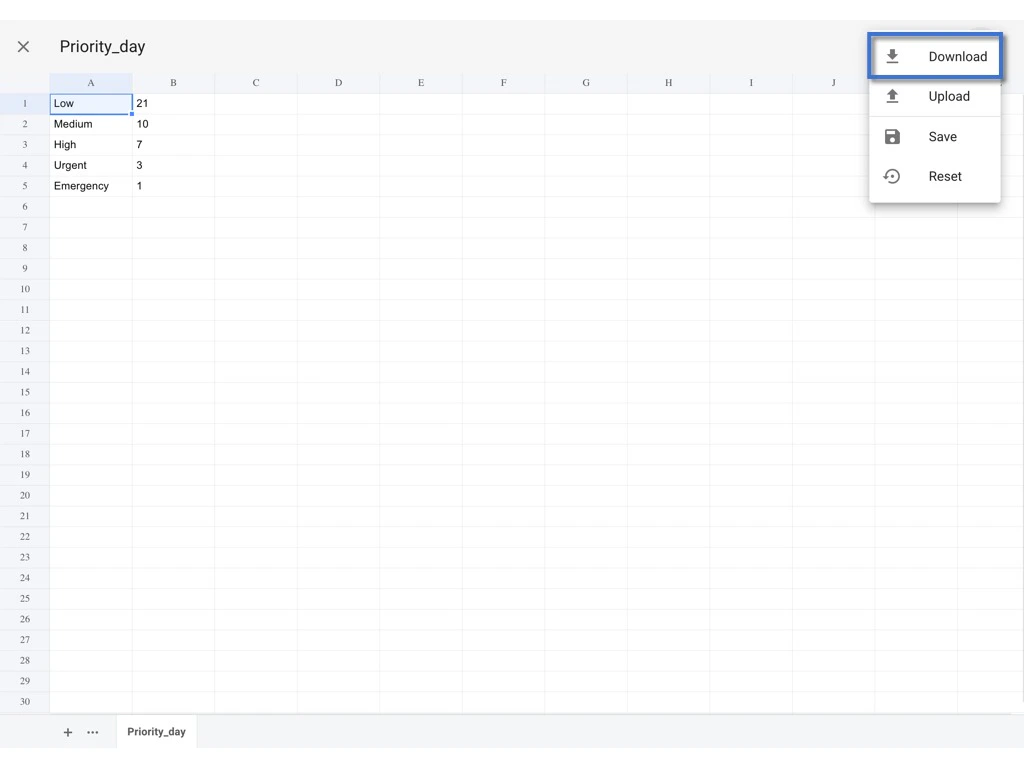
Click the ⋮ to Download excel.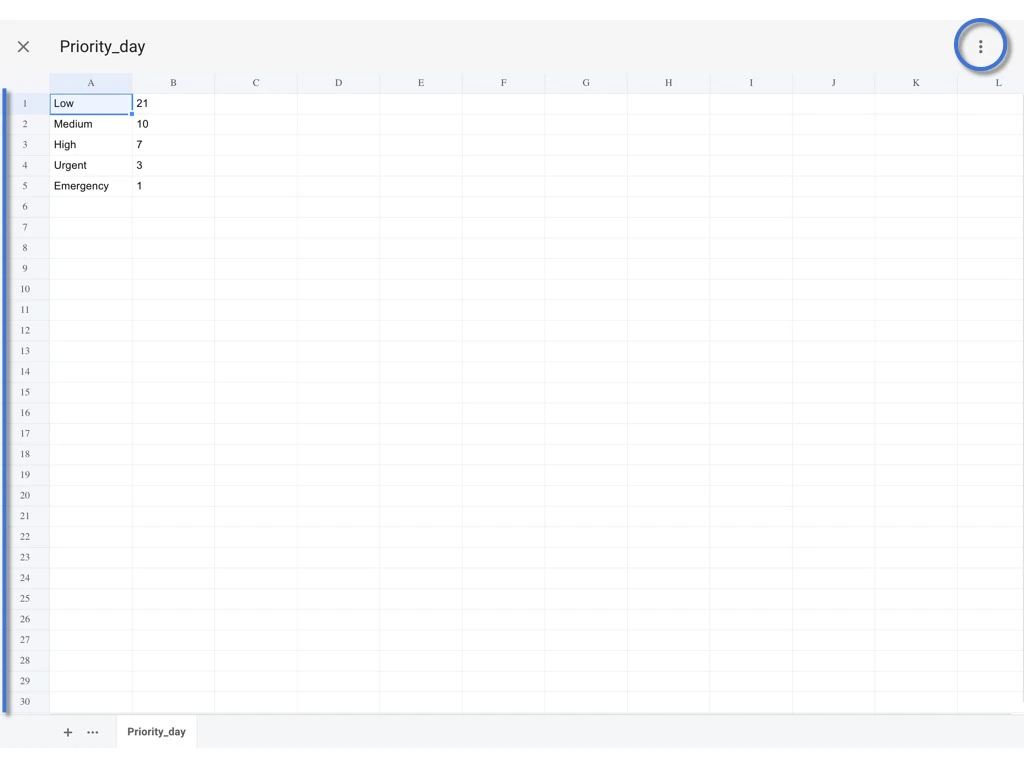
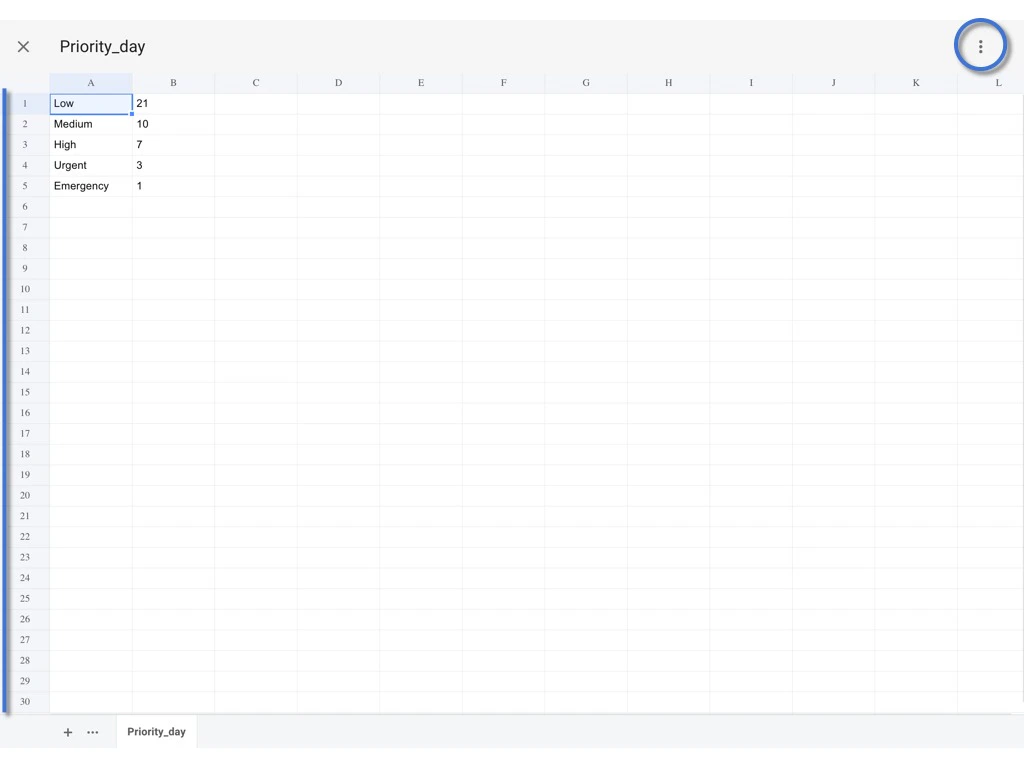
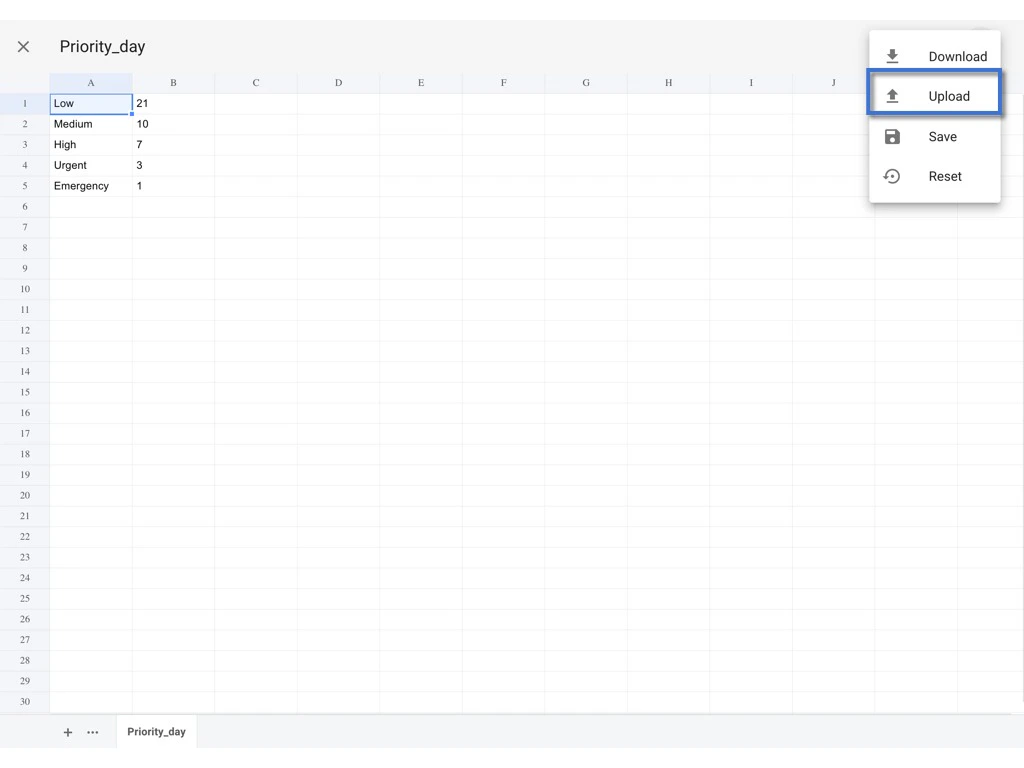
Back to the Website and click the ⋮ to Upload.
Reset to default
To reset the value to default which same as the company level.
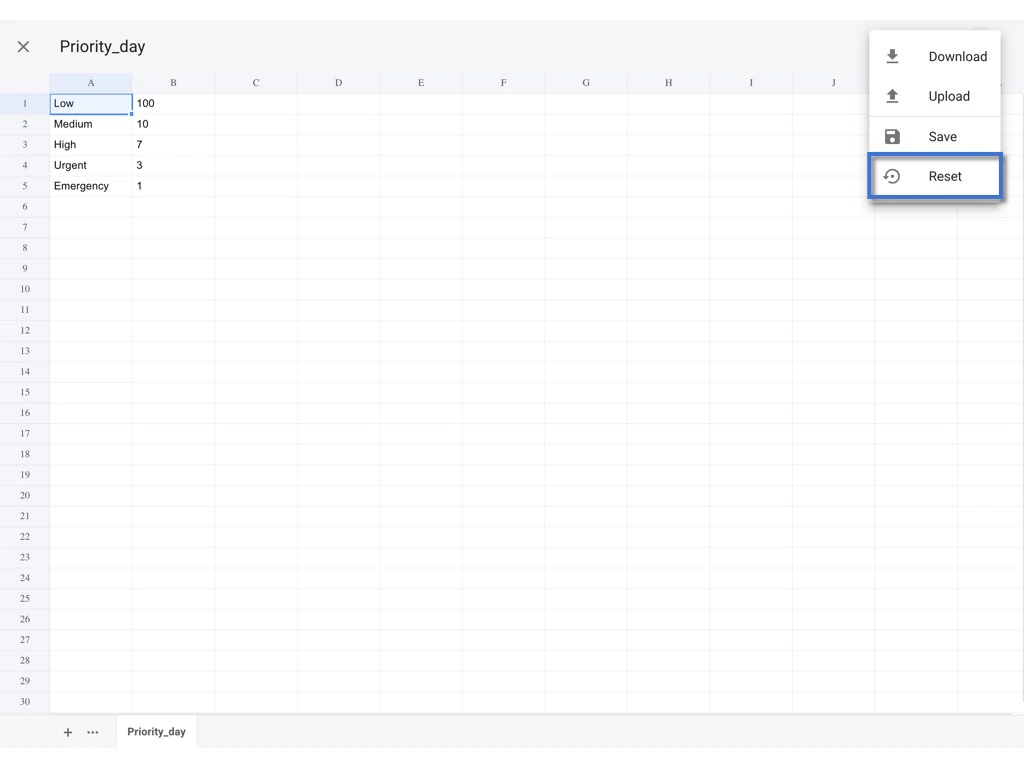
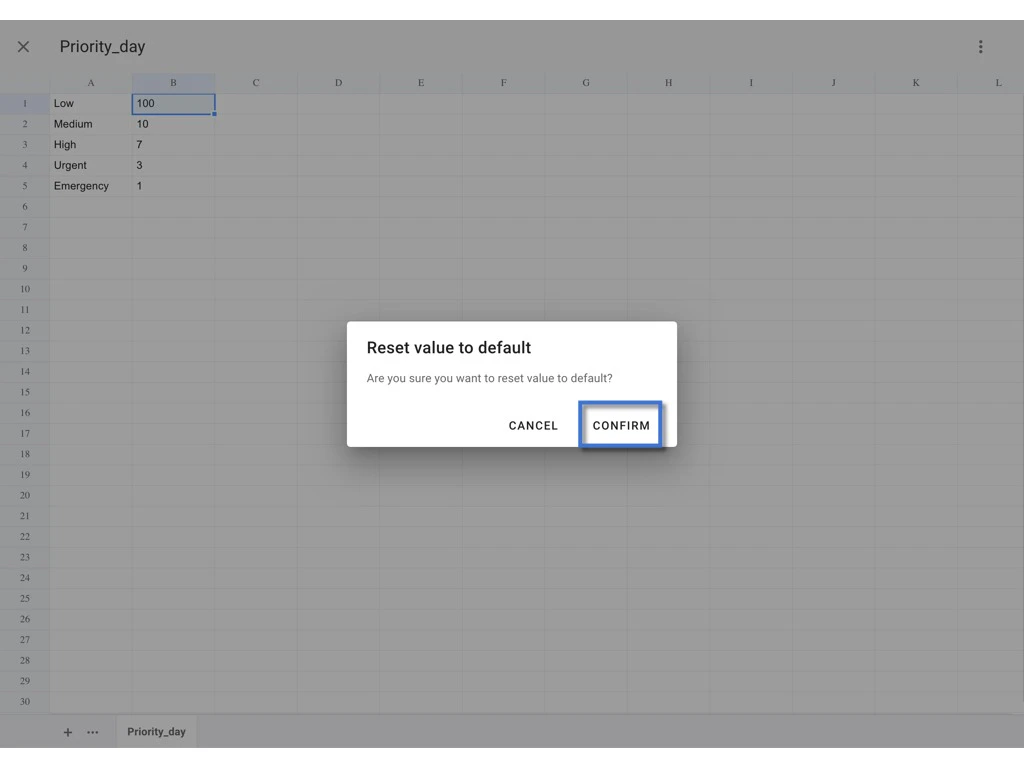
Please Click ⋮ and select Reset.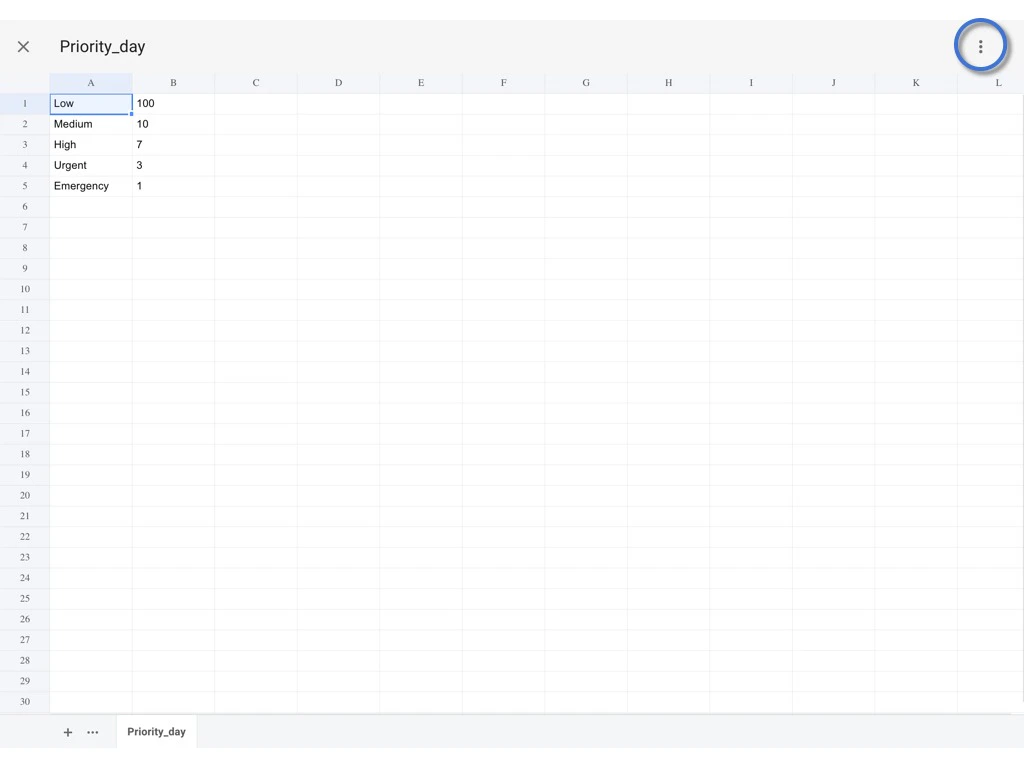
✨ If you are the company admin, and you want to know how to set up a spreadsheet at the Company level, please check HERE;
want to know how to edit a spreadsheet from the Company level, please check HERE.