
Assigning to Team(s)
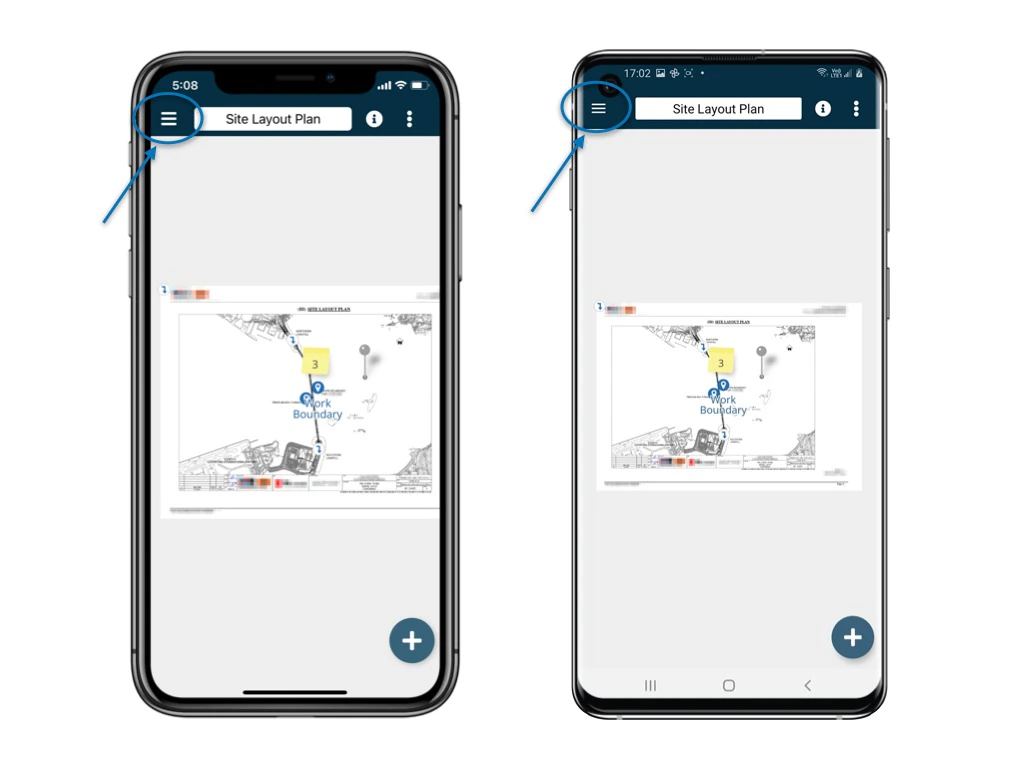
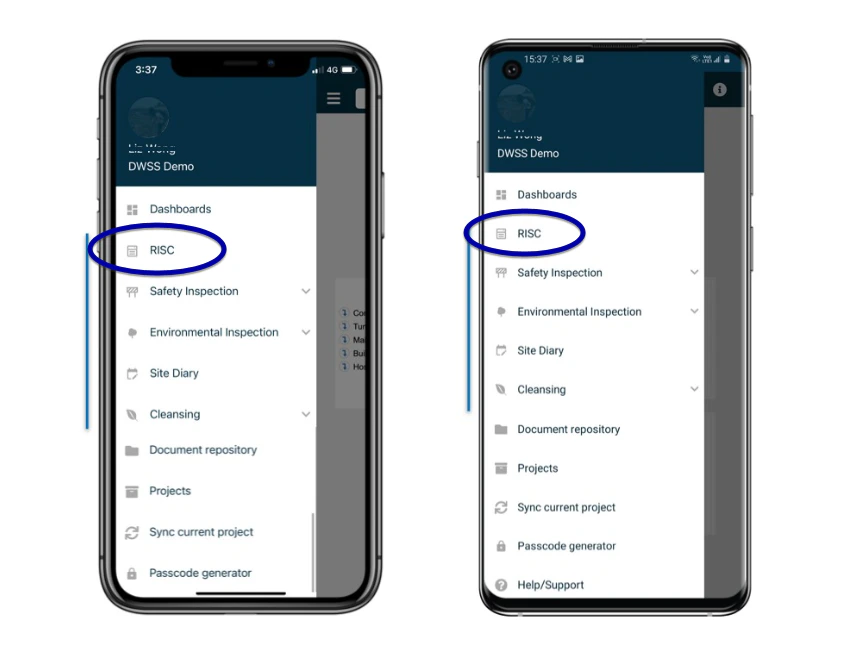
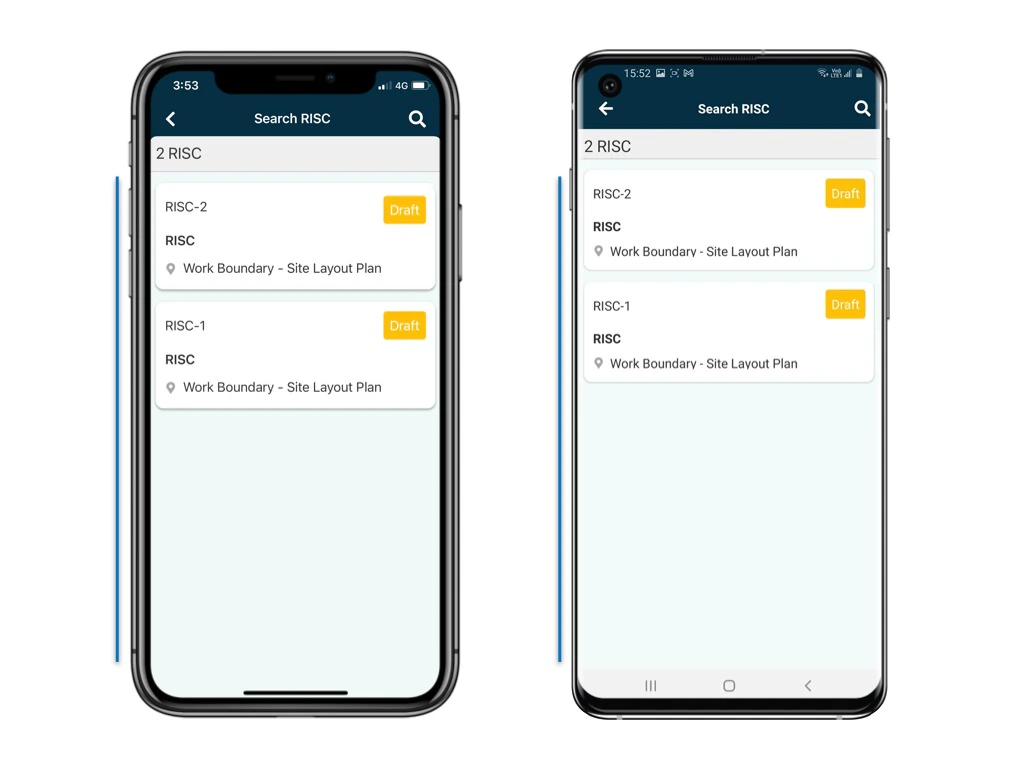
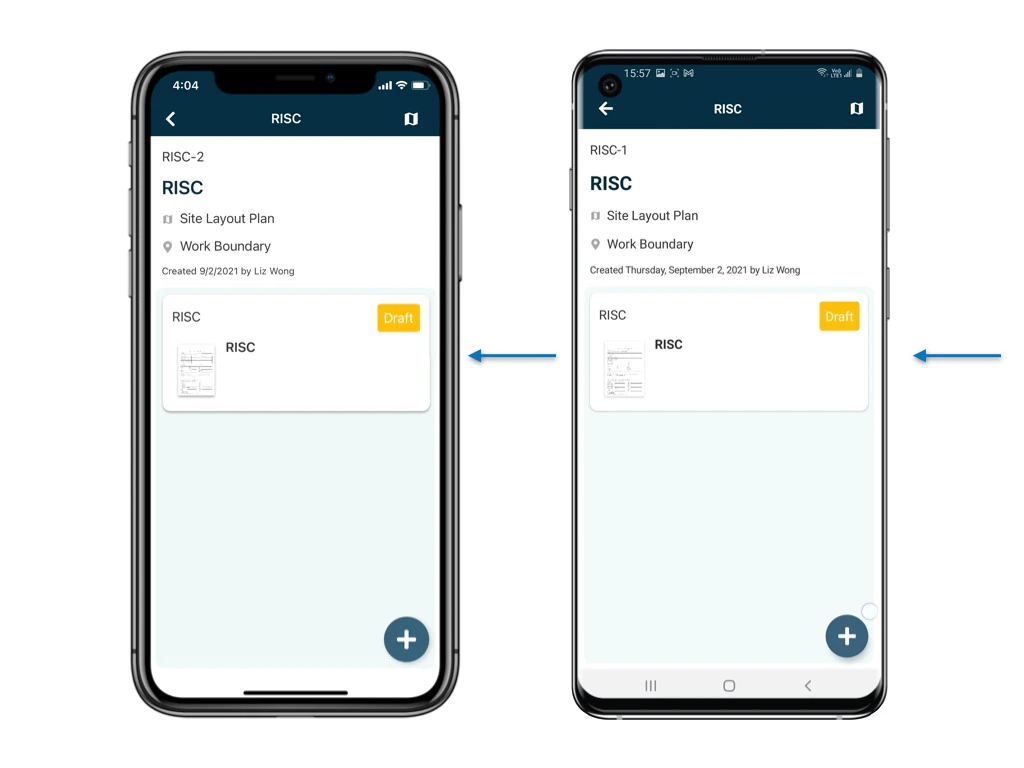
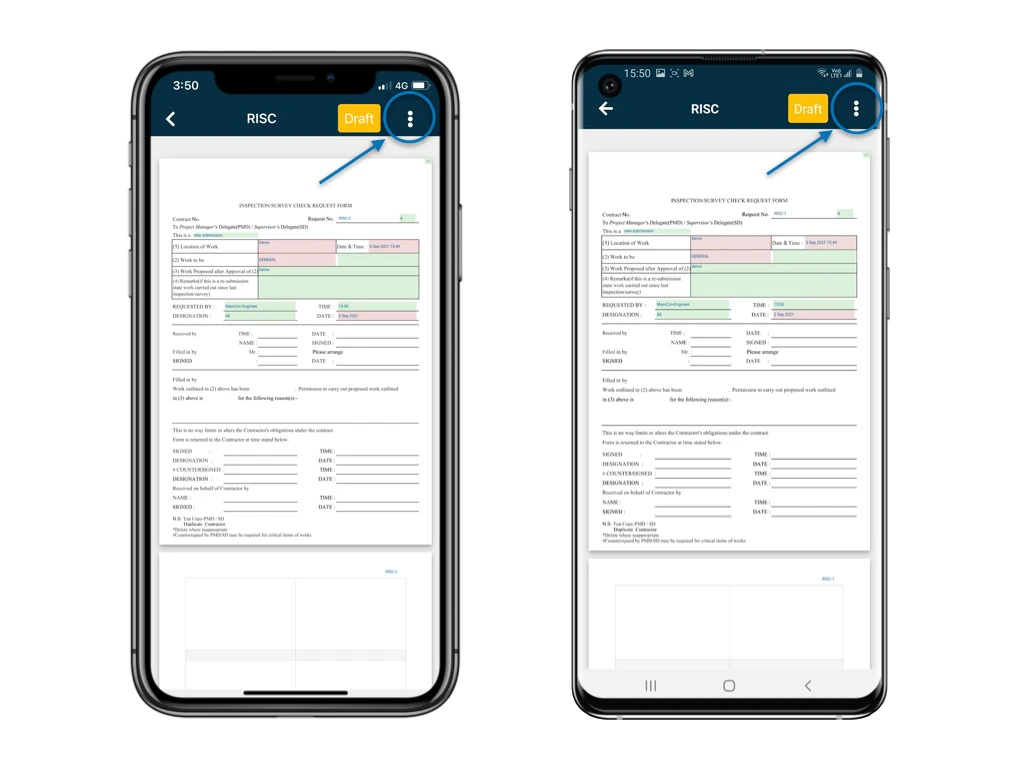
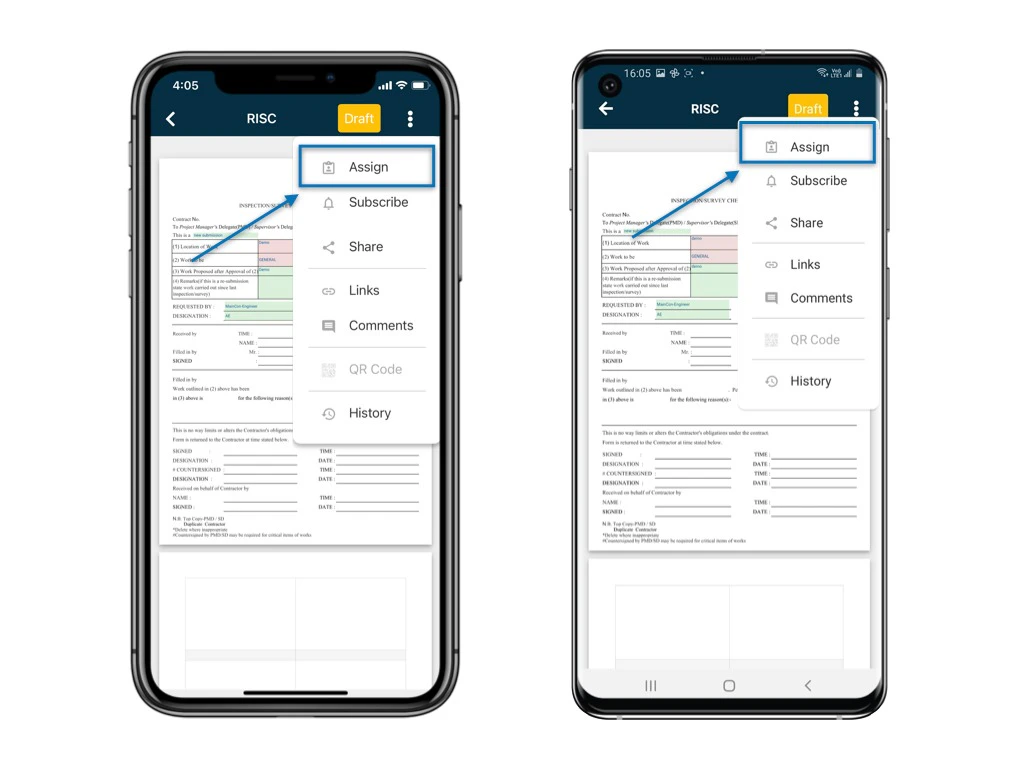
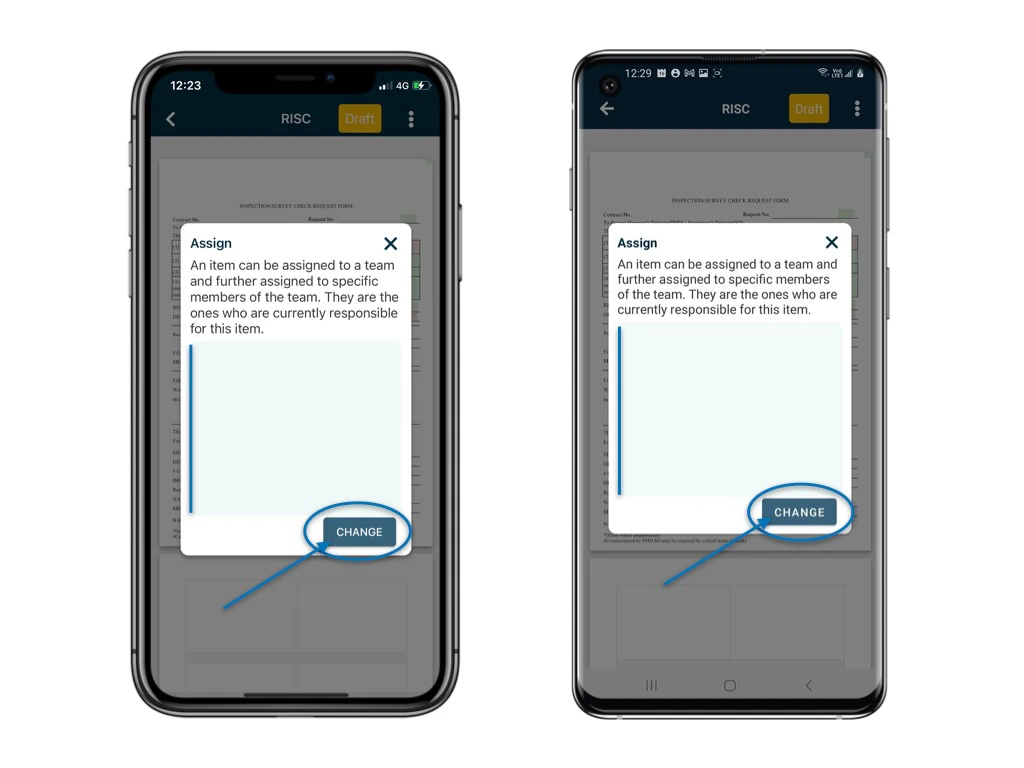
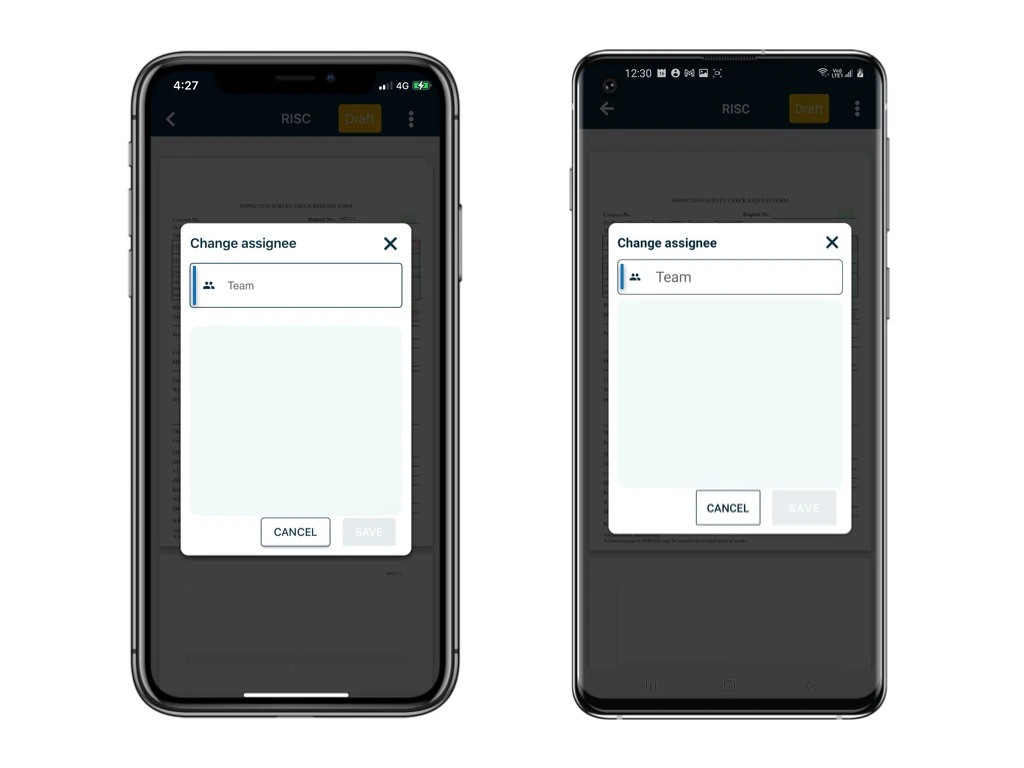
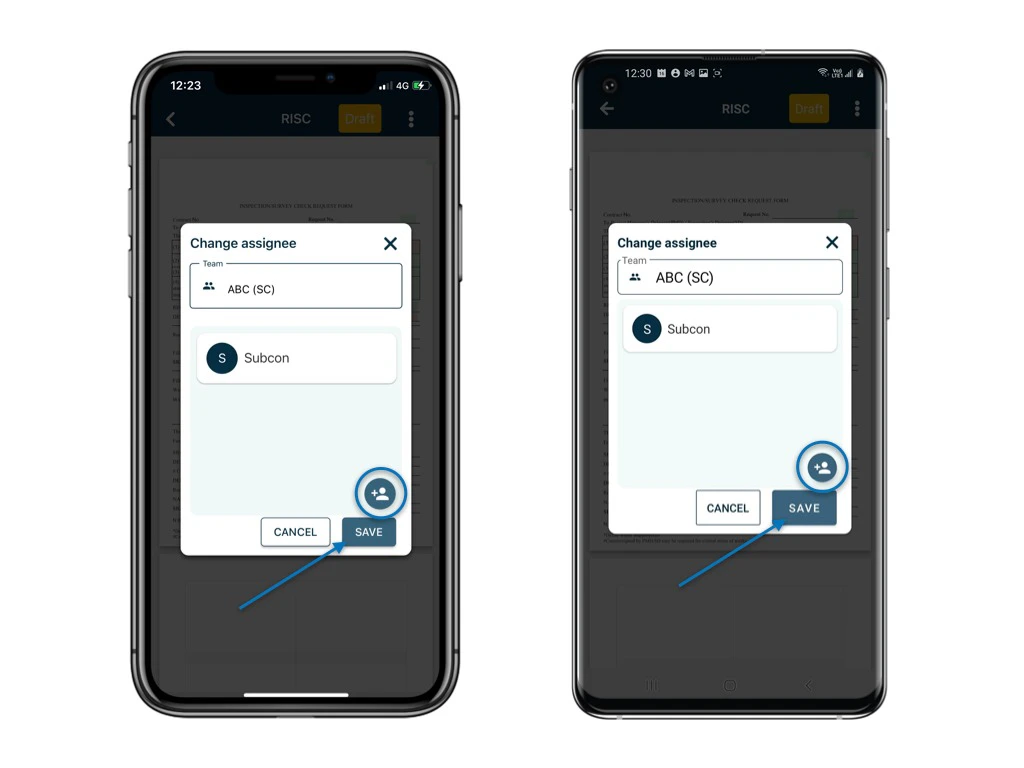
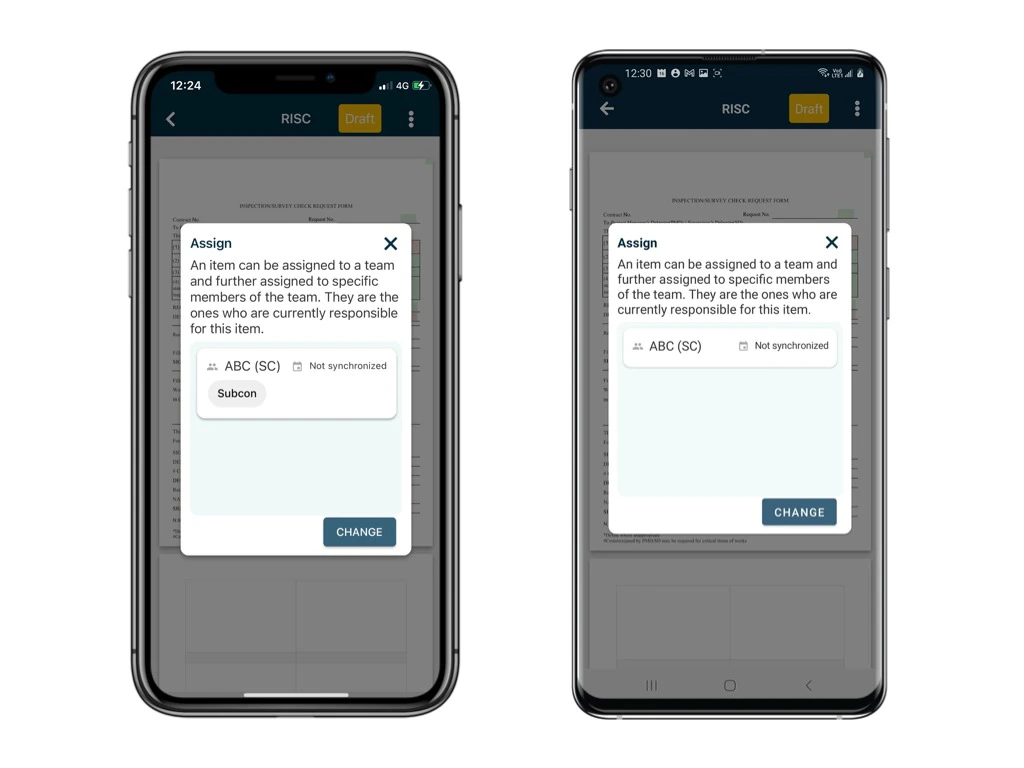
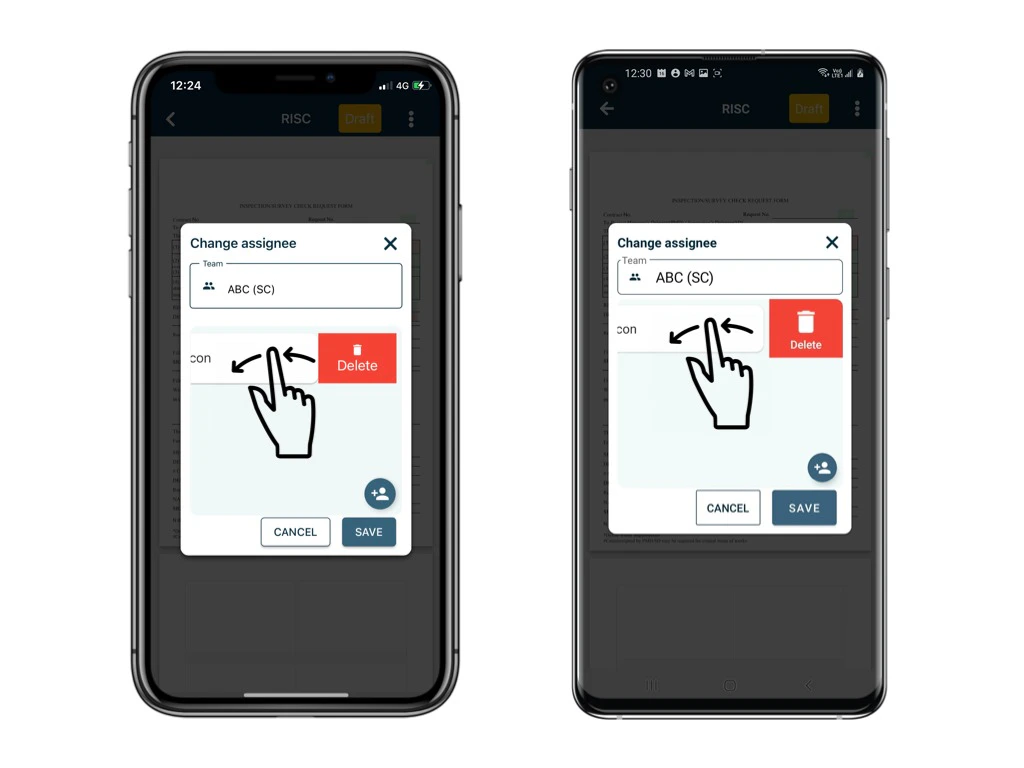
When assigning to a team, all members of the team will become participants. This means that they will all be able to see the form in question. You can also set up subscription rules to automatically make the entire team or only certain members of the team become a subscriber whenever objects are assigned to the team. Assigning to Team + Team User(s) When assigning to a user in the team, that user will become a subscriber so they will be notified of this. When subscribing, a user will simultaneously become a participant, so they will always be able to read whatever they are subscribed to. To assign a form to a user, you must have the appropriate permissions to do so. The issue/defect/record status will determine whether or not you are able to assign the issue/defect/record. For purposes of this example, we will show you what you can expect to see should your permissions allow. You will need “Assign” permission to perform the “Assign” action! If you do not have the correct permissions this option will be unavailable to you and you should speak with your Project Administrators if this is the case.Here’s how you can assign a form to other users using the RDrive app: Unfold the Menu at the top of your screen as shown below
⚠️ After completing onsite work, remember to synchronize. This ensures data backup and updates for your project team.