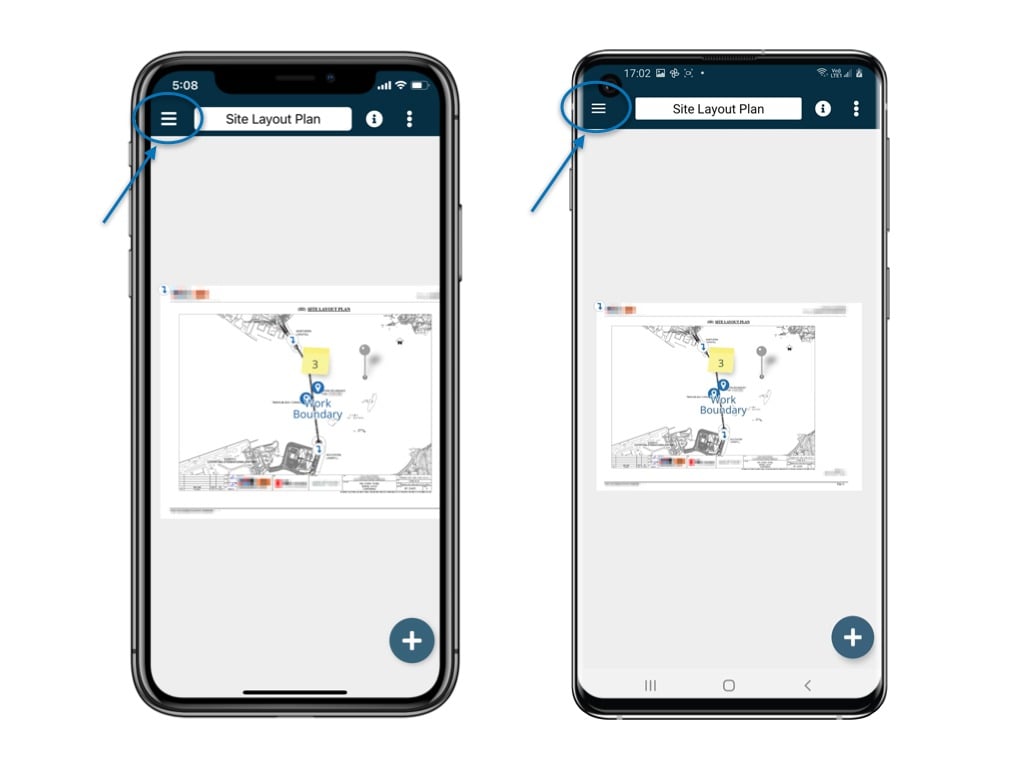
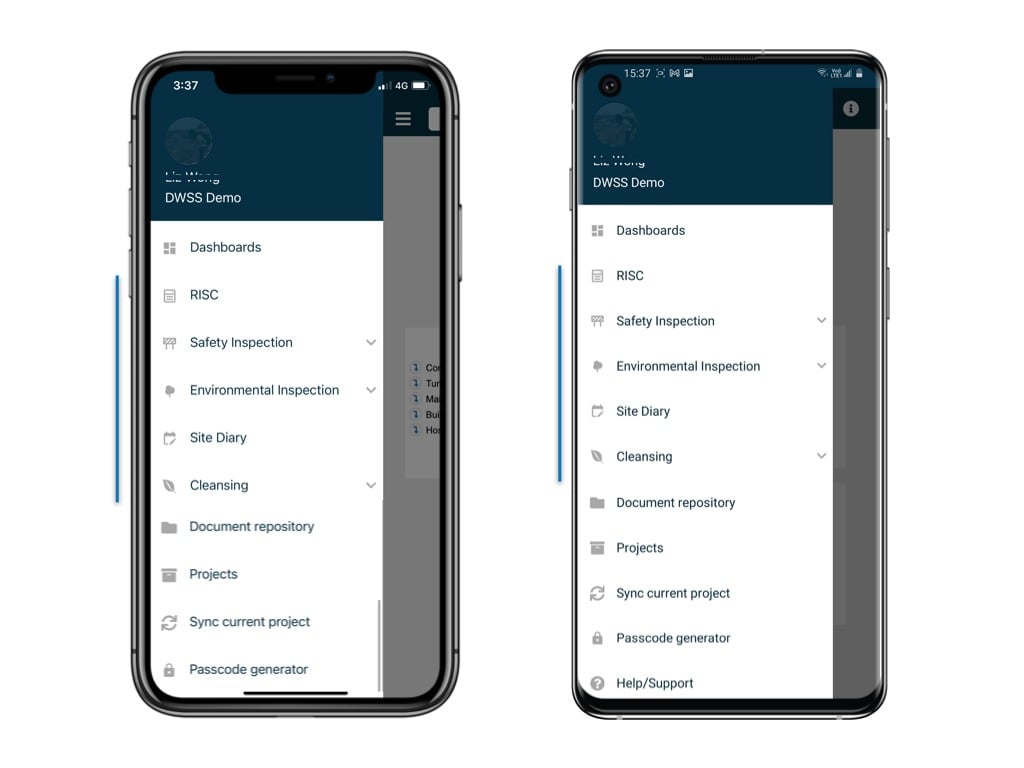
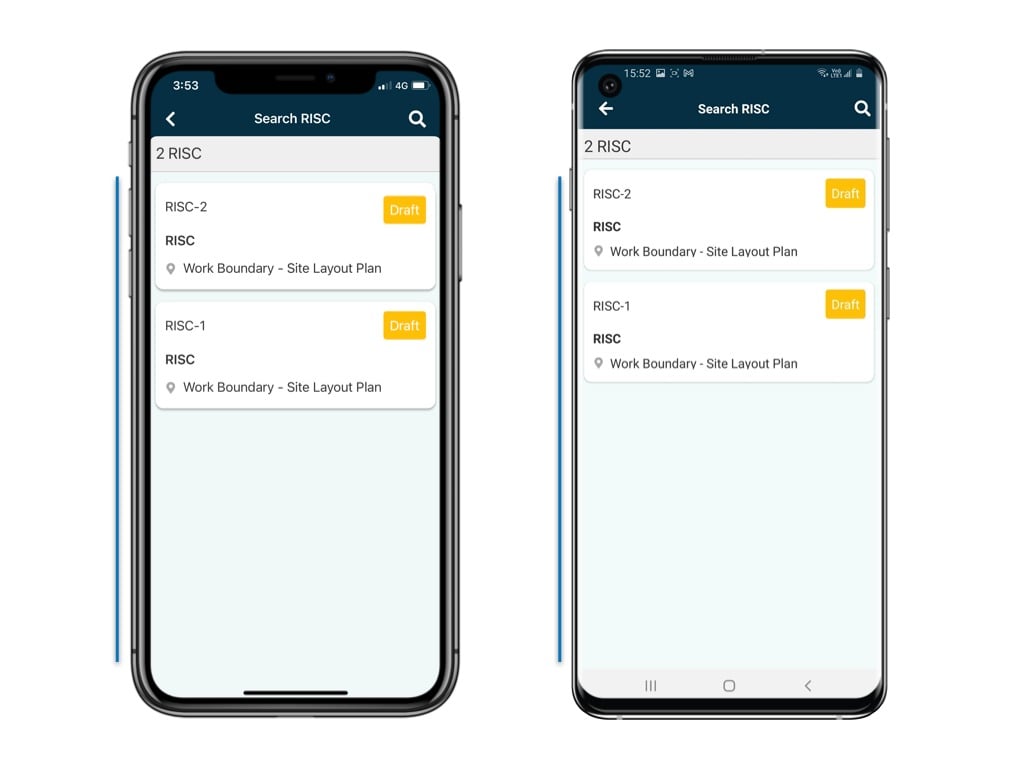
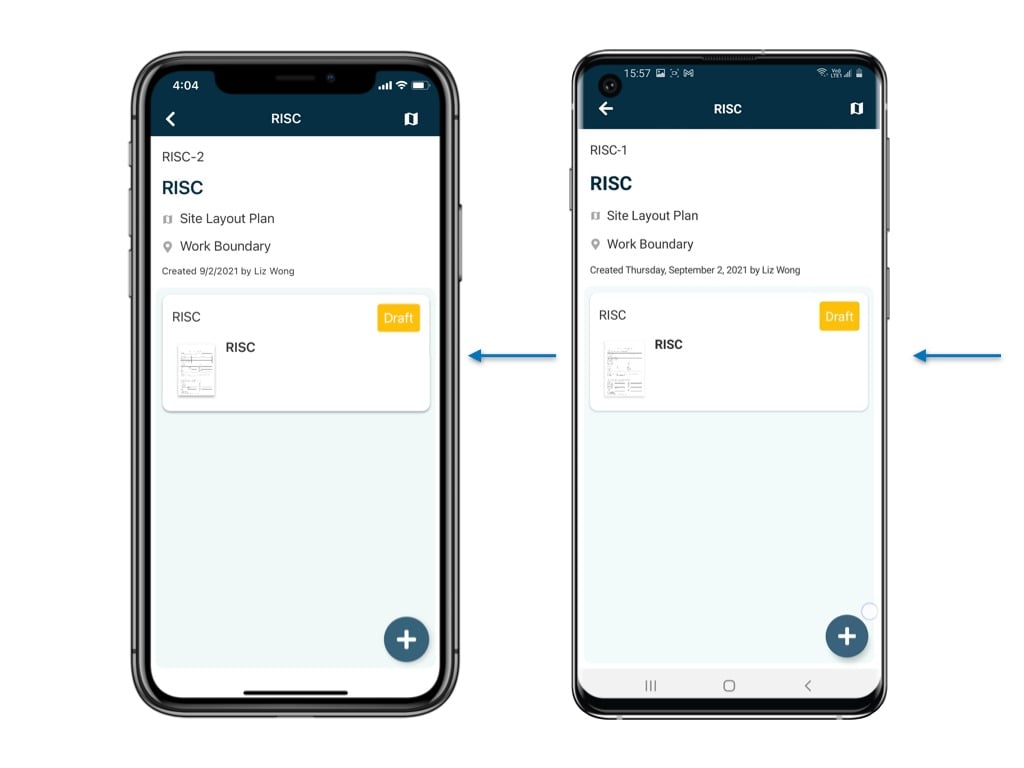
It is very common that different supporting documents, related issues/records and processes come along with the form itself.
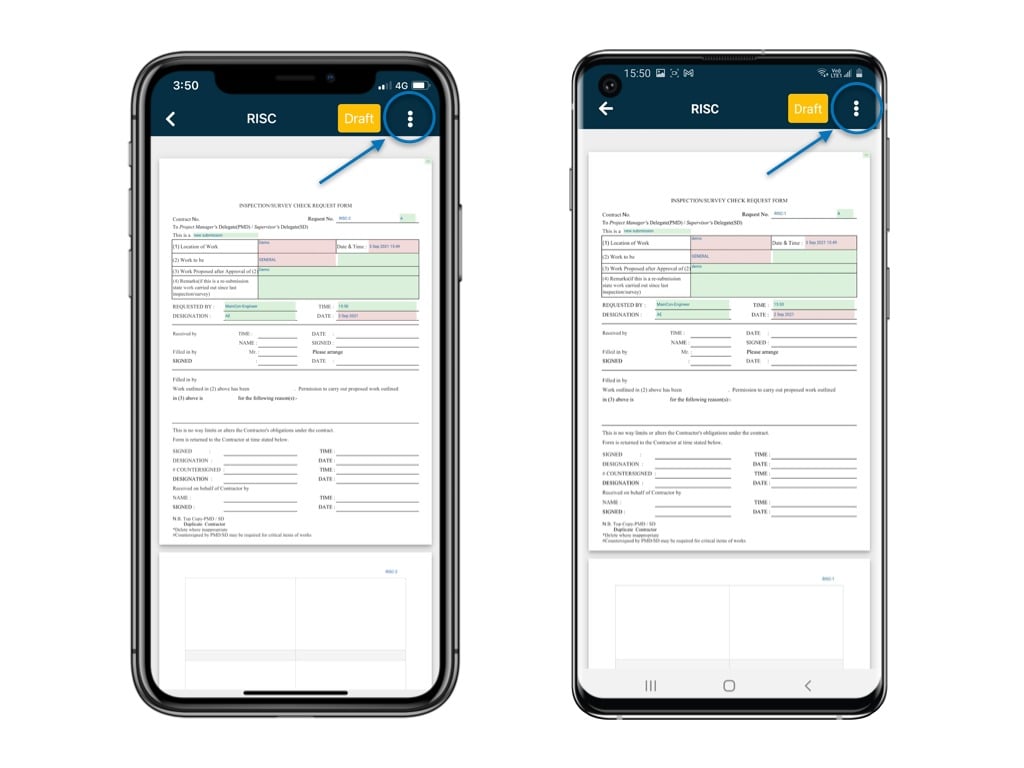
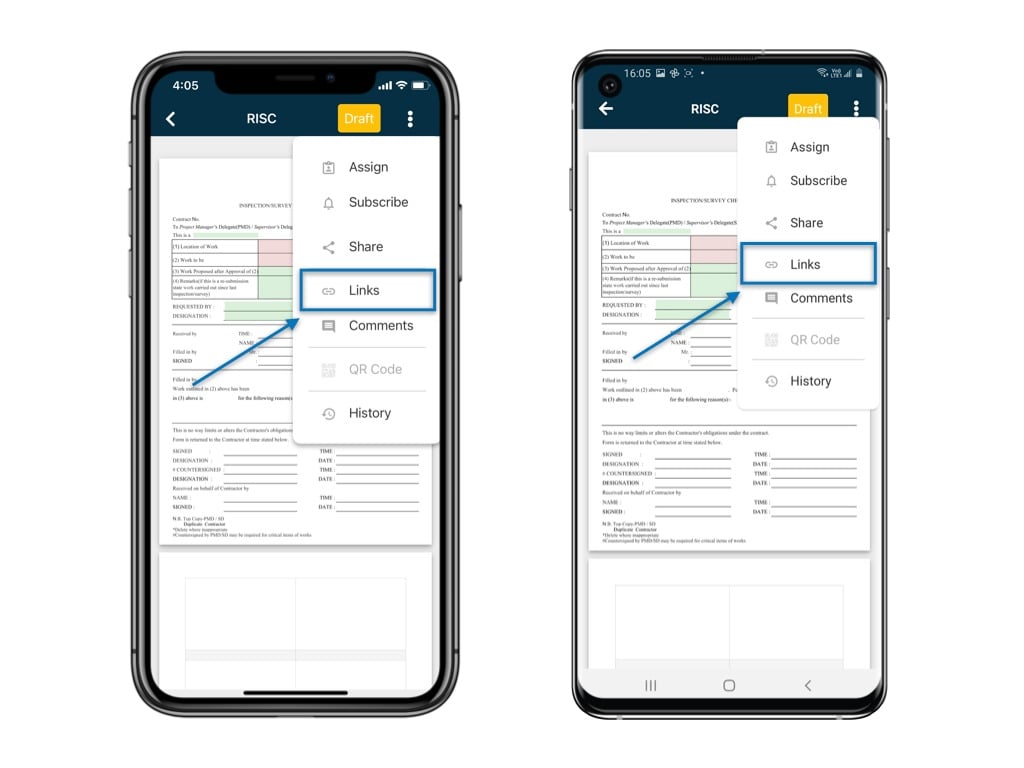
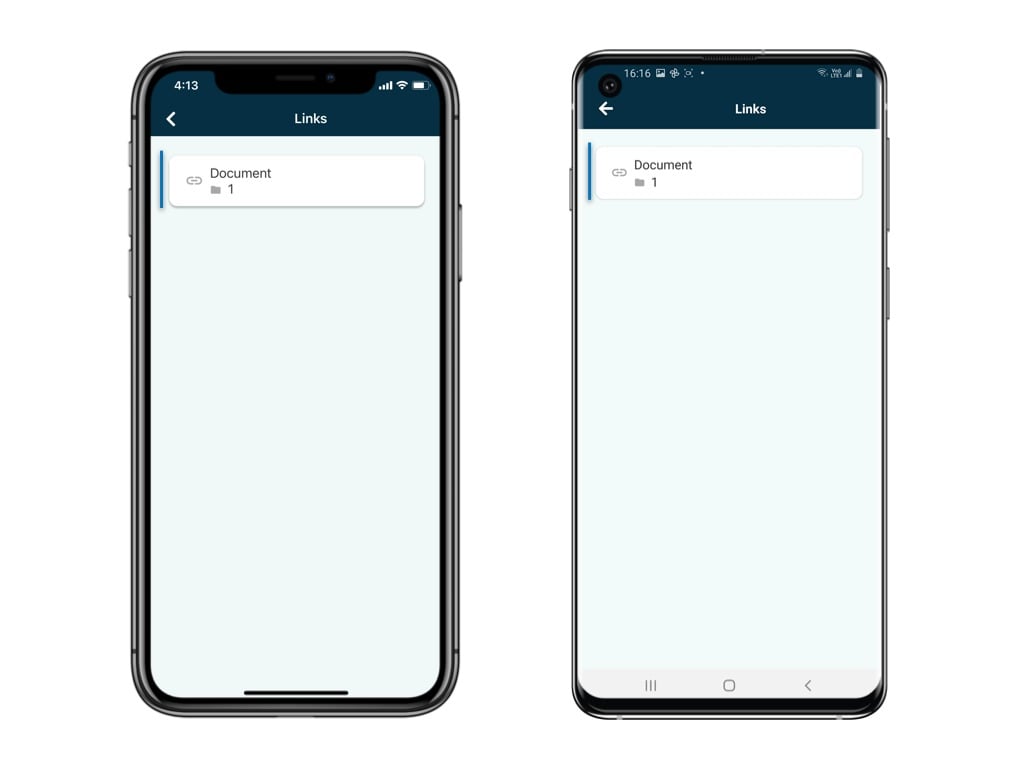
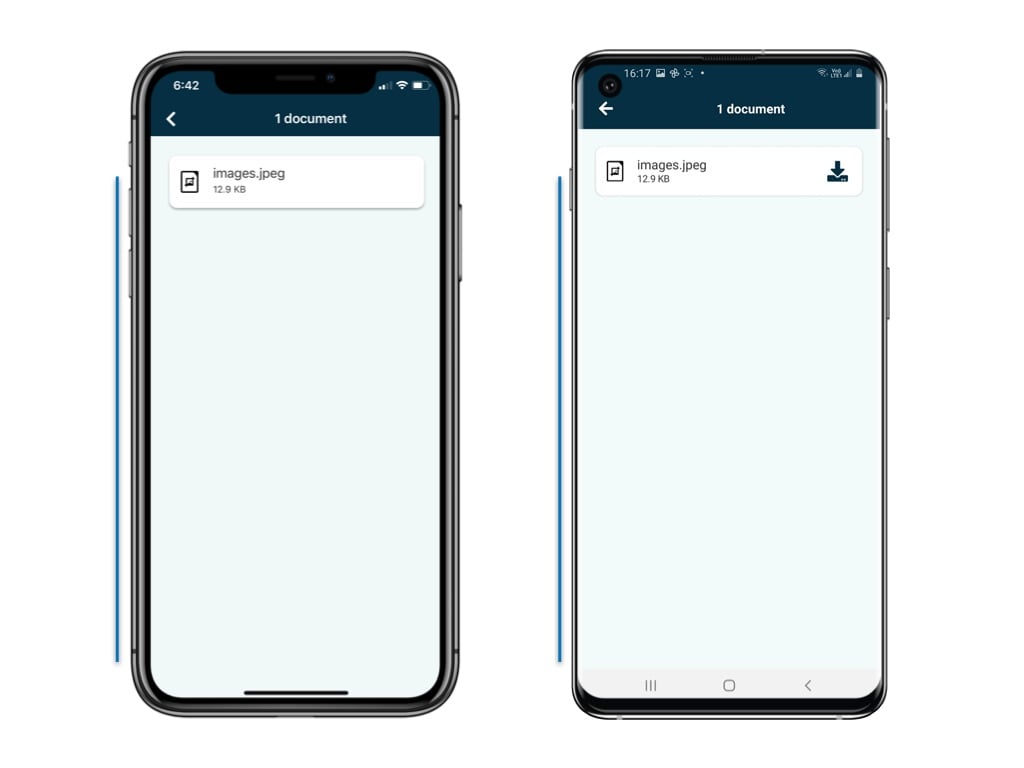
It is very common that different supporting documents, related issues/records and processes come along with the form itself.Here’s how you can do to view it.Go to Finder and access the Process > Form.A form is now opened in the form viewer, click ⋮ to select “Links”.The linked item would display here by field. General click into it and view the linked item.