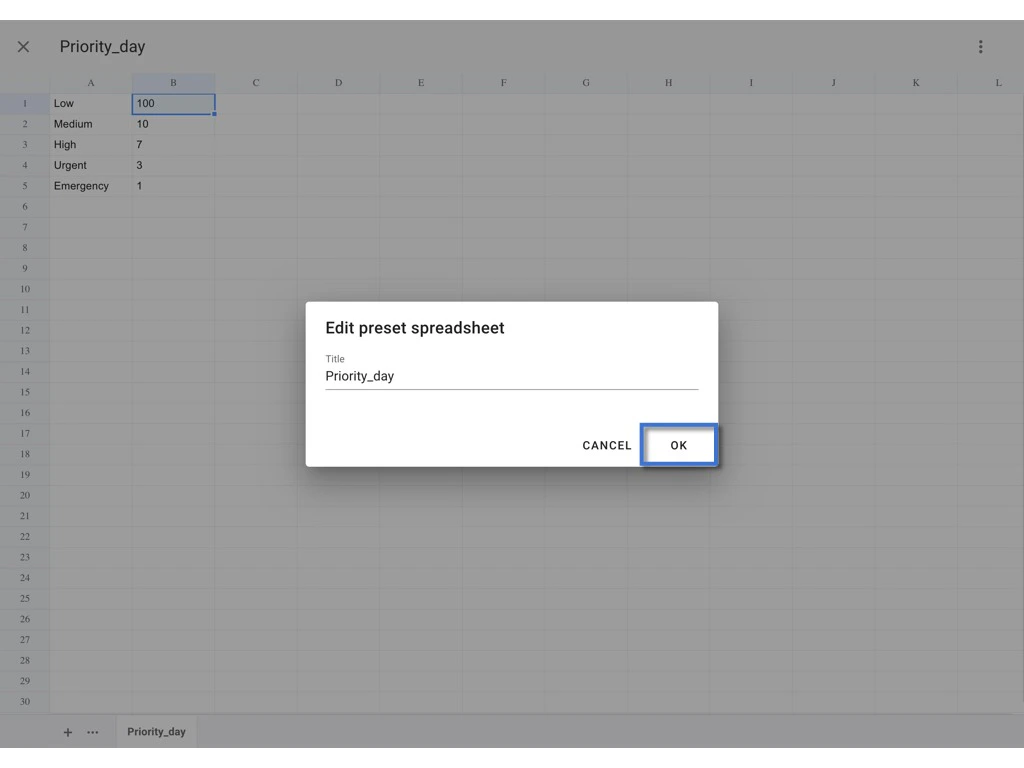
Preset Spreadsheet
The sheets in the preset spreadsheet are inserted into the original spreadsheet if merged. If the name of the sheet in the preset spreadsheet is the same as the one in the original spreadsheet, the former replaces the latter.EDIT
If you are a company admin, you can edit the preset value at the company level to place the changes to all the projects in one go. However, if the preset value is already changed to a project-specific on the project level, any change made at the company level will not affect the current preset value on the project level. If you are a project admin/a user who is given the edit permission to edit preset items, on the project level, you can edit the preset spreadsheet which is set on the company level according to your project needs.HOW?
First, log in to the Company Area.Only the company admin can access this page.
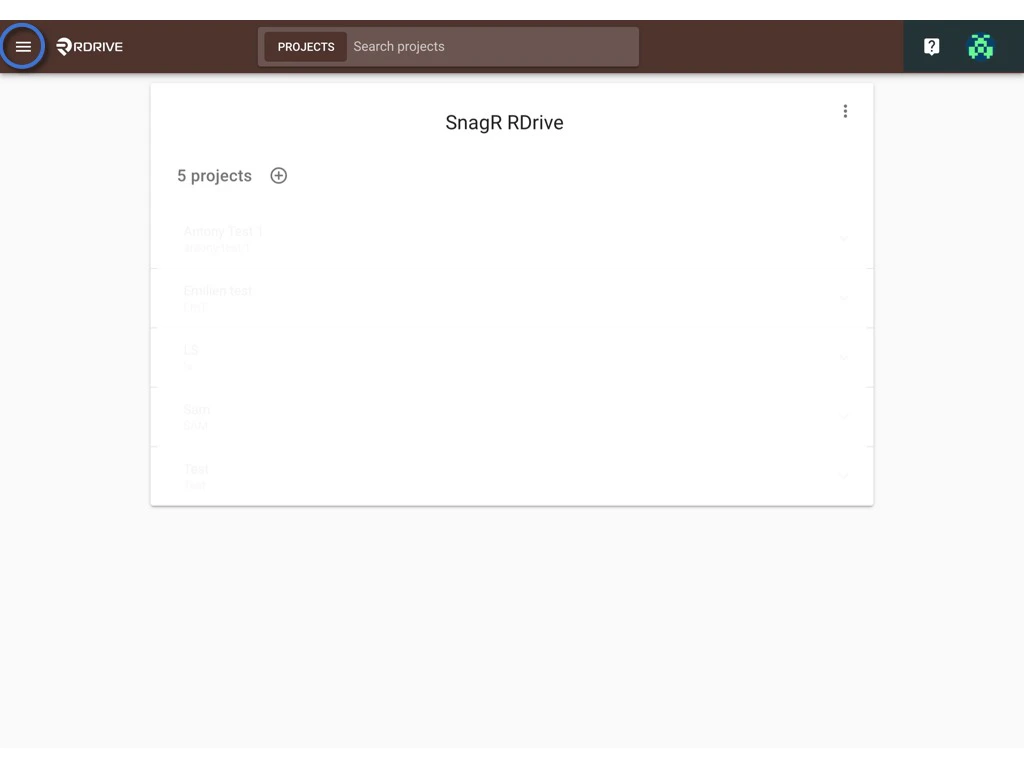
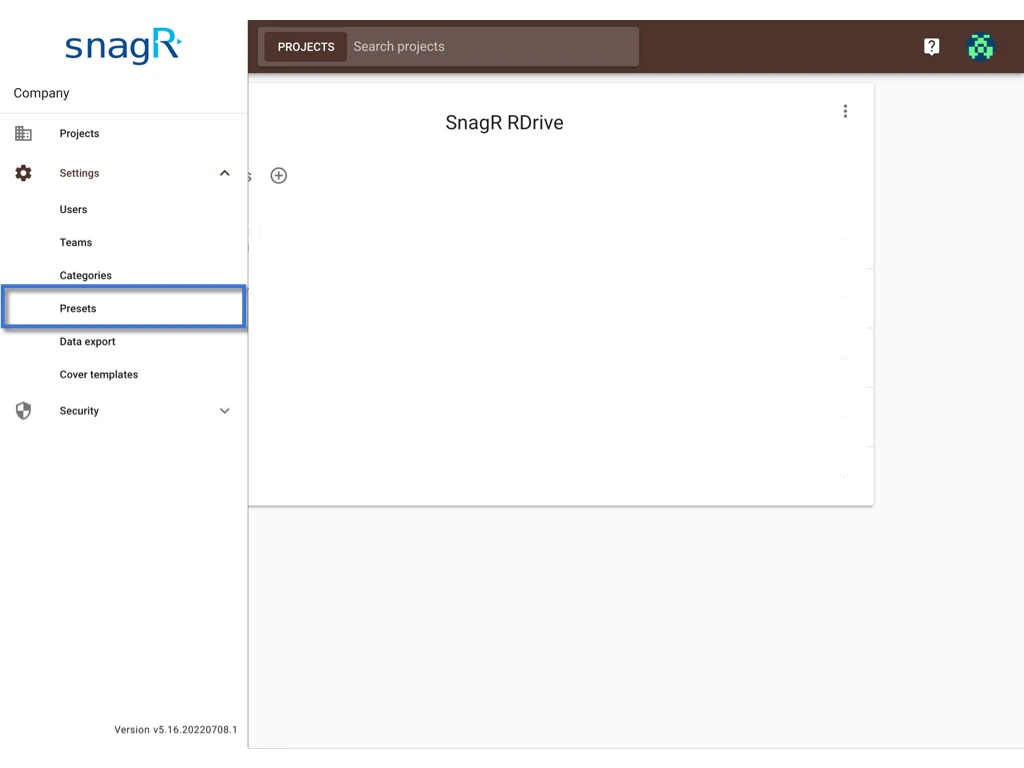
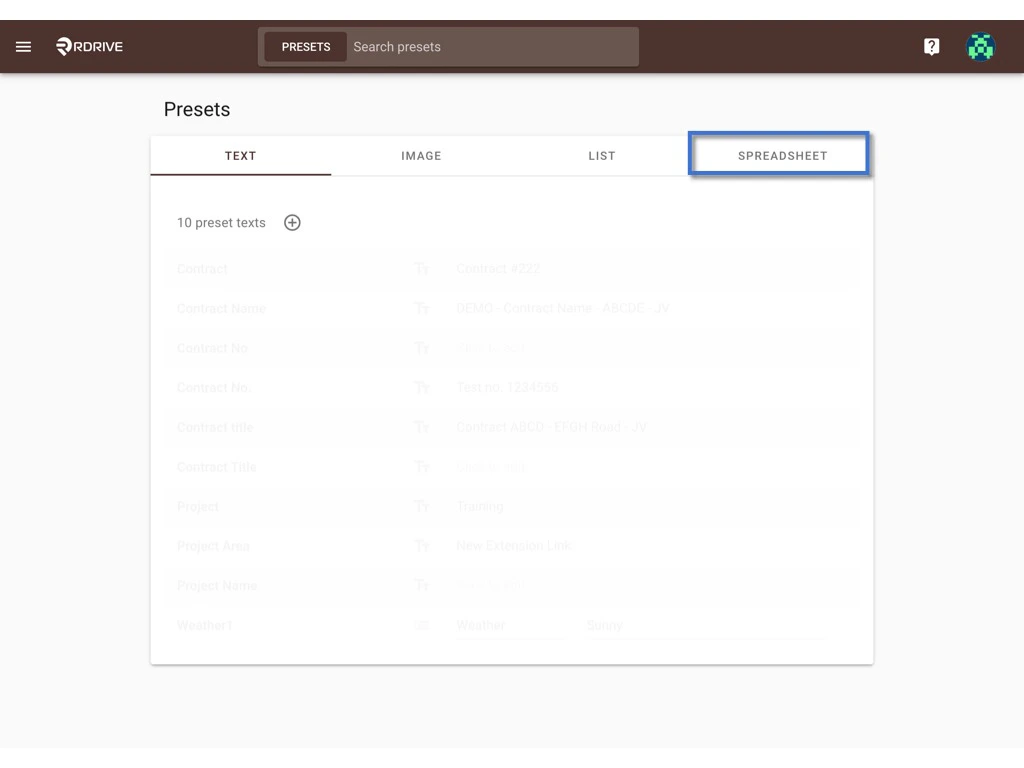
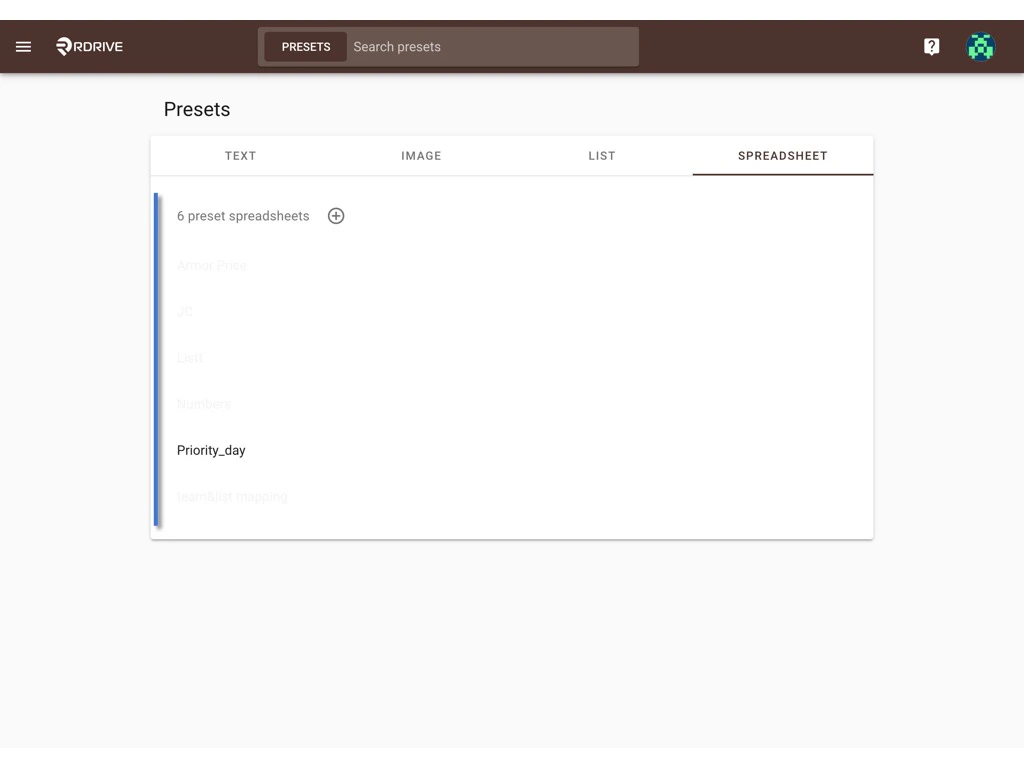
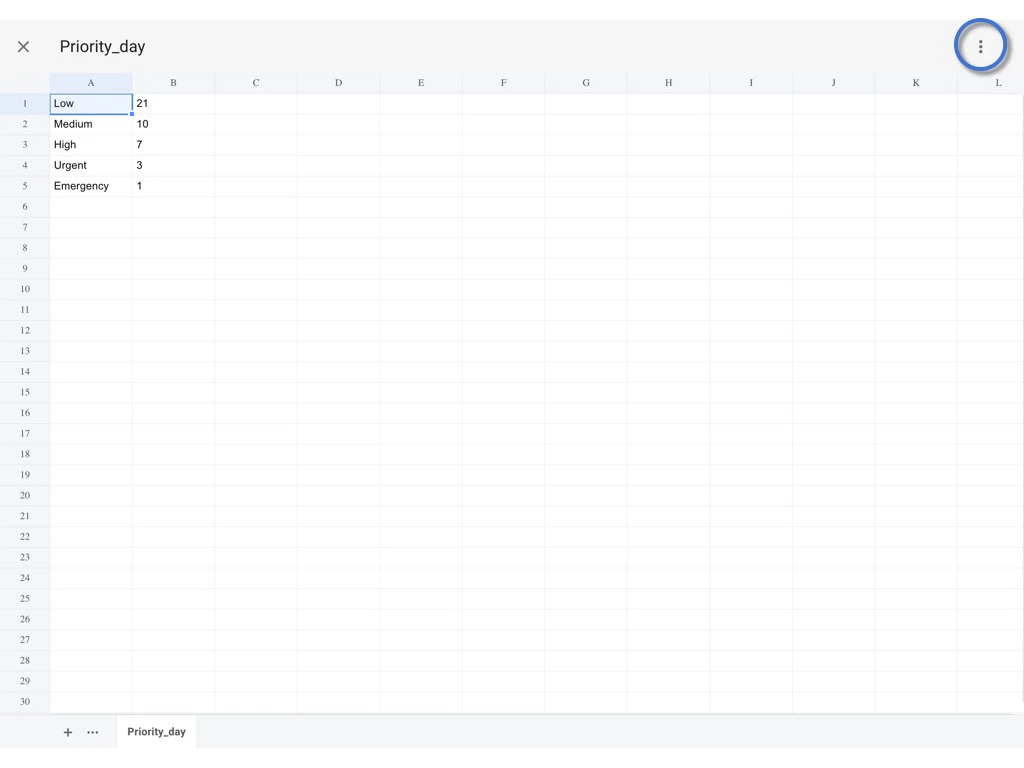
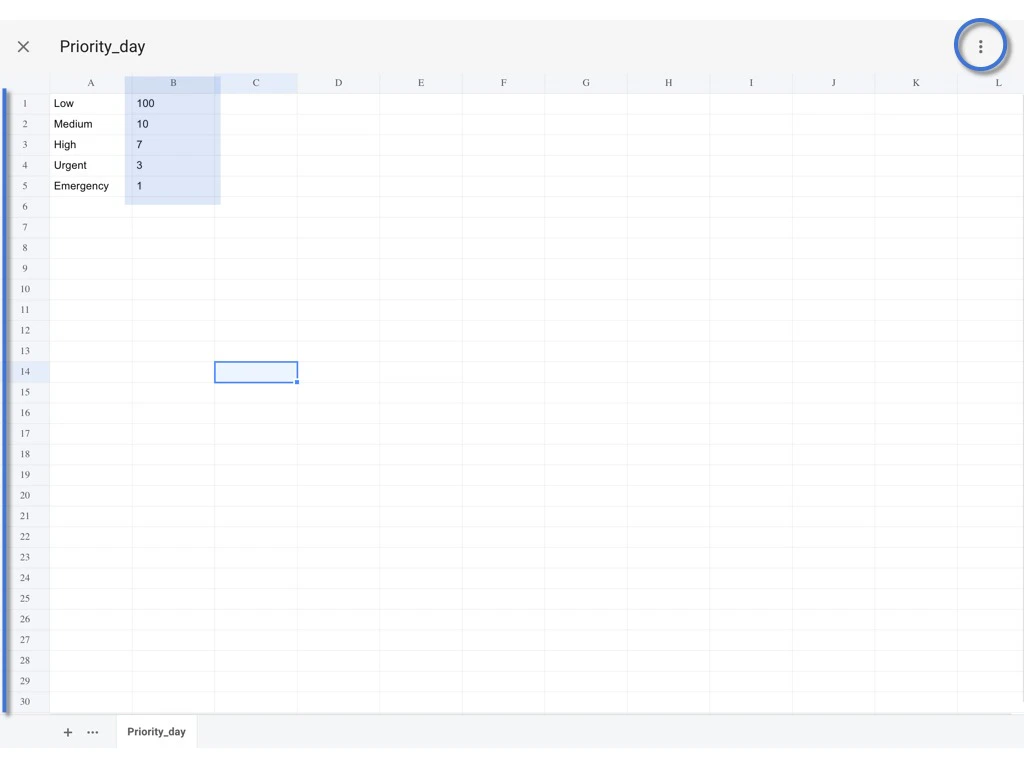
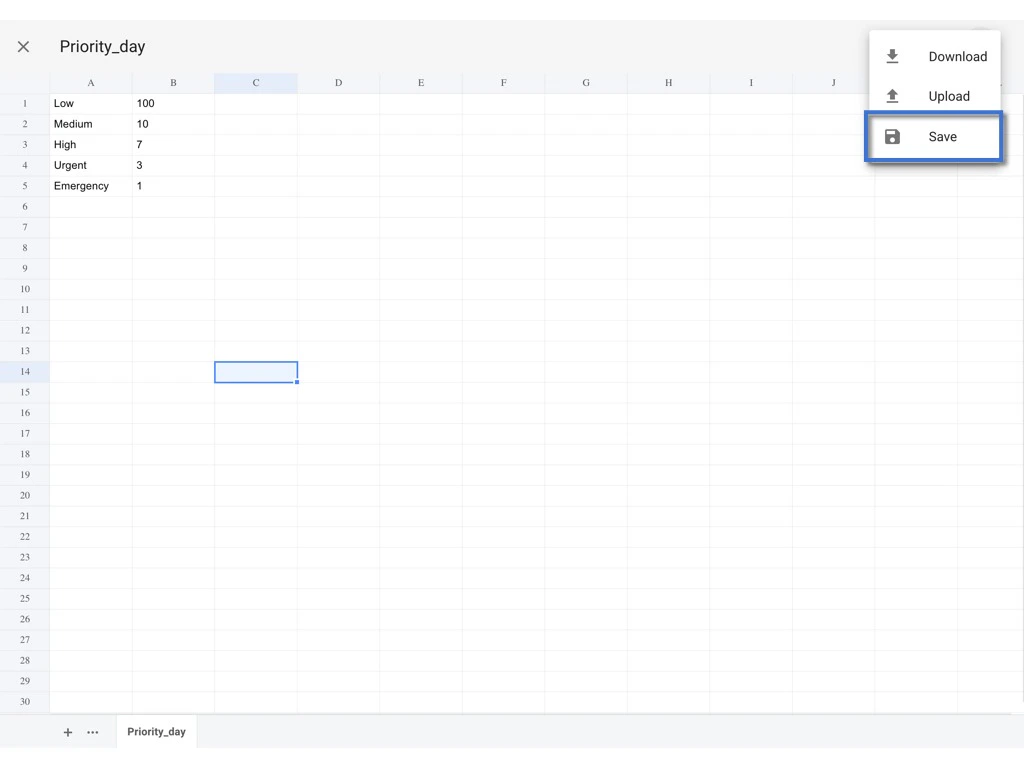
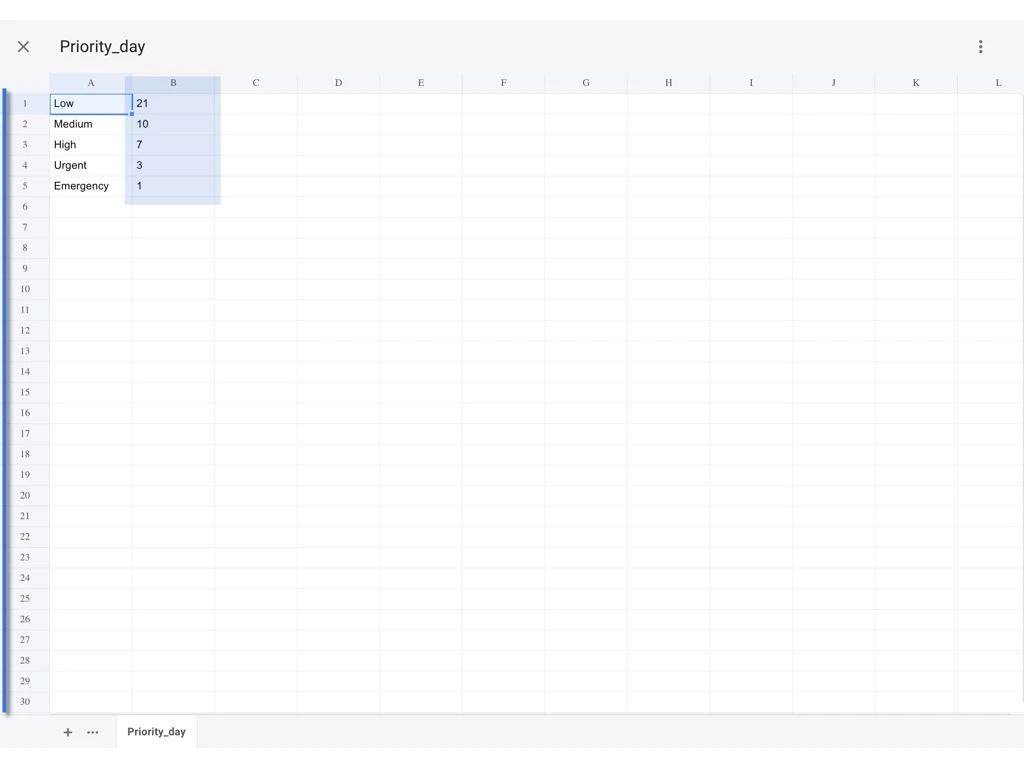
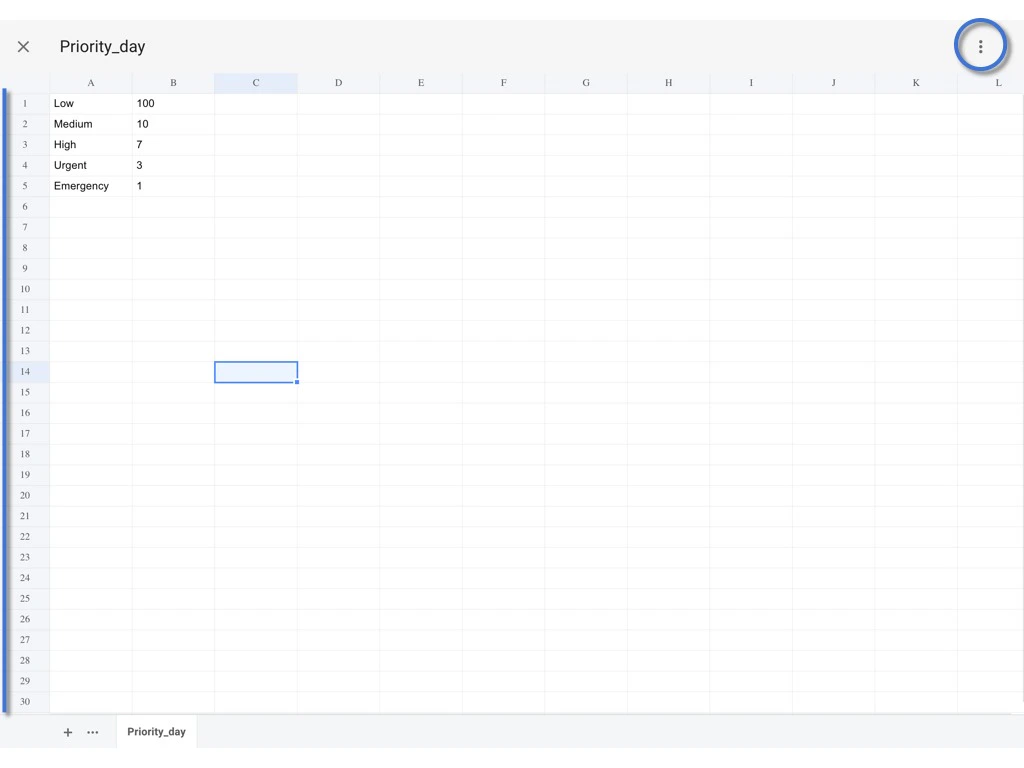
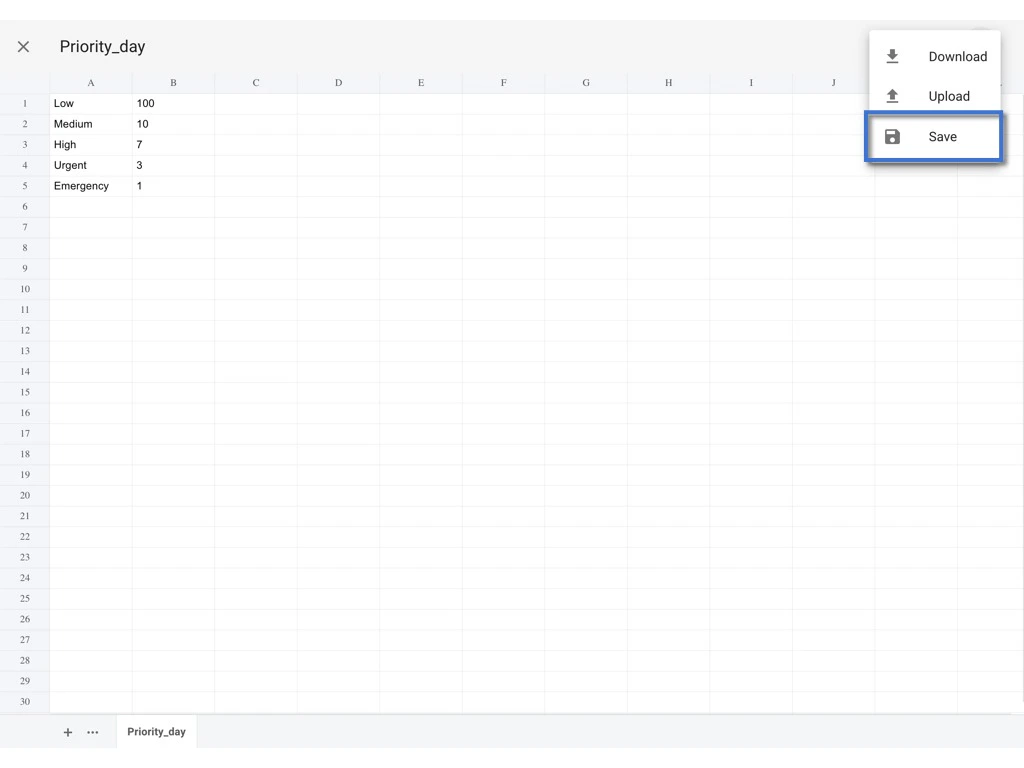
You may edit the value directly and click the ⋮ to SAVE.
To make sure the name of the sheet in the preset spreadsheet is the same as the one in the original spreadsheet, please DO NOT make any change to it.
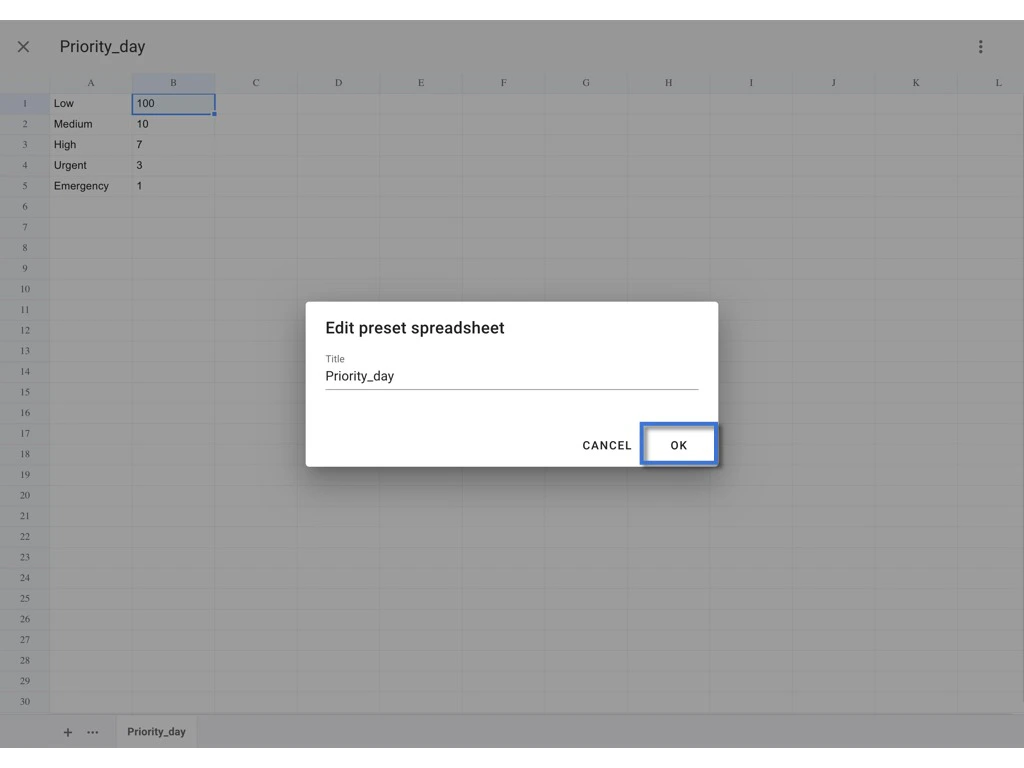
Re-upload
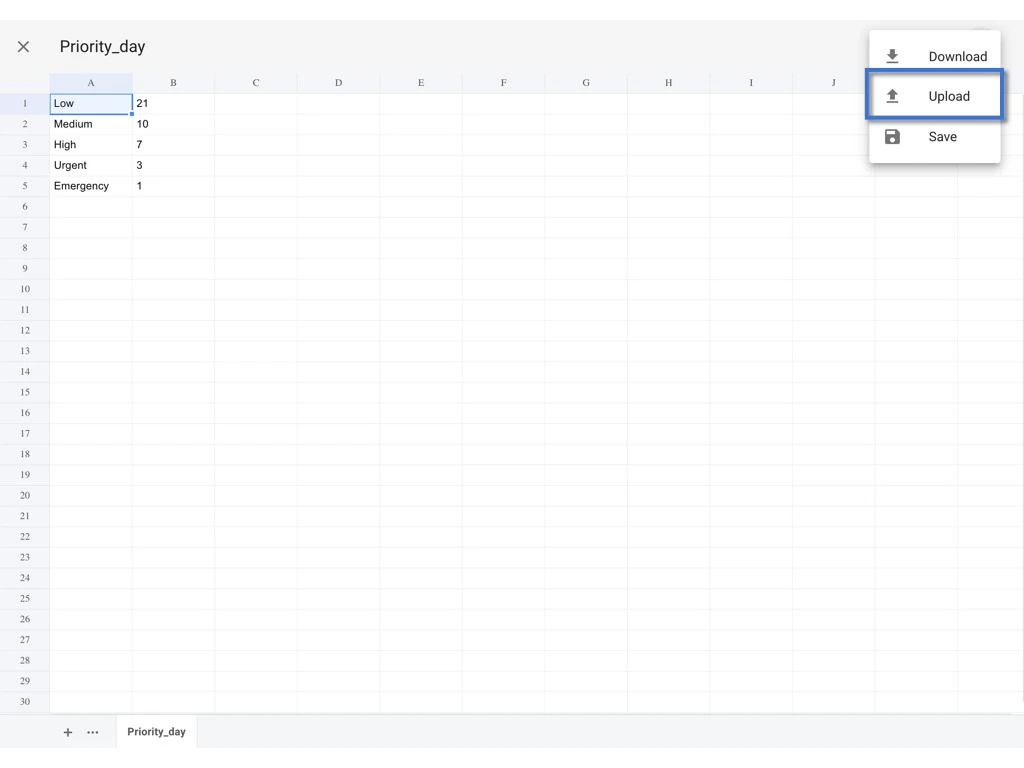
you may download the spreadsheet, edit the value and reupload it for replacement.
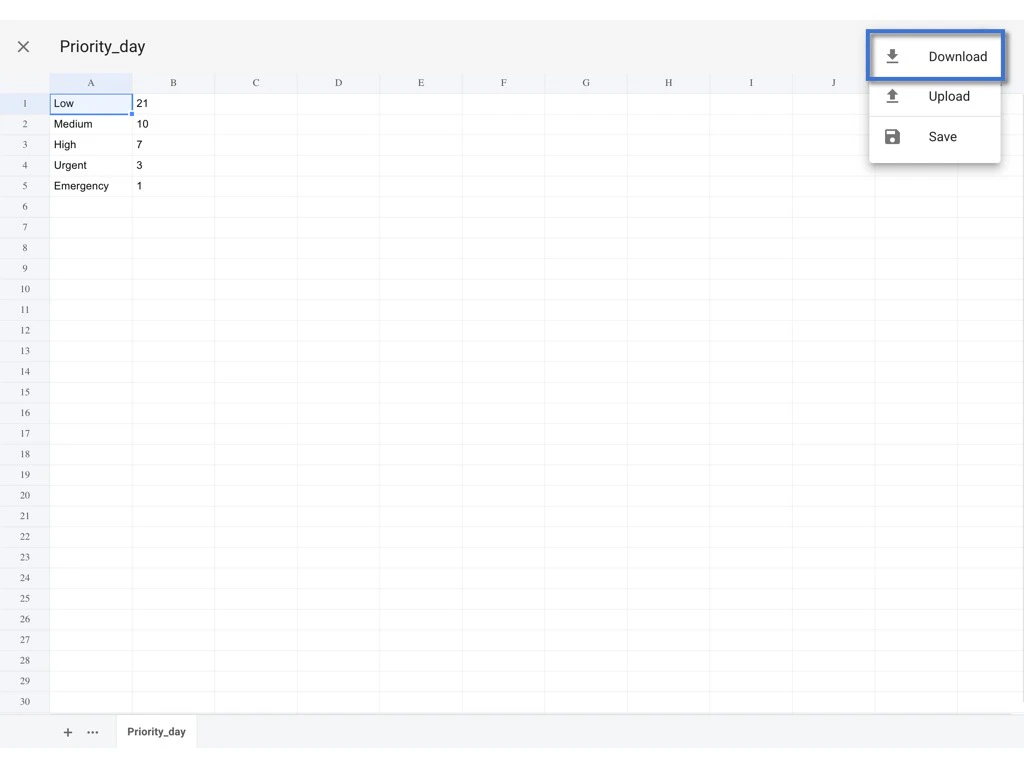
Click the ⋮ to Download excel.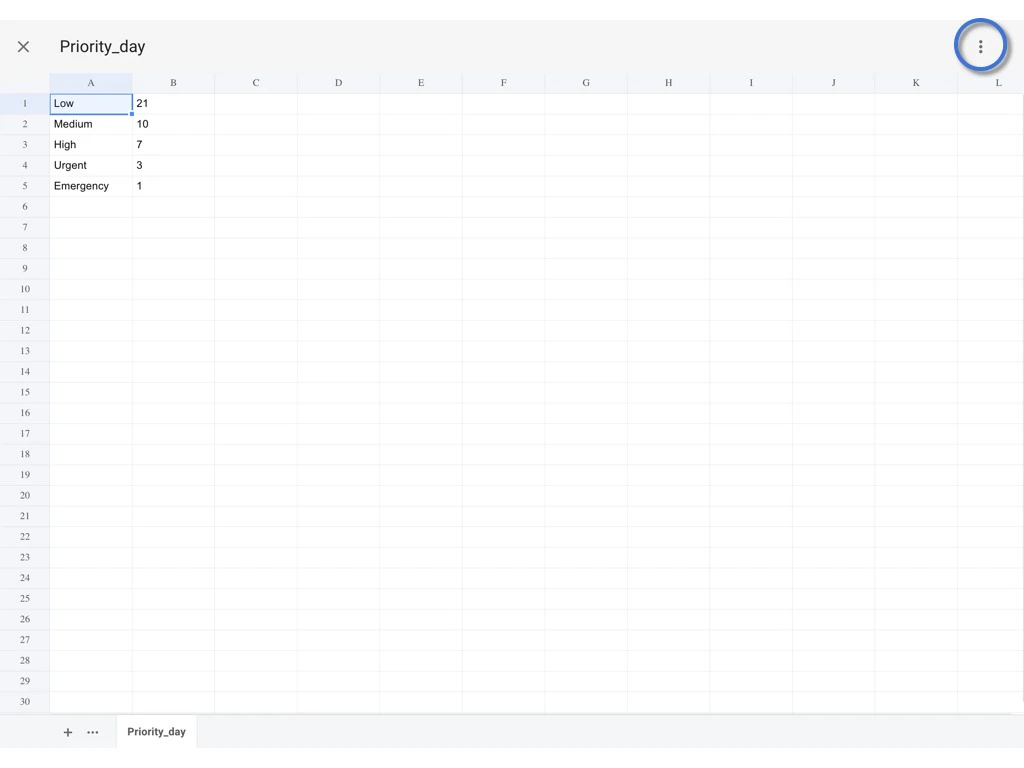
Back to the Website and click the ⋮ to Upload.