

Overview
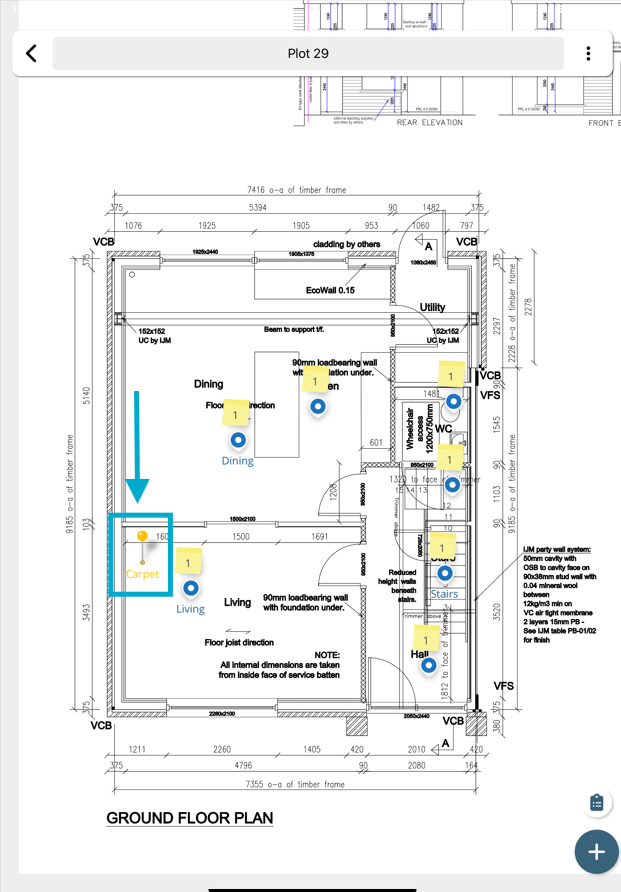
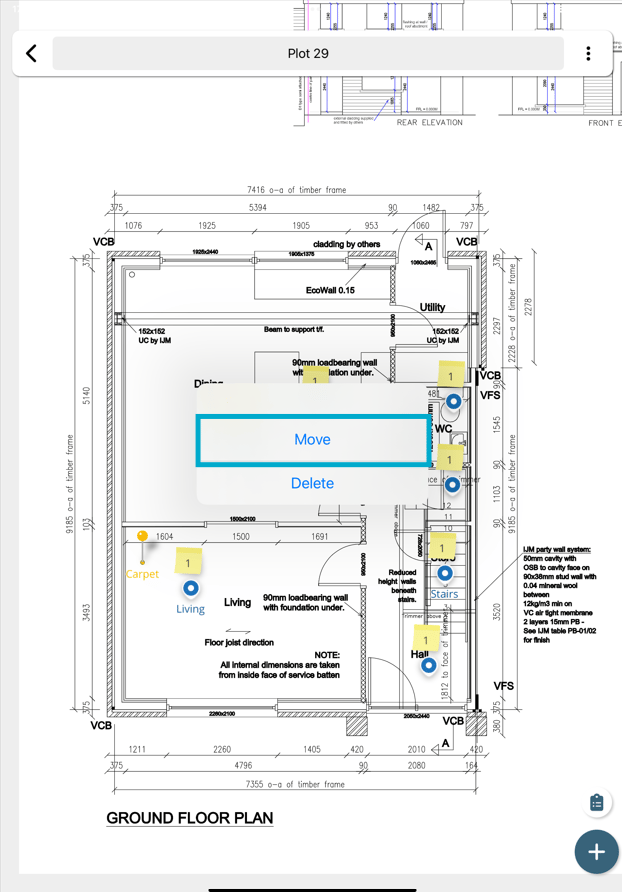
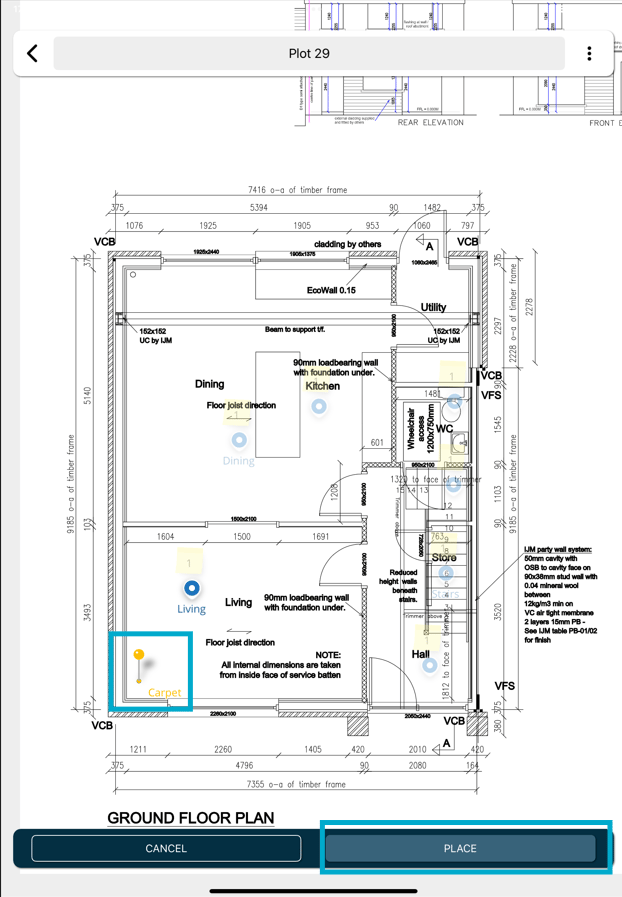
How to move a pin on the app in RDrive.- Purpose: How to move a pin using the app.
- Who It’s For: General users
Prerequisites: Have raised the item and not yet synced the device
FAQs & Troubleshooting
Q: Can I move an issue or record pin after it has been created?A: Yes. If you have the appropriate permissions, you can reposition an issue or record pin to a new location on the drawing, plan, or map. Q: Why would I need to move a pin?
A: Pins may need to be moved if they were placed in the wrong location, if the issue relates to a different area than originally recorded, or if the drawing has been updated. Q: Why can’t I move a pin?
A: You may not have the required permissions, or the item may be in a status that prevents location changes. Contact your project administrator if you require additional access.