Share with other users to give them permission to see the issue/record. Sharing gives ad-hoc read access to other users. You can choose individual users to share with. Users who have edit rights but not read access will be able to edit after you have shared with them.
Those who are shared are called “participants”.

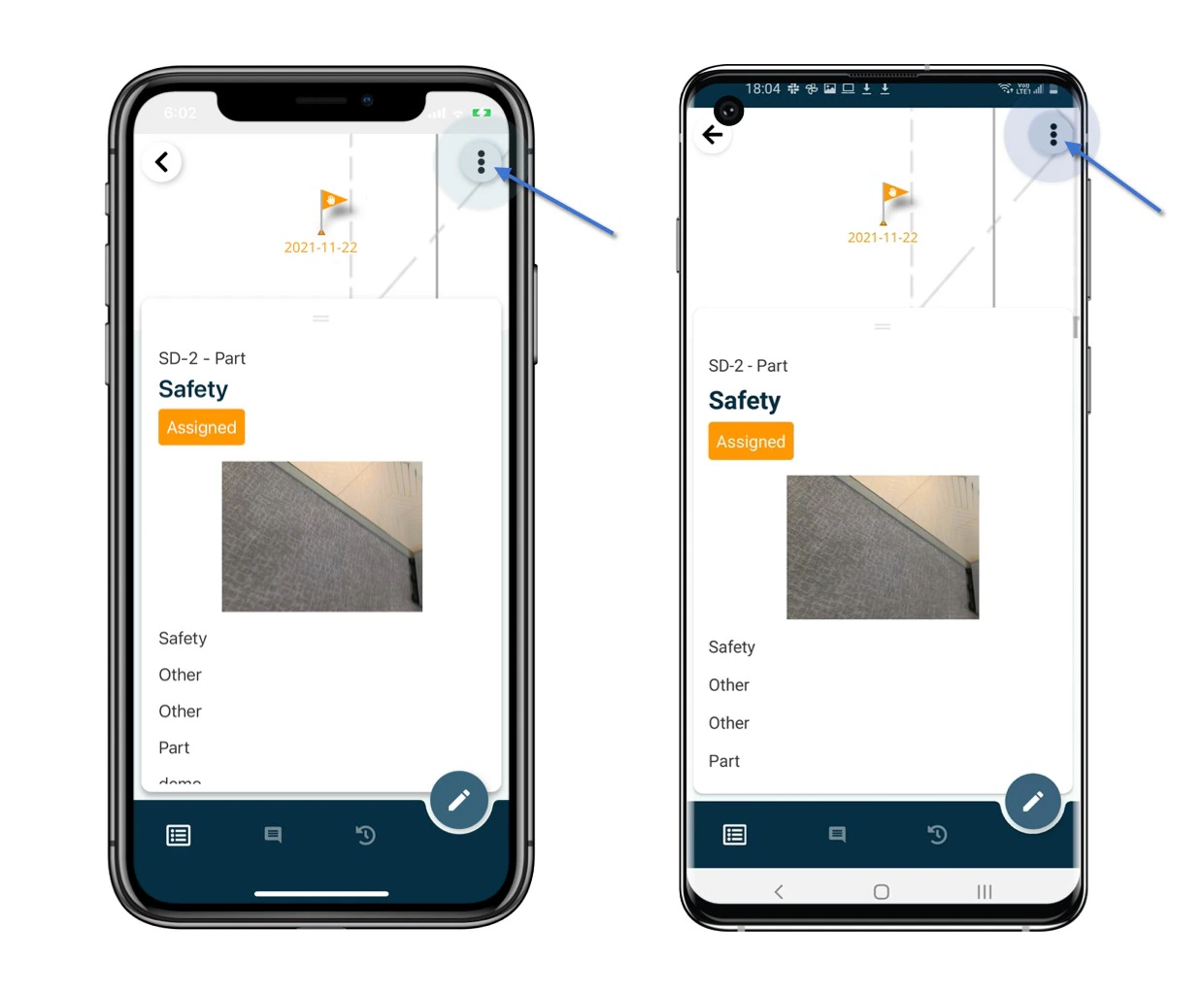
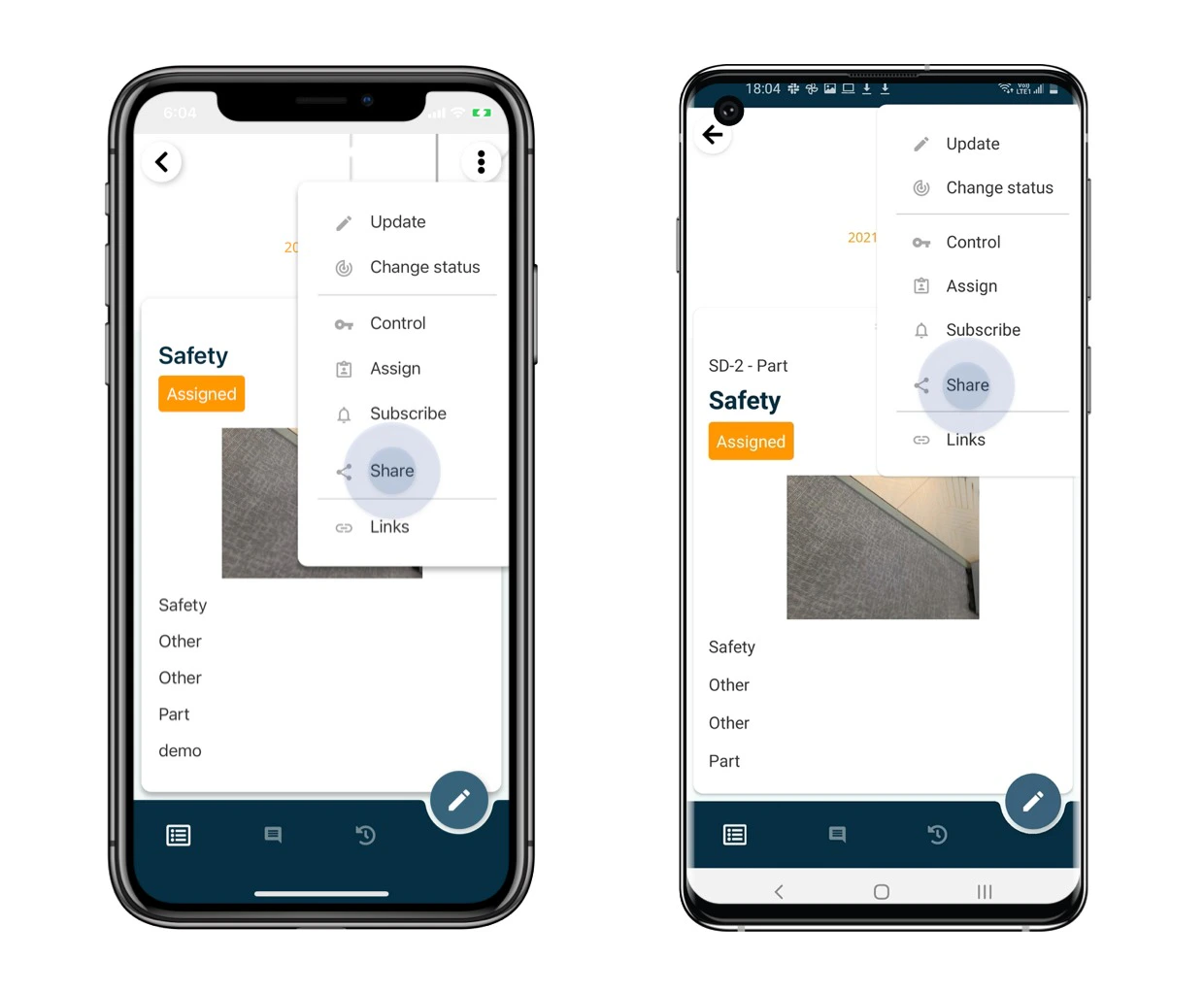
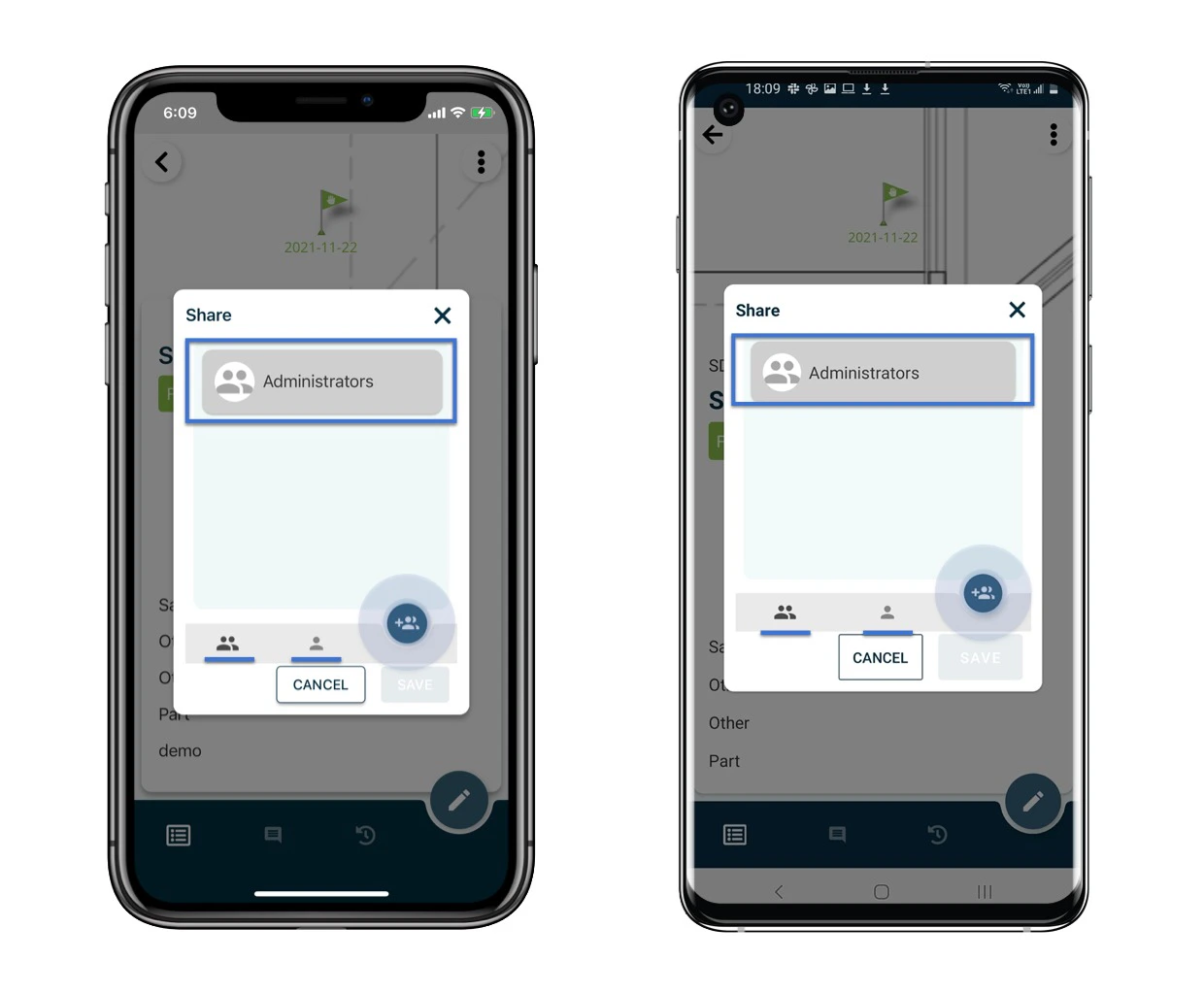
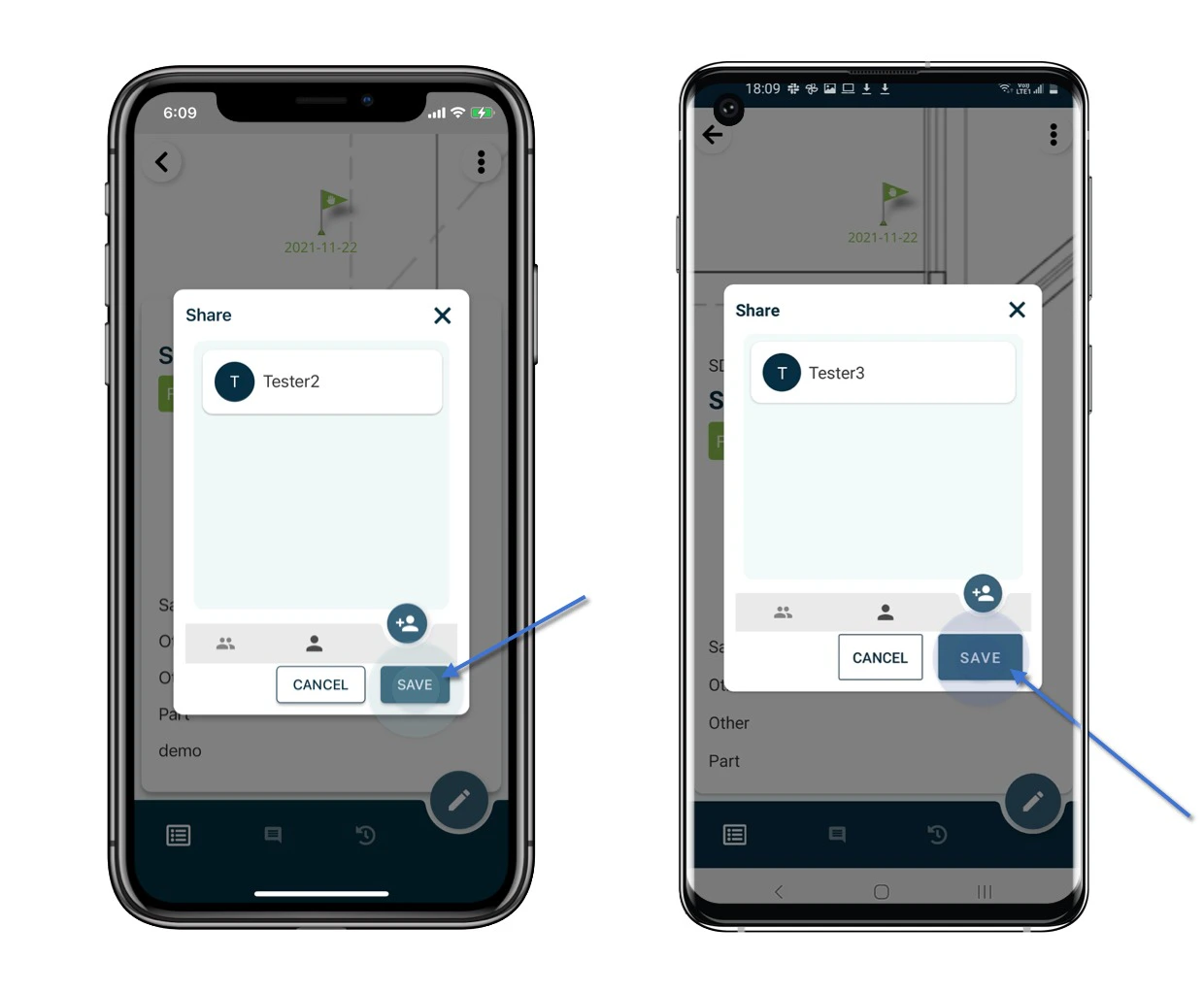
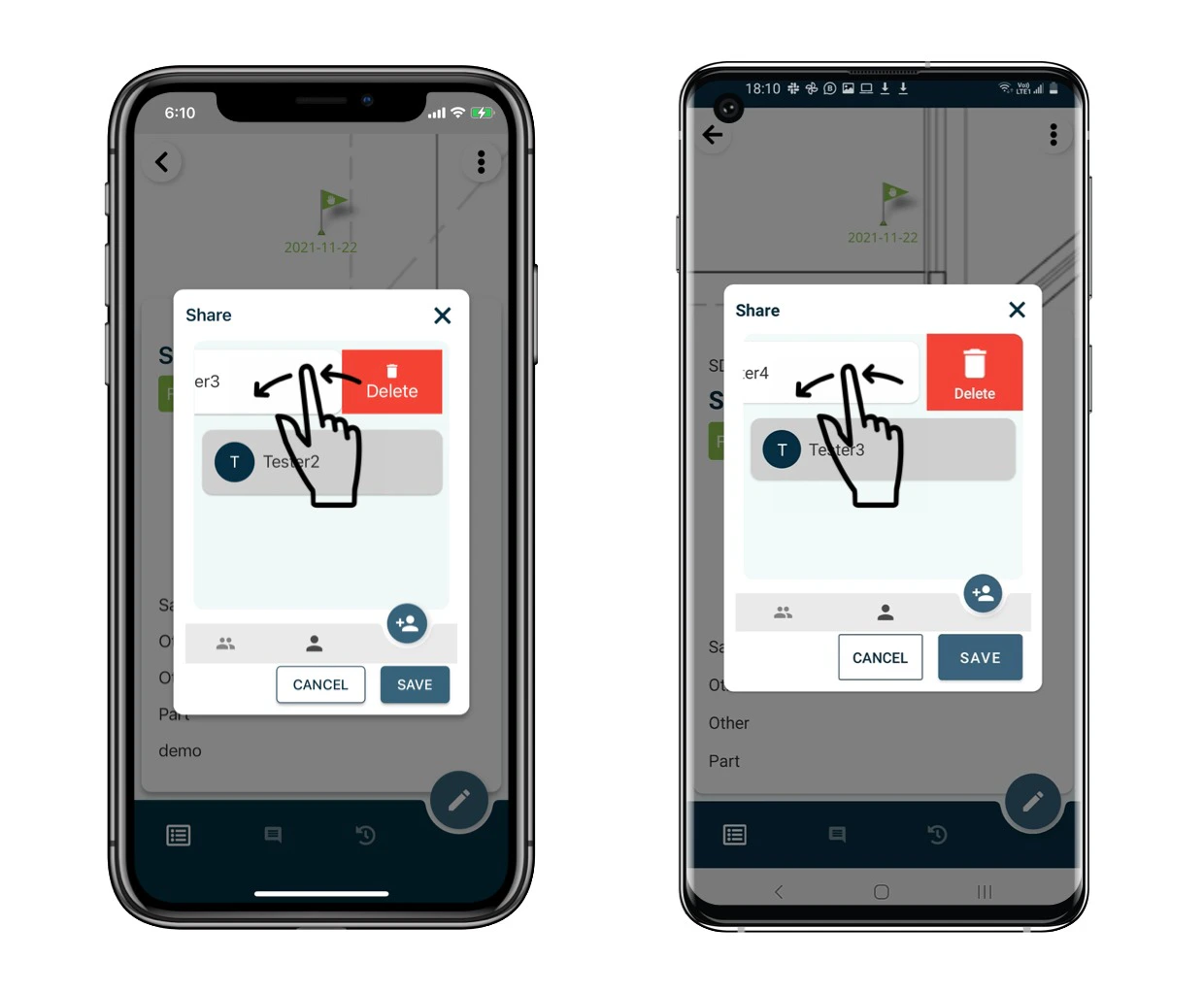
Open the issue/record detail from the Plan viewer or Finder. How to share the issue/record? Click the  on the top right corner of the detail page and select Share. How to share the issue/record? How to share the issue/record? The participants will be listed on the page. Click the + user button to add per team or per user as a participant. SAVE to confirm. How to share the issue/record? How to share the issue/record? To remove, please swipe left to clear. How to share the issue/record?
⚠️ After completing your onsite work, don’t forget to synchronize. This action ensures data backup and updates for your project team.