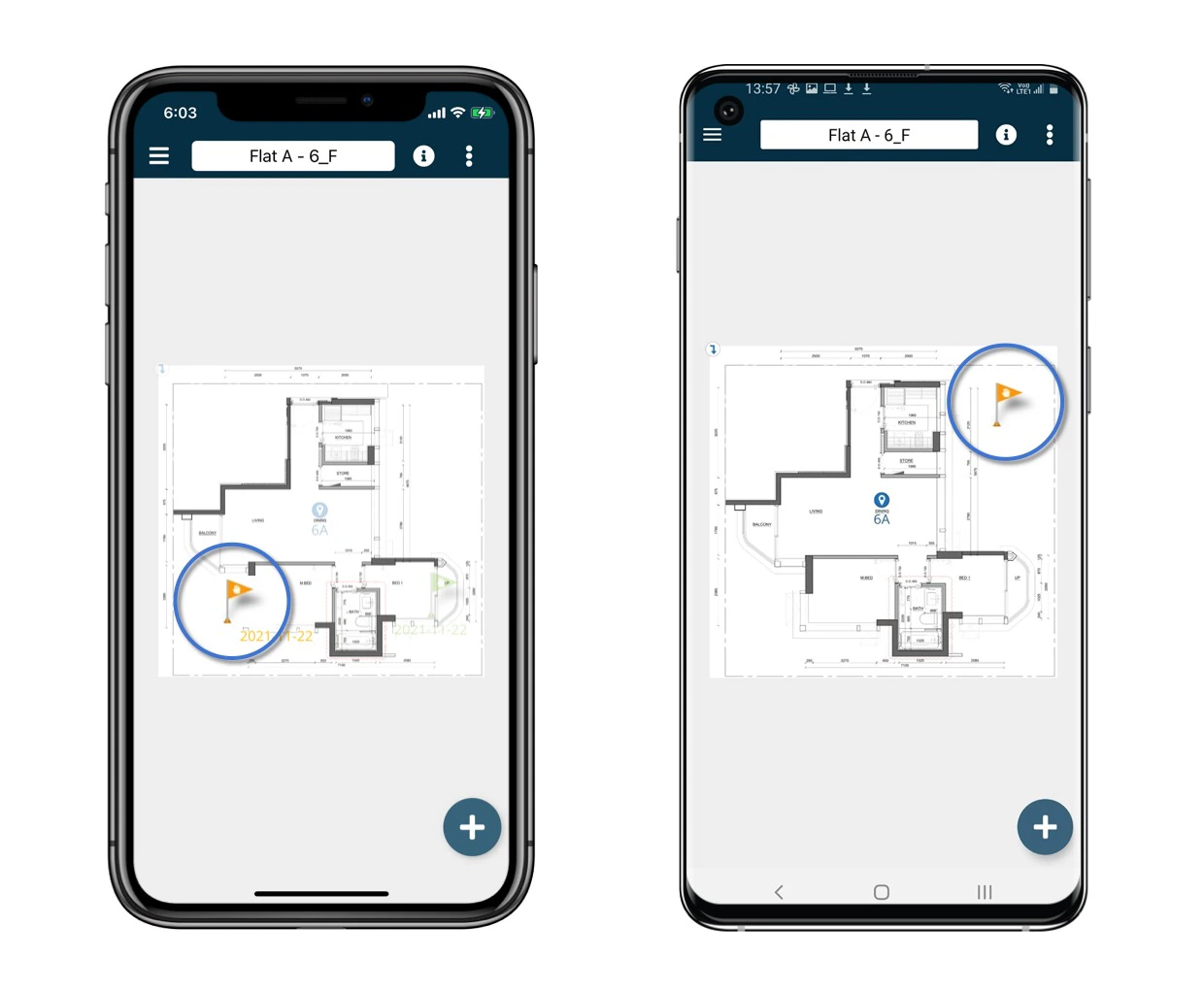
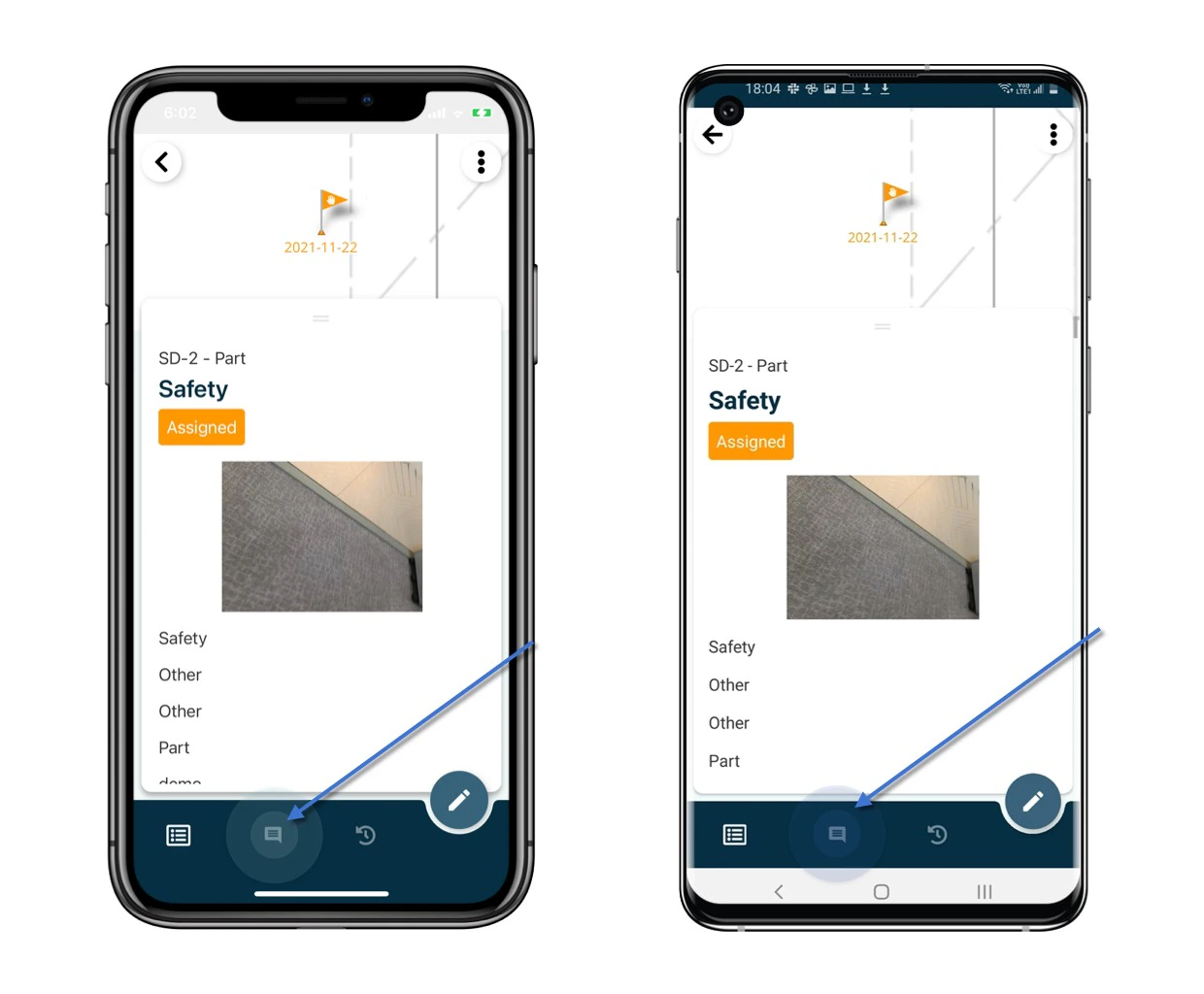
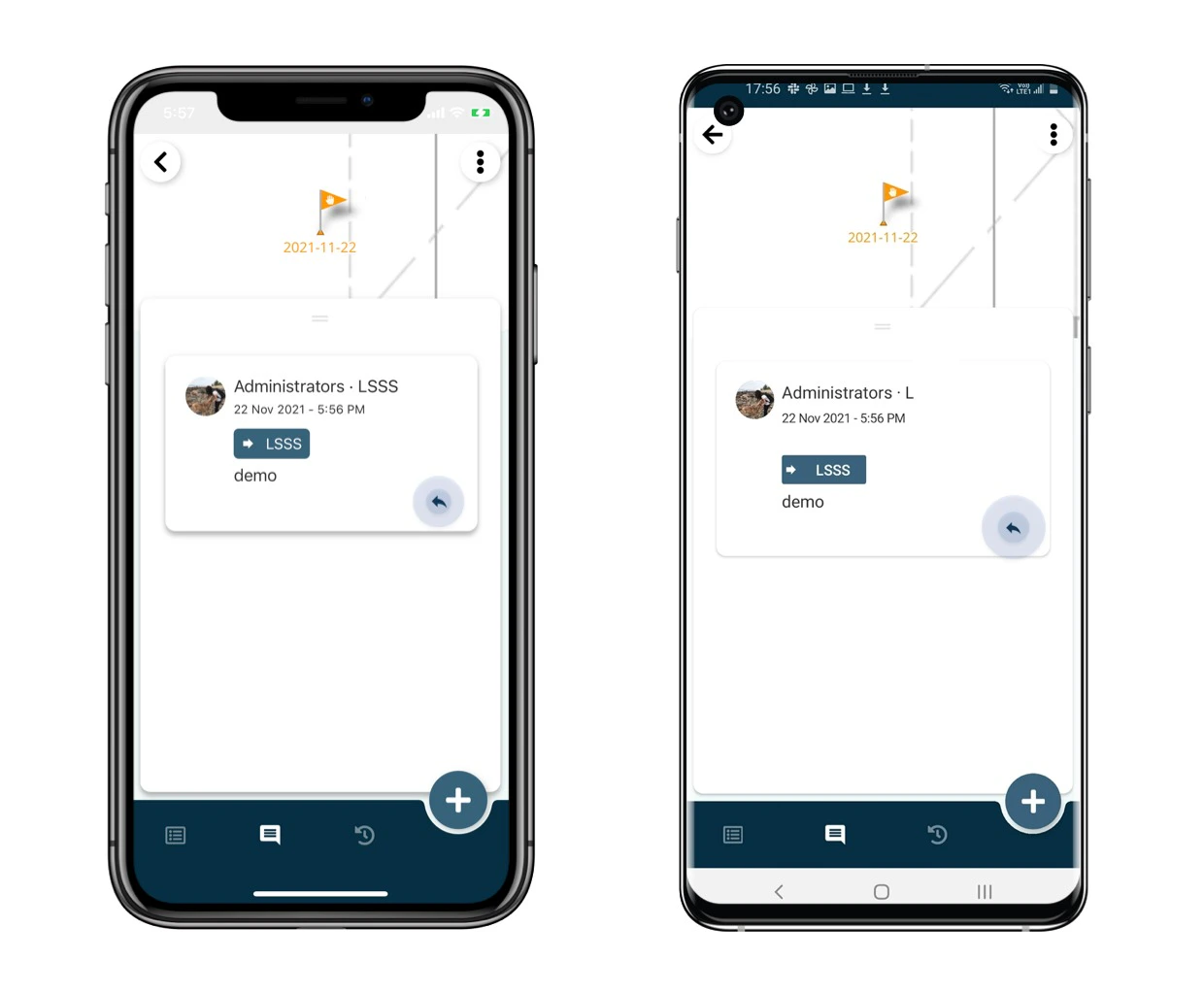
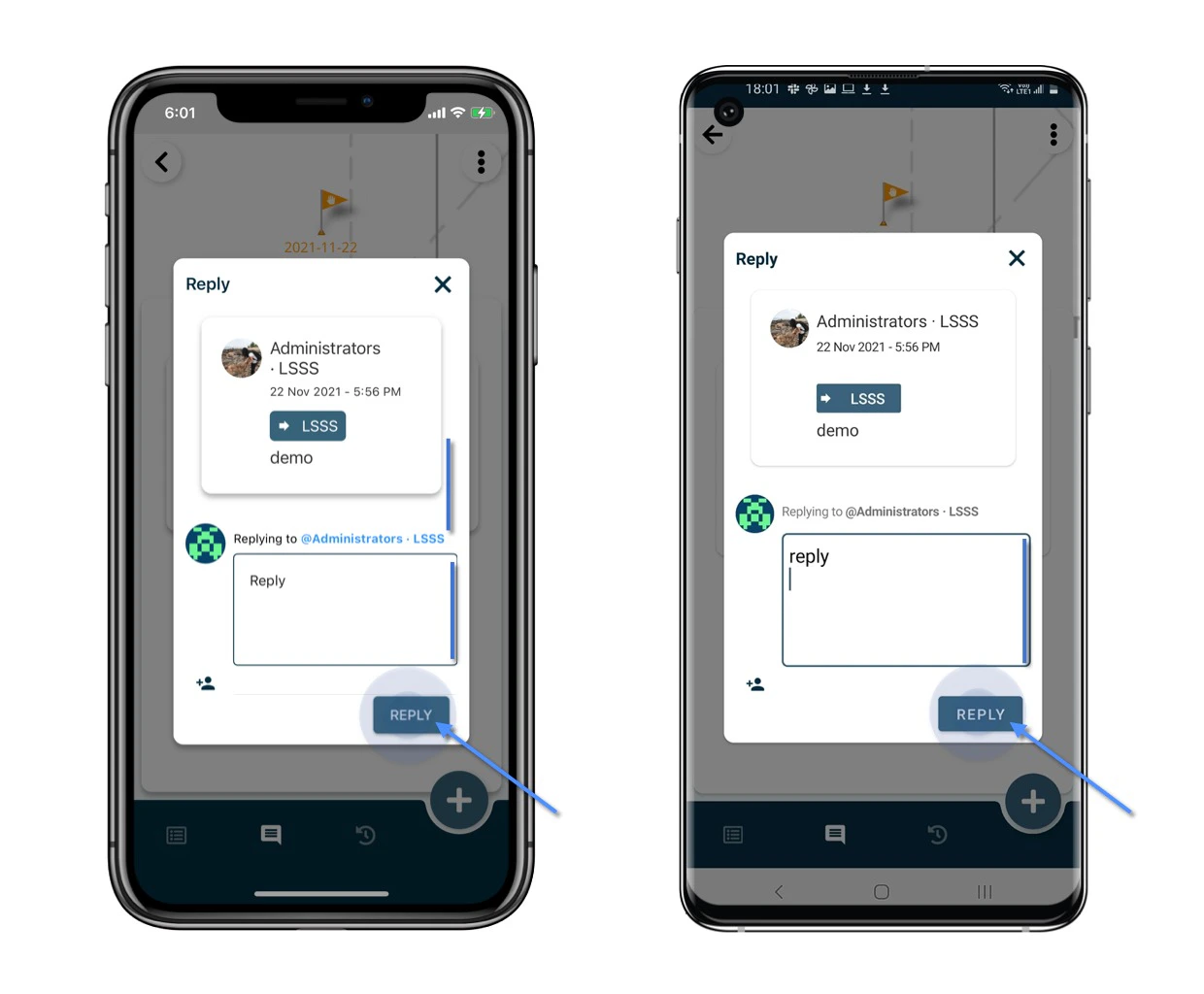
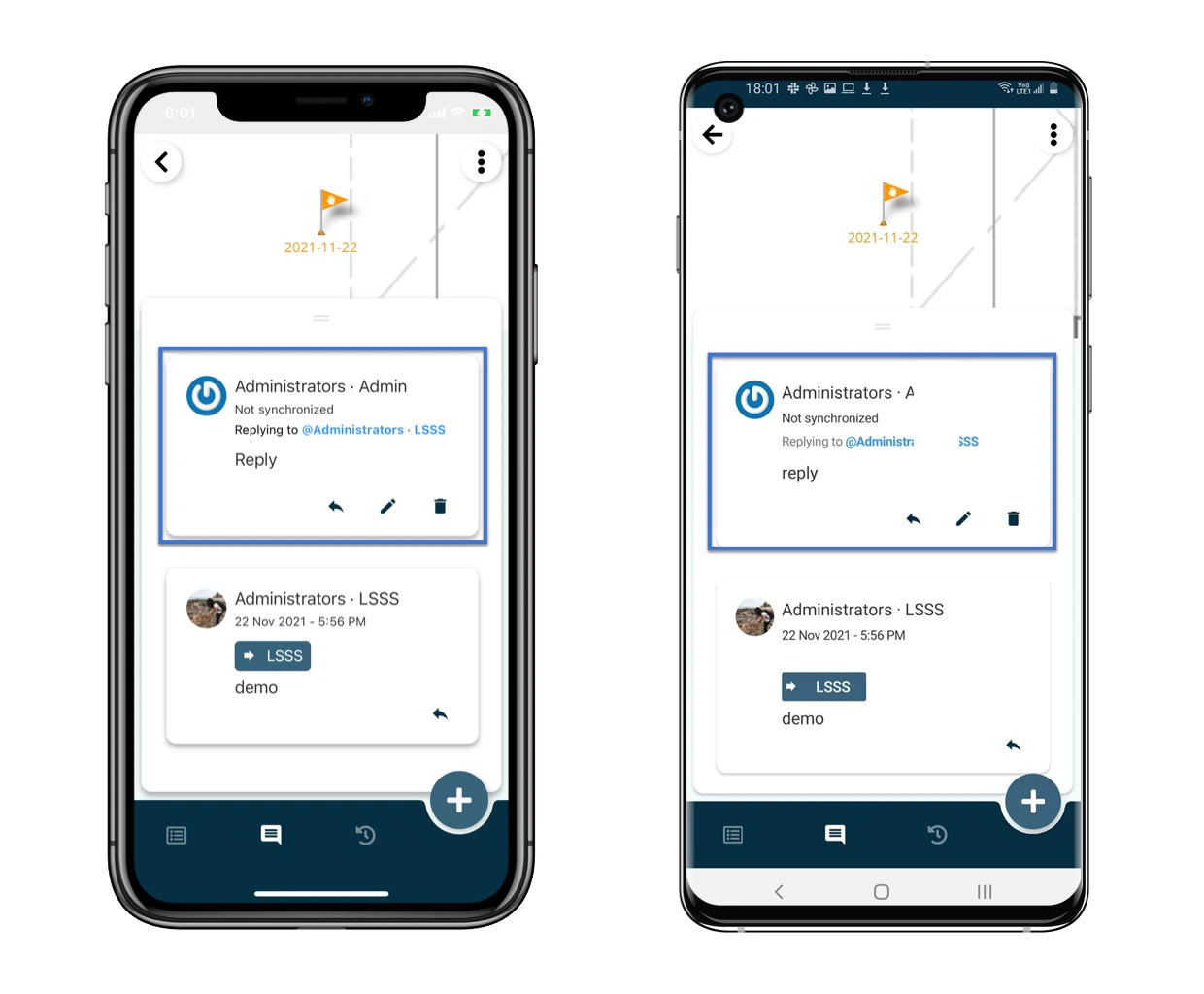
When you get mentioned in a comment, you should receive an email notification. As soon as you reply to it, this triggers an email notification back. Here is what you can reply to a comment: Open the issue/record detail from the Plan viewer or Finder. How to reply to a comment on an issue/record? Click Comment. How to reply to a comment on an issue/record? Click Reply icon of the comment. How to reply to a comment on an issue/record? Write down your message and click Reply to save. How to reply to a comment on an issue/record? You’ve got it! Before sync, it is possible you edit and delete the comment.
Once the data is synced, you will not be able to edit and delete the comment.
How to reply to a comment on an issue/record?
⚠️ After completing your onsite work, don’t forget to synchronize. This action ensures data backup and updates for your project team.