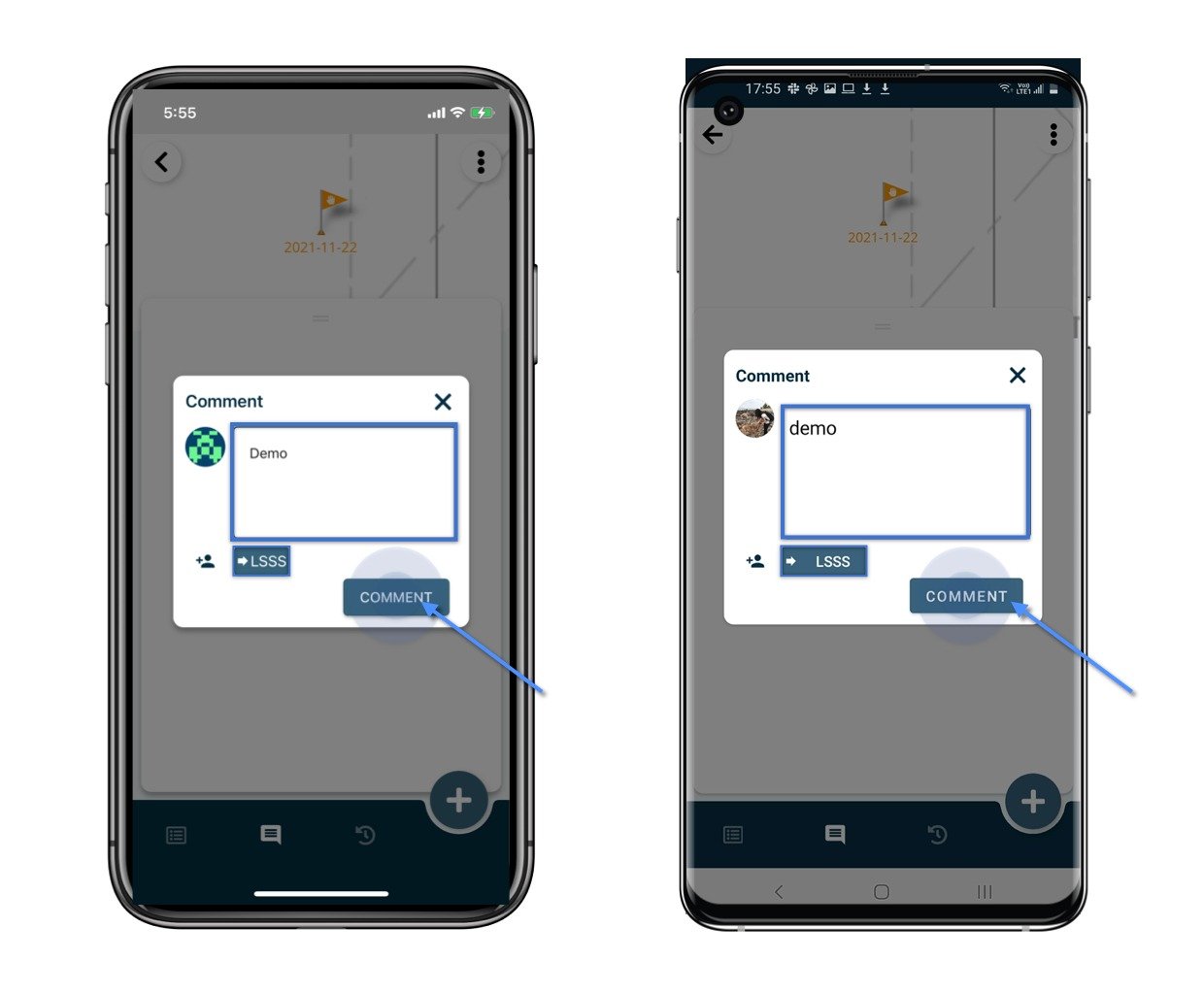
To communicate on an issue specifically, you can make use of the comment function.
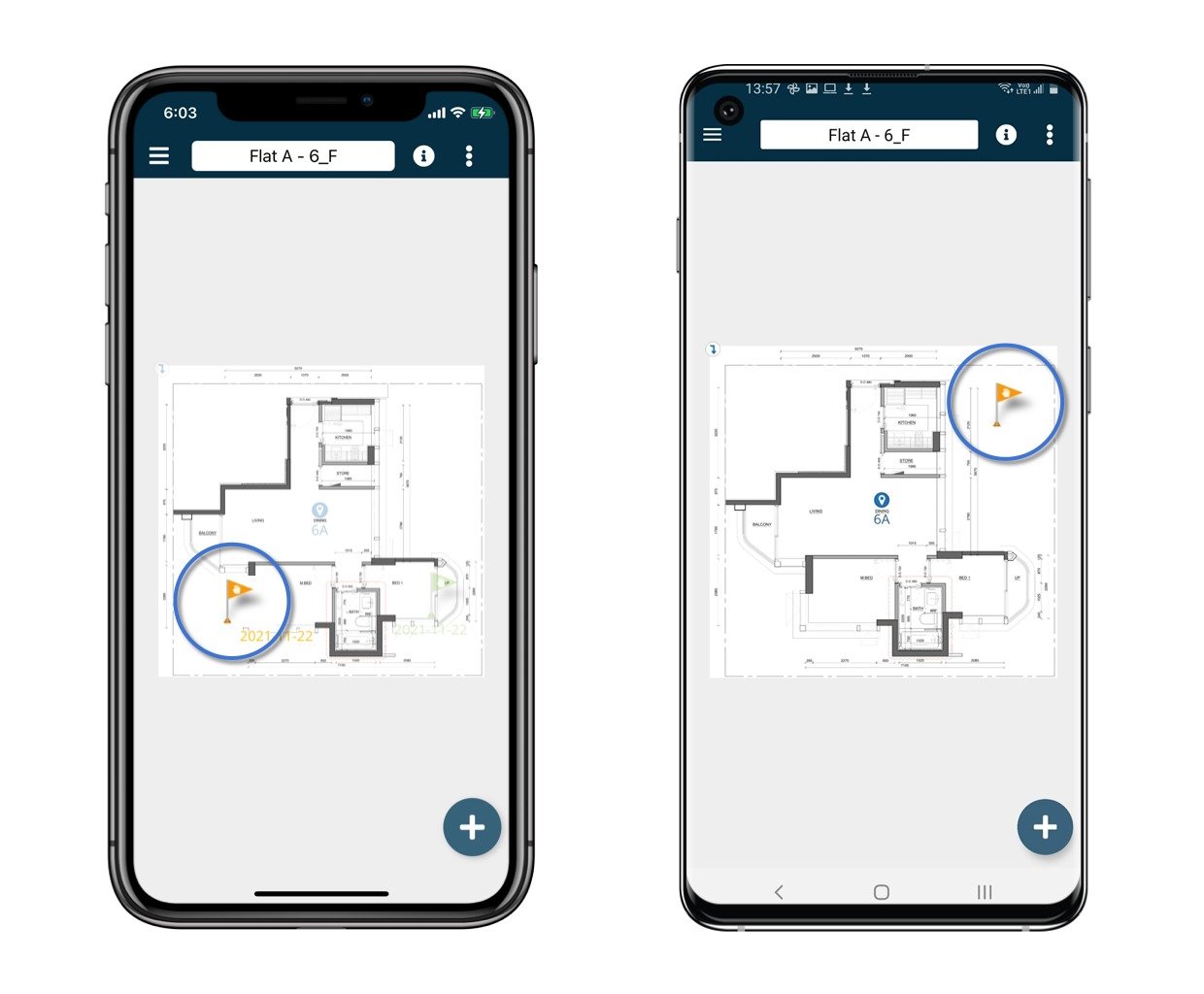
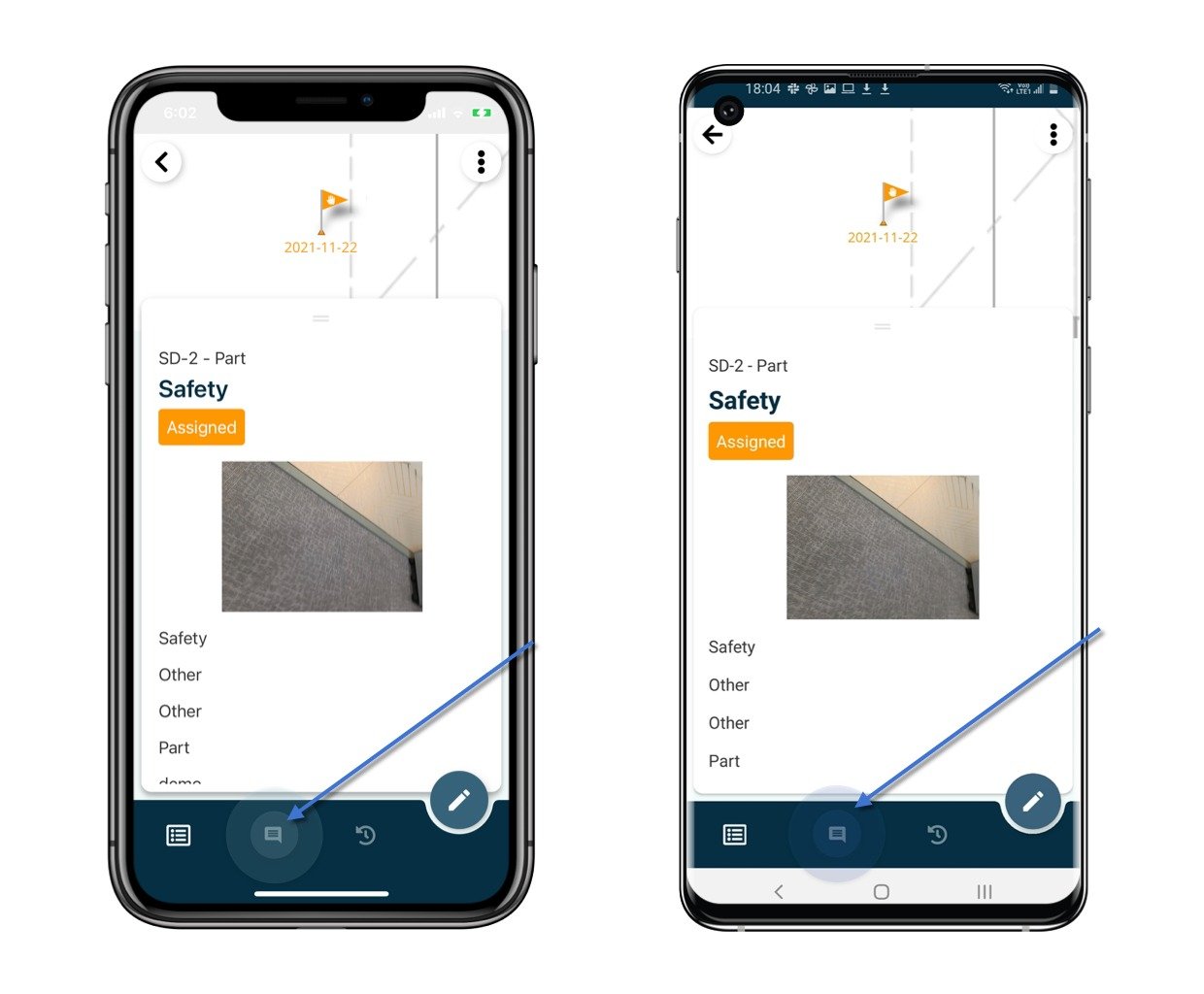
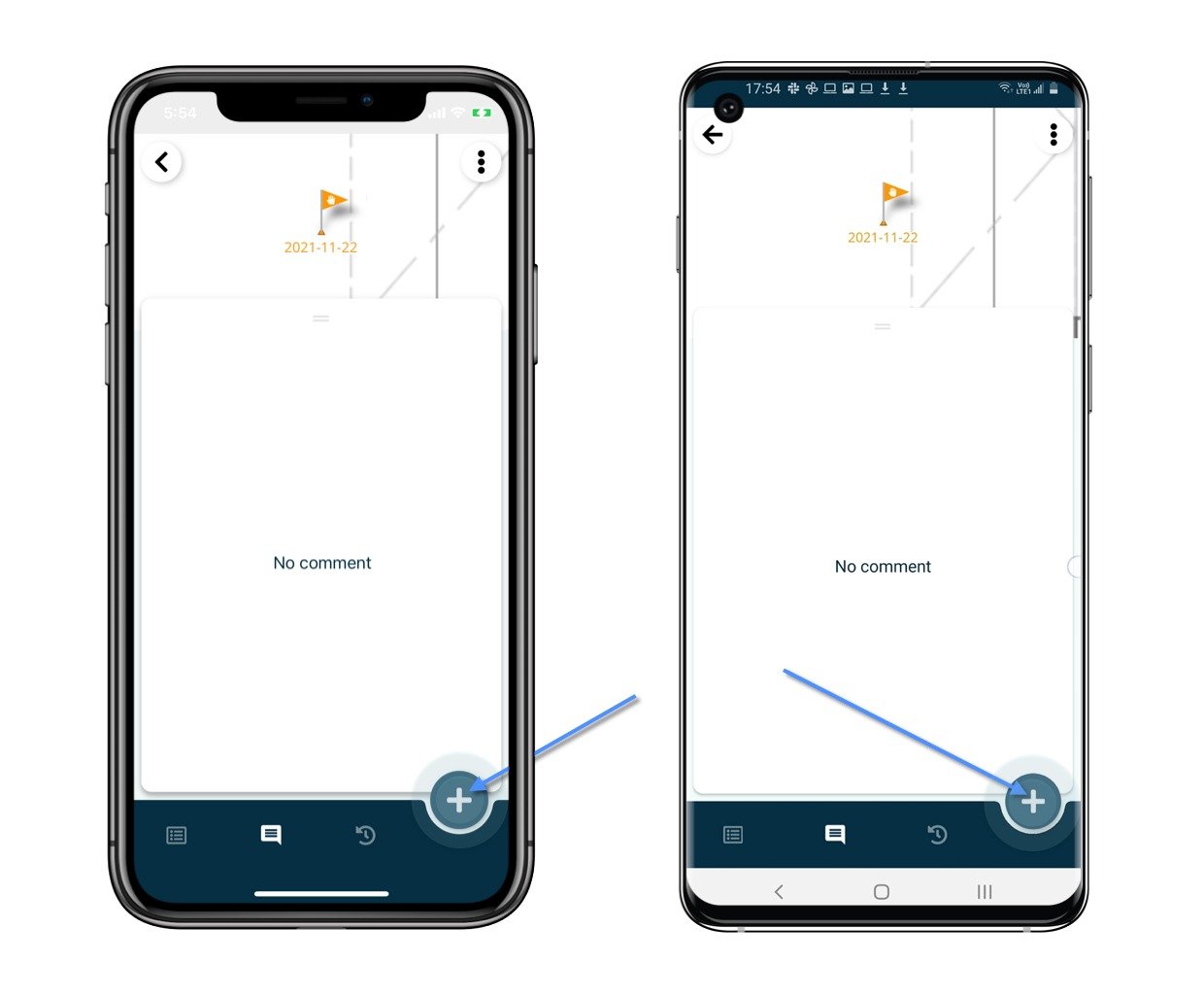
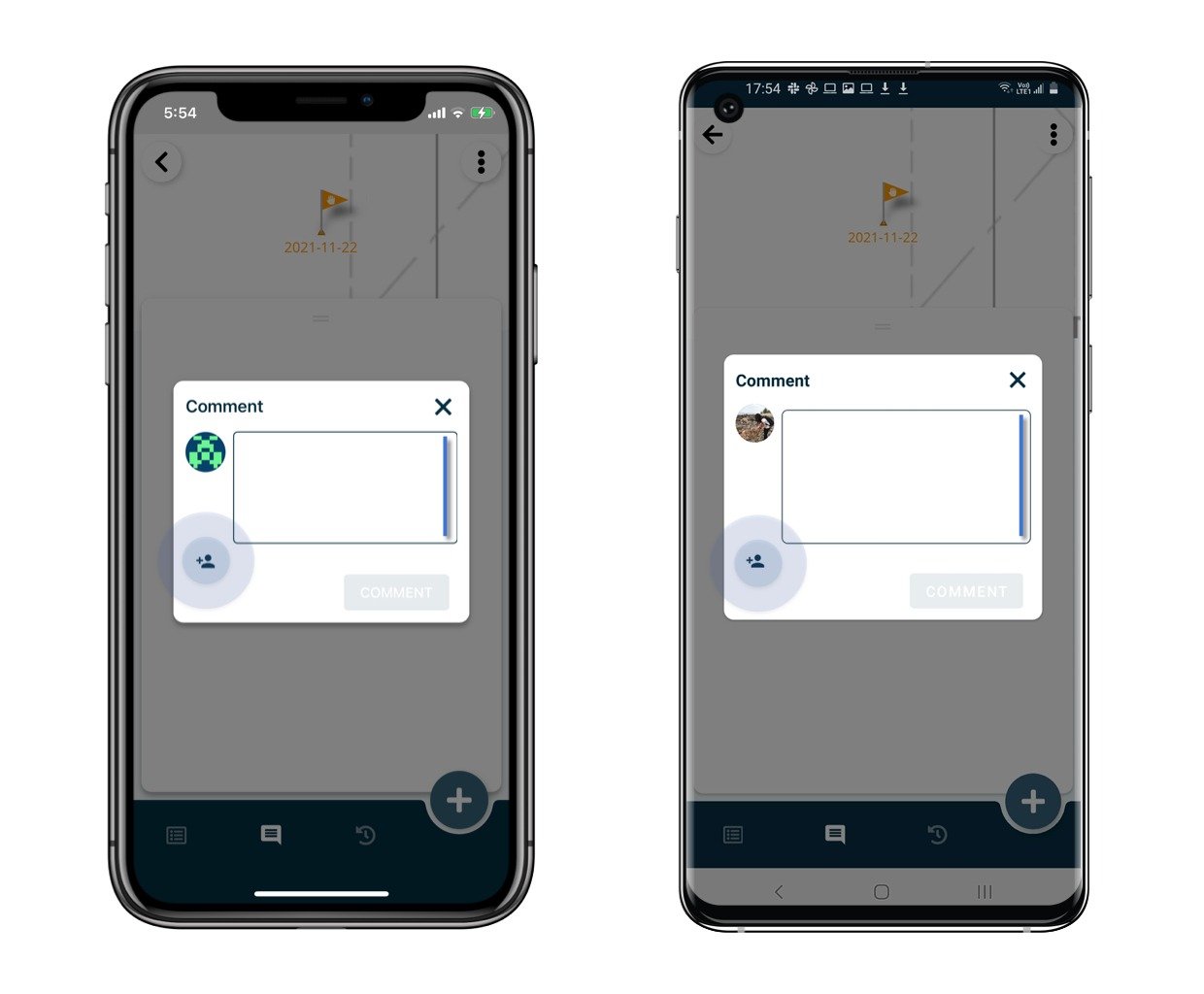
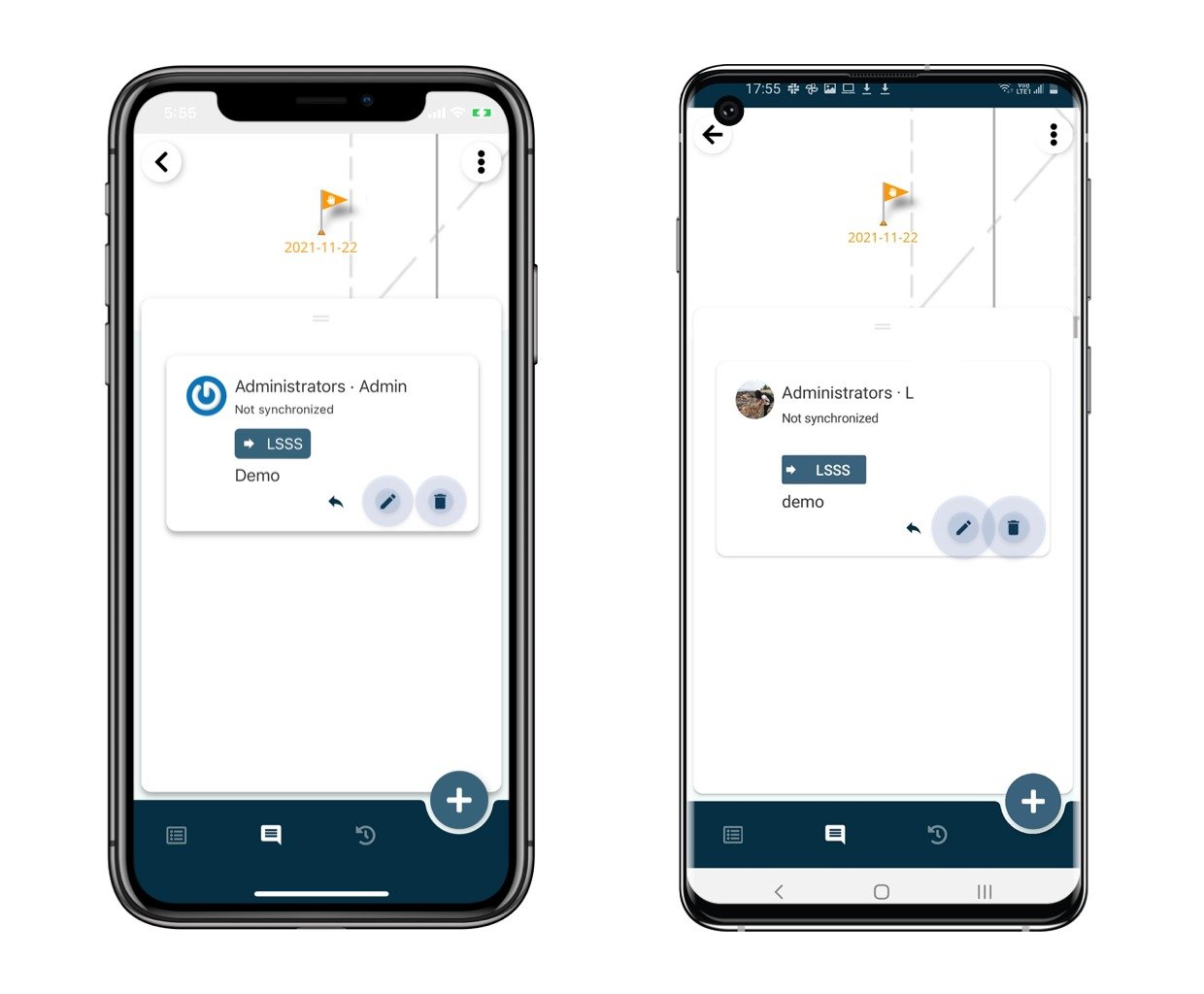
To communicate on an issue specifically, you can make use of the comment function.Open the issue/record detail from the Plan viewer or Finder.Click the Comment icon**,** and click the ”+” button.Write down the comment and mention user(s) if needed.Click the Comment button to save.Done.
You could edit and delete the un-sync comment. ⚠️ Once synced, the comment is unable to be edited and deleted.Click here to know how to reply to a comment.