Overview
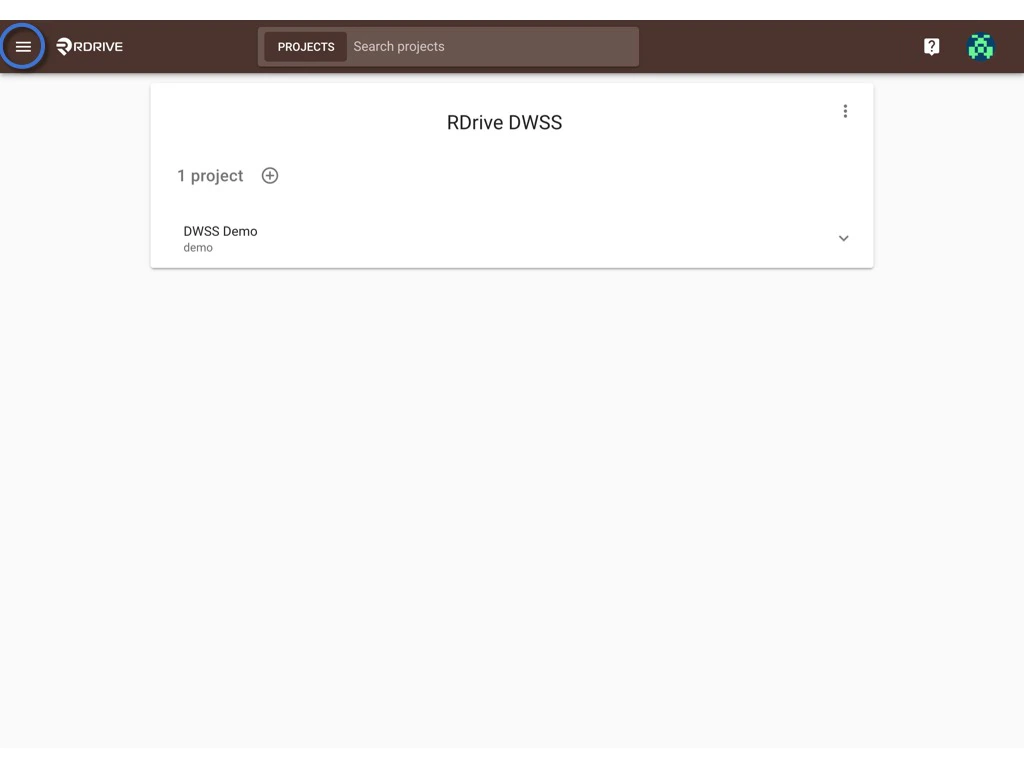
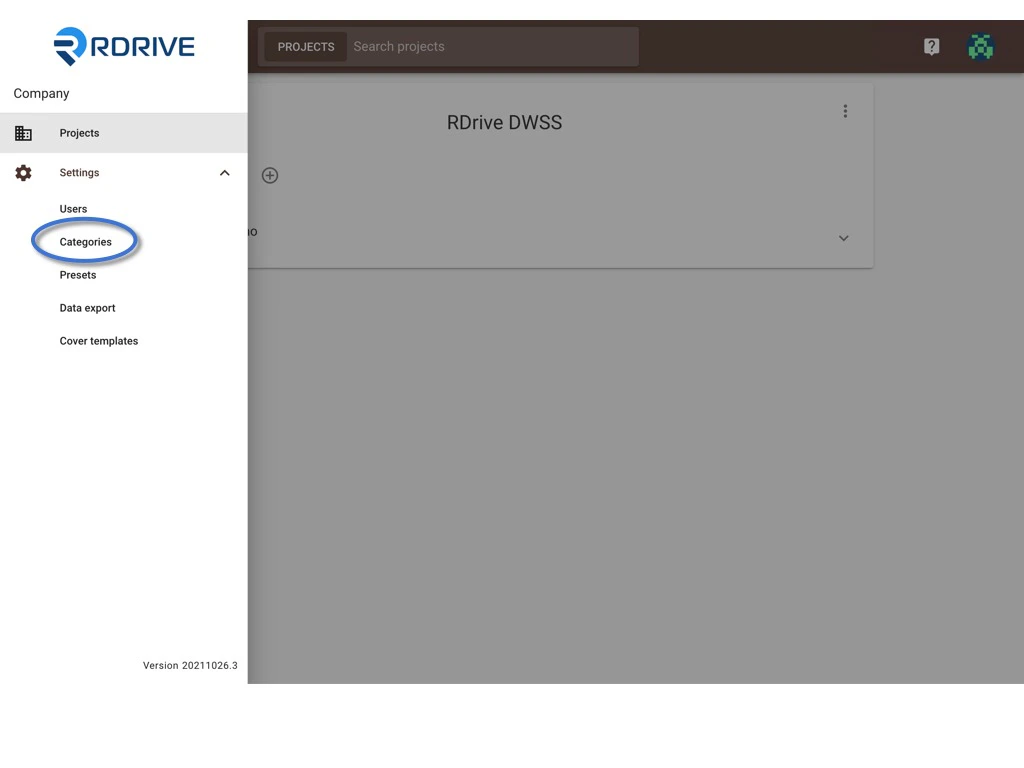
It is important to first understand: What’s the difference?A Process Template is an umbrella, that consists of a Form Template or a combination of Form Templates. First, log in to Company Area. (Only the company admin can access this page.) Click Settings to access Categories page, select Category and Subcategory to add the template.
click here to know how to add a category and subcategory.
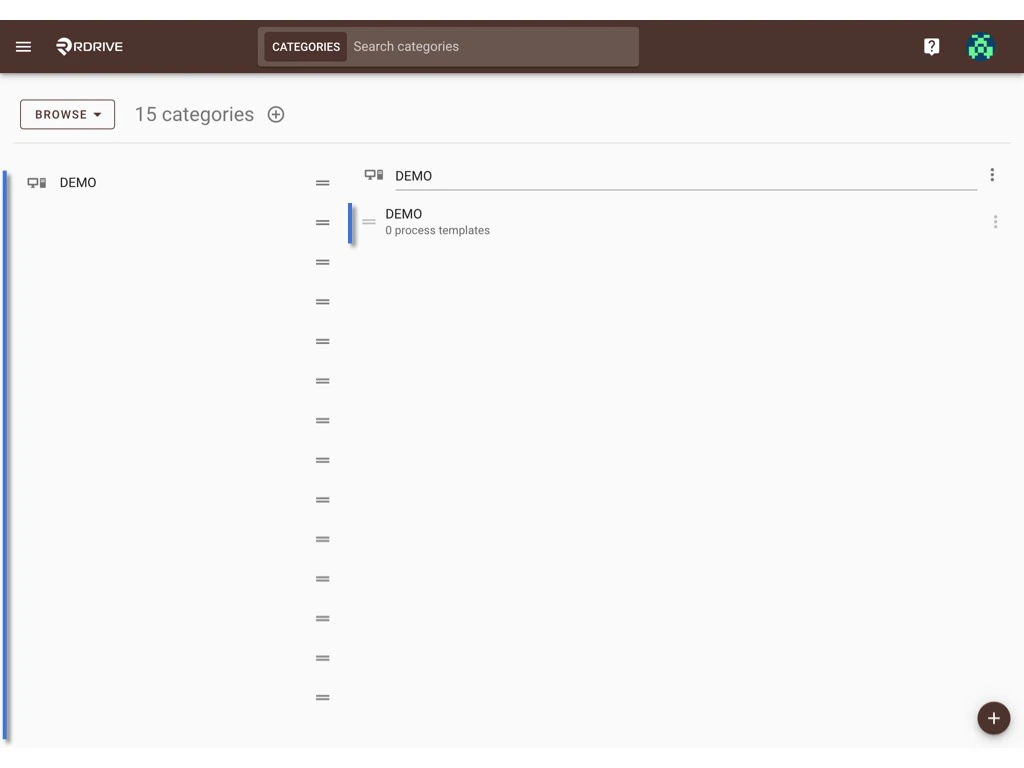
To add a process template.
You can create a new template by clicking the ⊕ button.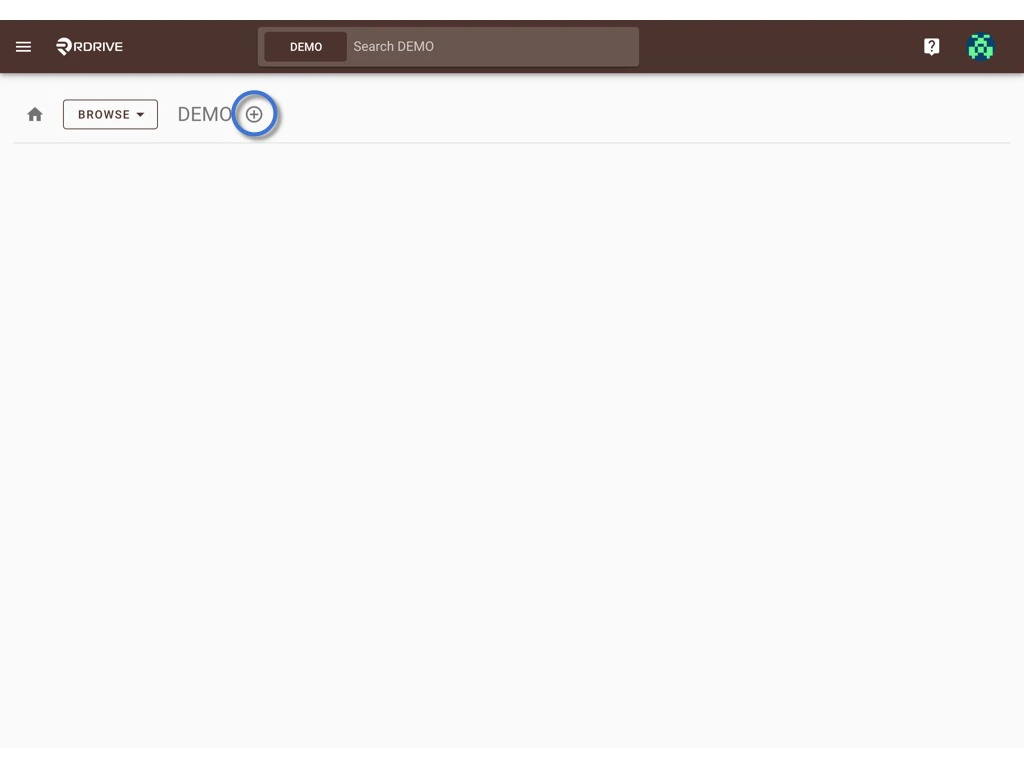
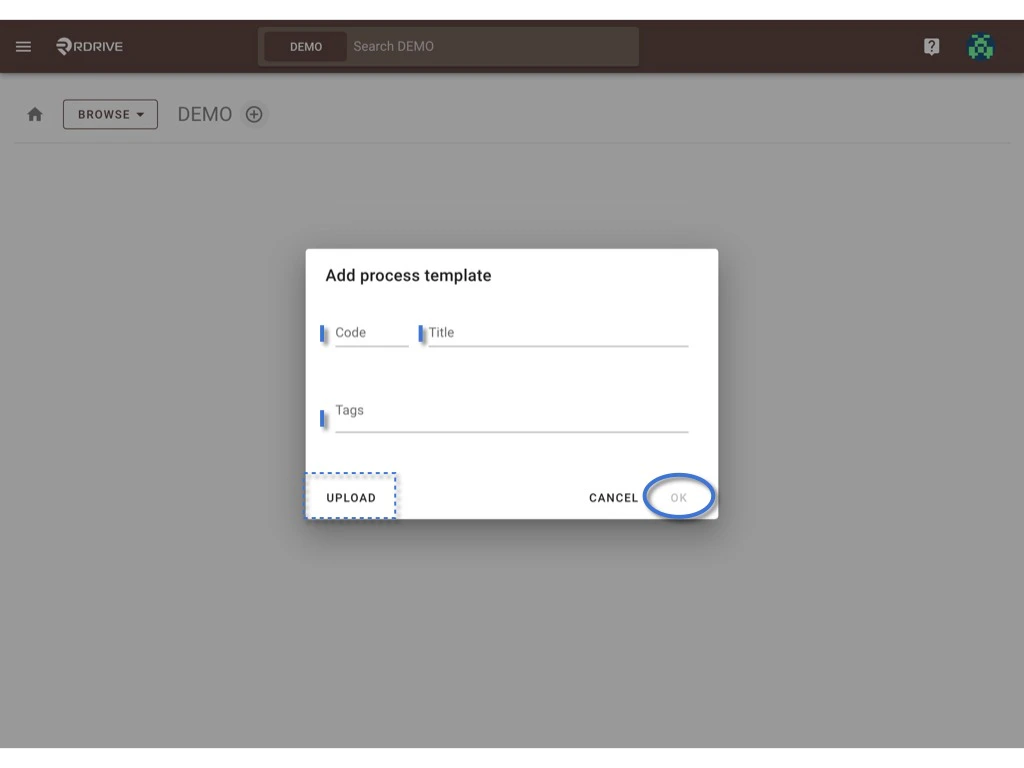
Process created!! Now we can start to add a new form template;)
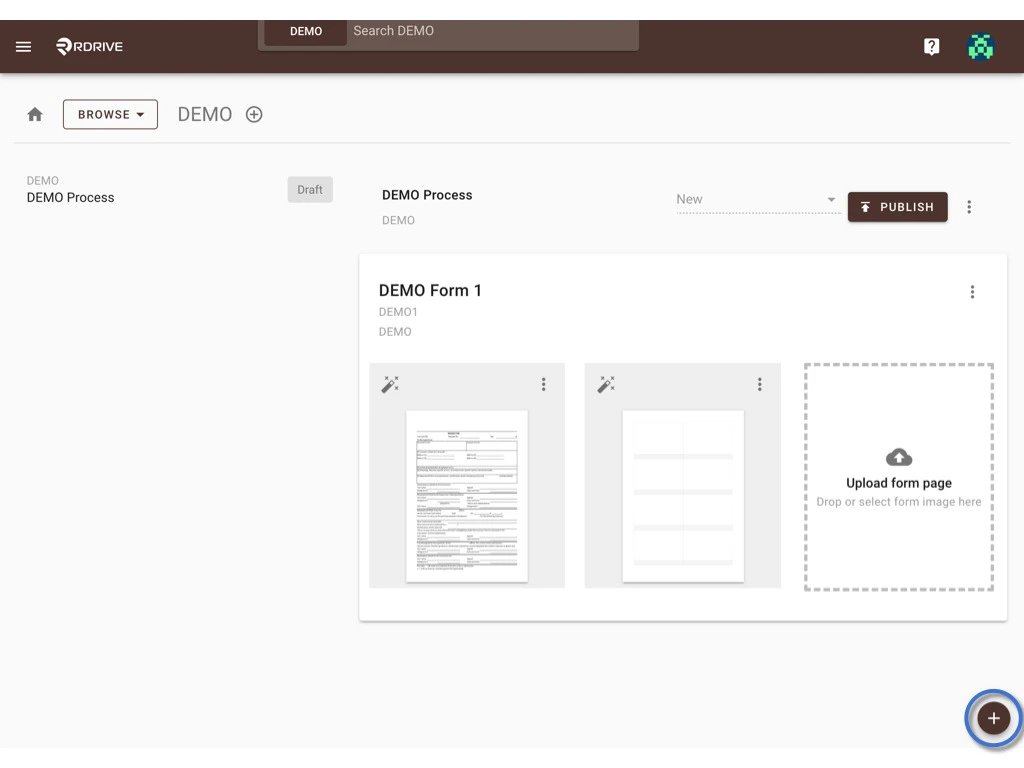
Click the ✚ button at the bottom right corner.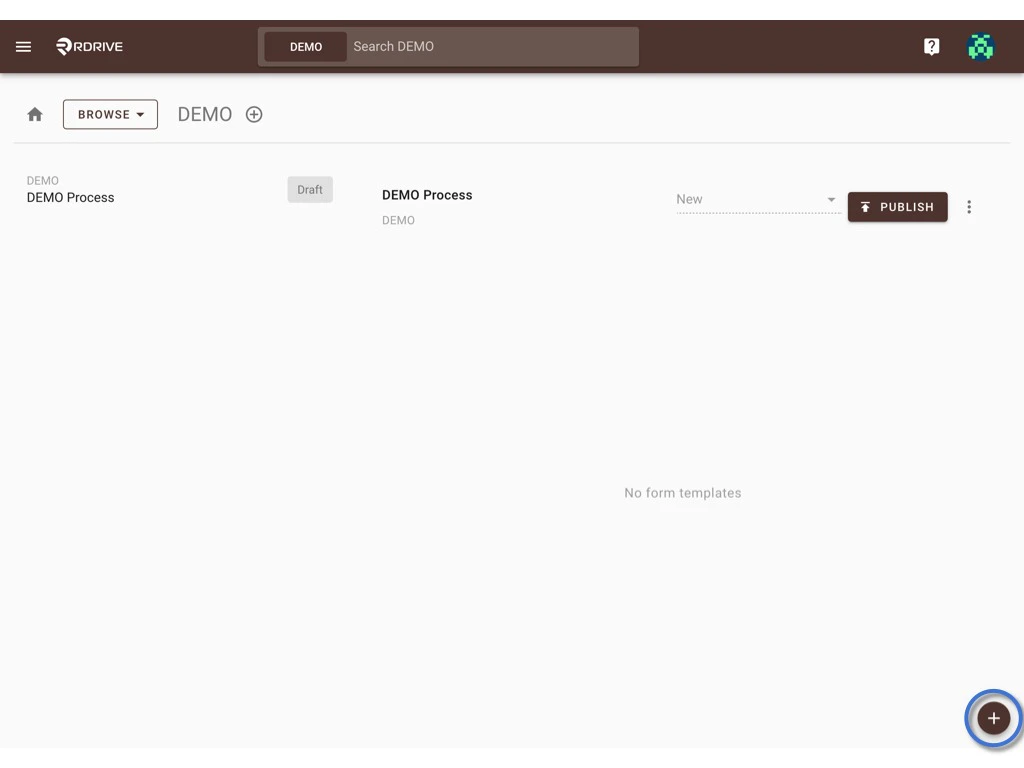
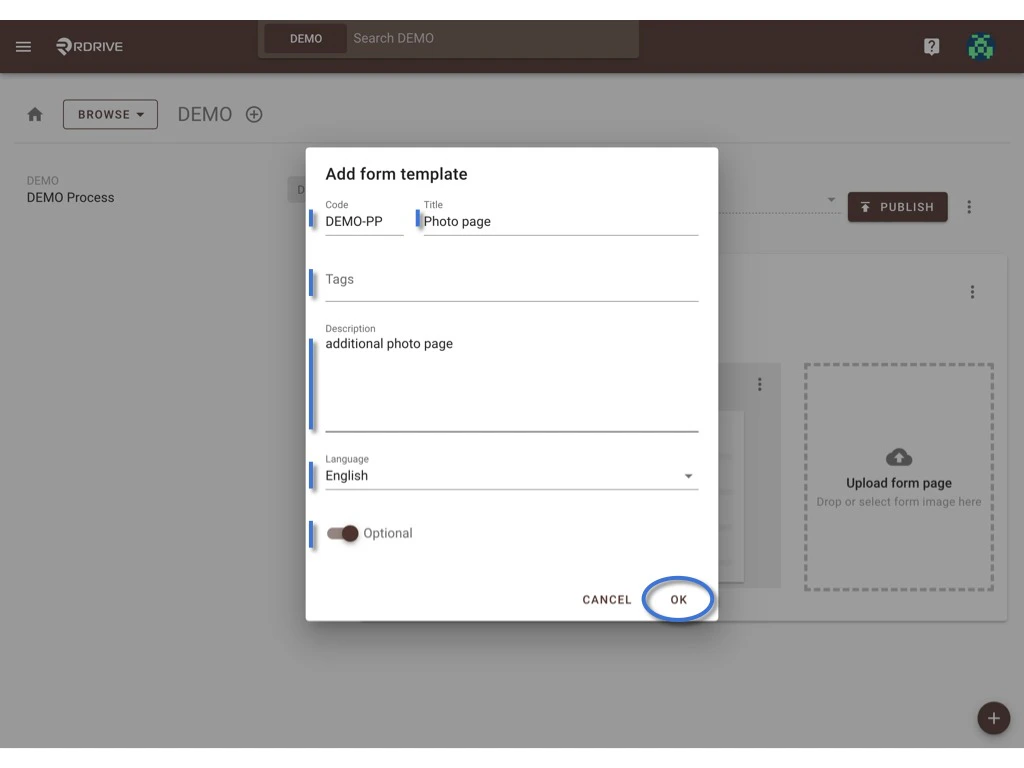
Click OK to save. What is the Optional form?
An Optional form is not included in the process when the process is added, the user can add it by the Add form function when needed.
Will be using it for the additional page of the form normally, such as the photo page, check items etc.
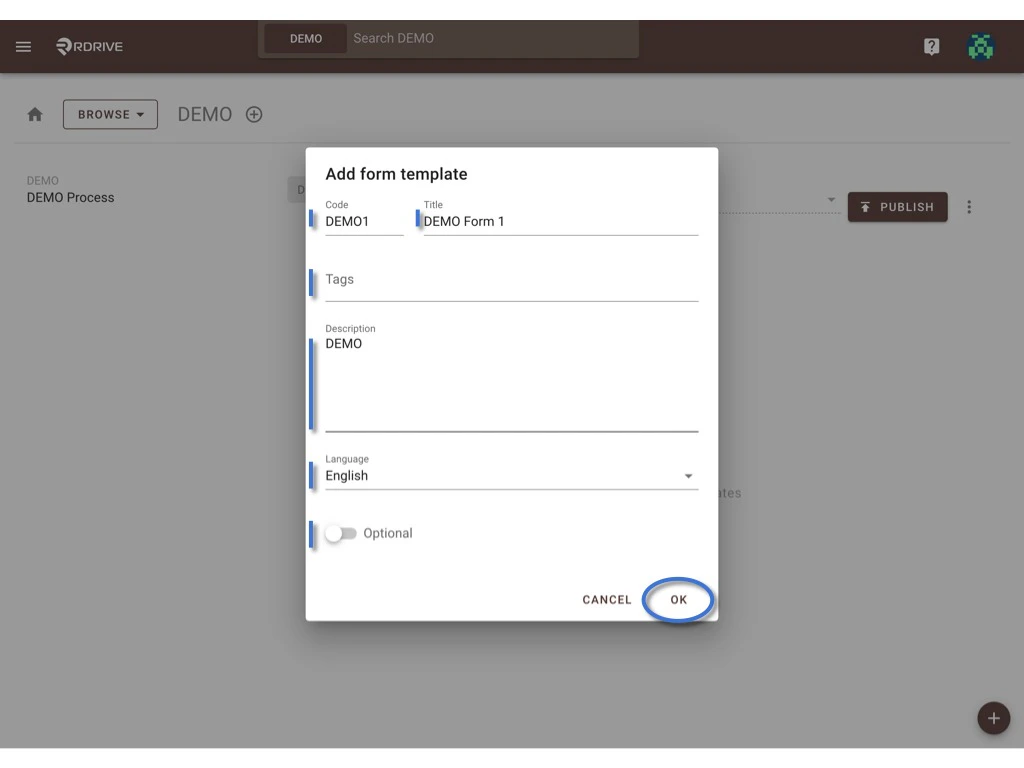
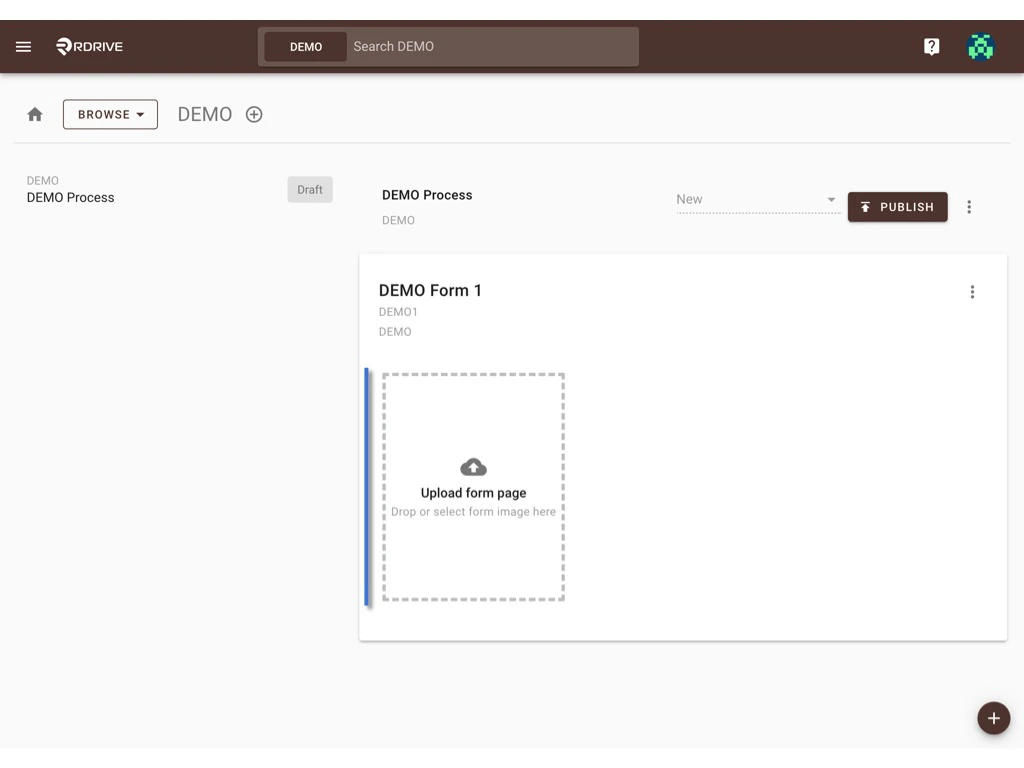
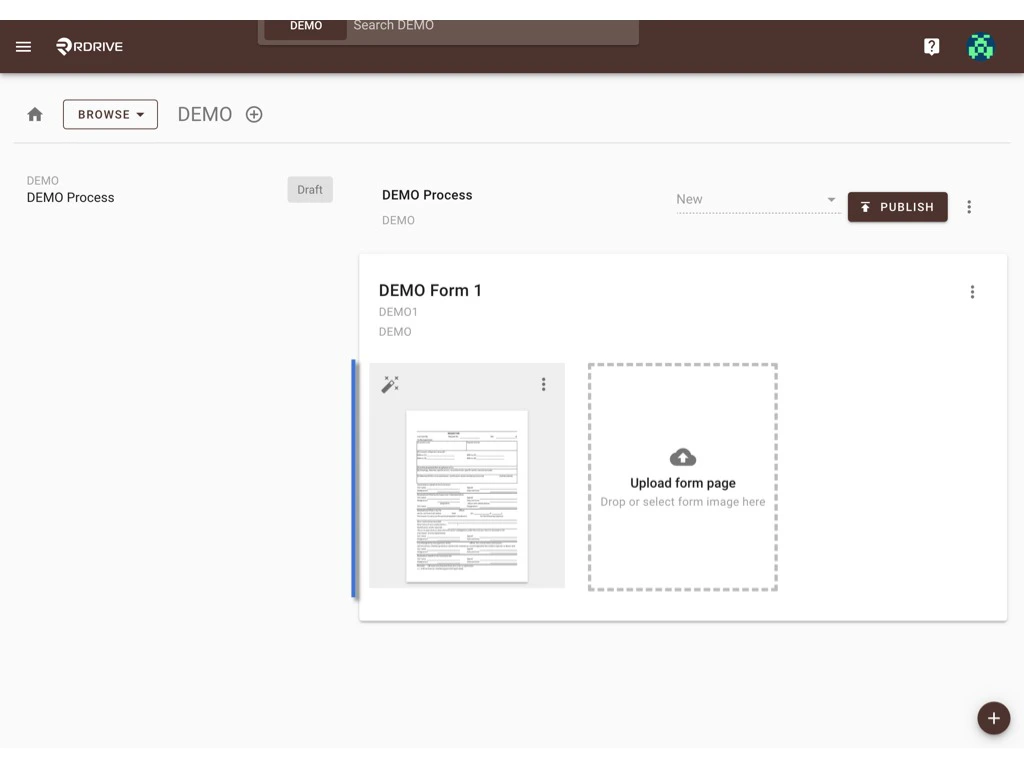
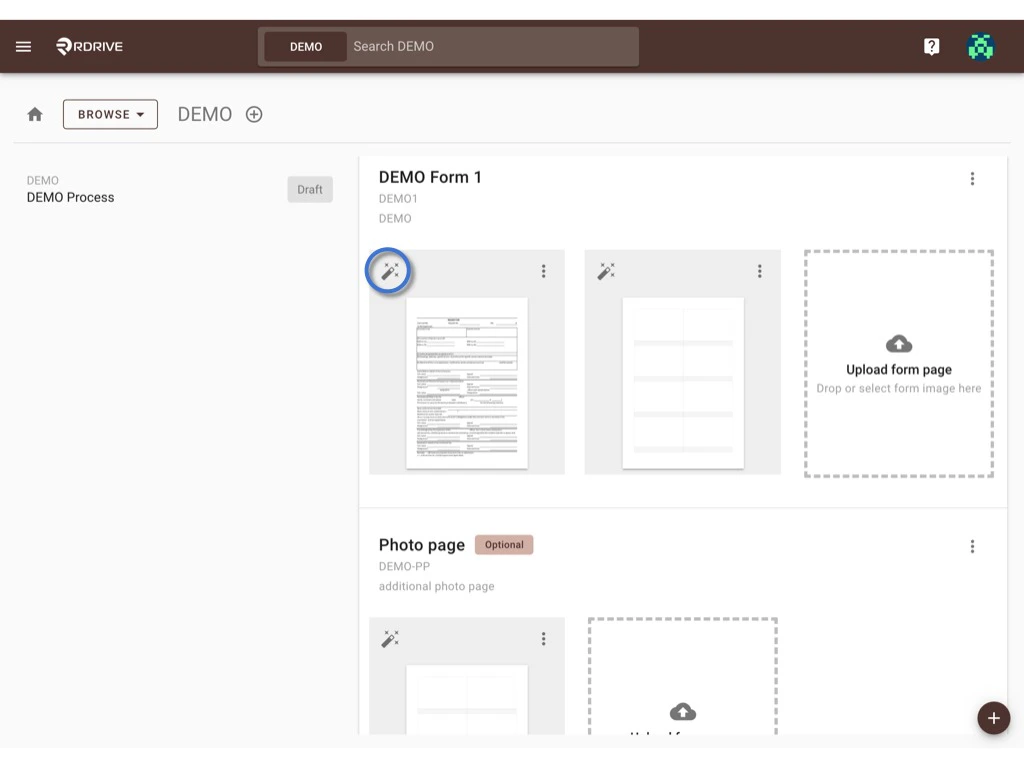
You can upload a PDF with multiple pages or upload images one by one.
To set up the form template below is a compact guide. For more details, please visit THIS PAGE. Can the Form template be used in more than one Inspections? NO.
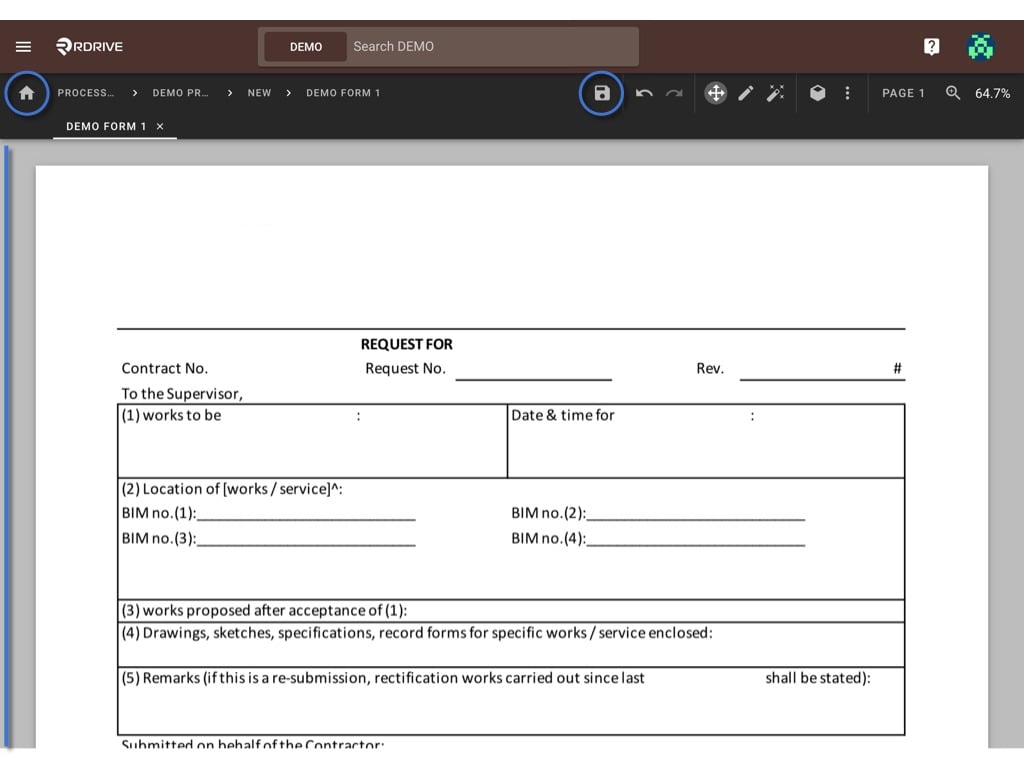
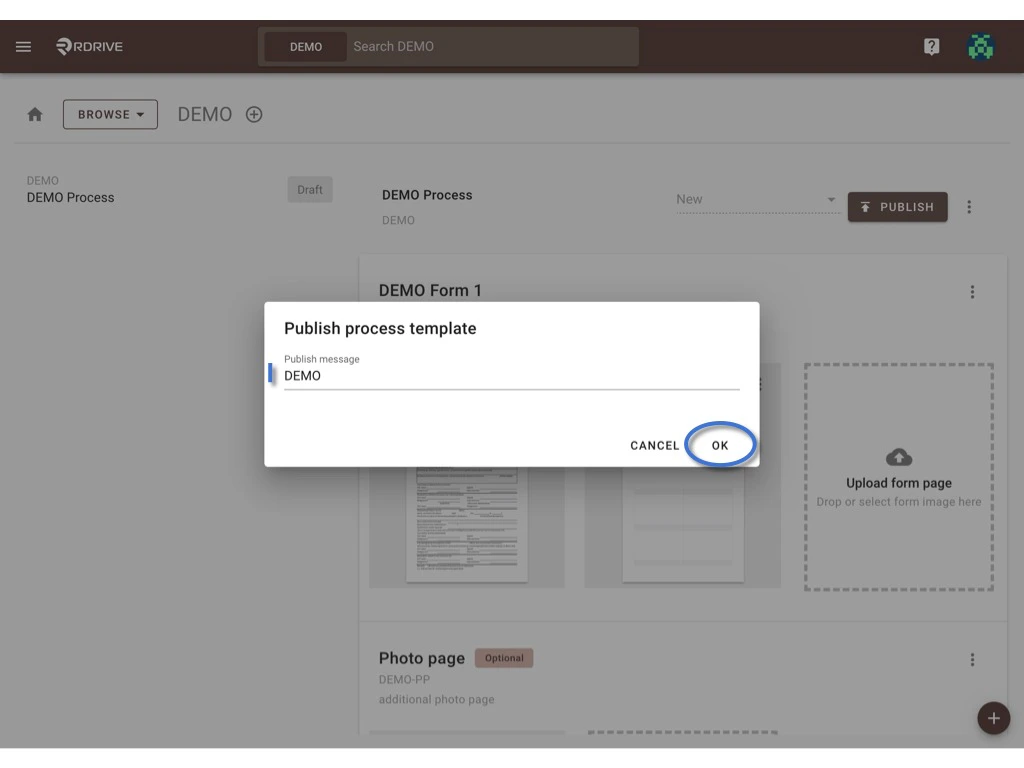
PUBLISH if it is ready to use ?, it will create a version of this template.
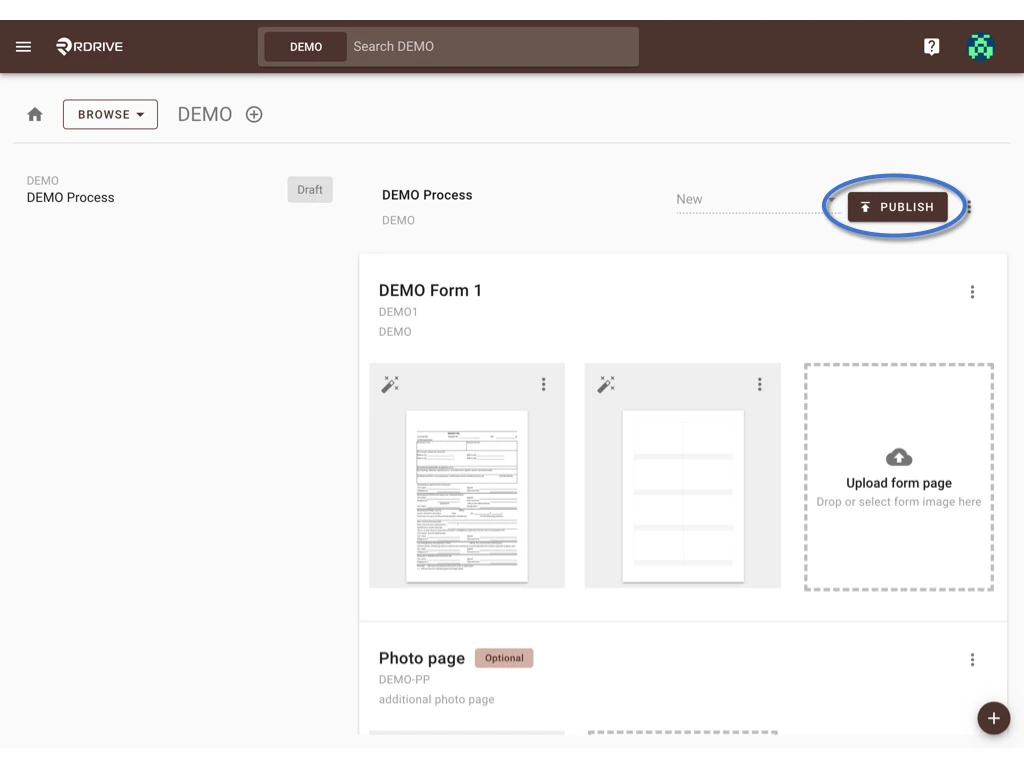
OK to confirm.