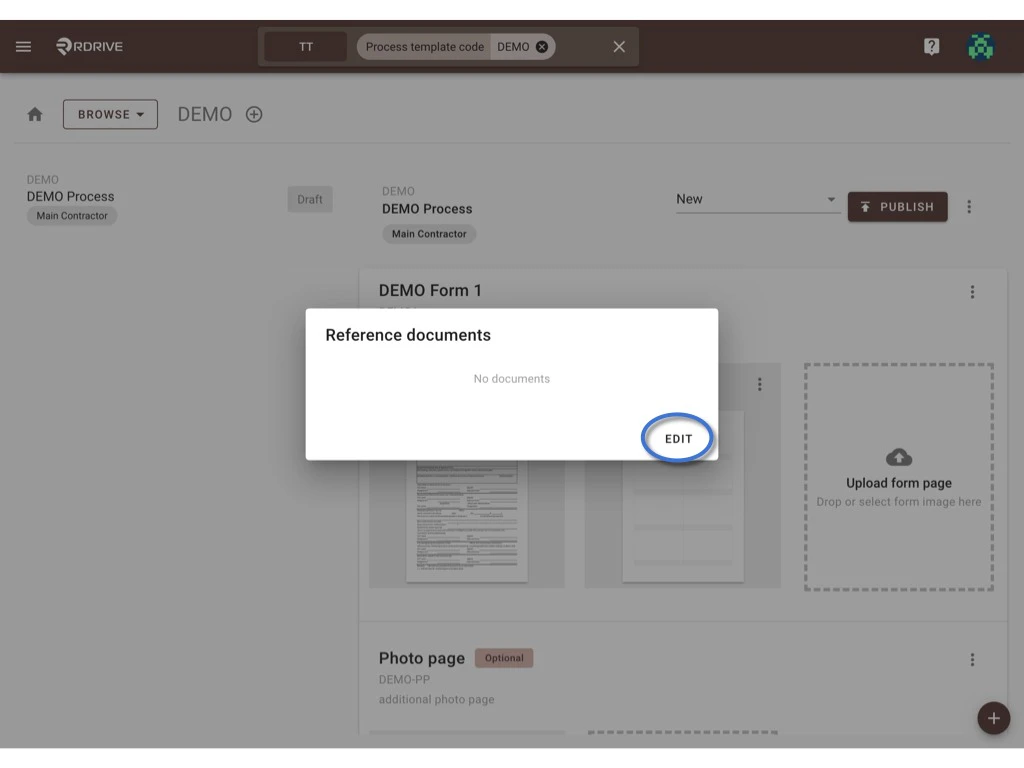
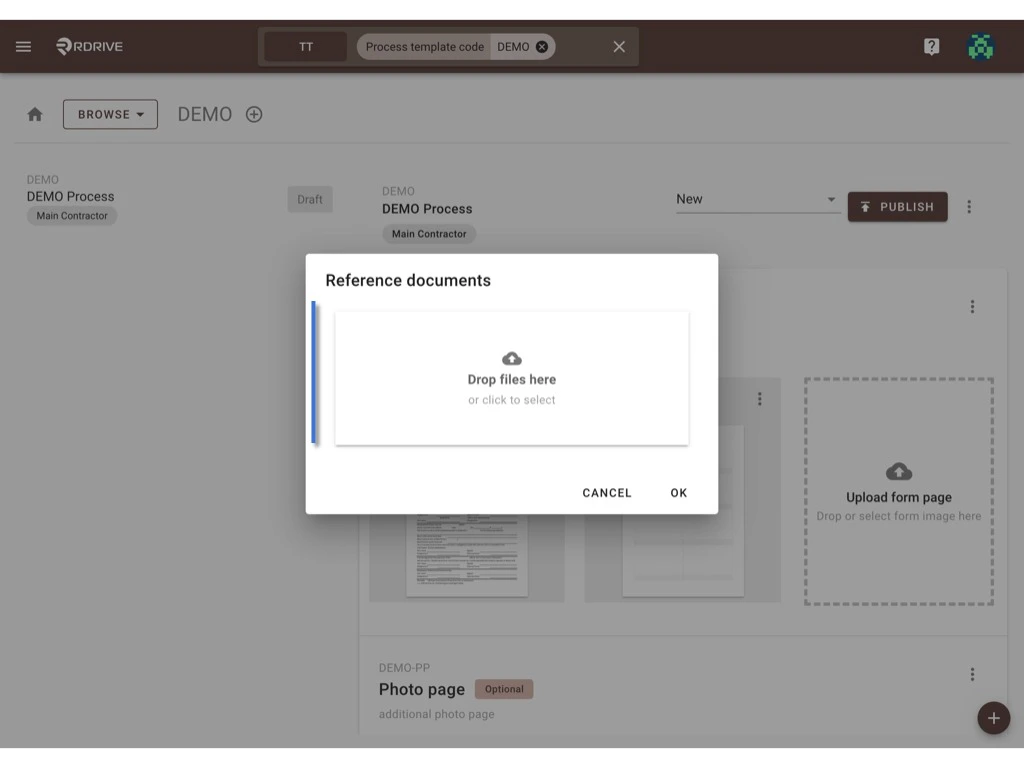
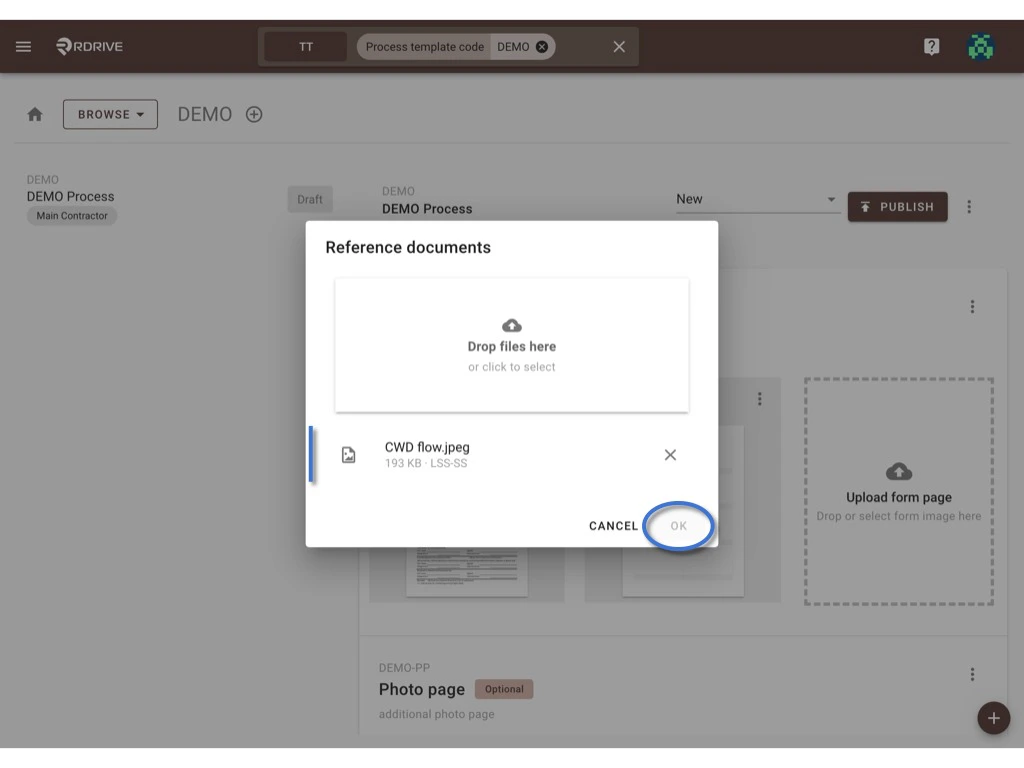
To help your users understand specific requirements or expections from the form or process you can provide reference material These reference guides can be accessed by any user with access to the form. The form reference document will automatically attach to each created form on projects.
Please access the template page by  Company level > Menu > Setting > Categories > Subcategory > Process template > create a new version to access the draft mode to add/edit the form reference document.
⚠️ Attention: Unless only edit tags, you have to create new version to edit a form template and publish it as a new version after being changed.
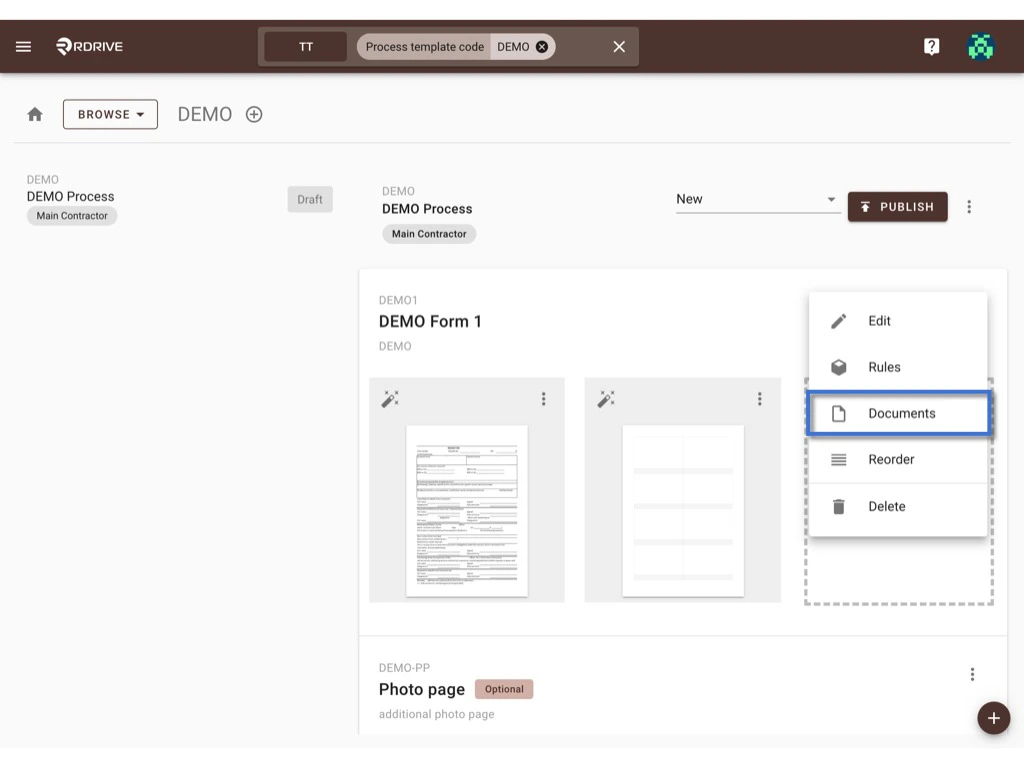
Choose a form, click the button at the top right corner of the form list select Documents. Form Reference document Click to EDIT Form Reference document Upload the document(s) from your desktop. Form Reference document 1 document was added. to remove, OK to confirm. Form Reference document It is added!
You can see 1 document is uploaded.
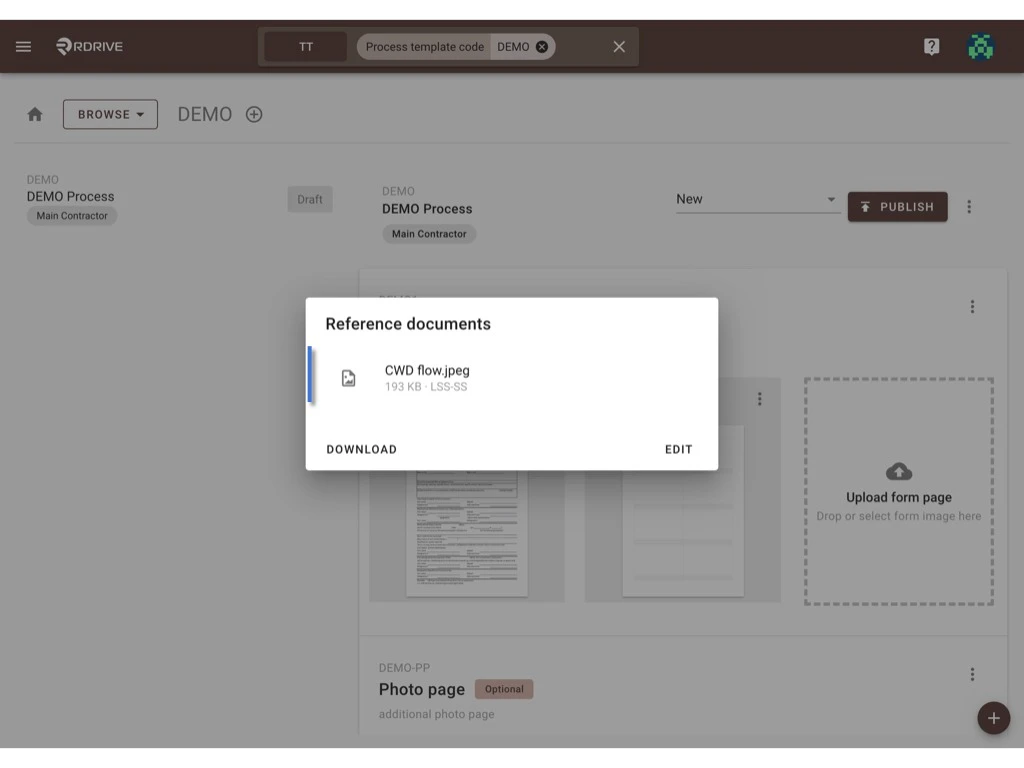
Form Reference document Click outside of the dialogue box to exit. Remember to publish as a new version when finished.