via Website
-
Click the ≡ menu icon in the top left corner to access the Menu.

-
Navigate to Settings > Permissions.

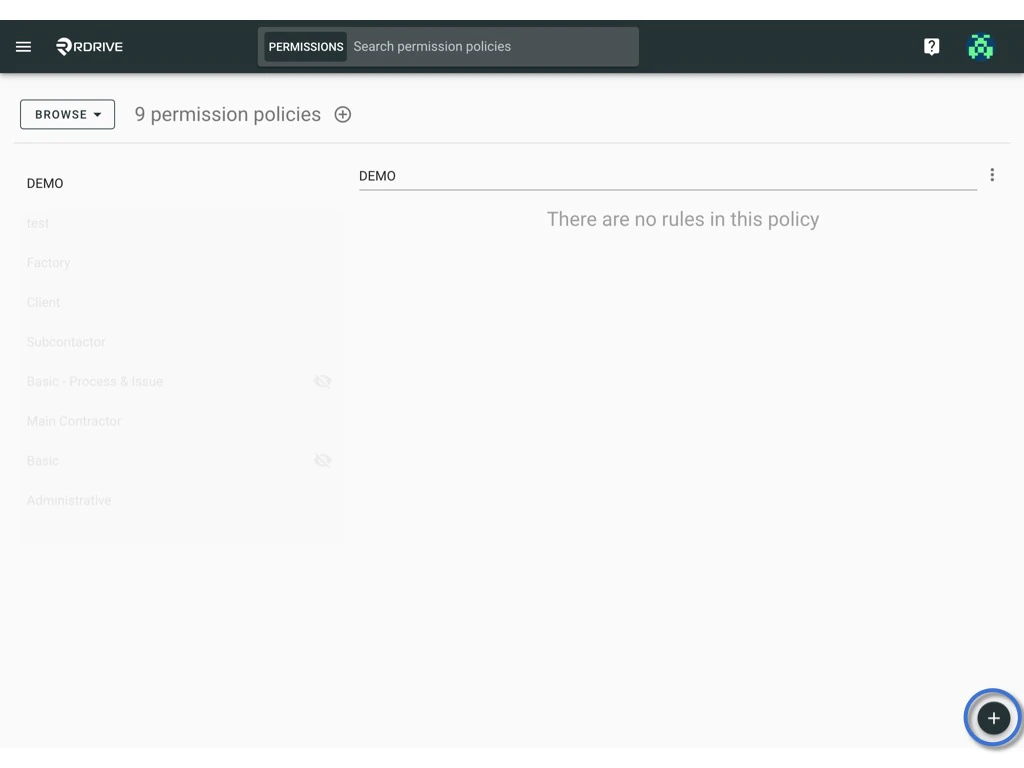
- Press the + button to add a new permission policy.
-
Enter the permission policy title and click OK to confirm.

-
Afterward, click the + button in the bottom right corner to add rule(s).