Team profile serves as the foundation for teams. When you set up teams, you MUST pick a team profile which contains different user roles. Please be aware that each team can only be assigned with one team profile. Each role in a team profile is associated with one or multiple permission policies. This is to set a frame on what users can do on the platform if they are being added to a team and being assigned with a certain role within that team.
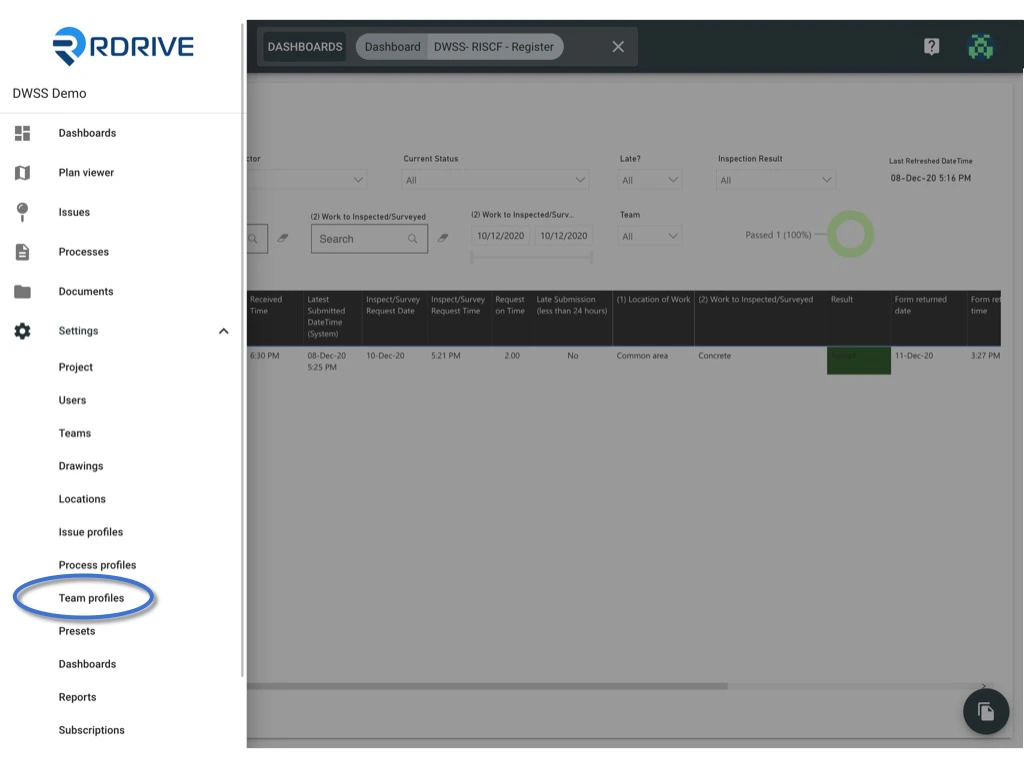
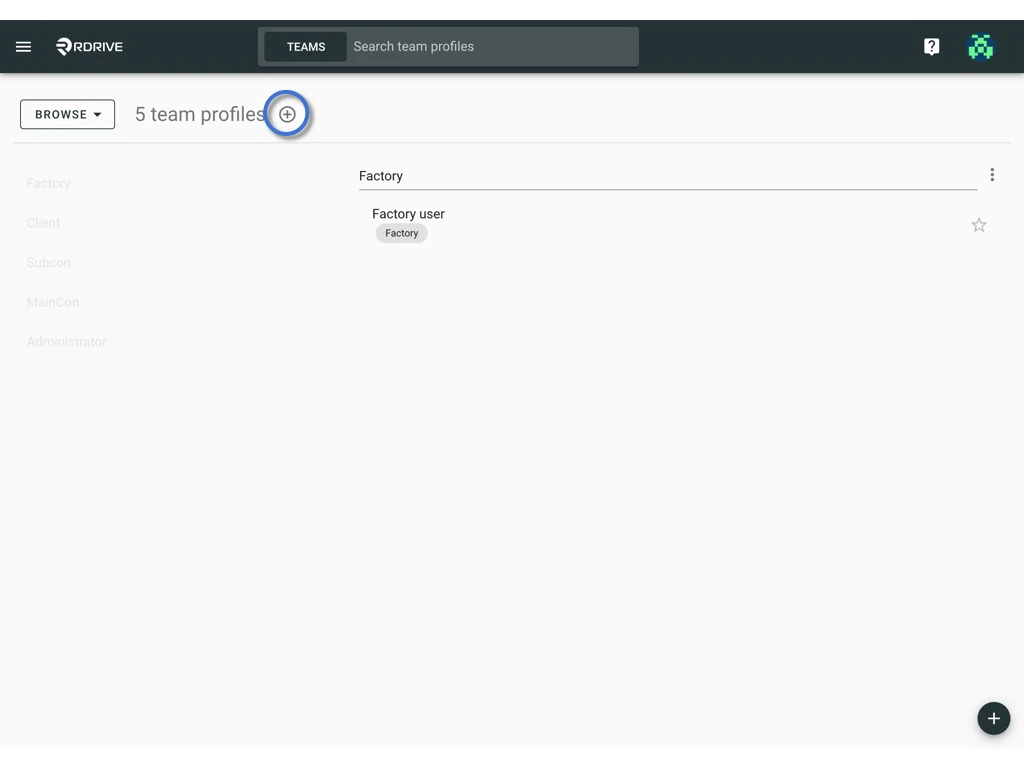
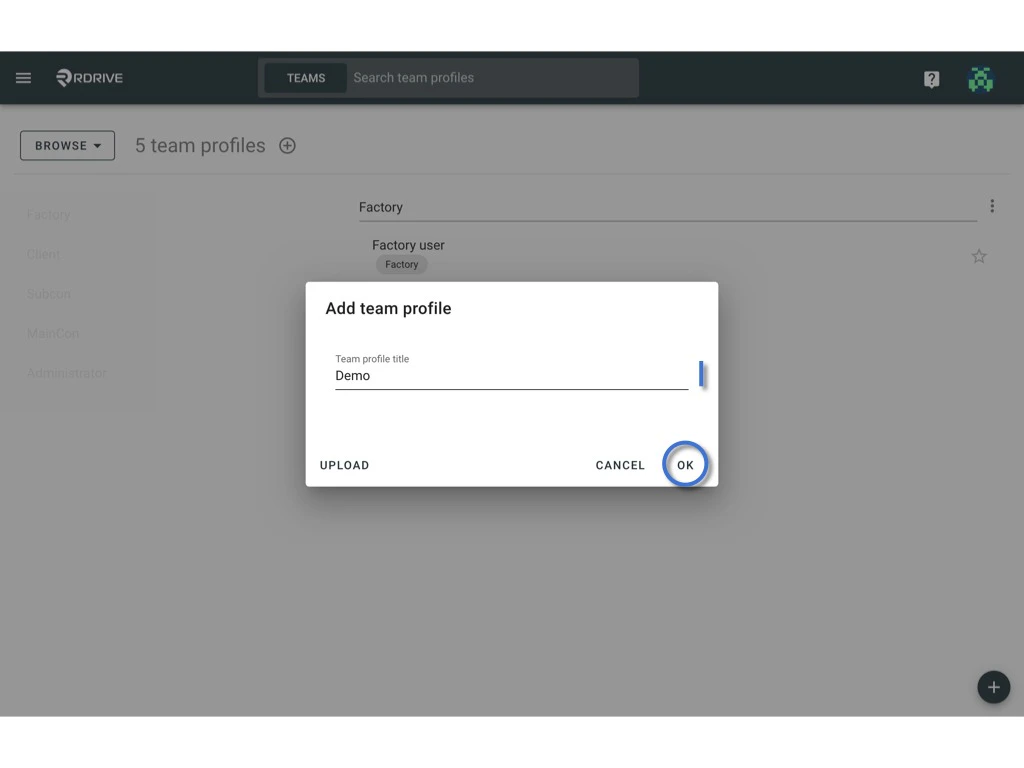
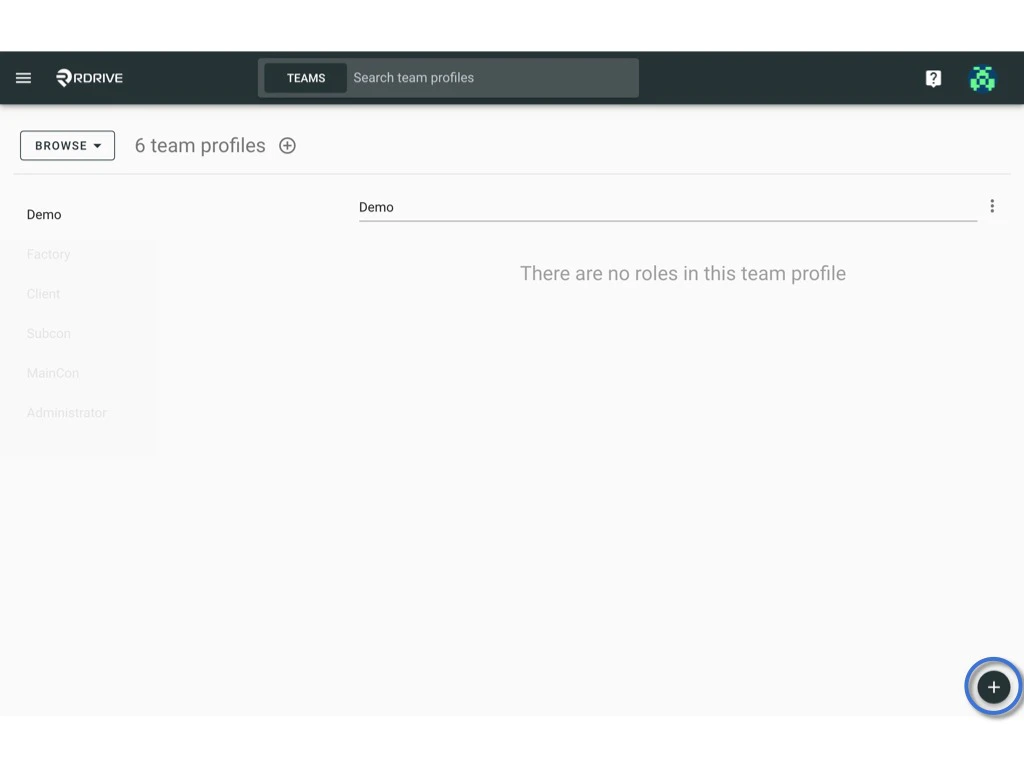
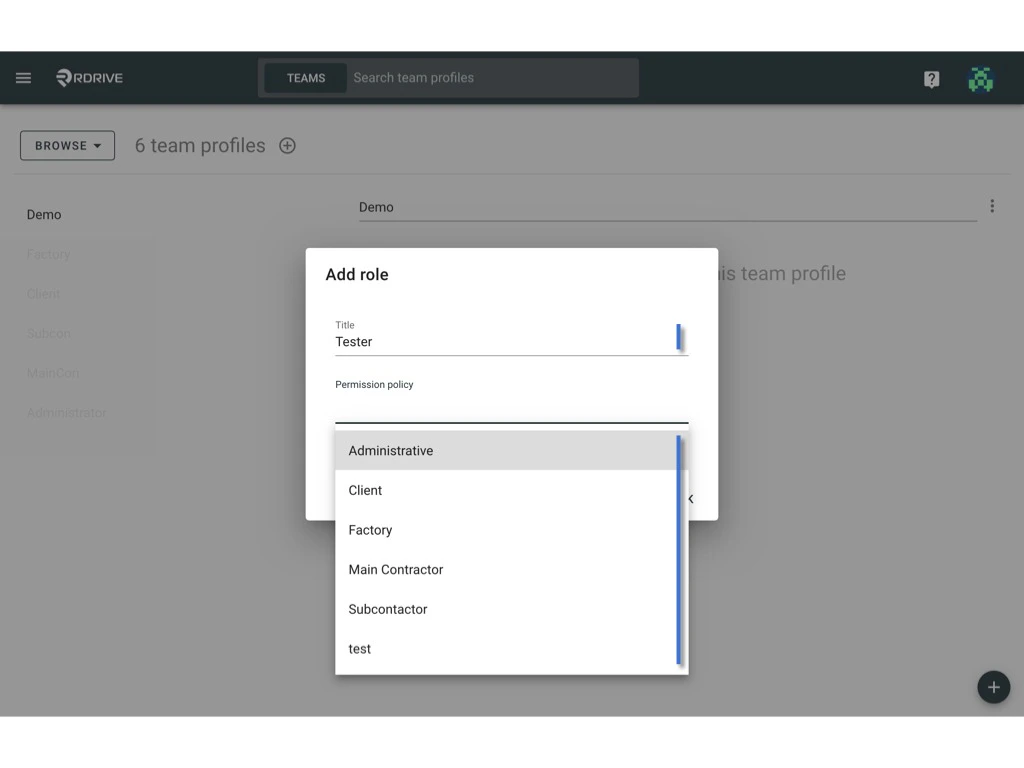
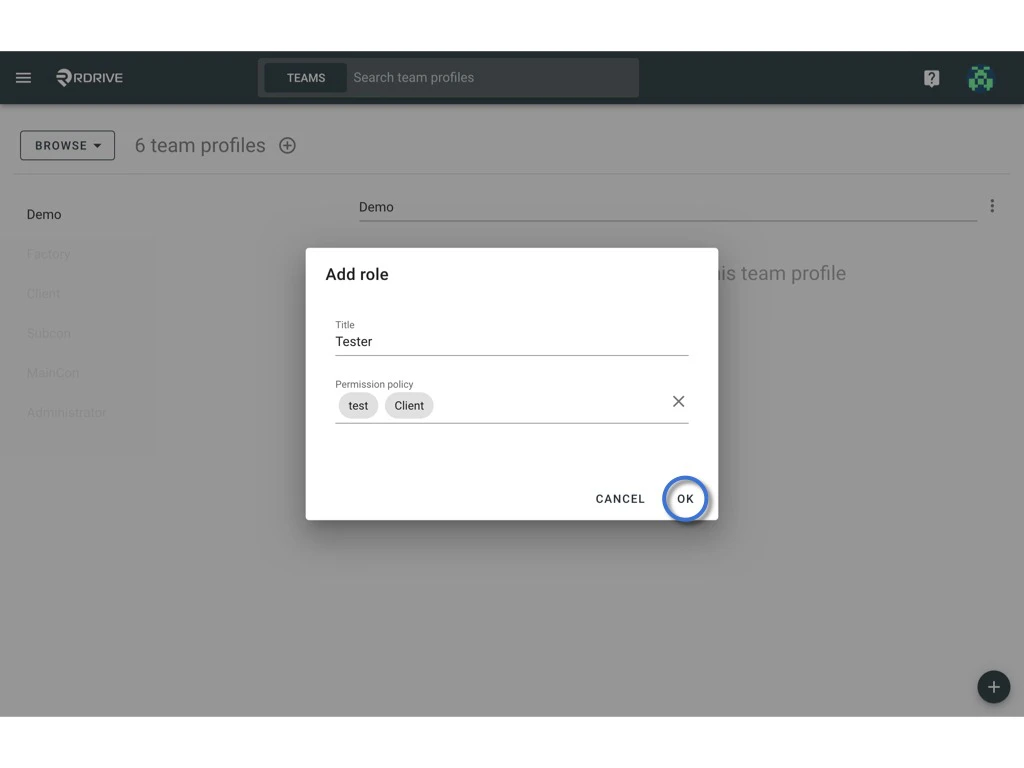
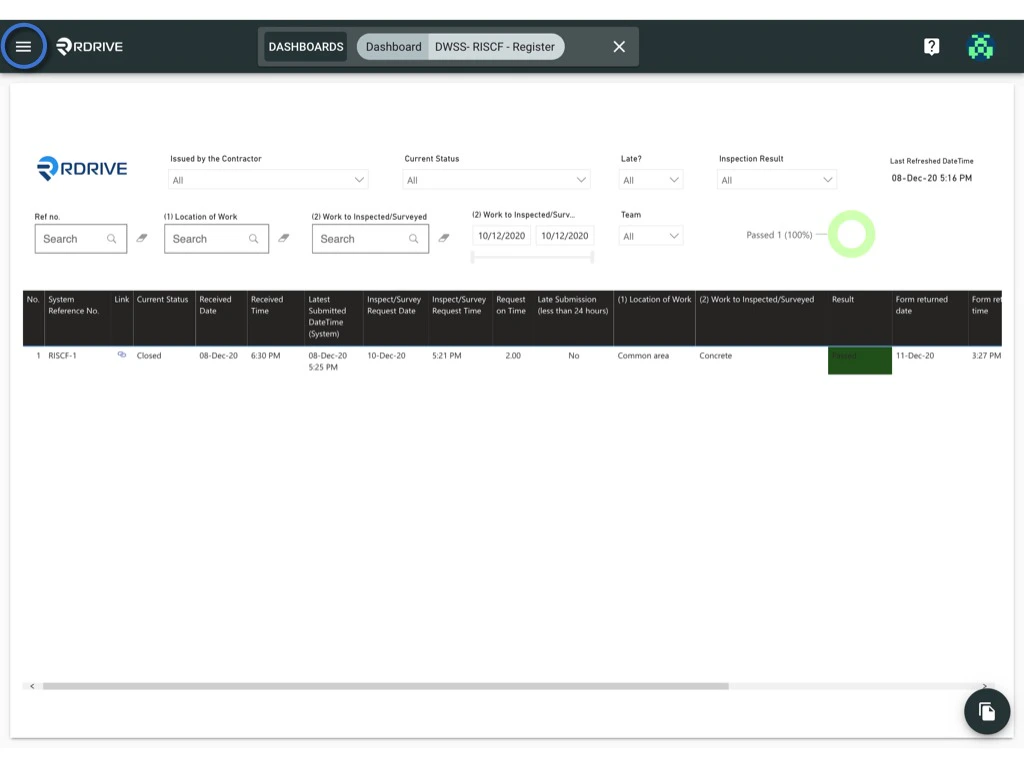
Click the  menu icon on the top left corner to unfold the Menu, get entry to the Setting > Team profiles page. What is team profile and how to setup? What is team profile and how to setup? Press + button to add team profile. What is team profile and how to setup? Enter the team profile title and click OK to confirm. What is team profile and how to setup? after that, click the + button on the bottom right corner to add a role, enter the title of the role and select permission policy. What is team profile and how to setup? What is team profile and how to setup? OK to confirm. What is team profile and how to setup?
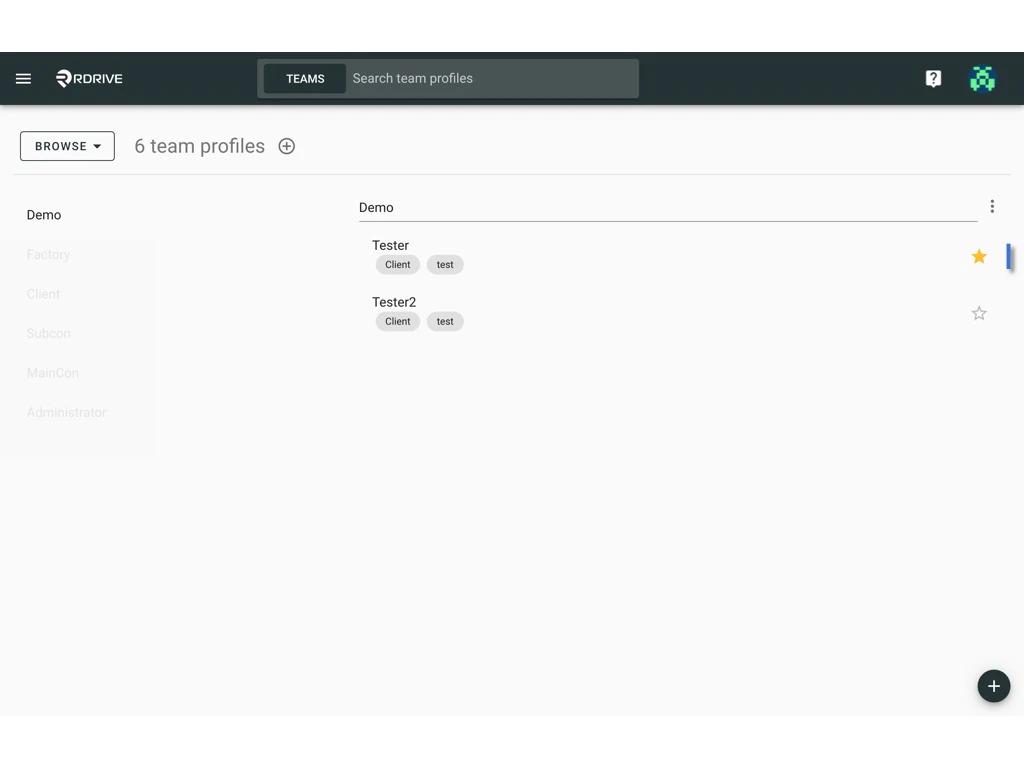
Filled ⭐️ represent the default role.
What is team profile and how to setup?