
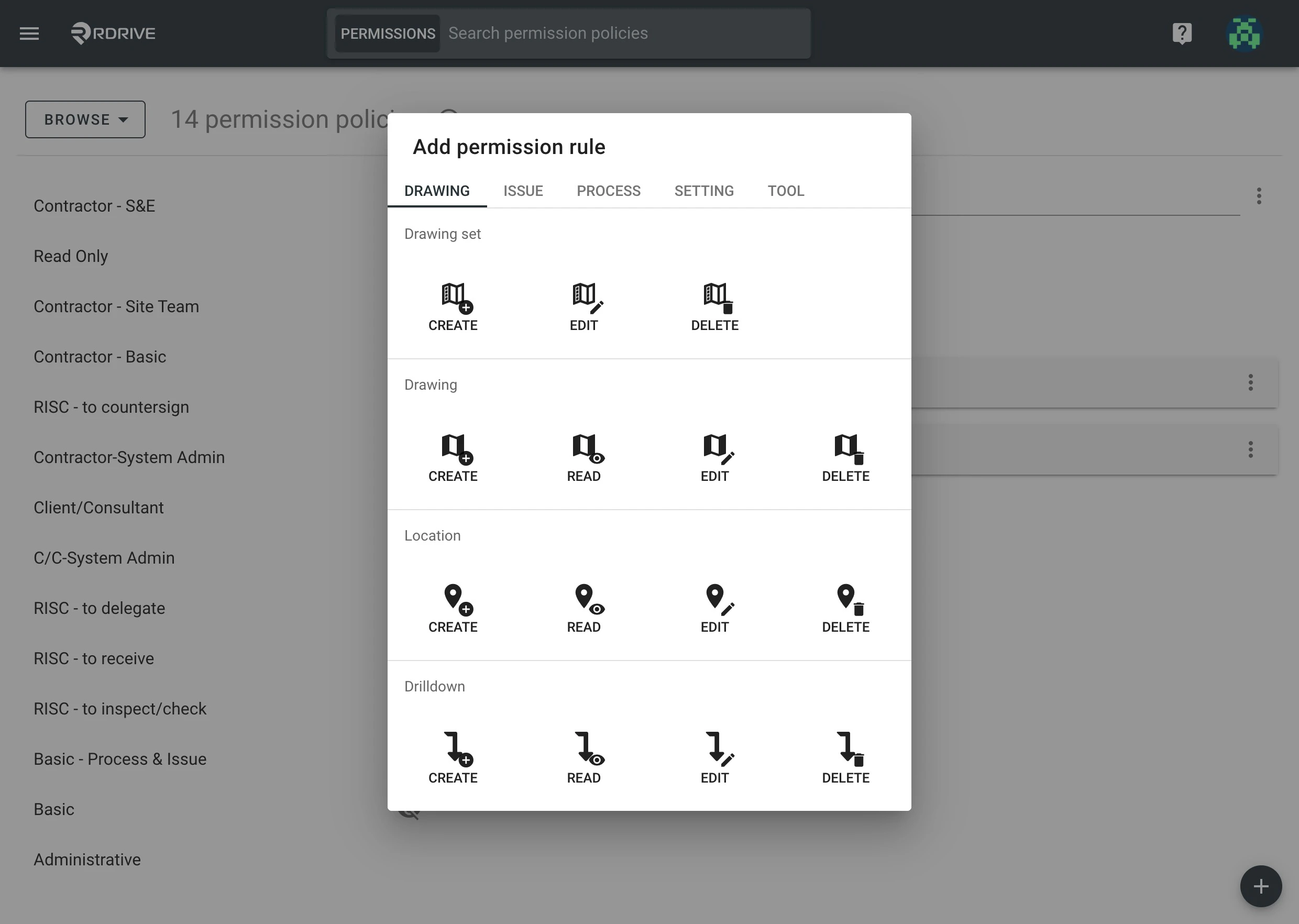
- Conditions: Determine when a specific action is permissible.
Options: Specify the details of allowed actions on specific objects.
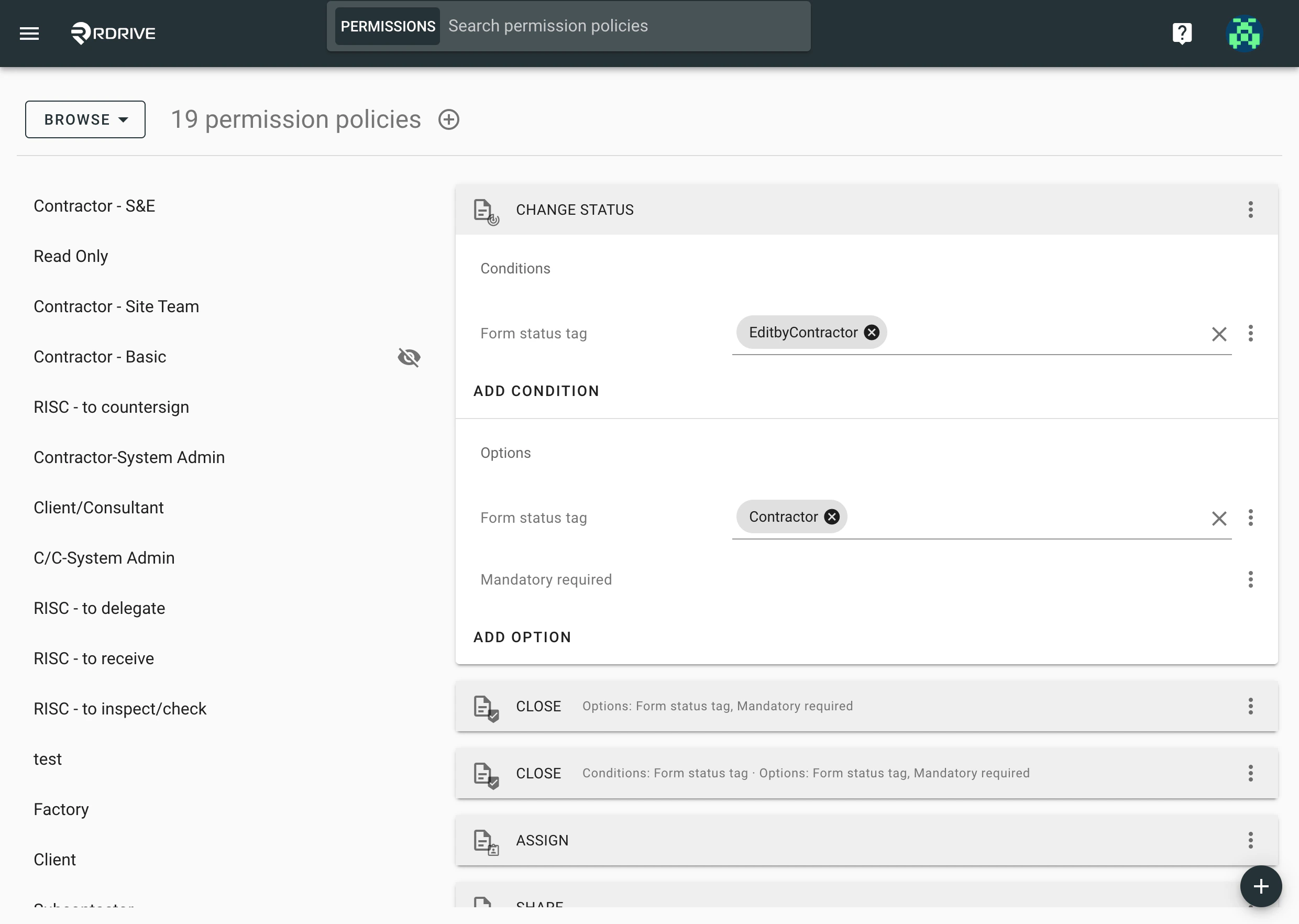
Note that this is a high-level function and it’s optional to include conditions and/or options.
Implementing Rules with Conditions: OR and AND
Adding OR Conditions
Combine rules with the same attribute but different conditions using the OR logic, like: Read; Edit; Change Status w/ condition & option (A); Change Status w/ condition & option (B) This grants permission for both situations. Users can Read, Edit, and Change Status :- A: When the status tag is Draft, it is allowed to update to Any status only if Mandatory fields are filled;
- OR
- B: From Any status when it is Assigned to my team, allowed to change status to Any if Mandatory fields are filled.
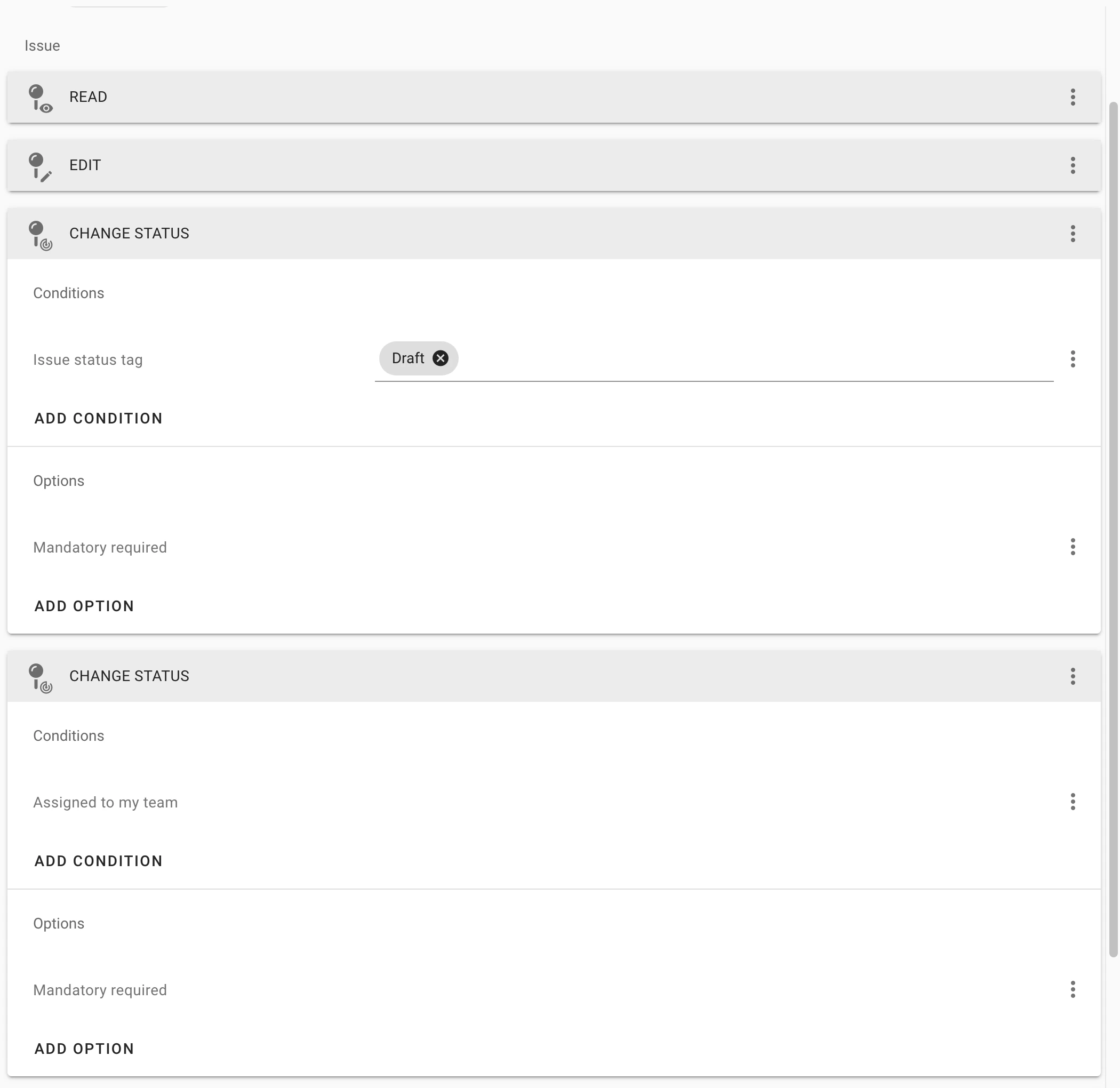
OR = Permission is granted in both situationsAdding AND Conditions
A rule with different conditions applies permission using the AND logic, such as: Read; Edit; Change Status w/ condition + condition & option This grants limited permission. Users can Read, Edit, and Change Status only if: The status tag is Draft AND it is also Assigned to my team, it will be allowed to change status to Any if Mandatory fields are filled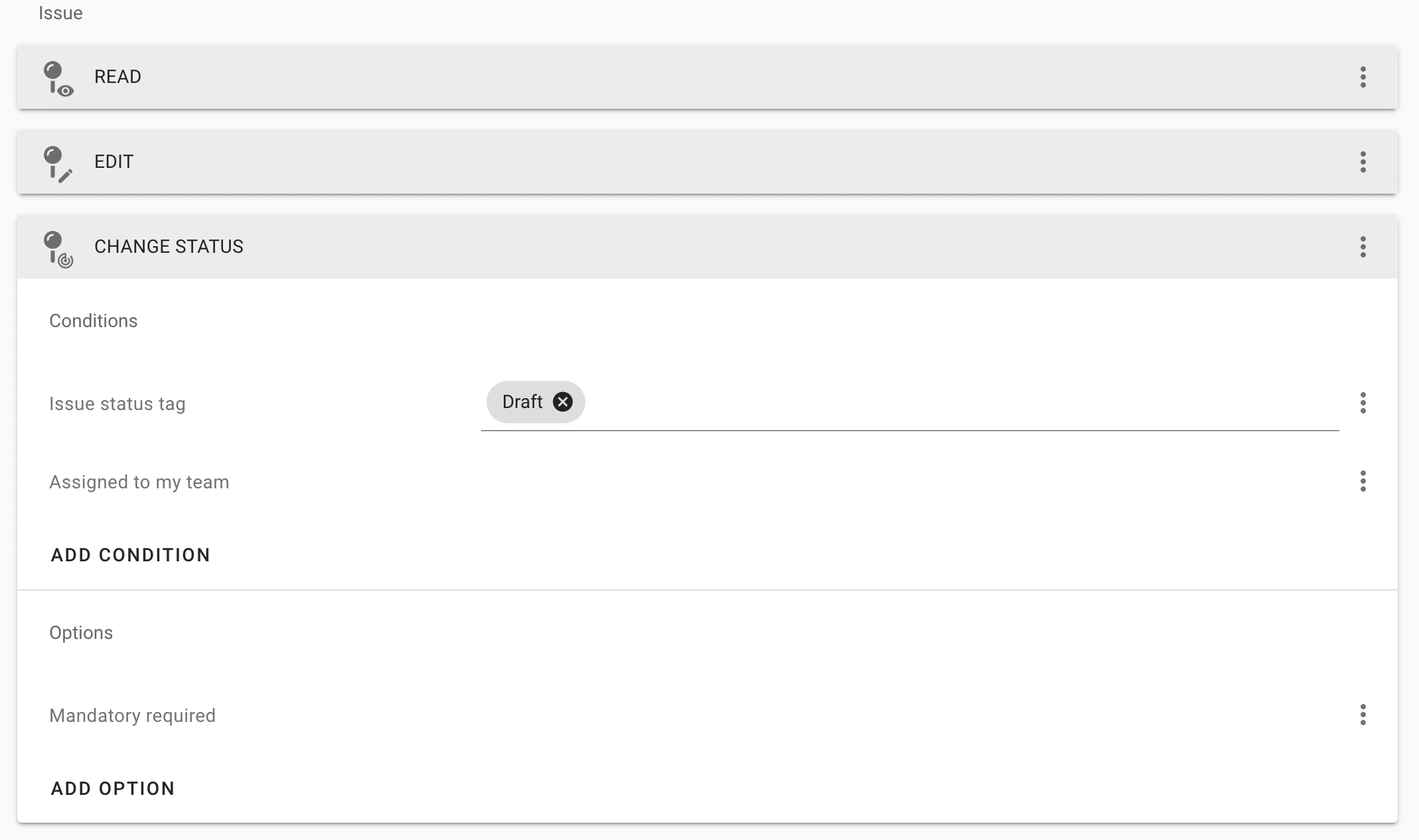
With an
AND, compliance with all conditions and options is requiredCheck the difference Between Process and Form Permissions, click here.