Understanding Drawing Sets: A Practical Guide
Drawing sets operate similarly to folders, offering a structured way to organize and manage your drawings. By utilizing drawing sets, you can:- Streamline Searches and Updates: Quickly find drawings and stay on top of any updates.
- Apply as Filters: Drawing sets can be used as filters to generate reports, such as issue reports, based on specific sets.
How to Add a Drawing Set
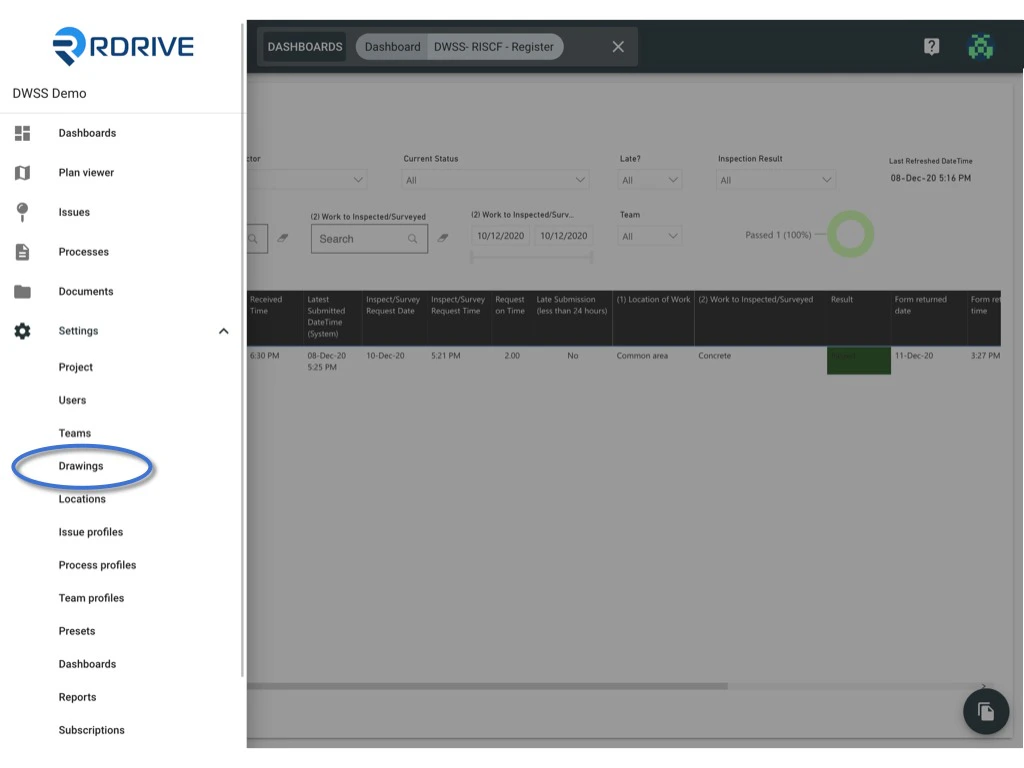
To create a drawing set, follow these steps:- Click the ≡ menu icon located in the top left corner of the screen to reveal the main menu.
- From there, navigate to Settings > Drawings.
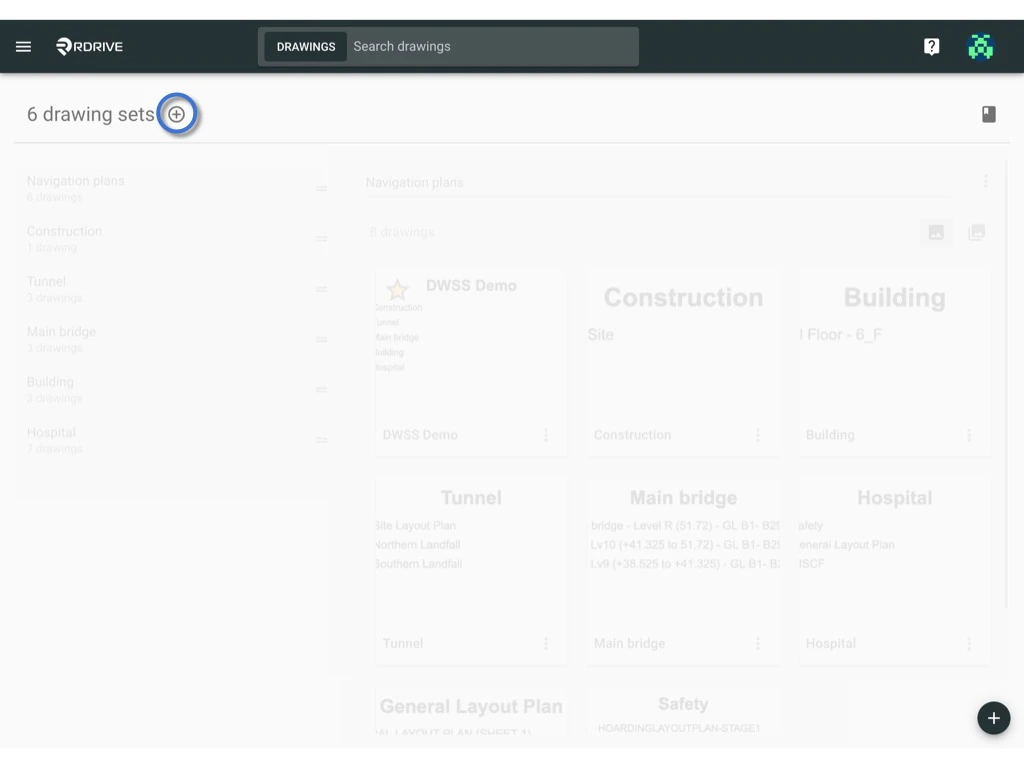
- Press the + button to add a new drawing set.
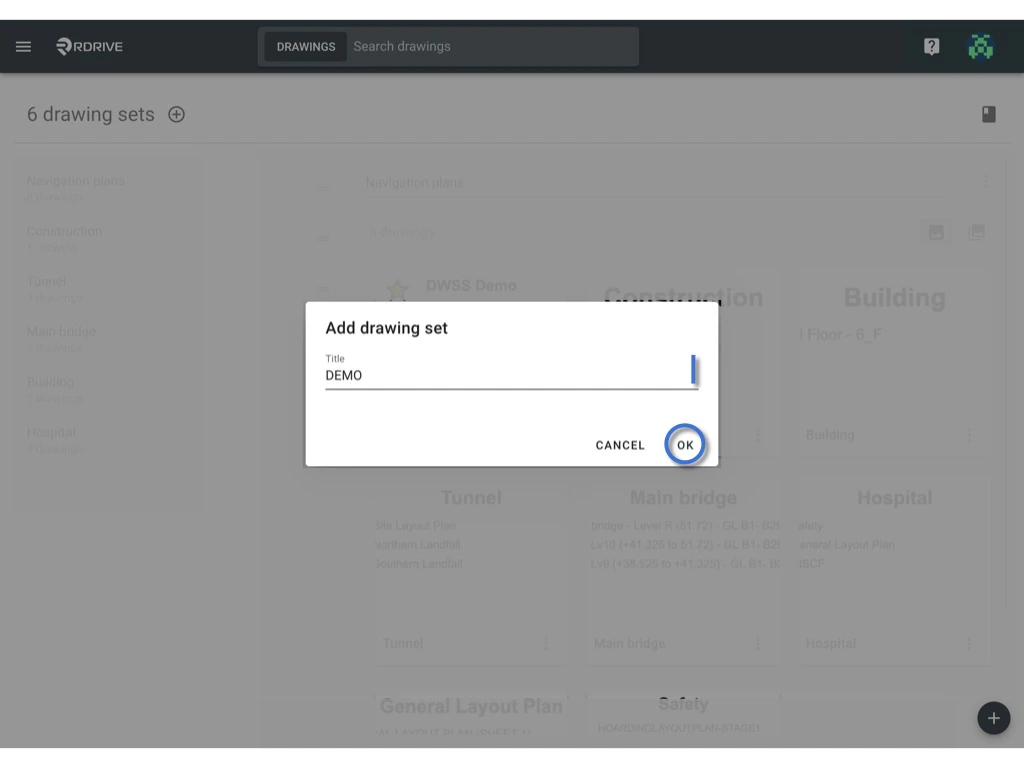
- Input the name for the drawing set and confirm by clicking OK.