Accessing the Drawings Page
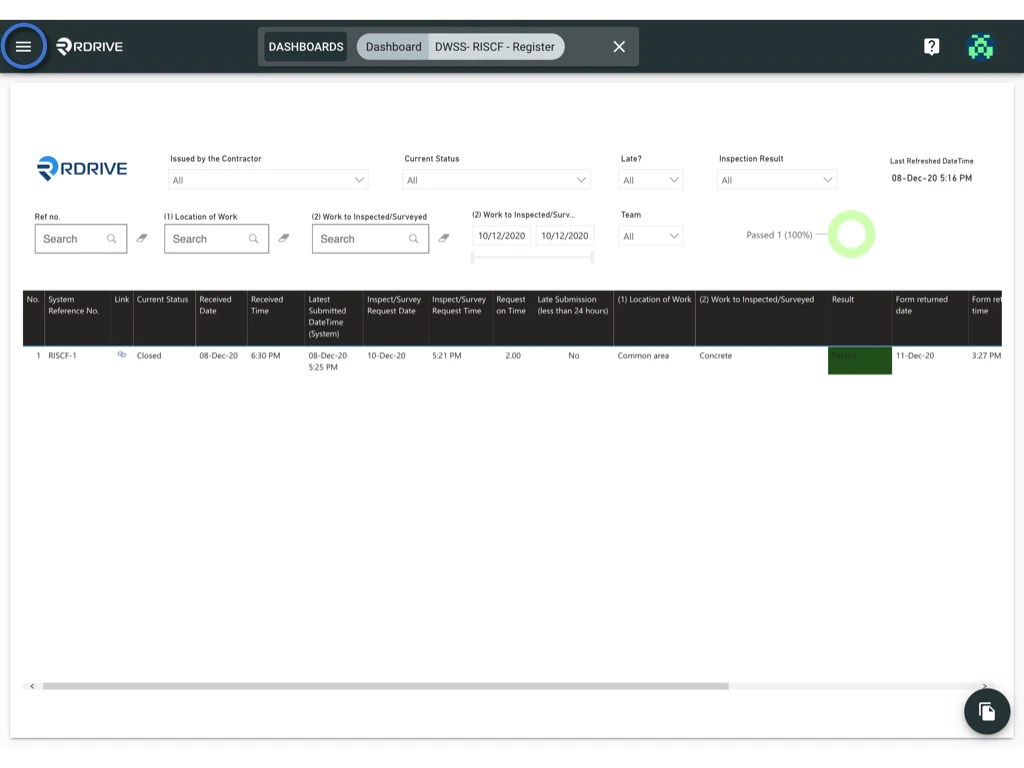
- Click the Menu icon (≡) in the top-left corner of your screen to expand the Menu.
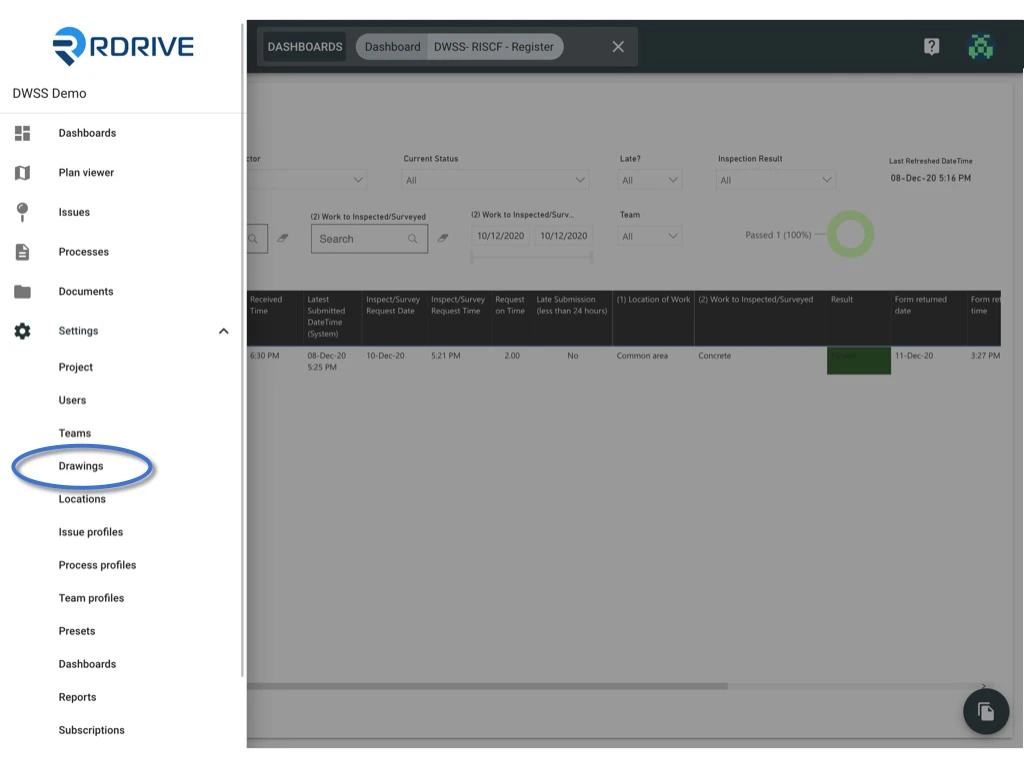
- Navigate to Settings > Drawings.
Editing a Drawing Set
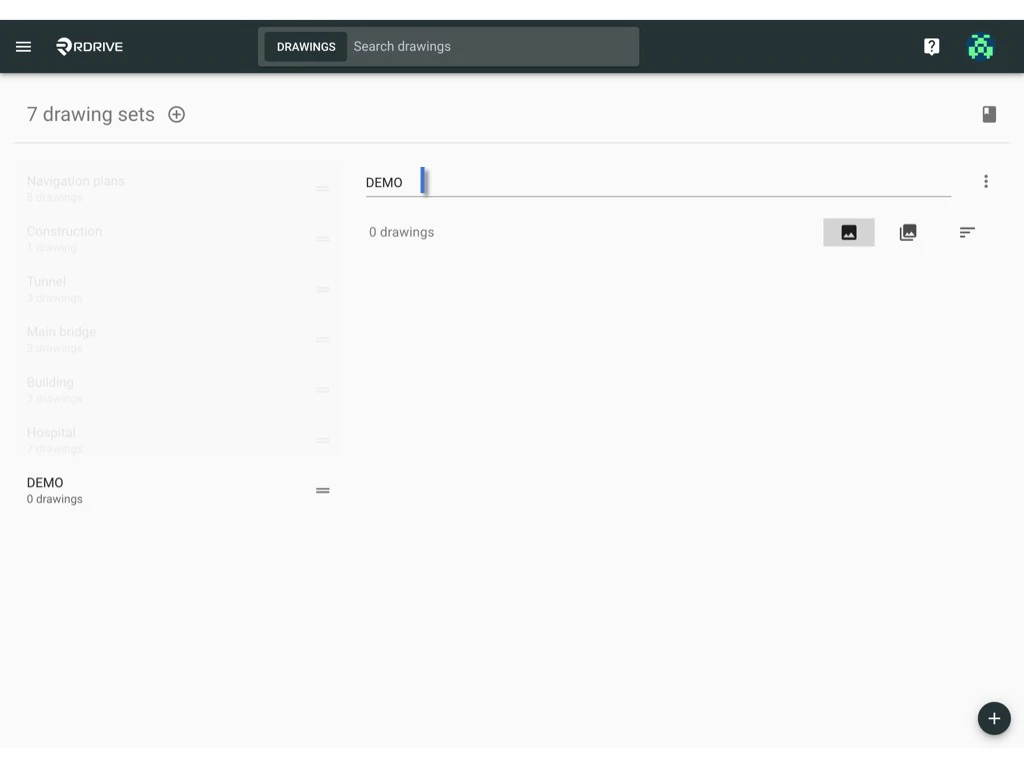
- Select the drawing set you want to edit.
- Click on the drawing set title to make your changes.
Deleting a Drawing Set
Important Notes:
- ⚠️ All drawings must be removed from the drawing set before you can delete them.
- ⚠️ Deleted drawings cannot be restored, so please proceed with caution.
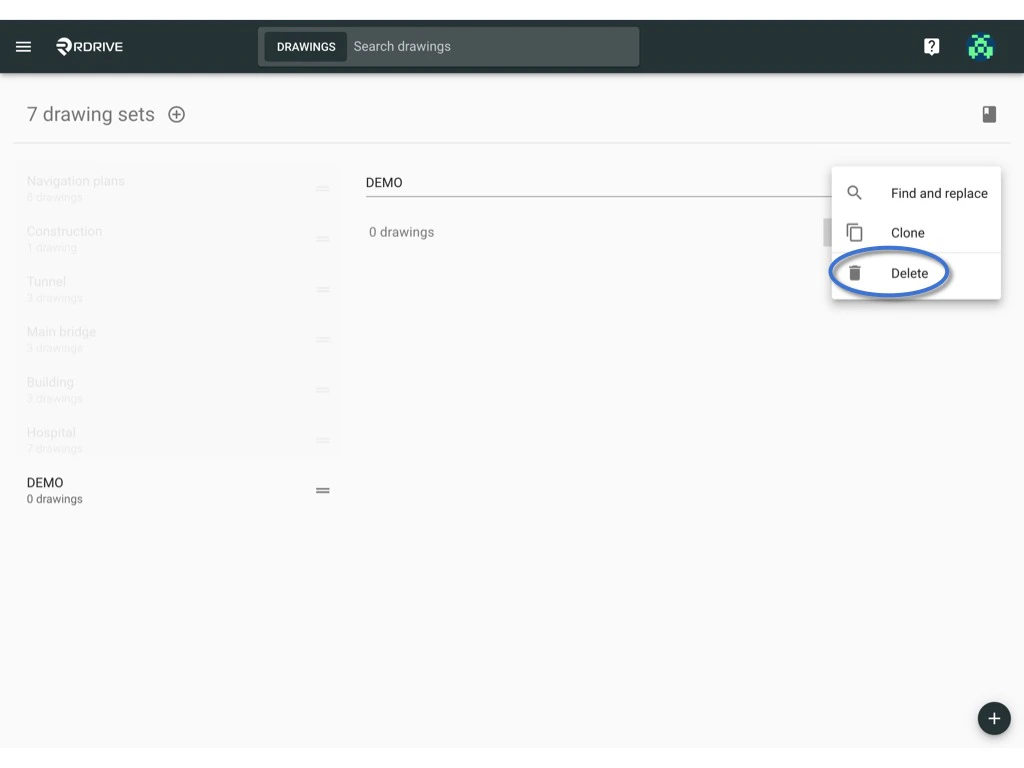
- Click the ⋮ button on the right side of the drawing set title.
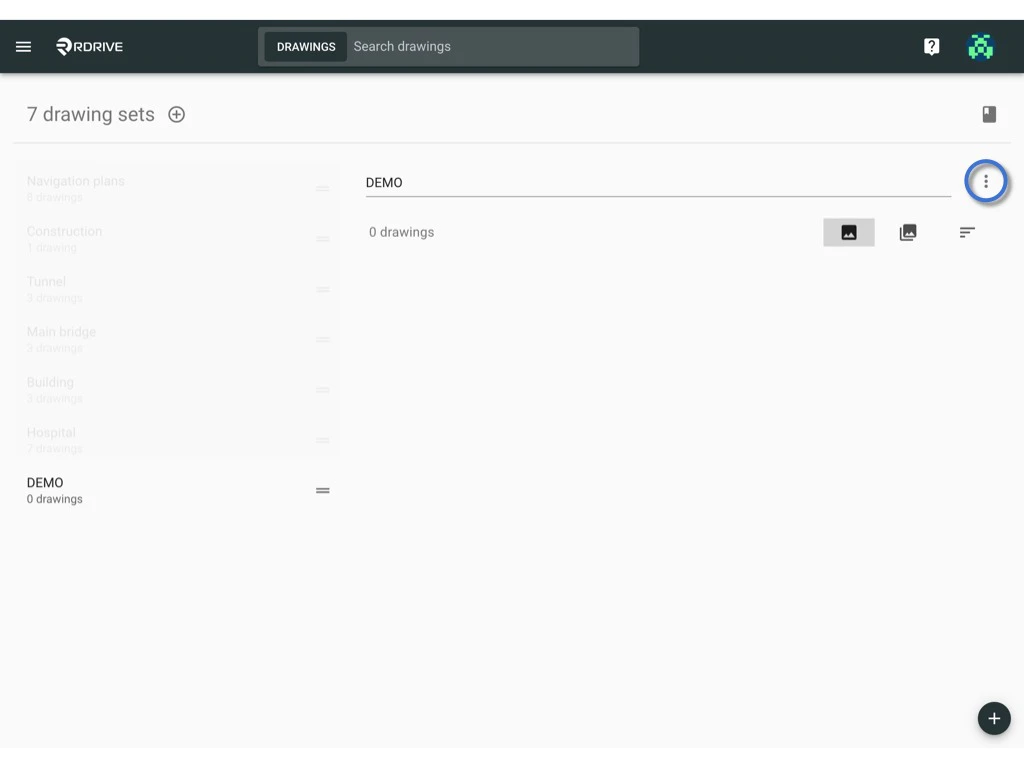
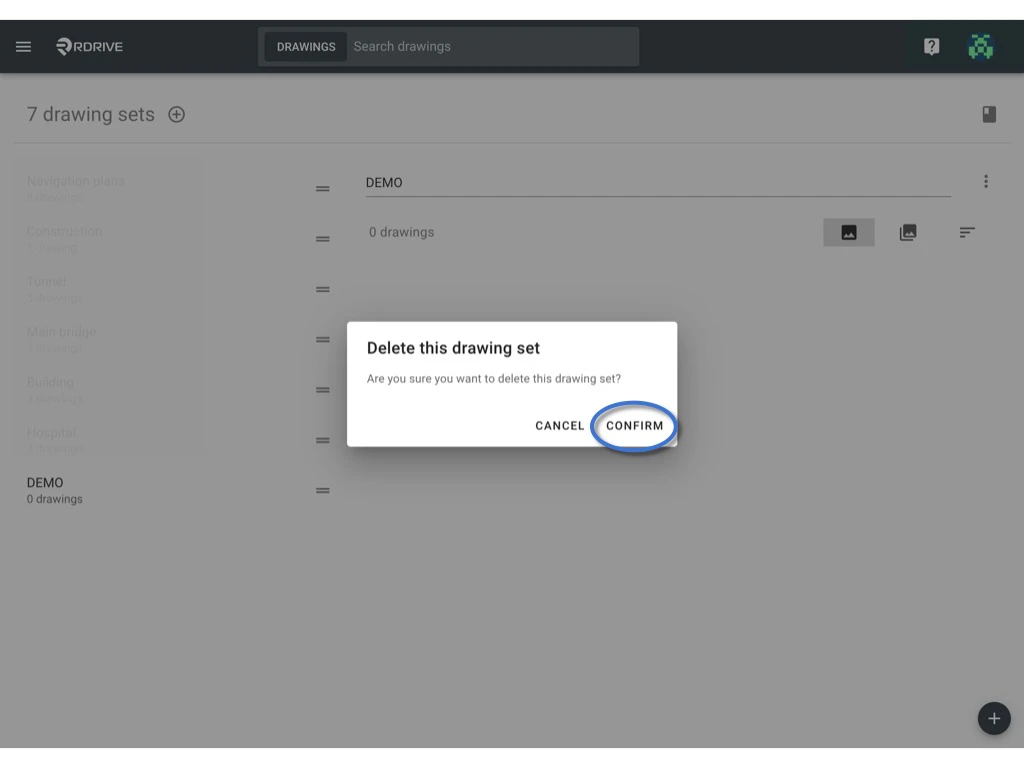
- Select Delete, then confirm the action.