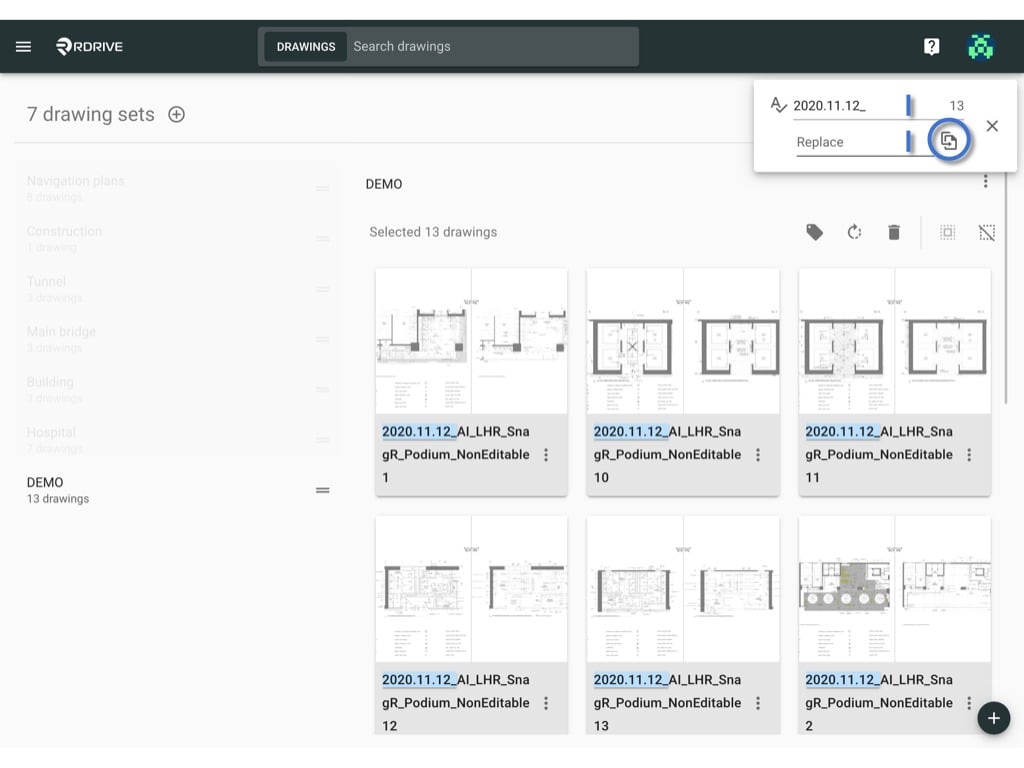
Find and replace the drawings / drawing sets title
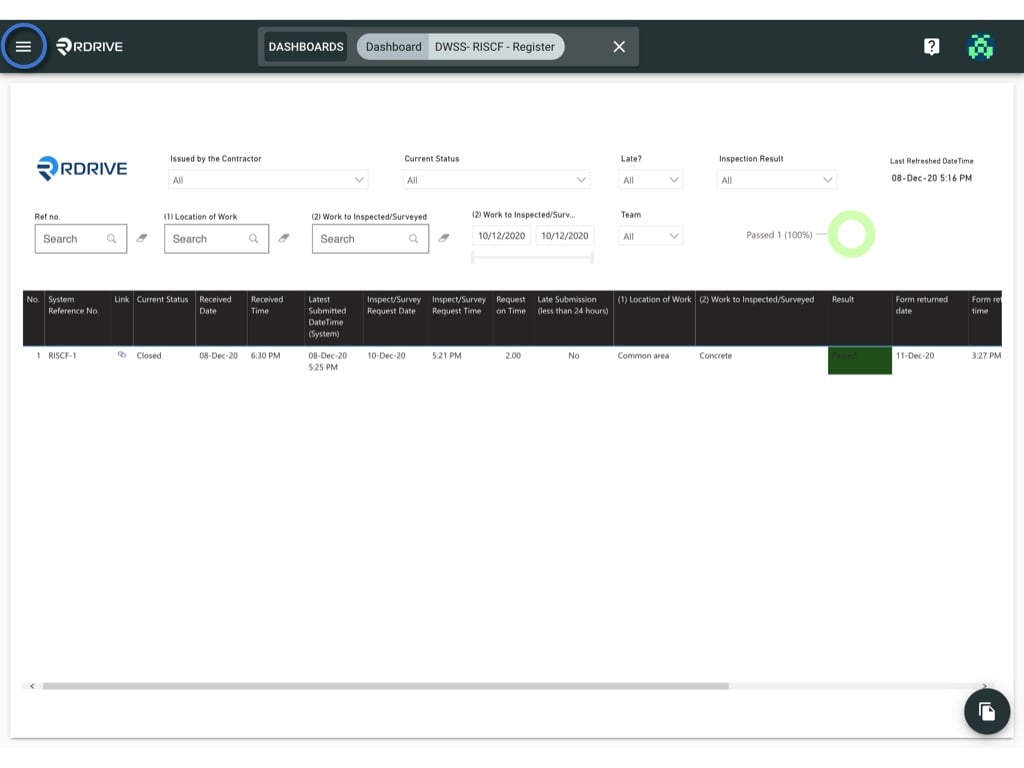
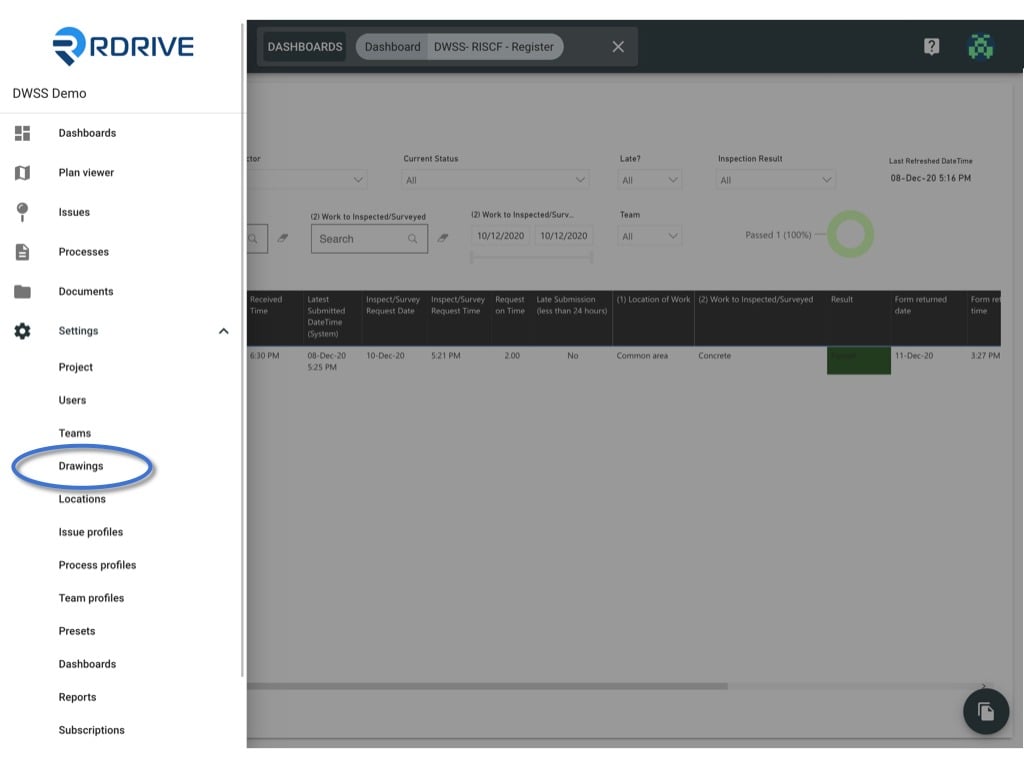
Click the ≡ menu icon on the top left corner to unfold the Menu, get entry to the Settings > Drawings page.
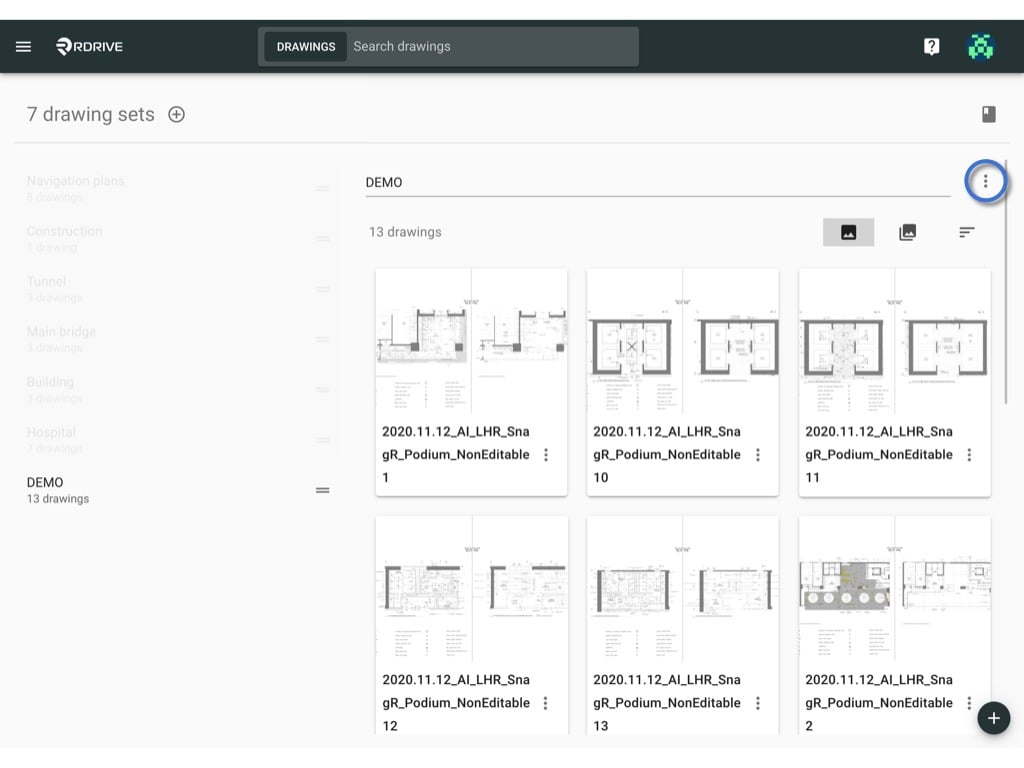
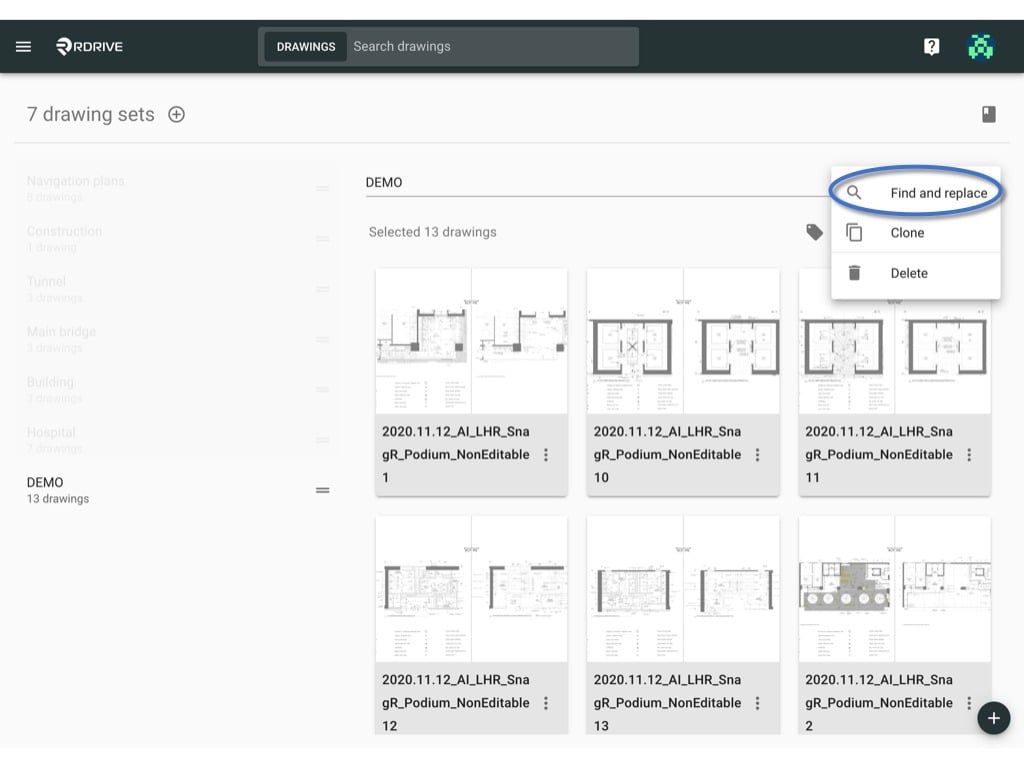
Click the ≡ menu icon on the top left corner to unfold the Menu, get entry to the Settings > Drawings page.Click the ⋮ button on the right-hand side of the drawing set title > Find and replace.Enter the value you want to find and replace, and click below button to replace.