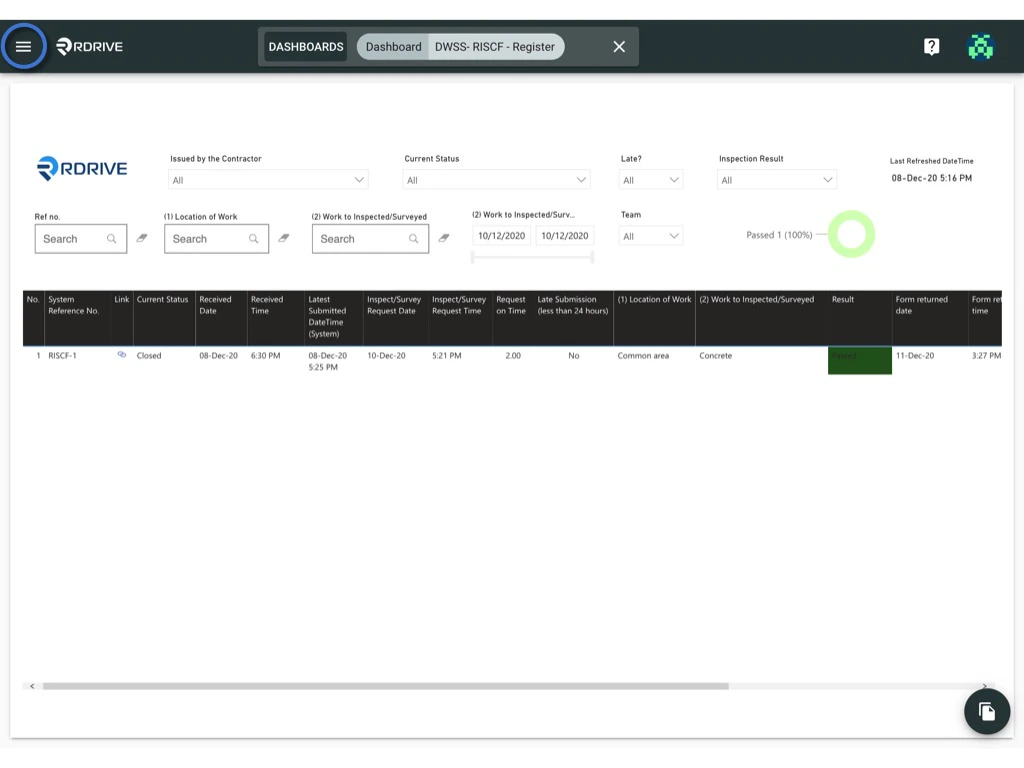
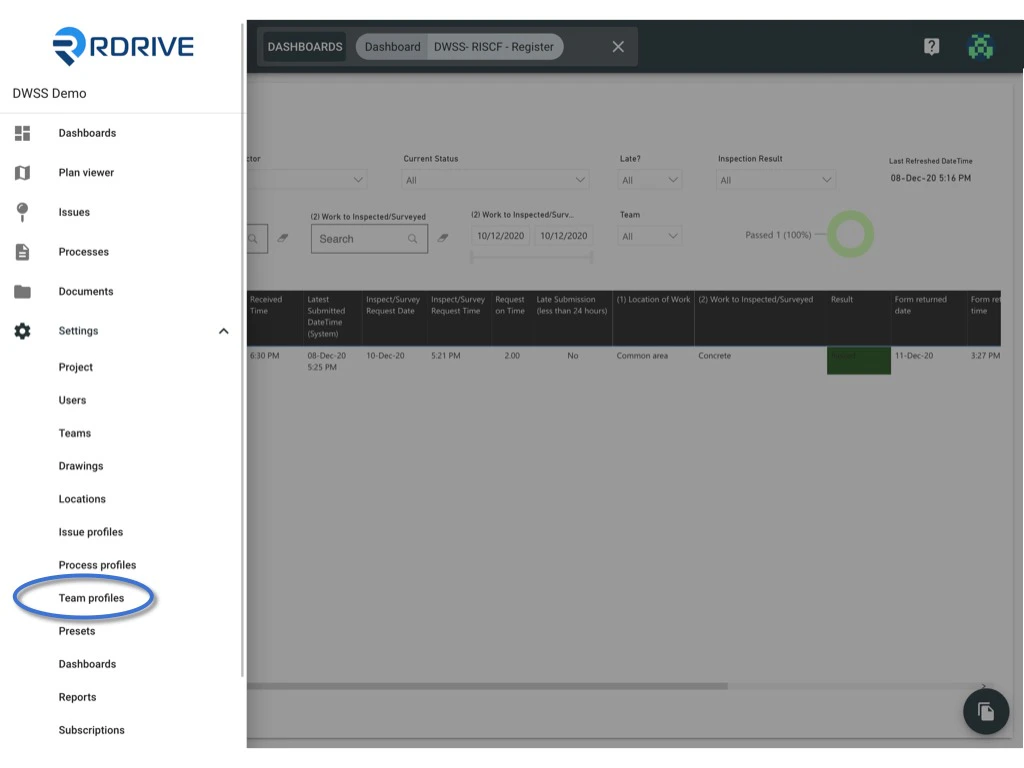
v****ia Website Click the ≡ and menu icon on the top left corner to unfold the Menu, get entry to the Setting > Teams profiles page.
To EDIT ✏️
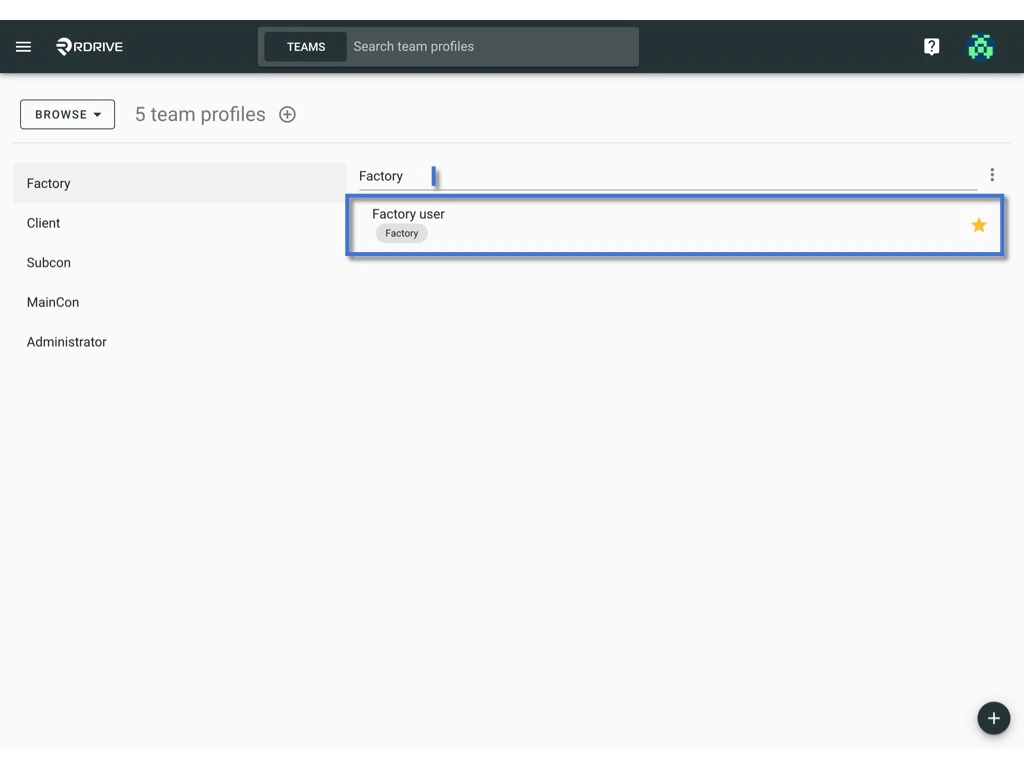
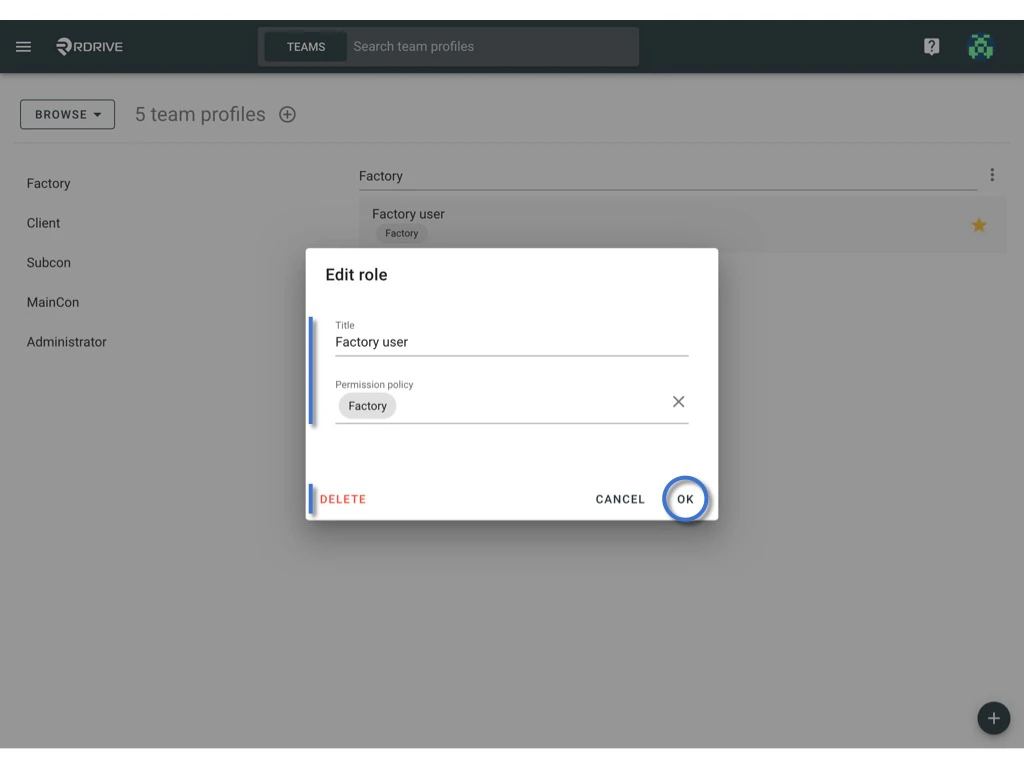
Select the team profile, click on the title to edit profile title.theor click on the role to edit the role detail.
DELETE to remove the role.
To DISABLE
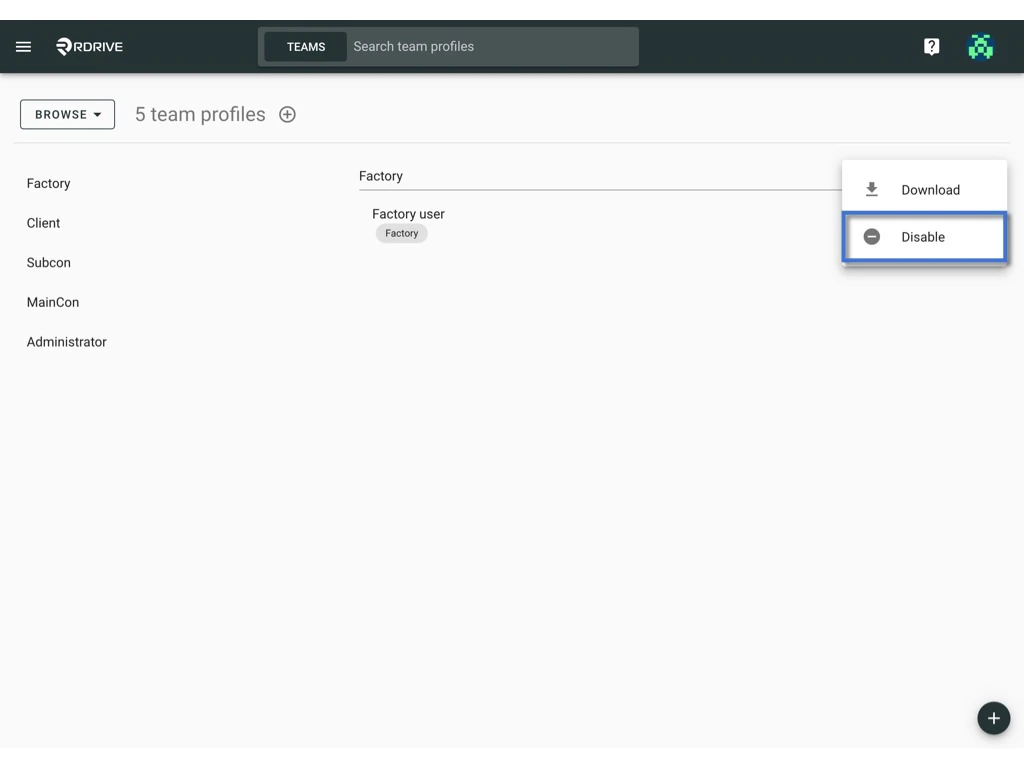
Click the ⋮ button on the right-hand side of the profile title > Disable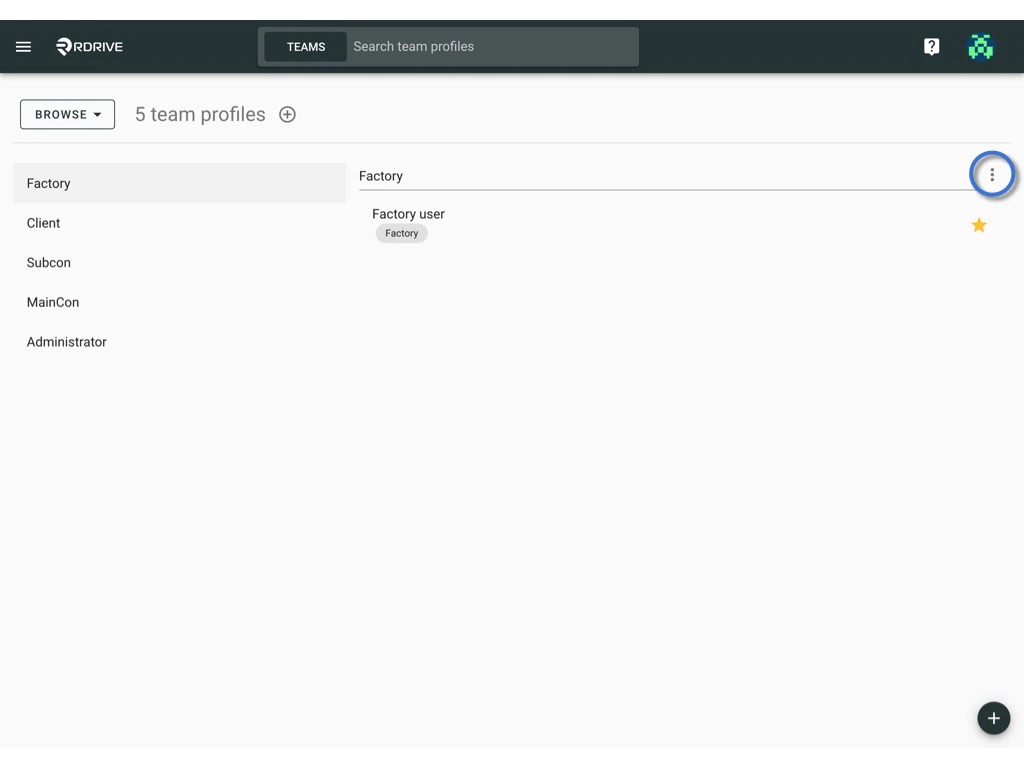
To DOWNLOAD
Click the ⋮ button on the right-hand side of the profile title > Download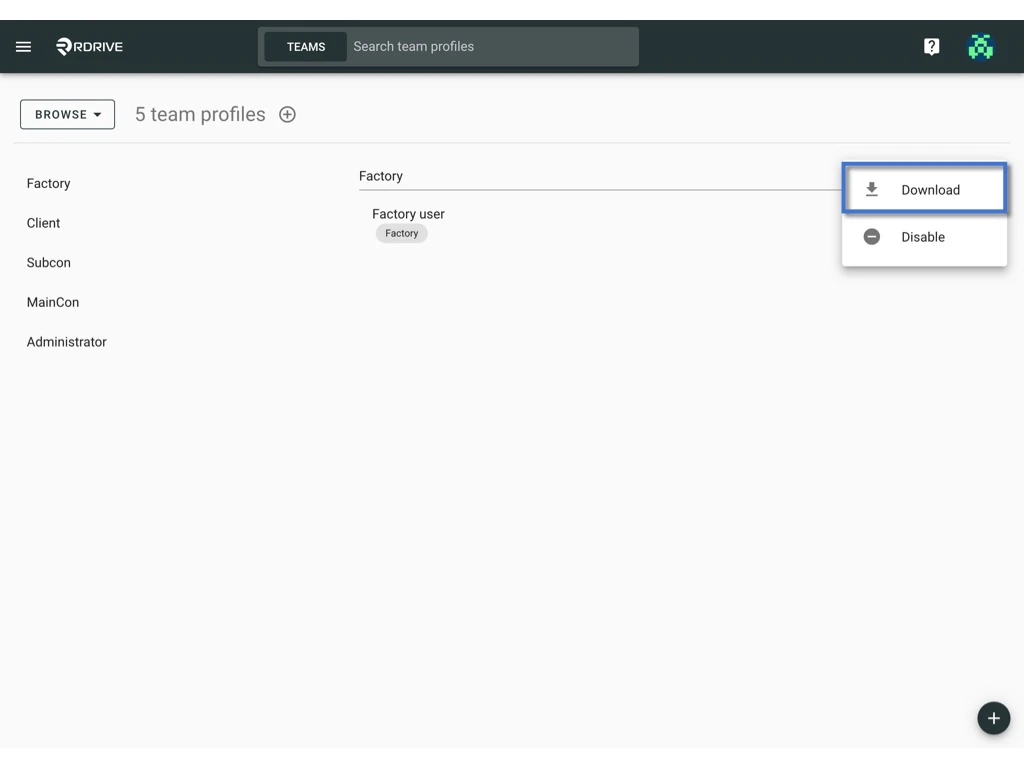
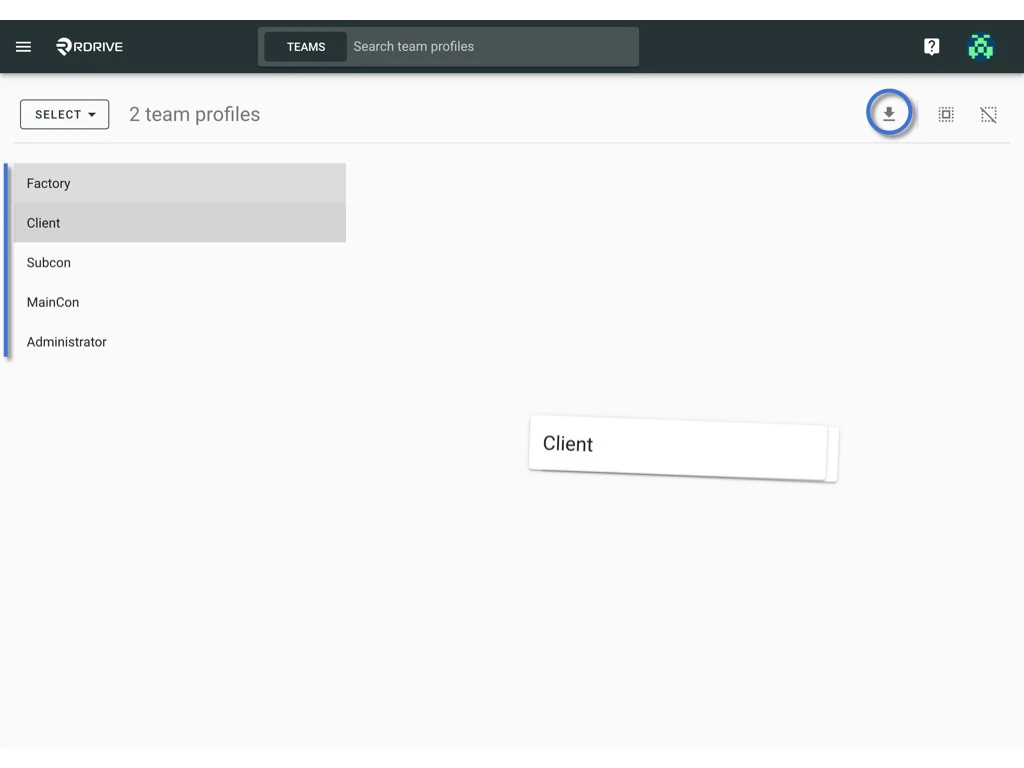
To Batch download -
Switch mode from “Browse” to “Select”.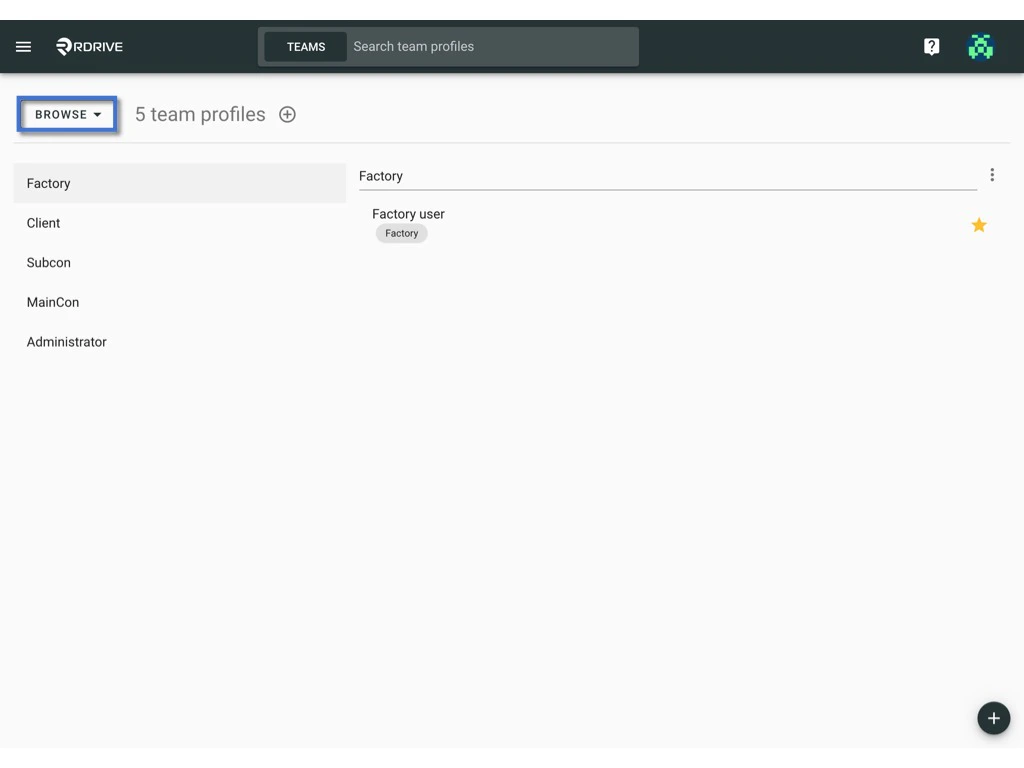
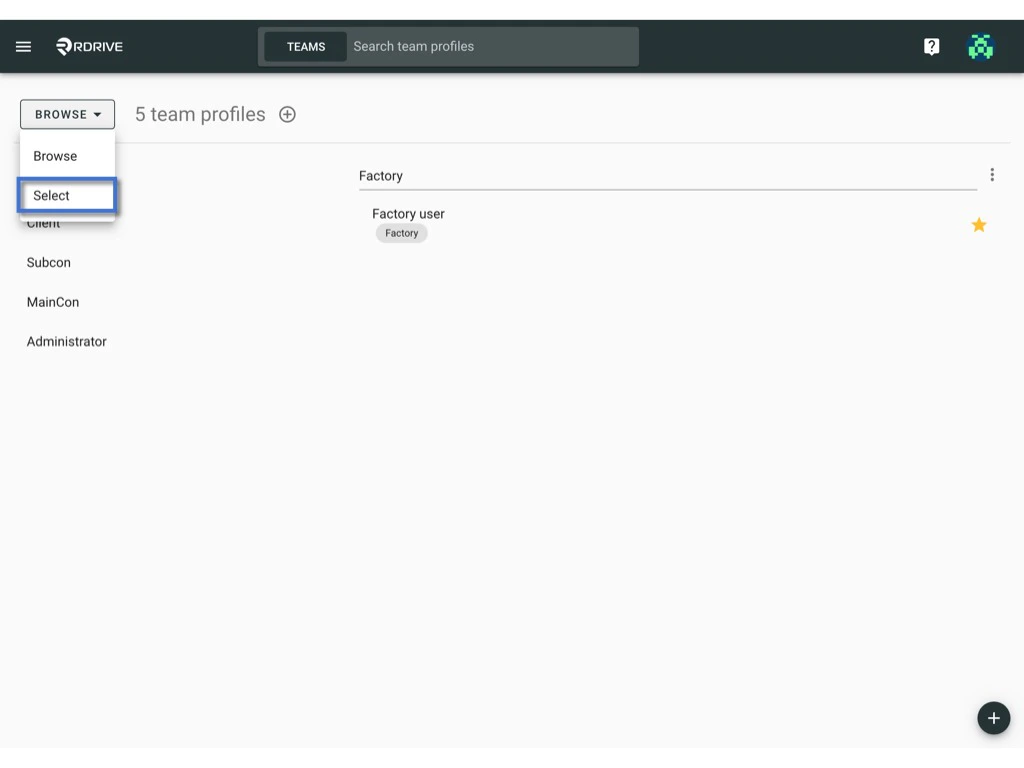
The selected item will be highlighted in grey.