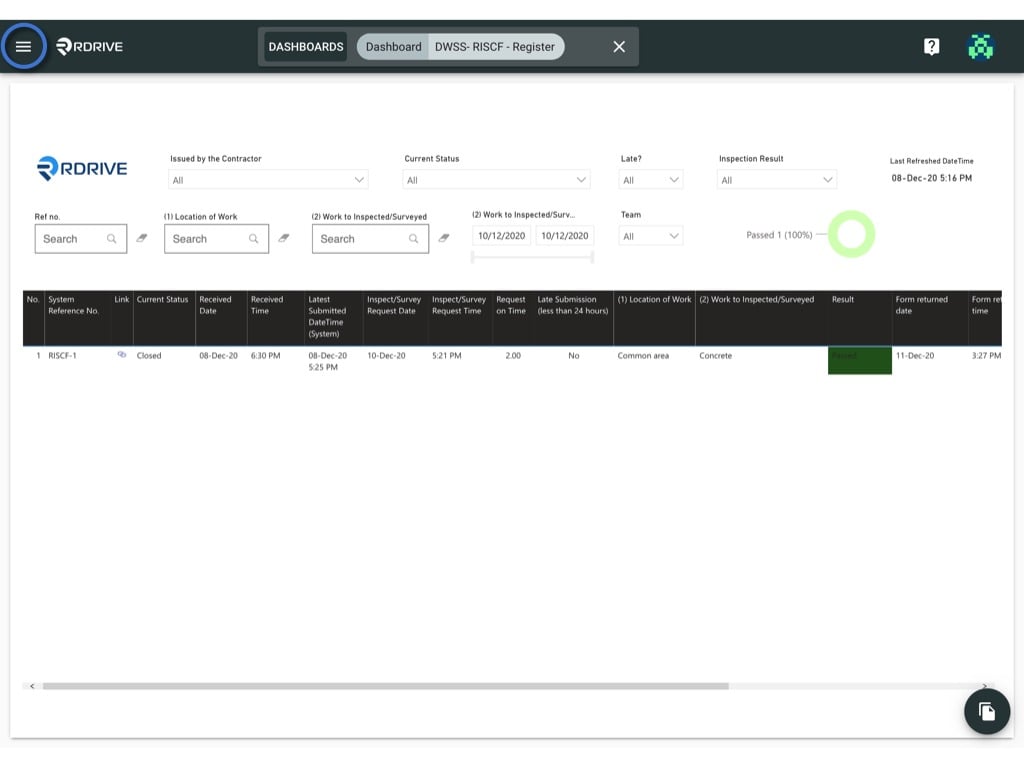
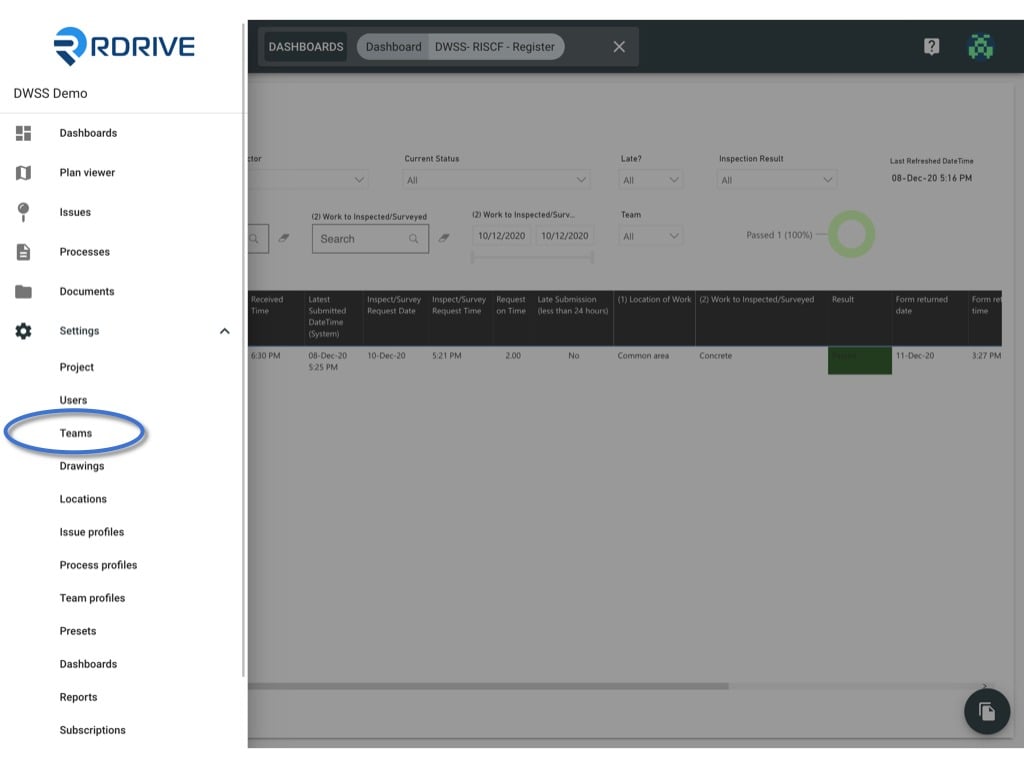
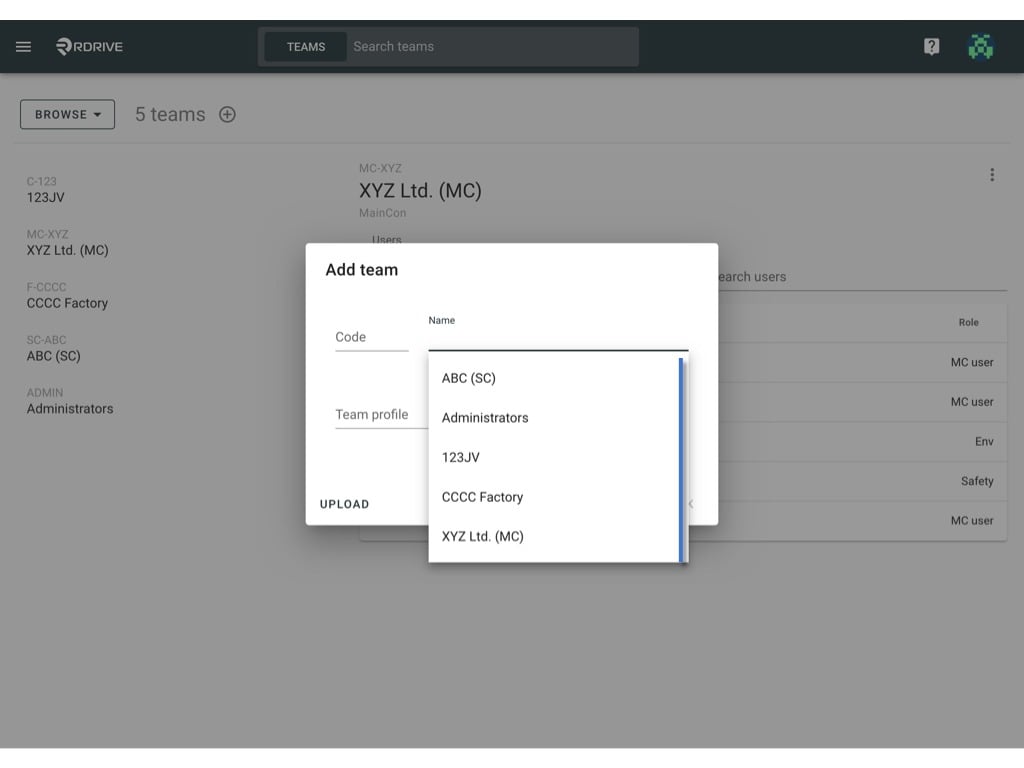
Click the ≡ menu icon on the top left corner to unfold the Menu, get entry to the Setting > Teams page.
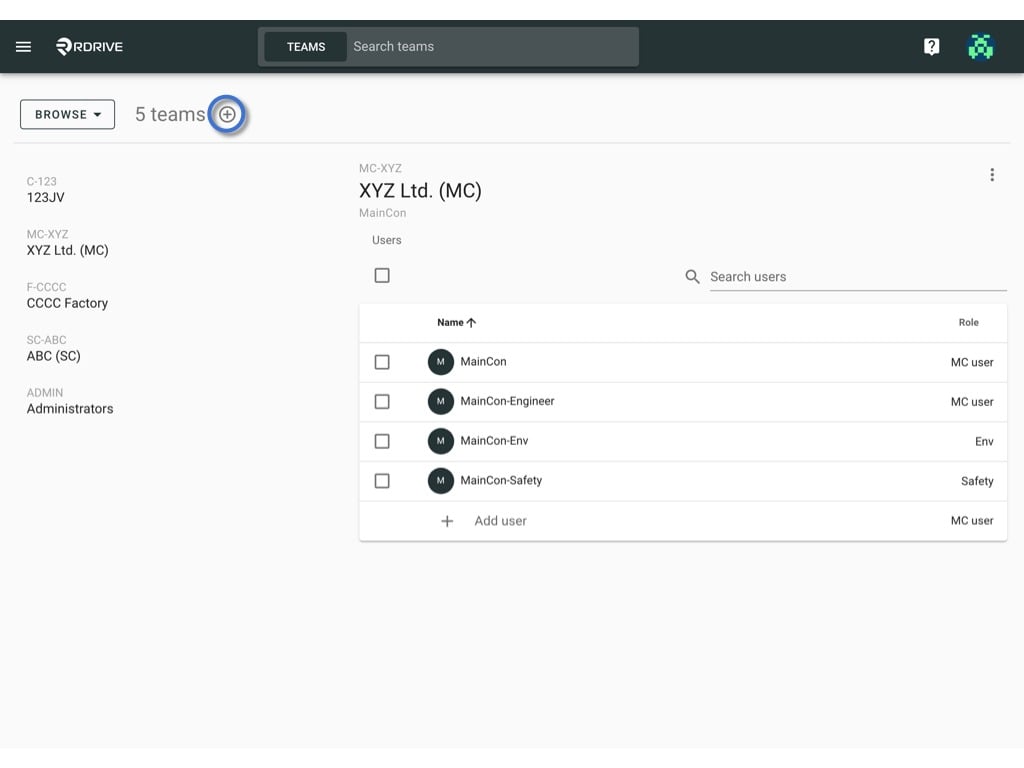
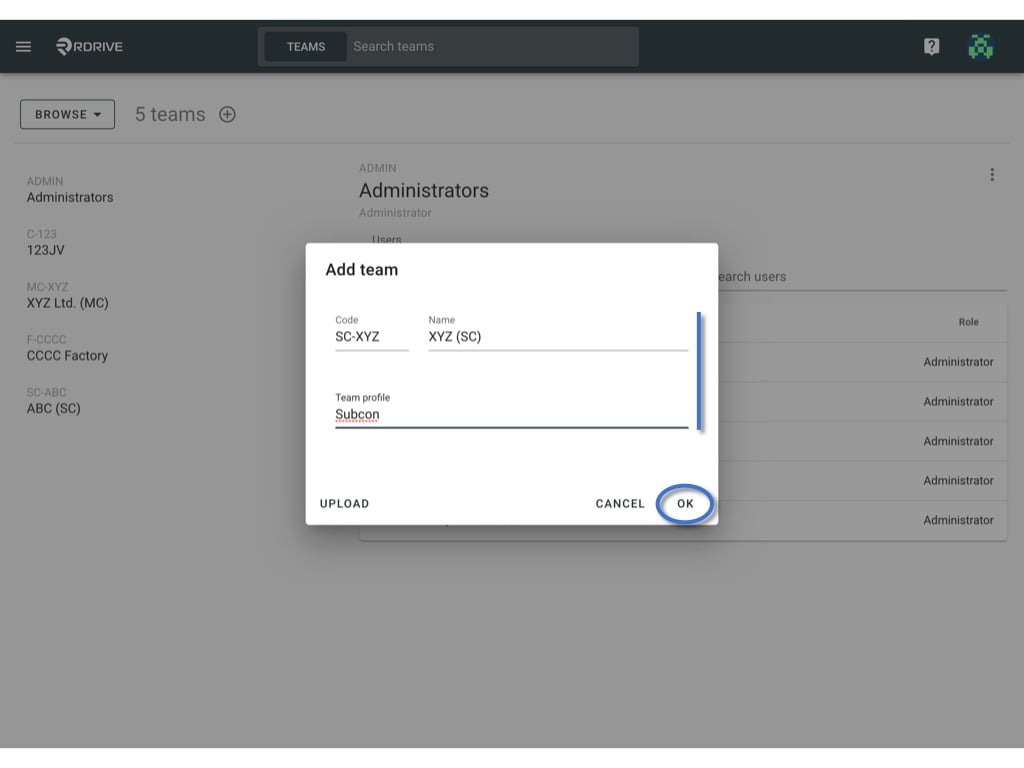
Click the ≡ menu icon on the top left corner to unfold the Menu, get entry to the Setting > Teams page.Press + button to add team.Enter the Code, Name and select team profile of the new add team. OK to confirm.or you can select the exists team/disabled team from the dropdown list by clicking the “Name”.
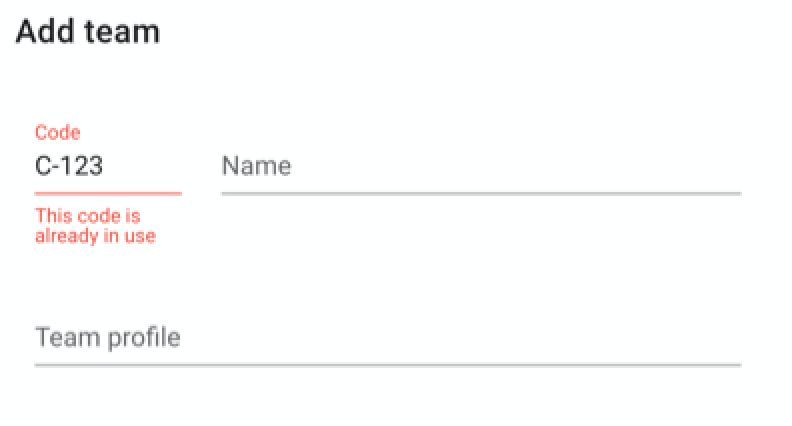
✨ If the code is already in use, an error message will display for a reminder.