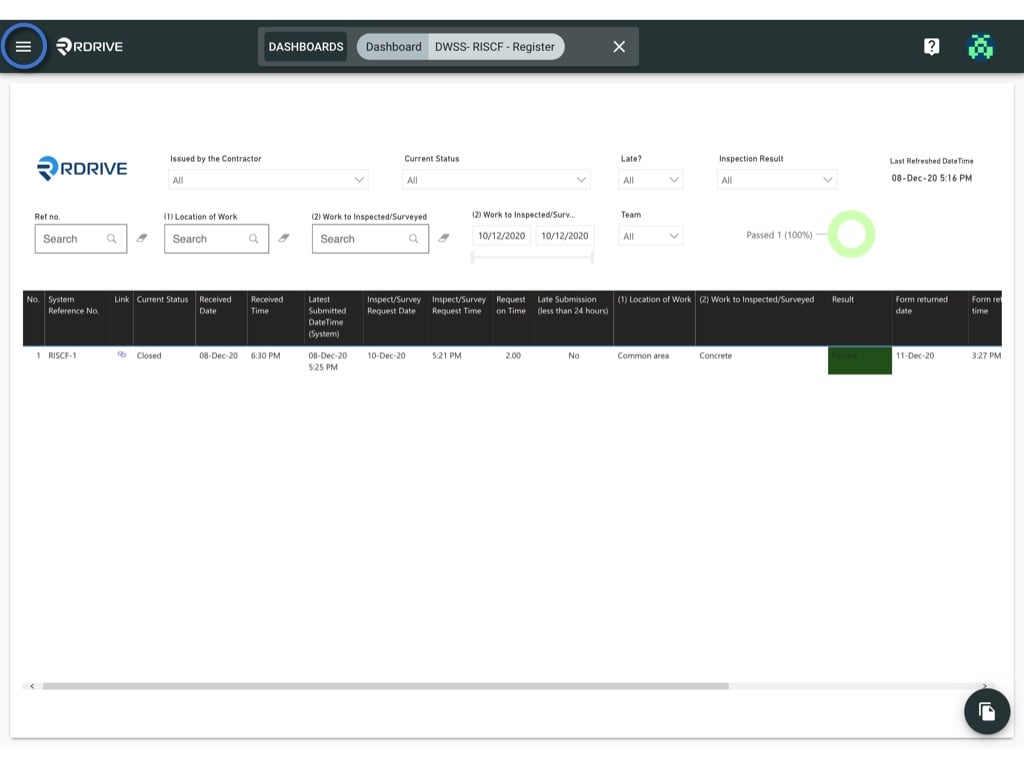
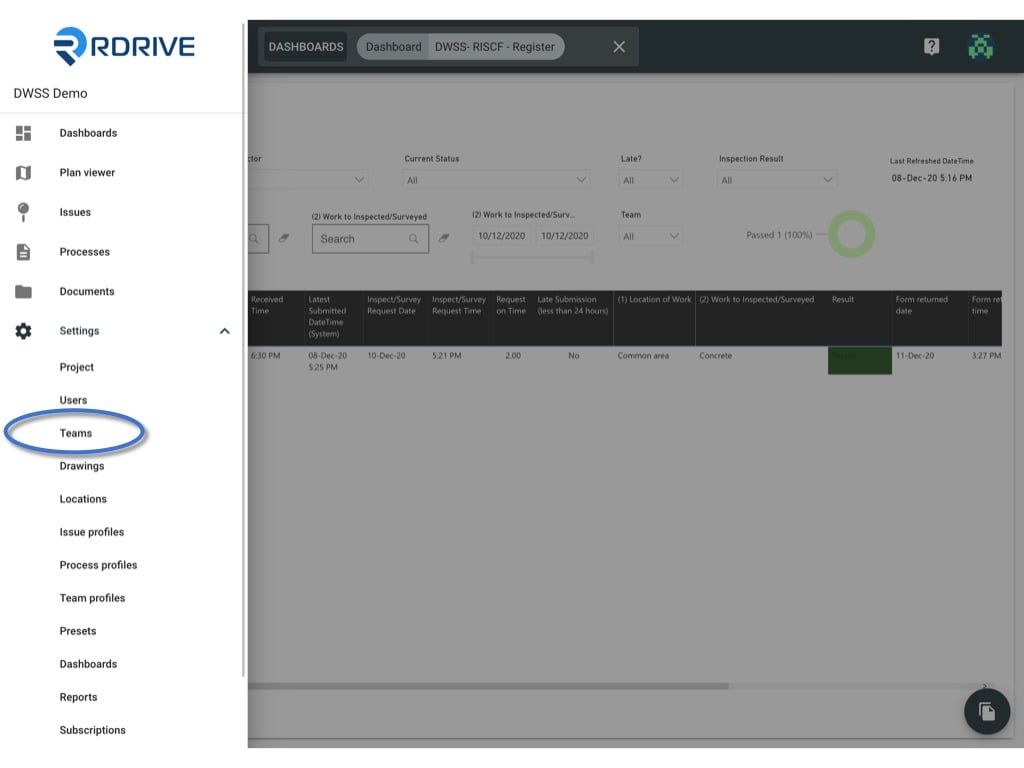
Click the ≡ menu icon on the top left corner to unfold the Menu, get entry to the Setting > Teams page.
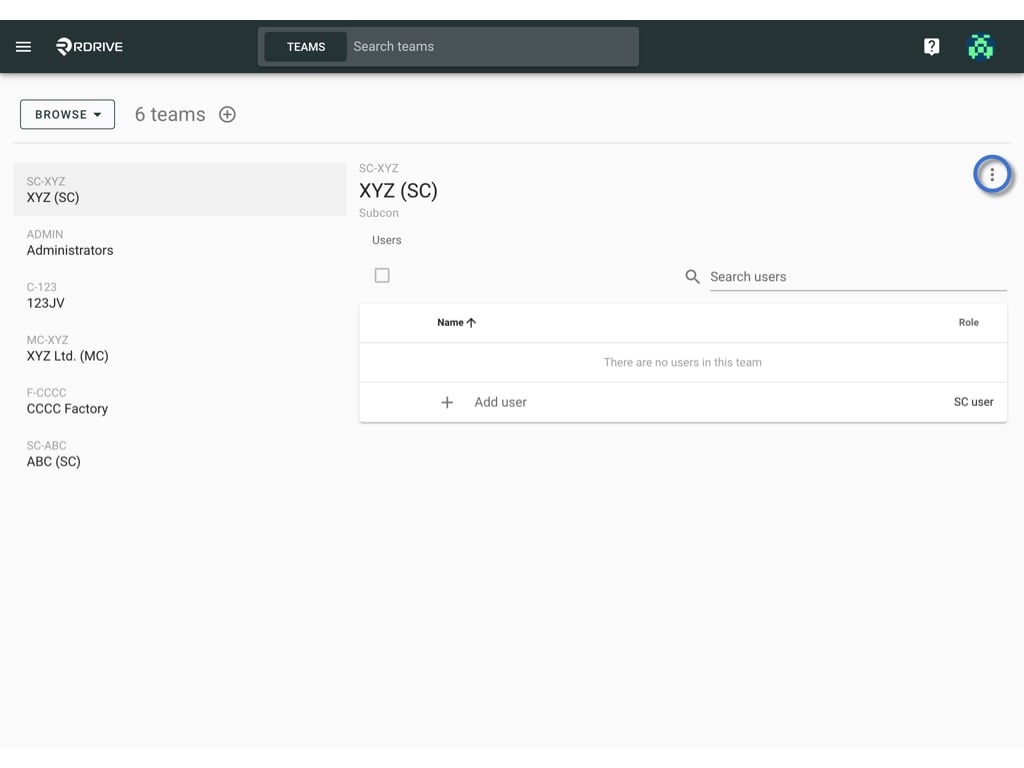
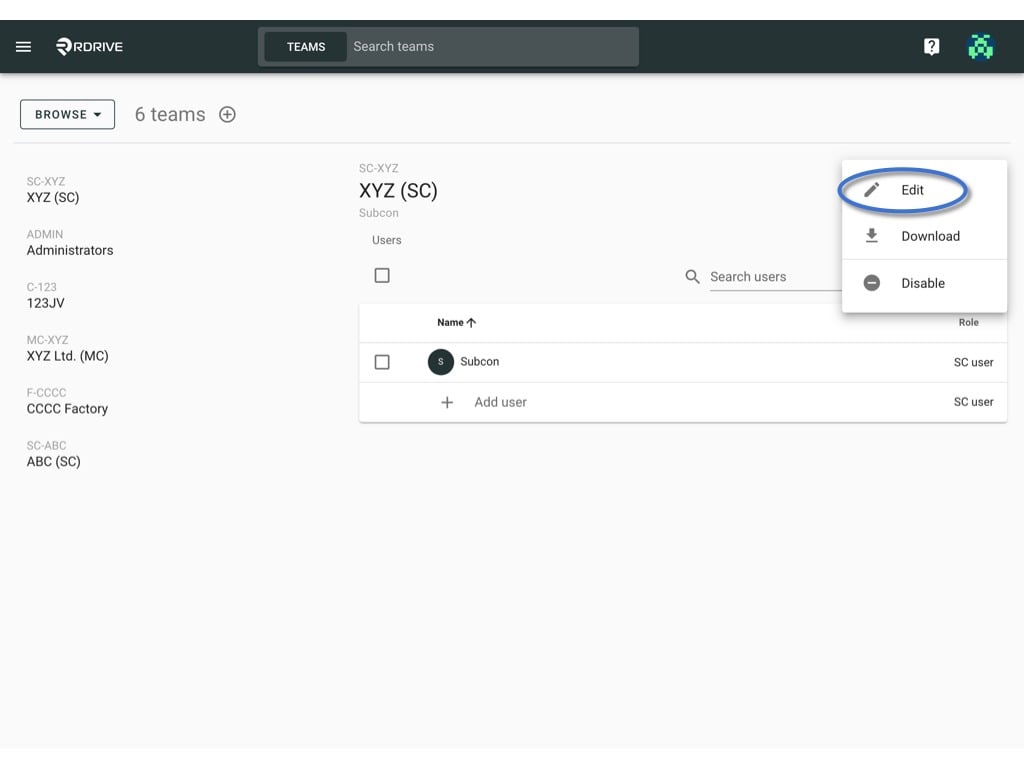
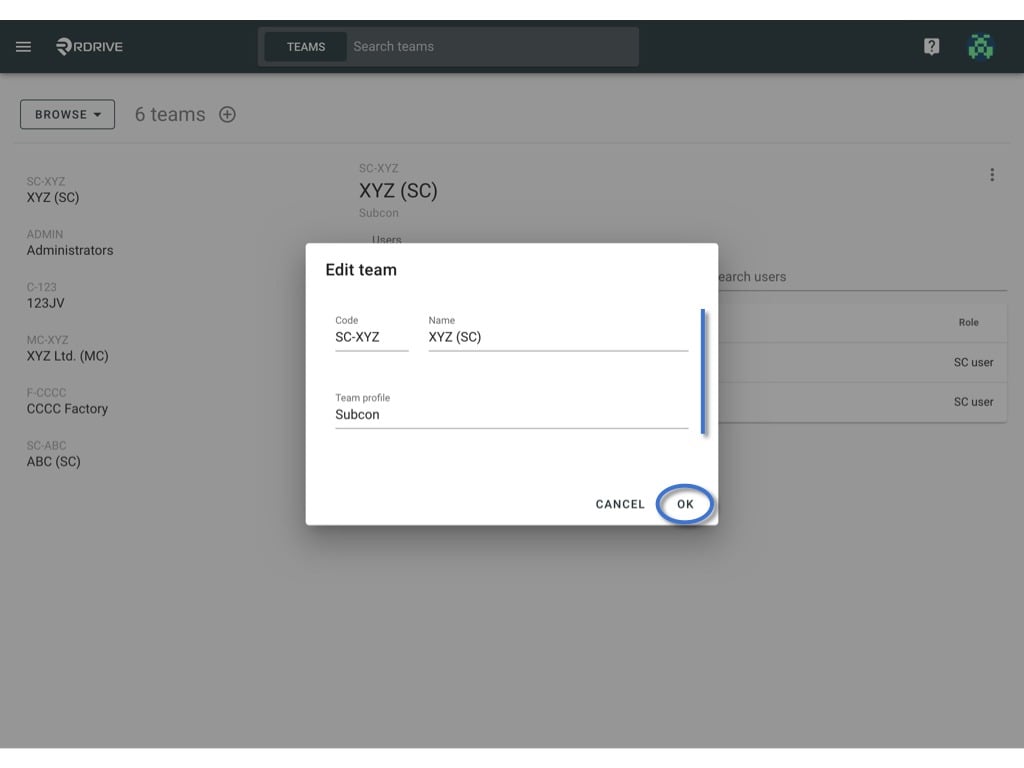
Click the ≡ menu icon on the top left corner to unfold the Menu, get entry to the Setting > Teams page.Click the ⋮ button on the right-hand side of the Team name > Edit.From here you are able to edit the team’s code, name and team profile.
Edit the info and click OK to save.