How can I reset the authenticated device for others?
Sometimes, the user is unable to use the authenticated device, they need to contact their project administrator to disable the authenticated device or the user
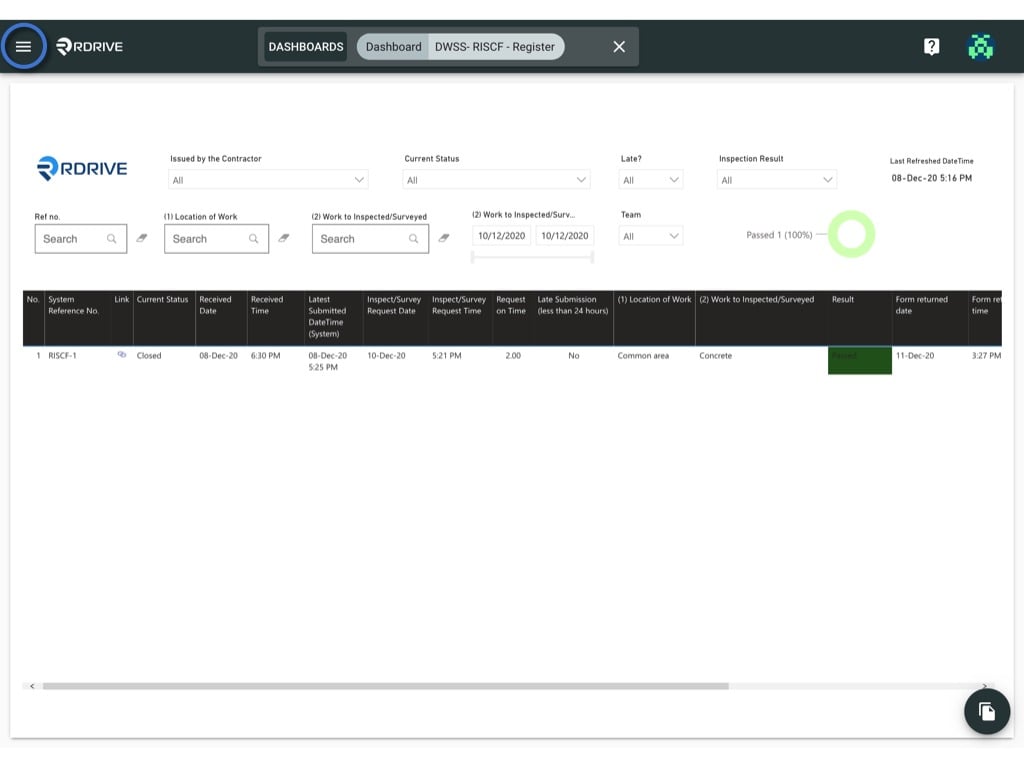
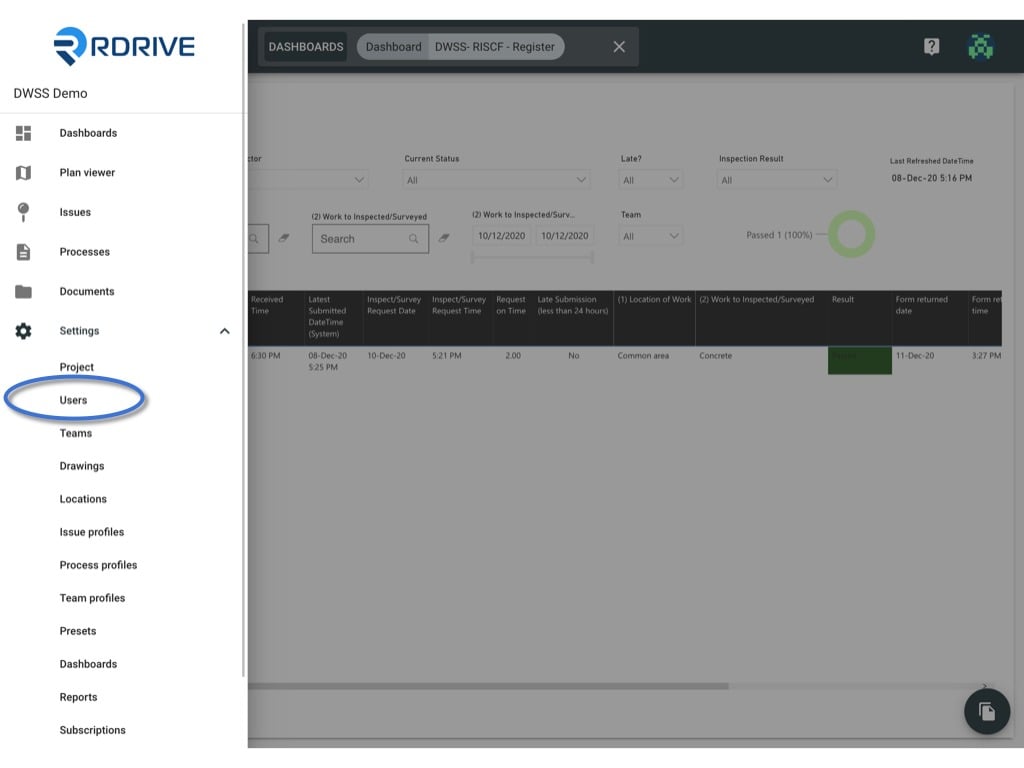
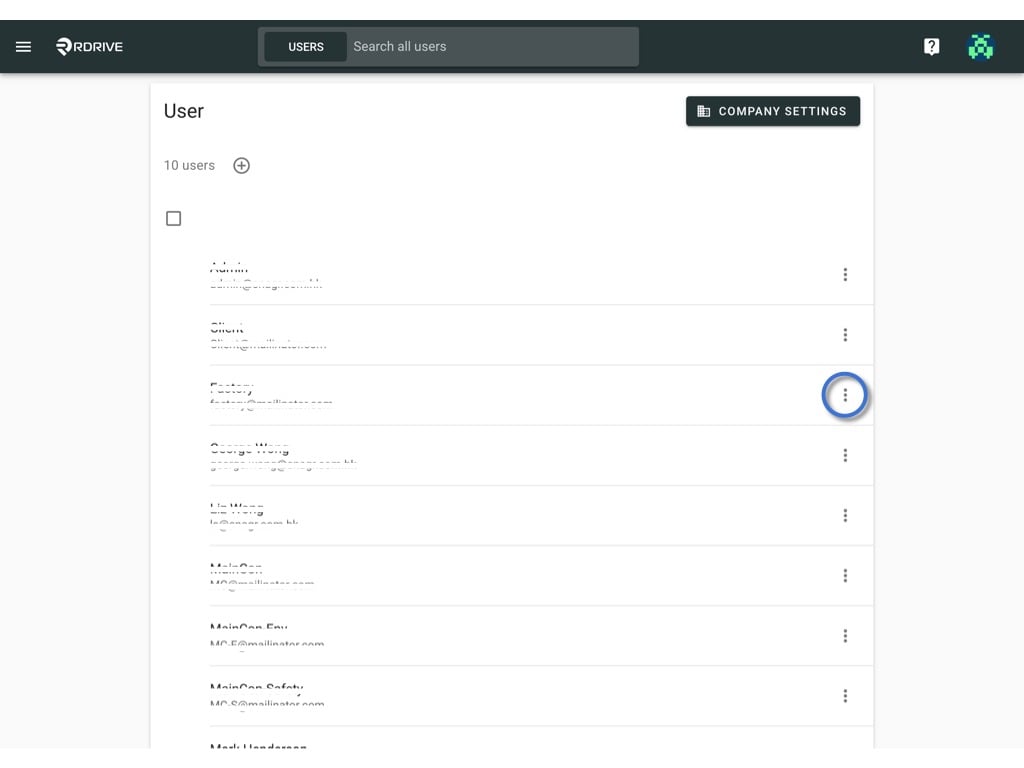
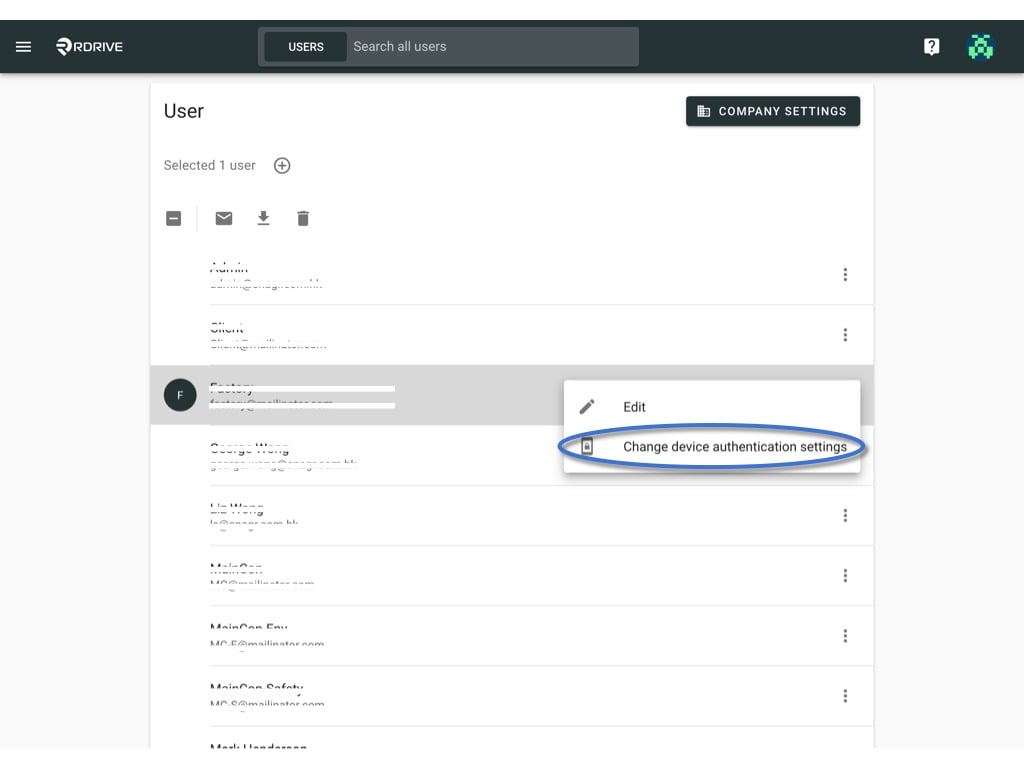
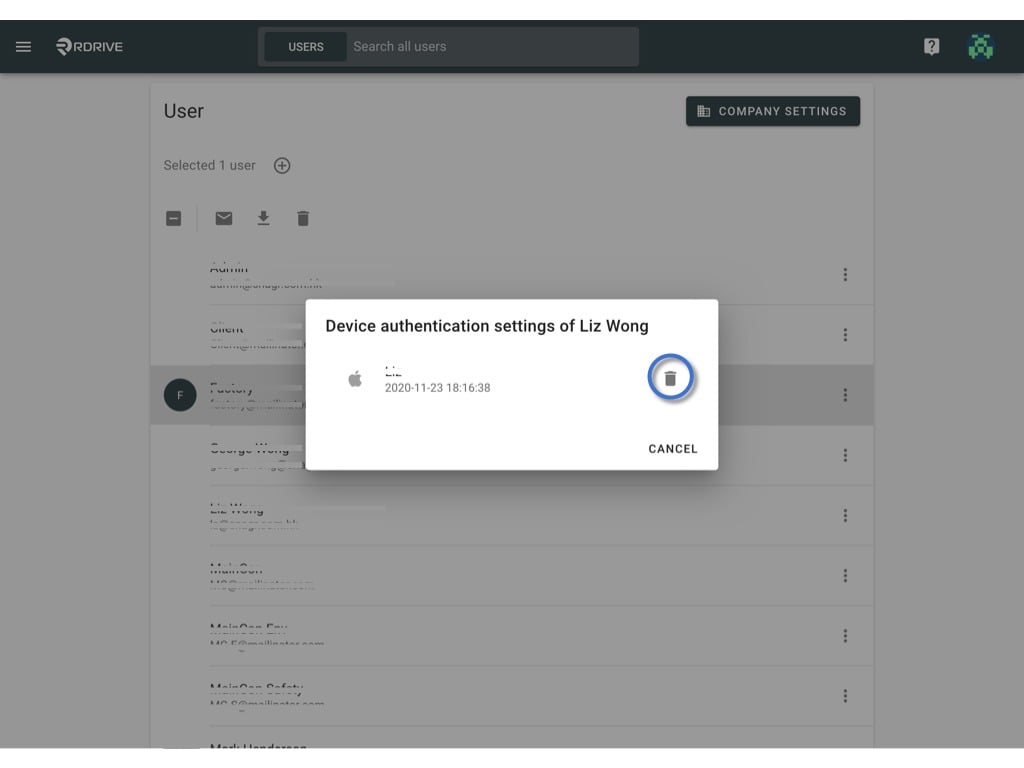
Sometimes, the user is unable to use the authenticated device, they need to contact their project administrator to disable the authenticated device or the user may reset on his/her own if has another authenticated device.Here is how the project administrator resets the verification key.viaWebsiteTo start, click the menu icon on the top left corner to unfold the Menu, Go to Settings > UsersClick the ⋮ button on the right-hand side of the user and press Change device authentication settings.All the authenticated device(s) will display this dialogue.
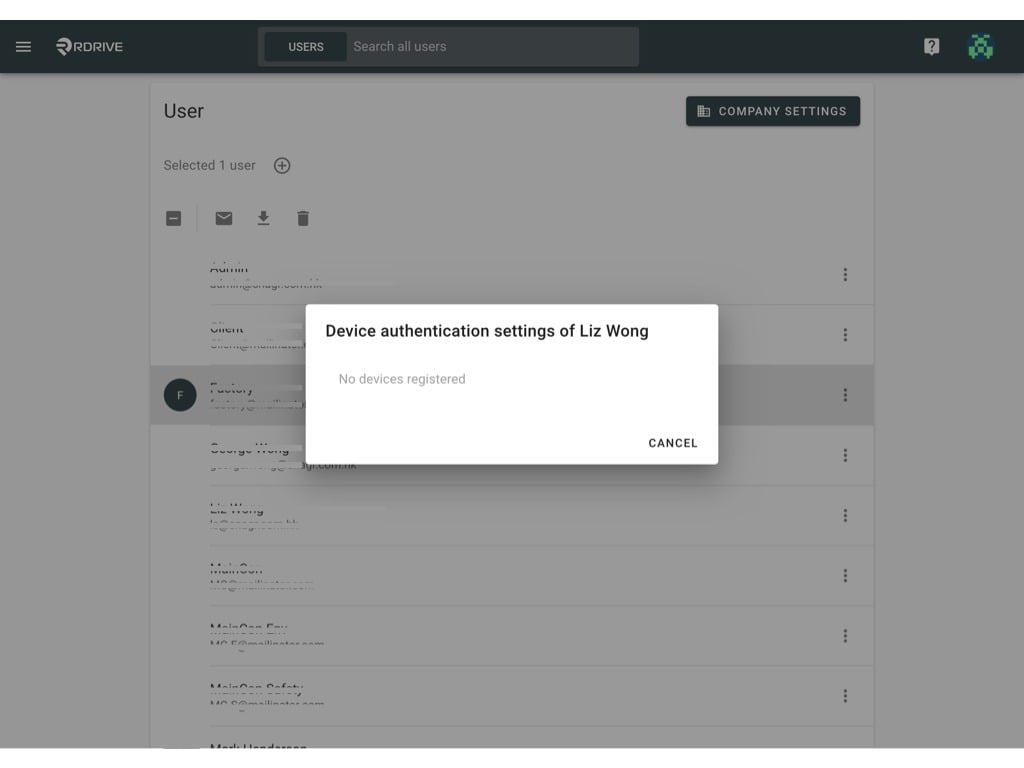
Click the trash icon to disable.Want to know more about how to activate the 2FA/Passwordless? Click here.