System does not “Delete” a user because the user may have some activity record or history. We can only disable it to strip the user of access while maintaining data integrity. And that user can always be re-enabled in the future by the admin as well. 
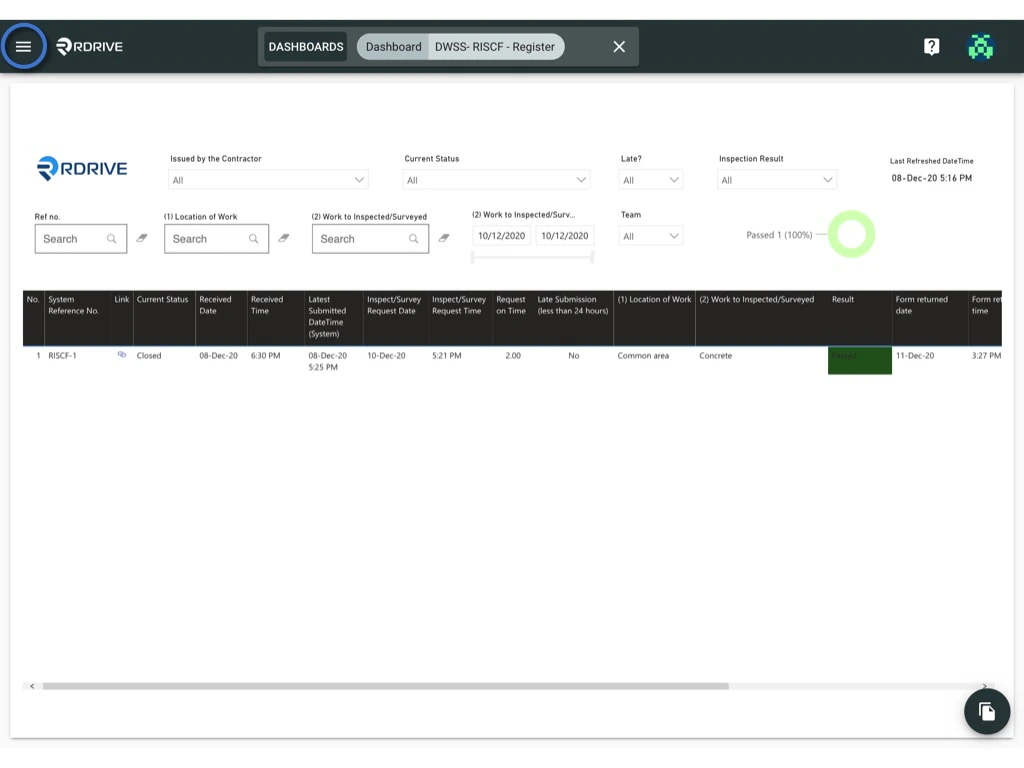
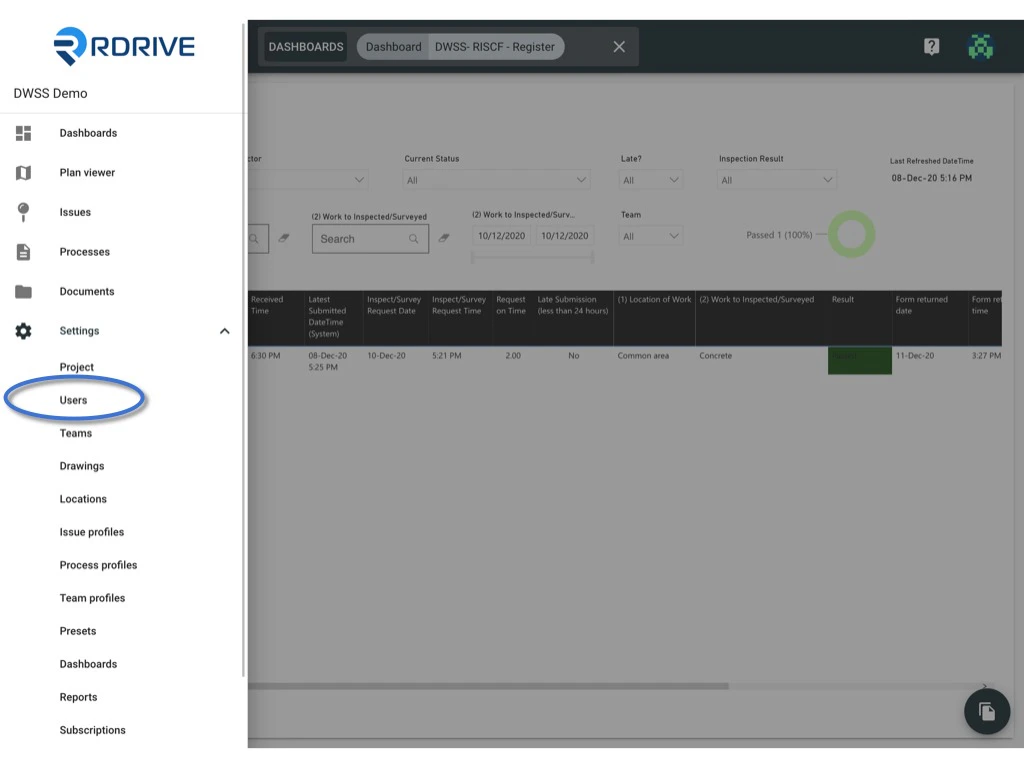
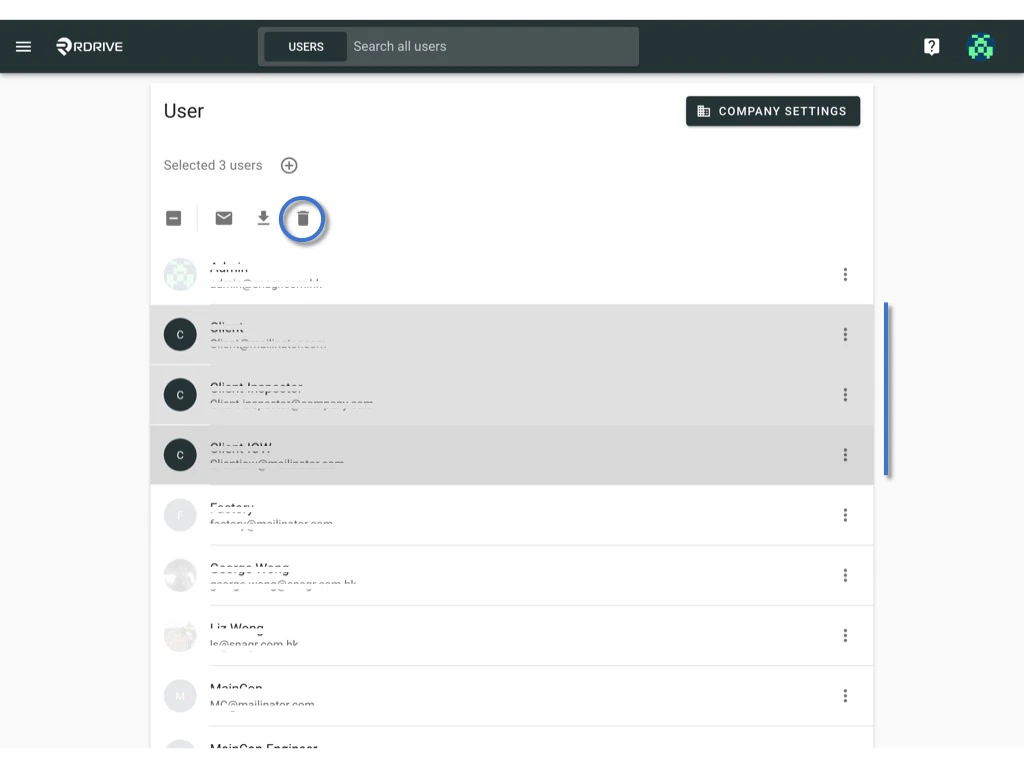
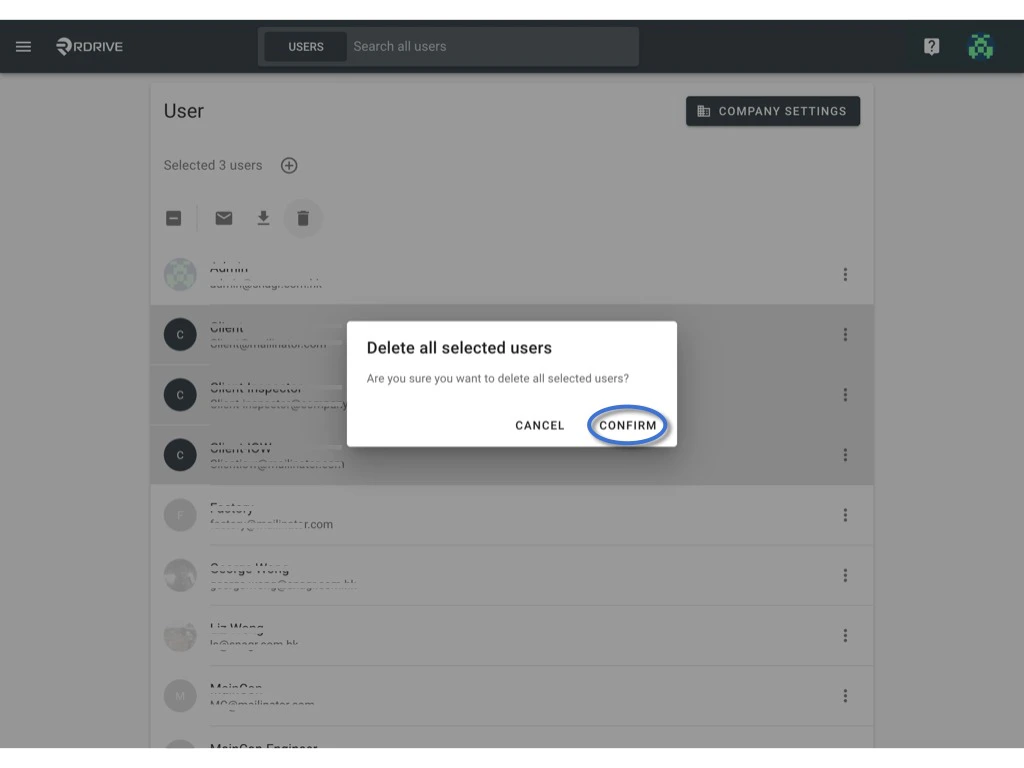
Click the  menu icon on the top left corner to unfold the Menu, get entry to the Setting > Users page. How to disable the user from the project? How to disable the user from the project? Select the user(s) you want to remove, the selected item will be highlighted in grey. Click the remove icon. How to disable the user from the project? Click CONFIRM to confirm removal. How to disable the user from the project?