
Overview
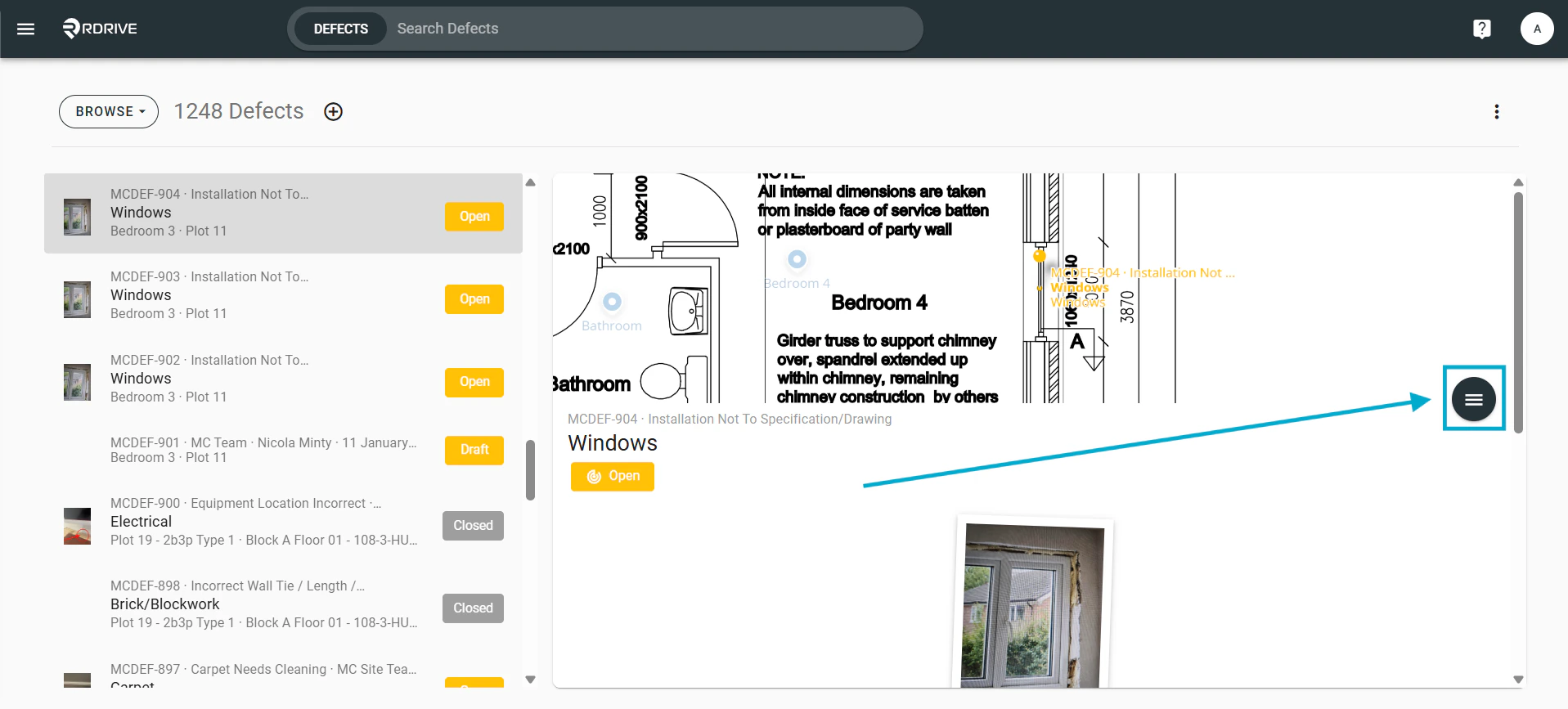
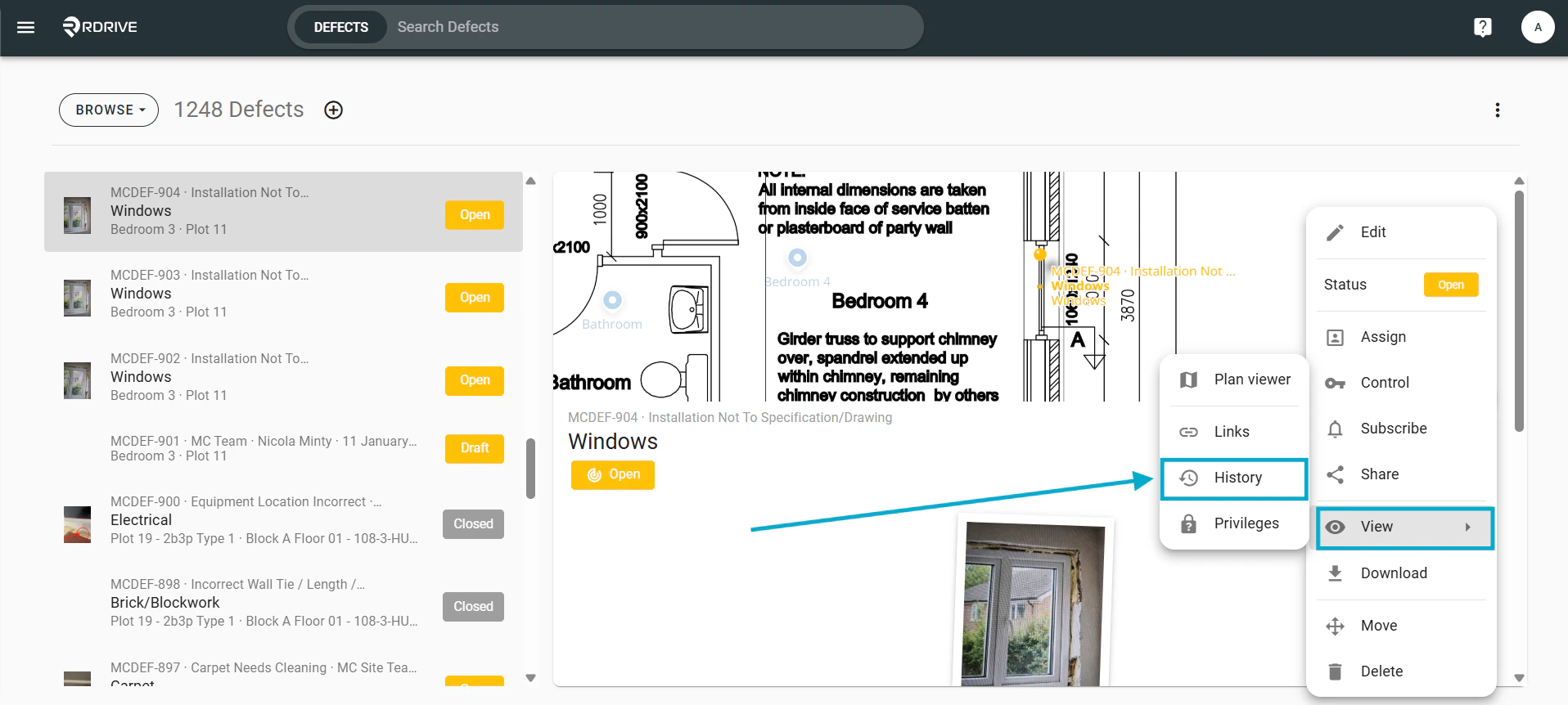
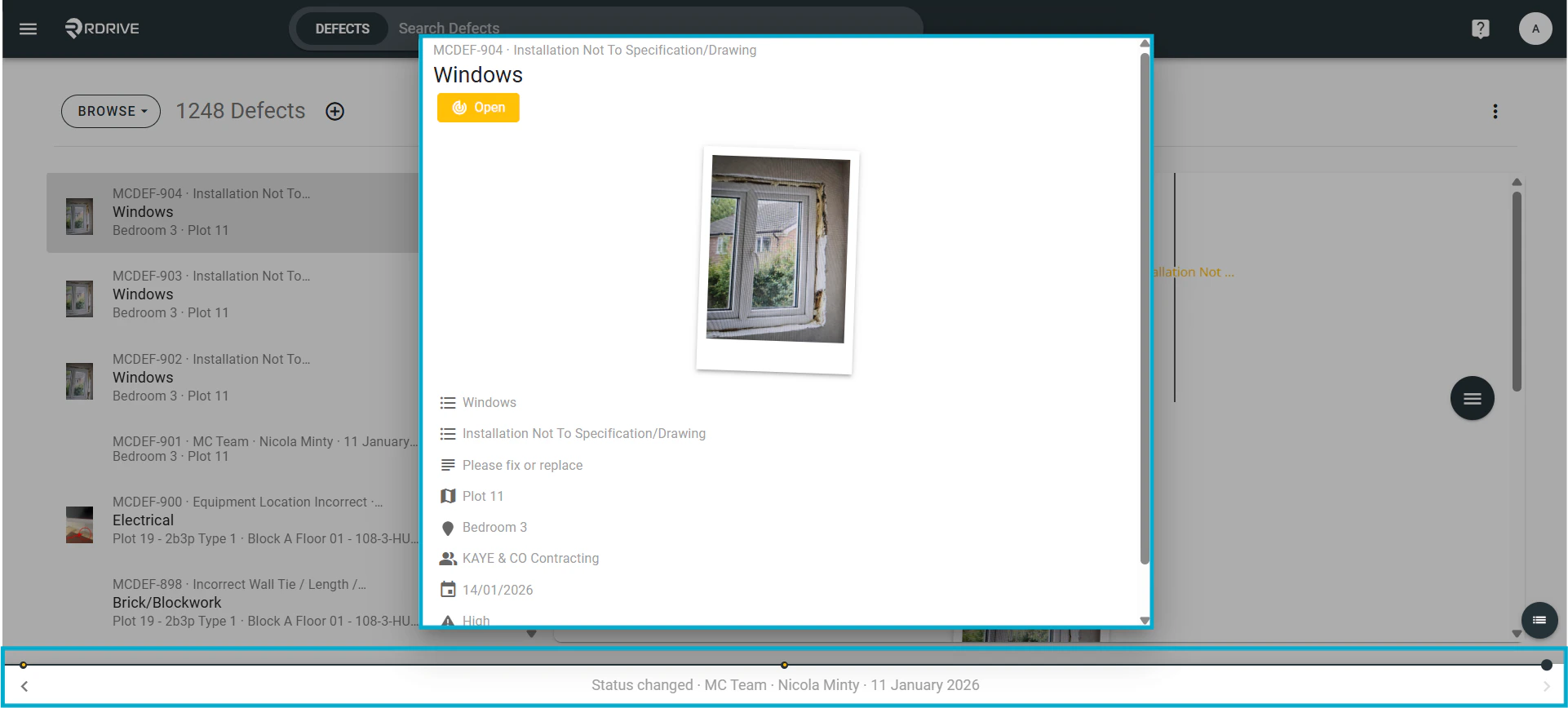
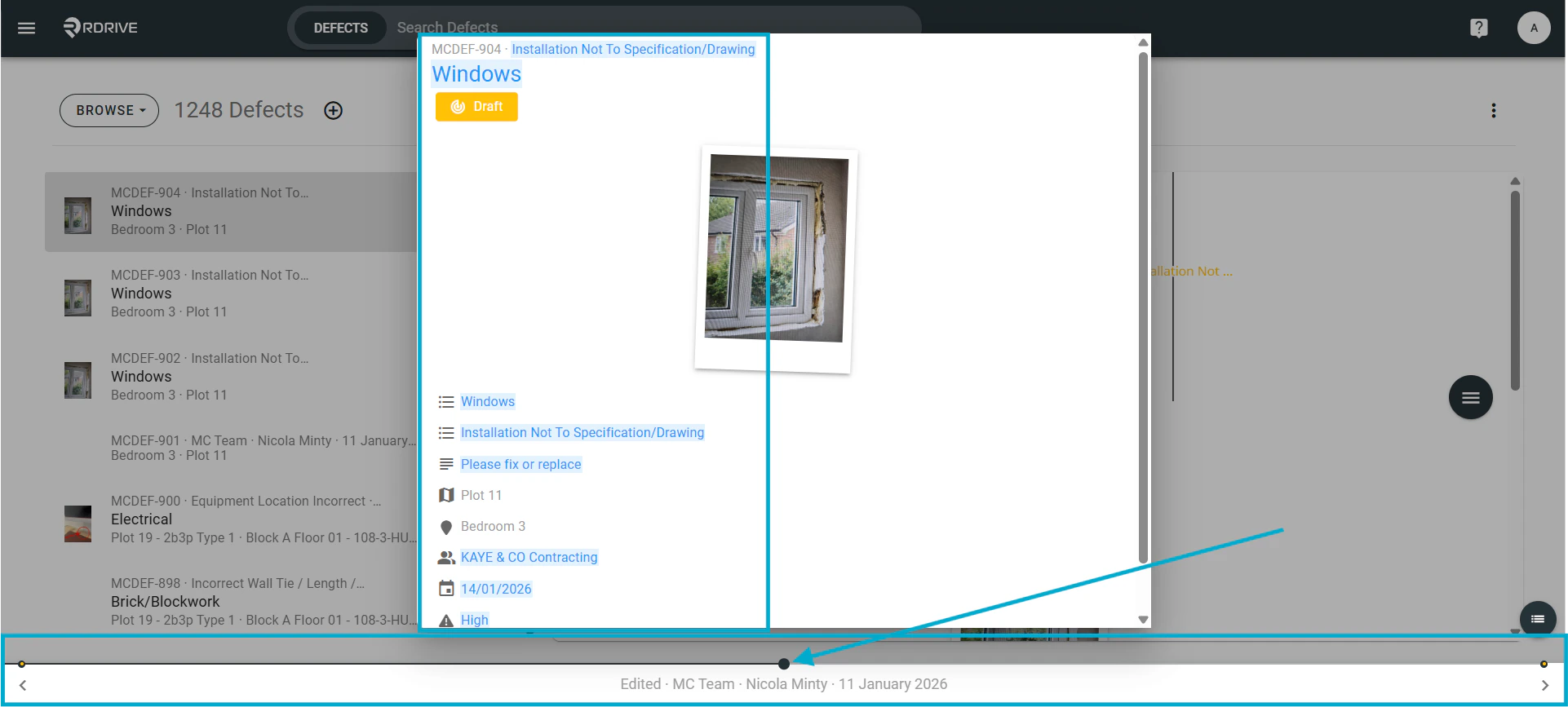
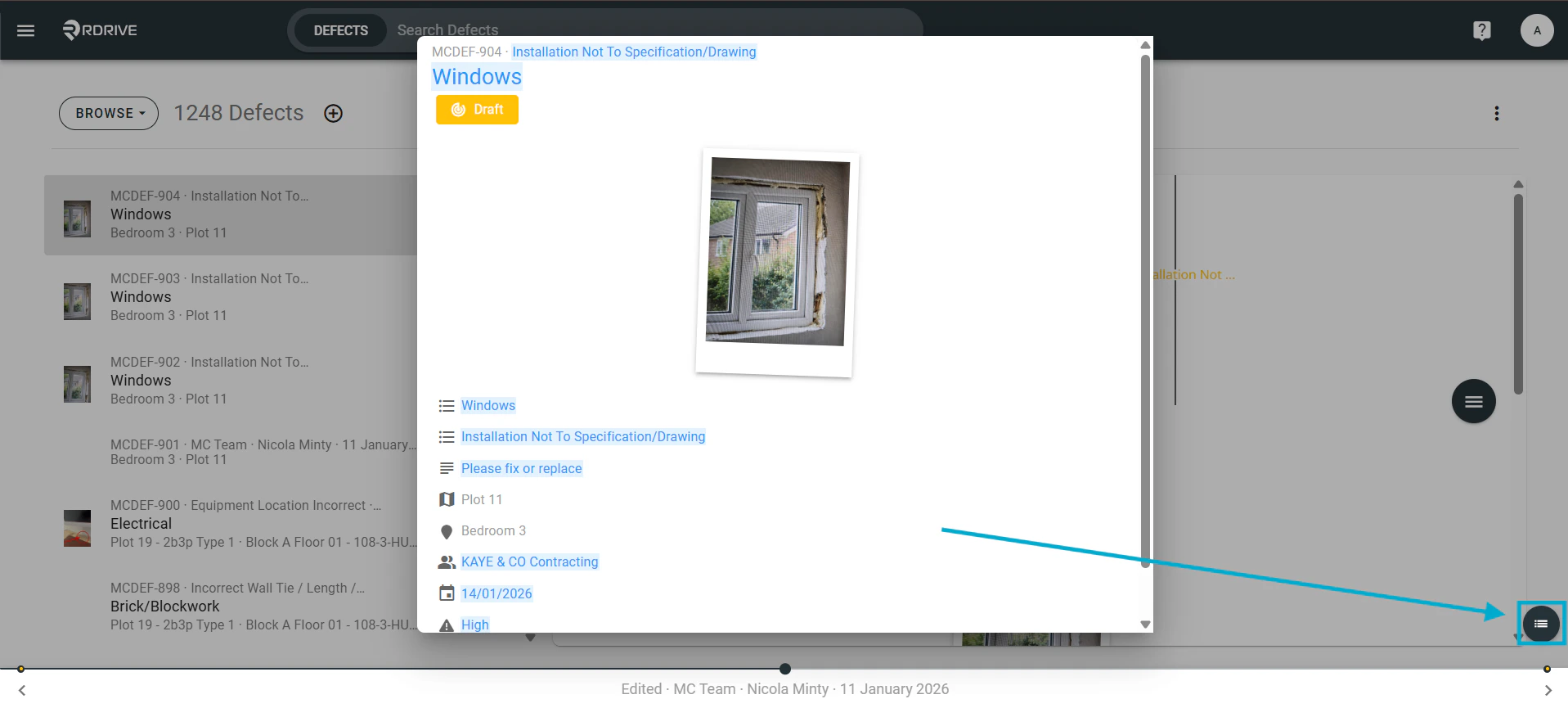
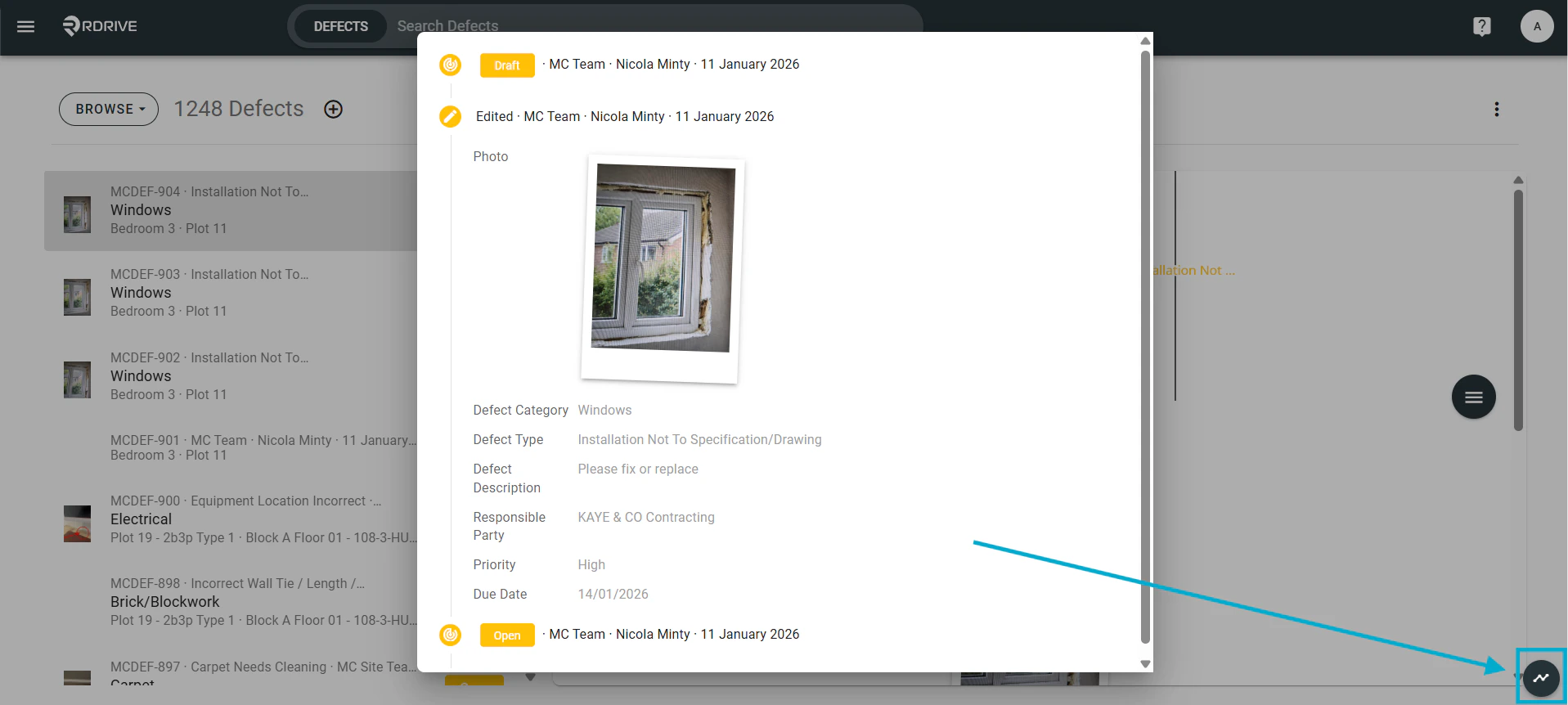
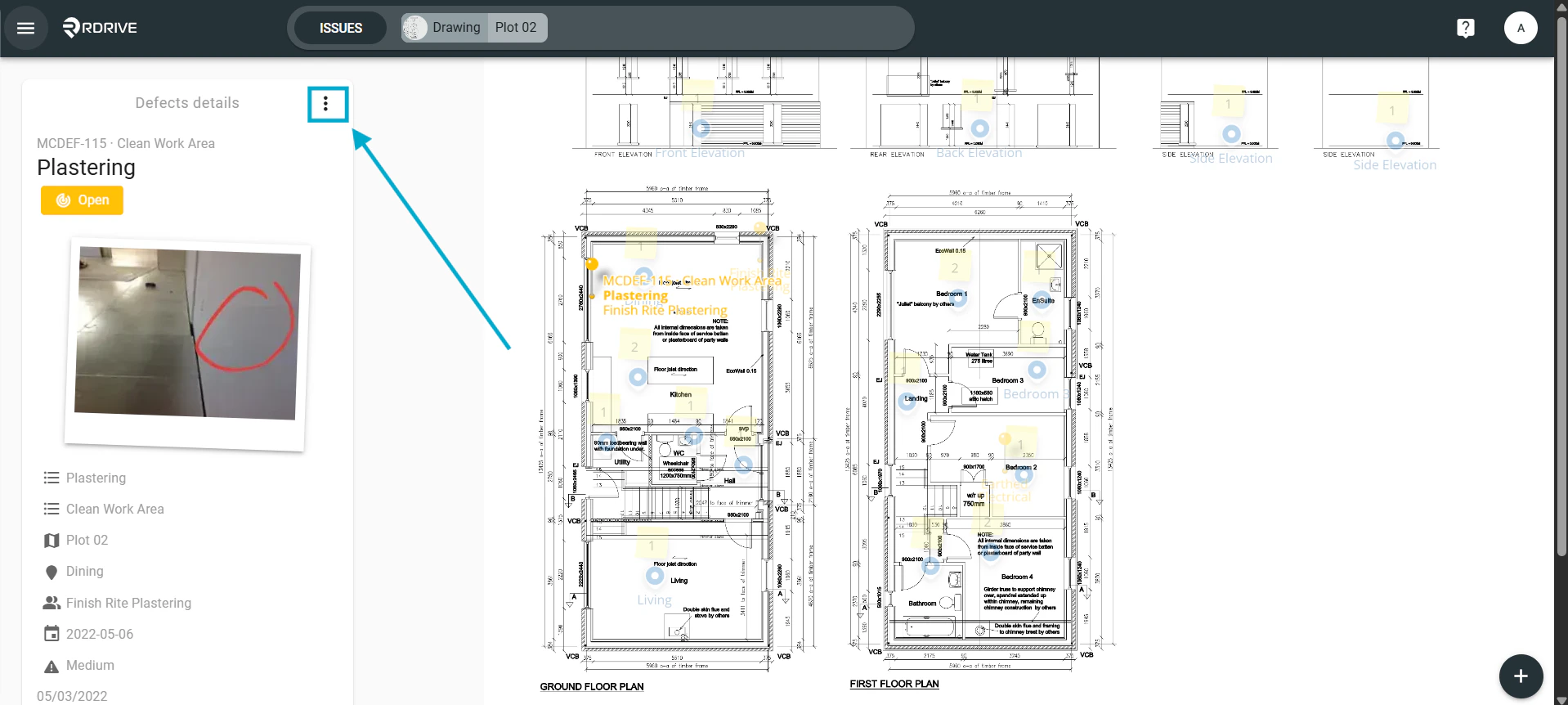
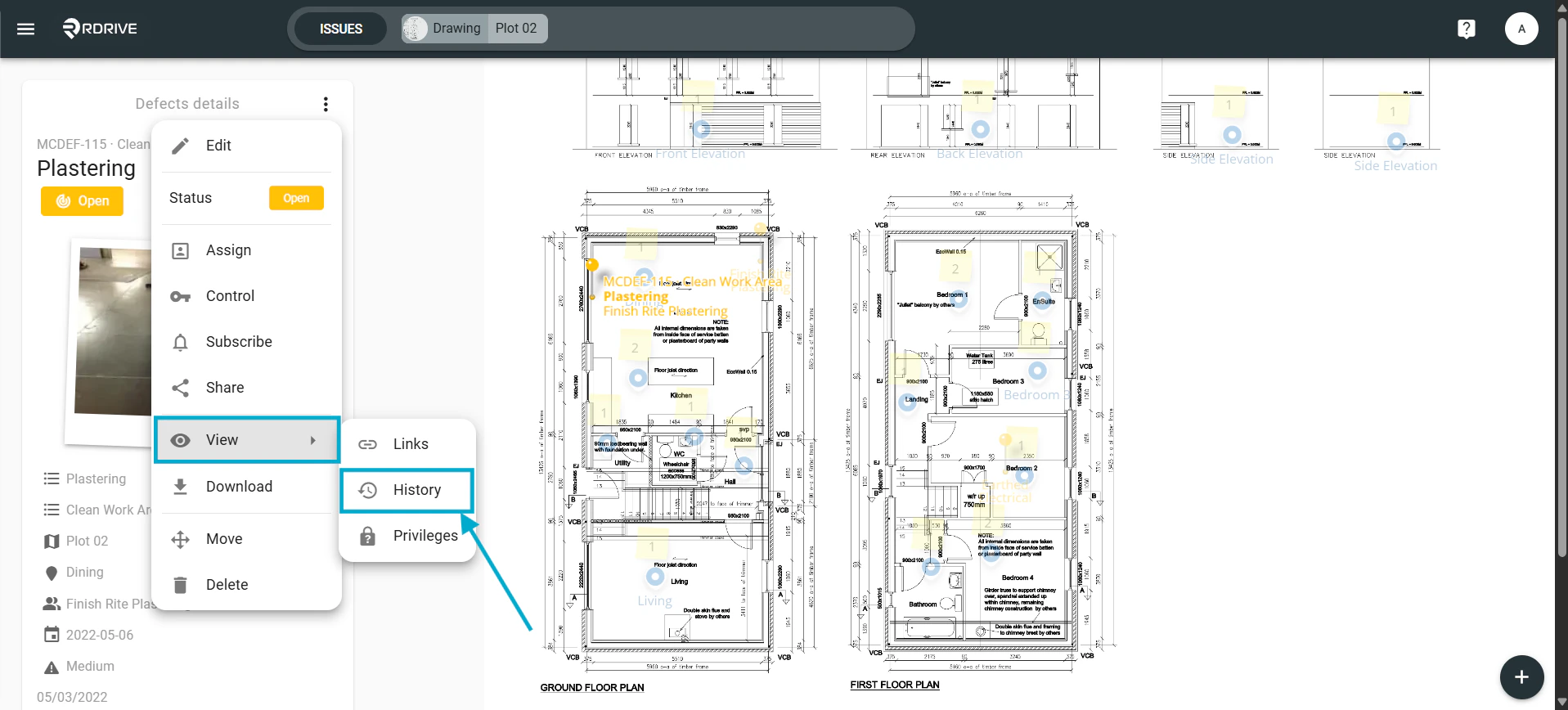
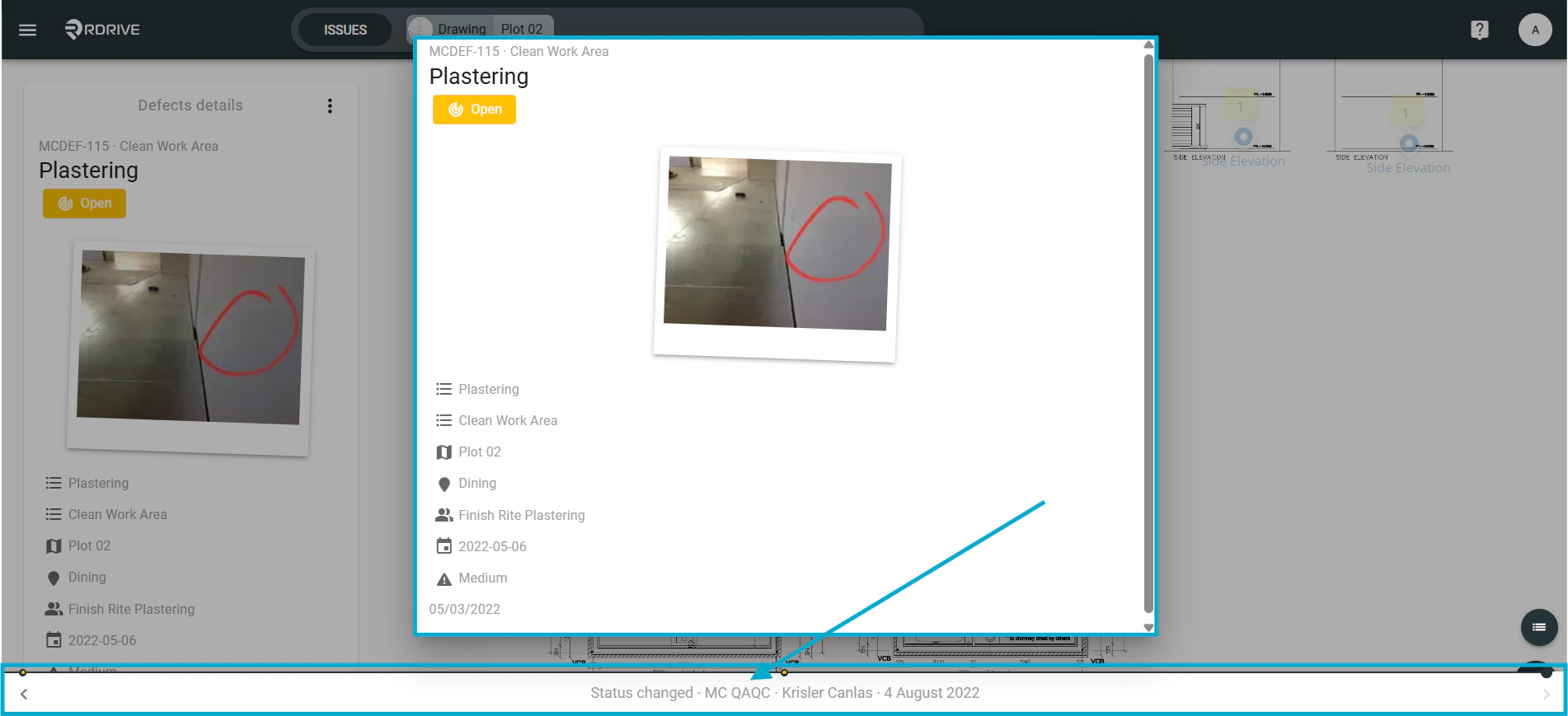
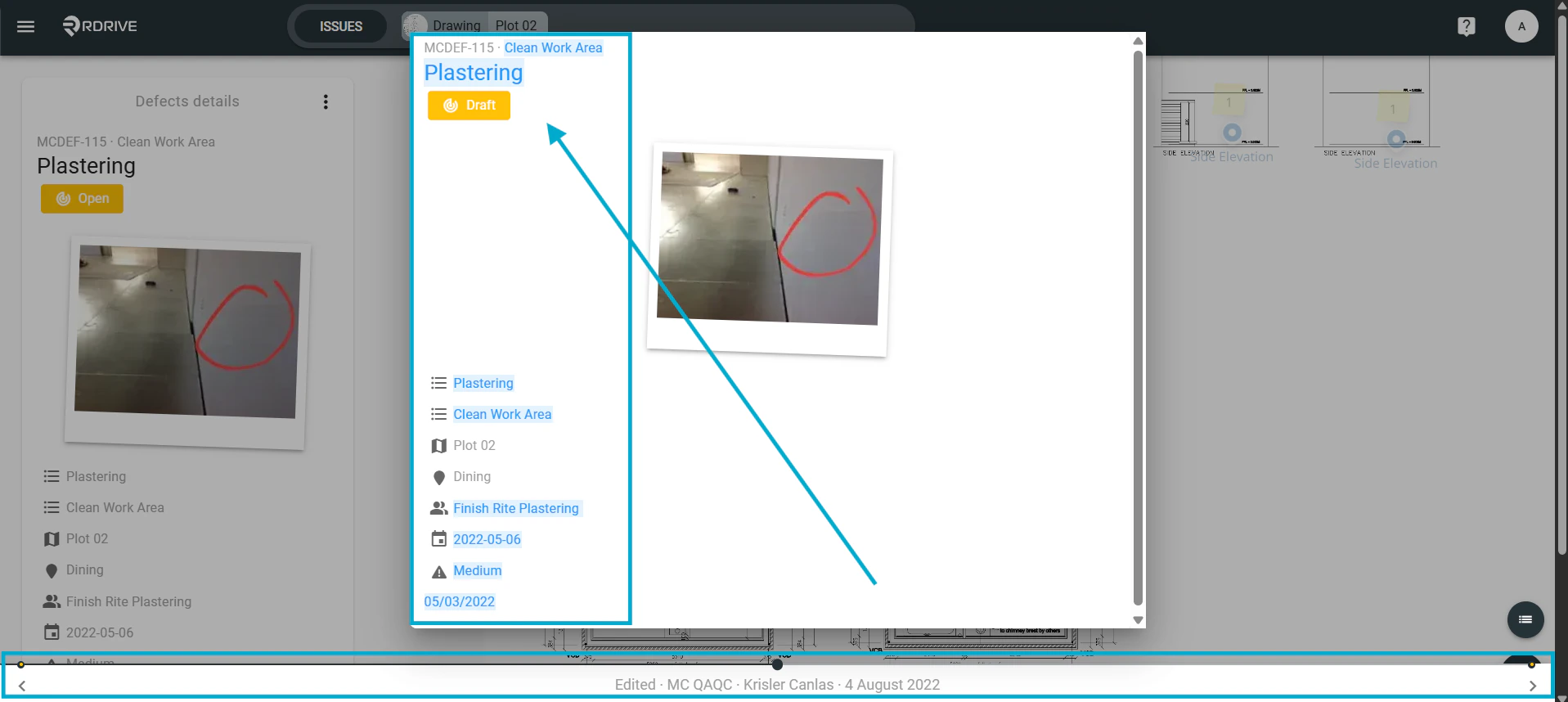
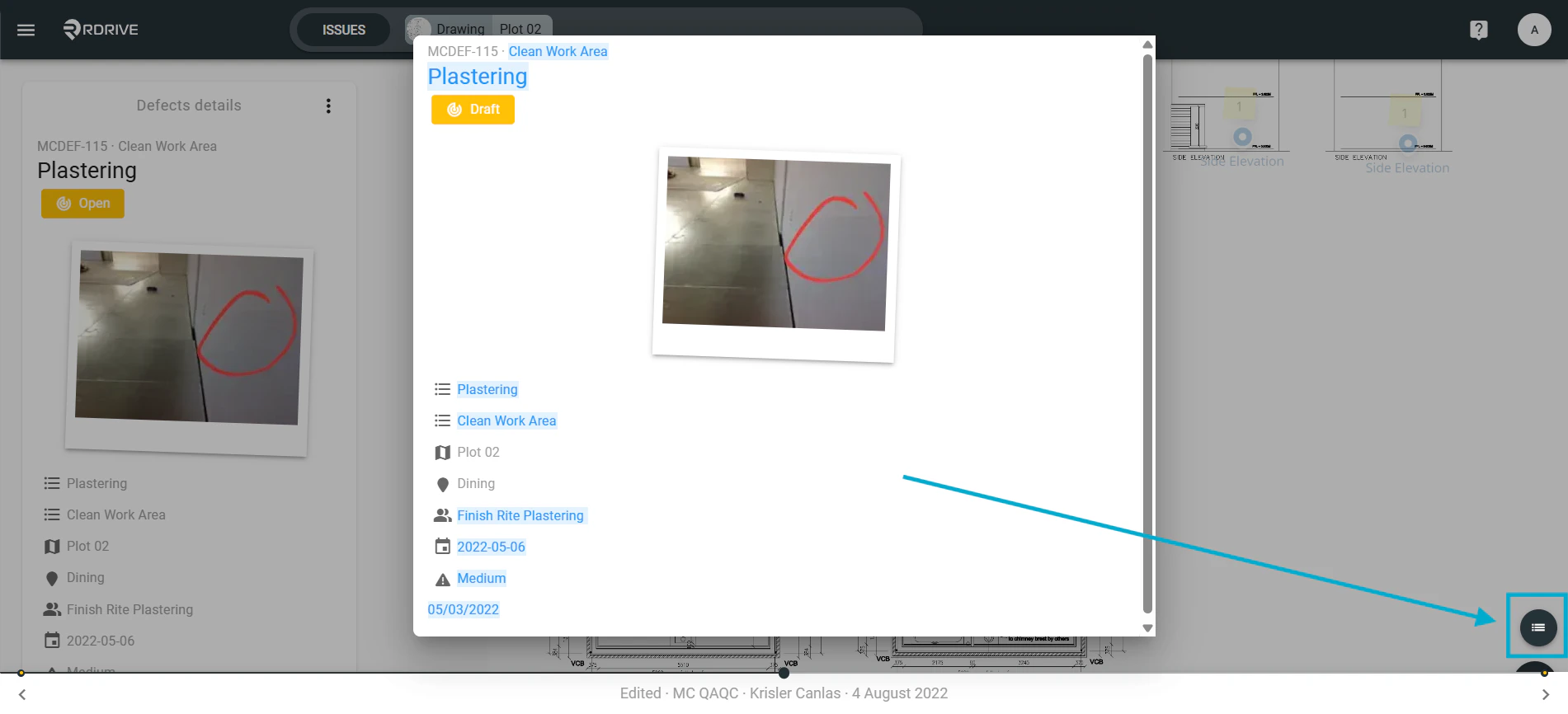
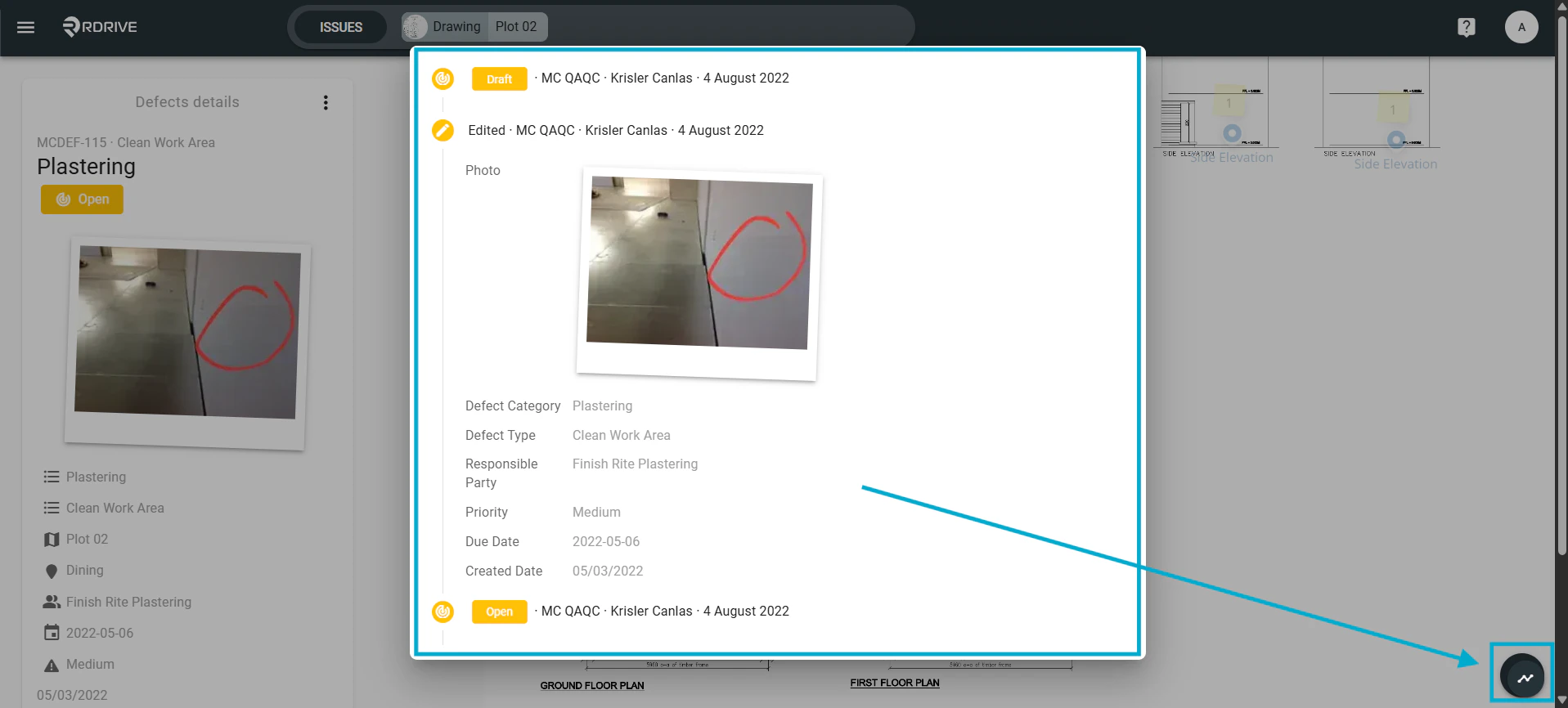
How to view the history of an issue/defect/record- Purpose: How to navigate to an items history and see changes made
- Who It’s For: General users
Prerequisites: Able to read the item
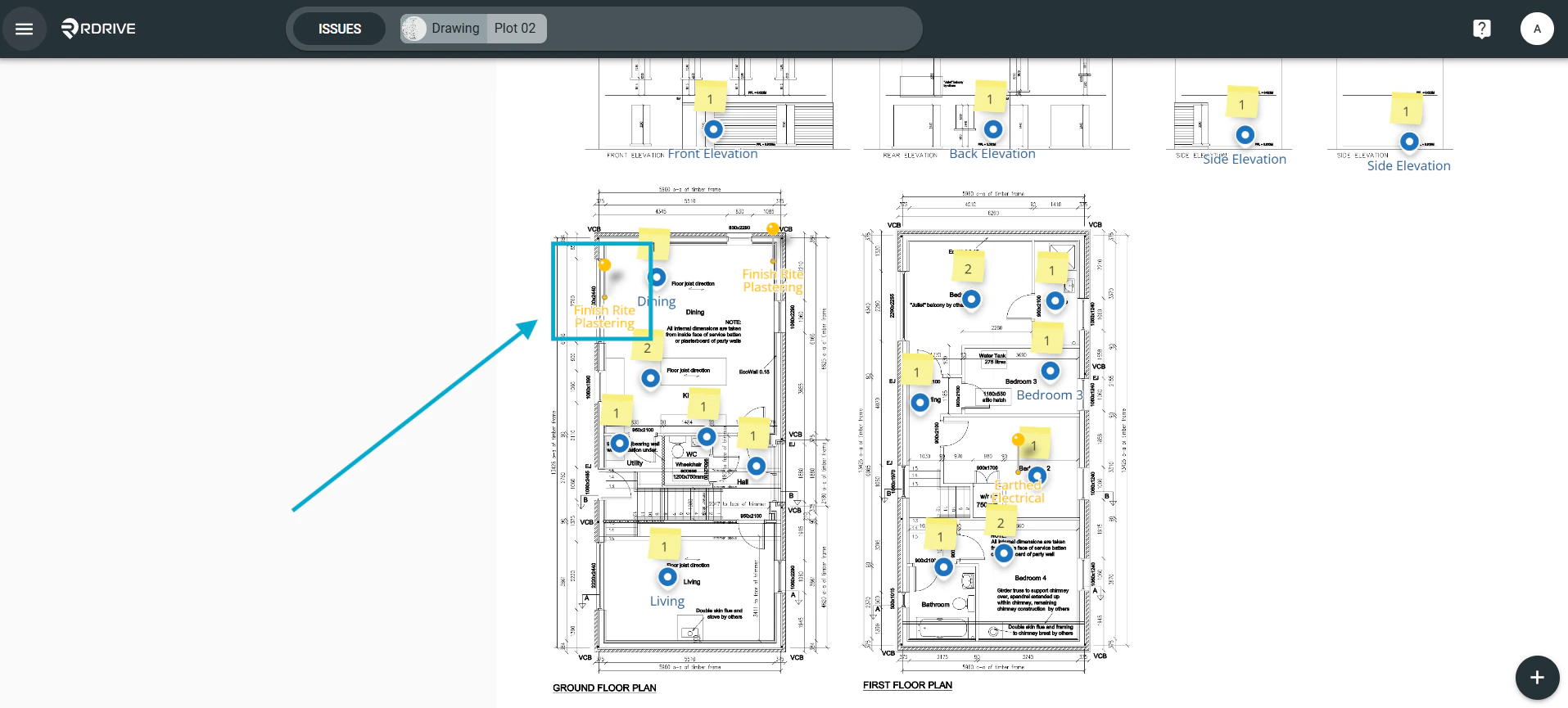
Via Plan Viewer
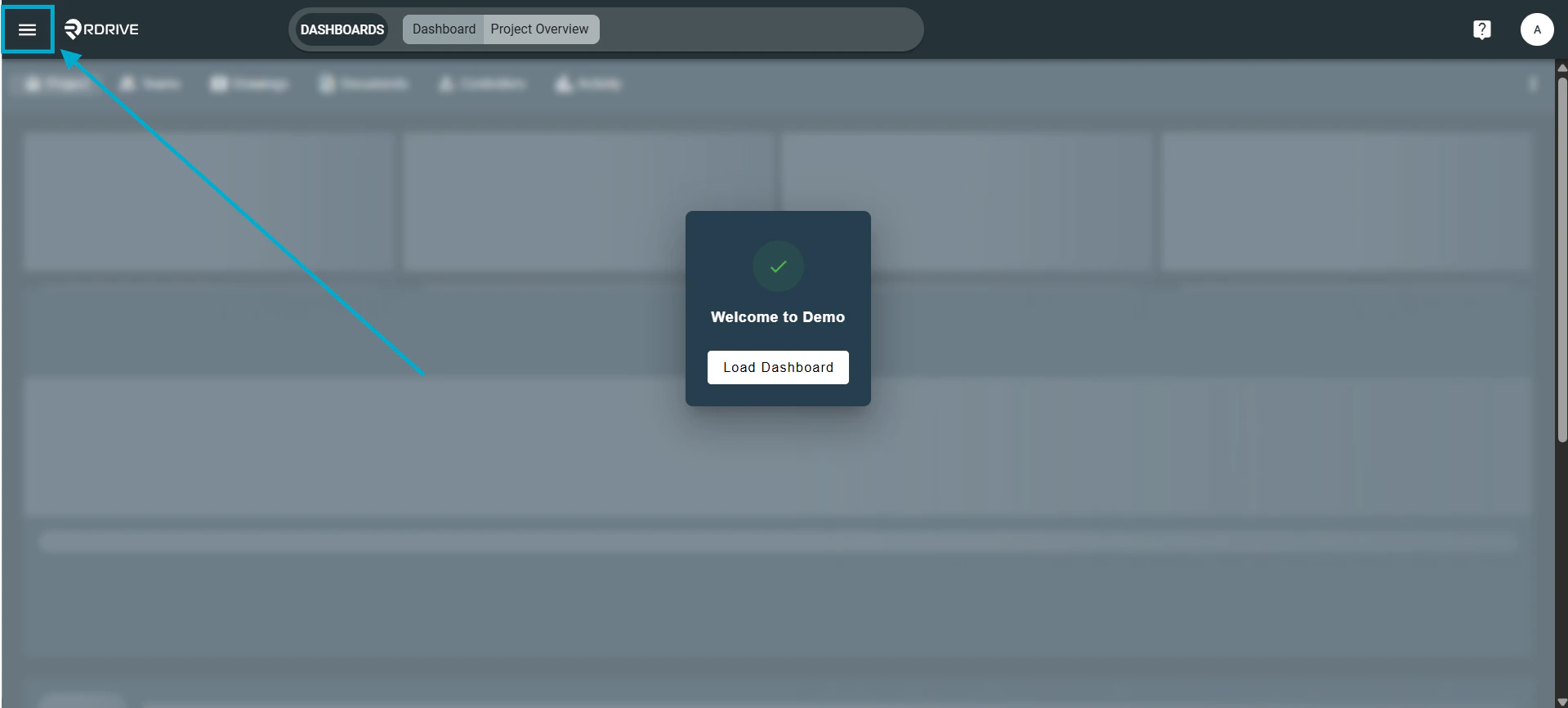
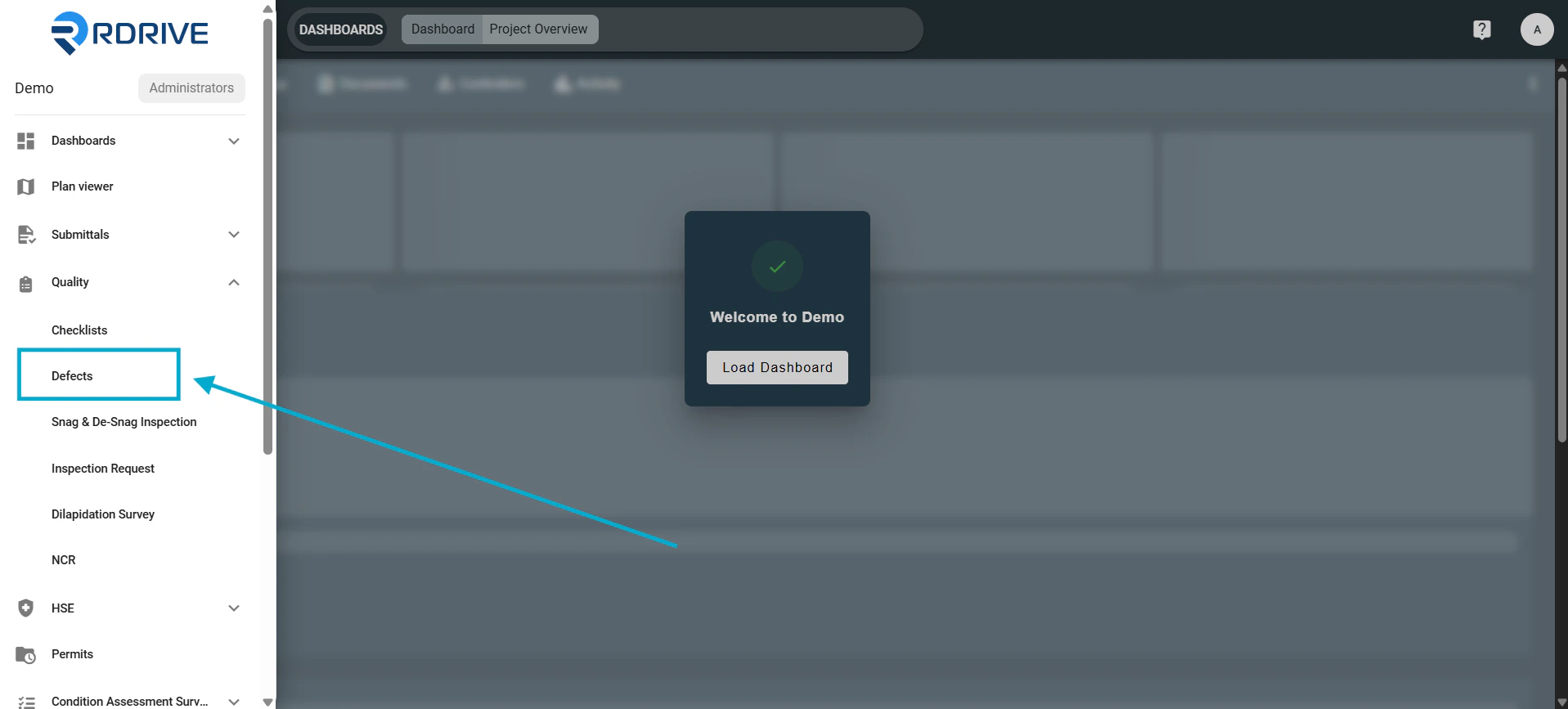
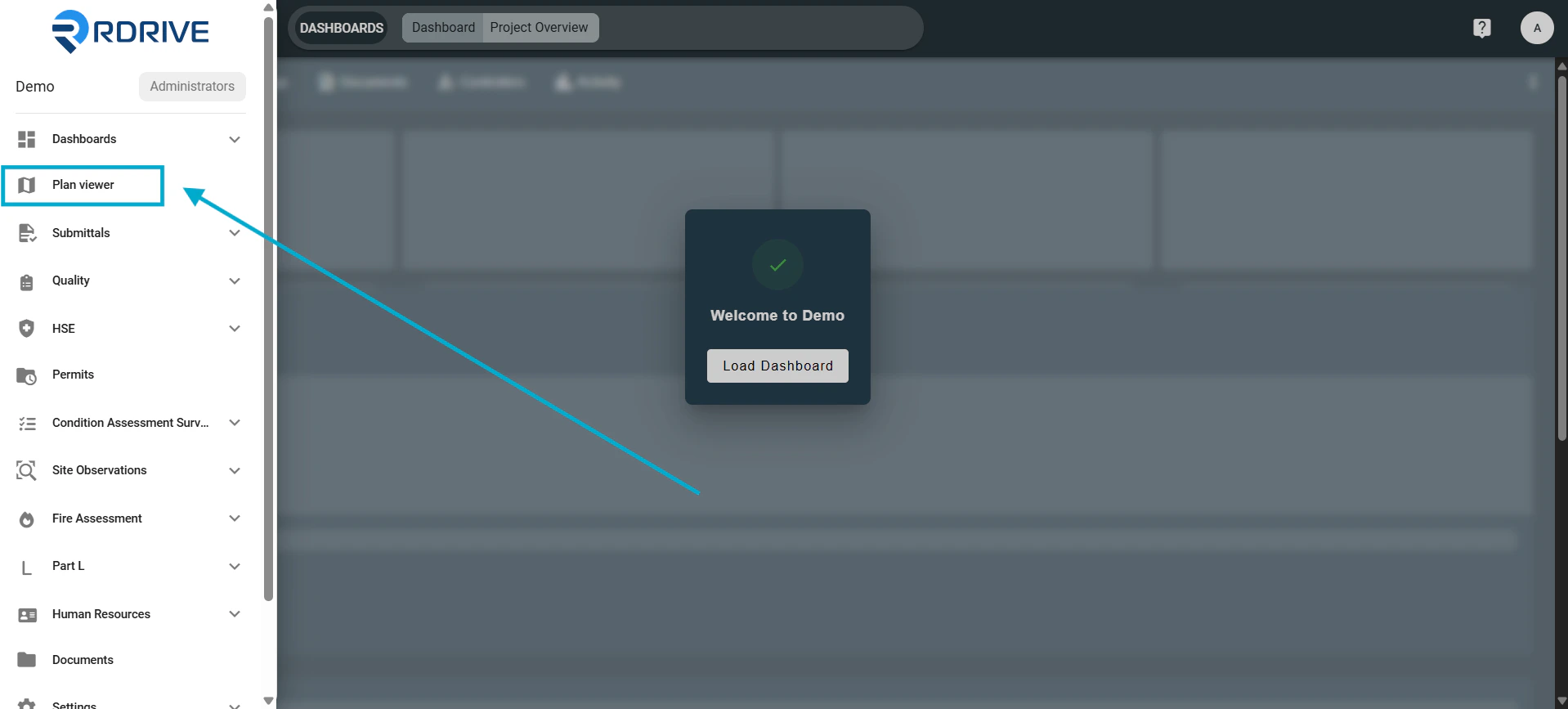
Press the Menu icon ≡ in the top left corner of your screen to unfold the Menu.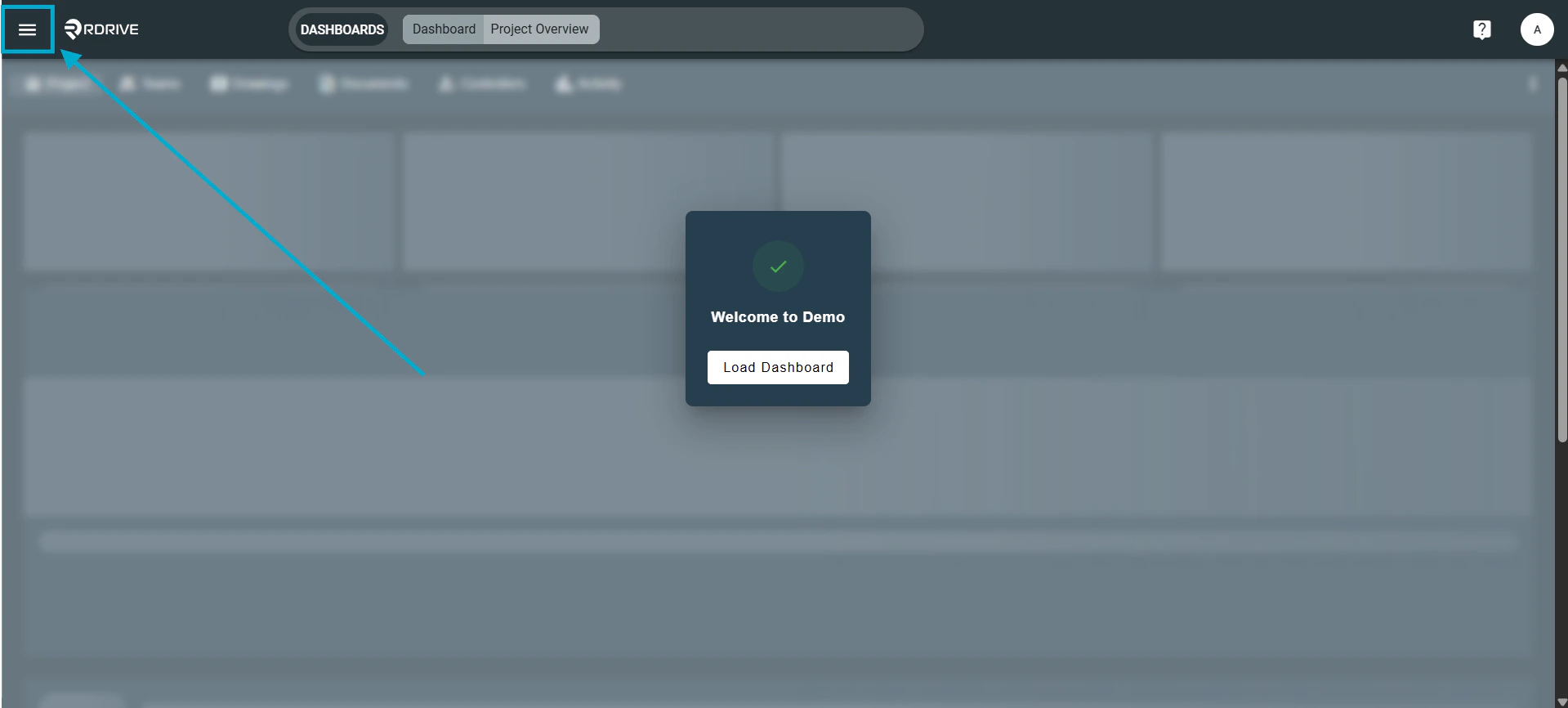
Via Issue finder
Press the Menu icon ≡ in the top left corner of your screen to unfold the Menu.