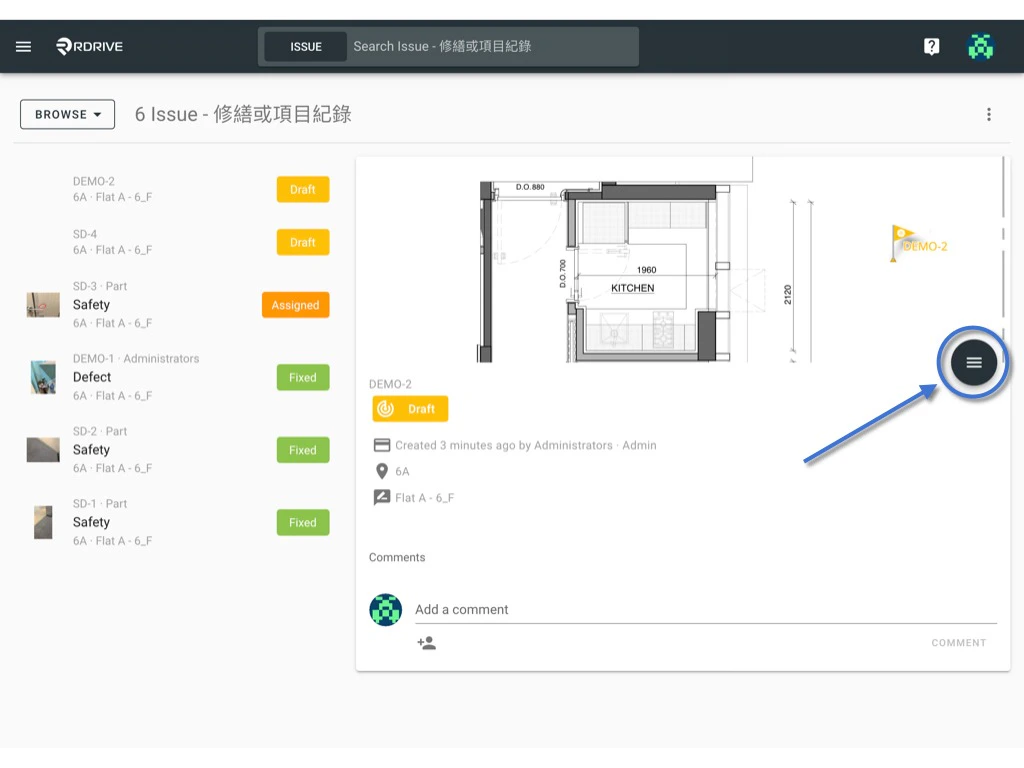
The circumstance may arise where you will need to link an issue/defect/record and process to an item for ease of reference. You will NOT be able to link items when it is at closed status!  _(Sometimes, edit links are only available at certain status, dependent on the settings)
_
Simply press the Menu icon ≡ in the top left corner of your screen to unfold the Menu and gain access to the Issue page by selecting the category and subcategory. 
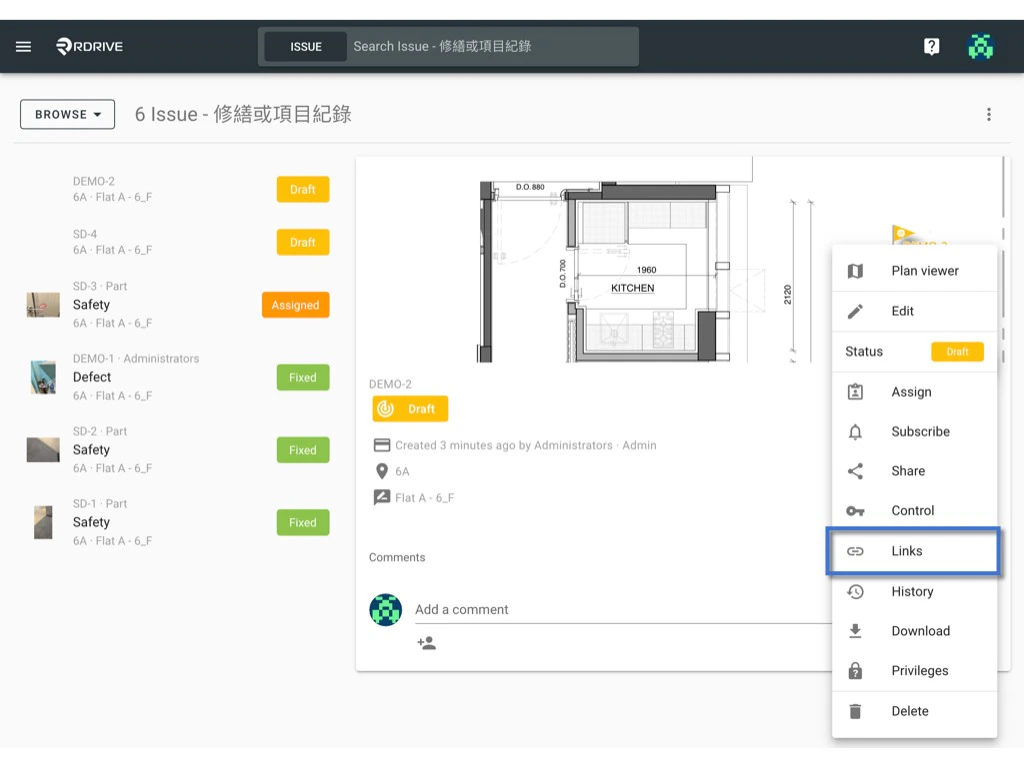
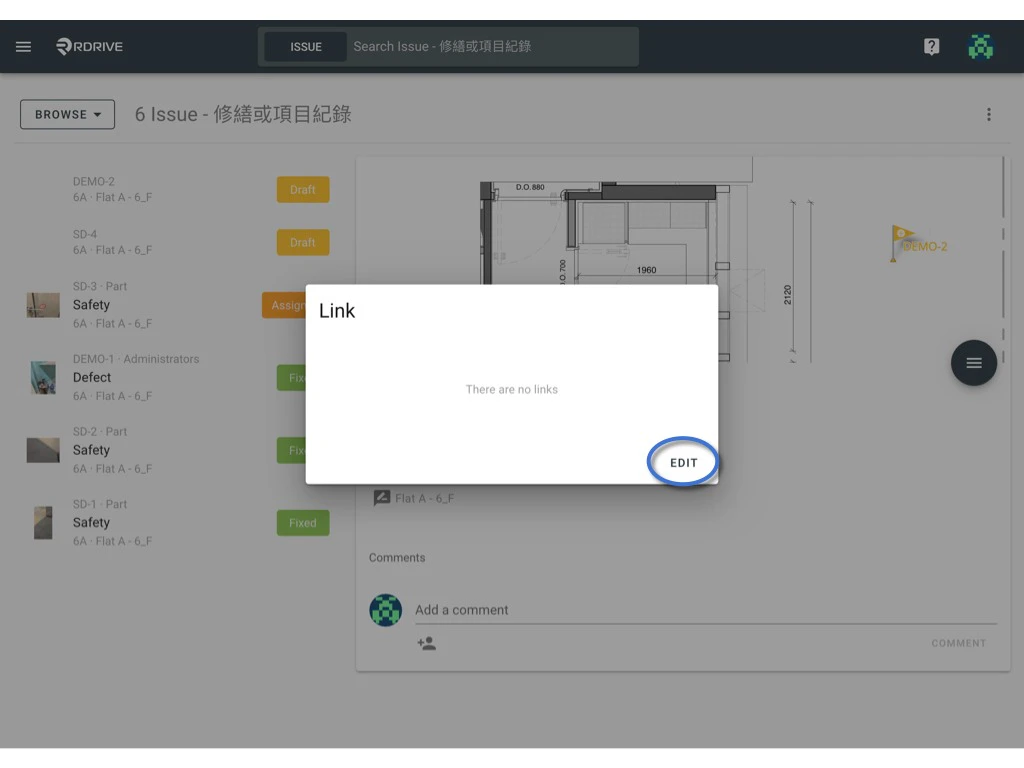
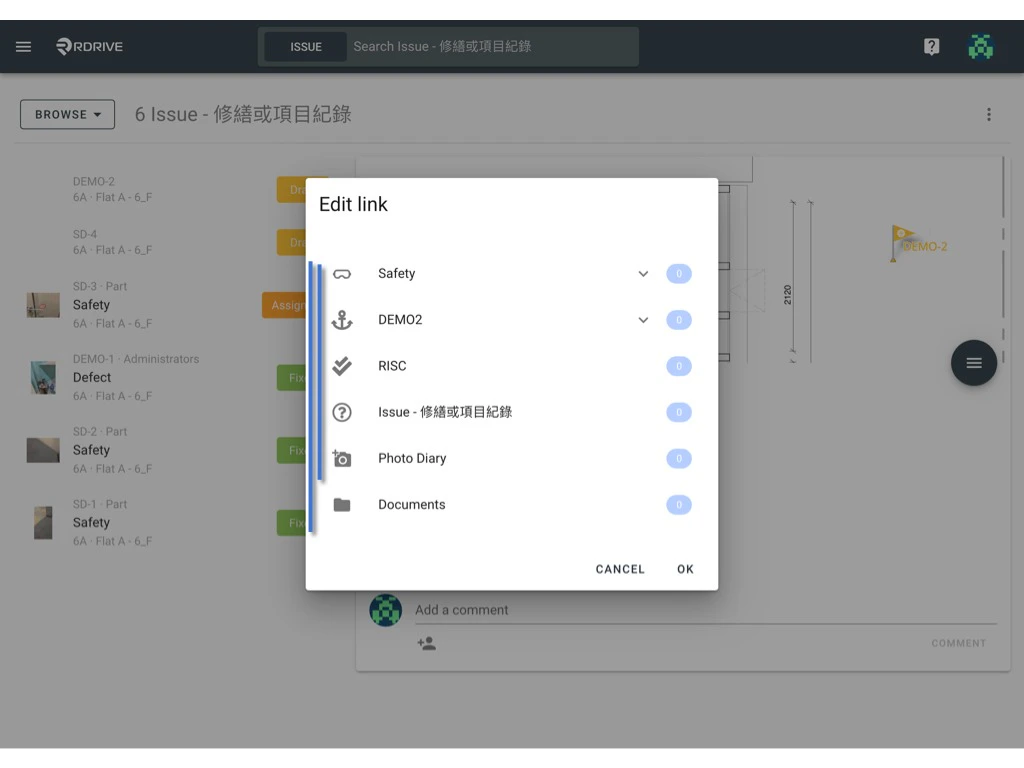
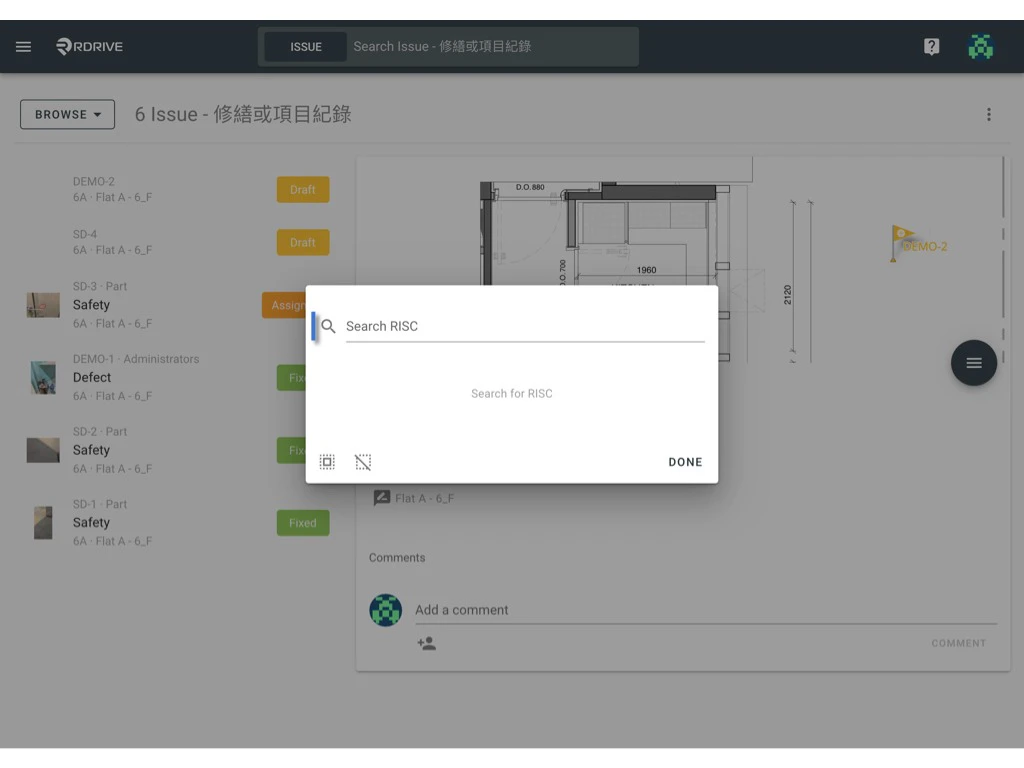
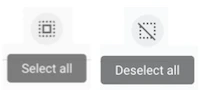
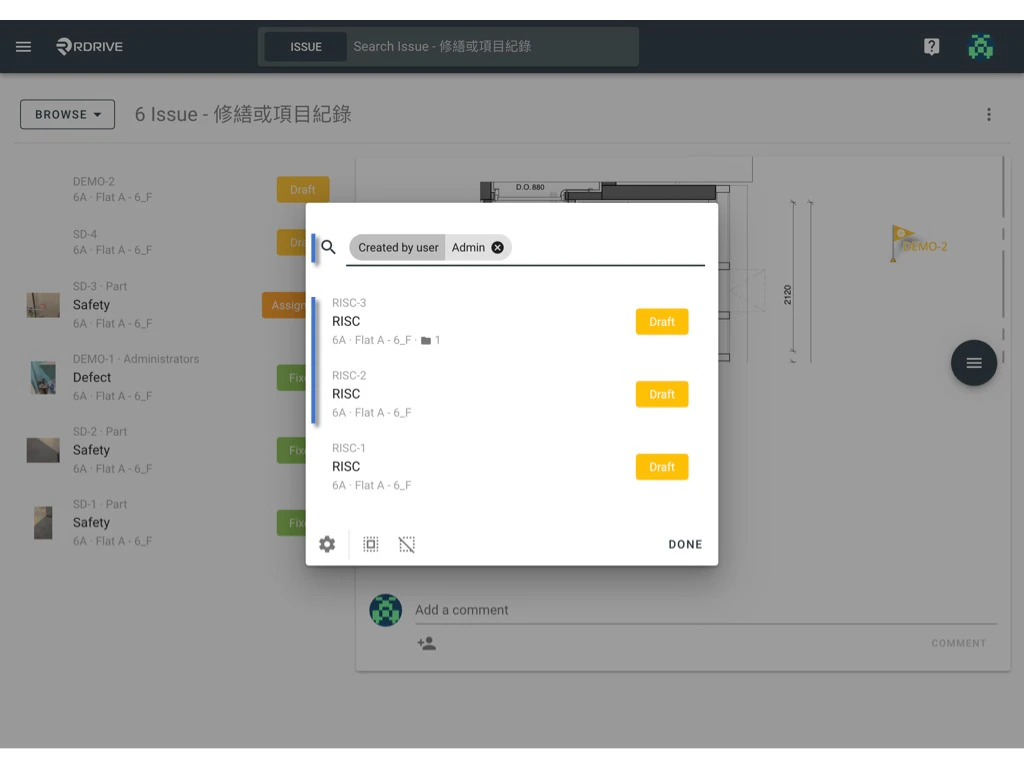
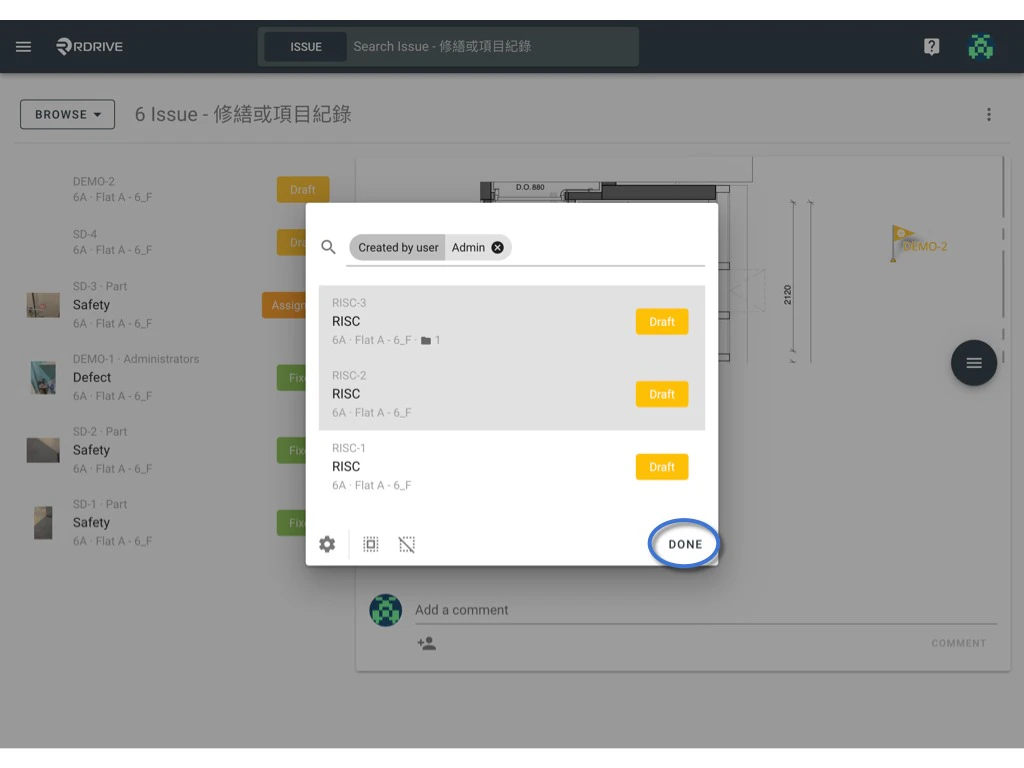
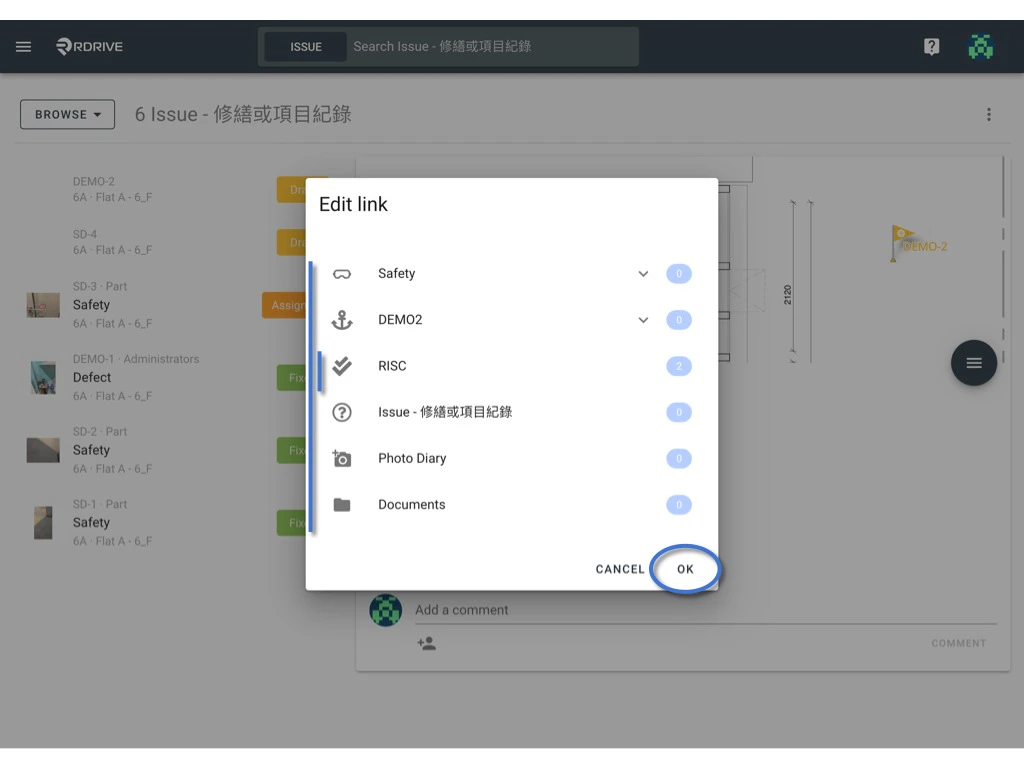
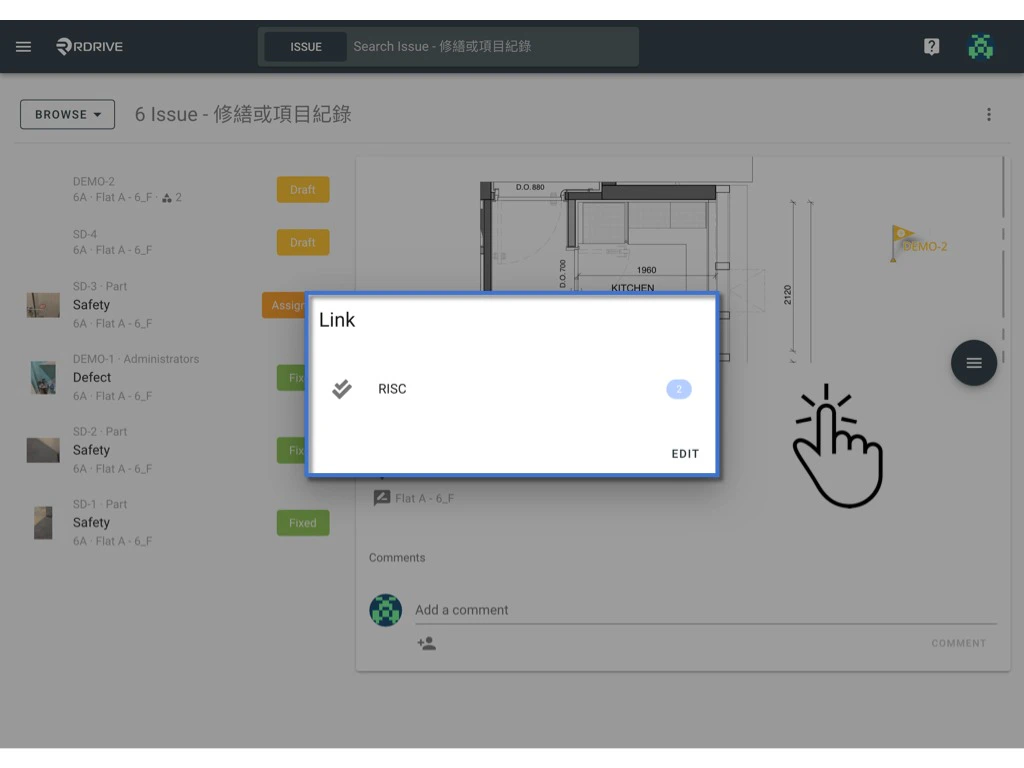
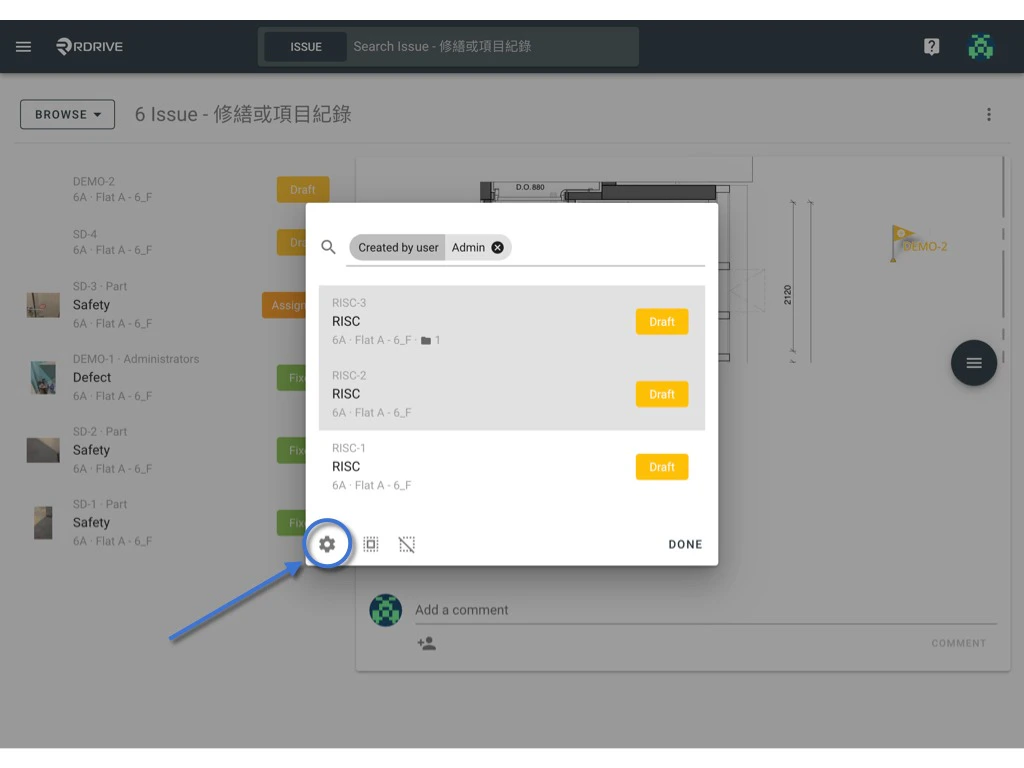
When the Menu has unfolded, select the “Links” icon via the “View” option in the Menu. A window will appear with your available link options if applicable.  Link items to an issue/defect/record Link items to an issue/defect/record The linked items will be shown if any are available. Now simply click “EDIT”. (Normally, all the link fields of this template will pop up as a list by the field title for your selection but it will be skipped if only have one link field) Link items to an issue/defect/record Select the category & subcategory of the item that you wish to link. Link items to an issue/defect/record You can refine your search by using different filters to look for the items you would like to link to your issue/defect/record via the magnifying glass icon shown below. Link items to an issue/defect/record If you have multiple linked items, you can press the “Select all” icon to select all if necessary. There is also a “Deselect all” icon, please note the icons below for clarity.  Link items to an issue/defect/record Link items to an issue/defect/record The selected item(s) will be highlighted in grey as shown below. Once you are satisfied you simply press “DONE” to confirm. Link items to an issue/defect/record You have now linked your item(s) to your issue/defect/record! You can see the quantity of the linked items on the right-hand side of the Edit Link window. Click “OK” to save or to link other items. Link items to an issue/defect/record Once finished, you can exit the link window by clicking outside of the dialogue or pressing the Esc key to close. Link items to an issue/defect/record Customise the display of the detail? We know every user has their own preference. For this reason, RDrive supports customising your own display list! Please click the “Settings” ⚙️ to design the display to your liking or specific requirements. Link items to an issue/defect/record