

Overview
A brief introduction explaining the purpose of this guide.- Purpose: This guide explains how to update the status of an issue, defect, or record in RDrive. It includes methods for making edits, changing status only, and using Review mode for quick updates.
- Who It’s For: General users, project team members, inspectors, and coordinators involved in managing issues and defects.
Prerequisites: Access to RDrive (app or desktop) Appropriate permissions to edit or update statuses Knowledge of the category/subcategory where the record exists Understanding of your team’s status flow process
✅ Step-by-Step Instructions
Updating via Plan Viewer
✅ Step 1: Open Plan Viewer
Click the Menu (≡) in the top-left corner.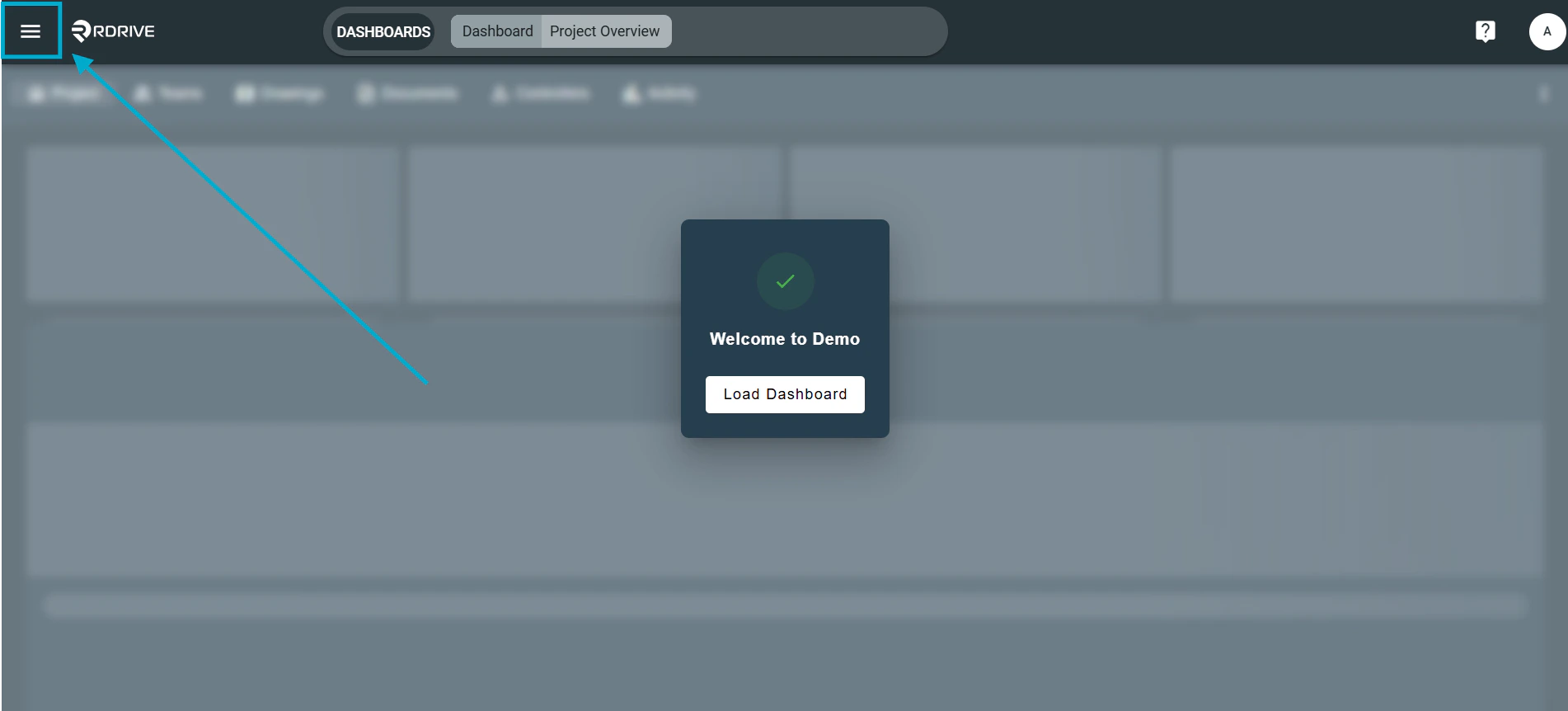
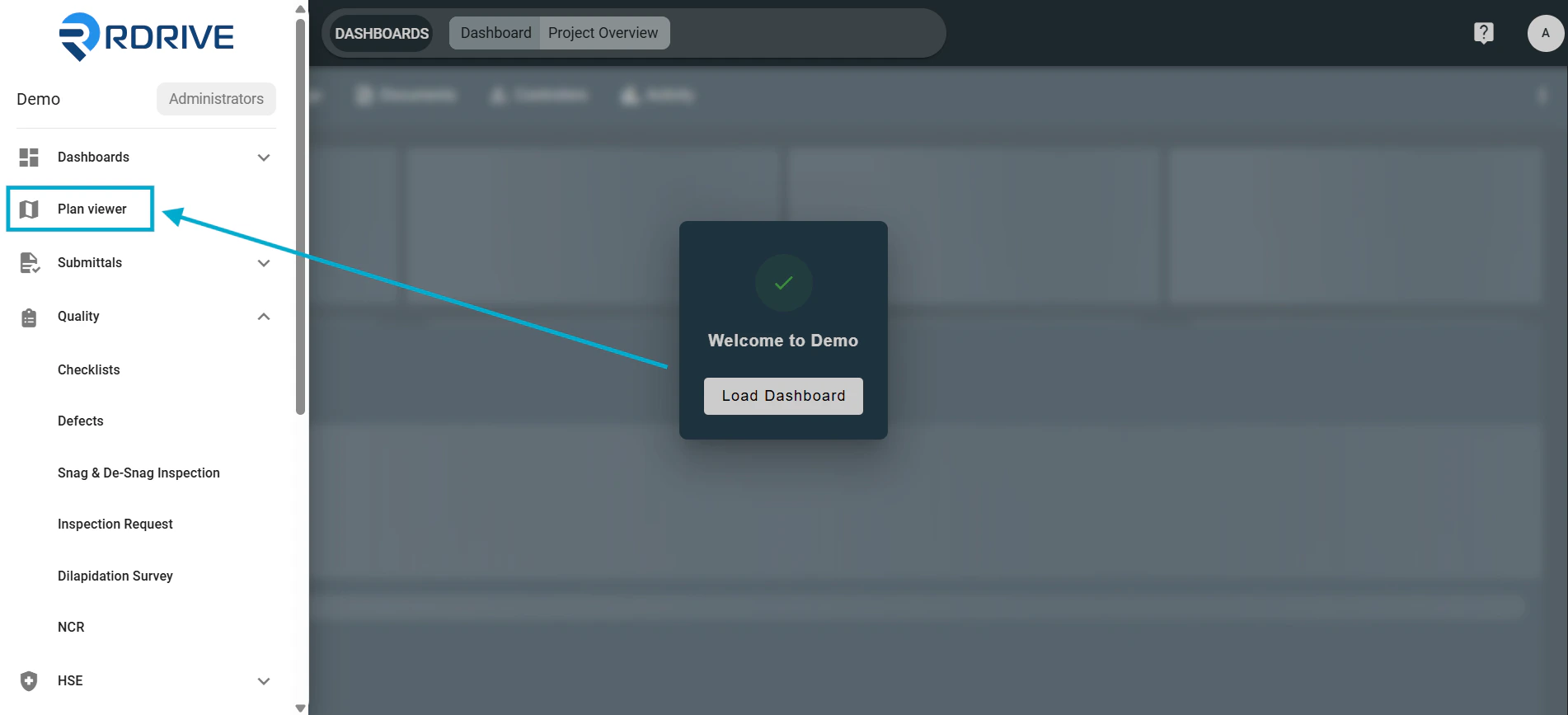
✅Step 2: Select the Issue/Defect/Record
Locate the pin for the item on the drawing. Click the pin — the details will appear on the left-hand side. Click it — the issue details will appear on the left-hand side.
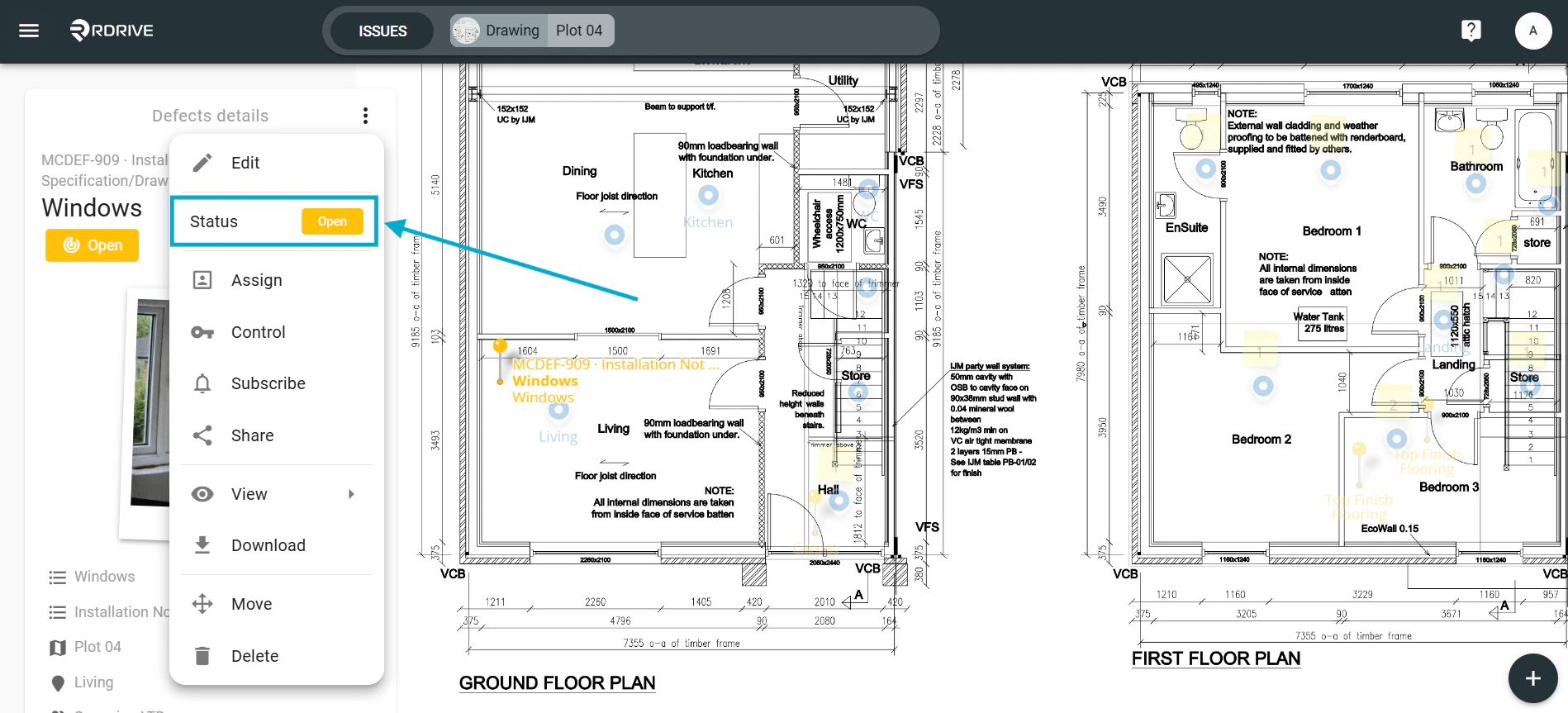
Click the three-dot menu (⋮) in the top-right of the details panel.
Click it — the issue details will appear on the left-hand side.
Click the three-dot menu (⋮) in the top-right of the details panel.
✅ Step 3: Edit the Record (Optional)
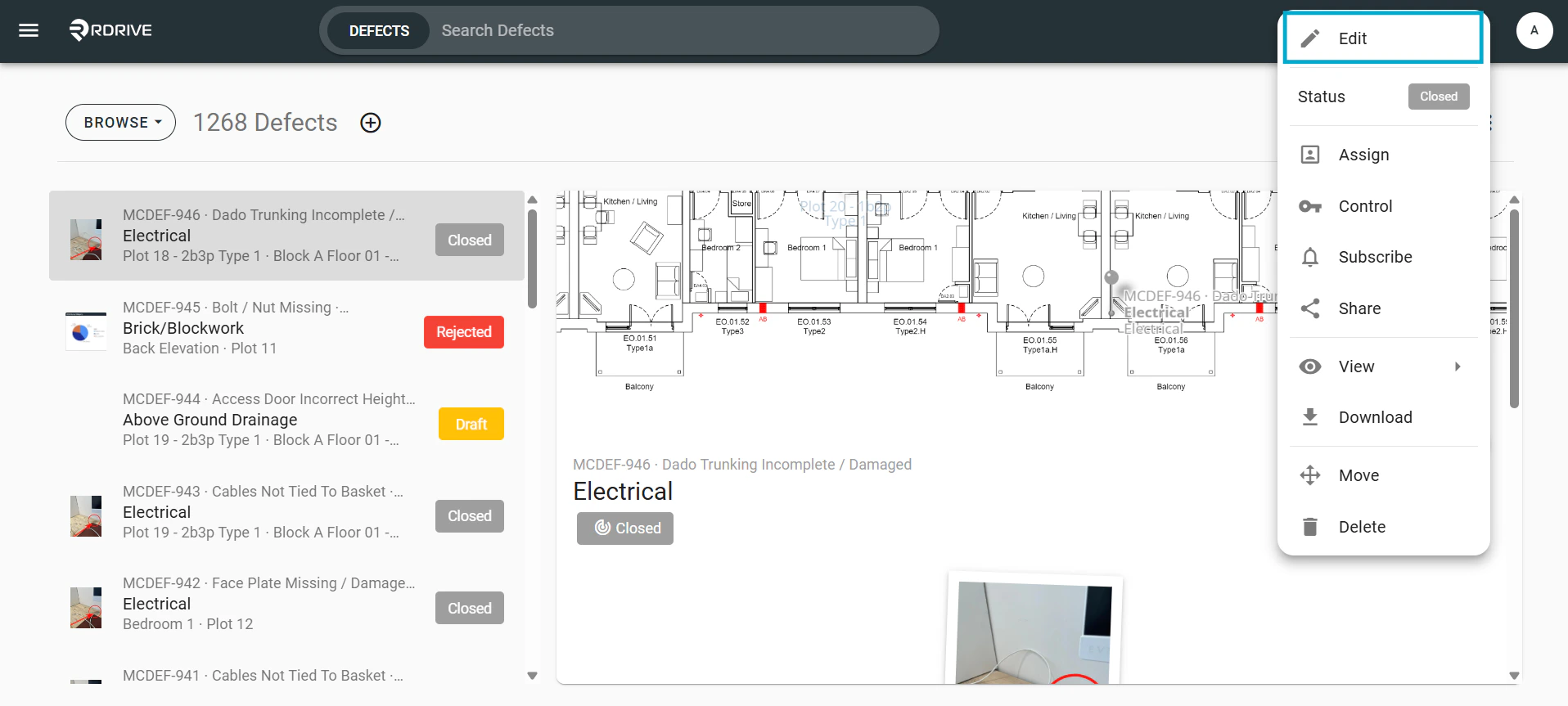
From the menu, select Edit. Make any required changes.
Click OK to save and close.
Make any required changes.
Click OK to save and close.
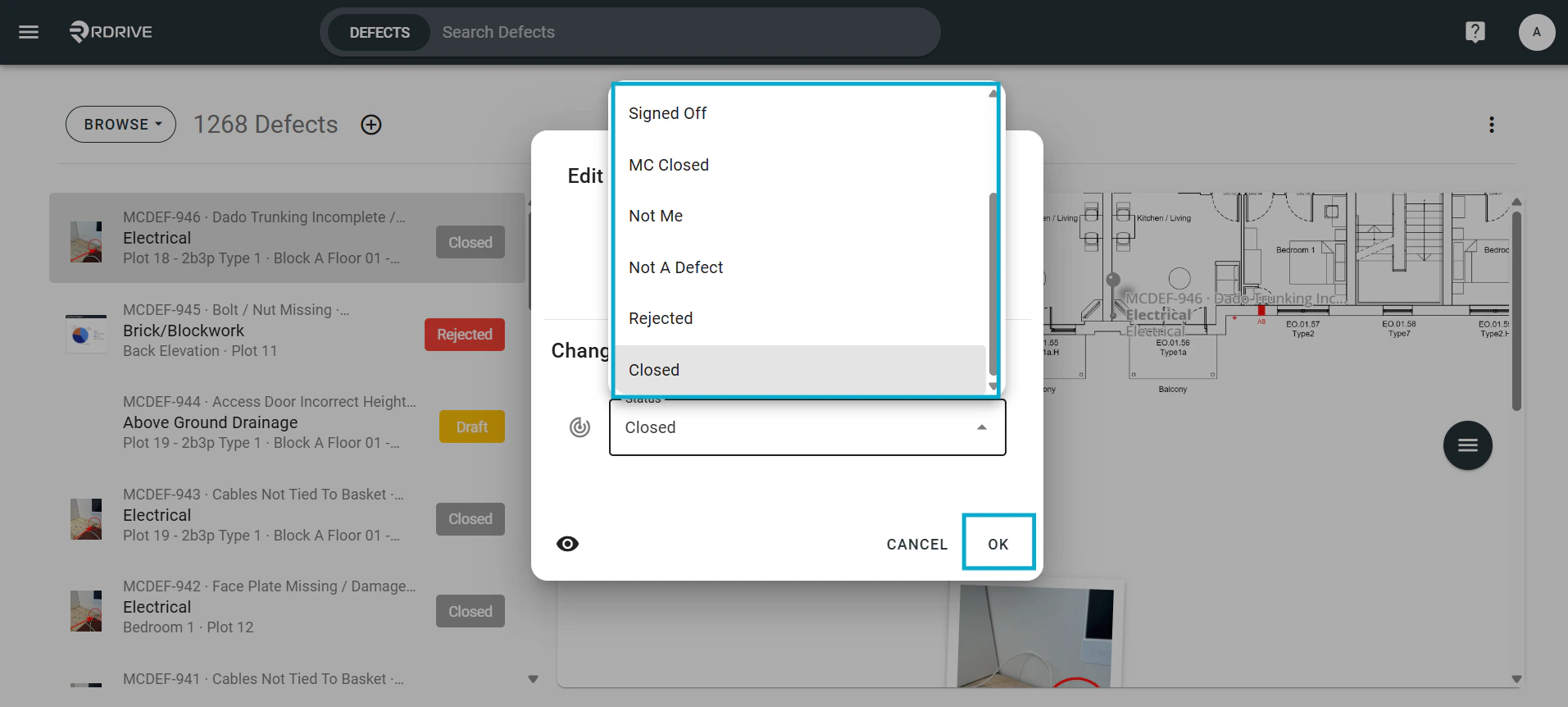
✅ Step 4: Update the Status Only
From the three-dot menu (⋮)
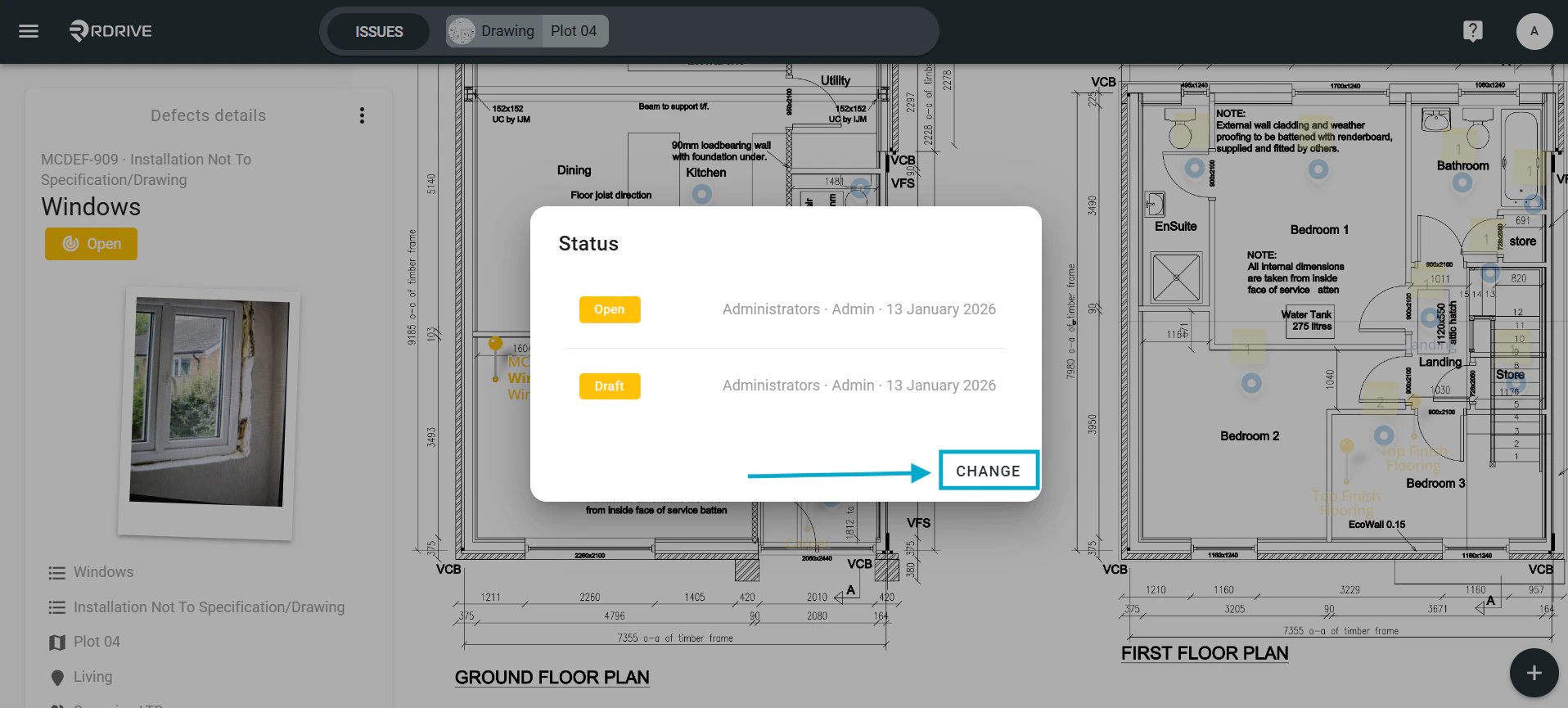
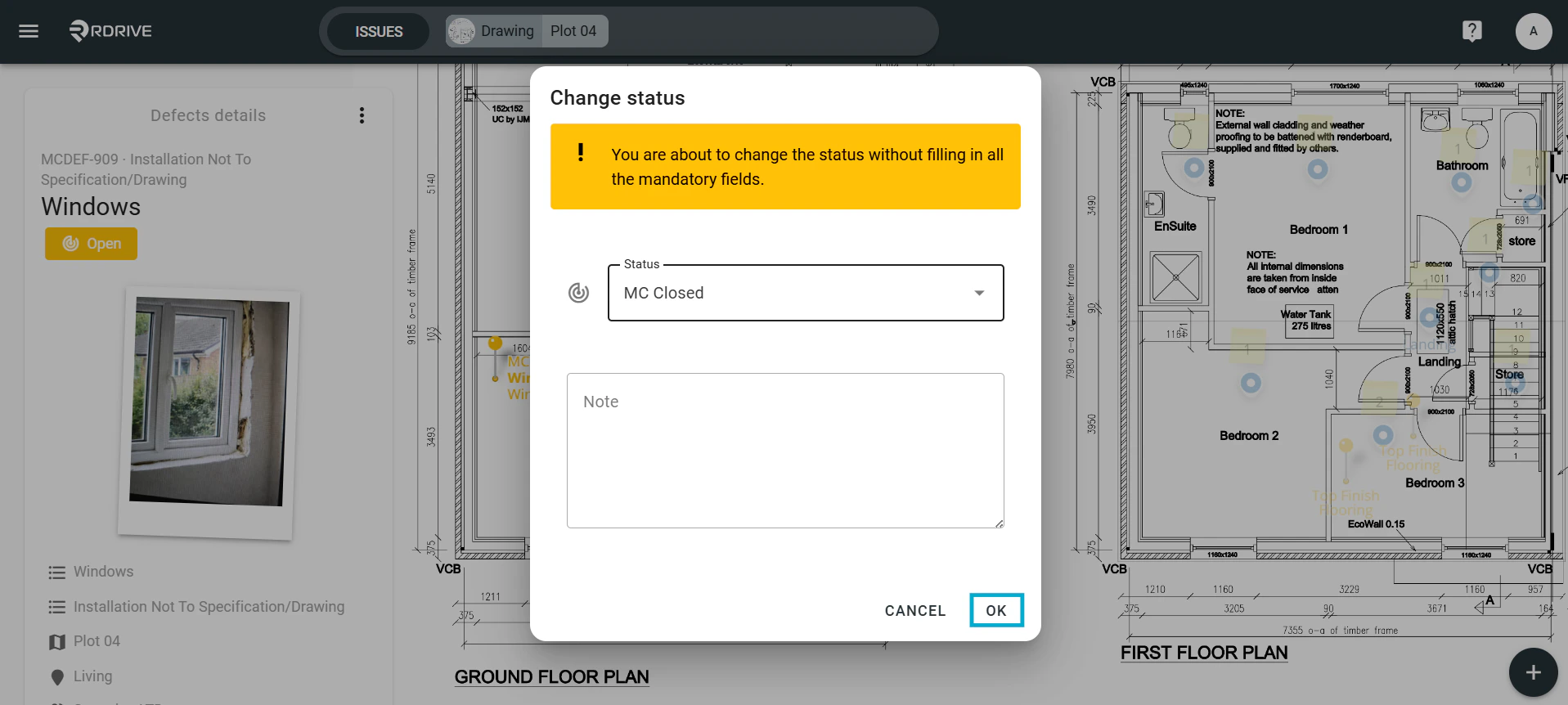
Select Status.

✅ Step 5: Use Issue Finder (Alternative Method)
Open the Menu (≡) again.\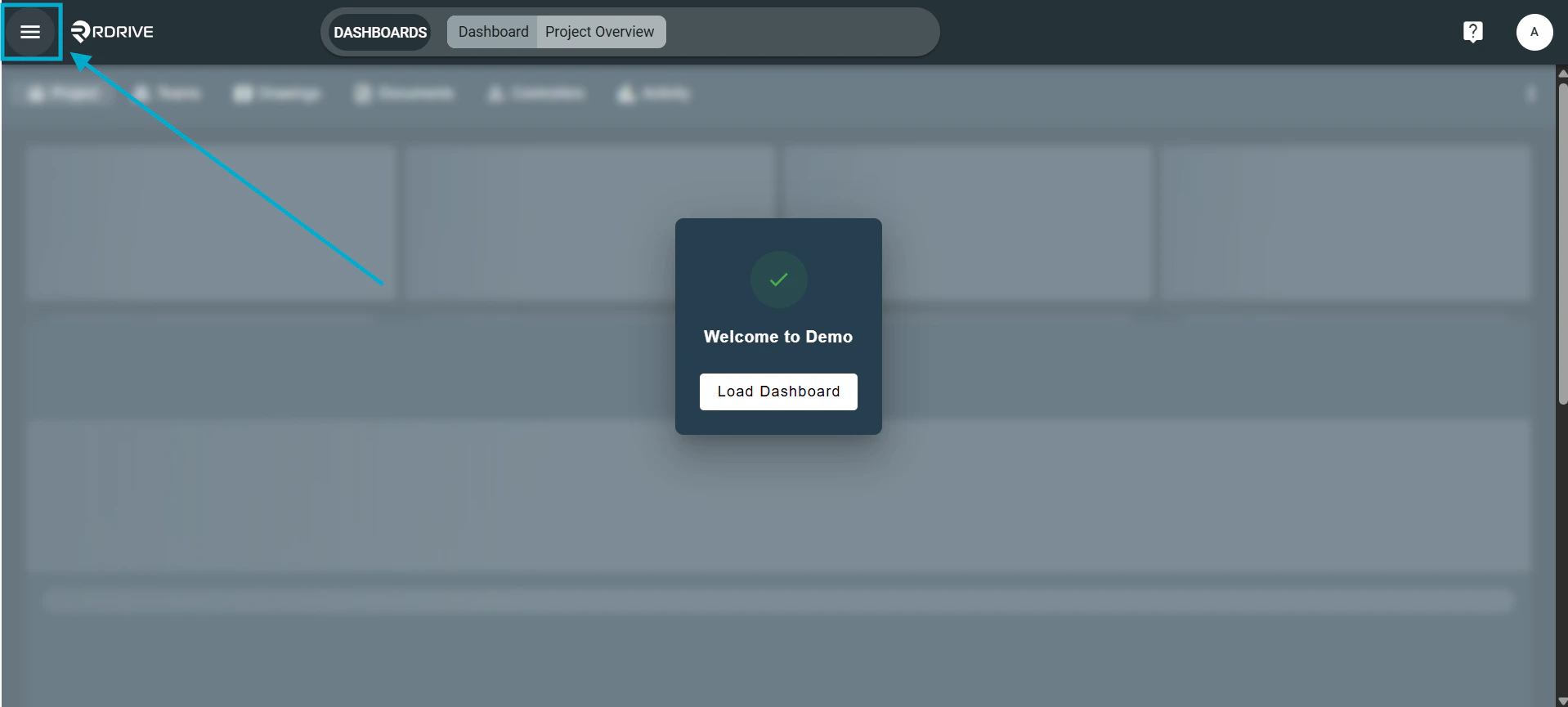
 Use the Menu icon (≡) on the right to choose Edit, apply updates, and click OK.
✅ Step 6: Update Status via Issue Finder
After selecting the issue, click the three-dot menu (⋮). Select the Status.
✅ Step 7: Quickly Change Status (Using Display Mode)
In the left-side details panel, switch from Browse to Review mode. Once in Review mode, status update options appear.
 Choose the new status — the change will auto-save.
FAQs & Troubleshooting
Q: Why can’t I change the status of a record?A: Check that you have the appropriate permissions. If not, contact your Project Admin. Q: What happens if I forget to change the status?
A: The issue/defect won’t move forward in the workflow. This can delay the process. Always update the status when editing. Q: Can I change the status without editing the issue?
A: Yes — use the Status option directly from the three-dot menu (⋮).