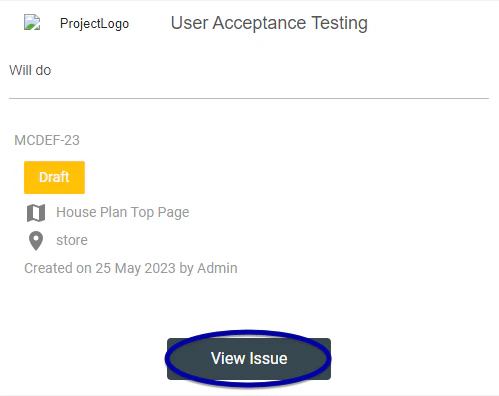
✉️ - via Issue Finder
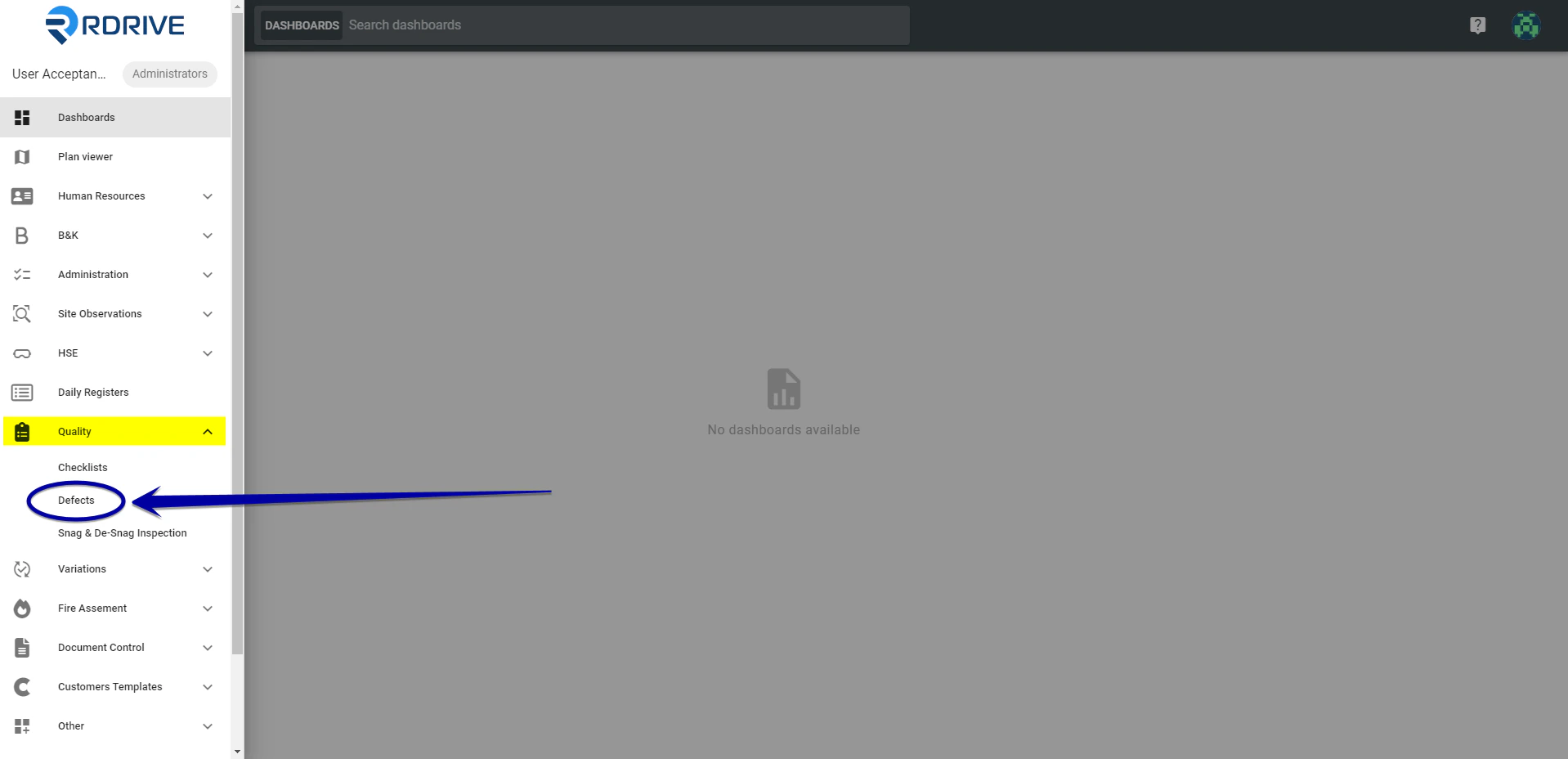
Simply press the Menu icon ≡ in the top left corner to unfold the Menu and gain access to the issue/defect/record page by selecting the category and subcategory. In this instance, we are selecting an issue/defect/record from the quality section as shown below.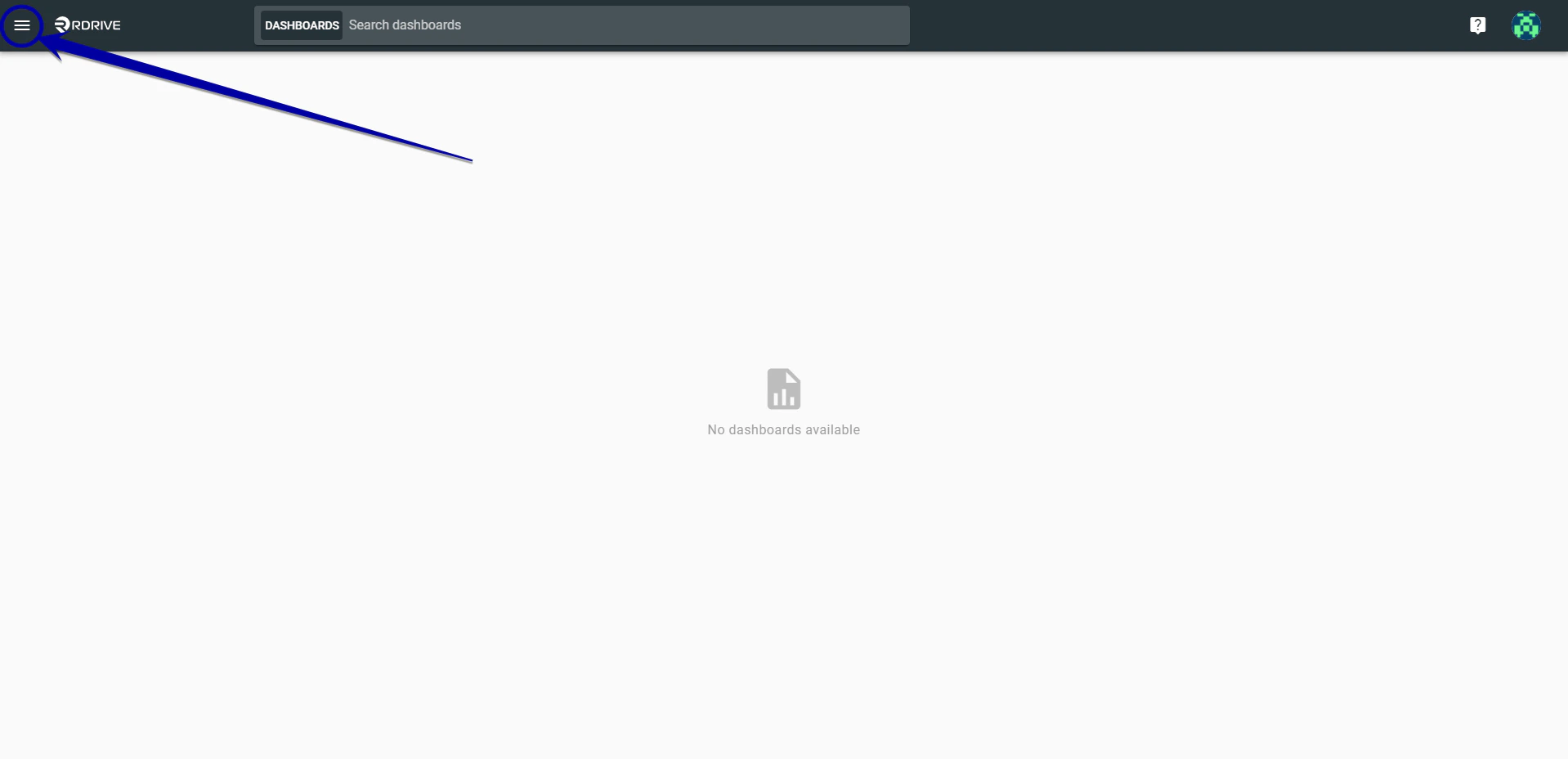
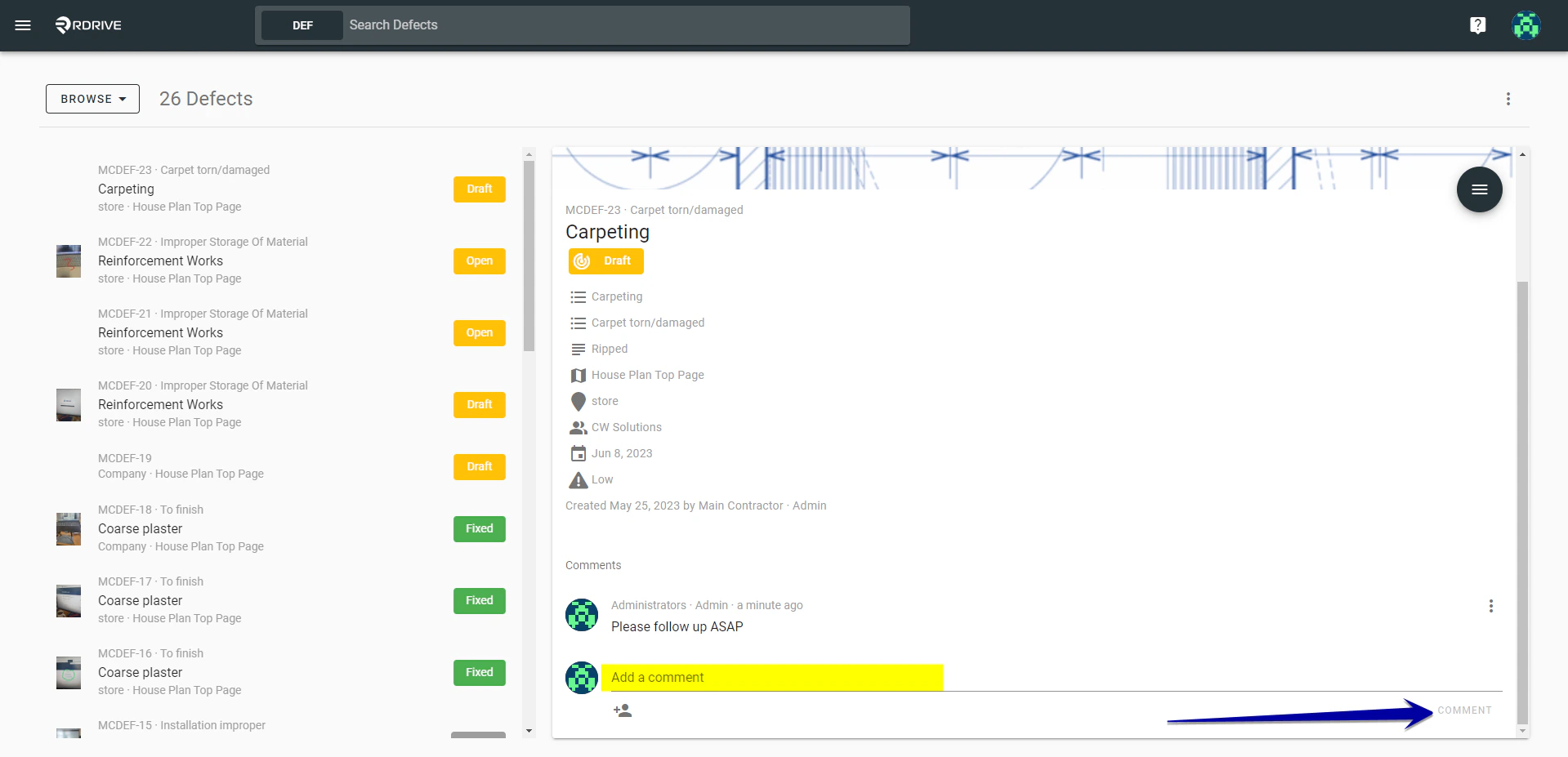
✉️ - via Plan Viewer
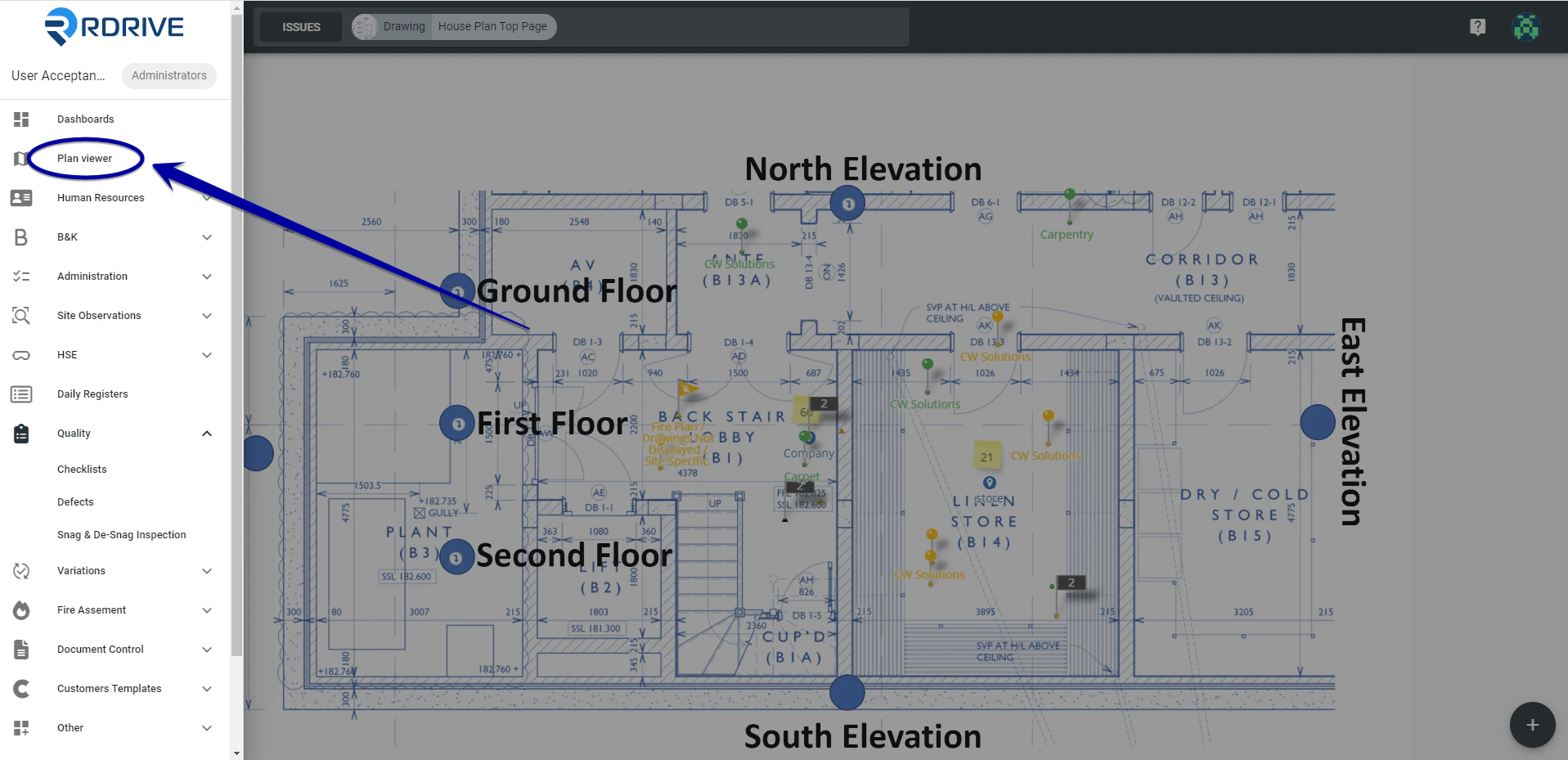
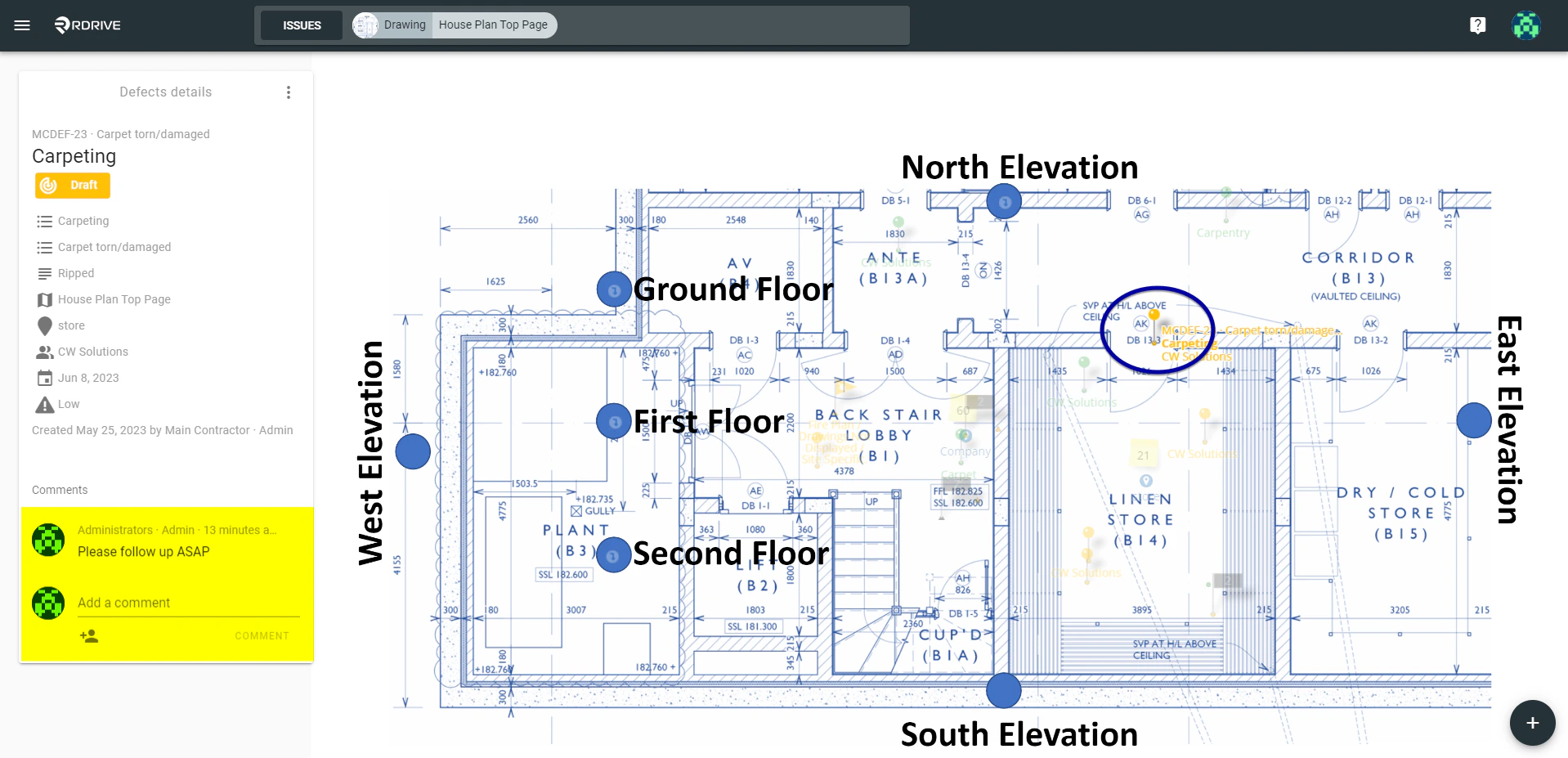
Click the menu icon on the top left corner to unfold the Menu, access the Plan viewer, and select the drawing.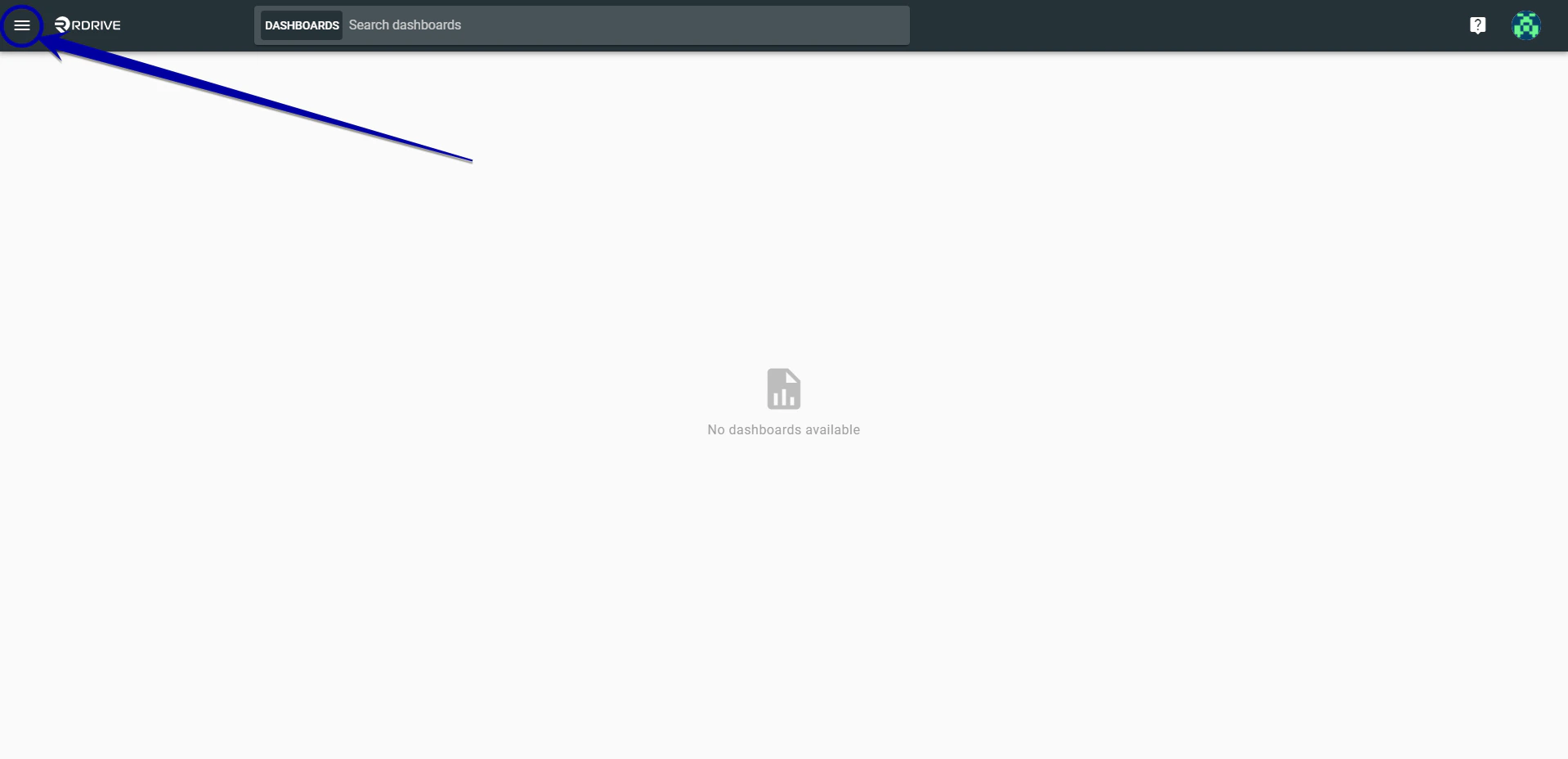
Made a mistake?
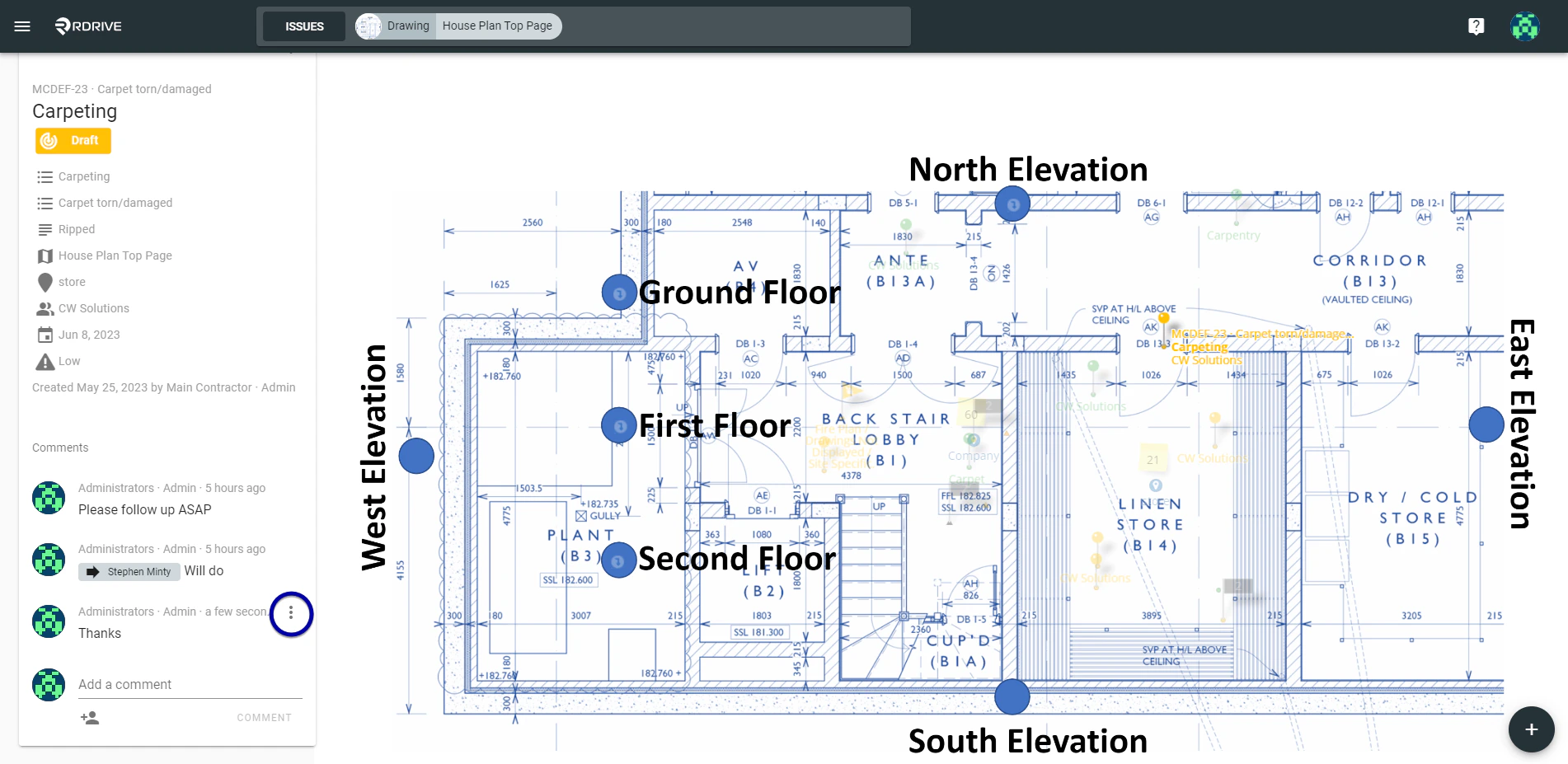
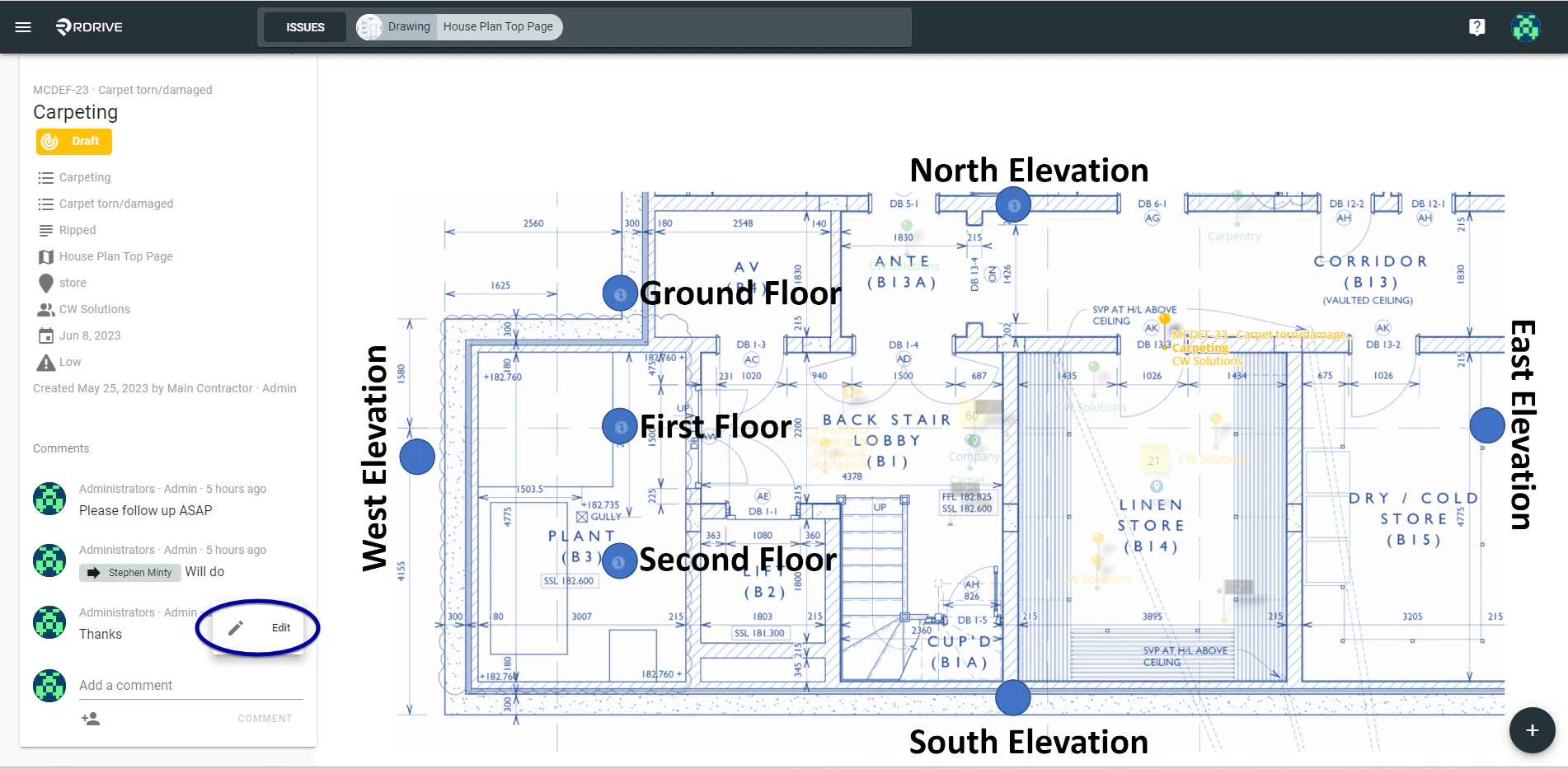
You can only edit the comment in the first 5 mins! If a mistake is noticed within 5 minutes, this can be edited by pressing the 3 dots as circled below which will allow your comment to be amended as shown below.