
Overview
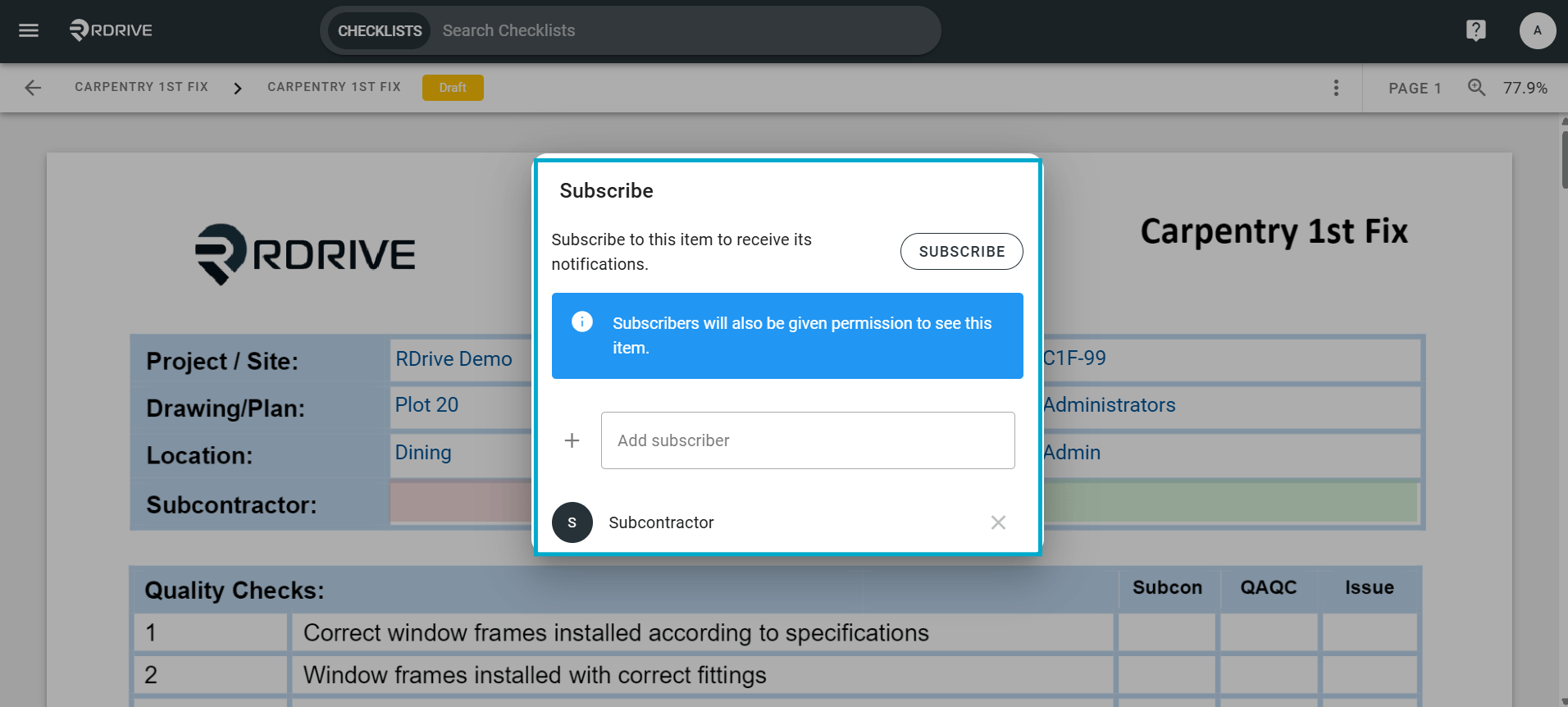
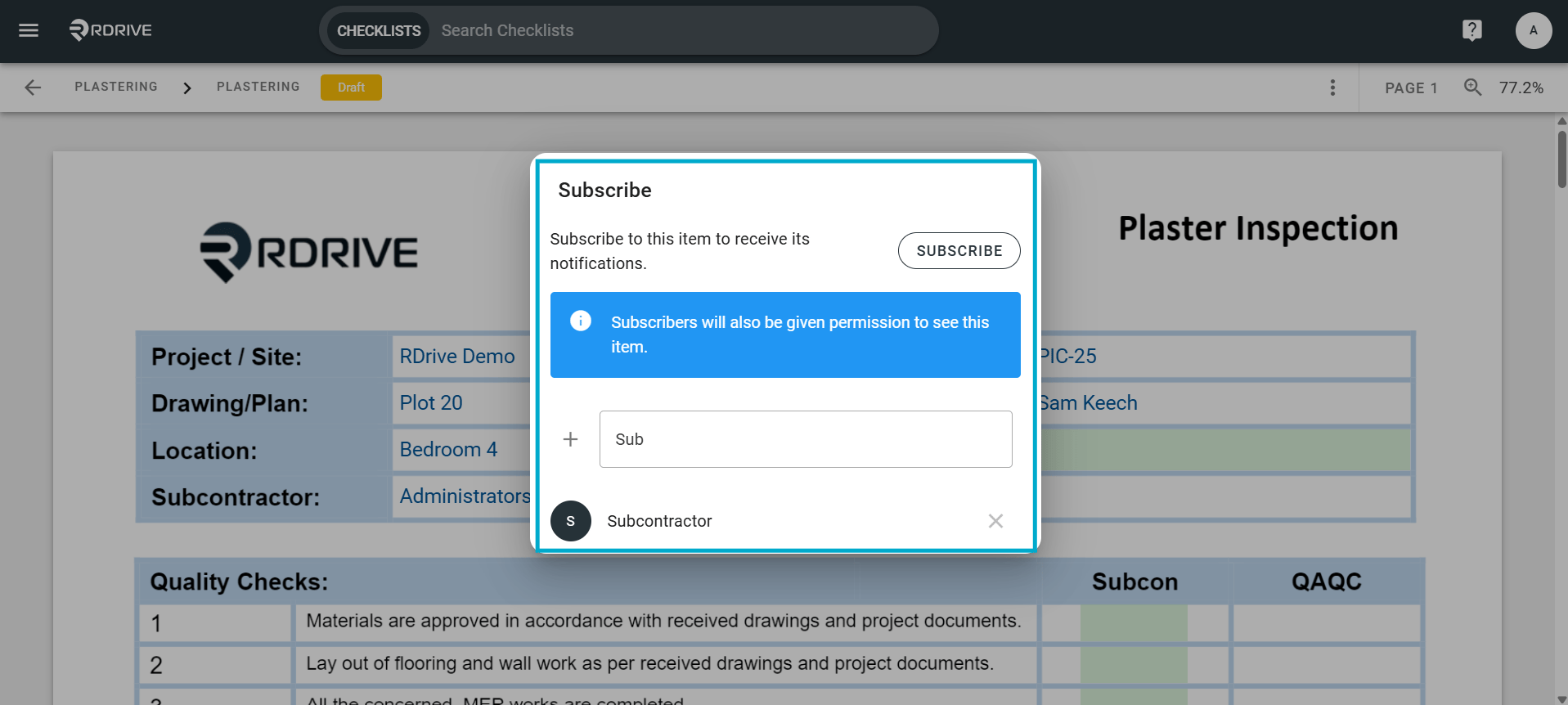
How to subscribe users to a process- Purpose: Subscribing others to processes within RDrive using the desktop/browser
- Who It’s For: General users
Prerequisites: Able to read and share the item, If you want to view/edit the subscriber list you will need a “Share” permission to view the subscriber list.
via Plan Viewer
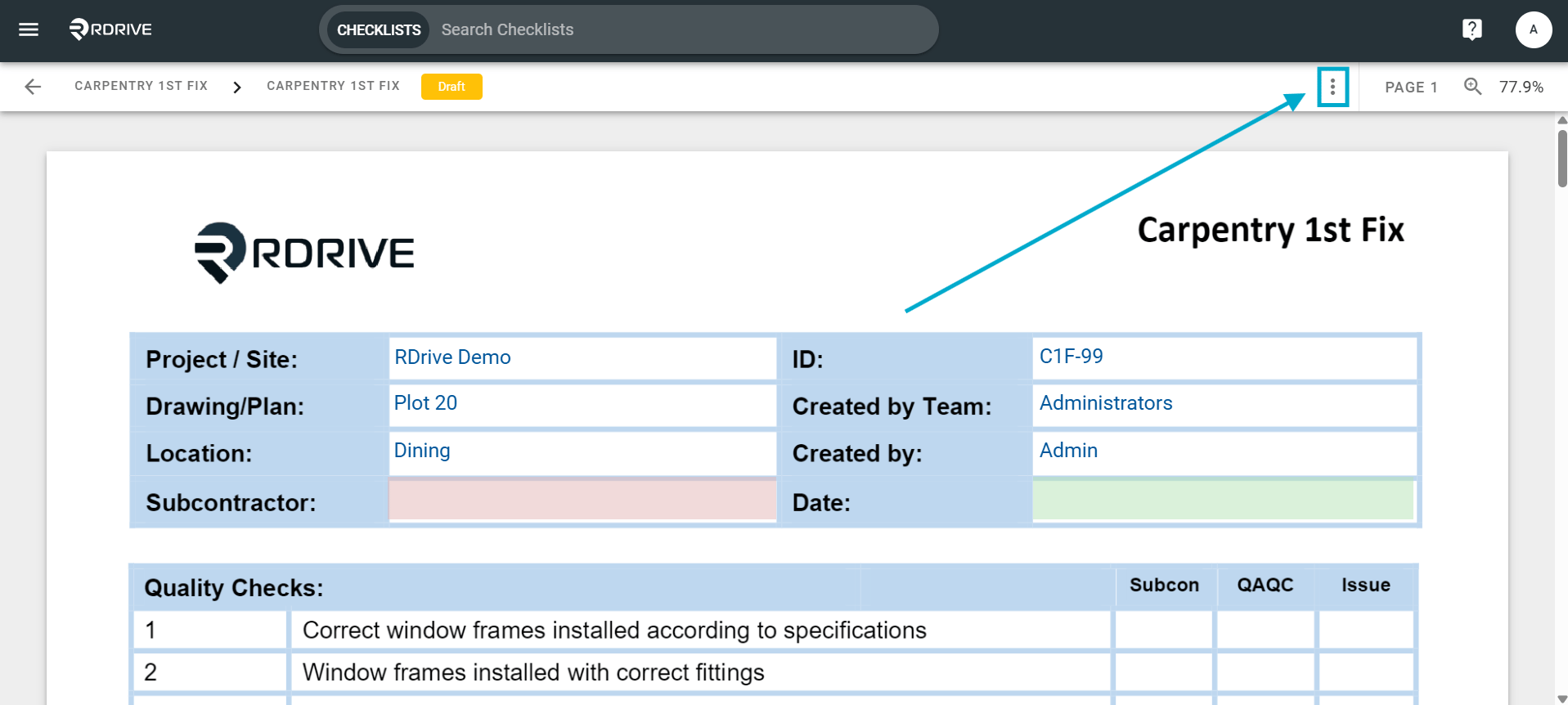
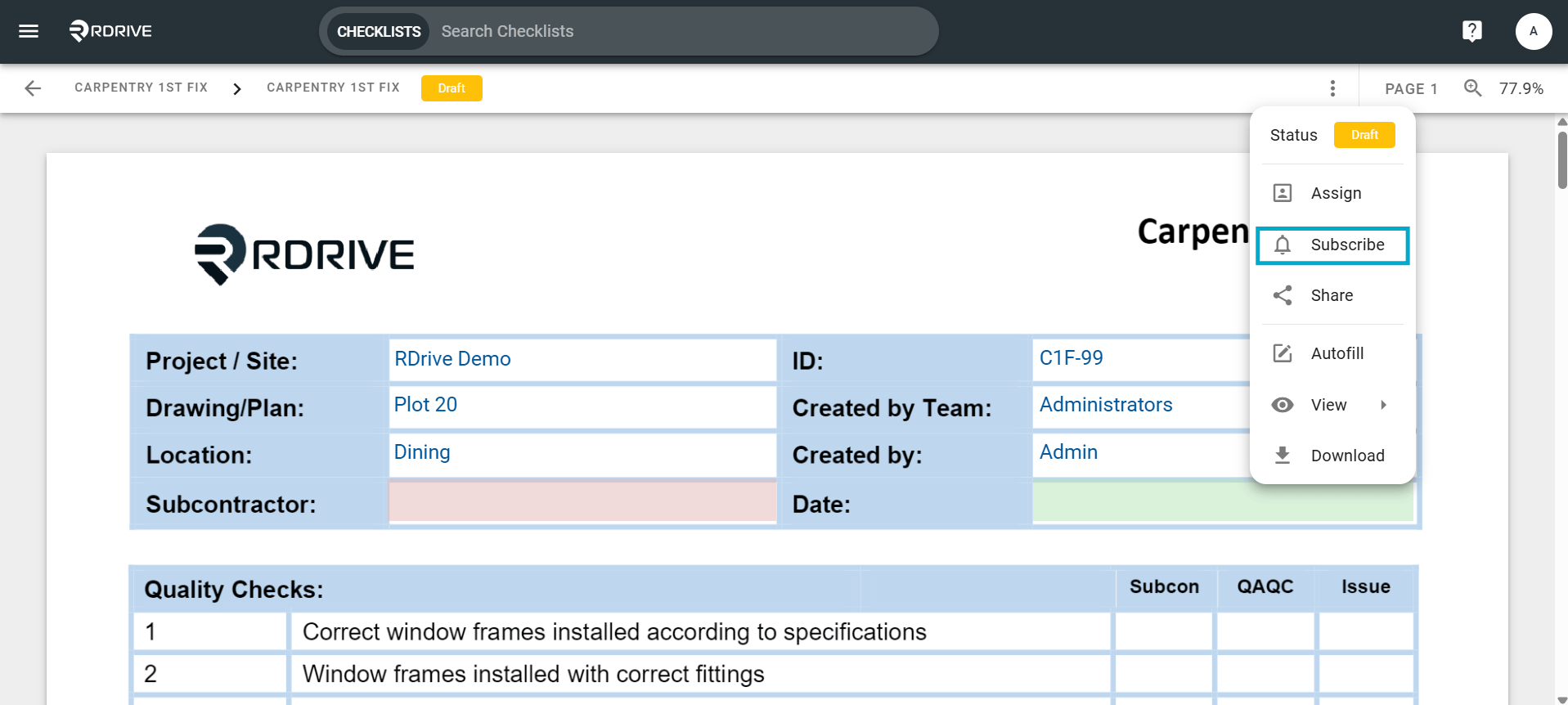
Press the Menu icon ≡ in the top left corner of your screen to unfold the Menu and access the Plan viewer.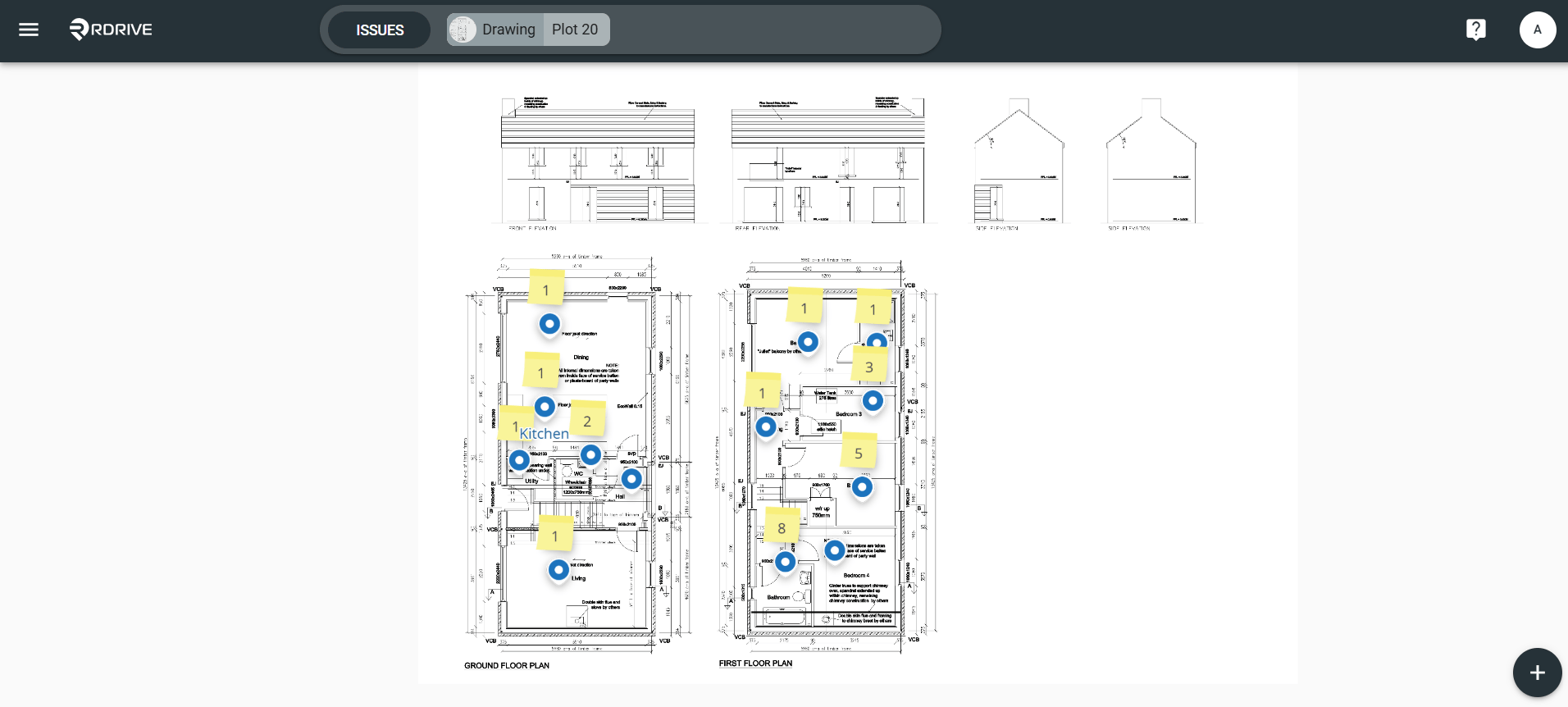
via Process Finder
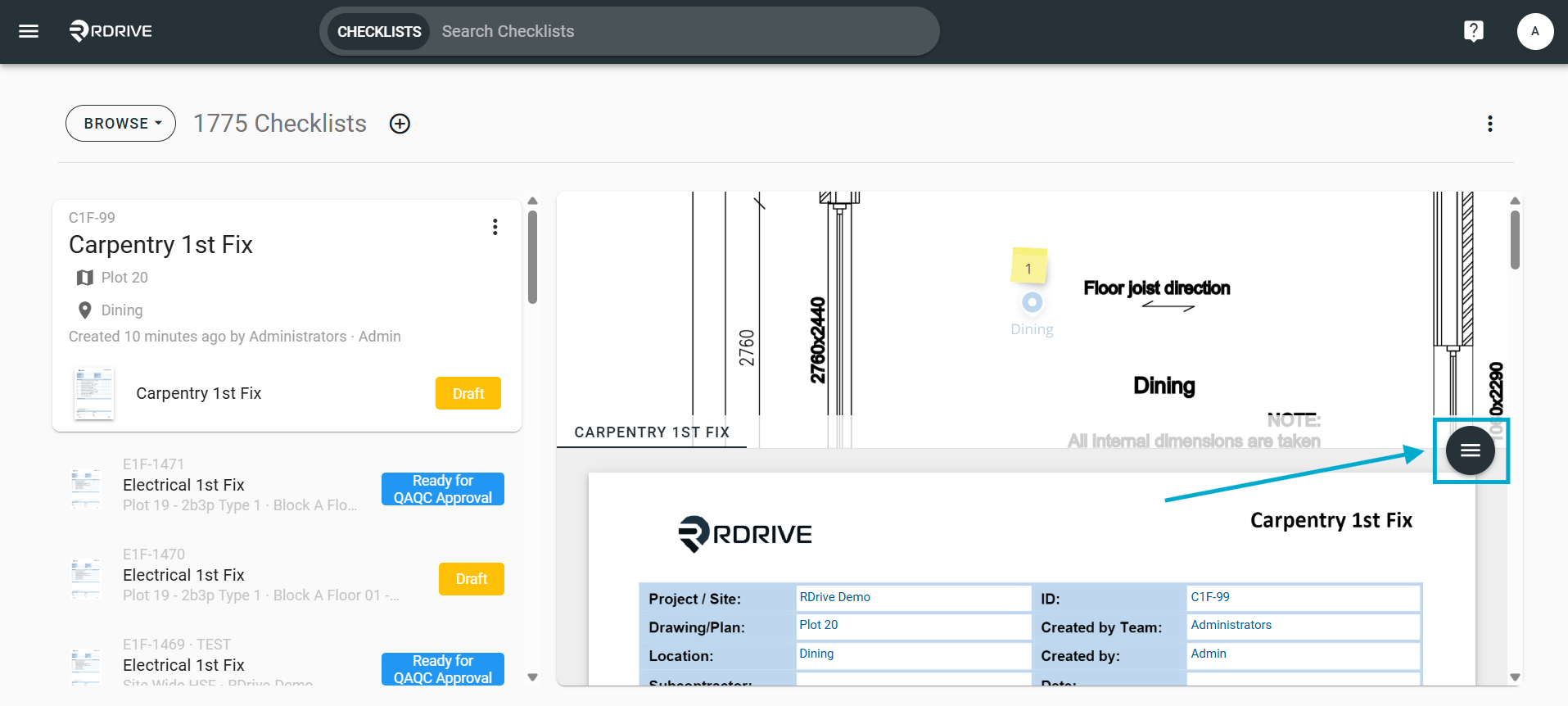
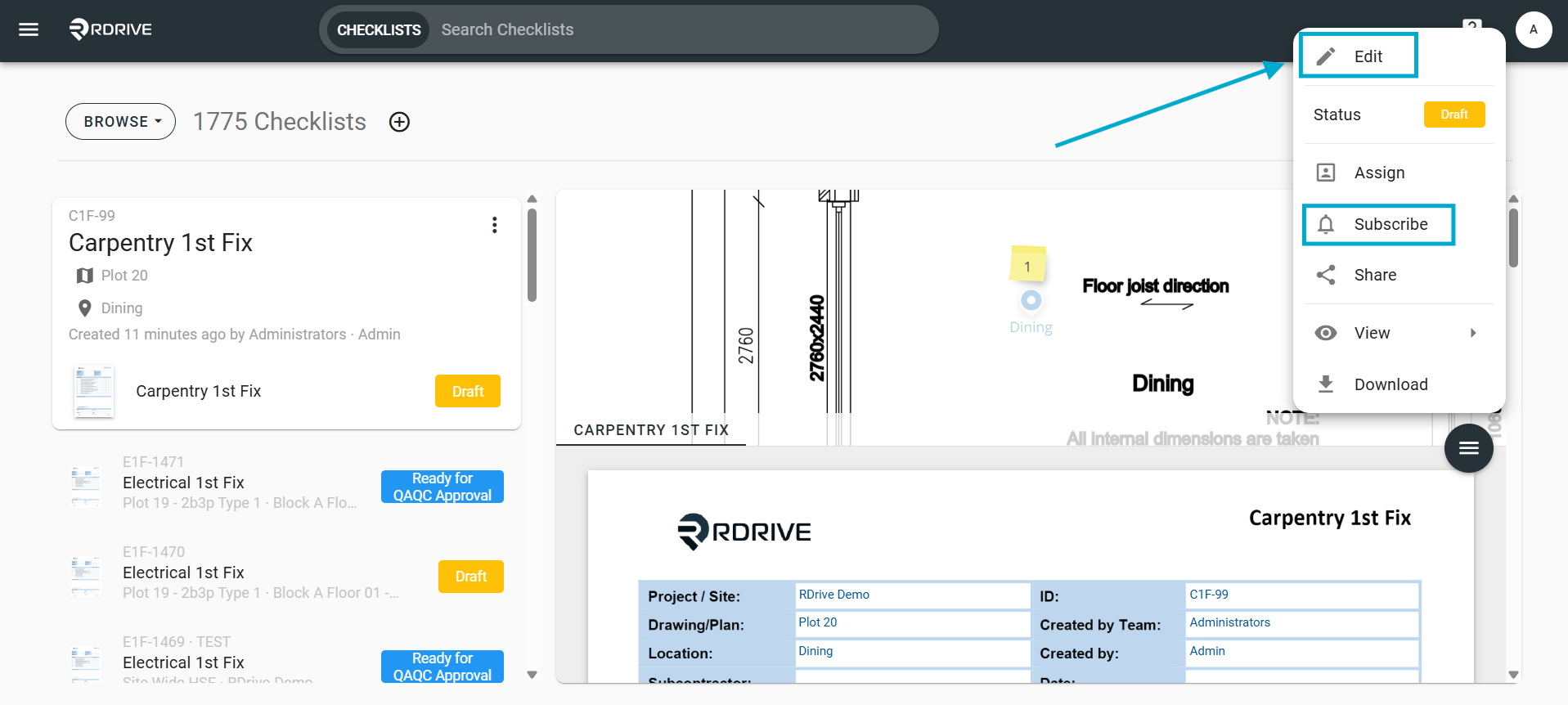
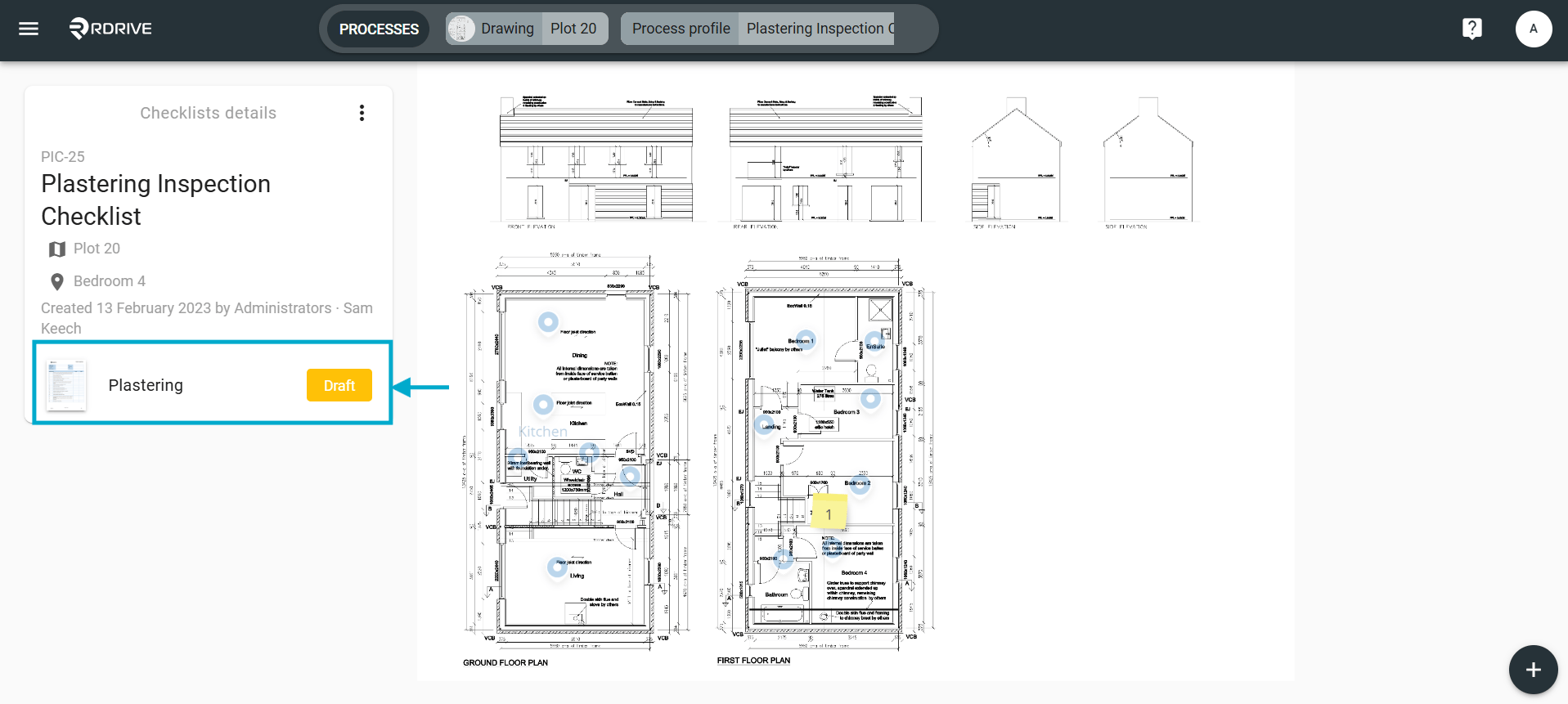
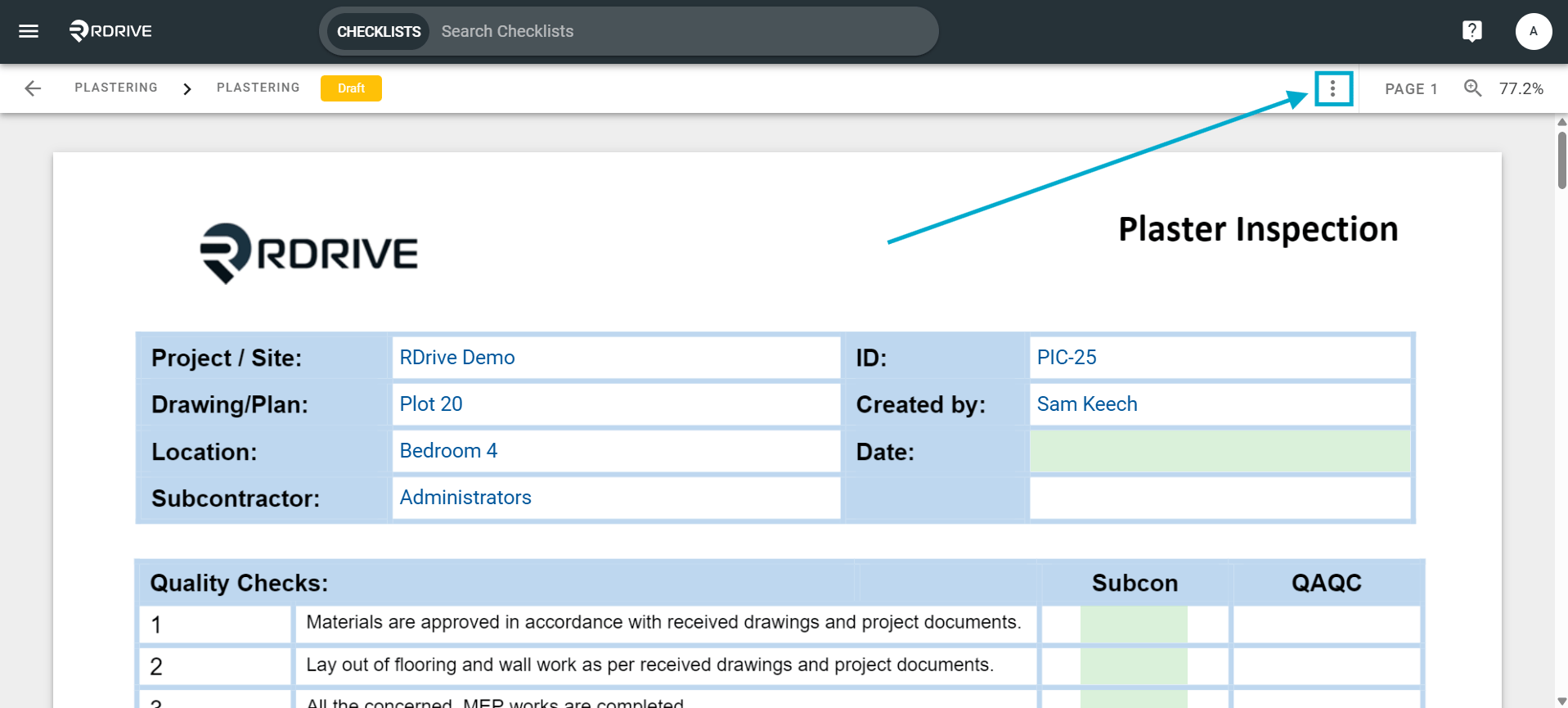
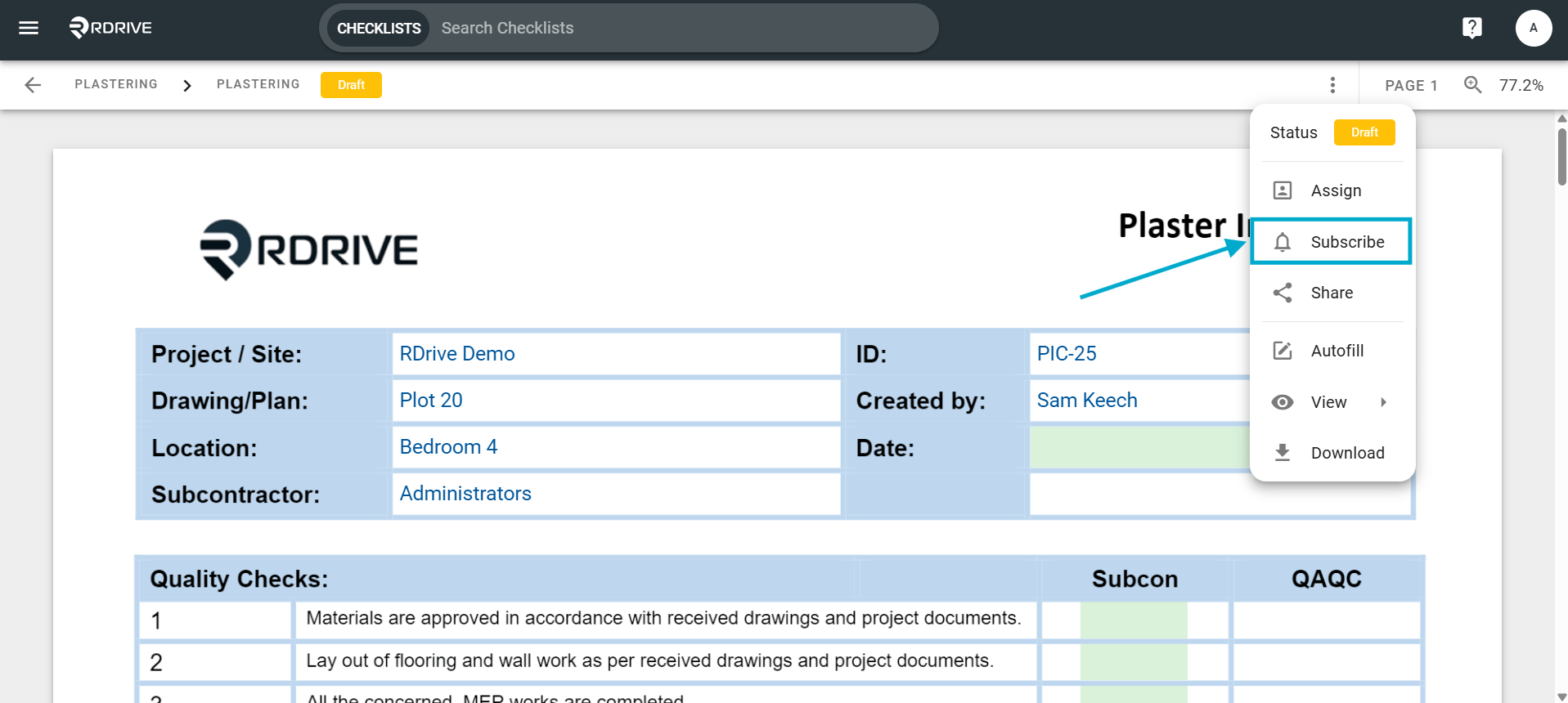
Select a form from the list on the right-hand side of your screen. Once chosen, you can press the Menu icon ≡ on the right-hand side of your screen as Highlighted below.